like the following:
`[vc_snc embed_type="iframe" item_id="1" item_name="Lesson 1" frameborder="0" src="https://yourdomain.com/wp-content/uploads/uncanny-snc/1/story.html"]`
Note that the value of padding-bottom should be equal to your module’s **(height/width)\*100**
To calculate the aspect ratio of your published module, you need to know your story size, plus [any additional width and height added to the player features](https://community.articulate.com/series/4/articles/choosing-a-story-size-in-articulate-storyline-2#player).
For example, a chromeless player that is 720 pixels x 540 pixels will have 20 pixels added to the player frame. So the value of padding-bottom will be (560/740) \* 100 = 75.7
You also need to add the following CSS for the div and iframe:
`.iframe-ratio {width: 100%;height: 0;position: relative; }`
`.iframe-ratio iframe {width: 100%;height: 100%;position: absolute; }`
With these changes, your published Storyline module should scale proportionally in different browser sizes.
### Custom CSS for Captivate 9 Modules
The above guidelines for Storyline also work for Captivate. The key is to find out the width and height of your published Captivate module, taking into consideration any additional pixels added by the player features.
### Custom CSS for iSpring 8 Modules
The above guidelines for Storyline also work for iSpring. The key is to find out the width and height of your published iSpring module, taking into consideration any additional pixels added by the player features.
**Article Categories:** Tin Canny xAPI/SCORM for WordPress
---
### [Setting up Tin Canny for WordPress](https://www.uncannyowl.com/knowledge-base/setting-up-tin-canny-for-wordpress/)
**Published:** September 1, 2026
**Author:** Ken
**Content:**
Tin Canny for WordPress includes a settings page that lets you configure how various aspects of the plugin function. The page can be found at **Tin Canny Reporting > Settings**.
### General Settings
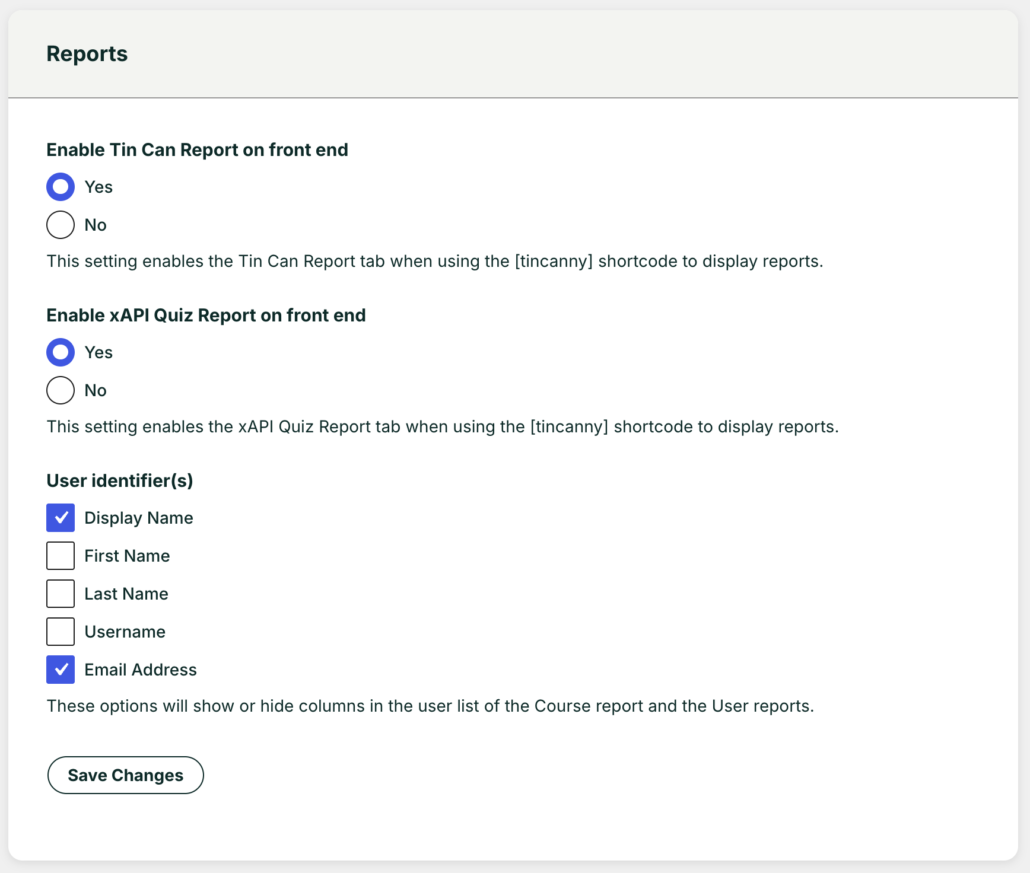Tin Canny reports settings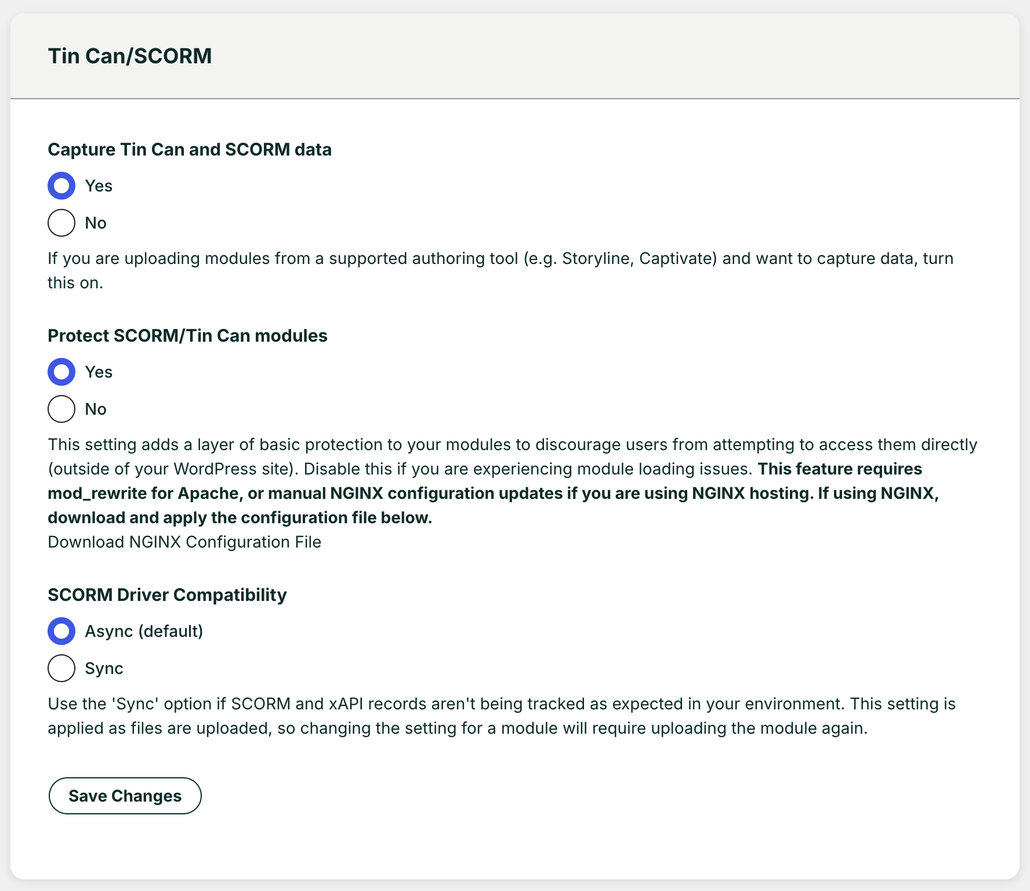xAPISCORM settings### Enabling/Disabling Tin Can/SCORM Data Capture
If you don’t want to capture Tin Can/SCORM statements sent by uploaded modules, you can set this to “No”. This option will also remove the *Tin Can* and *xAPI Quiz Report* tabs from the reporting page.
### Protecting SCORM/Tin Can Modules
When uploading Storyline/Rise, Captivate and other xAPI/SCORM content to your courses, you can enable basic protection of your content that restricts viewing of the content to signed-in users only. Anonymous users who navigate to the URL where that module is available will not be able to see it or use it. This basic protection makes it difficult for your users to share the content with anonymous users.
**Note: Tin Can data from an anonymous user session is *not* stored or available via your [reports](https://www.uncannyowl.com/knowledge-base/tin-can-report/).**
There are also cases where a site owner might want to turn off content protection. For example, publishing an open course where there may be anonymous users allowed, or where you may want to feature course content to outside users.
#### Setting protection at the page or post level
If content protection is enabled globally (in Tin Canny settings), it can be disabled in specific pages and posts from the *Edit Page* or *Edit Post* screen:
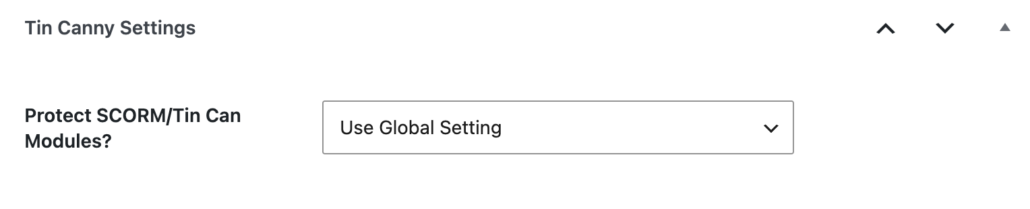Tin Canny protection settingDue to the way the content protection works, if it is disabled globally, protection cannot be enabled at the page/post level and this option is not available.
## Lightbox Settings
These settings enable you to set the default values when embedding content in a lightbox. These can be overridden at the lesson/topic level.
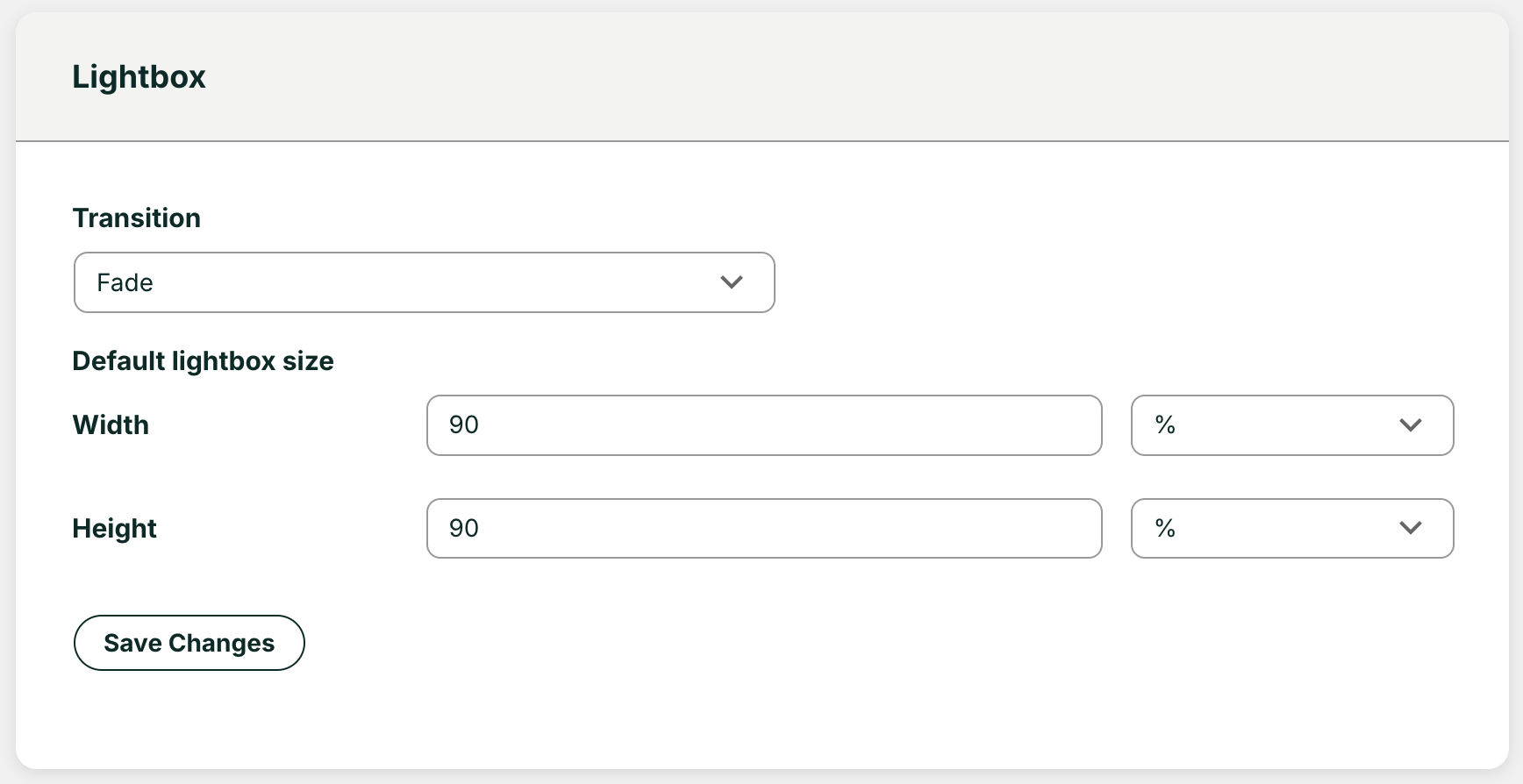Lightbox settings## Resetting Data
Tin Canny LearnDash Reporting comes with several functions to reset data. Use these functions with caution, as the operations are irreversible.
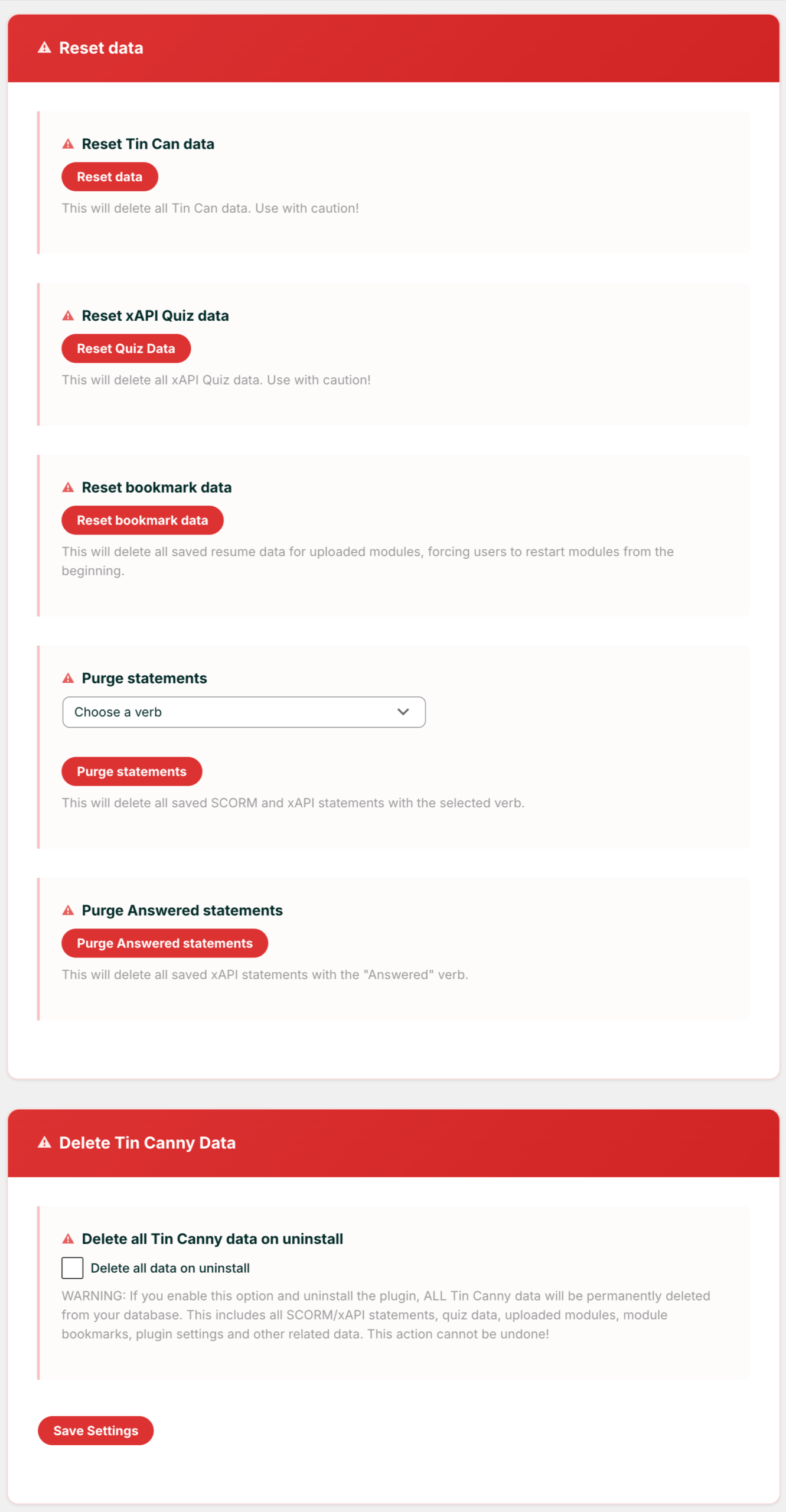Reset Tin Canny data options
**Article Categories:** Tin Canny xAPI/SCORM for WordPress
---
### [Tin Canny Reporting - Technical Requirements](https://www.uncannyowl.com/knowledge-base/tin-canny-reporting-technical-requirements-2/)
**Published:** September 1, 2026
**Author:** Ken
**Content:**
### End-user requirements
An up-to-date, modern browser such as:
- Google Chrome
- Mozilla Firefox
- Microsoft Edge
- MacOS Safari
Internet Explorer is not supported.
### Permalinks
For Tin Canny to work properly the Permalink settings on your site (under Settings > Permalinks as an admin) cannot be set to Plain. Any other setting should work, but if you’re having trouble capturing data and errors are reported, double-check your permalink settings.
### Hosting requirements
Minimum requirements are:
- PHP 7.4+
- WordPress 5.4
- 256MB of memory allocated to WordPress
We recommend the following for optimal performance:
- PHP 8.0+
- A WordPress-optimized host
- Additional WordPress memory (some times may require 512 MB or more to report on large data sets)
**Article Categories:** Tin Canny xAPI/SCORM for WordPress
---
### [Tin Canny Uploader](https://www.uncannyowl.com/knowledge-base/tin-canny-uploader/)
**Published:** September 1, 2026
**Author:** Ken
**Content:**
### Overview
The Tin Canny Uploader is the tool that will allow you to upload your xAPI and SCORM modules to your WordPress site. The Uploader is integrated with the both the Classic Editor and Gutenberg so you can quickly attach an e-learning module as part of your content creation workflow.
### Tin Canny Uploader and Gutenberg Block Editor
To upload and embed your module using Gutenberg block editor, follow these steps:
1. On your page or post, click the “+” icon to add a new block.
2. When the block selector appears, search and select the *Tin Canny Content* block.
3. After the block is added, you have 2 options\*:
- **Upload**
1. Click Upload.
2. Find and select your module ZIP file from your computer and click *Open*.
3. The module will upload, register and the content block will embed on your page.
- **Select from Library**
1. Search and/or select a module that has already been uploaded to your site.
2. The content block will embed on your page.
4. After you embed the content block, you will be able to select your display option from the side menu\*\*.
- You have 3 options:
1. iFrame
2. Lightbox
3. New tab
5. After selecting your display option, save your page and the module will display in the front end.
\*In step 3, if you are selecting the “Upload” option, depending on the size of your ZIP file, you can check the option “Upload entire zip file” in the side menu. This option provide a must faster upload experience.
\*\* When using the block editor, you can change your display option at any time without needing to re-upload your module.
[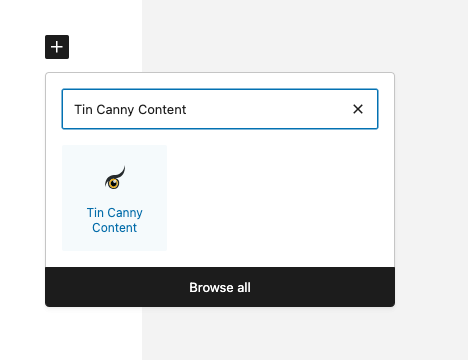](https://www.uncannyowl.com/wp-content/uploads/2025/09/Select-Tin-Canny-Block.png)Add the Tin Canny Content block[](https://www.uncannyowl.com/wp-content/uploads/2025/09/Upload-or-Select-from-library.png)Choose either Upload or Select from Library[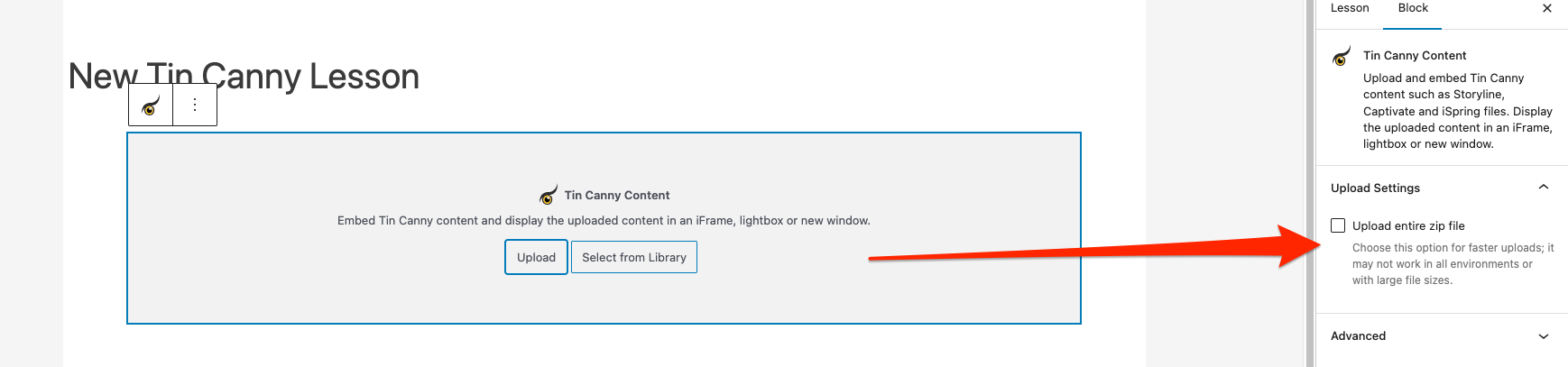](https://www.uncannyowl.com/wp-content/uploads/2025/09/use-zip-uploader.png)Use the ZIP uploader for faster upload times if applicable[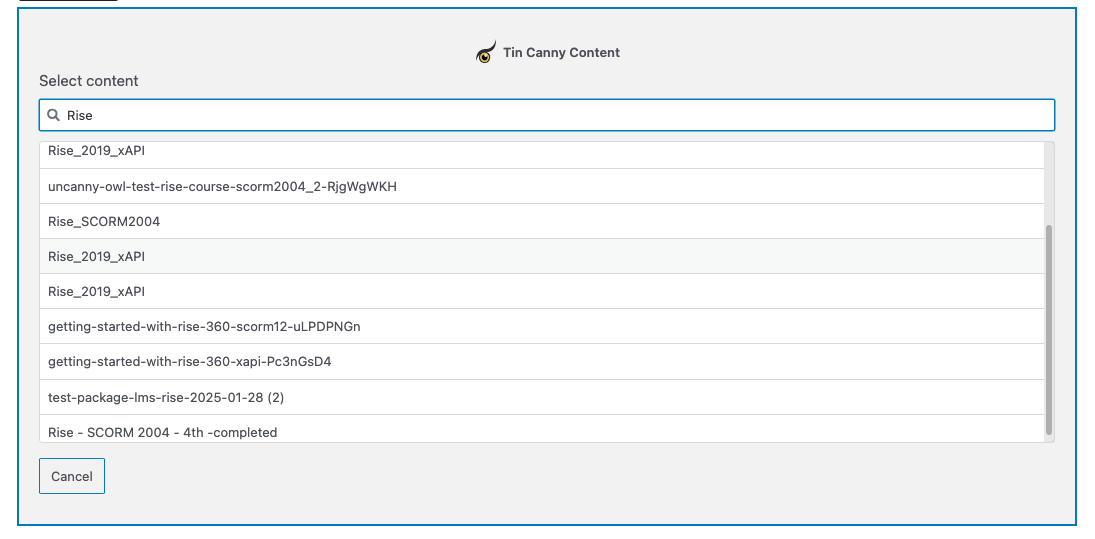](https://www.uncannyowl.com/wp-content/uploads/2025/09/Select-from-Library.png)Find and select your module from the Manage Content library[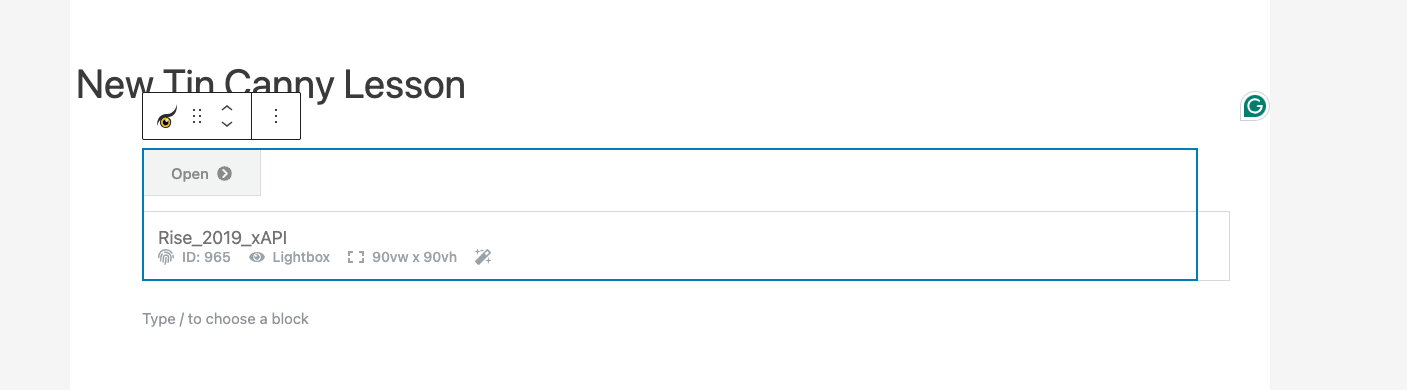](https://www.uncannyowl.com/wp-content/uploads/2025/09/Tin-Canny-Content-Block.png)A module embedded via Tin Canny Content block### Tin Canny Uploader and the Classic Editor
To upload and embed your module using the Classic editor, follow these steps:
1. On your page or post, click the *Add Tin Canny Media* button.
2. A modal box will open and give you 2 options:
- **Upload File**
1. Click the button labelled “Click to Upload” (before you click this button, you can also enable the option “Upload entire zip file” below).
2. Find and select your module ZIP file from your computer and click *Open*.
3. When the module finished uploading, you will have to select a display option. You have 3 options:
1. iFrame
2. Lightbox
3. New tab
4. After you select the display option, click *Insert Into Post*.
5. The module be added as a shortcode in the Classic Editor.
- **Content Library**
1. Search and/or select a module that has already been uploaded to your site and click the *Show* button.
2. You will have to select a display option. You have 3 options:
1. iFrame
2. Lightbox
3. New tab
3. After you select the display option, click *Insert Into Post*.
4. The module be added as a shortcode in the Classic Editor
3. After selecting your display option, save your page and the module will display in the front end.
[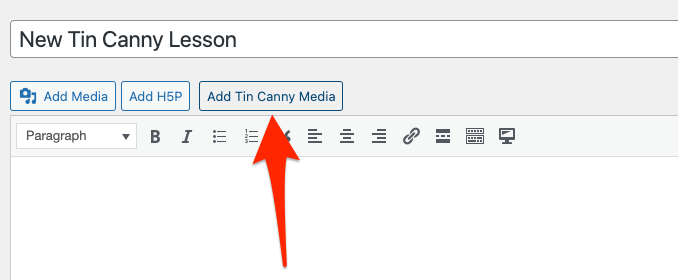](https://www.uncannyowl.com/wp-content/uploads/2025/09/add-tin-canny-media-button.png)Click the Add Tin Canny Media button[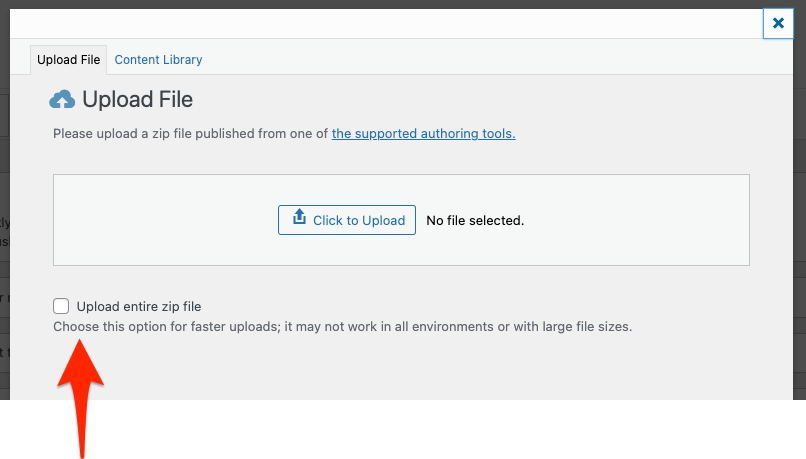](https://www.uncannyowl.com/wp-content/uploads/2025/09/upload-file-zip-option.png)Choose Upload File or Content Library and dont forget the ZIP upload option[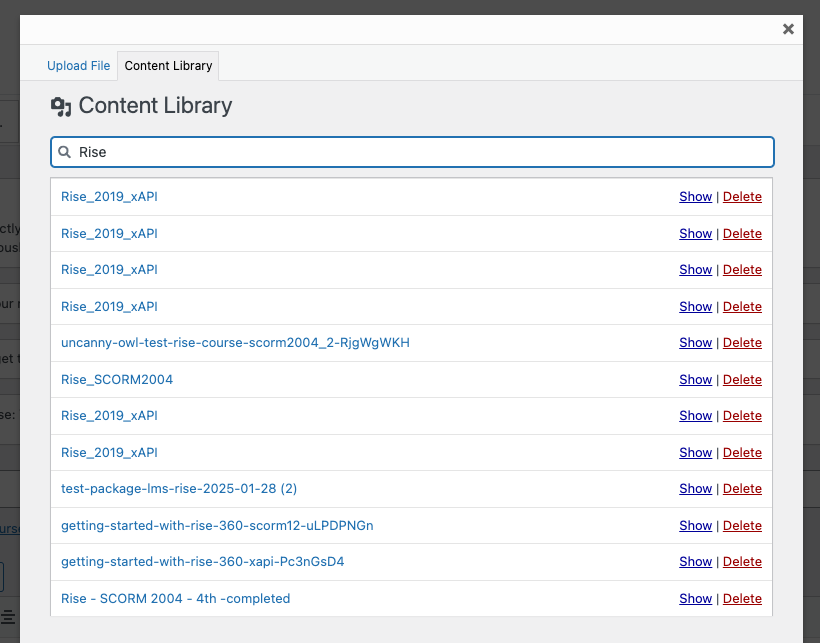](https://www.uncannyowl.com/wp-content/uploads/2025/09/select-file-from-content-library.png)Select an uploaded module from your Manage Content library[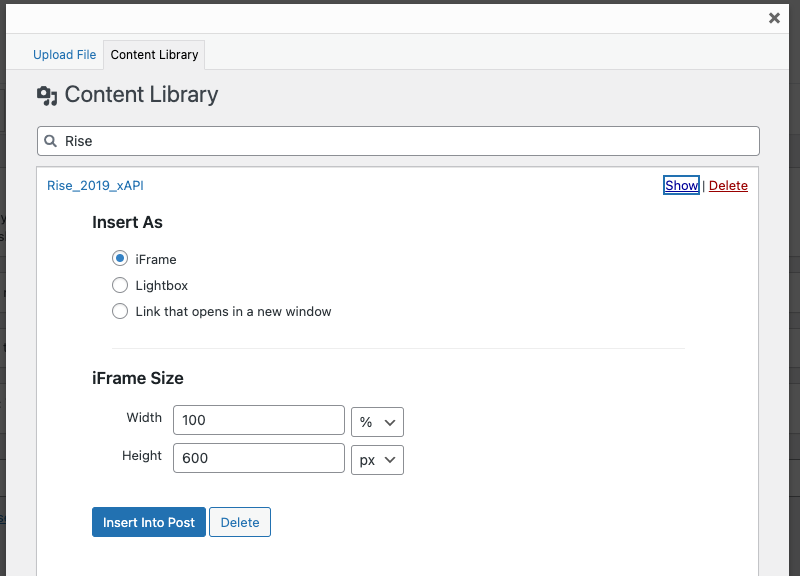](https://www.uncannyowl.com/wp-content/uploads/2025/09/embed-options-after-uploading-or-selecting-module.png)After you upload your module or select it from the library you will need to select the display option[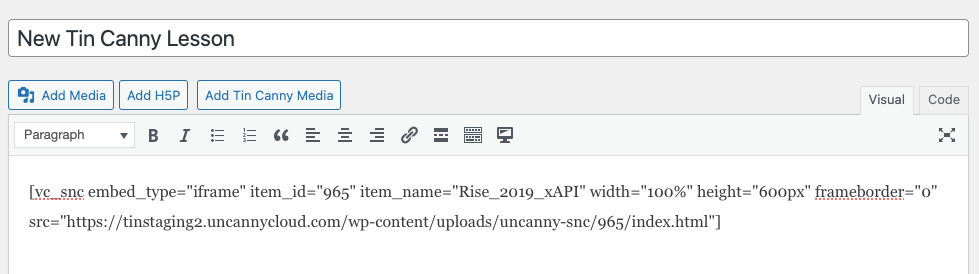](https://www.uncannyowl.com/wp-content/uploads/2025/09/tin-canny-content-embedded-as-shortcode.png)Your module will display as shortcode### Elementor/WP Bakery Page Builder/Other Editors
If you are using a pagebuilder such as Elementor or WP Bakery Page Builder, look for a “text” module and add that to the page. The editor in the text module should display the Add Tin Canny Media button (see above), which you can use to insert your content.
**Important:** Upload zip files published directly from your authoring tool only. All modules must be uploaded through our upload tool, as it modifies some javascript files in the modules to ensure that statements are tracked properly.
Please note that file names must contain fewer than 100 characters and should not contain any special characters.
### Tin Can/xAPI Data
In order to capture Tin Can data, your Storyline/Rise, Captivate, or iSpring module must have been published to xAPI or SCORM (1.2 or 2004). If not, the module will still be displayed, but will not send statements to Tin Canny. We recommend publishing to xAPI if the option is available, as in some situations it offers performance advantages over SCORM tracking.
### Very large files
If for any reason the zip file is too big to upload inside WordPress (this would typically include files over 100 MB), this workaround is available but should *only* be performed for large files:
1. Publish the zip file as you normally would.
2. Extract the contents of the zip file. (Don’t use a Mac for this, as it can add hidden files that break the upload process.)
3. Move the big media files elsewhere and remember the folder they were in.
4. Zip the files back up so the structure is the same (minus the large files; just make sure the XML file is still in the root).
5. Upload the zip file through the Tin Canny uploader as before. if there’s an error, maybe it wasn’t zipped back up again properly.
6. On the lesson/topic edit page, note the identifier in the shortcode. You’ll see an snc one.
7. Connect to the site by FTP. Navigate to /wp-content/uploads/uncanny-snc/.
8. Find the # corresponding with the shortcode in step 6 and go into it.
9. Upload the large files to wherever they’re supposed to be.
### Multisite
If you use Tin Canny in a multisite network, it is possible to broadcast Tin Canny modules to other network sites using the Broadcast plugin from Plainview Plugins. See for more information.
**Article Categories:** Tin Canny xAPI/SCORM for WordPress
---
### [Tin Can Report](https://www.uncannyowl.com/knowledge-base/tin-can-report-2/)
**Published:** September 1, 2026
**Author:** Ken
**Content:**
### Overview
In this report, you will see the learning records resulting from users’ interactions with Articulate Storyline/Rise, Captivate, iSpring, H5P\*, or any other supported content. These records are stored in a Learning Record Store (LRS) entirely native to your WordPress site. All you need to do is publish your file using the xAPI or SCORM 1.2/2004 standard, and use the Tin Canny Uploader to add it to a lesson or topic associated with a course.
\* See the full list of authoring tools supported by Tin Canny
### Report Filters
Let’s take a look at the Tin Can Report view.
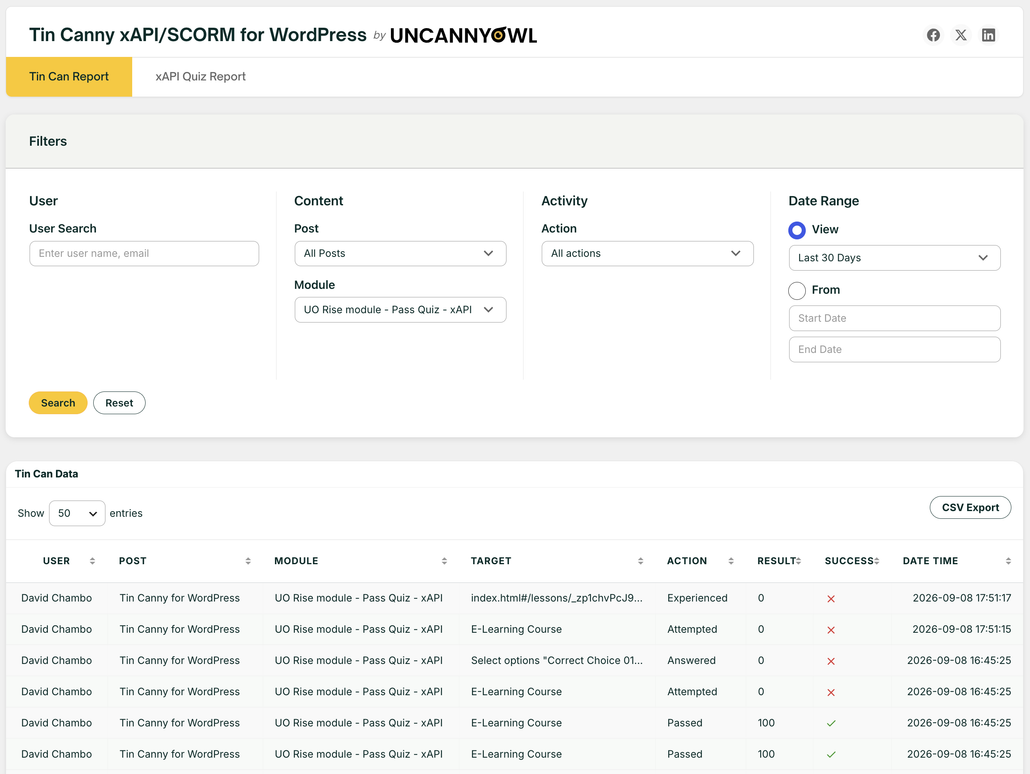xapi scorm report wordpressThe report view includes many filtering options for you to narrow in on data you are interested to see. For example, you may want to view all the learning records related to a particular Storyline module. You may want to check all the activities that took place within a certain time period. Or you may want to find out whether or when a particular user completed the module.
Note: Some modules send duplicate *passed* statements when users successfully complete quiz interactions. Tin Canny automatically filters out any *passed* statements sent from the same module and user within 10 seconds of each other to reduce clutter and confusion in the reports. The statements are still collected and stored, but the duplicates are omitted from the report.
### Export to CSV
For a large course, you can potentially be looking at hundreds of thousands of records. The Export to CSV button lets you download the filtered result as a CSV file so you can do further analysis in Microsoft Excel or statistical programs.
**Article Categories:** Tin Canny xAPI/SCORM for WordPress
---
### [Authoring Tools Supported by Tin Canny for WordPress](https://www.uncannyowl.com/knowledge-base/authoring-tools-supported-by-tin-canny/)
**Published:** September 1, 2026
**Author:** Ken
**Content:**
We provide support for **almost all standards-compliant SCORM and xAPI/Tin Can modules**. This includes dispatch files, but not all authoring tools that publish dispatch have full support for resume (and in some cases tracking) behaviours in Tin Canny. Multi-SCO modules are currently not supported. A good test for compatibility is trying the module on [SCORM Cloud](https://cloud.scorm.com/sc/guest/SignInForm), but in some cases, due to WordPress architecture and behaviour, we cannot guarantee support for all authoring tools. Tin Canny testing is done primarily against Storyline, Rise, Lectora, iSpring, Captivate and H5P.
**Note**: If you try to upload a zip file created by a tool **not** SCORM or xAPI compliant, you’ll see a warning that xAPI/SCORM statements sent by the module will not be recorded and you’ll be prompted to select the .html file in the zip that will launch the content.
1 Articulate Rise modules will only send a Completed or Passed/Failed verb if they are displayed via Lightbox or a new window and upon closing the lightbox/window. When adding Rise modules, you should avoid using iFrame as the display method (at least if SCORM is being used; xAPI modules from recent Rise versions may work). Alternatively, you can override Completion Condition on the lesson or topic edit page by specifying other verbs such as “attempted” or “experienced” to trigger the Mark Complete button.
2 iSpring 8 modules will unfortunately fail in Chrome with versions 80 and higher. iSpring cannot patch older modules and is therefore requiring the course authors republish them with iSpring 9 for proper tracking with Chrome 80 and higher.
3 iSpring modules whose completion is based on viewing of slides will only send a Passed verb if the module is displayed via Lightbox or a new window and upon closing the lightbox/window. When adding iSpring modules, you should avoid using iFrame as the display method. Alternatively, you can override Completion Condition on the lesson or topic edit page by specifying other verbs such as “attempted” or “experienced” to trigger the Mark Complete button.
**Article Categories:** Tin Canny xAPI/SCORM for WordPress
---
### [xAPI Quiz Report](https://www.uncannyowl.com/knowledge-base/xapi-quiz-report-2/)
**Published:** September 1, 2026
**Author:** Ken
**Content:**
### Overview
The xAPI Quiz Report captures individual quiz question responses from xAPI content. It is part of the Tin Canny xAPI/SCORM for WordPress plugin that we developed to support the use of eLearning authoring tools like Articulate Storyline and Rise, Adobe Captivate, iSpring and more with WordPress. In this report, you will see the learning records resulting from users’ interactions in xAPI content created with these tools. These records are stored in a Learning Record Store (LRS) entirely native to your WordPress site. All you need to do is publish your file using the xAPI standard, and use the [Tin Canny Uploader](https://www.uncannyowl.com/knowledge-base/storyline-captivate-uploader/) to add it to a lesson or topic associated with a course.
**Important**: Tin Canny only tracks and reports on the data you see in the xAPI Quiz Report columns.
\* See [the full list of authoring tools supported by Tin Canny](https://www.uncannyowl.com/knowledge-base/authoring-tools-supported/)
### Report Filters
Let’s take a look at the xAPI Quiz Report view.
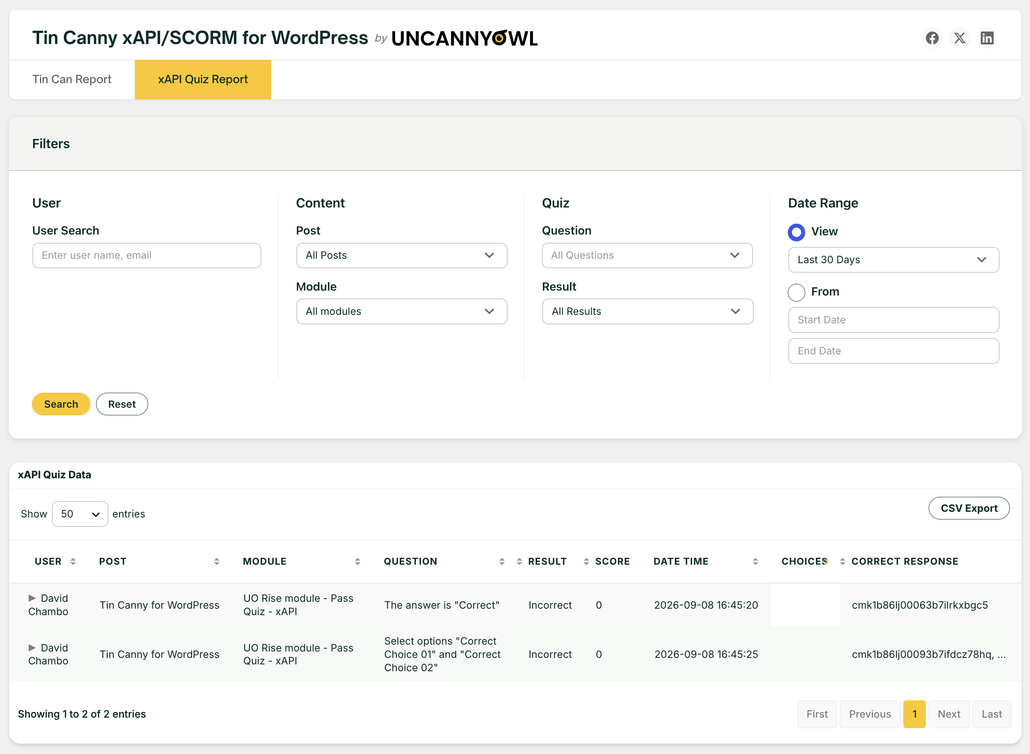xAPI Quiz Report in the WordPress admin dashboardThe report view includes many filtering options for you to narrow in on data you are interested to see. For example, you may want to view all the learning records related to a particular Storyline module. You may want to check all the activities that took place within a certain time period. Or you may want to find out whether or when a particular user completed the module.
### Column Selection
Use the Screen Options button in the top right corner of the screen to show or hide additional columns from the table.
### Export to CSV
For a large course, you can potentially be looking at hundreds of thousands of records. The Export to CSV button lets you download the filtered result as a CSV file so you can do further analysis in Microsoft Excel or statistical apps.
**Article Categories:** Tin Canny xAPI/SCORM for WordPress
---
### [Tin Canny xAPI/SCORM for WordPress - Overview](https://www.uncannyowl.com/knowledge-base/tin-canny-xapi-scorm-for-wordpress-overview/)
**Published:** September 1, 2026
**Author:** Ken
**Content:**
The Tin Canny for WordPress plugin adds new xAPI/SCORM capabilities to WordPress sites. A unique feature of the plugin is the Tin Can Report that helps you track the progress and completion of Articulate Storyline/Rise, Adobe Captivate, and other modules published to Tin Can/xAPI or SCORM format, as well as H5P content\*. The custom plugin also adds an Uploader to the WordPress Editor.
Here are the key features of the plugin:
1. [Tin Canny Elearning Content Uploader](https://www.uncannyowl.com/knowledge-base/storyline-captivate-uploader/)
2. Tin Can/xAPI reports
3. Storage of Tin Can/xAPI data in a local LRS inside WordPress (for [supported content types](https://www.uncannyowl.com/knowledge-base/authoring-tools-supported/))
4. Automatic conversion of SCORM statements to Tin Can/xAPI (for [supported content types](https://www.uncannyowl.com/knowledge-base/authoring-tools-supported/))
5. Targeted reports for site administrators
\* See [a list of authoring tools and elearning standards supported by Tin Canny](https://www.uncannyowl.com/knowledge-base/authoring-tools-supported/)
### Tin Canny Elearning Content Uploader
The Uploader is integrated with the WordPress Classic Editor and the Gutenberg block editor, so you can quickly add a Rise, Storyline, Captivate, or iSpring module to a page, post, or a course, topic or lesson in a WordPress LMS plugin (if you’re using LearnDash, take a look at our [Tin Canny Reporting for LearnDash](https://www.uncannyowl.com/downloads/tin-canny-reporting/ "Tin Canny LearnDash Reporting") plugin).
### Tin Can Reports
All Tin Can data are displayed in two reports: Tin Can Report and xAPI Quiz Report. All reports are inside WordPress but you can export all table data to CSV or Excel (.xls) files. We support instant sorting, filtering and searching inside JavaScript data tables too.
### Storing Tin Can/xAPI Data in a Local LRS
Up until now, every Tin Can solution developed for WordPress relied on a Learning Record Store (LRS) outside of WordPress. It meant segregating reporting and figuring out how to send Tin Can/xAPI statements externally. Many LRS solutions obfuscated code and prevented customization, so making improvements was impossible. With this plugin we offer the option to have a basic LRS entirely native to WordPress. It captures Tin Can/xAPI statements with little configuration. Just upload Storyline, Captivate, or other xAPI/SCORM zip files, or add H5P modules, and statements are automatically captured right inside your WordPress site.
### Converting SCORM statements to xAPI (Tin Can)
The plugin has been optimized for Tin Can/xAPI, but it also supports modules published to SCORM 1.2 or SCORM 2004. SCORM statements from these modules are converted to xAPI statements using the official ADL SCORM to xAPI bridge adapter and made available in the Tin Can Report.
### Targeted Reports for Site Administrators
The [Tin Can](https://www.uncannyowl.com/knowledge-base/tin-can-report/) and [xAPI Quiz](https://www.uncannyowl.com/knowledge-base/xapi-quiz-report/) reports will provide administrators insights into the overall performance of their elearning program and activities of their learners. Some of the metrics you’ll be able to see include:
- xAPI/Tin Can statements by verb, module, user, or almost any other combination you can think of
- xAPI/Tin Can statement trends
- Individual response data from xAPI quiz content
**Article Categories:** Tin Canny xAPI/SCORM for WordPress
---
### [Install the Tin Canny for WordPress Plugin](https://www.uncannyowl.com/knowledge-base/install-the-tin-canny-for-wordpress-plugin/)
**Published:** September 1, 2026
**Author:** Ken
**Content:**
### Installation
Installing the plugin can’t be more straightforward. After you purchase and download the plugin, you can simply sign into your WordPress site as an admin and navigate to **Plugins > Add New**. To install the plugin, click **Upload Plugin** to start the process. After installation, you will be directed to the License Activation page to enter your license key and activate the plugin.
### Setup
The plugin has two reports (for Tin Can and xAPI Quiz Report) and a **Settings** tab.
Tin CanSCORM settingsThere are three optional controls on the Settings page under the heading Tin Can/SCORM:
- Capture Tin Can and SCORM data: Keep the default setting Yes unless you are certain you don’t want to track statements from H5P, Storyline, Rise, Captivate, iSpring or any xAPI/SCORM content in any of your courses. If you select No (to not capture Tin Can data), the Tin Can Report tab will be removed and so will the Tin Can activity menu on the User Report. In addition, no Tin Can data will be reported on the Dashboard or Course Report.
- [Protect SCORM/Tin Can modules:](https://www.uncannyowl.com/knowledge-base/protecting-sharing-content-tin-canny/) This option can prevent modules from being viewed by users who are not signed to your site. You can set protection at a global level (as shown above) and also override the global setting at a lesson or topic level.
- SCORM Driver Compatibility: Depending on the authoring tool used, you may be required to change the default “Async” SCORM Driver compatibility to “Sync”. For most scenarios, this option will stay on the default “Async” setting.
The Reset Tin Can Data button allows you to clear all existing Tin Can statements in the Tin Can Report. This feature would be helpful if you need to reset test data. Note all historical data will be removed; this action cannot be undone.
**Article Categories:** Tin Canny xAPI/SCORM for WordPress
---
### [Frequently Asked Questions](https://www.uncannyowl.com/knowledge-base/frequently-asked-questions-3/)
**Published:** September 1, 2026
**Author:** Ken
**Content:**
### What are the minimum requirements for running Tin Canny for WordPress?
Tin Canny requires PHP 7.4 or higher. It is a heavier plugin and with large records sets you may require more than 256 MB of memory be allocated to WordPress.
### On the Tin Canny Reporting page, I see a loading icon but nothing loads.
First, turn off debug in **wp-config.php** by changing:
`define('WP_DEBUG', true);`
To:
`define('WP_DEBUG', false);`
If the report page still doesn’t load after turning off debug, add the following to wp-config.php:
`ini_set('log_errors','On');ini_set('display_errors','Off');ini_set('error_reporting', E_ALL );define('WP_DEBUG', false);define('WP_DEBUG_LOG', true);define('WP_DEBUG_DISPLAY', false);`
### Can I track eLearning content hosted on Amazon S3 or other offsite storage?
The LRS installed with the Tin Canny Reporting plugin is local to your WordPress site. It cannot store statements sent from eLearning modules hosted externally or offloaded to another service, including Amazon S3. You need to upload Tin Can modules directly to your WordPress site and modules must be stored on the WordPress install.
### Why do I see a blank screen where my module should be?
We usually see this happen when SSL is configured incorrectly. If your site is secure, and all of your URLs in the front end begin with https://, make sure that the URLs for the site under **Settings > General** in /wp-admin/ also have https:// at the beginning. If they don’t, the URLs must be corrected.
It can also help to check the javascript console (**View > Developer > Javascript Console** in Chrome) to look for errors.
### Why aren’t statements in the Tin Can report tracked?
There are a number of things that could cause this. No data will be tracked if the site is protected with an .htaccess (sitewide) password or if the user completing activities is not signed in. Anything that globally restricts access in some way or disables the REST API could also prevent proper use of Tin Canny.
If you’re using H5P modules, make sure you don’t have the H5P xAPI plugin installed. It will block communications with our Tin Canny endpoint. Also note that not every H5P module type sends xAPI/Tin Can statements; if you’re unsure, try visiting , go into the content type you’re using, and click the xAPI Coverage tab at the top. If there’s nothing there, the module may not send statements.
### Why do I see 403 errors?
Similar to the tracking issues above, anything that could disrupt communications with the virtual Tin Canny LRS endpoint that we create can result in 403 errors. If you use Sucuri or another security/firewall plugin, you will need to whitelist the plugin in its settings. Maintenance plugins or anything else that restricts or redirects access on a sitewide basis is also likely to cause problems.
### Does Tin Canny work with all SCORM and xAPI content?
The plugin has been written for and tested extensively with the authoring software listed on . Although SCORM and xAPI are eLearning standards, different authoring applications do work a little differently in terms of when they send statements and how progress and completion are tracked. If you’re having trouble with your module, please reach out to support. We may request a copy of your module so we can investigate further.
### I cloned my site and now users can’t access Tin Canny content. What happened?
This can happen in some situations where .htaccess files are included in a clone. To restore access to Tin Canny content, follow these steps:
1. Turn the setting *Protect SCORM/Tin Can modules* off
2. Click *Save Changes*
3. Turn the setting *Protect SCORM/Tin Can modules* on
4. Click *Save Changes*
This will regenerate .htaccess files that are configured for the cloned site.
**Article Categories:** Tin Canny xAPI/SCORM for WordPress
---
### [Translating Uncanny Owl Groups plugin using WPML](https://www.uncannyowl.com/knowledge-base/translating-uncanny-owl-groups-plugin-using-wpml/)
**Published:** June 16, 2023
**Author:** Ryan Moore
**Content:**
### Overview
Uncanny Groups for LearnDash is fully compatible with WPML. You can translate all plugin strings — labels, buttons, messages, and form text — using WPML’s built-in String Translation interface.
### Prerequisites
Before translating, ensure the following plugins are installed and active:
- **WPML Multilingual CMS**
- **WPML String Translation**
You will also need at least one secondary language configured in **WPML > Languages**.
### Setting up WPML Language URL Format
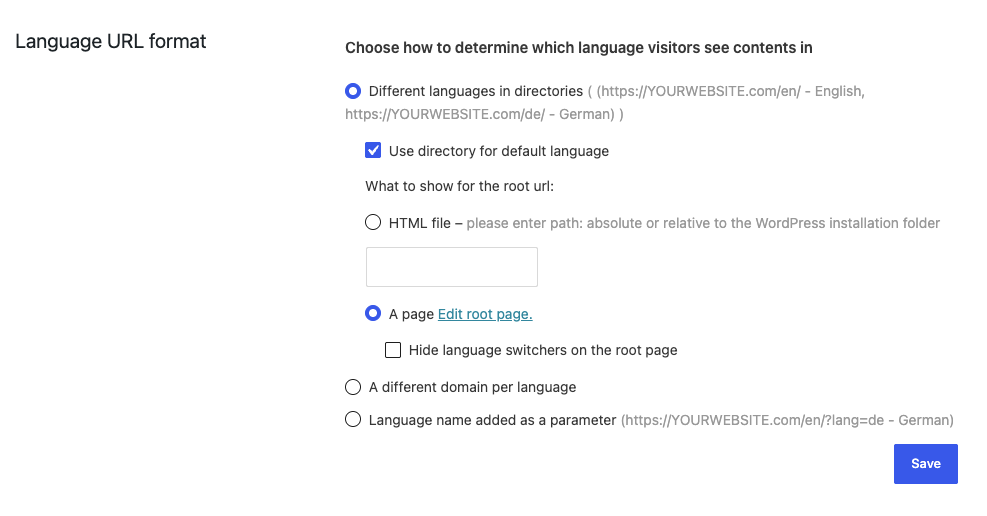
Uncanny Groups requires the WPML Language URL format to be set to **Different languages in directories.** With this option select for Language URL format, groups will be able to display language specific group user records in Group Management and Report pages.
After selecting the option **Different languages in directories**, check the option **Use directory for default language** and then check the option **A page** (see image below for reference).
### Choosing a Translation Method
WPML offers two ways to translate plugin strings. You can use either method independently or combine them.
**Method****Best for****PO file export/import**Translating many strings at once, or collaborating with a translator outside WordPress**Manual string translation**Translating a small number of strings, or making quick edits to existing translations### Method 1: PO File Export and Import
This method lets you export all translatable strings to a .po file, edit translations offline using a tool like [Poedit](https://poedit.net/), and then re-import the file into WPML.
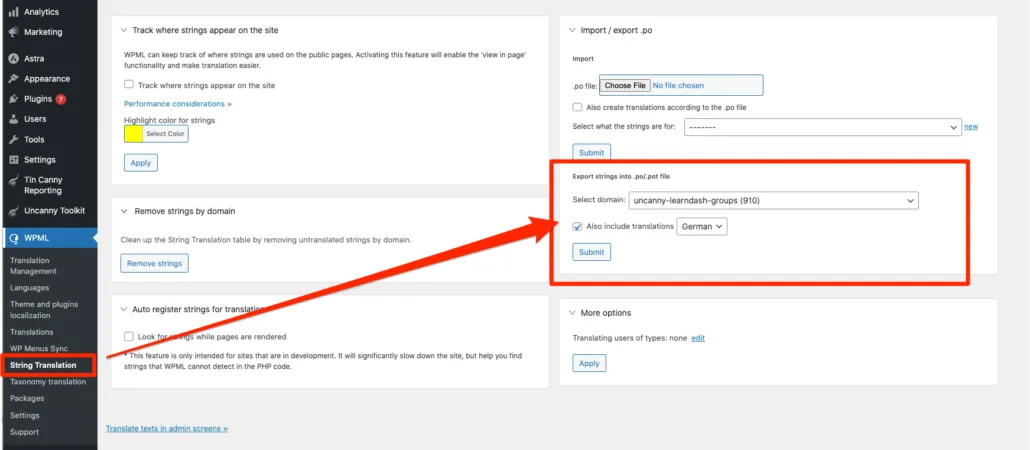
#### Export the PO file
1. In the WordPress admin, go to **WPML > String Translation**.
2. In the **Domain** dropdown, select uncanny-learndash-groups.
3. Check **Also include translations** to include any strings already translated.
4. Click **Download** to save the .po file to your computer.
 #### Add translations offline
5. Open the .po file in Poedit or another .po editor.
6. Add or update translations for each string.
7. Save the file.
#### Import the translated PO file
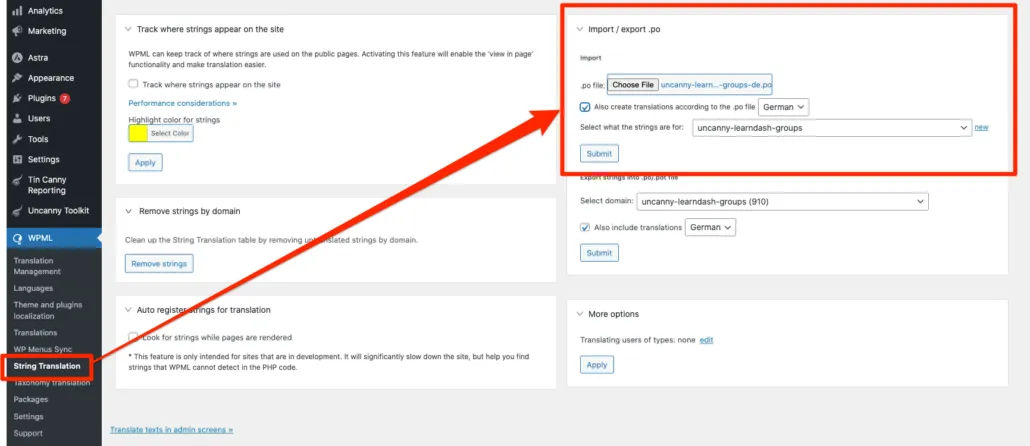
8. Return to **WPML > String Translation**.
9. Click **Import** and select your edited .po file.
10. When prompted, select **Also create translations according to the .po file** to apply all translated strings automatically.
11. Click **Import**. A review page will appear.
12. Review the strings to be added and click **Add selected strings** to finalize the import.
 ### Method 2: Manual String Translation
This method lets you translate individual strings directly inside the WordPress admin without any file downloads.
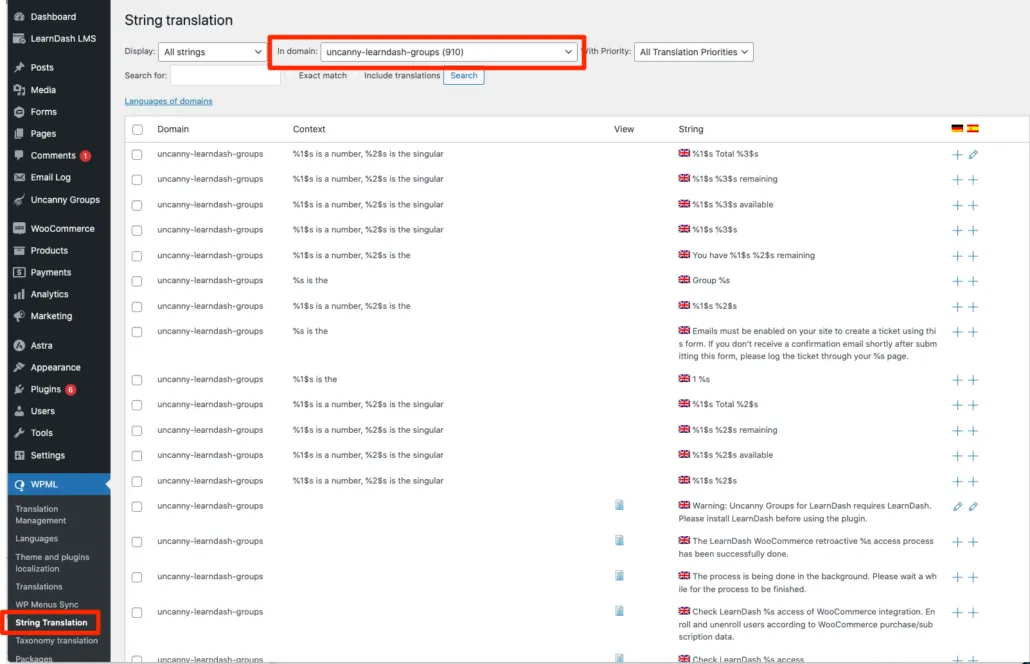
1. In the WordPress admin, go to **WPML > String Translation**.
2. In the **Domain** dropdown, select uncanny-learndash-groups.
3. Browse the list of strings or use the search field to find the string you want to translate.
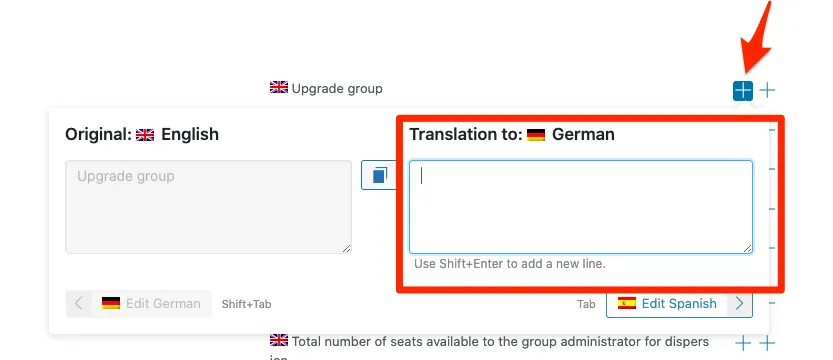
4. Click the **+** (plus) icon next to a string to open the translation field.
5. Enter your translation and click **Save**.
Repeat process for each string you want to translate.
  ### Combining Both Methods
We recommend using the PO file method for your initial translation, then using manual string translation for minor corrections or additions. After a successful PO file import, all imported strings remain individually editable in the String Translation interface — there is no need to re-upload the entire file for small updates.
### Related Articles
- [Uncanny Groups Overview](https://www.uncannyowl.com/knowledge-base/uncanny-learndash-groups-plugin-overview/)
- [Getting Started with Uncanny Groups](https://www.uncannyowl.com/knowledge-base/getting-started-with-uncanny-groups-for-learndash/)
- [Template Overrides](https://www.uncannyowl.com/knowledge-base/extending-uncanny-learndash-groups/)
- [Actions and Filters for Developers](https://www.uncannyowl.com/knowledge-base/actions-filters-for-developers/)
- [Shortcode Quick Reference](https://www.uncannyowl.com/knowledge-base/shortcode-quick-reference/)
**Article Categories:** Uncanny Groups for LearnDash
---
### [Getting Started with Uncanny Codes](https://www.uncannyowl.com/knowledge-base/getting-started-with-uncanny-codes/)
**Published:** June 2, 2026
**Author:** David Chambo
**Content:**
### What Is Uncanny Codes?
Uncanny Redemption Codes lets you create unique codes that grant users access to LearnDash courses, LearnDash groups, or WordPress roles when redeemed. You generate batches of codes, then distribute them to users through forms, email, WooCommerce, or any other channel. When a user enters a valid code, they automatically receive the access associated with that code.
Common use cases include selling course access through unique codes, distributing promotional or gift codes, onboarding corporate or institutional learners in bulk, and providing access codes as part of a product bundle.
### How Codes Work
The basic flow is straightforward:
1. **Create a code batch** — Generate a batch of codes and associate them with one or more LearnDash courses, groups, or WordPress roles.
2. **Distribute the codes** — Share the codes with your users through a registration form, a redemption page, a WooCommerce product, or any other method.
3. **Users redeem codes** — When a user enters a valid code, they are automatically enrolled in the associated courses or groups.
Each code can be configured for single or multiple redemptions, and you can track redemption status, cancel codes, and export code data at any time.
### Choose Your Workflow
Uncanny Codes supports several different workflows depending on how you want to distribute codes. Use the guide below to find the right approach for your site.
#### I want to sell codes through my WooCommerce store
If you’re selling course or group access as a product in WooCommerce, you can link a code batch to a WooCommerce product. When customers purchase the product, they automatically receive codes from the batch.
**Start here:**
- [Selling Codes with WooCommerce](https://www.uncannyowl.com/knowledge-base/sell-uncanny-codes/) — Set up a WooCommerce product linked to a code batch
#### I want users to redeem codes during registration
If you want new users to enter a code as part of the registration process (so they create an account and get enrolled in one step), you can add a code field to a registration form. Uncanny Codes works with several popular form plugins.
**Start here:**
- [Using Codes with Gravity Forms](https://www.uncannyowl.com/knowledge-base/using-codes-gravity-forms/)
- [Using Codes with WPForms](https://www.uncannyowl.com/knowledge-base/using-codes-with-wpforms/)
- [Using Codes with Formidable Forms](https://www.uncannyowl.com/knowledge-base/using-codes-with-formidable-forms/)
- [Using Codes With the Built-In Registration Form](https://www.uncannyowl.com/knowledge-base/using-codes-custom-registration-form/)
- [Using Codes with Theme My Login](https://www.uncannyowl.com/knowledge-base/using-codes-theme-login/)
#### I want existing users to redeem codes on my site
If your users already have accounts and you want to give them a simple way to enter a code and gain access, use the standalone redemption shortcode. This places a code input field on any page.
**Start here:**
- [Standalone Code Redemption](https://www.uncannyowl.com/knowledge-base/standalone-code-redemption/) — Add a redemption form to any page with a shortcode
#### I want to distribute codes manually (email, print, etc.)
You can generate a batch of codes and export them as a CSV file, then distribute the codes however you like — by email, printed on cards, included in event materials, etc. Users can then redeem the codes through a form or standalone redemption page on your site.
**Start here:**
- [Generating or Adding New Codes](https://www.uncannyowl.com/knowledge-base/generating-new-codes/) — Create a code batch
- [Viewing and Editing Codes](https://www.uncannyowl.com/knowledge-base/view-codes/) — Export codes as CSV for distribution
#### I want to use codes with Uncanny Automator
If you use Uncanny Automator, you can trigger automations when codes are redeemed, or generate and send codes as part of an automation recipe.
**Start here:**
- [Connecting codes to Uncanny Automator](https://www.uncannyowl.com/knowledge-base/connect-codes-to-uncanny-automator/)
### First-Time Setup Checklist
Before distributing codes, make sure you’ve completed these steps:
1. **Install and activate** the Uncanny Redemption Codes plugin and enter your license key. See [Set up Uncanny Redemption Codes for WordPress](https://www.uncannyowl.com/knowledge-base/set-up-uncanny-codes-for-wordpress/).
2. **Review the Settings page** under **Uncanny Codes > Settings**. Pay particular attention to the LearnDash group behavior setting — this controls whether users are removed from existing groups when they redeem a new group code. We recommend leaving the “keep existing groups” option checked.
3. **Create your first code batch** under **Uncanny Codes > Add New Batch**. See [Generating or Adding New Codes](https://www.uncannyowl.com/knowledge-base/generating-new-codes/).
4. **Set up a redemption method** — choose a form plugin integration, the standalone redemption shortcode, or WooCommerce, depending on your workflow (see the section above).
5. **Test the flow** — Generate a test code, redeem it as a test user, and verify that the correct course or group access is granted.
### Managing Codes
Once your codes are in use, you’ll want to monitor and manage them:
- [Viewing and Editing Codes](https://www.uncannyowl.com/knowledge-base/view-codes/) — Check redemption status, edit individual codes, and download CSV reports
- [Cancelling Codes](https://www.uncannyowl.com/knowledge-base/cancelling-codes/) — Revoke codes that are no longer valid
- [Template Overrides](https://www.uncannyowl.com/knowledge-base/template-overrides/) — Customize the appearance of code forms using theme-safe template overrides
### Related Articles
- [Set up Uncanny Redemption Codes for WordPress](https://www.uncannyowl.com/knowledge-base/set-up-uncanny-codes-for-wordpress/) — Installation, settings, and configuration
- [Troubleshooting & FAQ](https://www.uncannyowl.com/knowledge-base/troubleshooting-faq/) — Common issues and solutions
- [Developer Hooks & Filters Reference](https://www.uncannyowl.com/knowledge-base/developer-hooks-filters-reference/) — Extensibility points for developers
**Article Categories:** Uncanny Redemption Codes
---
### [Actions/Filters for Developers](https://www.uncannyowl.com/knowledge-base/actions-filters-for-developers/)
**Published:** March 19, 2019
**Author:** Ken
**Excerpt:** A quick reference guide to the actions/filters available for developers.
**Content:**
### Overview
Uncanny Groups exposes a number of actions and filters for advanced developers building custom functionality on top of the plugin.
**Please note:** No support is provided for the use of these hooks. They’re intended for developers comfortable working with WordPress actions and filters.
### Group Management & report customization
**Hook****Type****What it does**`uo_report_menu_items`Filter**(New in 6.1.2)** Adds or modifies items in the Group Management page’s user dropdown menu, so you can surface custom actions to Group Leaders.`ulgm_group_course_report_columns`Filter**(6.1.4)** Adds, removes, or reorders columns in the Group Course Report.`ulgm_group_courses_list_get_posts_vars`FilterFilters the query variables used to retrieve courses on the Group Management page (receives post vars and group ID).`ulgm_group_courses_list_courses`FilterFilters the retrieved courses list before it’s displayed.`ulgmGroupLeaderData`FilterFilters all data sent to the Group Management page tables (enrolled users, leader data, management features).#### Example: add a custom item to the user dropdown
```
add_filter( 'uo_report_menu_items', function ( $items, $buttons ) {
// Each item is an HTML string (typically a ). Add your own:
$items['view_profile'] = ''
. esc_html__( 'View Profile', 'your-textdomain' )
. '';
return $items;
}, 10, 2 );
```
Illustrative only. In v6.1.7 the filter receives the menu items as an associative array of **HTML strings** (keyed by button name, e.g. quiz\_report\_button), and a second argument that is an **array of boolean flags** indicating which built-in buttons are enabled — not a group ID. Inspect the incoming values before modifying them, as the shape may change between versions.
### Front-end table events (JavaScript)
These jQuery events fire after the front-end tables finish loading, so you can hook in with custom scripts:
- `enrolledUsersTableDataTableCreated`
- `enrolledLeaderTableDataTableCreated`
### User management
**Hook****Type****What it does**`ulgm_existing_group_user_added`ActionFires when an existing user is added to a group.`ulgm_group_user_invited`ActionFires when a new user is invited.`ulgm_group_user_removed`ActionFires when a user is removed.`ulgm_do_not_send_existing_user_email`FilterControls whether the email is sent for existing users.`ulgm_do_not_send_new_user_email`FilterControls whether the email is sent for newly invited users.`ulgm_gdpr_is_group_leader_allowed`FilterValidates group leader permissions before a user is added.### Leader management
**Hook****Type****What it does**`ulgm_group_leader_added`ActionFires when a group leader is added.`ulgm_group_leader_removed`ActionFires when a group leader is removed.### Email customization
**Hook****What it controls**`ulgm_redemption_email_to` / `ulgm_redemption_email_subject` / `ulgm_redemption_email_body`Redemption email recipient, subject, and body`ulgm_welcome_email_to` / `ulgm_welcome_email_subject` / `ulgm_welcome_email_body`Welcome email recipient, subject, and body`ld_group_email_users_personalize_subject` / `ld_group_email_users_personalize_message`Personalization of bulk “Email Users” campaigns`ulgm_redemption_email_sent`Action fired when a redemption email is sent`ulgm_do_not_send_redemption_email`Controls whether the redemption email is sent### Other hooks
**Hook****Type****What it does**`uo_redirect_after_group_created`FilterFilters the redirect URL after a group is created.### REST API filters
These filter the data returned by the plugin’s REST API endpoints:
- `ulgm_rest_api_get_user_course_data`
- `ulgm_rest_api_get_group_courses`
- `ulgm_rest_api_get_essays_data`
- `ulgm_rest_api_get_quiz_data`
- `ulgm_rest_api_get_assignments_data`
### Related Articles
- [Template Overrides](https://www.uncannyowl.com/knowledge-base/extending-uncanny-learndash-groups/)
- [Using the Group Management Page](https://www.uncannyowl.com/knowledge-base/group-management-page/)
- [Configure Group Emails](https://www.uncannyowl.com/knowledge-base/configuring-group-emails/)
**Article Categories:** Uncanny Groups for LearnDash
---
### [Add Seats and Courses after Group Purchase](https://www.uncannyowl.com/knowledge-base/adding-seats-and-courses-after-group-purchase/)
**Published:** September 19, 2017
**Author:** Ryan Moore
**Excerpt:** Learn how Group Leaders can add seats or courses to their groups after their initial purchase.
**Content:**
### Overview
After a group has been purchased, Group Leaders can expand it on their own — adding more seats to bring in new learners, or adding courses to give the group access to new content — all without contacting an admin.
### Which Groups Support This Feature
The **Add Seats** and **Add Courses** buttons appear on the Group Management page only for groups that were created through a WooCommerce purchase. Specifically:
**Group type****Add Seats Button****Add Courses Button**Created via **Custom Group License** (Buy Courses/Group page)YesYesCreated via **pre-configured license** (non-subscription)YesNoCreated via **subscription-based license**Yes — see [Adding Seats after Subscription Purchase](https://www.uncannyowl.com/knowledge-base/adding-seats-after-subscription-based-group-purchase/)No**Manually created** (admin-created, no purchase)NoNo**Note:** If a Group Leader does not see these buttons, confirm that their group was created through a qualifying purchase and that the buttons have not been hidden using the Group Management page attributes.
### Adding Seats
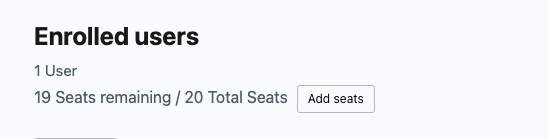
Group Leaders use **Add Seats** to increase the maximum number of learners their group can hold.
1. The Group Leader navigates to their **Group Management page** (the frontend page configured under **Uncanny Groups > Settings**).
2. They click the **Add Seats** button for the relevant group.
3. They are redirected to a Woo cart where they can enter the number of **additional seats** they want to purchase.
4. They review the price — bulk discounts are applied automatically based on the group’s *total* seat count after the purchase, not just the seats being added. (See the example below.)
5. They complete the checkout. Once the order reaches **Completed** status, the new seats are added to the group.
 #### How Bulk Discounts Apply to Seat Additions
Bulk discounts are calculated against the group’s total seat count after the addition, which means adding seats can reduce the per-seat price retroactively for the whole group.
**Illustrative example (numbers are for explanation only, not actual product pricing):** Suppose a group has 10 seats and the Group Leader adds 2 more, bringing the total to 12. If a bulk discount tier applies to groups of 10 or more, that tier is evaluated against the new total of 12 seats. Under that tier, the discount applies to all 12 seats.
See [Configure Bulk Discounts](https://www.uncannyowl.com/knowledge-base/configure-bulk-discounts/) for instructions on setting up discount tiers.
### Adding Courses
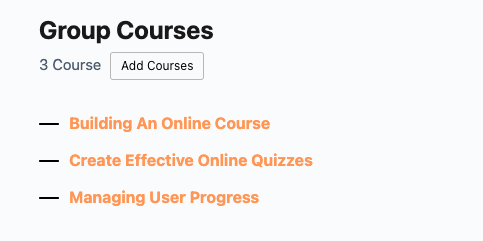
If a group is created by the purchase of a **Custom Group Licenses** on the Buy Courses/Group page, then Group Leaders will see the **Add Courses** button on the **Group Management page**.
Group Leaders use **Add Courses** to give their group access to additional LearnDash courses. Only courses with a corresponding **LearnDash Group Course** WooCommerce product are available to add.
1. The Group Leader navigates to their **Group Management page**.
2. They click the **Add Courses** button for the relevant group.
3. They are redirected to the assigned **Buy Courses page** where they see a list of available **LearnDash Group Course** products with individual prices. Bulk discounts apply if configured.
4. They select the course(s) to add and proceed to checkout.
5. Once the order reaches **Completed** status, the selected courses are added to the group and all current group members gain access.
 **Note:** The **Add Courses** button is not available for subscription-based groups. If your Group Leaders need to manage courses on a subscription group, contact your site admin.
### Order Status and Access Activation
Seat and course additions are activated when the WooCommerce order reaches **Completed** status. If your payment gateway leaves orders in **Processing** by default, we recommend enabling automatic order completion for virtual/downloadable products in **WooCommerce > Settings > Products**. Until the order completes, the new seats or courses will not be active.
### Important: Do Not Delete Associated Products or Orders
The WooCommerce products and orders tied to a group’s purchase history must remain intact. Deleting or trashing them can cause errors when Group Leaders attempt to add users, seats, or courses.
If a product or order has been accidentally deleted and a group is now broken, the group can be downgraded to a Basic LearnDash Group from the **Edit Group** page in the WordPress admin. This removes the WooCommerce association and restores basic functionality, but the Group Leader will no longer be able to use the Add Seats or Add Courses buttons.
### Subscription-Based Groups
Adding seats to a subscription-based group follows a different process. See [Add Seats after Subscription Purchase](https://www.uncannyowl.com/knowledge-base/adding-seats-after-subscription-based-group-purchase/) for full instructions.
### Related Articles
- [Enable Custom Group Licenses](https://www.uncannyowl.com/knowledge-base/group-leader-purchase-experience/) — set up the Group License product and Buy Courses page that enables this workflow
- [Set up LearnDash Group Course Products](https://www.uncannyowl.com/knowledge-base/setting-learndash-group-course-products/) — create the course products that appear in the Add Courses list
- [Configure Bulk Discounts](https://www.uncannyowl.com/knowledge-base/configure-bulk-discounts/) — set up volume pricing for seats and courses
- [Add Seats after Subscription Purchase](https://www.uncannyowl.com/knowledge-base/adding-seats-after-subscription-based-group-purchase/) — the parallel workflow for subscription-based groups
- [Using the Group Management Page](https://www.uncannyowl.com/knowledge-base/group-management-page/) — full reference for the Group Leader’s frontend management interface
**Article Categories:** Uncanny Groups for LearnDash
---
### [Adding Seats after Subscription-based Group Purchase](https://www.uncannyowl.com/knowledge-base/adding-seats-after-subscription-based-group-purchase/)
**Published:** April 20, 2022
**Author:** Saad Siddique
**Content:**
### Overview
When group purchases are tied to WooCommerce Subscriptions, you can let customers buy additional seats without disrupting their existing subscription — each seat block gets its own subscription for clean renewal management.
### Prerequisites
- **Uncanny Groups for LearnDash** installed and active
- **WooCommerce** and **WooCommerce Subscriptions** installed and active
- At least one LearnDash group product set up as a subscription in WooCommerce
### Enabling the Feature
This is a global setting — once enabled it applies to every subscription-based group on your site.
1. Go to **Uncanny Groups > Settings** in your WordPress admin.
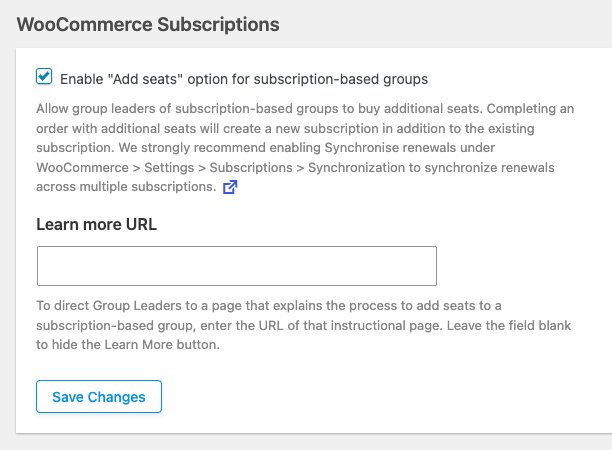
2. Locate the **WooCommerce Subscriptions** section.
3. Enable the **Enable “Add seats” option for subscription-based groups** option.
4. Click **Save Changes**.
 #### Optional: Synchronise Renewal Dates
When a customer adds seats, a new subscription is created for those additional seats. If you want all of a customer’s seat subscriptions to renew on the same date, enable renewal date synchronisation in WooCommerce:
1. Go to **WooCommerce > Settings > Subscriptions**.
2. Enable subscription renewal synchronization.
We recommend enabling this — it simplifies billing for your customers and reduces support queries about multiple renewal dates.
#### Optional: Add a “Learn More” Link
You can add an optional **Learn more** link that appears on the **Group Management page** for users interested in buying more seats. Use it to point customers to a page explaining how additional seats are billed and renewed.
Configure this link using the **Learn more URL** field in the same **WooCommerce Subscriptions** section of Uncanny Groups settings.
### What Happens When Seats Are Added
When a Group Leader or customer purchases additional seats for an existing subscription-based group:
- A **new subscription** is created in WooCommerce for the additional seats.
- The original group subscription remains unchanged.
- The new seats are immediately added to the group.
### Cancellation and Reactivation Behaviour
Uncanny Groups modifies the default WooCommerce Subscriptions cancellation behaviour so that all subscriptions tied to a group are managed together.
#### Cancellations
Cancelling a group membership cancels **all** associated subscriptions for that group simultaneously — the original subscription and any additional-seat subscriptions.
#### Reactivations
Reactivation behaviour depends on the subscription status at the time of reactivation:
**Situation****What happens**Subscription is **pending cancellation** (not yet expired)All group subscriptions reactivate togetherSubscription has **fully expired**The user creates a single new subscription sized to match their current group needs### Important Limitations
Before enabling this feature, be aware of the following constraints:
- **Global setting only.** This cannot be enabled for individual groups — it applies to all subscription-based groups on your site.
- **Courses cannot be added.** It is not possible to add courses to subscription-based groups. If you need to add courses after purchase, use a standard (non-subscription) group product instead.
- **One-time purchase groups are unaffected.** The **Add Seats** button for non-subscription groups works independently and is documented separately (see [Adding Seats and Courses after Group Purchase](https://www.uncannyowl.com/knowledge-base/adding-seats-and-courses-after-group-purchase/)).
### Related Articles
- [Uncanny Groups Plugin Overview](https://www.uncannyowl.com/knowledge-base/uncanny-learndash-groups-plugin-overview/)
- [Adding Seats and Courses after Group Purchase](https://www.uncannyowl.com/knowledge-base/adding-seats-and-courses-after-group-purchase/)
- [Set Up User Enrollment](https://www.uncannyowl.com/knowledge-base/set-user-enrollment/)
- [Using the Group Management Page](https://www.uncannyowl.com/knowledge-base/group-management-page/)
- [Frequently Asked Questions](https://www.uncannyowl.com/knowledge-base/frequently-asked-questions-2/)
**Article Categories:** Uncanny Groups for LearnDash
---
### [BuddyBoss Group Sync](https://www.uncannyowl.com/knowledge-base/buddyboss-group-sync/)
**Published:** February 3, 2021
**Author:** Ryan Moore
**Content:**
### Overview
If your site uses BuddyBoss alongside LearnDash, Uncanny Groups can keep the two systems in sync — so adding or removing users in a LearnDash group automatically updates the corresponding BuddyBoss social group, without any manual duplication.
### Prerequisites
The following must all be in place before sync will work:
- **Uncanny Groups for LearnDash** v3.9 or later installed and active
- **BuddyBoss Platform** installed and active
- **LearnDash** installed and active
- Two specific settings enabled in BuddyBoss (see below)
#### Required BuddyBoss Settings
These settings are in BuddyBoss, not in Uncanny Groups. Both must be enabled:
1. Go to **BuddyBoss > Integrations > LearnDash**.
2. Enable **LearnDash Group Sync**.
3. Enable **Auto Create Social Group**.
4. Save your changes.
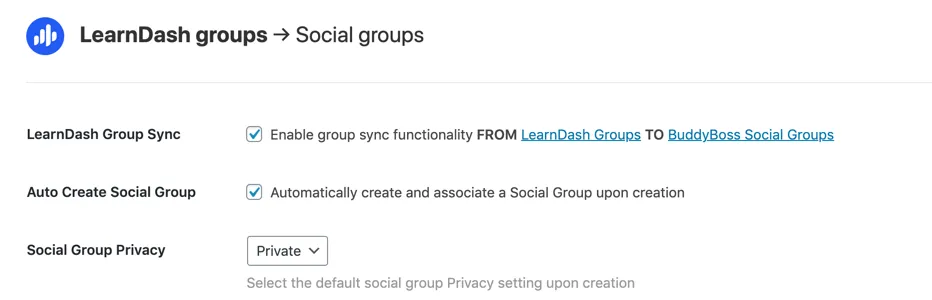 If either setting is disabled, group sync will not function — no error will be shown, actions simply will not carry over to BuddyBoss.
### What Gets Synced
Once the prerequisites are met, the following actions in Uncanny Groups automatically sync to BuddyBoss:
**Action in Uncanny Groups / LearnDash****Result in BuddyBoss**New LearnDash group created via the pluginA matching BuddyBoss social group is created automaticallyUser added as a student via the Group Management page (single, bulk, or CSV import)User added to the BuddyBoss group as a **Member**User added as a Group Leader via the Group Management pageUser added to the BuddyBoss group as an **Organizer**User removed from a group via the Group Management pageUser removed from the corresponding BuddyBoss groupAdministrator modifies group membership via the LearnDash edit group interfaceChanges sync to the associated BuddyBoss group#### User Role Mapping
Uncanny Groups maps LearnDash roles to BuddyBoss roles as follows:
- **Students** in the LearnDash group → **Members** in the BuddyBoss group
- **Group Leaders** in the LearnDash group → **Organizers** in the BuddyBoss group
This means Group Leaders retain elevated access in the BuddyBoss social group, consistent with their LearnDash role.
### What Does Not Sync
To set accurate expectations:
- Changes made **directly inside BuddyBoss** (e.g., adding a user to a BuddyBoss group manually) do **not** sync back to the LearnDash group. Sync is one-directional: LearnDash/Uncanny Groups → BuddyBoss.
- Course progress, quiz results, and LearnDash activity are not affected by group sync — this feature covers group membership only.
### Troubleshooting
If users are not appearing in BuddyBoss groups after being added in Uncanny Groups:
1. Confirm both required BuddyBoss settings (**LearnDash Group Sync** and **Auto Create Social Group**) are enabled under **BuddyBoss > Integrations > LearnDash**.
2. Confirm the LearnDash group was created after those settings were enabled. Groups created before the settings were turned on may not have a corresponding BuddyBoss group — try creating a new test group to verify.
3. Check that the user addition was made via the **Group Management page** or the **LearnDash edit group interface**, not through another enrollment method that bypasses the sync hooks.
### Related Articles
- [Uncanny Groups Plugin Overview](https://www.uncannyowl.com/knowledge-base/uncanny-learndash-groups-plugin-overview/)
- [Using the Group Management Page](https://www.uncannyowl.com/knowledge-base/group-management-page/)
- [Set Up User Enrollment](https://www.uncannyowl.com/knowledge-base/set-user-enrollment/)
- [Manage Groups as Administrator](https://www.uncannyowl.com/knowledge-base/set-up-a-learndash-group/)
- [Frequently Asked Questions](https://www.uncannyowl.com/knowledge-base/frequently-asked-questions-2/)
**Article Categories:** Uncanny Groups for LearnDash
---
### [Configure Bulk Discounts](https://www.uncannyowl.com/knowledge-base/configure-bulk-discounts/)
**Published:** October 1, 2017
**Author:** Ken
**Excerpt:** Learn how to configure discounts that vary based on the number of group seats users purchase.
**Content:**
### Overview
Reward bigger orders with automatic volume pricing. Set discount tiers based on how many seats a buyer purchases, and the savings are calculated and applied at checkout — no coupon codes, no manual math. It’s a proven way to nudge organizations toward larger purchases.
Bulk discounts apply automatically to **Group License** purchases at the cart and checkout steps, based on the number of seats. Discounts also **recalculate automatically** when a Group Leader adds seats to an existing license later — so volume pricing stays consistent over the life of the account.
### Prerequisites
- Uncanny Groups installed with WooCommerce — see **[Getting Started](https://www.uncannyowl.com/knowledge-base/getting-started-with-uncanny-groups-for-learndash/)**.
### Set up bulk discounts
1. Go to **Uncanny Groups > Bulk Discount**.
2. Tick the **Enable Bulk Discount** checkbox.
3. Add a discount rule: set the **minimum seat quantity** and the **discount percentage**, then click **Add discount line**.
4. Repeat to add more tiers. Use **Remove last discount line** to delete the most recent rule.
5. Click **Save Bulk Discount**.
**Number of rules:** You can add up to **ten** discount rules.
 Fig. 9. Up to three bulk discount rules can be applied to the purchase of Group Course Products, automatically calculated at the cart and check out steps.### Worked example
Suppose you sell a course license at **$50 per seat** and set these tiers:
**Minimum seats****Discount**1010%2515%5020%A buyer purchasing **30 seats** automatically gets the 15% tier — $42.50 per seat — applied at checkout, with no code required. If their Group Leader later adds 25 more seats (reaching 55), the order recalculates at the 20% tier.
### Related Articles
- [Enable Users to Build Custom Group Licenses](https://www.uncannyowl.com/knowledge-base/group-leader-purchase-experience/)
- [Create Pre-configured LearnDash Group Licenses](https://www.uncannyowl.com/knowledge-base/creating-pre-configured-learndash-group-licenses/)
- [Add Seats and Courses after Group Purchase](https://www.uncannyowl.com/knowledge-base/adding-seats-and-courses-after-group-purchase/)
- [Sell Online Courses to Businesses & Teams](https://www.uncannyowl.com/knowledge-base/sell-online-courses-to-businesses-teams-with-learndash/)
**Article Categories:** Uncanny Groups for LearnDash
---
### [Configure Group Emails](https://www.uncannyowl.com/knowledge-base/configuring-group-emails/)
**Published:** October 16, 2019
**Author:** Ken
**Excerpt:** Learn how to customize the emails sent to group leaders and members.
**Content:**
### Overview
Uncanny Groups for LearnDash sends automated emails at key moments in the group lifecycle — when users are invited, enrollment keys are distributed, and group leaders are assigned. This article explains how to customize those email templates, personalize messages with dynamic variables, and make sure your emails actually reach learners.
### Before you start
- You need **Administrator** access to your WordPress site.
- Navigate to **Uncanny Groups > Settings > Email Settings** to access all the options below.
- If you have high learner volumes, set up a transactional email service **before** testing (see [Deliverability](https://docs.google.com/document/d/1Vd8crBY_Szkd04wjFzY-2rr08pmUcO2Vvm1dhd1pFBY/edit#deliverability) below).
### Global sender settings
At the top of the **Email Settings** tab, configure the details that appear on every group email sent by the plugin:
**Setting****What it does****From Email**The email address that appears in the “From” field**From Name**The display name shown alongside the From address**Reply To**Where replies are directed (can differ from From Email)These settings apply globally to all group email templates. To change the underlying WordPress sender defaults, use a plugin such as **Change Mail Sender**.
You can also **disable any template** by unchecking the checkbox next to it. Disabling a template suppresses that email entirely and, in some cases, removes the related action from the Group Management interface (see template details below).
Group Specific Emails
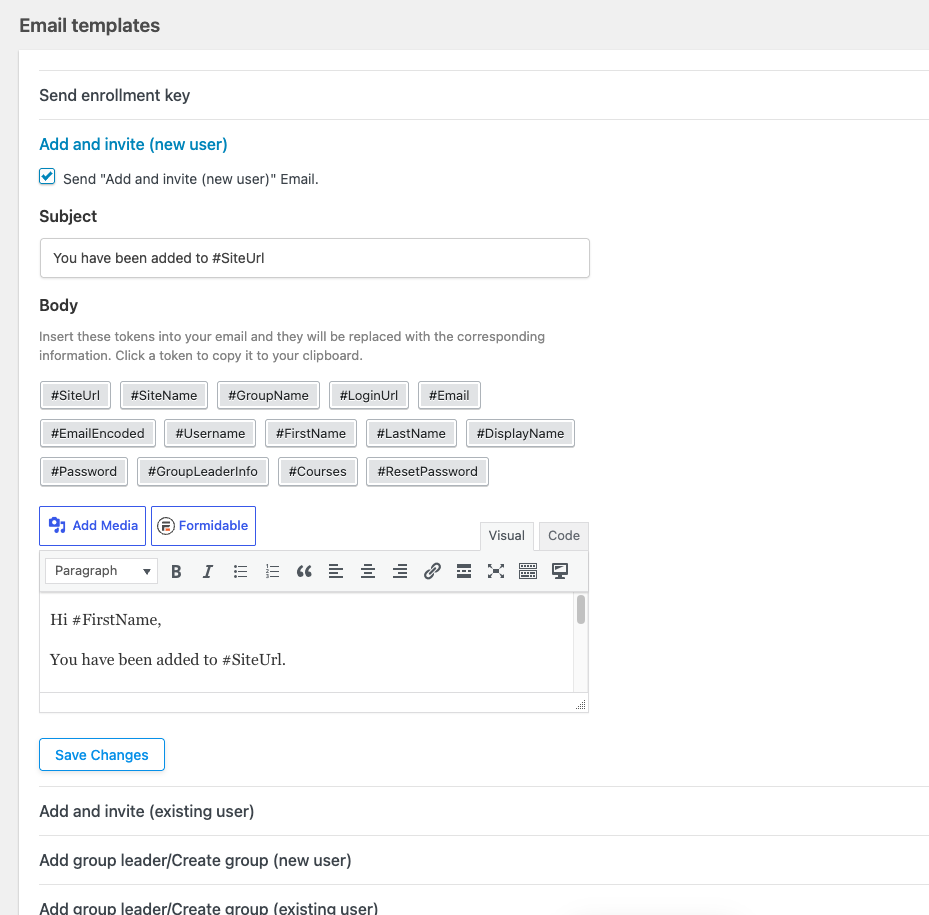
While there are 5 global email templates, there are also 3 email templates available for individual groups. Admins can enable and edit individual group emails for **Add and invite (new user)**, **Add and invite (existing user)** and **Send enrollment key.
When any of these 3 emails are enabled on the group edit page (found in the Uncanny Groups tab), they will override the email sent to users for the group they are associated with.
### Email variables
All templates support dynamic variables that pull data from the user’s profile, the group, and your site. Insert any of the following tokens directly into the subject line or body of a template:
**Variable****Inserts**`#SiteUrl`Your website address`#LoginUrl`Your site’s login page URL`#RedemptionKey`The enrollment key for group registration`#Email`The user’s email address`#EmailEncoded`The user’s email address, URL-encoded`#Username`The user’s WordPress username`#FirstName`The user’s first name`#LastName`The user’s last name`#DisplayName`The user’s display name`#Password`The auto-generated password for new user registrations`#SiteName`Your site name`#GroupName`The name of the group the user is being added to`#Courses`The list of courses assigned to the group`#GroupLeaderInfo`The names and email addresses of the group’s leaders### Email templates
The plugin includes six built-in templates. Each fires at a specific point in the group workflow.
#### Add and Invite (New User)
**When it sends:** A Group Leader uses **Add and Invite** for an email address not yet registered on your site.
The plugin automatically creates a WordPress account for the user and adds them to the LearnDash group. Because the password is system-generated, include #Password in this template — or replace it with a password-reset link — so the new user can log in.
#### Add and Invite (Existing User)
**When it sends:** A Group Leader invites a user who already has a WordPress account but is not yet a member of the current group.
**Tip:** If you disable both invitation emails (new and existing user), the **Add and Invite User** button label in the Group Management interface changes to **Add User**.
#### Send Enrollment Key
**When it sends:** A Group Leader selects **Send Enrollment Key** for one or more users.
Unlike the invitation emails, this template does **not** register the user automatically. The user must visit your registration page and enter their key. Your template must include clear instructions plus the `#RedemptionKey` variable — and either `#SiteUrl` or `#LoginUrl` so users know where to go.
**Note:** Disabling this template removes the **Send Enrollment Key** option from the Add User dialog entirely.
#### Add Group Leader / Create Group (New User)
**When it sends:** An admin clicks **Add Group Leader** for an unregistered email, or uses **Uncanny Groups > Create Group** with an email address not yet on the site.
The plugin registers the new user and assigns them the Group Leader role. Include `#Password` or a reset link in this template.
#### Add Group Leader / Create Group (Existing User)
**When it sends:** Adding a Group Leader or creating a group when the email address is already registered on the site.
#### New Group Purchase
**When it sends:** A user completes a group license purchase through WooCommerce.
Use this template to confirm the purchase, summarize what was purchased, and link to the **Group Management** page. Including `#GroupName` and `#Courses` gives buyers an immediate overview of what they have access to.
### Deliverability
The plugin can send a large number of emails as your learner base grows. To protect deliverability and avoid messages being flagged as spam, we recommend routing all plugin email through a **transactional email service** such as SparkPost, SendGrid, or Postmark. Configure your chosen service at the WordPress level (via its plugin or SMTP settings) and all group emails will route through it automatically.
### Critical: test before you launch
**Important:** In most cases, a group email cannot be re-triggered once it has been sent. Build your templates carefully, insert all required variables, and **send test messages before adding real learners** to any group.
 ### Related Articles
- [Install and Set Up Uncanny Groups](https://www.uncannyowl.com/knowledge-base/uncanny-learndash-groups-plugin-setup/) — complete first-time configuration guide
- [Set Up Group Management Pages](https://www.uncannyowl.com/knowledge-base/set-group-management-pages/) — configure the front-end pages Group Leaders use
- [Manage LearnDash Groups as a WordPress Administrator](https://www.uncannyowl.com/knowledge-base/set-up-a-learndash-group/) — create groups, assign seats, and manage enrollment
- [Set Up User Enrollment](https://www.uncannyowl.com/knowledge-base/set-user-enrollment/) — enrollment key and invitation options in detail
- [Frequently Asked Questions](https://www.uncannyowl.com/knowledge-base/frequently-asked-questions-2/) — common setup and troubleshooting answers
**Article Categories:** Uncanny Groups for LearnDash
---
### [Create Pre-configured LearnDash Group Licenses](https://www.uncannyowl.com/knowledge-base/creating-pre-configured-learndash-group-licenses/)
**Published:** September 18, 2017
**Author:** Ken
**Excerpt:** Learn how to create group license products for your customers that are pre-configured with different course bundles.
**Content:**
### Overview
Pre-configured licenses are ready-made group packages you define in advance — a fixed course bundle at a set per-seat price, like “Compliance Training – 25 seats.” Buyers simply pick a quantity and check out; the group is created and they become its Group Leader automatically. It’s the simplest way to sell predictable team packages.
When Uncanny Groups and WooCommerce are both active, you get two product types:
- **LearnDash Group Course** — the individual course(s) that can be sold into groups.
- **LearnDash Group License** — the purchasable package that bundles seats with one or more Group Courses.
A *pre-configured* license is a Group License **Admins** build, so the courses and pricing are fixed before the buyer arrives. (Prefer to let buyers choose their own courses? Use [custom group licenses](https://www.uncannyowl.com/knowledge-base/group-leader-purchase-experience/) instead.)
### Prerequisites
- Uncanny Groups installed — see **Getting Started**.
- Your [LearnDash Group Course products](https://www.uncannyowl.com/knowledge-base/setting-learndash-group-course-products/) created first.
### Choose a license type
**One-time payment****Subscription****Product type**LearnDash Group LicenseSimple Subscription**Requires**WooCommerceWooCommerce **+ WooCommerce Subscriptions****Best for**One-off team purchasesRecurring/renewing team access### Create a one-time payment license
1. Make sure your [Group Course products](https://www.uncannyowl.com/knowledge-base/setting-learndash-group-course-products/) exist.
2. Create a new WooCommerce product (**Products > Add New**).
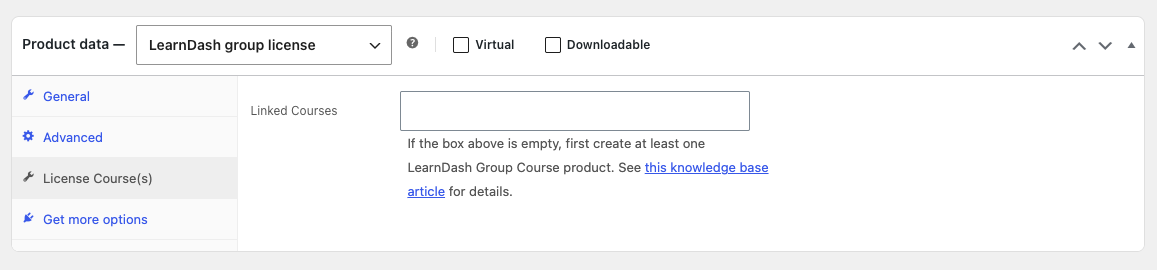
3. Set the product type to **LearnDash Group License**.
4. Set a **per-seat price**. Leave it blank to auto-calculate from the linked courses.
5. Open the **Licensed Course(s)** tab and select the courses this license includes.
6. Set **catalog visibility** so the product shows where you want it.
7. **Publish.**
 ### Create a subscription license
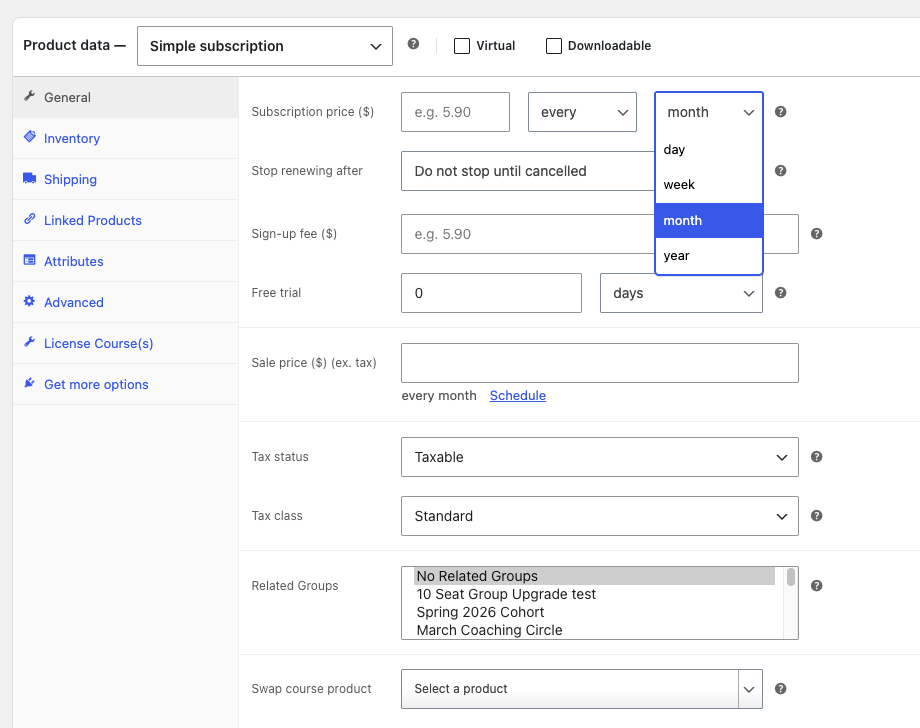
Follow the same steps, but at step 3 choose **Simple Subscription** as the product type and configure the subscription billing interval.
**Note:** With subscription licenses, only administrators can change the included courses after purchase — Group Leaders cannot.
 ### Pricing and quantity controls
After the Group License product has been published, additional options will appear in the General tab that allow you to set fixed pricing as well as minimum and/or maximum quantities.
**Control****What it does****Fixed price**Overrides the auto-calculated per-seat price with a price you set**Minimum quantity**The fewest seats a buyer must purchase**Maximum quantity**The most seats a buyer can purchase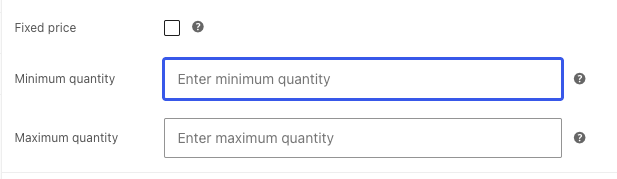 ### At checkout
Buyers see a **Group Name** field during checkout — this names their group. The order must reach **Completed** status before group access is granted, so enable order auto-completion if needed (see the [FAQ](https://www.uncannyowl.com/knowledge-base/frequently-asked-questions-2/)).
Admins have the option to hide the Group Name field on checkout and or product pages. They can also make the “Group Name” field non-editable on cart page. These options can be enabled/disabled on the Groups > Settings page.
### Group Product Swap
A single product can serve double duty: bought at **quantity 1** it grants individual course access, and at **quantity 2 or more** it creates a group. This lets you sell to individuals and teams from the same product.
### Things to know
- **Orders must be Completed** to create the group — use auto-completion to avoid stuck “Processing” orders.
- **Don’t delete products or orders** tied to active groups; it can break group functionality.
- A group can be **downgraded** to a basic LearnDash group if you ever need to.
### Related Articles
- [Set up LearnDash Group Course Products](https://www.uncannyowl.com/knowledge-base/setting-learndash-group-course-products/)
- [Enable Users to Build Custom Group Licenses](https://www.uncannyowl.com/knowledge-base/group-leader-purchase-experience/)
- [Configure Bulk Discounts](https://www.uncannyowl.com/knowledge-base/configure-bulk-discounts/)
- [Add Seats and Courses after Group Purchase](https://www.uncannyowl.com/knowledge-base/adding-seats-and-courses-after-group-purchase/)
**Article Categories:** Uncanny Groups for LearnDash
---
### [Enable Users to Build Custom Group Licenses](https://www.uncannyowl.com/knowledge-base/group-leader-purchase-experience/)
**Published:** September 18, 2017
**Author:** Anthony Lucic
**Excerpt:** Learn how to let customer select and purchase courses for their groups.
**Content:**
### Overview
Let buyers build and purchase their own group license — picking the courses they want and the number of seats they need — all from a single page on your site. They check out through WooCommerce and instantly become a Group Leader who can manage their own team. It’s the most flexible way to sell to organizations, with zero manual setup on your end per sale.
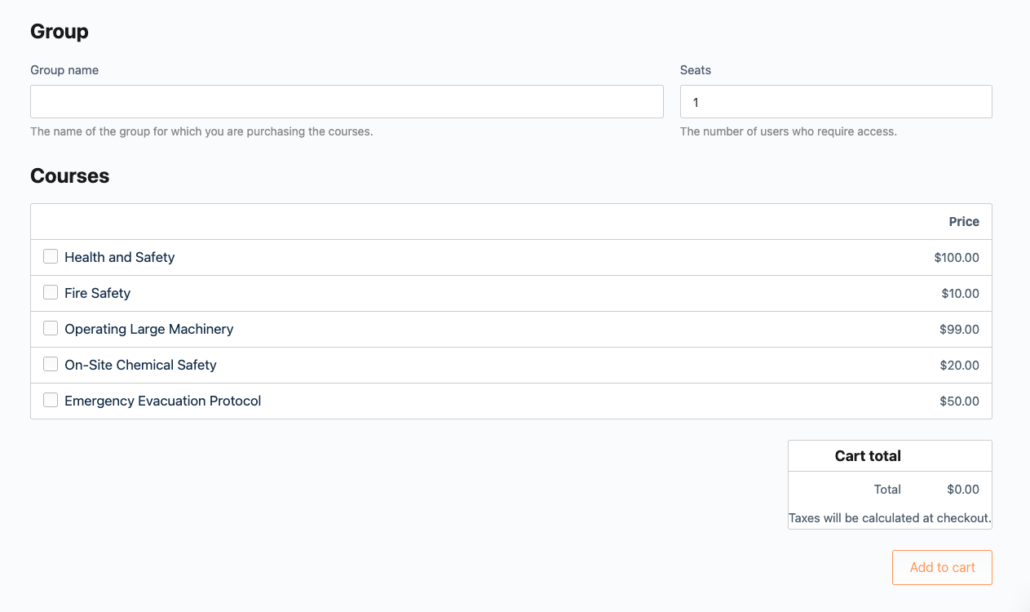
A *custom* group license lets the customer decide what they’re buying: they name their group, choose how many seats they need, and select from your available courses. Pricing and any bulk discounts are calculated automatically before checkout. Once the order completes, the group is created and the buyer becomes its Group Leader.
This is ideal when you want to offer choice — for example, a training provider whose clients each need a different mix of courses and team sizes.
### Prerequisites
- Uncanny Groups installed and activated — see **Getting Started**.
- At least one [LearnDash Group Course product](https://www.uncannyowl.com/knowledge-base/setting-learndash-group-course-products/) set up.
### Set up a Buy Courses page
When Uncanny Groups is installed alongside WooCommerce, a **Buy Courses** page is created for you automatically. To build one manually:
1. Create a new page.
2. Add the **Buy Courses** block, or insert the shortcode `[uo_groups_buy_courses]`.
3. Publish the page.
 ### Buy Courses page options
The `[uo_groups_buy_courses]` shortcode and block accept optional attributes to control which courses appear and how many seats buyers can purchase:
**Attribute****What it does****Example**`product_cat`Shows only courses in the given product category IDs — useful for multi-organization or multi-catalog sites`product_cat="193,203"``product_tag`Shows only courses with the given product tag IDs`product_tag="179,398"``min_qty`Sets the minimum number of seats a buyer must purchase`min_qty="5"``max_qty`Sets the maximum number of seats a buyer can purchase`max_qty="10"`**Combined example:**
```
[uo_groups_buy_courses product_cat="193,203" product_tag="179,398" min_qty="5" max_qty="10"]
```
### What the buyer does
From the Buy Courses page, the customer:
1. **Names their group** — this becomes the license/group name.
2. **Chooses a seat count.**
3. **Selects one or more courses** from your available Group Course products.
4. **Reviews the auto-calculated price** (including any bulk discounts) and checks out.
After checkout, they land in their front-end [Group Management page](https://www.uncannyowl.com/knowledge-base/group-management-page/), ready to invite their team.
### Things to know
- **Orders must reach “Completed” status** before the group is created. If orders sit in “Processing,” install an autocompletion plugin or enable the auto-complete setting for virtual products. See the [FAQ](https://www.uncannyowl.com/knowledge-base/frequently-asked-questions-2/).
- **Abandoned licenses are cleaned up automatically** — a license tied to an incomplete purchase is removed after 24 hours.
- **Don’t delete the products or orders** tied to active groups — doing so can break group functionality.
- **Linking from a WooCommerce shop:** to surface the Buy Courses page in your shop, create an **External/Affiliate** product that links to it.
### Related Articles
- [Set up LearnDash Group Course Products](https://www.uncannyowl.com/knowledge-base/setting-learndash-group-course-products/)
- [Create Pre-configured LearnDash Group Licenses](https://www.uncannyowl.com/knowledge-base/creating-pre-configured-learndash-group-licenses/)
- [Configure Bulk Discounts](https://www.uncannyowl.com/knowledge-base/configure-bulk-discounts/)
- [Sell Online Courses to Businesses & Teams](https://www.uncannyowl.com/knowledge-base/sell-online-courses-to-businesses-teams-with-learndash/)
**Article Categories:** Uncanny Groups for LearnDash
---
### [Frequently Asked Questions](https://www.uncannyowl.com/knowledge-base/frequently-asked-questions-2/)
**Published:** October 12, 2018
**Author:** Ken
**Excerpt:** Frequently Asked Questions about Uncanny Groups.
**Content:**
### How does Uncanny LearnDash Groups manage user roles?
Uncanny Groups *adds* the Group Leader role on top of a user’s existing roles rather than replacing them. Some sites don’t natively support users having multiple roles, so editing a Group Leader’s profile in the WordPress backend can strip the Group Leader role. If you manage roles manually, install a plugin like **[User Role Editor](https://en-ca.wordpress.org/plugins/user-role-editor/)** that supports multiple roles, so all permissions are preserved when profiles are updated.
### Can I show content to specific groups?
Yes. Use the restrict-content shortcode:
```
[uo_groups_restrict_content user_groups="123"]Welcome![/uo_groups_restrict_content]
```
Target multiple groups by separating IDs with commas. To find a group’s ID, edit the group as an administrator and read the number in the URL’s `?post=` parameter.
### Why are users randomly being added to my groups?
LearnDash has an automatic group-enrollment setting that’s rarely useful with Uncanny Groups. Keep it disabled so group membership stays under your control.
[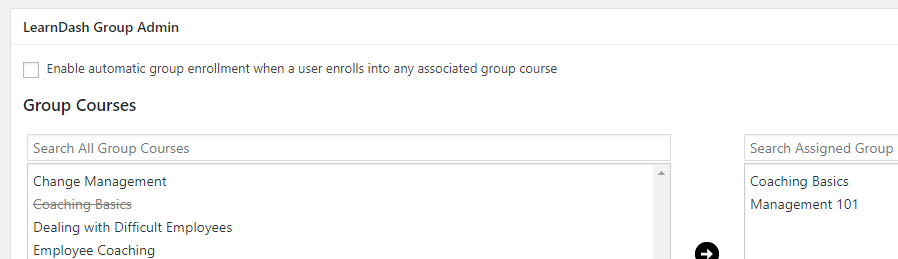](https://www.uncannyowl.com/wp-content/uploads/2017/09/Enable-auto-setting.png)### Can I sell courses to individuals as well as groups?
Yes. Install the official LearnDash WooCommerce integration and create **Course**-type products for individual sales. Group Course products can also be sold to individuals for single-seat enrollment.
### Do Group Leaders have access to courses?
You decide. A setting controls whether group leaders are also enrolled as group members — useful when a leader manages a group but doesn’t need to take the course themselves.
### Why can’t my Group Leaders add courses to their group?
The **Add Courses** button only appears for groups created through the **Custom Group License** process. It isn’t available for pre-configured licenses (including subscription licenses), or manually created groups.
### Why can’t my Group Leaders add seats to their group?
The **Add Seats** button is available only for groups created through a Custom Group License or a pre-configured license. It isn’t shown for manually created groups.
### Why can’t a Group Leader see their group on the Group Management page?
Groups created in LearnDash’s native interface must be **upgraded** before they appear on the front-end Group Management page. See [Upgrade Existing LearnDash Groups](https://www.uncannyowl.com/knowledge-base/upgrade-existing-learndash-groups/).
### Why can’t I find my group options after updating WordPress?
WordPress 7.0 redesigned the block editor and, by default, hides classic plugin metaboxes behind a collapsed **“Meta Boxes”** pane. After upgrading, some group options could appear to be missing for that reason.
As of **Uncanny Groups 6.1.8**, every Uncanny Groups setting for a group is grouped under a dedicated **Uncanny Groups** tab at the top of the group’s edit page — so they’re always easy to find. Open a group under **LearnDash LMS > Groups** and click the **Uncanny Groups** tab. If you’re on a version older than 6.1.8, update to 6.1.8 or later, or open the **Meta Boxes** pane in the editor to reveal the options.
WooCommerce orders must reach **Completed** status to trigger group creation and enrollment. Orders stuck in **Processing** won’t create a group. An autocompletion plugin (such as Autocomplete WooCommerce Orders), or the plugin’s auto-complete setting for virtual products, resolves this.
### Related Articles
- [Install and Set Up Uncanny Groups](https://www.uncannyowl.com/knowledge-base/uncanny-learndash-groups-plugin-setup/)
- [Using the Group Management Page](https://www.uncannyowl.com/knowledge-base/group-management-page/)
- [Groups Shortcode/Gutenberg Quick Reference](https://www.uncannyowl.com/knowledge-base/shortcode-quick-reference/)
**Article Categories:** Uncanny Groups for LearnDash
---
### [Front End LearnDash Assignment Management](https://www.uncannyowl.com/knowledge-base/front-end-learndash-assignment-management/)
**Published:** October 11, 2018
**Author:** Ryan Moore
**Excerpt:** Learn how Group Leaders can grade and approve assignments on the front end.
**Content:**
### Overview
Group Leaders can download, review, and grade LearnDash file assignments directly on the front end — no WordPress admin access required. This makes it practical to delegate assignment review to instructors or managers without granting them backend access.
### Prerequisites
- Uncanny Groups for LearnDash
- LearnDash configured with at least one assignment-enabled lesson
- A WordPress page where you can place the block or shortcode
- We recommend a full-width page layout — the assignment table is wide and sidebars will crowd the interface
### Adding the Assignment Management Page
Add the **Assignment Report** block to any WordPress page (search **Uncanny Groups** in the block inserter), or place the `[uo_groups_assignments]` shortcode there. Group Leaders assigned to your site will see a dashboard showing submissions from learners in their groups.
```
[uo_groups_assignments]
```
### Block Settings / Shortcode Attributes
Both attributes are optional. When omitted, the defaults shown apply.
**Setting / Attribute****Description****Accepted Values****Default**`status`Which assignments load by default`all`, `graded`, `ungraded``ungraded``columns`Columns visible on first load`Title`, `Student`, `Status`, `Points`, `Assigned Course,` `Assigned Lesson`, `Comments`, `Date` (comma-separated)All columns**Example — show only core columns and default to ungraded:**
```
[uo_groups_assignments status="ungraded" columns="Title, Student, Status, Points, Assigned Course, Date"]
```
Hidden columns remain accessible — Group Leaders can toggle them using the column visibility controls in the table header at any time.
### What Group Leaders Can Do
Once on the assignment management page, Group Leaders can:
- **Filter** assignments by group, course, lesson, and status
- **Search** across any visible column
- **Sort** by any column (click the column header)
- **Toggle column visibility** and reorder columns via drag-and-drop
- **Resize columns** to fit their screen
- **Hover over an assignment title** to reveal download and delete options
- **Select checkboxes** to perform bulk actions across multiple submissions
- **Click an assignment title** to open the grading panel, assign a point value, and approve the submission
Group Leaders only see submissions from learners in their assigned groups. Submissions from other groups are not visible.
### Exporting Submissions
Add the `excel_export_button` and/or `csv_export_button` attributes (or enable the block settings) to display export controls above the table:
```
[uo_groups_assignments excel_export_button="show" csv_export_button="show"]
```
Exports reflect the current filter state — if a Group Leader has filtered to a specific course or status, only matching records are included in the export.
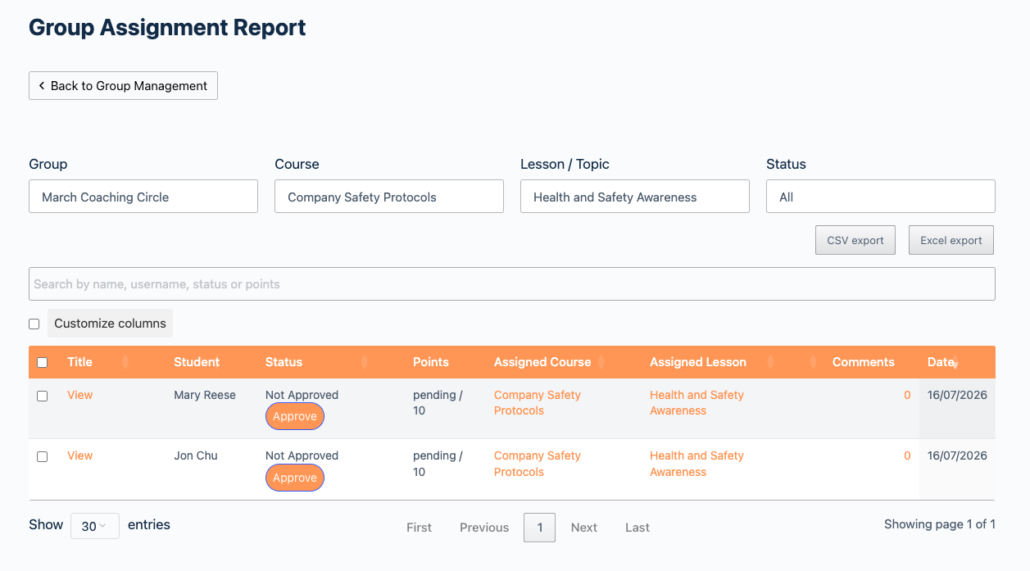 ### Related Articles
- [Uncanny Groups for LearnDash — Plugin Overview](https://www.uncannyowl.com/knowledge-base/uncanny-learndash-groups-plugin-overview/) — start here if you’re new to the plugin
- [Using the Group Management Page](https://www.uncannyowl.com/knowledge-base/group-management-page/) — how Group Leaders manage learners and groups
- [Front End Essay Question Management](https://www.uncannyowl.com/knowledge-base/front-end-essay-question-management/) — similar front-end interface for essay questions
- [Group Leader Reports](https://www.uncannyowl.com/knowledge-base/group-leader-reports/) — progress and completion reporting for Group Leaders
- [Shortcode Quick Reference](https://www.uncannyowl.com/knowledge-base/shortcode-quick-reference/) — all Uncanny Groups shortcodes in one place
**Article Categories:** Uncanny Groups for LearnDash
---
### [Front End Essay Question Management](https://www.uncannyowl.com/knowledge-base/front-end-essay-question-management/)
**Published:** October 11, 2018
**Author:** Ryan Moore
**Excerpt:** Learn how Group Leaders can grade and approve quiz essay questions on the front end.
**Content:**
### Overview
Group Leaders can review, grade, and manage LearnDash essay submissions directly on the front end — no WordPress admin access required. This keeps instructors in their learner-facing environment and simplifies delegation to non-admin Group Leaders.
### Prerequisites
- Uncanny Groups for LearnDash installed and activated
- At least one LearnDash quiz with essay questions configured
- A WordPress page where you can place the shortcode
- We recommend a full-width page layout — the essay table is wide and sidebars will crowd the interface
### Adding the Essay Management Page
Add the **Essay Report** block to any WordPress page (search **Uncanny Groups** in the block inserter), or place the \[uo\_groups\_essays\] shortcode there. That page instantly becomes an essay management dashboard for Group Leaders assigned to that site.
```
[uo_groups_essays]
```
### Block Settings / Shortcode Attributes
Both attributes below are optional. When omitted, the defaults shown apply. All values added must be comma separated.
**Setting / Attribute****Description****Accepted Values****Default**`columns`Columns visible on first load`Title`, `Student`, `Status`, `Points`, `Question`, `Content`, `Course`, `Lesson`, `Quiz`, `Comments`, `Date` (comma-separated)All columns`status`Which submissions load by default`all`, `graded`, `ungraded``ungraded`**Example — show only the most relevant columns and default to ungraded submissions:**
```
[uo_groups_essays status="ungraded" columns="Title, Student, Status, Points, Course, Quiz, Date"]
```
Hidden columns remain accessible — Group Leaders can toggle them on or off at any time using the column visibility controls in the table header.
### What Group Leaders Can Do
Once on the essay management page, Group Leaders can:
- **Filter** submissions by group, course, lesson, quiz, and status
- **Search** across any visible column
- **Sort** by any column (click the column header)
- **Toggle column visibility** and reorder columns via drag-and-drop
- **Resize columns** to fit their screen
- **Click an essay title** to open the grading panel, assign a point value, and mark the submission as graded
- **Hover over a title** to reveal a delete option for removing a submission
Group Leaders only see submissions from learners in their assigned groups. They cannot access submissions outside their groups.
### Exporting Submissions
Add the `excel_export_button` and/or `csv_export_button` attributes to display export controls above the table:
```
[uo_groups_essays excel_export_button="show" csv_export_button="show"]
```
Exports respect the current filter state — if a Group Leader has filtered to a specific course or status, only those results are exported.
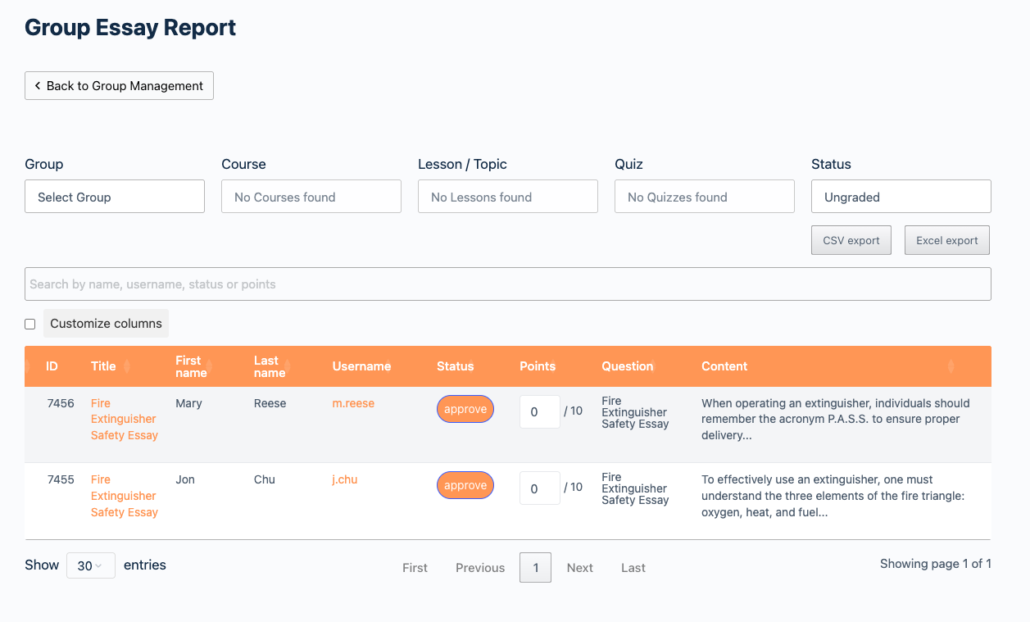 ### Related Articles
- [Uncanny Groups for LearnDash — Plugin Overview](https://www.uncannyowl.com/knowledge-base/uncanny-learndash-groups-plugin-overview/) — start here if you’re new to the plugin
- [Using the Group Management Page](https://www.uncannyowl.com/knowledge-base/group-management-page/) — how Group Leaders manage learners and groups
- [Front End LearnDash Assignment Management](https://www.uncannyowl.com/knowledge-base/front-end-learndash-assignment-management/) — similar front-end interface for file assignments
- [Group Leader Reports](https://www.uncannyowl.com/knowledge-base/group-leader-reports/) — progress and completion reporting for Group Leaders
- [Shortcode Quick Reference](https://www.uncannyowl.com/knowledge-base/shortcode-quick-reference/) — all Uncanny Groups shortcodes in one place
**Article Categories:** Uncanny Groups for LearnDash
---
### [Front End Group Creation](https://www.uncannyowl.com/knowledge-base/front-end-learndash-group-creation/)
**Published:** October 2, 2017
**Author:** Ken
**Excerpt:** Learn how to let your Group Leaders and Administrators create groups on the front end.
**Content:**
### Overview
The \[uo\_groups\_create\_group\] shortcode lets Group Leaders and administrators create new LearnDash groups from any page on your WordPress front end — no admin access required. Place it on a Group Management page to give Group Leaders a self-serve way to set up their own groups.
### Before You Start
- Uncanny Groups must be installed and activated (version 2.6 or later).
- You need a published WordPress page where you want the group creation form to appear.
- The user viewing the page must be logged in as a **Group Leader** or **Administrator** to see and use the form.
### Add the Shortcode to a Page
1. In your WordPress admin, open the page where you want the form to appear (or create a new page).
2. Add the **Create Group** block (search **Uncanny Groups** in the inserter) — or add a shortcode block containing:
```
[uo_groups_create_group]
```
3. Publish or update the page.
When a Group Leader or Administrator visits that page, they will see the same group creation form available under **Uncanny Groups > Create Group** in the admin.
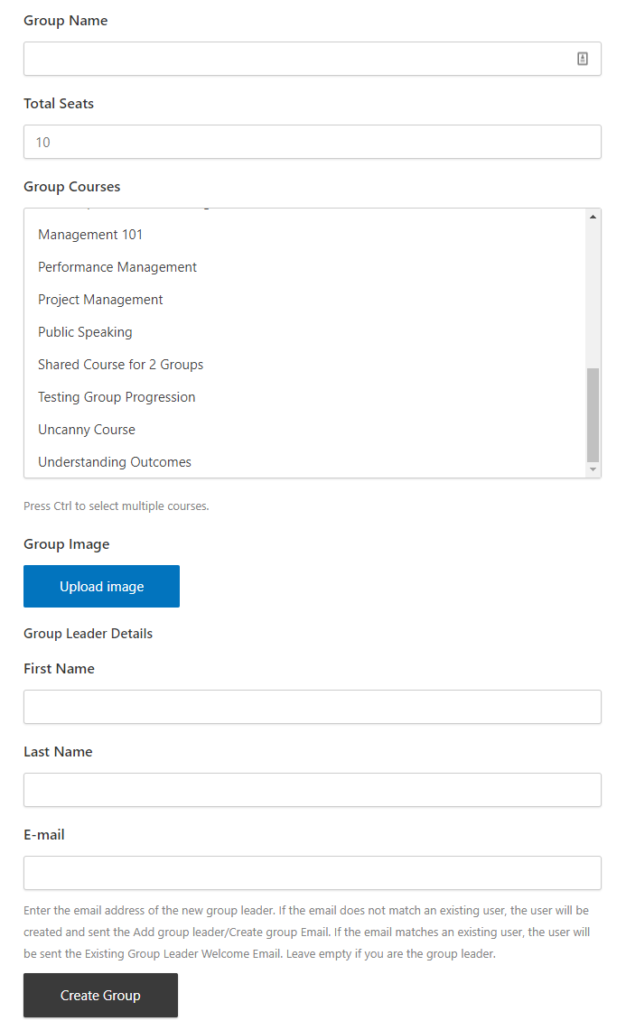 ### Shortcode Attributes
Both attributes are optional. Both limit which courses appear in the form’s course selector — `category` filters by the standard WordPress Category taxonomy and `course_category` filters by the LearnDash Course Category taxonomy.
**Attribute****Description**`category`A category slug (or comma-separated list of slugs) using the standard WordPress **Category** taxonomy that limits the **courses available to assign** to the group.`course_category`A category slug (or comma-separated list of slugs) using the LearnDash **Course Category** taxonomy that limits the **courses available to assign** to the group.**Example — restrict to a single course category:**
```
[uo_groups_create_group course_category="compliance-training"]
```
**Example — restrict to multiple course categories:**
```
[uo_groups_create_group course_category="compliance-training,onboarding"]
```
Leaving both attributes blank (or omitting them entirely) shows all available courses.
### Required Fields
The person creating the group must complete all of the following:
- **Group name** — the display name for the group
- **Total seats available** — the number of learner seats in the group
- **Courses** — one or more courses to assign to the group
- **Group leader email address** — the email of the person who will manage the group
- **Group leader first name**
- **Group leader last name**
### Optional Fields
- **Parent Group** — When the Group Hierarchy option is enabled (found on the page LearnDash LMS > Groups > Settings tab), a drop down selector will appear. This selector will list all available groups that can be assigned as the Parent Group in the hierarchy (making the created group a child in the hierarchy). By default, this option will be set to “No Parent”. If “No Parent” is selected, then the group created on form submission will not be assigned to a hierarchy.
- **Group image** — a cover image for the group. This image is used by the [Uncanny Toolkit Pro Group Logo/List module](https://www.uncannyowl.com/knowledge-base/uncanny-learndash-toolkit-pro/) for group branding on the front end.
### What Happens After the Form Is Submitted
Once the form is submitted, the group is created immediately and becomes available for the assigned Group Leader to manage via their Group Management page.
Notification emails are sent automatically based on whether the Group Leader is a new or existing user:
- **New user:** An email is sent to the Group Leader containing their username and temporary password so they can log in and access the group.
- **Existing user:** The user receives a notification email and will see the new group the next time they log in.
**Note:** The group creation form is only visible to logged-in Group Leaders and Administrators. Other user roles — including standard learners — will not see the form.
### Related Articles
- [Uncanny Groups for LearnDash – Plugin Overview](https://www.uncannyowl.com/knowledge-base/uncanny-learndash-groups-plugin-overview/) — Understand the full scope of what Uncanny Groups can do.
- [Set Up Group Management Pages](https://www.uncannyowl.com/knowledge-base/set-group-management-pages/) — Configure the front-end pages used for group management, including where to place this shortcode.
- [Using the Group Management Page](https://www.uncannyowl.com/knowledge-base/group-management-page/) — What Group Leaders can do after a group has been created.
- [Manage Groups as Administrator](https://www.uncannyowl.com/knowledge-base/set-up-a-learndash-group/) — How administrators create and configure groups from the WordPress admin.
- [Set Up User Enrollment](https://www.uncannyowl.com/knowledge-base/set-user-enrollment/) — Configure how learners are enrolled into groups after creation.
**Article Categories:** Uncanny Groups for LearnDash
---
### [Install and Set Up Uncanny Groups for LearnDash](https://www.uncannyowl.com/knowledge-base/uncanny-learndash-groups-plugin-setup/)
**Published:** September 7, 2017
**Author:** Anthony Lucic
**Excerpt:** Learn how to set up the Groups plugin and about the options available on the Settings page.
**Content:**
### Overview
This article walks you through installing Uncanny Groups, activating your license, and configuring the settings that control how groups behave on your site.
### Before you start
- Confirm your site meets the [Technical Requirements](https://www.uncannyowl.com/knowledge-base/uncanny-learndash-groups-technical-requirements/).
- Have your plugin ZIP file and license key ready. Both are in your purchase email and your [Uncanny Owl account](https://www.uncannyowl.com/account/).
### Install the plugin
1. In WordPress, go to **Plugins > Add New > Upload Plugin**.
2. Upload the Uncanny Groups ZIP file and click **Install Now**.
3. Click **Activate**.
4. On the **Uncanny Groups > Settings** page, paste your license key and activate. This enables automatic updates.
 On activation, Uncanny Groups automatically creates the front-end pages it needs and sets up default email templates. You’ll find everything under **Uncanny Groups > Settings**.
### Group Management pages
The **Settings** page tells the plugin which front-end pages handle group management, registration, and reports. These are created for you on install, but you can swap in your own pages here. Setting a dropdown to **None** hides its associated button from the interface.
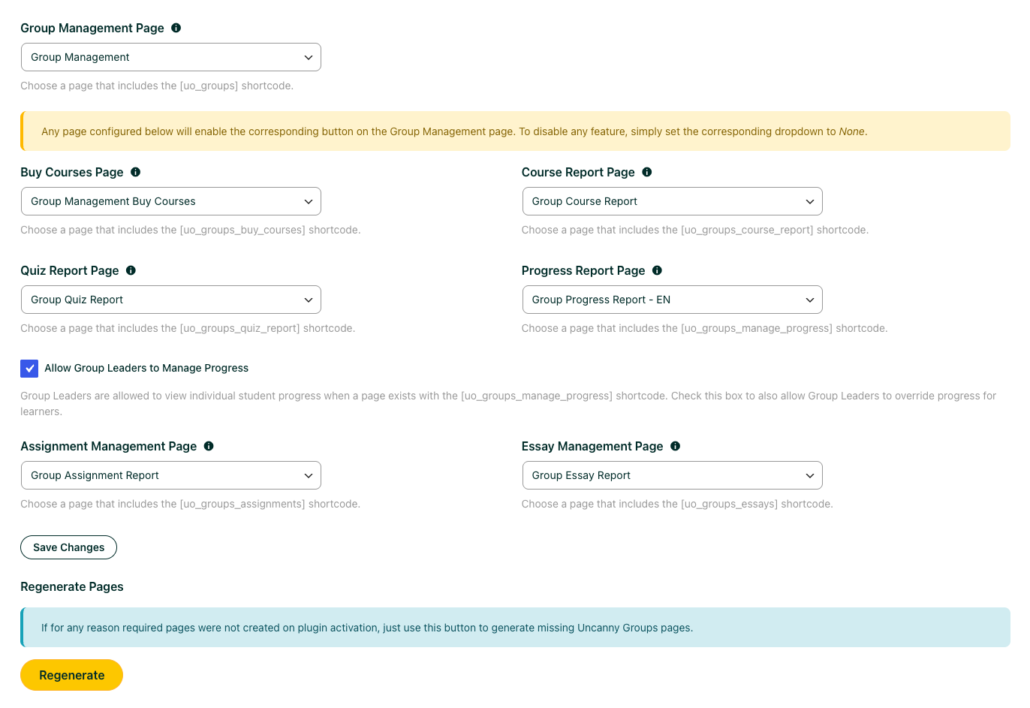 ### Settings reference
#### General Options
**Setting****What it does****When to use it****Per Seat Text**Renames the “Seat” label (e.g. “License” or “User”) throughout the interfaceMatch your audience’s vocabulary**Allow Group Leaders to remove students at any time**Lets leaders remove members even after they’ve started a courseTurn off to protect in-progress enrollments**Do not free up a seat when a student with “Completed” status is removed**Keeps the seat consumed when a finished learner is removedUse when completions should permanently count against seats**Group Leaders don’t use seats**Excludes leaders from the seat countUse when leaders manage but don’t take the course**Do not automatically add Group Leaders as Group Members**Prevents leaders from also being enrolled as learnersUse for manager-only leaders**Allow Group Leaders to edit users**Lets leaders edit member profile details from the front endUse when leaders own account management**Allow Group Leaders to change email**Lets leaders update a member’s email addressUseful when leaders correct sign-up typos or manage logins on members’ behalf**Allow Group Leaders to change username**Lets leaders change member usernamesEnable only if usernames need to be editable**Use Progress Report instead of Course Report for individual users**Swaps the default report styleChoose the view your leaders prefer**Show “basic” (non-upgraded) groups in front end with access to reports only**Shows non-upgraded native groups in the interface (reports only)Use during migration from native groups#### LearnDash Options
**Setting****What it does****Use LearnDash’s “legacy” course progress data**Reports from older progress data for backward compatibility**Hide the Courses / Users column in the list of LearnDash groups**Removes a heavy column to speed up report loading on large groups**Include data from child groups in reports**Rolls child-group progress up into the parent group’s reports#### eCommerce Options (WooCommerce)
**Setting****What it does****Automatically include Group Course products in Group License purchases**Bundles the course product into license sales**Enable association of products and groups**Maps products to groups for automatic enrollment on purchase**Autocomplete Uncanny Groups orders**Marks qualifying orders complete so groups are created without manual steps**Default License Product category**Assigns a category to licenses created on the fly**Adding Seats Message**Customizes the text shown when leaders add seats#### Group Registration Form – Terms & Conditions
Add text here to display a **terms acceptance checkbox** on the built-in group registration form. Leave it blank to hide the checkbox.
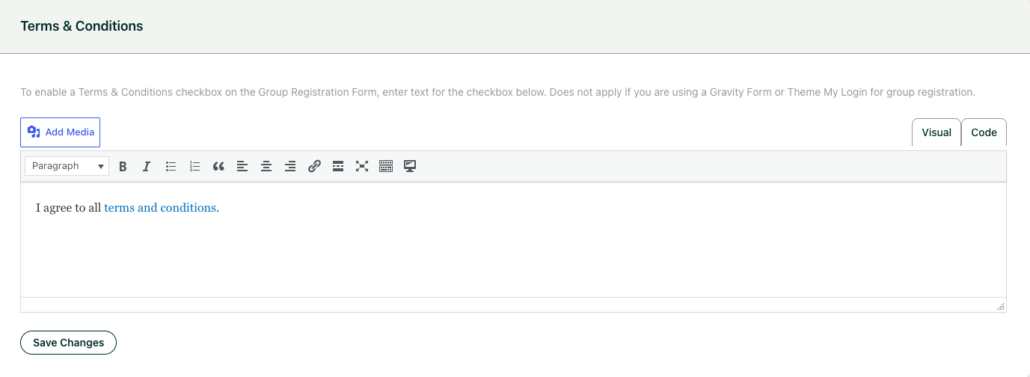 ### Where a group’s settings appear on the edit page
As of **Uncanny Groups 6.1.8**, every Uncanny Groups setting for a group lives under a dedicated **Uncanny Groups** tab at the top of the group’s edit page. Open a group under **LearnDash LMS > Groups** and click the **Uncanny Groups** tab to find **Total seats**, **Remaining seats**, the **Reconcile seat count** and **Downgrade this group** controls, and the group-specific email overrides.
This also resolves a WordPress 7.0 change: the redesigned block editor tucks classic plugin metaboxes behind a collapsed **“Meta Boxes”** pane, so group options could seem to disappear after upgrading. The dedicated **Uncanny Groups** tab gives those settings a permanent, visible home. If you’re on a version older than 6.1.8 and can’t find a group option, update to 6.1.8 or later — or open the **Meta Boxes** pane in the editor.
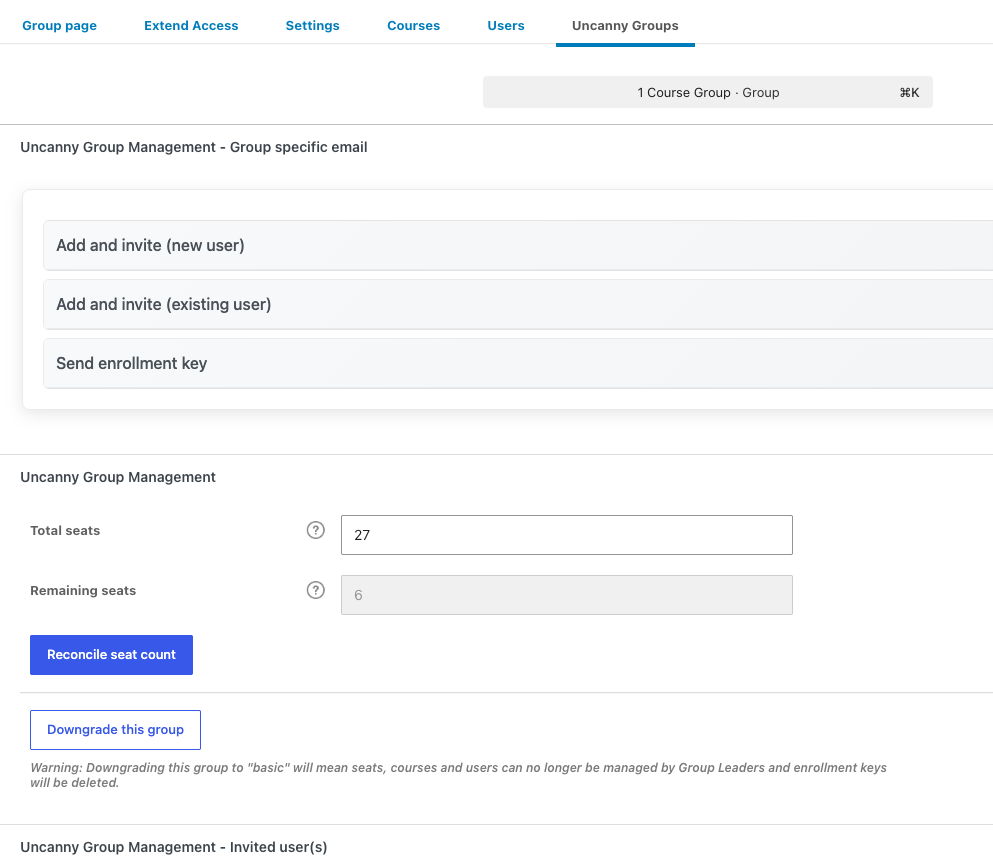 ### Next steps
- New here? Follow the [Getting Started walkthrough](https://www.uncannyowl.com/knowledge-base/getting-started-with-uncanny-groups-for-learndash/).
- [Set up your Group Management pages](https://www.uncannyowl.com/knowledge-base/set-group-management-pages/).
- [Configure Group Emails](https://www.uncannyowl.com/knowledge-base/configuring-group-emails/).
### Related Articles
- [Uncanny Groups – START HERE!](https://www.uncannyowl.com/knowledge-base/uncanny-learndash-groups-plugin-overview/)
- [Upgrade Existing LearnDash Groups](https://www.uncannyowl.com/knowledge-base/upgrade-existing-learndash-groups/)
- [Frequently Asked Questions](https://www.uncannyowl.com/knowledge-base/frequently-asked-questions-2/)
**Article Categories:** Uncanny Groups for LearnDash
---
### [Manage LearnDash Groups as a WordPress Administrator](https://www.uncannyowl.com/knowledge-base/set-up-a-learndash-group/)
**Published:** September 30, 2017
**Author:** Anthony Lucic
**Excerpt:** Learn how to manage groups and seat counts as a WordPress admin.
**Content:**
### Overview
Uncanny Groups gives WordPress Administrators a central place to create groups, control seat counts, manage enrollment keys, and handle edge cases like WooCommerce-purchased groups. This article covers the full administrator workflow so you can get groups up and running — and keep them running — with confidence.
### Before you start
- You need **Administrator** access to your WordPress site.
- Uncanny Groups for LearnDash must be activated and configured. If you haven’t done that yet, see [Install and Set Up Uncanny Groups](https://www.uncannyowl.com/knowledge-base/uncanny-learndash-groups-plugin-setup/).
- Courses must exist in LearnDash before you can assign them to a group.
- If you plan to assign a Group Leader at creation time, have their username or email address handy (for Group Wizard)
### Creating a group with the Create Group Wizard
The **Create Group Wizard** consolidates everything you need for a new group into a single screen — no jumping between LearnDash settings and the plugin.
1. In your WordPress admin, go to **Uncanny Groups > Create Group**.
2. Fill in the required fields:
**Field****Notes****Group Name**The name that appears in the Group Management interface and in email templates via #GroupName**Total Seats**The maximum number of members the group can hold**Courses**One or more LearnDash courses to assign to the group3. Optionally, add a Group Leader:
**Field****Notes****First Name**Required in versions earlier than 4.0; optional in 4.0+**Last Name**Required in versions earlier than 4.0; optional in 4.0+**Email Address**If the address is not yet registered, the plugin creates a WordPress account automatically4. Click **Process Group**.
The plugin creates the LearnDash group, assigns the leader (if provided), and redirects you to the **LearnDash Group Edit** page. If a new user was created for the Group Leader, they receive an email with their login credentials.
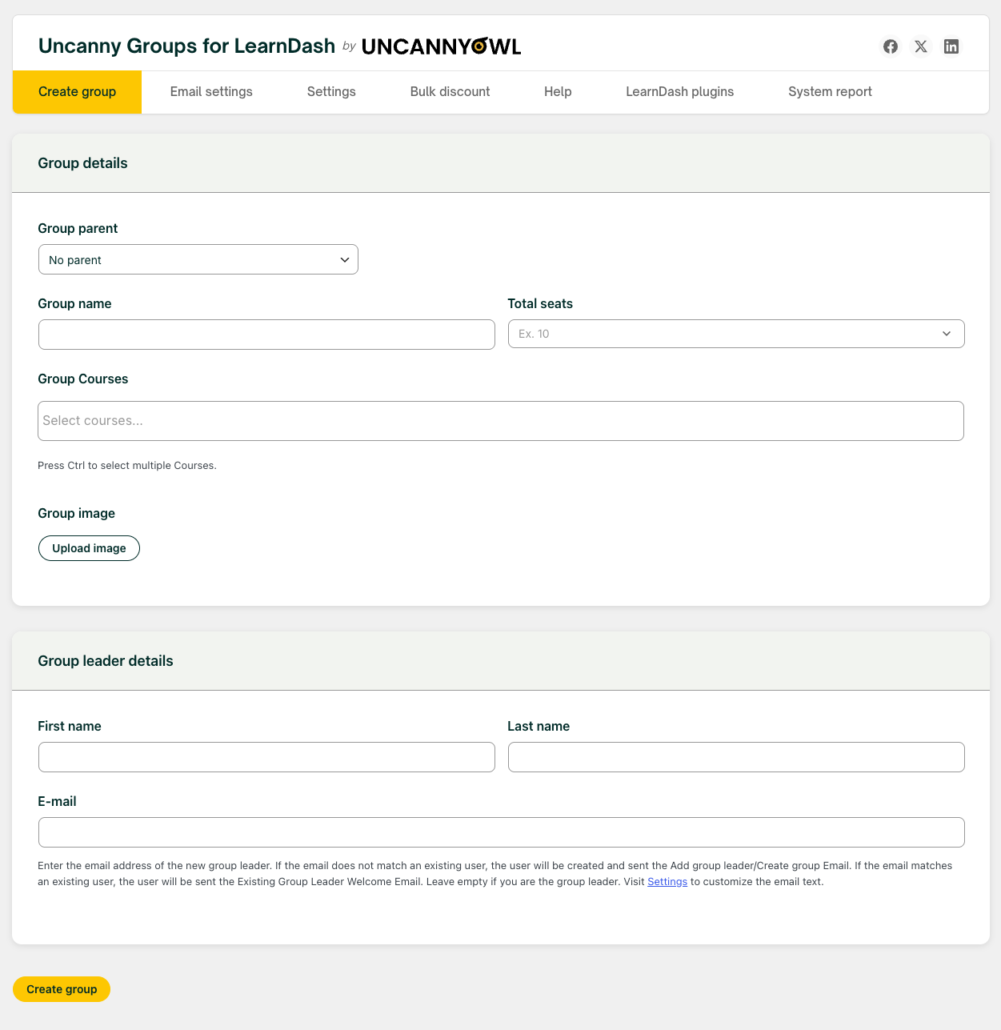 **Tip:** You can always add a Group Leader later from the group’s edit screen or from the front-end Group Management page.
### Where to find a group’s settings
**Uncanny Groups 6.1.8+:** Every Uncanny Groups setting for a group now lives under a dedicated **Uncanny Groups** tab at the top of the group’s edit page. Open a group under **LearnDash LMS > Groups**, then click the **Uncanny Groups** tab to find **Total seats**, **Remaining seats**, the **Reconcile seat count** and **Downgrade this group** controls, and the group-specific email overrides. If a setting seems to be missing after a WordPress or plugin update, this tab is where it now lives.
 ### Managing seats
Seat counts control how many members a group can hold. Administrators can adjust seats at any time, even while Group Leaders are actively managing their groups.
#### Editing seats
1. Go to **LearnDash LMS > Groups** and open the group you want to edit.
2. Open the **Uncanny Groups** tab, find the **Total seats** field, and enter a new value (this value only appears for upgraded groups. Groups created using the Uncanny Group Wizard tool are already upgraded, however, see [Upgrade Existing LearnDash Groups](https://www.uncannyowl.com/knowledge-base/upgrade-existing-learndash-groups/) for more info on upgrading basic LearnDash groups).
3. Save the group.
#### How seat counts adjust automatically
When an administrator adds users or seats directly from the LearnDash backend:
- The number of seats is automatically updated for that group and the remaining seats are adjusted accordingly.
- If an admin adds more users than there are seats, the overall seat count is increased to accommodate them and the remaining seats are set to zero.
#### Reconciling seat counts
If a seat count appears out of sync with the actual member list (for example, after a bulk import or manual database change), use the **Reconcile seat count** button under the **Uncanny Groups** tab on the group’s edit page. This recalculates the count based on current group membership.
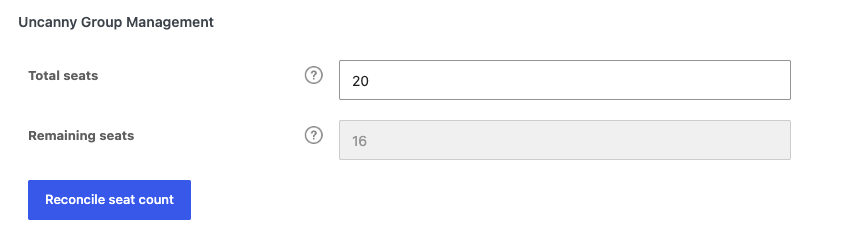 ### Managing users with pending enrollment keys
When a Group Leader sends enrollment keys to users, those users hold reserved seats from the moment the key is issued — even before they register.
The group edit screen (in newer versions of Groups, the Uncanny Groups tab) shows a list of **pending key holders** (users who received a key but haven’t completed registration). You can:
- **Review** who is holding reserved seats.
- **Remove** a pending user to free up their reserved seat. Removing a pending user does not invalidate the key itself; if seats are available when the user later tries to register, the key will still work.
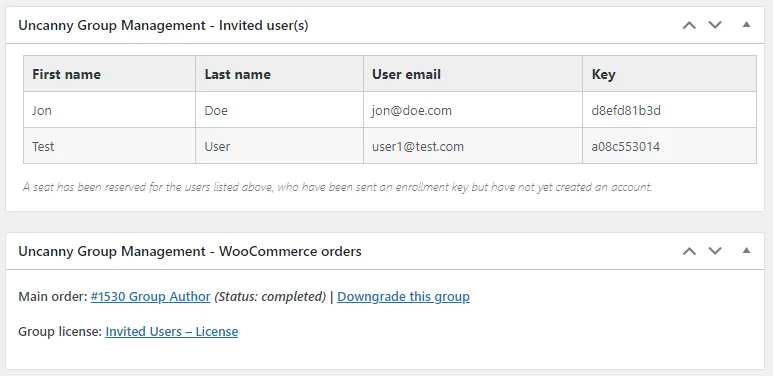 ### The Group List: seats column and Download Keys
In **LearnDash LMS > Groups**, Uncanny Groups adds two enhancements to the standard group list:
- **Seats column** — shows used versus available seats at a glance (for example, “12 / 50” indicates 12 seats used out of 50 available seats).
- **Download Keys** — hover over a group name to reveal the **Download Keys** option (a link under the group name); it exports all enrollment keys for that group as a CSV.
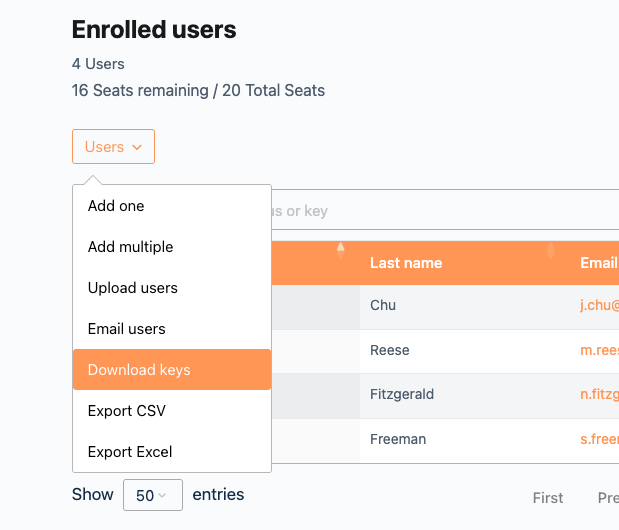 ### Downgrading WooCommerce groups
Groups created through WooCommerce are linked to the originating order and product. If that order or product is deleted, the group may lose WooCommerce-dependent functionality (such as seat top-ups through the storefront).
You can **downgrade** a WooCommerce group to a standard LearnDash group. After downgrading:
- The group and all its members remain intact.
- Reporting functionality is preserved.
- WooCommerce-specific features (purchasing additional seats, purchase history) are no longer available for that group.
To downgrade, open the group in **LearnDash LMS > Groups**, select the **Uncanny Groups** tab, and use the **Downgrade this group** button.
**Note:** Downgrading is not reversible through the plugin interface. Only downgrade a group when the WooCommerce connection is no longer needed.
 ### Related Articles
- [Install and Set Up Uncanny Groups](https://www.uncannyowl.com/knowledge-base/uncanny-learndash-groups-plugin-setup/) — activate and configure the plugin for the first time
- [Set Up Group Management Pages](https://www.uncannyowl.com/knowledge-base/set-group-management-pages/) — configure the front-end pages Group Leaders use
- [Using the Group Management Page](https://www.uncannyowl.com/knowledge-base/group-management-page/) — Group Leader’s guide to adding members, distributing keys, and running reports
- [Set Up User Enrollment](https://www.uncannyowl.com/knowledge-base/set-user-enrollment/) — enrollment key settings and invitation options
- [Upgrade Existing LearnDash Groups](https://www.uncannyowl.com/knowledge-base/upgrade-existing-learndash-groups/) — convert standard LearnDash groups to Uncanny Groups
**Article Categories:** Uncanny Groups for LearnDash
---
### [Manage Learner Progress](https://www.uncannyowl.com/knowledge-base/manage-learner-progress/)
**Published:** July 18, 2019
**Author:** Ryan Moore
**Excerpt:** Learn how Group Leaders can view and manage the course progress of their members on the front end.
**Content:**
### Overview
The Manage Learner Progress page lets Group Leaders and Administrators view — and optionally mark complete or incomplete — individual learners’ progress through courses, all from the front end of your site.
When Uncanny Groups for LearnDash is activated, it automatically creates a **Manage Progress** page containing the \[uo\_groups\_manage\_progress\] shortcode. This gives Group Leaders a hierarchical view of every course, lesson, topic, and quiz assigned to their groups, with checkboxes to mark items complete or incomplete without touching the WordPress back end.
Whether Group Leaders can *edit* progress (or only view it) is controlled by the plugin’s admin settings. Administrators always have full edit access.
**Important:** Progress changes are applied **instantly and cannot be undone.** Marking a course complete triggers any associated certificates and LearnDash notifications immediately. We recommend confirming with the learner before making changes on their behalf.
### Setup
The Manage Progress page is created automatically on plugin activation. If you need to add it to a different page, add the **Progress Report** block (search **Uncanny Groups** in the inserter), or use the `[uo_groups_manage_progress]` shortcode:
```
[uo_groups_manage_progress]
```
#### Block Settings / Shortcode Attributes
**Settings / Attribute****Values****Default****Description**`orderby``"title"`, `"date"`, `"menu_order"`, `"ID"``"ID"`How courses are sorted in the progress view`order``"asc"` / `"desc"``"desc"`Sort direction for courses`expand_by_default``"yes"` / `"no"``"no"`Whether all lessons and topics are expanded when the page loads**Example — sorted alphabetically with all items expanded:**
```
[uo_groups_manage_progress orderby="title" order="asc" expand_by_default="yes"]
```
### Finding a learner
Use the **search bar** at the top of the page to locate a learner by first name, last name, or email address. Partial matches are supported — entering “smi” will match “Smith,” “Smithson,” and so on.
**Scope of search results:**
- **Group Leaders** see only users enrolled in their managed groups. The search is further scoped to the **currently selected group** (available since v4.0), so selecting a group first narrows results to that group’s members.
- **Administrators** can search across all users on the site.
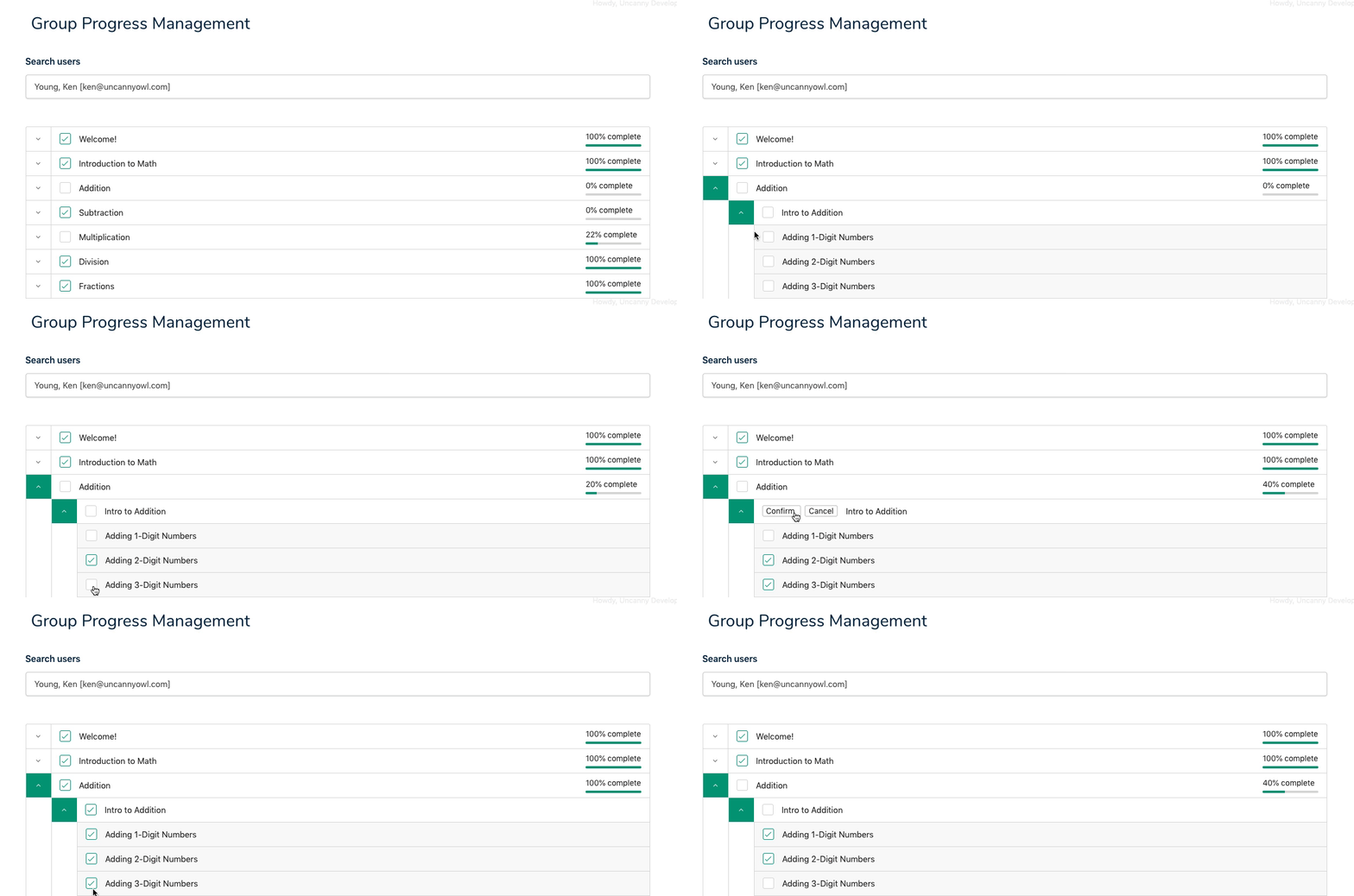 ### Viewing progress
After selecting a learner, the page displays a collapsible tree of all courses they are enrolled in through the group:
- **Courses** — top-level items, each expandable to show lessons
- **Lessons** — expandable to show topics (when applicable)
- **Topics** — individual content items
- **Quizzes** — shown inline at the course, lesson, or topic level
Completed items are checked. Items not yet started or in progress are unchecked.
Set `expand_by_default="yes"` on the shortcode to open the full tree automatically, which is helpful for shorter courses or when you need a complete overview at a glance.
### Editing progress
When the plugin settings allow Group Leaders to edit progress (or for Administrators), a **checkbox** appears next to each item in the tree.
#### Marking an item complete
1. Locate the course, lesson, topic, or quiz in the progress tree.
2. Check the checkbox next to the item.
3. If the item has children (e.g., you are completing a lesson that contains topics), a confirmation dialog appears asking whether to mark all child items complete as well. Confirm to proceed.
#### Marking an item incomplete
1. Uncheck the checkbox next to a completed item.
2. Confirm the dialog if prompted. Unchecking a parent item can also mark child items incomplete.
**Reminder:** These changes are instant. Completing a course that has a certificate assigned will generate and send that certificate immediately — this cannot be reversed.
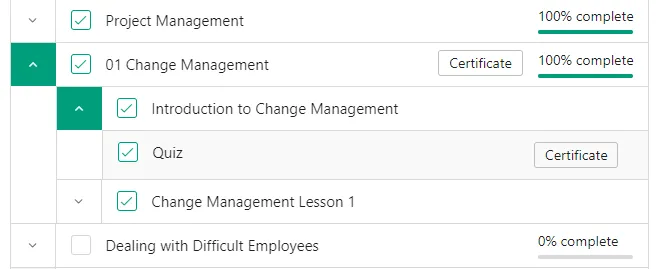 ### Certificates
Group Leaders can download or print certificates directly from the progress view:
- A **Certificate** button appears next to a course or quiz that has a certificate assigned and that the **learner** has completed.
- For **quizzes**, certificates are only available for completions made by the learner themselves — quizzes marked complete by a Group Leader or Administrator using this tool do **not** display a downloadable certificate button in this view, though the completion is still recorded.
### Related Articles
- [Using the Group Management Page](https://www.uncannyowl.com/knowledge-base/group-management-page/) — The main front-end hub for managing group members
- [Using the Group Reports](https://www.uncannyowl.com/knowledge-base/group-leader-reports/) — Course and quiz completion reports for Group Leaders
- [Set Up Group Management Pages](https://www.uncannyowl.com/knowledge-base/set-group-management-pages/) — Configure and customize the Manage Progress page
- [Front End Assignment Management](https://www.uncannyowl.com/knowledge-base/front-end-learndash-assignment-management/) — Review and approve learner assignment submissions from the front end
- [Front End Essay Question Management](https://www.uncannyowl.com/knowledge-base/front-end-essay-question-management/) — Grade learner essay responses from the front end
**Article Categories:** Uncanny Groups for LearnDash
---
### [Pooled Seats](https://www.uncannyowl.com/knowledge-base/pooled-seats/)
**Published:** October 5, 2022
**Author:** Ryan Moore
**Content:**
### Overview
Pooled Seats lets a parent group and all of its child groups share a single seat count, so you can allocate capacity flexibly across an organisation rather than locking a fixed number of seats into each group.
### What Is a Pooled Seat?
Normally each LearnDash group has its own seat limit — a child group’s seats are entirely separate from its parent group’s seats.
With **Pooled Seats** enabled, the seat counts for a parent group and all of its child groups are combined into one shared pool. Any child group can draw from that pool when enrolling users. When a seat is used in any group in the hierarchy, the available total decreases for all groups in that hierarchy.
**Example:** A parent group has 100 seats and one child group has 50 seats. With pooling enabled, the combined pool is **150 seats**. If 30 users enrol through the child group, 120 seats remain available across the entire hierarchy.
### Prerequisites
- **Uncanny Groups for LearnDash** v5.0 or later
- **LearnDash Group Hierarchies** enabled (see below)
- At least one parent group with one or more child groups configured
#### Enable LearnDash Group Hierarchies
Pooled Seats requires group hierarchies to be active. To enable them:
1. Go to **LearnDash LMS > Groups > Settings (tab)**.
2. Enable **LearnDash Group Hierarchies**.
3. Click **Save Settings**.
**Important:** Only administrators can create group hierarchies. Group Leaders cannot link groups into parent-child relationships unless the front end “Edit Group” option is enabled. See [New Edit Group Wizard](https://www.uncannyowl.com/uncanny-groups-new-edit-group-wizard/) for more info.
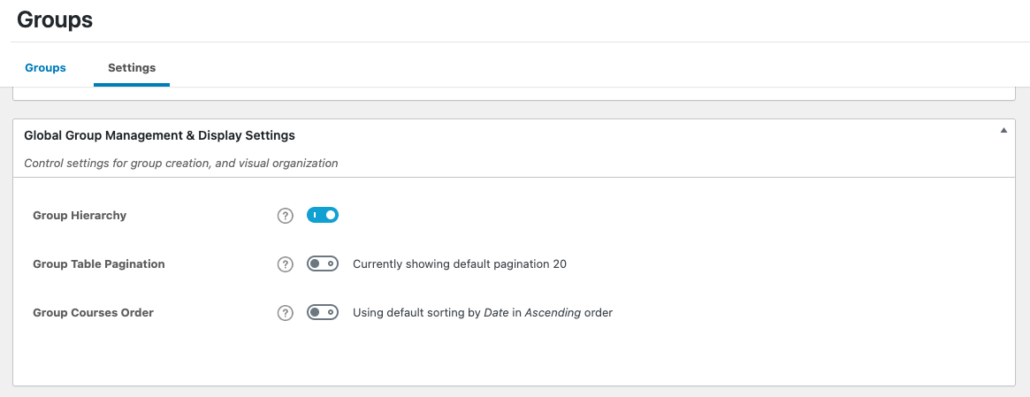 ### Configuring Pooled Seats
There are two ways to enable Pooled Seats, depending on how much control you want to give Group Leaders.
#### Option 1: Let Group Leaders Manage Pooled Seats per Hierarchy
Use this approach when you want Group Leaders to decide whether pooling is active for their own hierarchy.
1. Go to **Uncanny Groups > Settings**.
2. In the **Pooled Seats** section, enable **Allow Group Leaders to enable seat pooling from the Group Management page**.
3. Click **Save Settings**.
Once enabled, Group Leaders will see a **Pooled Seats** toggle on the Group Management page for any hierarchy they manage. They can turn pooling on or off independently for each hierarchy.
 #### Option 2: Enable Pooled Seats Globally for All Hierarchies
Use this approach when you want pooling active across every hierarchy on your site without requiring Group Leaders to configure it.
1. Go to **Uncanny Groups > Settings**.
2. In the **Pooled Seats** section, enable **Enable pooled seats for all groups in hierarchies**.
3. Click **Save Settings**.
When this option is active, Group Leaders do **not** see a toggle on the Group Management page — pooling is always on for every hierarchy.
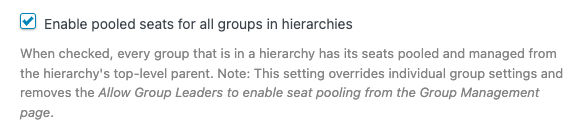 ### How Seat Counts Are Displayed
When Pooled Seats is active for a hierarchy, the seat count shown on the Group Management page reflects the **combined pool** across the parent and all child groups — not just the seats for the individual group being viewed.
Group Leaders can see at a glance how many seats remain across the entire hierarchy.
### Important Limitations
- **Hierarchies are admin-only.** Group Leaders can use an existing hierarchy but cannot create one. An administrator must set up the parent-child group structure.
- **Pooling is per-hierarchy.** If you have multiple independent hierarchies, each one has its own pool — seats do not flow between unrelated hierarchies.
- **Enrollment keys and child groups.** When a user redeems an enrollment key for a child group, they are enrolled in that child group (not the parent). This behaviour was corrected in v6.1.2/6.1.3 — if you were seeing users land in the wrong group after key redemption, updating to the current version resolves this.
### Related Articles
- [Uncanny Groups Plugin Overview](https://www.uncannyowl.com/knowledge-base/uncanny-learndash-groups-plugin-overview/)
- [Manage Groups as Administrator](https://www.uncannyowl.com/knowledge-base/set-up-a-learndash-group/)
- [Using the Group Management Page](https://www.uncannyowl.com/knowledge-base/group-management-page/)
- [Create Pre-configured Licenses](https://www.uncannyowl.com/knowledge-base/creating-pre-configured-learndash-group-licenses/)
- [Adding Seats and Courses after Group Purchase](https://www.uncannyowl.com/knowledge-base/adding-seats-and-courses-after-group-purchase/)
**Article Categories:** Uncanny Groups for LearnDash
---
### [Sell LearnDash Group Access to Learners](https://www.uncannyowl.com/knowledge-base/sell-learndash-group-access-to-learners/)
**Published:** September 20, 2017
**Author:** Ryan Moore
**Excerpt:** Learn how to sell access to existing groups.
**Content:**
### Overview
Instead of selling entire groups to customers, you sell membership to a specific LearnDash group — automatically adding each purchaser to the group and granting them course access the moment their order completes.
### How It Works
When you associate a WooCommerce product with a LearnDash Group, every customer who completes a purchase of that product is automatically enrolled as a **member** of the mapped group. They gain access to all courses assigned to that group, without any manual admin action.
This feature is distinct from the Group Leader purchasing workflow, where an organization creates and manages a group of learners. Here, each buyer simply joins a group as a learner.
### Prerequisites
- **WooCommerce** installed and active
- **Uncanny Groups for LearnDash** installed and active
- At least one published LearnDash Group to associate with a product
### Enable Product–Group Associations
Before you can link products to groups, you must turn on the feature:
1. Navigate to **Uncanny Groups > Settings**.
2. Enable **Enable association of products and groups**.
3. Click **Save Changes**.
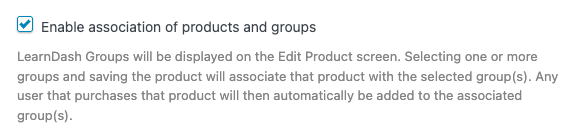 Once enabled, a **Related Groups** field appears on the **General** tab of supported WooCommerce product types.
### Supported Product Types
Three WooCommerce product types support group associations:
**Product Type****Best for****Notes****Group**Products whose sole purpose is granting group accessAdded by Uncanny Groups when the association feature is enabled; keeps the product simple and purpose-built**Simple Product**Complex purchase rulesUse when the product also grants independent course access, has physical components, or needs custom purchase logic**Simple Subscription**Recurring group accessRequires [WooCommerce Subscriptions](https://woocommerce.com/products/woocommerce-subscriptions/); group membership is revoked when the subscription lapses or is cancelledFor most straightforward group-access sales, **Group** is the right product type — it is the cleanest option and signals intent clearly to both admins and customers.
### Map a Group to a Product
1. Create a new product (or edit an existing one) and set its **product type** to one of the supported types above.
2. Open the **General** tab in the **Product Data** panel.
3. In the **Related Groups** field, search for and select the LearnDash Group you want buyers to join.
4. Set your price, configure any other product settings, and click **Publish** (or **Update**).
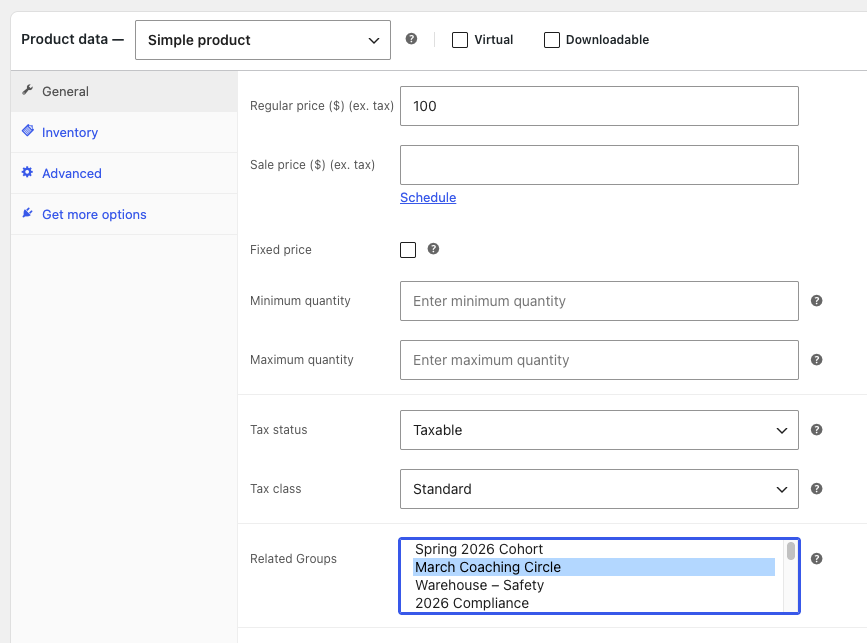 You can map a single product to multiple groups if a purchase should enroll the buyer in more than one group simultaneously.
### Important Notes
**Order status must reach Completed.** Group enrollment is triggered when a WooCommerce order reaches **Completed** status. If your payment gateway leaves orders in **Processing** by default, we recommend enabling automatic order completion for virtual/downloadable products in **WooCommerce > Settings > Products** — otherwise learners will not receive access until you manually complete the order.
**Purchases do not change user roles.** Buyers are added to the group as members with the standard **Customer** role. They are not made Group Leaders and cannot manage the group.
**Subscription expiry removes access.** For **Simple Subscription** products, group membership is automatically revoked when the subscription is cancelled, expires, or lapses. No manual action is required.
**Do not delete products or orders tied to active groups.** If you delete a WooCommerce product or order associated with an active group, users may encounter errors and the group may lose its associated data. Unpublish products rather than deleting them, and archive orders rather than trashing them.
### Related Articles
- [Uncanny Groups Plugin Overview](https://www.uncannyowl.com/knowledge-base/uncanny-learndash-groups-plugin-overview/) — understand how groups, leaders, and members fit together
- [Install and Set Up Uncanny Groups for LearnDash](https://www.uncannyowl.com/knowledge-base/uncanny-learndash-groups-plugin-setup/) — install the plugin and activate your license
- [Enable Custom Group Licenses](https://www.uncannyowl.com/knowledge-base/group-leader-purchase-experience/) — sell group licenses to organizations instead of individual learners
- [Add Seats after Subscription Purchase](https://www.uncannyowl.com/knowledge-base/adding-seats-after-subscription-based-group-purchase/) — manage seat counts for subscription-based groups
- [Using the Group Management Page](https://www.uncannyowl.com/knowledge-base/group-management-page/) — what Group Leaders can do once a group is created
**Article Categories:** Uncanny Groups for LearnDash
---
### [Tin Canny Blocks & Shortcodes Quick Reference](https://www.uncannyowl.com/knowledge-base/tin-canny-blocks-shortcodes-quick-reference/)
**Published:** July 5, 2026
**Author:** David Chambo
**Content:**
Tin Canny lets you place reports anywhere on your site — on a member dashboard, a Group Leader page, or a learner’s profile. **The easiest way is with a Tin Canny block.** Where a report has no block, a shortcode does the same job. This article lists them all in one place.
**New to front-end reports?** Read [Front End LearnDash Reports](https://www.uncannyowl.com/knowledge-base/front-end-reports/) and [Front End Quiz Reports](https://www.uncannyowl.com/knowledge-base/front-end-quiz-reports/) first for the full context. This page is the at-a-glance reference.
### How to use these
- **Prefer the block.** When editing a page, click **+**, search **Tin Canny**, and choose the report — it gives you a visual interface with the options in the block sidebar. Tin Canny registers **six** blocks (listed below).
- **Use the shortcode when there’s no block.** A few reports (the combined interface, Tin Can Report, xAPI Quiz Report, and the Detailed Quiz Report) are shortcode-only. Paste the shortcode into any page, post, or text widget — in the block editor, use a **Shortcode block**.
- Reports render wide tables, so use a **full-width page template** with no sidebar for the best layout.
- Most reports are visible only to **administrators and Group Leaders**; the learner-facing quiz report is the exception.
### Admin & Group Leader reports
These surface the same data as the back-end reports, on the front end.
**Block (search “Tin Canny”)****Shortcode****What it displays****Who can view****Tin Canny Course/User Report**`[tincanny_course_report]`The Course Report on its own.Admins, Group Leaders**Tin Canny Course/User Report**`[tincanny_user_report]`The User Report on its own.Admins, Group Leaders*No block — shortcode only*`[tincanny_tin_can_report]`The Tin Can Report on its own.Admins, Group Leaders*No block — shortcode only*\[`tincanny_xapi_quiz_report]`The xAPI Quiz Report on its own.Admins, Group Leaders*No block — shortcode only*`[tincanny]`The full front-end reporting interface — Course, User, Tin Can, and xAPI Quiz reports in one tabbed view.Admins, Group Leaders**Tin Canny Lesson Report**`[uotc_lesson_report]`Lesson completion report: which learners completed a chosen lesson, with optional group/course filters.Admins, Group Leaders**Tin Canny Topic Report**`[uotc_topic_report]`Topic completion report: the same view, scoped to a topic.Admins, Group Leaders**Note:** The single **Tin Canny Course/User Report** block covers both the Course Report and the User Report. The **Tin Can** and **xAPI Quiz** reports only appear (in `[tincanny]` or via their own shortcodes) if data capture is enabled in **Tin Canny Reporting > Settings**.
### Quiz reports
**Block (search “Tin Canny”)****Shortcode****What it displays****Who can view****Tin Canny Individual Quiz Report**`[uo_individual_quiz_report]`The viewing learner’s own LearnDash quiz scores plus SCORM/xAPI scores across all their courses.Students, Group Leaders, Admins**Tin Canny Group Quiz Report**`[uo_group_quiz_report]`Consolidated quiz data and Tin Canny scores (H5P, iSpring, Storyline, etc.) by group and course.Admins, Group Leaders*No block — shortcode only*`[uotc_ld_quiz_report]`Detailed quiz report: all attempts for all users, including learners who haven’t completed a quiz, across courses. Columns are customizable.Admins, Group Leaders (adjustable via filter)#### Quiz report attributes
These attributes apply when you use the **shortcode** form:
**Attribute****Used on****Description**`user_report_url="%URL%"``[uo_group_quiz_report]`Turns learner names into links to their individual user report. Replace `%URL%` with the page holding `[uo_individual_quiz_report]`. *(Verified in source.)*`exclude_non_course_quizzes="yes"``[uo_individual_quiz_report]`Added in **v5.0**. Set to `yes` to hide quizzes that aren’t mapped to a course, so the report shows only course-based quizzes. Default is `no`. *(Verified in source — attribute lives on the* ***individual*** *quiz report shortcode, not the detailed report.)***Developers:** the `userReportUrl` value on the detailed quiz report can also be set globally with the `uo_tincanny_quiz_report_user_report_url` filter. See [Actions/Filters for Developers](https://www.uncannyowl.com/knowledge-base/actions-filters-for-developers-2/).
### The six Tin Canny blocks
When editing a page, click **+**, search **Tin Canny**, and choose:
- **Tin Canny Course/User Report** — the Course Report and User Report
- **Tin Canny Lesson Report** — lesson completion
- **Tin Canny Topic Report** — topic completion
- **Tin Canny Individual Quiz Report** — a learner’s own quiz scores
- **Tin Canny Group Quiz Report** — quiz scores by group and course
- **Tin Canny Content** — embeds an eLearning module into a lesson/topic (see below)
-
Each block exposes its options in the block sidebar — for example, the group/course selectors on the Lesson and Topic reports, and the column options on the quiz reports.
**Shortcode-only reports:** there is **no** block for the combined `[tincanny]` interface, the **Tin Can Report**, the **xAPI Quiz Report**, or the **Detailed Quiz Report** (`[uotc_ld_quiz_report]`) — use their shortcodes for those.
### Embedding eLearning modules
To place a module (not a report), use the **Tin Canny Content** block while editing a lesson or topic — or the **Tin Canny Uploader** button in the Classic Editor. See [Tin Canny Uploader](https://www.uncannyowl.com/knowledge-base/storyline-captivate-uploader/).
### Related Articles
- [Front End LearnDash Reports](https://www.uncannyowl.com/knowledge-base/front-end-reports/) — placing the main report interface on a page
- [Front End Quiz Reports](https://www.uncannyowl.com/knowledge-base/front-end-quiz-reports/) — the three quiz reports in depth
- [Lesson and Topic Completion Reports](https://www.uncannyowl.com/knowledge-base/lesson-and-topic-completion-reports/) — the lesson/topic reports in depth
- [Actions/Filters for Developers](https://www.uncannyowl.com/knowledge-base/actions-filters-for-developers-2/) — filters that customize report behaviour
**Article Categories:** Tin Canny Reporting for LearnDash
---
### [Set up LearnDash Group Course Products](https://www.uncannyowl.com/knowledge-base/setting-learndash-group-course-products/)
**Published:** September 16, 2017
**Author:** Ken
**Excerpt:** Learn how to set up group course products that form the basis of group license purchases.
**Content:**
### Overview
Installing WooCommerce alongside Uncanny Groups for LearnDash unlocks two new product types that power your group-selling workflow. Setting these up correctly is the foundation for everything from simple corporate seat sales to fully self-serve group licensing.
### How the Two Product Types Work Together
When WooCommerce is active, Uncanny Groups for LearnDash adds two product types to WooCommerce:
**Product Type****Role****Sold to customers?****LearnDash Group Course**Represents an individual course that can be bundled into a group licenseRarely — usually only as a standalone fallback**LearnDash Group License**The purchasable product that creates a group and grants course access to its membersYes — this is what Group Leaders and learners buy**LearnDash Group Course** products are the building blocks. Each one maps to a single LearnDash course. On their own they behave like a standard LearnDash–WooCommerce product (purchase = course enrollment), but their real purpose is to be bundled into a **LearnDash Group License** product so that a single purchase grants group access to one or more courses.
### Prerequisites
- **WooCommerce** installed and active
- **LearnDash LMS** installed and active
- **Uncanny Groups for LearnDash** installed and active
- At least one published LearnDash course to associate with the product
### Create a LearnDash Group Course Product
You need one **LearnDash Group Course** product for each course you want to include in group licenses. Create as many as you need — one per course.
1. In your WordPress admin, navigate to **Products > Add New**.
2. Enter a **Product Name** (e.g., “Introduction to Safety Procedures”).
3. Optionally add a product description and featured image.
4. In the **Product Data** panel, open the product type dropdown and select **LearnDash Group Course**.
5. In the **General** tab, set the **Regular Price** (and optionally a **Sale Price**). This price is used as the per-seat license for this course when customers purchase a group license through the Buy Courses page..
6. In the **Courses** tab, select the **LearnDash course** this product represents.
7. Click **Publish**.
8. Repeat for each additional course you want to make available in group licenses.
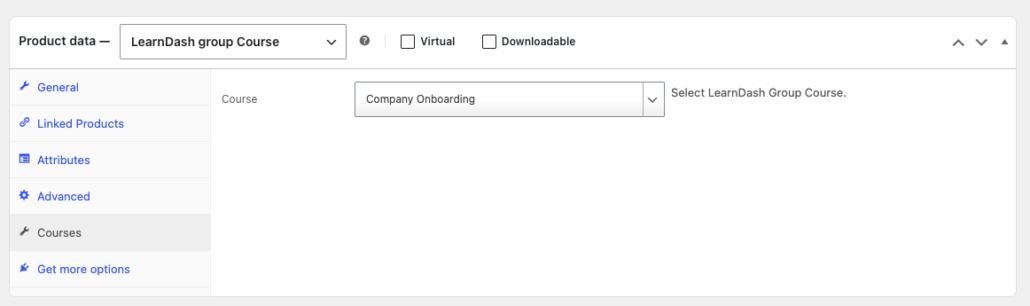 **Note:** The price you set here appears to Group Leaders when they use the **Add Courses** feature on the Group Management page. We recommend keeping it consistent with how the course is priced in your Group License products.
### What Happens After You Create Group Course Products
Once published, your **LearnDash Group Course** products become available in two places:
- **Backend (admin):** When you create a **LearnDash Group License** product, you can bundle any number of Group Course products into it. The license product is what customers purchase.
- **Frontend (Group Leaders):** Group Leaders who created their group through a Custom Group License can visit their Group Management page and use the **Add Courses** button to purchase additional courses for their group. Only Group Course products appear in that list.
**Important:** Do not delete or trash a Group Course product that is referenced by an active Group License product or an existing group. Doing so can cause errors when Group Leaders try to manage their groups. If you need to retire a course product, unpublish it rather than deleting it.
### Product Settings Reference
**Setting****Location****Description****Product Name**Title fieldDisplayed to Group Leaders on the Add Courses page**Regular Price**General tabPer-course price charged when adding courses to an existing group**Sale Price**General tabOptional discounted price**Course**Courses tabThe LearnDash course this product grants access to### Related Articles
- [Install and Set Up Uncanny Groups for LearnDash](https://www.uncannyowl.com/knowledge-base/uncanny-learndash-groups-plugin-setup/) — install the plugin and activate your license
- [Enable Custom Group Licenses](https://www.uncannyowl.com/knowledge-base/group-leader-purchase-experience/) — set up the Group License product type and the Buy Courses page
- [Create Pre-configured Licenses](https://www.uncannyowl.com/knowledge-base/creating-pre-configured-learndash-group-licenses/) — bundle Group Course products into a Group License for sale
- [Add Seats and Courses after Group Purchase](https://www.uncannyowl.com/knowledge-base/adding-seats-and-courses-after-group-purchase/) — how Group Leaders use the Add Courses feature
- [Configure Bulk Discounts](https://www.uncannyowl.com/knowledge-base/configure-bulk-discounts/) — apply volume pricing to course and seat purchases
**Article Categories:** Uncanny Groups for LearnDash
---
### [Set up Group Management Pages](https://www.uncannyowl.com/knowledge-base/set-group-management-pages/)
**Published:** September 7, 2017
**Author:** Ken
**Excerpt:** Learn how to set up the front-end group management pages and reports for Group Leaders.
**Content:**
### Overview
When you activate Uncanny Groups for LearnDash, the plugin automatically creates a set of pages on your site — each pre-loaded with the shortcode its feature needs. This article explains what those pages do, how to customize them with shortcode attributes, and how to surface them to Group Leaders through your site menu. Each page can be built with its matching **Uncanny Groups block** (search the block inserter) or the equivalent shortcode shown below.
### Before you start
- You need **Administrator** access to your WordPress site.
- The plugin must be activated. If the pages below are missing, you can regenerate them (see [Regenerating pages](https://docs.google.com/document/d/171KSmkdresh4cK30Gmj6l4NpzllWRqxfFw67z2mLL5k/edit#regenerating-pages) below).
- Avoid using `/groups/` in any of these page URLs — LearnDash reserves that path and duplicate routes will cause conflicts.
### Auto-generated pages
On first activation, the plugin creates the following pages. You can rename them, customize their slugs, and add them to your navigation at any time. Also, while shortcodes are used for auto-generated pages, blocks are available.
**Page****What it does****Shortcode / Block****Default slug****Group Management**Core hub where Group Leaders manage members, seats, keys, and courses`[uo_groups]`Course Report`group-management`**Course Report**Lets leaders view member progress by course`[uo_groups_course_report]`Course Report`group-management-report`**Quiz Report**Lets leaders view quiz results for their members`[uo_groups_quiz_report]`
Quiz Report`group-quiz-report`**Buy Courses**Lets users purchase courses and create groups (requires WooCommerce)`[uo_groups_buy_courses]`
Buy Courses`group-management-buy-courses`**Manage Assignments**Front-end assignment review and grading for leaders`[uo_groups_assignments]`
Assignment Management`assignment-management-page`**Manage Essays**Front-end essay review for leaders`[uo_groups_essays]`Essay Management`essay-management-page`**Manage Learner Progress**View and edit individual learner progress`[uo_groups_manage_progress]`
Progress Report`group-progress-report`**URL warning:** Do not use /groups/ as any part of these page slugs. LearnDash uses this route internally, and duplicating it will break navigation.
### Regenerating pages
If a page is accidentally deleted or you need to reassign which page the plugin points to, you have two options:
1. **Regenerate automatically** — go to **Uncanny Groups > Settings** and use the **Regenerate Pages** option. The plugin recreates any missing pages with the correct shortcodes.
2. **Re-select an existing page** — if you have already created a replacement page manually, go to **Uncanny Groups > Settings** and select that page from the appropriate dropdown. The plugin will use your custom page going forward.
 ### Configuring the Group Management page
The **Group Management** page is the most customizable. Use block settings or shortcode attributes to show or hide specific features for your Group Leaders. All attributes accept “show” or “hide” unless noted otherwise.
#### Feature visibility settings / attributes
**Setting / Attribute****What it controls****Default**`group_name_selector`Group selection dropdown`show``seats_quantity`Seat count display`show``add_seats_button`Button to purchase additional seats`show``add_courses_button`Button to purchase additional courses`show``add_user_button`Add user options in the Users panel`show``remove_user_button`Remove user capability`show``upload_users_button`Bulk user upload option`show``download_keys_button`Download enrollment keys option`show``key_column`Enrollment keys column in the user table`show``key_options`Key distribution options`show``group_leader_section`Group Leaders listing section`show``add_group_leader_button`Add Group Leader capability`show``group_courses_section`Group courses listing section`show``csv_export_button`CSV export option`show``excel_export_button`Excel export option`hide``group_email_button`Email users functionality`hide``first_last_name_required`Require first and last name in the bulk add tool`no` (values: `yes` / `no`)#### Pagination settings / attributes
**Setting / Attribute****What it controls****Default**`enrolled_users_page_length`Members shown per page (numeric)`50``enrolled_users_length_menu`Page-length dropdown options`25,50,100,All``group_leaders_page_length`Leaders shown per page (numeric)`50``group_leaders_length_menu`Leaders page-length dropdown options`25,50,100,All`#### Edit Group Wizard redirect settings / attributes
**Setting / Attribute****What it controls****Example value**`edit_page_id`ID of the page containing the Edit Group Wizard`142``edit_url`Relative URL of the page containing the Edit Group Wizard`/edit-group/`Use either `edit_page_id` or `edit_url` — not both.
#### Example: hide all optional features
```
[uo_groups group_name_selector="hide" add_courses_button="hide" seats_quantity="hide" add_seats_button="hide" add_user_button="hide" remove_user_button="hide" upload_users_button="hide" download_keys_button="hide" group_leader_section="hide" add_group_leader_button="hide" key_options="hide" csv_export_button="hide"]
```
To fully lock down the interface, also set all report pages to **None** in **Uncanny Groups > Settings**.
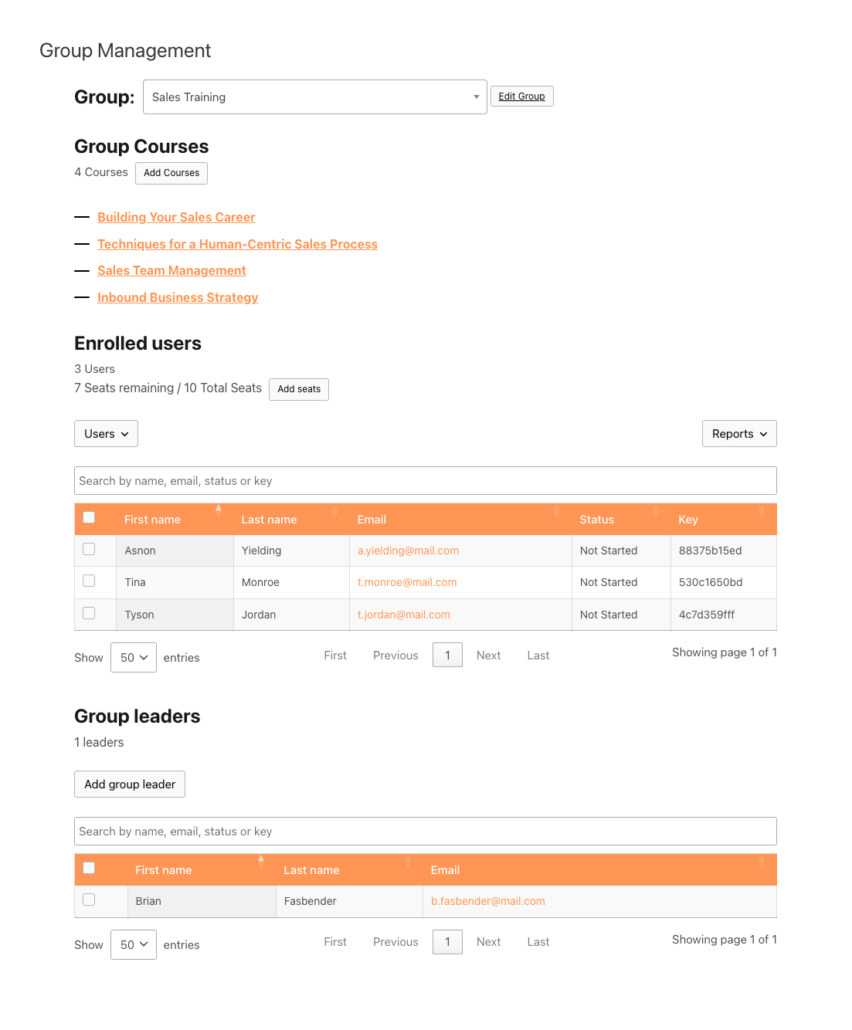 ### Configuring the Course Report page
Control how courses and exports appear in the Course Report. The Course Report can be added via the **Course Report** block or the following shortcode
```
[uo_groups_course_report course-order="title" csv_export_button="show"]
```
**Setting / Attribute****Values****Default**`course-order``ID`, `title`, `date`, `menu_order`*(empty — uses LearnDash default order)*`csv_export_button``show`, `hide``show``excel_export_button``show`, `hide``show`### Configuring the Quiz Report page
Control how quizzes and courses are ordered in the Quiz Report. The Quiz Report can be added via the **Quiz Report** block or the following shortcode
```
[uo_groups_quiz_report course-orderby="title" course-order="ASC" quiz-orderby="title" quiz-order="ASC"]
```
**Attribute****Values****Default**`course-orderby``ID, title, date, menu_order``title``course-order``ASC, DESC``ASC``quiz-orderby``ID`, `title`, `date`, `menu_order``title``quiz-order``ASC`, `DESC``ASC``csv_export_button``show`, `hide``show``excel_export_button``show`, `hide``show`### Adding pages to your site menu
The auto-generated pages are not added to your navigation automatically. To surface them for Group Leaders:
1. Go to **Appearance > Menus** in your WordPress admin.
2. Find the **Group Management** section in the page list on the left, and check the pages you want to add.
3. Click **Add to Menu**, then drag items into the position you want.
4. If you have the **Nav Menu Roles** plugin installed, set the visibility of each item to **Group Leader** so the links only appear to the right users.
5. Click **Save Menu**.
**Note:** Without Nav Menu Roles, menu links are visible to all logged-in users — but non-Group Leaders who click through will see a message indicating they don’t have access.
### Adding a Group Management button or link
To place a contextual button or link anywhere on your site — visible only to logged-in Group Leaders — use one of these shortcodes:
**Button:**
```
[uo_groups_button text="Group Management"]
```
**Text link:**
```
[uo_groups_link text="Group Management"]
```
Both shortcodes hide themselves from users who are not Group Leaders. Customize the label with the `text` attribute.
### Controlling the Reports menu
The **Course Report**, **Quiz Report**, **Manage Progress**, **Assignments**, and **Essays** entries in the Group Leader navigation are controlled from **Uncanny Groups > Settings**. To hide any of these from the menu, set the corresponding page to **None** in Settings.
### Related Articles
- [Install and Set Up Uncanny Groups](https://www.uncannyowl.com/knowledge-base/uncanny-learndash-groups-plugin-setup/) — first-time activation and settings
- [Using the Group Management Page](https://www.uncannyowl.com/knowledge-base/group-management-page/) — a Group Leader’s guide to day-to-day management
- [Using Group Reports](https://www.uncannyowl.com/knowledge-base/group-leader-reports/) — understanding course, quiz, and progress reports
- [Manage LearnDash Groups as a WordPress Administrator](https://www.uncannyowl.com/knowledge-base/set-up-a-learndash-group/) — create groups, manage seats, and handle enrollment
- [Front-End Group Creation](https://www.uncannyowl.com/knowledge-base/front-end-learndash-group-creation/) — let Group Leaders create their own groups from the front end
**Article Categories:** Uncanny Groups for LearnDash
---
### [Set Up User Enrollment](https://www.uncannyowl.com/knowledge-base/set-user-enrollment/)
**Published:** September 15, 2017
**Author:** Ken
**Excerpt:** Learn the various ways users can enroll into groups.
**Content:**
### Overview
Uncanny Groups supports several ways to enroll learners into groups — from manually distributed enrollment keys to self-service registration forms and third-party form integrations. This article covers the available enrollment methods and how to configure each one.
### How Enrollment Keys Work
Each group can have a pool of enrollment keys. Group Leaders distribute these keys to invited learners, who redeem them to join the group and access the associated courses.
Key lifecycle:
- **Available** — the key has not yet been redeemed
- **Used** — a learner has redeemed the key and is enrolled in the group
Keys are tied to the group they were generated for. If a child group has its own keys, redeeming one of those keys places the learner in the child group (not the parent group). This behaviour was corrected in Uncanny Groups v6.1.2 and v6.1.3.
For details on generating and managing keys, see [Using the Group Management Page](https://www.uncannyowl.com/knowledge-base/group-management-page/).
### Registration Page
A registration page lets new users create an account and redeem an enrollment key in a single step. This page is optional — it’s only needed when you’re distributing keys to users who don’t yet have a WordPress account.
Because email templates do not include a registration page variable, we recommend adding the page URL manually to your email templates or linking to it from the site menu.
See [Configure Group Emails](https://www.uncannyowl.com/knowledge-base/configuring-group-emails/) for guidance on editing email templates.
### Built-In Registration Form
The plugin includes a lightweight registration form by adding the **Enrollment Key Registration** block or shortcode for new user sign-up and key redemption:
```
[uo_groups_registration_form]
```
Add the **Enrollment Key Registration** block, or place the `[uo_groups_registration_form]` shortcode, on any WordPress page to create the registration page.
#### Registration Form Settings / Attributes
**Setting / Attribute****Description****Accepted Values****Default**`redirect`Page to redirect the user to after successful registrationRelative or absolute URLNone (user stays on the same page)`code_optional`Whether the enrollment key field is required`yes`, `no``no``auto_login`Whether the user is automatically logged in after registering`yes`, `no``yes``role`WordPress role assigned to newly registered usersAny valid WordPress role slug (e.g., `subscriber`, `group_leader`)`subscriber`**Example:**
```
[uo_groups_registration_form redirect="/dashboard" auto_login="yes" code_optional="no"]
```
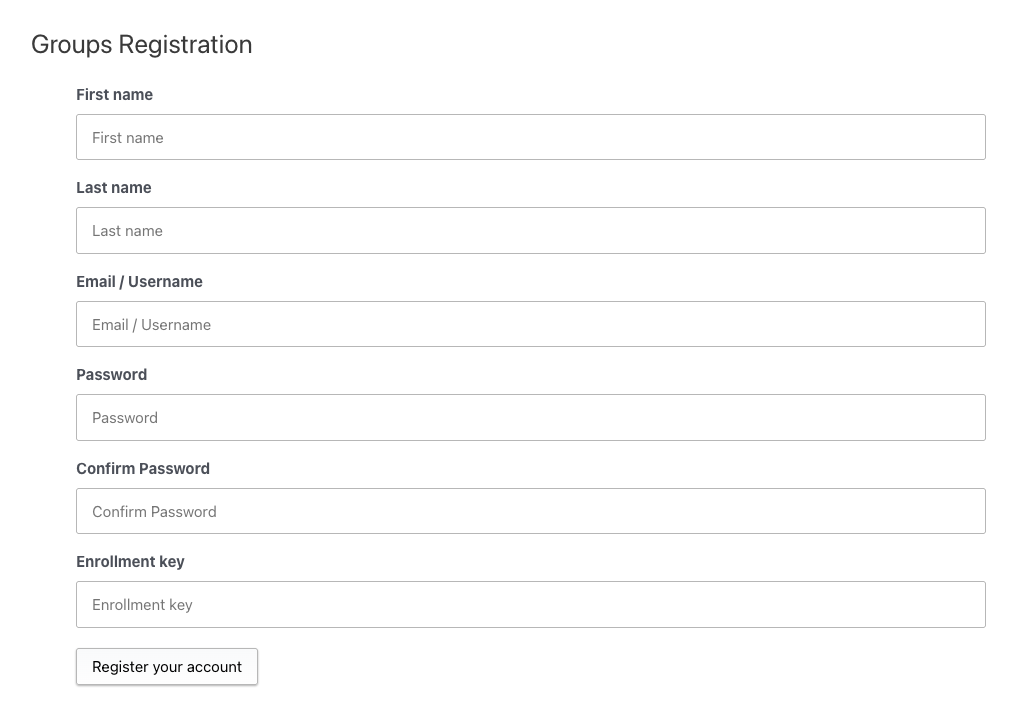 #### Terms & Conditions
Administrators can define a custom Terms & Conditions statement in the plugin settings. When enabled, a checkbox is automatically added to the registration form requiring acceptance before submission.
This setting does not apply when using Gravity Forms for group registration.
### Enrollment Form for Existing Users
For learners who already have a WordPress account, add the **Enrollment Key Redemption** block or use the redemption form shortcode. Logged-in users enter their enrollment key to join the associated group:
```
[uo_groups_redemption_form]
```
This shortcode supports the redirect and role attributes described in the registration form table above.
 ### CSV Enrollment
Administrators can bulk-enroll users by uploading a CSV file from the Group Management page. Each row represents one user.
**Required CSV format:**
```
user_email,user_pass,first_name,last_name
```
- Columns are **comma-separated** (the importer also auto-detects semicolons)
- Include a header row matching the format above
- For new users, `user_pass` sets the initial password; if the user already exists, the account is reused
- Users who don’t yet have an account are created automatically and enrolled
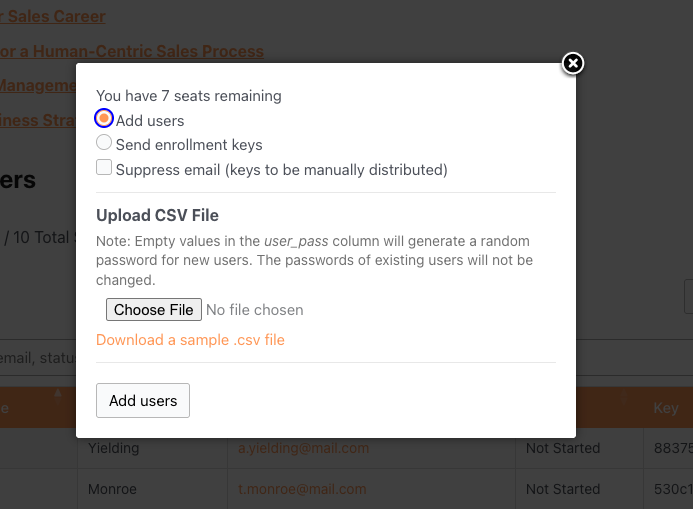 ### Gravity Forms Integration
Uncanny Groups v4.0 and later support enrollment key redemption through Gravity Forms.
**Requirements:**
- Gravity Forms installed and active
- Gravity Forms User Registration add-on (required when registering new users during key redemption)
**Setup:**
1. Edit your Gravity Forms form
2. Add the **Uncanny Key** field from the **Advanced Fields** section
3. Save the form
**Behaviour:**
- A signed-in user submitting a valid key is added to the associated group
- A new user submitting a registration form with a valid key is created and added to the group
Gravity Forms User Verification is supported for users who register and redeem a key in the same submission.
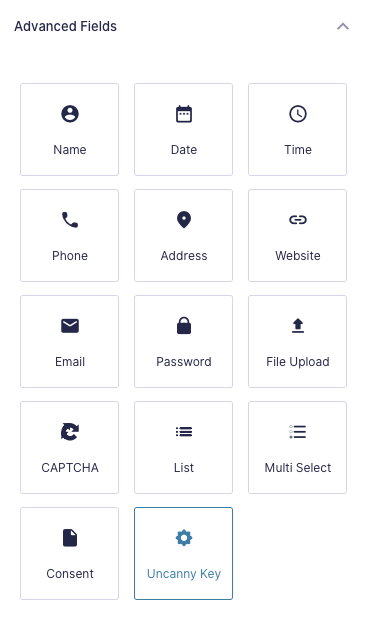 ### WPForms Integration
Uncanny Groups v4.0 and later support enrollment key redemption through WPForms.
**Requirements:**
- WPForms Pro or higher (required for registering new users directly into groups)
**Setup:**
1. Edit your WPForms form
2. Add the **Uncanny Key** field type from the “Standard Fields” picker
3. Save the form
When a user submits a valid key, they are added to the associated group and the key is marked as redeemed.
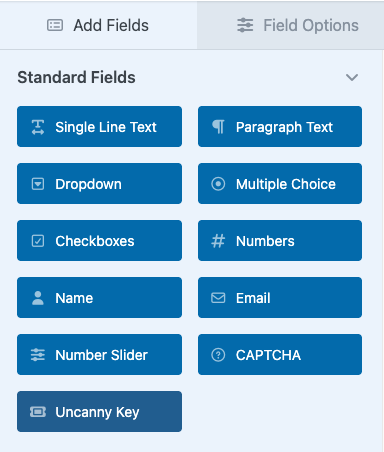### Formidable Forms Integration
Uncanny Groups v4.0 and later support enrollment key redemption through Formidable Forms.
**Setup:**
1. Edit your Formidable Forms form
2. Add the **Uncanny Key** field type
3. Save the form
When a user submits a valid key, they are added to the associated group and the key is marked as redeemed.
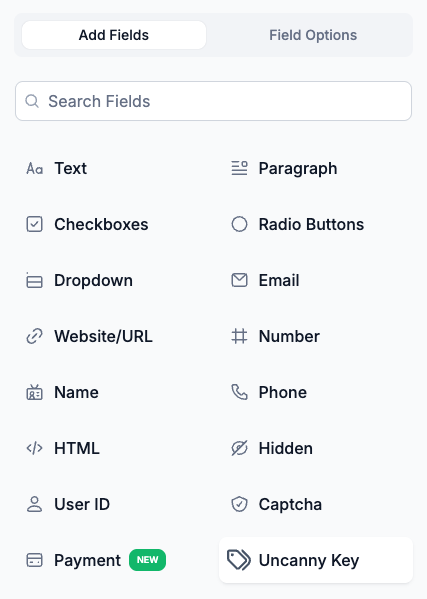 ### Theme My Login Integration
Uncanny Groups v2.6 and later support enrollment via Theme My Login registration forms.
**Setup:**
1. Create a Theme My Login registration form on a new page and confirm it works correctly
2. Navigate to **Uncanny Groups > Theme My Login** in the WordPress admin
3. Check **Custom Theme My Login registration form including registration code field**
4. An enrollment key field is automatically appended to the registration form
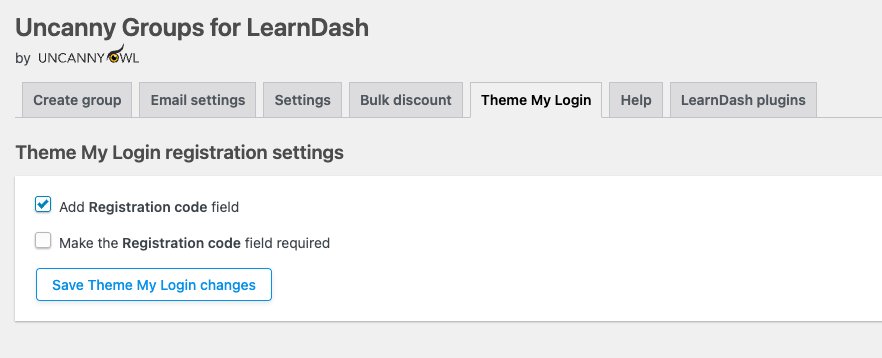 ### Related Articles
- [Using the Group Management Page](https://www.uncannyowl.com/knowledge-base/group-management-page/) — generate and manage enrollment keys, view key status
- [Configure Group Emails](https://www.uncannyowl.com/knowledge-base/configuring-group-emails/) — set up invitation emails that include enrollment key links
- [Uncanny Groups for LearnDash — Plugin Overview](https://www.uncannyowl.com/knowledge-base/uncanny-learndash-groups-plugin-overview/) — feature overview and getting started
- [Manage Learner Progress](https://www.uncannyowl.com/knowledge-base/manage-learner-progress/) — track and update learner course progress after enrollment
- [Group Leader Reports](https://www.uncannyowl.com/knowledge-base/group-leader-reports/) — reporting tools available to Group Leaders
**Article Categories:** Uncanny Groups for LearnDash
---
### [Groups Block and Shortcode Quick Reference](https://www.uncannyowl.com/knowledge-base/shortcode-quick-reference/)
**Published:** October 12, 2018
**Author:** Anthony Lucic
**Excerpt:** A quick reference guide to the shortcodes available in Uncanny Groups.
**Content:**
### Overview
Uncanny Groups for LearnDash adds its features to the WordPress editor in two ways: as **Gutenberg blocks** and as **shortcodes**. Most features offer both — use whichever you prefer:
- **Blocks** are the easiest option in the block editor. Click the **+** inserter and search for the feature name, or browse the **Uncanny Groups for LearnDash** block category.
- **Shortcodes** work anywhere shortcodes are supported — the Classic editor, widgets, page-builder text modules, and template files.
A handful of utility features (links, buttons, content restriction, and seat counts) are **shortcode-only** and have no block; these are marked accordingly below.
Use this page as a lookup reference. For full setup instructions, follow the links in each section and in **Related Articles** below.
### Group management & registration
The core front-end experience for Group Leaders and the forms members use to join a group.
**Block****Shortcode****What it does****Key attributes****Group Management**`[uo_groups]`The full Group Management page, where Group Leaders add/remove members, manage seats, and open reports. Place on a dedicated page.None required**Create Group**`[uo_groups_create_group]`Front-end form that lets eligible users create a new group.See [Front End Group Creation](https://www.uncannyowl.com/knowledge-base/front-end-learndash-group-creation/)**Enrollment Key Registration**`[uo_groups_registration_form]`Combined registration + enrollment-key form, for inviting new users to register and join a group in one step.None required**Enrollment Key Redemption**`[uo_groups_redemption_form]`Single-field form for existing, logged-in users to redeem an enrollment key and join a group.None required*Shortcode only — no block*`[uo_groups_link text="Link Text"]`A text link to the Group Management page, shown only to logged-in Group Leaders.`text` — link label**Group Management Link**`[uo_groups_button text="Button Text"]`A button linking to the Group Management page, shown only to logged-in Group Leaders.`text` — button label### Reports & learner management
Front-end access to progress, quiz data, and grading — no WordPress admin access required for Group Leaders.
**Block****Shortcode****What it does****Key attributes****Course Report**`[uo_groups_course_report]`Each member’s progress through assigned courses. Also reachable from the Group Management page.See [Using the Group Reports](https://www.uncannyowl.com/knowledge-base/group-leader-reports/)**Quiz Report**`[uo_groups_quiz_report]`Quiz attempts and scores for group members.See [Using the Group Reports](https://www.uncannyowl.com/knowledge-base/group-leader-reports/)**Essay Report**`[uo_groups_essays]`Lets Group Leaders review and grade submitted essay responses on the front end.See [Front End Essay Question Management](https://www.uncannyowl.com/knowledge-base/front-end-essay-question-management/)**Assignment Report**`[uo_groups_assignments]`Lets Group Leaders review and grade submitted assignment files on the front end.See [Front End Assignment Management](https://www.uncannyowl.com/knowledge-base/front-end-learndash-assignment-management/)**Progress Report**`[uo_groups_manage_progress]`Lets Group Leaders and admins edit course/lesson completion for learners on the front end.See [Manage Learner Progress](https://www.uncannyowl.com/knowledge-base/manage-learner-progress/)\[Screenshot: The Course Report block rendered on the front end, showing member progress rows\]
### Selling courses
The purchase workflow that lets Group Leaders and new customers buy seats and create groups directly. Requires WooCommerce.
**Block****Shortcode****What it does****Key attributes****Buy Courses**`[uo_groups_buy_courses]`A purchase page for buying course seats and creating a new group. Auto-generated only if WooCommerce was active when the plugin was activated; otherwise add the block/shortcode to a page yourself.`product_cat`, `product_tag`, `min_qty`, `max_qty` — see [Enable Custom Group Licenses](https://www.uncannyowl.com/knowledge-base/group-leader-purchase-experience/)\[Screenshot: The Buy Courses block showing course selection and seat-quantity options\]
### Content restriction (shortcode only)
Show or hide content based on group membership or Group Leader role. **These are shortcodes only — there are no matching blocks.**Show or hide content based on group membership or Group Leader role. **These are shortcodes only — there are no matching blocks.**
**Shortcode****What it does****Key attributes**`[uo_groups_restrict_content user_groups="123,456"]`Wraps content visible only to logged-in members of the listed groups. Admins always see it.`user_groups` — comma-separated group IDs (omit for members of any group)`[uo_groupleader_restrict_content user_groups="123,456"]`Wraps content visible only to logged-in Group Leaders of the listed groups. Admins always see it.`user_groups` — comma-separated group IDs (optional)**Example — member-only content:**
`[uo_groups_restrict_content user_groups="42"]`
This message is only visible to members of group 42.
`[/uo_groups_restrict_content]`
### Seat displays (shortcode only)
Output dynamic seat counts for a specific group — handy on landing pages, confirmations, or dashboards. **These are shortcodes only — there are no matching blocks.**
**Shortcode****What it does****Key attributes**`[uo_group_seats_total id="123"]`Outputs the total number of seats assigned to the group.`id` — group post ID (required)`[uo_group_seats_remaining id="123"]`Outputs the number of seats still available in the group.`id` — group post ID (required)To find a group’s ID, open it under **LearnDash LMS > Groups** — the ID appears in the page URL.
**Example:**
Your group has `[uo_group_seats_total id="123"]` total seats,
with `[uo_group_seats_remaining id="123"] `still available.
### Related Articles
- [Uncanny Groups Overview](https://www.uncannyowl.com/knowledge-base/uncanny-learndash-groups-plugin-overview/)
- [Using the Group Management Page](https://www.uncannyowl.com/knowledge-base/group-management-page/)
- [Using the Group Reports](https://www.uncannyowl.com/knowledge-base/group-leader-reports/)
- [Enable Custom Group Licenses / Buy Courses](https://www.uncannyowl.com/knowledge-base/group-leader-purchase-experience/)
- [Actions and Filters for Developers](https://www.uncannyowl.com/knowledge-base/actions-filters-for-developers/)
**Article Categories:** Uncanny Groups for LearnDash
---
### [Uncanny Groups for LearnDash - Technical Requirements](https://www.uncannyowl.com/knowledge-base/uncanny-learndash-groups-technical-requirements/)
**Published:** October 12, 2018
**Author:** Ken
**Excerpt:** Technical requirements for running Uncanny Groups on your site.
**Content:**
### Overview
Uncanny Groups for LearnDash is designed to work on any modern WordPress installation that meets the requirements below. Review these before installing the plugin or upgrading an existing setup.
### End-User Requirements
Learners and Group Leaders accessing the front-end Group Management page need a modern browser. The following are supported:
- Google Chrome (latest)
- Mozilla Firefox (latest)
- Microsoft Edge (latest)
- macOS Safari (latest)
### WordPress and Server Requirements
#### Minimum Requirements
**Component****Minimum version**PHP7.4WordPress5.8LearnDash4.2WordPress memory limit256 MBWooCommerce4.5 *(only required if using WooCommerce-based group sales)*WooCommerce SubscriptionsAny compatible version *(only required for subscription-based group licensing)*Permalink structure**Post Name****Important:** Permalinks must be set to **Post Name** (`/%postname%/`). Go to **Settings > Permalinks** in your WordPress admin and confirm this is selected. Other permalink structures will cause the front-end Group Management pages to function incorrectly.
#### Recommended for Optimal Performance
- **PHP 7.4 or higher** — this is also the minimum, so any supported version is fine; newer PHP releases deliver better performance.
- A **WordPress-optimised host** such as WP Engine or Pressidium for the best page-load times on front-end group pages.
### WooCommerce
WooCommerce integration is **optional**. You only need WooCommerce if you plan to sell group licenses through your site’s store. For sites that manage groups without ecommerce (for example, manual group creation or Uncanny Automator-powered enrollment), WooCommerce does not need to be installed.
WooCommerce Subscriptions is additionally required only if you want group licenses sold as recurring subscriptions.
### Installing on an Existing LearnDash Site
Uncanny Groups installs alongside your existing LearnDash setup — you do not need to reinstall or reconfigure LearnDash. Any existing LearnDash groups on your site can be [upgraded to Uncanny Groups](https://www.uncannyowl.com/knowledge-base/upgrade-existing-learndash-groups/) after installation.
### Performance Note
Since version 6.1.2, Uncanny Groups stores certain plugin data outside the WordPress autoload cache. This reduces the amount of data loaded on every page request across your site, which can improve overall site performance — particularly on larger installations with many groups.
### Related Articles
- [Install and Set Up Uncanny Groups](https://www.uncannyowl.com/knowledge-base/uncanny-learndash-groups-plugin-setup/) — Step-by-step installation and initial configuration.
- [Uncanny Groups for LearnDash – Plugin Overview](https://www.uncannyowl.com/knowledge-base/uncanny-learndash-groups-plugin-overview/) — What Uncanny Groups does and how it fits into a LearnDash site.
- [Upgrade Existing LearnDash Groups](https://www.uncannyowl.com/knowledge-base/upgrade-existing-learndash-groups/) — Convert pre-existing LearnDash groups to fully managed Uncanny Groups.
- [Frequently Asked Questions](https://www.uncannyowl.com/knowledge-base/frequently-asked-questions-2/) — Common compatibility and configuration questions.
**Article Categories:** Uncanny Groups for LearnDash
---
### [Template Overrides](https://www.uncannyowl.com/knowledge-base/extending-uncanny-learndash-groups/)
**Published:** April 22, 2019
**Author:** Ken
**Excerpt:** A guide to overriding template files in Uncanny Groups.
**Content:**
### Overview
Uncanny Groups for LearnDash allows developers to customize front-end templates without editing plugin files directly. By placing override files in your theme, your customizations survive plugin updates.
**Developer feature:** Template overrides require PHP development experience. We cannot provide support for custom code. Only attempt customizations if you are comfortable working with PHP templates.
### How Template Overrides Work
Template overrides were introduced in Uncanny Groups version 3.0.4. The plugin checks your active theme for a matching template file before falling back to its own. If a match is found in your theme, the theme file is used instead.
This means you can safely modify the plugin’s output and your changes will not be overwritten when the plugin updates.
### Override Directory Structure
Template files live inside the plugin at:
```
wp-content/plugins/uncanny-learndash-groups/src/templates/
```
To override a file, copy it into your theme using the same folder structure, but **omit the `/src/templates/` prefix**. Place overrides inside a folder named `uncanny-groups/` at the root of your theme.
```
wp-content/themes/your-theme/uncanny-groups/
```
### Step-by-Step: Creating a Template Override
1. **Locate the template file** you want to customize inside the plugin:
```
wp-content/plugins/uncanny-learndash-groups/src/templates/
```
2. **Copy the file** to your theme, replicating the subfolder path and omitting `/src/templates/`:
```
wp-content/themes/your-theme/uncanny-groups/
```
3. **Edit the copy** in your theme. The plugin will now load your version instead of its own.
4. **Test your changes** on the front end to confirm the override is working correctly.
**Important:** Never edit files inside `wp-content/plugins/uncanny-learndash-groups/` directly. Plugin updates will overwrite any changes you make there.
### Worked Example
Suppose you want to customize the users table actions in the Group Management page.
**Source file (plugin — do not edit):**
```
wp-content/plugins/uncanny-learndash-groups/src/templates/frontend-uo_groups/users-table-actions.php
```
**Override file (your theme — edit this):**
```
wp-content/themes/your-theme/uncanny-groups/frontend-uo_groups/users-table-actions.php
```
The plugin detects the file in your theme and loads it instead of the default.
### Child Themes
If you are using a child theme, place override files in the child theme’s directory rather than the parent theme. WordPress loads child theme files first, so the override will still be detected correctly.
```
wp-content/themes/your-child-theme/uncanny-groups/
```
### Compatibility Note
Uncanny Groups integrates with LearnDash, WooCommerce, Gravity Forms, and Theme My Login. Some templates interact with these plugins. We recommend reviewing integration-specific templates carefully before modifying them, and thoroughly testing any overrides in a staging environment before deploying to production.
### Related Articles
- [Uncanny Groups Overview](https://www.uncannyowl.com/knowledge-base/uncanny-learndash-groups-plugin-overview/)
- [Actions and Filters for Developers](https://www.uncannyowl.com/knowledge-base/actions-filters-for-developers/)
- [Shortcode Quick Reference](https://www.uncannyowl.com/knowledge-base/shortcode-quick-reference/)
- [Using the Group Management Page](https://www.uncannyowl.com/knowledge-base/group-management-page/)
- [Getting Started with Uncanny Groups](https://www.uncannyowl.com/knowledge-base/getting-started-with-uncanny-groups-for-learndash/)
**Article Categories:** Uncanny Groups for LearnDash
---
### [Uncanny Groups for LearnDash - START HERE!](https://www.uncannyowl.com/knowledge-base/uncanny-learndash-groups-plugin-overview/)
**Published:** September 6, 2017
**Author:** Anthony Lucic
**Excerpt:** Just getting started with Groups? You'll want to start here.
**Content:**
Uncanny Groups turns LearnDash’s basic group feature into a complete team-training and course-selling toolkit. It lets **Group Leaders manage their own members from the front end** — adding learners, sending invitations, and tracking progress — without ever logging into WordPress. You can use it to sell course access to organizations, train your own team, or run cohort programs.
This article helps you choose the right setup for your goal. If you’d rather just dive in, jump to the **Getting Started walkthrough**.
 ### New to Groups? Start here
If this is your first time, the fastest way to understand Uncanny Groups is to build one working group end to end. Our **Getting Started with Uncanny Groups** guide walks you from install to enrolled learners and live reports in about 15 minutes.
When you’re ready to choose a long-term setup, use the decision guide below.
### Choose how you’ll use Uncanny Groups
There are three ways to run Groups. You can use one, or combine several on the same site.
**Approach****Best for****What happens****Manual group management**Training your own team; running a course where you control enrollmentYou create groups in the admin and assign Group Leaders. Leaders manage members from the front end.**Sell custom licenses**Letting buyers choose their own courses and seat countsVisitors build their own license on a Buy Courses page and check out via WooCommerce, becoming Group Leaders automatically.**Sell pre-configured licenses**Offering fixed team packages (e.g. “50 seats – Compliance”)You define the course bundle and seat count; buyers simply purchase it.**Selling through WooCommerce?** Disable guest checkout in WooCommerce so buyers have an account to manage their group from.
#### Manual group management — setup steps
1. [Install and set up Uncanny Groups](https://www.uncannyowl.com/knowledge-base/uncanny-learndash-groups-plugin-setup/).
2. Create a group and enroll your course(s) — see [Manage LearnDash Groups as a WordPress Administrator](https://www.uncannyowl.com/knowledge-base/set-up-a-learndash-group/).
3. (Upgrading old groups?) [Upgrade existing LearnDash groups](https://www.uncannyowl.com/knowledge-base/upgrade-existing-learndash-groups/).
4. [Set up your Group Management pages](https://www.uncannyowl.com/knowledge-base/set-group-management-pages/).
5. Assign Group Leaders and [add users](https://www.uncannyowl.com/knowledge-base/set-user-enrollment/).
#### Sell custom licenses — setup steps
1. [Install and set up Uncanny Groups](https://www.uncannyowl.com/knowledge-base/uncanny-learndash-groups-plugin-setup/).
2. [Set up your LearnDash Group Course products](https://www.uncannyowl.com/knowledge-base/setting-learndash-group-course-products/).
3. [Enable users to build custom group licenses](https://www.uncannyowl.com/knowledge-base/group-leader-purchase-experience/).
4. [Set up your Group Management pages](https://www.uncannyowl.com/knowledge-base/set-group-management-pages/).
5. Place a Buy Courses page so visitors can purchase.
6. *(Optional)* [Configure bulk discounts](https://www.uncannyowl.com/knowledge-base/configure-bulk-discounts/).
7. *(Optional)* [Sell group access directly to learners](https://www.uncannyowl.com/knowledge-base/sell-learndash-group-access-to-learners/).
#### Sell pre-configured licenses — setup steps
1. [Install and set up Uncanny Groups](https://www.uncannyowl.com/knowledge-base/uncanny-learndash-groups-plugin-setup/).
2. [Set up your LearnDash Group Course products](https://www.uncannyowl.com/knowledge-base/setting-learndash-group-course-products/).
3. [Create pre-configured group licenses](https://www.uncannyowl.com/knowledge-base/creating-pre-configured-learndash-group-licenses/).
4. [Set up your Group Management pages](https://www.uncannyowl.com/knowledge-base/set-group-management-pages/).
5. Add the products to your store.
6. *(Optional)* [Configure bulk discounts](https://www.uncannyowl.com/knowledge-base/configure-bulk-discounts/).
7. *(Optional)* [Add seats and courses after purchase](https://www.uncannyowl.com/knowledge-base/adding-seats-and-courses-after-group-purchase/).
### See Groups in action
Not sure which fits your business? These usage scenarios show what’s possible:
- **Sell Online Courses to Businesses & Teams**
- **Onboard & Train Your Team with LearnDash Groups**
- **Run Cohort-Based Courses & Group Coaching Programs**
### How users manage their own groups
Once a group exists, Group Leaders take over the day-to-day work from the front end:
- [Using the Group Management Page](https://www.uncannyowl.com/knowledge-base/group-management-page/) — add, invite, and remove members.
- [Using the Group Reports](https://www.uncannyowl.com/knowledge-base/group-leader-reports/) — track course and quiz progress.
### Related Articles
- [Getting Started with Uncanny Groups](https://www.uncannyowl.com/knowledge-base/getting-started-with-uncanny-groups-for-learndash/)
- [Install and Set Up Uncanny Groups](https://www.uncannyowl.com/knowledge-base/uncanny-learndash-groups-plugin-setup/)
- [Frequently Asked Questions](https://www.uncannyowl.com/knowledge-base/frequently-asked-questions-2/)
- [Technical Requirements](https://www.uncannyowl.com/knowledge-base/uncanny-learndash-groups-technical-requirements/)
**Article Categories:** Uncanny Groups for LearnDash
---
### [Upgrade Existing LearnDash Groups](https://www.uncannyowl.com/knowledge-base/upgrade-existing-learndash-groups/)
**Published:** September 16, 2017
**Author:** Ken
**Excerpt:** Learn how to enable seat tracking on your existing LearnDash Groups.
**Content:**
### Overview
If you installed Uncanny Groups on a site that already has LearnDash groups, you can convert those existing groups into fully managed Uncanny Groups — giving Group Leaders front-end access to enroll users, track progress, and manage seats.
### Understanding Group Types
Uncanny Groups recognises two kinds of groups on your site:
**Type****How it was created****Front-end management****Basic group**Created via **LearnDash LMS > Groups > New Group**, or created before Uncanny Groups was installedNot visible on the front end by default**Uncanny Group**Created via **Uncanny Groups > Create Group**, or upgraded from a basic LeaenDash groupFull front-end management for Group LeadersBasic groups are not visible on the front-end Group Management page unless you enable the **Show “basic” (non-upgraded) groups in front end with access to reports only** setting. When that setting is enabled, basic groups appear on the front end with access to reporting functions only — Group Leaders cannot add or remove members from them. Upgrading a basic group converts it to an Uncanny Group and makes it fully manageable.
### Before You Start
- Uncanny Groups must be installed and activated.
- You need WordPress administrator access to run the bulk upgrade.
- We recommend reviewing your existing groups first so you understand which ones will be affected.
### Bulk Upgrade All Basic Groups
When you first set up Uncanny Groups, the plugin’s settings page includes a one-time option to upgrade all basic groups at once. This is the fastest way to bring every pre-existing LearnDash group under Uncanny Groups management.
1. Navigate to **Uncanny Groups > Settings** in your WordPress admin.
2. Locate the **Upgrade LearnDash Groups** section.
3. Click **Start Process**.
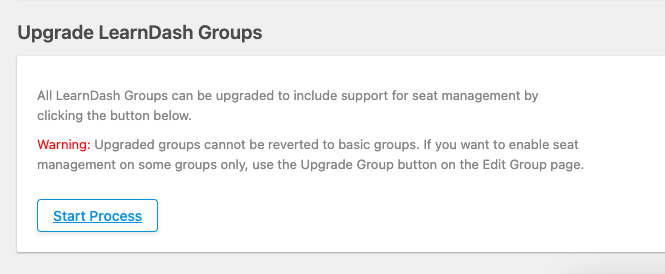 **Warning:** As noted in this section of the plugin, groups upgraded in bulk cannot be reverted to basic groups via a bulk option (each individual group needs to be downgraded independently). To enable seat management on only some groups, use the **Upgrade Group** button on each group’s Edit page instead.
Once the process runs, every LearnDash group that was created through the standard interface — including any groups created before Uncanny Groups was installed — becomes an Uncanny Group. Group Leaders for those groups will then be able to manage them from the front-end Group Management page.
#### How Seats Are Calculated on Upgrade
The upgrade automatically sets the seat count for each converted group. The calculation is:
**Seats = number of existing group members + number of Group Leaders**
Because all current members are set as enrolled users, the remaining seats after upgrade will be 0. If you need additional seats, you can edit the group after the upgrade to increase the total.
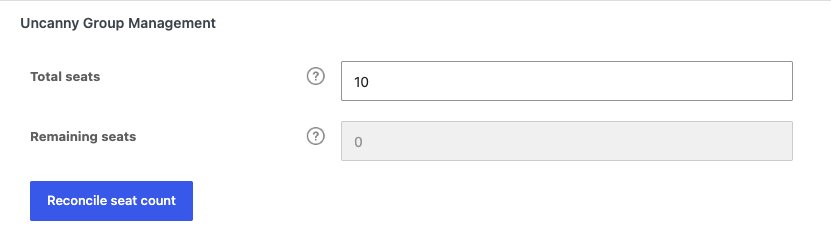### Upgrade an Individual Group
If you only want to convert a single group — for example, to test the process before running it in bulk — you can upgrade groups one at a time.
1. In your WordPress admin, navigate to **LearnDash LMS > Groups**.
2. Open the group you want to convert by clicking its title to go to the **Edit** page.
3. Select the **Uncanny Groups** tab (Uncanny Groups 6.1.8+), then click **Upgrade Group** in the **Uncanny Group Management** box.
**Tip:** That same box notes that you can bulk-upgrade every group from the link to **Uncanny Groups > Settings**.
 The group is immediately converted and will appear on the front-end Group Management page for its Group Leader.
### Can you downgrade a group?
Any upgraded group can be downgraded. However, downgrading a group permanently deletes all enrollment keys (these are assigned to users to provide seat access).
When a WooCommerce-created group is downgraded, it returns to basic group status, no longer appears on the front-end Group Management page (unless **Show “basic” (non-upgraded) groups in front end with access to reports only** is enabled), and its Group Leaders lose front-end management access for that group.
### What Happens to Basic Groups You Don’t Upgrade
Basic groups remain fully functional in the LearnDash admin. However, they are hidden from the front-end Group Management page unless you enable **Show “basic” (non-upgraded) groups in front end with access to reports only** in **Uncanny Groups > Settings**. Enabling that setting lets Group Leaders see their basic groups on the front end with access to reporting functions only — they cannot add or remove members from these groups without fully converting them to Uncanny Groups.
### Related Articles
- [Uncanny Groups for LearnDash – Plugin Overview](https://www.uncannyowl.com/knowledge-base/uncanny-learndash-groups-plugin-overview/) — Start here if you’re new to Uncanny Groups.
- [Install and Set Up Uncanny Groups](https://www.uncannyowl.com/knowledge-base/uncanny-learndash-groups-plugin-setup/) — How to install the plugin and complete initial configuration.
- [Set Up Group Management Pages](https://www.uncannyowl.com/knowledge-base/set-group-management-pages/) — Create the front-end pages that Group Leaders use to manage their groups.
- [Using the Group Management Page](https://www.uncannyowl.com/knowledge-base/group-management-page/) — A walkthrough of everything a Group Leader can do from the front end.
- [Manage Groups as Administrator](https://www.uncannyowl.com/knowledge-base/set-up-a-learndash-group/) — How administrators create and configure Uncanny Groups from the WordPress admin.
**Article Categories:** Uncanny Groups for LearnDash
---
### [Using The Group Management Page](https://www.uncannyowl.com/knowledge-base/group-management-page/)
**Published:** October 11, 2018
**Author:** Anthony Lucic
**Excerpt:** Learn how the front-end group management page helps Group Leaders manage their groups.
**Content:**
### Overview
The Group Management page is the front-end hub where Group Leaders manage their groups — adding and removing users, distributing enrollment keys, resetting passwords, and emailing members — without needing WordPress admin access.
When the Uncanny Groups for LearnDash plugin is activated, it automatically creates a Group Management page built with the **Group Management** block (equivalently, the `[uo_groups]` shortcode). Group Leaders are redirected to this page after login and can also reach it via any `[uo_groups_link]` or `[uo_groups_button]` shortcode you place in your theme navigation.
Access is restricted to users with the **Group Leader** role. While Administrators can also view and edit groups via the Group Management page, the Group Management page was designed for Group Leaders to use.
**Tip:** Before customizing the page, review [Set Up Group Management Pages](https://www.uncannyowl.com/knowledge-base/set-group-management-pages/) for instructions on renaming, configuring shortcode attributes, and adding pages to your site menu.
 ### Group information
At the top of the page, Group Leaders see a summary of the selected group:
- **Group name selector** — a dropdown listing every group the leader manages. If they manage only one group, the dropdown is hidden and the single group name is displayed.
- **Seats remaining / Total seats** — displays available seats alongside the total seat allocation for the group. Seats are consumed the moment a user is enrolled (not on invitation), and remain occupied regardless of course completion status.
- **Associated courses** — links to each course assigned to the group, so leaders can quickly navigate to course content.
When **child group reporting** is enabled in the plugin settings, parent groups display combined seat and user data rolled up from all child groups.
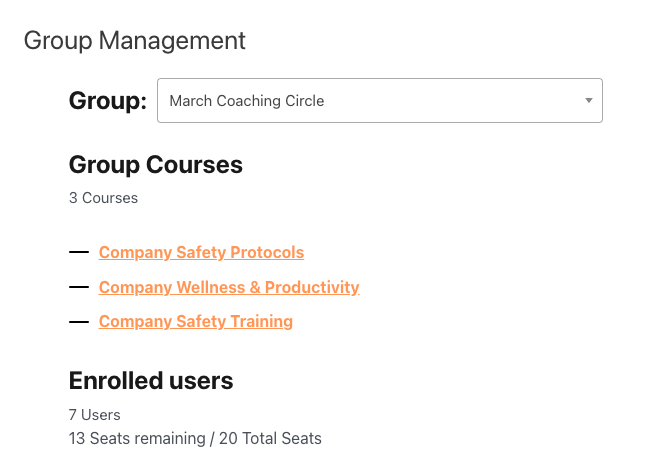 ### Enrolled users
The **Enrolled Users** table lists every user currently associated with the group. For each user you can see:
- Display name (linked to the user edit dialog when **Allow group leaders to edit users** is enabled in settings)
- Email address
- Enrollment status (see [User status reference](https://docs.google.com/document/d/12AWkcxVwE4W4QkPjDywjz4iT-OKelHjQ_b-6k9Kas9s/edit#user-status-reference) below)
- Enrollment key used (if applicable), controlled by the `key_column` shortcode attribute
#### User status reference
**Status****Meaning****Enrollment key status****Not Enrolled**User received an invitation or key but has not yet redeemed itAvailable**Not Started**User is enrolled in the group but has not begun any courseAvailable**In Progress**User has started at least one courseUsed**Completed**User has completed all courses assigned to the groupUsed### Adding users
Group Leaders can add users to a group in three ways, depending on which buttons are enabled via shortcode attributes:
#### Invite a single user
1. Click the **Users** button.
2. Select **Add one**. A form appears with two options, **Add and invite user** and **Send enrollment key** (see Send enrollment keys section below). Check **Add and invite user.**
3. Enter the user’s first name, last name, email address and optional password.
4. Click **Add User**. An email is sent to the user based on the [email message settings](https://www.uncannyowl.com/knowledge-base/configuring-group-emails/) set up by your Administrator. The user is added to the list of users in the group and they take up a seat in your group, and their status is set to *Not Started*. If you add a user that already exists on the site, the system will automatically assign a key, add them to the group and send the *Add and invite (existing user)* email. They then occupy a seat in the group just like a new user.
####
Invite Multiple users
1. Click the **Users** button
2. Select the **Add multiple** option. The Bulk Add & Invite Users form appears.
3. Enter the user’s first name, last name, email address and optional password.
4. Click the **Add & Invite Users** button. The same process will occur as outlined in step 4 of **Invite a single user** (see above)
#### Send enrollment keys
Group Leaders can add users to their group by sending them an enrollment key which requires the user redeem the key to be added to the group. If the user is not registered on the site, then they would need to redeem the enrollment key via registration (see [Set Up User Enrollment](https://www.uncannyowl.com/knowledge-base/set-user-enrollment/) for more info) .
1. Click the **Users** button
2. Select **Add one**. Select the option **Send enrollment key**
3. Enter the user’s first name, last name, email address (there is no password field when **Send enrollment key** is selected
4. Click **Add User.**
5. Users will receive the Send enrollment key email. Once that user registers and redeems that key, they take up a seat in the group, are enrolled in the group and can begin group courses.
#### Bulk upload via CSV
To add many users at once, upload a CSV file:
1. Click **Upload Users**.
2. Prepare your CSV file using the following column format (the first row is a header row of column names):
```
user_email,user_pass,first_name,last_name
```
3. Select the file and click **Upload**. The plugin creates new WordPress user accounts for any email addresses not already in the system, enrolls all users in the group, and sends invitation emails.
**Note:** For the bulk upload to work properly, a CSV file formatted with the following column order and headings must be used: user\_email; user\_pass; first\_name; last\_name. CSV files that have incorrect formatting of email addresses, column names, etc will not be uploaded. You can download a sample file from the **Upload Users** modal box. If the user\_pass cells are blank, a random password will be used, but the column heading should still be included. A column for “username” can optionally be included as the first column but is not required; if it exists but is left blank, username will default to the email address.
 ### Removing users
To remove users from a group, select the users you would like to remove from the Enrolled User list, and a Remove User(s) button will appear. Click on the Remove User(s) button. You will be prompted to confirm your action.
Whether or not a Group Leader can remove users from the group, depends on the users group status:
- **Always** — Group Leaders can remove users at any stage.
- **Before course enrollment begins** — Leaders can only remove users who have not yet started any course.
- **Before course completion** — Leaders can remove users until they complete all group courses.
Depending on the options set by your site administrator, you may only be able to remove group members before they have enrolled and begun their courses. Once a learner has begun completing the courses that are available in the group, or if they have completed all of the courses and their status is set to Completed, it may no longer be possible to remove them from the group.
**Note:** Removing a user from a group un-enrolls them from the group’s courses. The seat they occupied becomes available again.
### Password resets
If a user has forgotten their password, a Group Leader can trigger a reset without accessing the WordPress back end:
1. Locate and select the user in the **Enrolled Users** table. A **Send password reset** button will appear.
2. Click the **Send password reset**
3. The user will be emailed a link to reset their password.
### Downloading enrollment keys
Group Leaders can download a CSV of all unassigned enrollment keys for the group — useful for distributing keys manually or tracking redemptions in a spreadsheet.
Click Users > **Download Keys** to export a CSV file containing each unused key and its status.
This button is shown or hidden via the `download_keys_button` shortcode or block settings attribute.
### Emailing group members
Group Leaders can easily email all members of their group based on their course status (Not enrolled, Not started, In progress and/or Completed). Clicking Users > Email Users brings up the email group members interface.
Emails sent via this interface use the Group Leader’s name as the From Name, the Group Leader’s email address as the Reply-to Email, and the From Email address in Uncanny Groups > Settings as the From Email. This is to reduce the likelihood that the emails are flagged as spam. Members are sent the email via BCC, so group members will not see each others’ email addresses.
Note that this feature is not available by default. On your Group Management page, you must add the group\_email\_button=”show” attribute to your `[uo_groups]` shortcode to display the button to Group Leaders.
For full details on composing and customizing group emails, see [Configure Group Emails](https://www.uncannyowl.com/knowledge-base/configuring-group-emails/).
**Note:** The group\_email\_button attribute defaults to `"hide"`. You must explicitly set it to `"show"` to expose this feature to Group Leaders.
### Group Leader management
The **Group Leaders** section (shown when `group_leader_section="show"`) lets an existing Group Leader:
- **Add a Group Leader** — enter a user’s email address to grant them Group Leader status for this group. The button is controlled by `add_group_leader_button`.
- **Remove a Group Leader** — click the remove icon next to any leader’s name. Group Leaders cannot remove themselves from the list.
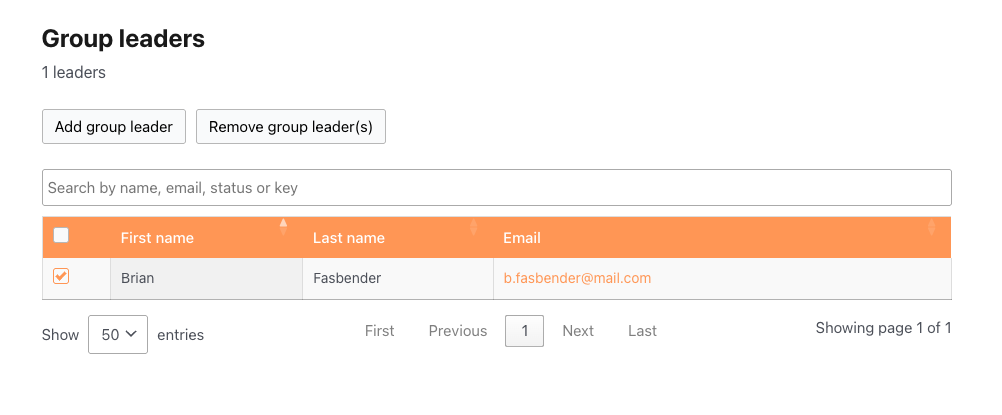 ### Adding seats and courses
If the group was purchased through WooCommerce (as a subscription or group license), Group Leaders may see **Add Seats** and **Add Courses** buttons, depending on the purchase model:
- **Add Seats** — increases the seat count for the group (only appears for groups created via the purchase of a [Custom Group License](https://www.uncannyowl.com/knowledge-base/group-leader-purchase-experience/).
- **Add Courses** — adds additional courses to the group’s curriculum.
Individual seats that have already been used cannot be refunded or removed. For full details on expanding groups after purchase, see [Add Seats and Courses after Purchase](https://www.uncannyowl.com/knowledge-base/adding-seats-and-courses-after-group-purchase/).
These buttons are controlled by the `add_seats_button` and `add_courses_button` shortcode attributes.
### Shortcode reference
The **Group Management** block and `[uo_groups]` shortcode have the following settings / attributes to control which features are visible on the page:
**Setting / Attribute****Values****Default****Controls**`group_name_selector``"show"` / `"hide"``"show"`Group name dropdown`seats_quantity``"show"` / `"hide"``"show"`Seat count display`add_seats_button``"show"` / `"hide"``"show"`Add Seats button`add_courses_button``"show"` / `"hide"``"show"`Add Courses button`add_user_button``"show"` / `"hide"``"show"`Add User / invite button`remove_user_button``"show"` / `"hide"``"show"`Remove User button`first_last_name_required``"yes"` / `"no"``"no"`Makes first/last name mandatory when adding a user`group_email_button``"show"` / `"hide"``"hide"`Send Email button`upload_users_button``"show"` / `"hide"``"show"`Bulk CSV upload button`download_keys_button``"show"` / `"hide"``"show"`Download Keys button`key_options``"show"` / `"hide"``"show"`Enrollment key options in the Add User dialog`key_column``"show"` / `"hide"``"show"`Key column in the Enrolled Users table`group_courses_section``"show"` / `"hide"``"show"`Associated courses list`group_leader_section``"show"` / `"hide"``"show"`Group Leaders section`add_group_leader_button``"show"` / `"hide"``"show"`Add Group Leader button`quiz_report_button``"show"` / `"hide"``"show"`Quiz Report button`assignments_button``"show"` / `"hide"``"show"`Assignments button`essays_button``"show"` / `"hide"``"show"`Essays button`progress_report_button``"show"` / `"hide"``"show"`Progress Report button`progress_management_report_button``"show"` / `"hide"``"show"`Manage Progress button`csv_export_button``"show"` / `"hide"``"show"`CSV export of enrolled users`excel_export_button``"show"` / `"hide"``"hide"`Excel export of enrolled users`enrolled_users_page_length`numeric`50`Default rows per page in the Enrolled Users table`enrolled_users_length_menu`comma-separated list`25,50,100,-1 : All`Row-count options in the Enrolled Users table`group_leaders_page_length`numeric`50`Default rows per page in the Group Leaders table`group_leaders_length_menu`comma-separated list`25,50,100,-1 : All`Row-count options in the Group Leaders table`enrolled_users_orderby_column`column name`First name`Column used to sort the Enrolled Users table`enrolled_users_order_column``"asc" `/ `"desc"``"asc"`Sort direction for the Enrolled Users table`group_leaders_orderby_column`column name`First name`Column used to sort the Group Leaders table`group_leaders_order_column``"asc"` / `"desc"``"asc"`Sort direction for the Group Leaders table`edit_page_id`page ID*(none)*ID of a custom user-edit page`edit_url`relative URL*(none)*URL of a custom user-edit page (alternative to `edit_page_id`)**Example — showing the email button and hiding key management:**
```
[uo_groups group_email_button="show" key_column="hide" key_options="hide"]
```
### Related Articles
- [Set Up Group Management Pages](https://www.uncannyowl.com/knowledge-base/set-group-management-pages/) — Configure which pages the plugin creates and customize their shortcode attributes
- [Using the Group Reports](https://www.uncannyowl.com/knowledge-base/group-leader-reports/) — Course and quiz reporting available from the front-end Reports menu
- [Configure Group Emails](https://www.uncannyowl.com/knowledge-base/configuring-group-emails/) — Customize invitation, key, and leader email templates
- [Set Up User Enrollment](https://www.uncannyowl.com/knowledge-base/set-user-enrollment/) — Control how users are enrolled in groups and courses
- [Add Seats and Courses after Purchase](https://www.uncannyowl.com/knowledge-base/adding-seats-and-courses-after-group-purchase/) — Expand existing groups created through WooCommerce purchases
**Article Categories:** Uncanny Groups for LearnDash
---
### [Using the Group Reports](https://www.uncannyowl.com/knowledge-base/group-leader-reports/)
**Published:** October 11, 2018
**Author:** Anthony Lucic
**Excerpt:** Learn how to use the powerful and versatile front-end reports for Group Leaders.
**Content:**
### Overview
Uncanny Groups for LearnDash automatically creates front-end report pages that Group Leaders can use to track learner progress — no WordPress admin access required. This article covers the Course Report, Quiz Report, and the individual progress view accessible from the Group Management page.
When the plugin is activated, it creates two report pages:
- **Course Report** — the **Course Report** block, or the `[uo_groups_course_report] `shortcode
- **Quiz Report** — the **Quiz Report** block, or the `[uo_groups_quiz_report]` shortcode
Group Leaders access these pages via the **Reports** menu on the Group Management page, or you can add them directly to your site navigation. Administrators can also access both pages.
**Before you start:** The report pages are created automatically on activation. If you need to recreate or reconfigure them, see [Set Up Group Management Pages](https://www.uncannyowl.com/knowledge-base/set-group-management-pages/).
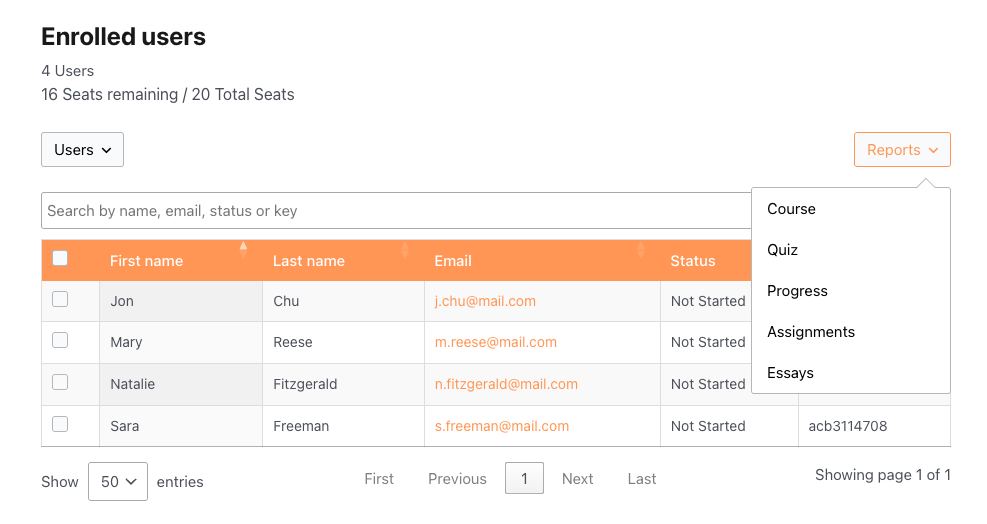 ### Course Report
The Course Report gives Group Leaders a completion overview for any group-and-course combination they manage.
#### Using the Course Report
1. Navigate to the **Course Report** page directly or via the Group Management page by clicking Reports > Course.
2. Use the **Group** dropdown to select the group you want to report on.
3. Use the **Course** dropdown to select the course.
4. The report table loads automatically. The default columns include:
**Column****Description****User**Learner’s display name**Email**Learner’s email address**Completion %**Percentage of course content completed**Completion Date**Date the learner completed the course (blank if not yet complete)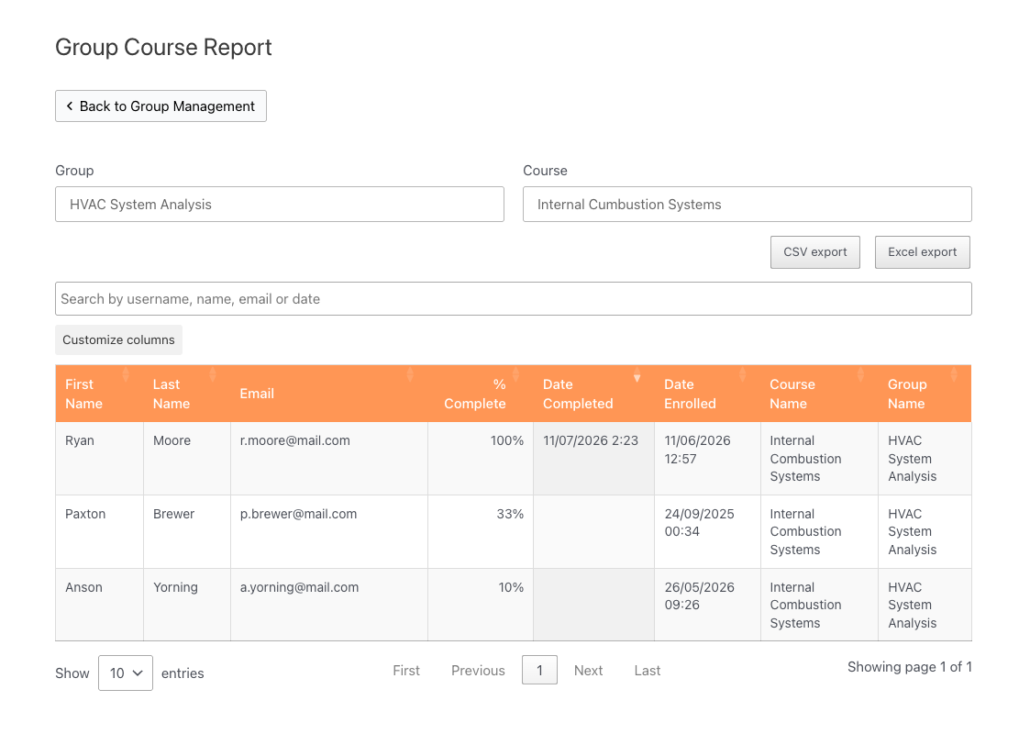 #### Exporting the Course Report
If export buttons are enabled via shortcode attributes (see [Shortcode reference](https://docs.google.com/document/d/1WamS8Tx-cvhbsULoYn3h1wLuGWuvswTIvi_nyJtK_AY/edit#course-report-shortcode-reference) below), Group Leaders can download the report as a **CSV** or **Excel** file.
#### Transcript integration
If you are using the Uncanny Toolkit Pro transcript feature, you can link to a transcript page from within the Course Report. Add the transcript-page-id attribute to the `[uo_groups_course_report]` shortcode with the ID of your transcript page. A **Transcript** column will appear in the report table, allowing Group Leaders to view a learner’s full course transcript.
#### Customizing report columns (developers)
Developers can add, remove, or reorder Course Report columns using the ulgm\_group\_course\_report\_columns filter, introduced in **Uncanny Groups v6.1.4**. This allows teams with custom reporting requirements to tailor the table without modifying plugin files. See [Actions/Filters for Developers](https://www.uncannyowl.com/knowledge-base/actions-filters-for-developers/) for implementation details.
#### Course Report shortcode reference
Add the **Course Report** block, or place the `[uo_groups_course_report]` shortcode, on any WordPress page to create a Course Report page:
```
`[uo_groups_course_report]`
```
**Setting / Attribute****Values****Default****Description**`course-order`“`ID`“, “`title`“, “`date`“, “`menu_order`“*(empty)*Sort order for the Course dropdown`columns`comma-separated column keys`user_name`, `first_name`, `last_name`, `user_email`, `percent_completed`, `date_completed`, `date_enrolled`, `course_name`, `group_name`, `transcript_page_url`, `course_time`Which columns appear in the report table`orderby_column`column nameD`ate Completed`Column used to sort the report table`order_column`“`asc`” / “`desc`““desc”Sort direction for the report table`csv_export_button`“`show`” / “`hide`““show”Show or hide the CSV export button`excel_export_button`“`show`” / “`hide`““show”Show or hide the Excel export button`transcript-page-id`page ID`0`Enables the Transcript column when set to a valid transcript page ID### Quiz Report
The Quiz Report lets Group Leaders drill into quiz results for any combination of group, course, and quiz — including individual question-by-question breakdowns.
#### Using the Quiz Report
1. Navigate to the **Quiz Report** page directly or via the Group Management page by clicking Reports > Quiz.
2. Select a **Group** from the first dropdown.
3. Select a **Course** from the second dropdown. The quiz list updates to show all quizzes within that course, including course-level quizzes.
4. Select a **Quiz** from the third dropdown.
5. The results table loads, showing every enrolled user’s score for that quiz.
**Note:** As of v6.1.5, the quiz dropdown correctly includes course-level quizzes alongside lesson and topic quizzes.
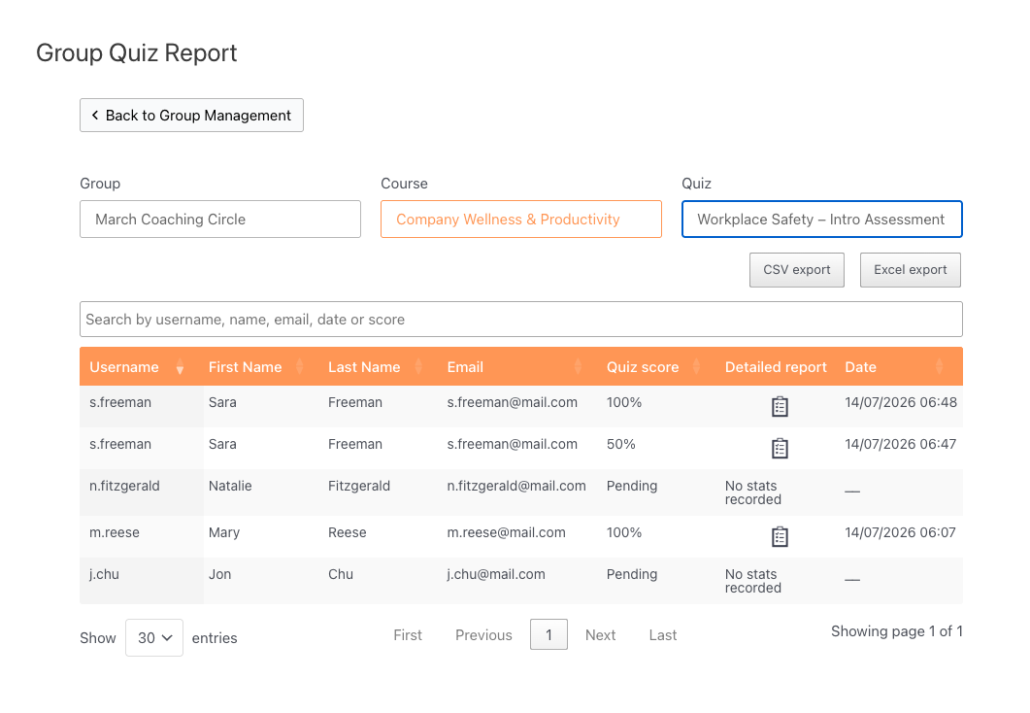 #### Detailed per-attempt report
If LearnDash **quiz statistics** are enabled for a quiz, a detail icon appears next to each user’s result. Clicking it opens a per-attempt breakdown showing:
- Each question in the quiz
- The answer the learner selected
- Whether the answer was correct
This view is read-only — it cannot be used to change quiz scores.
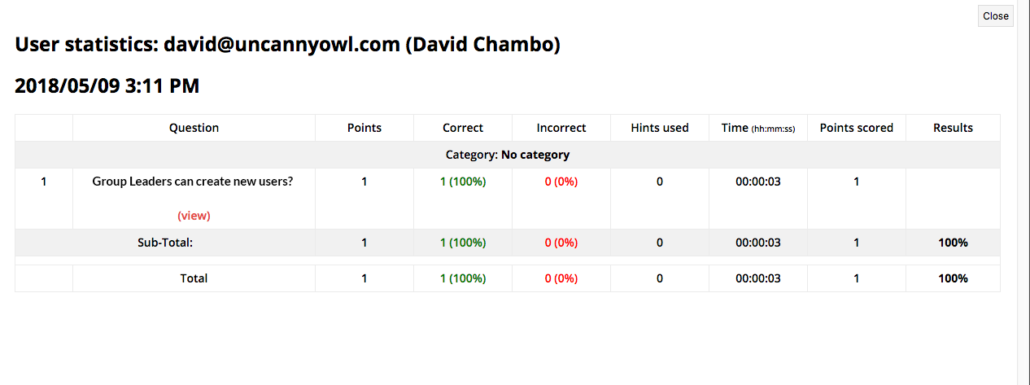 #### Exporting the Quiz Report
If export buttons are enabled via shortcode attributes, Group Leaders can download results as a **CSV** or **Excel** file.
#### Quiz Report shortcode reference
Place the **Quiz Report** block or the following shortcode on any WordPress page to create a Quiz Report page:
```
[uo_groups_quiz_report]
```
**Setting / Attribute****Values****Default****Description**`course-orderby`“`ID`“, “`title`“, “`date`“, “`menu_order`““`title`“Sort field for the Course dropdown`course-order`“`ASC`” / “`DESC`““`ASC`“Sort direction for the Course dropdown`quiz-orderby`“`ID`“, “`title`“, “`date`“, “`menu_order`““`title`“Sort field for the Quiz dropdown`quiz-order`“`ASC`” / “`DESC`““`ASC`“Sort direction for the Quiz dropdown`columns`comma-separated column keys`user_name`, `first_name`, `last_name`, `user_email`, `quiz_score`, `quiz_modal`, `quiz_date`Which columns appear in the report table`score-type`“`percent`” / “`points`““`percent`“Whether quiz scores display as a percentage or points`orderby_column`column name`Date`Column used to sort the report table`order_column`“`asc`” / “`desc`““`desc`“Sort direction for the report table`csv_export_button`“`show`” / “`hide`““`show`“Show or hide the CSV export button`excel_export_button`“`show`” / “`hide`““`show`“Show or hide the Excel export button### Individual progress view
For a quick look at a single learner’s progress across all their enrolled courses, Group Leaders can use the individual progress view without leaving the Group Management page:
1. Go to the **Group Management** page.
2. Find the user in the **Enrolled Users** table.
3. Click the **In Progress** status link next to their name.
A panel opens showing that learner’s progress across every course they are enrolled in through the group. This view is read-only — to mark items complete or incomplete, use the [Manage Learner Progress](https://www.uncannyowl.com/knowledge-base/manage-learner-progress/) page instead.
## Related Articles
- [Using the Group Management Page](https://www.uncannyowl.com/knowledge-base/group-management-page/) — The main front-end hub for Group Leaders
- [Manage Learner Progress](https://www.uncannyowl.com/knowledge-base/manage-learner-progress/) — View and edit individual learner progress from the front end
- [Set Up Group Management Pages](https://www.uncannyowl.com/knowledge-base/set-group-management-pages/) — Configure and customize the report pages
- [Actions/Filters for Developers](https://www.uncannyowl.com/knowledge-base/actions-filters-for-developers/) — Hooks available for customizing Group Leader reports
- [Front End Essay Question Management](https://www.uncannyowl.com/knowledge-base/front-end-essay-question-management/) — Review and grade essay submissions from the front end
**Article Categories:** Uncanny Groups for LearnDash
---
### [Run Cohort-Based Courses & Group Coaching Programs](https://www.uncannyowl.com/knowledge-base/run-cohort-based-courses-group-coaching-programs/)
**Published:** July 13, 2026
**Author:** David Chambo
**Content:**
Cohort-based courses and group coaching are some of the most profitable formats in online education — learners pay a premium to move through material *together* with guidance. Uncanny Groups gives you the structure to run them: organize each intake as a group, give coaches their own dashboard, and track the whole cohort as one.
### Why cohorts need more than a course
A self-paced course sells once. A cohort program sells an *experience* — a defined start, a shared group, and a coach who keeps people on track. To deliver that without drowning in spreadsheets, you need to:
- Group each intake separately so cohorts don’t blur together.
- Give coaches visibility into their cohort’s progress.
- Add and remove participants as enrollments open and close.
That’s exactly what Groups provides.
### One group per cohort
Spin up a group for each intake — “Spring 2026 Cohort”, “March Coaching Circle” — and enroll the program’s courses into it. Each cohort stays neatly separated, with its own members, its own progress, and its own reports. When the next intake opens, create a new group and you’re ready to go.
 ### Give every coach their own command center
Assign each coach as a **Group Leader** for their cohort. From a single front-end page — no WordPress login needed — they can:
- See who has started, who’s mid-way, and who’s stalled.
- Re-send invitations and trigger password-reset emails.
- Welcome late joiners and remove drop-outs.
This lets coaches focus on coaching, while you stay out of the day-to-day. See [Using the Group Management Page](https://www.uncannyowl.com/knowledge-base/group-management-page/).
### Keep the whole cohort moving
Group reports show the cohort’s progress side by side, so coaches can spot who’s falling behind and reach out before they drop. Quiz reports surface where the group is struggling, so you can adjust a live session or follow-up. See [Using the Group Reports](https://www.uncannyowl.com/knowledge-base/group-leader-reports/).
For programs with essays or assignments, coaches can review and grade submissions right from the front end:
- [Front End Essay Question Management](https://www.uncannyowl.com/knowledge-base/front-end-essay-question-management/)
- [Front End LearnDash Assignment Management](https://www.uncannyowl.com/knowledge-base/front-end-learndash-assignment-management/)
### Sell seats to each intake
Pair Groups with WooCommerce and you can sell a fixed number of seats per cohort — creating natural scarcity (“only 20 spots”) that drives signups. When a cohort sells out, close it and open the next. See [Sell LearnDash Group Access to Learners](https://www.uncannyowl.com/knowledge-base/sell-learndash-group-access-to-learners/).
### Why this wins
- **Premium pricing** — cohorts and coaching command higher prices than self-paced courses.
- **Clean separation** — every intake is its own group, with its own reports.
- **Coaches stay empowered** — front-end management, no admin access.
- **Built-in scarcity** — seat-limited cohorts create urgency that sells.
### How to set it up
1. Install Uncanny Groups — see [Getting Started](https://www.uncannyowl.com/knowledge-base/getting-started-with-uncanny-groups-for-learndash/).
2. Create a group for your first cohort and enroll its courses.
3. Assign the coach as the cohort’s [Group Leader](https://www.uncannyowl.com/knowledge-base/group-management-page/).
4. (Optional) [Sell seats](https://www.uncannyowl.com/knowledge-base/sell-learndash-group-access-to-learners/) to fill the cohort.
5. Use [reports](https://www.uncannyowl.com/knowledge-base/group-leader-reports/) to keep the cohort on track.
### Related Articles
- [Front End LearnDash Group Creation](https://www.uncannyowl.com/knowledge-base/front-end-learndash-group-creation/)
- [Pooled Seats](https://www.uncannyowl.com/knowledge-base/pooled-seats/)
- [Onboard & Train Your Team with LearnDash Groups](https://www.uncannyowl.com/knowledge-base/onboard-train-your-team-with-learndash-groups/)
---
### [Onboard & Train Your Team with LearnDash Groups](https://www.uncannyowl.com/knowledge-base/onboard-train-your-team-with-learndash-groups/)
**Published:** July 13, 2026
**Author:** David Chambo
**Content:**
Whether you’re onboarding new hires, rolling out annual compliance training, or upskilling a department, Uncanny Groups gives you a structured way to organize learners, hand day-to-day management to the right people, and prove who completed what.
### The challenge with team training
Training a team in plain LearnDash quickly gets messy. You end up managing every enrollment yourself, you can’t easily see who’s behind, and there’s no clean way to let a department head run their own group. For onboarding and compliance, you also need **evidence of completion** you can stand behind.
Uncanny Groups solves all of this by mapping naturally onto how organizations already work: teams, managers, and reporting lines.
### Organize learners the way your org actually works
Create a group for each team, cohort, department, or location — “Sales Onboarding”, “2026 Compliance”, “Warehouse – Safety”. Each group has its own courses, its own members, and its own leader. Parent and child groups let you mirror a larger structure (e.g. a regional group containing several store-level groups) and **roll child-group progress up into the parent’s reports**.
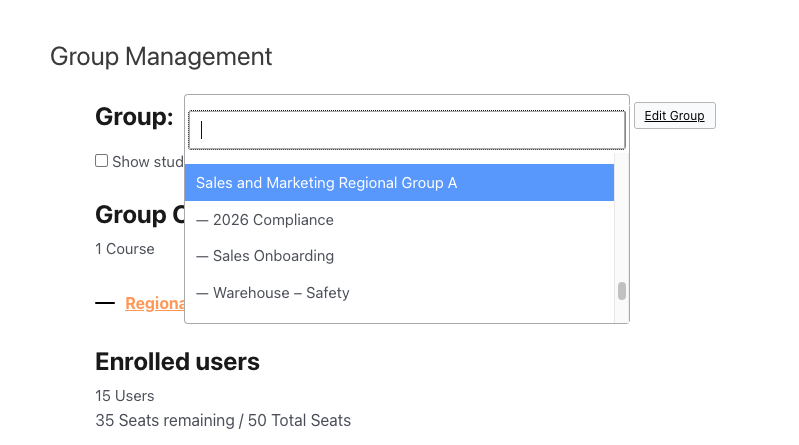 ### Delegate management to team leads
You don’t have to be the bottleneck. Assign a **Group Leader** — a manager, team lead, or HR coordinator — and they get a front-end page to:
- Add new hires and remove people who leave.
- Send invitations and password-reset emails.
- See exactly who has and hasn’t finished.
All of this happens **without WordPress admin access**, so you keep your dashboard locked down while still empowering managers. See [Using the Group Management Page](https://www.uncannyowl.com/knowledge-base/group-management-page/).
### Prove completion for compliance and audits
For mandatory training, “I think they did it” isn’t good enough. Group Leaders and admins can pull **course and quiz reports** showing each learner’s status and scores, and export them to CSV for HR records or audits. See [Using the Group Reports](https://www.uncannyowl.com/knowledge-base/group-leader-reports/).
**Tip:** Pair Groups with [Uncanny Continuing Education Credits](https://www.uncannyowl.com/article-categories/uncanny-ceus-learndash/) when you need to award and track formal credits, or with [Tin Canny Reporting](https://www.uncannyowl.com/article-categories/tin-canny-learndash-reporting/) for deeper, site-wide analytics.
### Onboard new hires on autopilot
New people join all year round. Instead of manually enrolling each one, a manager simply adds them to the onboarding group — they’re enrolled in the right courses instantly and receive a welcome email with their login. As they finish, the manager watches progress fill in on the same page.
### Why this wins
- **Less admin for you** — managers run their own teams.
- **Clear accountability** — every learner’s status is visible to the right leader.
- **Exportable completion records** — pull status, scores, and completion dates to CSV for your HR or compliance files.
- **Scales cleanly** — parent/child groups handle multi-team and multi-location structures.
### How to set it up
1. Install Uncanny Groups — see [Getting Started](https://www.uncannyowl.com/knowledge-base/getting-started-with-uncanny-groups-for-learndash/).
2. Create a group per team and enroll the relevant courses.
3. Assign each team’s manager as the [Group Leader](https://www.uncannyowl.com/knowledge-base/group-management-page/).
4. Have managers [add their team members](https://www.uncannyowl.com/knowledge-base/set-user-enrollment/) by invite or CSV.
5. Use [reports](https://www.uncannyowl.com/knowledge-base/group-leader-reports/) to track completion and export records.
### Related Articles
- [Manage Learner Progress](https://www.uncannyowl.com/knowledge-base/manage-learner-progress/)
- [Configure Group Emails](https://www.uncannyowl.com/knowledge-base/configuring-group-emails/)
- [Sell Online Courses to Businesses & Teams](https://www.uncannyowl.com/knowledge-base/sell-online-courses-to-businesses-teams-with-learndash/)
**Article Categories:** Uncanny Groups for LearnDash
---
### [Sell Online Courses to Businesses & Teams with LearnDash](https://www.uncannyowl.com/knowledge-base/sell-online-courses-to-businesses-teams-with-learndash/)
**Published:** July 13, 2026
**Author:** David Chambo
**Content:**
Selling a course one seat at a time leaves money on the table. The biggest orders come from organizations that need to train **whole teams** — and they expect to buy in bulk and manage their own people. Uncanny Groups makes that possible, turning your LearnDash site into a B2B course storefront.
### The opportunity
A single corporate sale can be worth dozens or hundreds of individual enrollments. But businesses won’t buy if it means emailing you a spreadsheet of names every time someone joins or leaves. They want to:
- Buy a block of seats in one transaction.
- Add and remove their own employees on demand.
- See who has finished training — without asking you.
Uncanny Groups delivers exactly this experience, so you can close bigger deals and spend less time on manual account admin.
### What the buyer experience looks like
1. **A company finds your course** and chooses how many seats it needs.
2. **They check out through WooCommerce** like any other product — including volume discounts you set.
3. **They instantly become a Group Leader** with a front-end management page.
4. **They invite their team** by email, enrollment key, or CSV upload — no help from you.
5. **They track completion** in built-in reports and add more seats whenever they grow.
### Two ways to sell
You can offer either model — or both — depending on how much choice you want buyers to have.
**Model****Best for****How it works****Pre-configured licenses**A fixed catalog of team packages (e.g. “Compliance Training – 50 seats”)You define the course bundle and seat count; the buyer simply purchases it.**Custom licenses**Buyers who want to pick their own courses and seat countsThe buyer builds their own package on a Buy Courses page and checks out.See [Create Pre-configured LearnDash Group Licenses](https://www.uncannyowl.com/knowledge-base/creating-pre-configured-learndash-group-licenses/) and [Enable Users to Build Custom Group Licenses](https://www.uncannyowl.com/knowledge-base/group-leader-purchase-experience/).
### Close bigger deals with volume pricing
Businesses expect a better per-seat price as the order grows. With Uncanny Groups you can set **bulk discount tiers** — for example, 10% off at 25 seats and 20% off at 100 — to nudge buyers toward larger purchases. See [Configure Bulk Discounts](https://www.uncannyowl.com/knowledge-base/configure-bulk-discounts/).
### Let accounts grow without friction
Organizations rarely buy the perfect number of seats up front. When they need more, Group Leaders can **add seats and courses** to an existing license themselves, so expansion revenue flows in without a support ticket. Please note that additional courses cannot be added to subscription-based group licenses. See [Add Seats and Courses after Group Purchase](https://www.uncannyowl.com/knowledge-base/adding-seats-and-courses-after-group-purchase/).
### Why this wins
- **Bigger average order value** — sell 50 seats, not 1.
- **Near-zero admin overhead** — customers manage their own people.
- **Recurring revenue** — pair licenses with WooCommerce Subscriptions for renewing seats.
- **A professional buyer experience** that competes with dedicated corporate-LMS platforms, on your own site.
### How to set it up
1. Install Uncanny Groups and the official LearnDash WooCommerce integration — see [Getting Started](https://www.uncannyowl.com/knowledge-base/getting-started-with-uncanny-groups-for-learndash/).
2. [Set up your LearnDash Group Course products](https://www.uncannyowl.com/knowledge-base/setting-learndash-group-course-products/).
3. Choose your selling model: [pre-configured](https://www.uncannyowl.com/knowledge-base/creating-pre-configured-learndash-group-licenses/) or [custom licenses](https://www.uncannyowl.com/knowledge-base/group-leader-purchase-experience/).
4. [Configure bulk discounts](https://www.uncannyowl.com/knowledge-base/configure-bulk-discounts/) to reward larger orders.
5. Point buyers to a Buy Courses page and start selling.
### Related Articles
- [Sell LearnDash Group Access to Learners](https://www.uncannyowl.com/knowledge-base/sell-learndash-group-access-to-learners/)
- [Adding Seats after Subscription-based Group Purchase](https://www.uncannyowl.com/knowledge-base/adding-seats-after-subscription-based-group-purchase/)
- **Onboard & Train Your Team with LearnDash Groups**
**Article Categories:** Uncanny Groups for LearnDash
---
### [Getting Started with Uncanny Groups for LearnDash](https://www.uncannyowl.com/knowledge-base/getting-started-with-uncanny-groups-for-learndash/)
**Published:** July 13, 2026
**Author:** David Chambo
**Content:**
New to Uncanny Groups? This guide takes you from a fresh install to a fully working group — with learners enrolled and progress reports running — in about 15 minutes. No coding, and no need to give anyone access to your WordPress dashboard.
**Looking for the bigger picture first?** The [Uncanny Groups – START HERE!](https://www.uncannyowl.com/knowledge-base/uncanny-learndash-groups-plugin-overview/) article explains the three ways to use Groups (manual, selling custom licenses, and selling pre-configured licenses). This guide walks through the **manual** path — the fastest way to see Groups in action.
### What Uncanny Groups does
LearnDash includes a basic “Groups” feature, but it lives entirely in the WordPress admin and offers little more than bulk enrollment. Uncanny Groups turns that into a complete team-training toolkit:
- **Group Leaders manage their own people** from a clean front-end page — no WordPress admin access required.
- **Seats and enrollment keys** let leaders add, invite, and remove learners without your involvement.
- **Built-in reports** show course and quiz progress for the whole group at a glance.
- **WooCommerce integration** (optional) lets you *sell* group licenses, so organizations buy seats and self-manage from there.
This guide covers the essentials so you can see the value immediately. Links throughout point to deeper articles when you’re ready.
### Key terms (read this first)
A few words appear constantly in Groups. Here’s what they mean:
**Term****Plain-English meaning****Group**A set of learners enrolled in the same course(s) — e.g. “Acme Corp – Onboarding 2026”.**Group Leader**A person who manages a group from the front end (adds learners, views reports). Usually a manager, trainer, or client contact.**Seat**One spot in a group. A 25-seat group can hold 25 learners.**Enrollment key**A code that enrolls one learner into a group. Leaders hand these out or send invites; keys are used as learners join.**License**A purchasable bundle of seats + course(s), used when you *sell* group access through WooCommerce.### What you’ll need
- A working WordPress site with **LearnDash** and at least one published course.
- The **Uncanny Groups** plugin file and your license key (both are in your purchase email and your [Uncanny Owl account](https://www.uncannyowl.com/account/)).
#### Step 1 — Install and activate
1. In your WordPress dashboard, go to **Plugins > Add New > Upload Plugin**.
2. Upload the Uncanny Groups ZIP file and click **Install Now**, then **Activate**.
3. When prompted, open the **License Activation** screen and paste your license key. Activation enables automatic updates.
On activation, the plugin automatically creates the front-end pages it needs (Group Management, registration, and reports) and sets up default email templates — so you’re ready to go without building anything by hand.
For the full install walkthrough, see [Install and Set Up Uncanny Groups](https://www.uncannyowl.com/knowledge-base/uncanny-learndash-groups-plugin-setup/).
#### Step 2 — Create your first group
You can create a group in two ways, with the Uncanny Group Creation Wizard or by creating and upgrading an LearnDash group. For your first time, the Uncanny Group Creation Wizard is fatsest:
1. Go to **Uncanny Groups > Create Group** to launch the Uncanny Group Creation Wizard.
2. Fill out the **Group details** section by adding a **Group name**, the **Total seats** you want the group to have (each seat can be assigned to a single user), **Group Courses** and if desired a **Group image**. If group hierarchy is enabled in LearnDash group options, then you can also assign a **Parent group**.
3. You can also assign an existing user as the Group Leader or create a new Group Leader user by filling out the **First name**, **Last name** and **E-mail** fields under the **Group leader details** section.
4. Click the **Create group** button to create a new upgraded group.
**Already have native LearnDash groups?** You can *upgrade* existing or new LearnDash groups to unlock the Uncanny front-end features. See [Upgrade Existing LearnDash Groups](https://www.uncannyowl.com/knowledge-base/upgrade-existing-learndash-groups/).
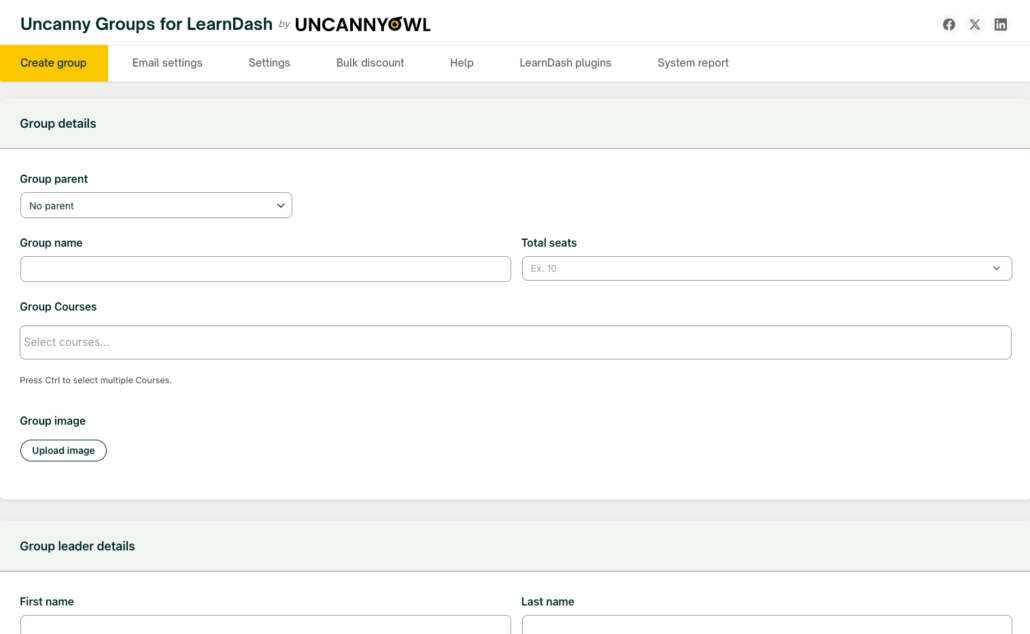 #### Step 3 — Add and invite learners
This is where Group Leaders do most of their work. From the front-end **Group Management** page, a leader can:
- **Add and invite a user** — creates the account and emails them an invitation.
- **Send an enrollment key** — emails a code an existing user can redeem.
- **Bulk add** multiple users at once, or **upload a CSV** for large groups.
-
The CSV format is simple: user\_email,user\_pass,first\_name,last\_name.
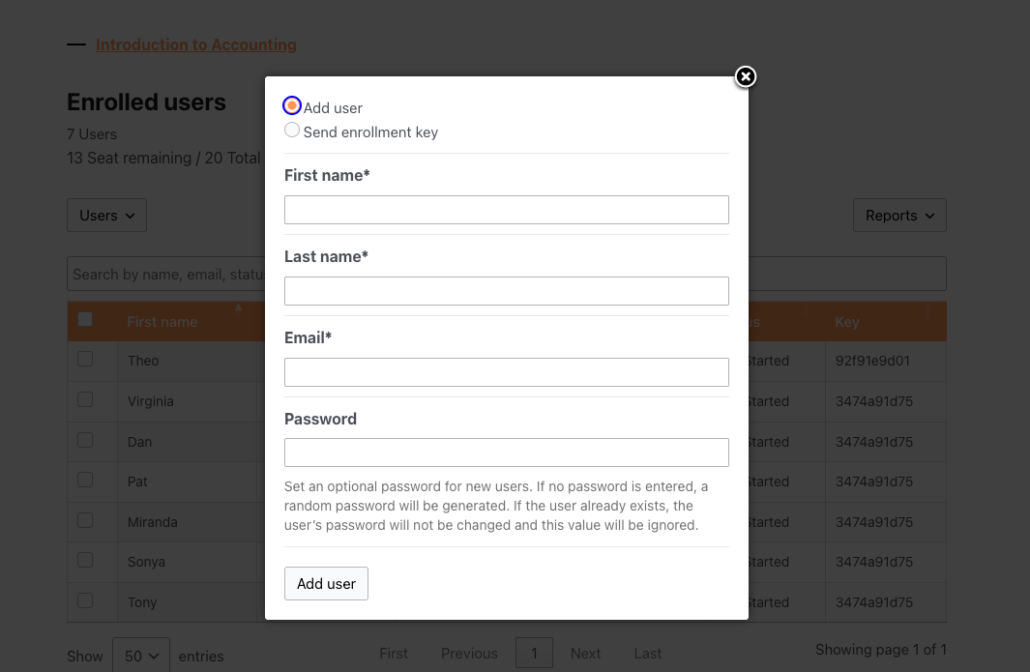 As learners join, **seats fill up** and **enrollment keys are marked used**. Leaders always see how many seats remain at the top of the page. Full details: [Using the Group Management Page](https://www.uncannyowl.com/knowledge-base/group-management-page/).
#### Step 4 — Watch progress with reports
Once learners start, Group Leaders can track everyone from the same front-end page.
1. Review each learner’s group progress status — **Not started**, **In progress**, or **Completed**.
2. To view group reports, click the **Reports** button. A dropdown list of all enabled reports will appear (reports are enabled on the page Uncanny Groups > Settings under the heading **Page Setup** – follow details on that page for setting up report pages) .
- Click the **Course** option to view the **Course Report** where you can view group members course progress by selecting a group (if your the leader of more than one group) and course assigned to the selected group.
- Click the **Quiz** option to view the **Quiz Report** for scores, and export any report to CSV.
- Click the **Progress** option to view the **Progress Report** for individual user progress in all group courses.
- Click the **Assignments** option to view the **Assignment Report** to manage uploaded LearnDash assignments in the front end.
- Click the **Essays** option to view the **Essay Report t**o manage essay question answers from LearnDash quizzes in the front end.
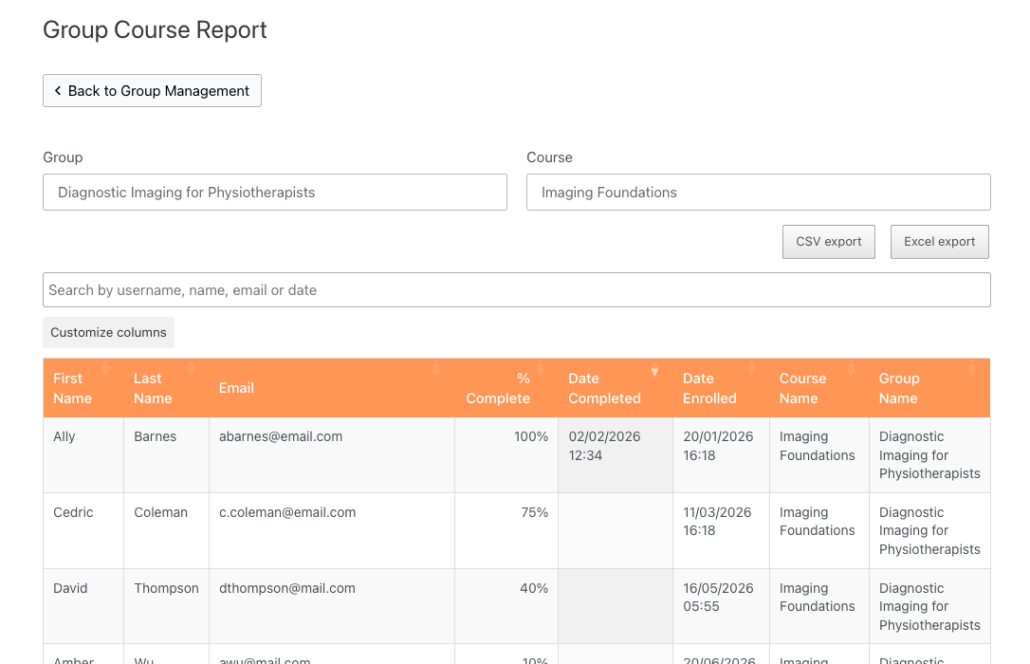 That’s it — you now have a working group, enrolled learners, and live reporting that your Group Leaders can run on their own. See [Using the Group Reports](https://www.uncannyowl.com/knowledge-base/group-leader-reports/) for everything reports can do.
**Note:** Non-upgraded LearnDash groups can still be viewed on the Group Management page by Group Leaders. Just enable the option”Show “basic” (non-upgraded) groups in front end with access to reports only” on the Uncanny Groups > Settings page (found under the heading “General”. These groups will only have reporting functions, Group Leaders cannot add/remove members of “Basic” groups.
### Where to go next
Pick the path that matches your goal:
- **Want to sell course access to organizations?** Start with [Sell LearnDash Group Access to Learners](https://www.uncannyowl.com/knowledge-base/sell-learndash-group-access-to-learners/) and [Set up LearnDash Group Course Products](https://www.uncannyowl.com/knowledge-base/setting-learndash-group-course-products/).
- **Want leaders to buy and build their own licenses?** See [Enable Users to Build Custom Group Licenses](https://www.uncannyowl.com/knowledge-base/group-leader-purchase-experience/).
- **Training your own team?** Read **Onboard & Train Your Team with LearnDash Groups**.
- **Customizing emails or behavior?** See [Configure Group Emails](https://www.uncannyowl.com/knowledge-base/configuring-group-emails/) and [Actions/Filters for Developers](https://www.uncannyowl.com/knowledge-base/actions-filters-for-developers/).
### Related Articles
- [Uncanny Groups – START HERE!](https://www.uncannyowl.com/knowledge-base/uncanny-learndash-groups-plugin-overview/) — choose the right setup for your goal
- [Install and Set Up Uncanny Groups](https://www.uncannyowl.com/knowledge-base/uncanny-learndash-groups-plugin-setup/) — full installation and settings reference
- [Using the Group Management Page](https://www.uncannyowl.com/knowledge-base/group-management-page/) — the Group Leader’s command center
- [Frequently Asked Questions](https://www.uncannyowl.com/knowledge-base/frequently-asked-questions-2/) — quick answers to common setup questions
**Article Categories:** Uncanny Groups for LearnDash
---
### [Continuing Education Admin Reports](https://www.uncannyowl.com/knowledge-base/continuing-education-credits-admin-report/)
**Published:** July 23, 2017
**Author:** Ryan Moore
**Excerpt:** Learn how to track continuing education credits as a LearnDash administrator.
**Content:**
### Overview
The admin Credit Report is your command center for continuing education data. From a single screen you can filter credit records by user, group, course, and date range, export them to CSV or Excel, manage individual records, and see who hasn’t met their requirements.
Uncanny CEUs provides two ways to view credit data:
- **This article — the admin Credit Report** at **Uncanny CEUs > Credit Report**, for administrators working inside the WordPress dashboard.
- **The front-end report**, which you place on a page with a shortcode or block so learners and group leaders can view credits without admin access. See [Continuing Education Report](https://www.uncannyowl.com/knowledge-base/continuing-education-report/).
The admin Credit Report shows learner name, email address, course name, completion date, credits earned for the course, and total credits earned — all filterable and exportable.
### Accessing the Report
Go to **Uncanny CEUs > Credit Report**. The report opens with two tabs:
- **Credit Report** — all earned-credit records.
- **Deficiency Report** — learners who haven’t met their required credits (see below).
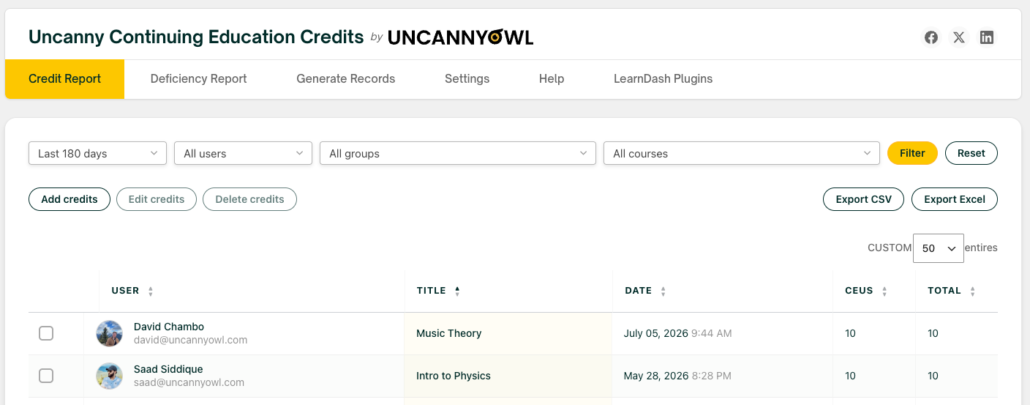 ### Filtering Records
Use the filters at the top of the report to narrow the data, then click **Filter** to update the table. You can filter by:
- **Date range** — limit results to a specific period.
- **User** — search for and select a learner.
- **Group** — select a LearnDash group.
- **Course** — select a specific course.
If you’ve enabled child-group support (see Settings below), selecting a parent group also returns records for its child groups.
### Managing Credits from the Report
You can adjust credit records directly from the report. These actions are covered in full in [Add, Edit, and Remove Credits](https://www.uncannyowl.com/knowledge-base/add-and-remove-credits/):
- **Add** — Click **Add credits** to award credits, including for educational activities that happened outside LearnDash.
- **Edit** — Select a record and use **Edit credits** to correct its amount or date.
- **Delete** — Select one or more records with the checkboxes and click **Delete credits**.
### Exporting Data
The **Export** buttons generate CSV and Excel files, letting you analyze credit data externally in a spreadsheet. The export reflects your current filters and columns, so filter the report first to export exactly the data set you need.
### Deficiency Report
The **Deficiency Report** tab lists learners who have **not** met their required credits, based on the rollover date and the credit requirements set at the group or individual level. Learners who have met their requirement don’t appear, so everyone on the list still has credits to earn.
The Deficiency Report supports the same filtering and export options as the Credit Report, making it easy to hand a compliance officer a list of who’s behind. Requirements and rollover dates are configured in [Required Credits](https://www.uncannyowl.com/knowledge-base/required-credits/).
### Credit Report Settings
Configure the report’s defaults under **Uncanny CEUs > Settings**.
#### Show User Avatars
Optionally displays user avatars in the report. It’s **off by default**, because loading avatars for large reports can affect performance.
#### Report Mode
Controls how the report retrieves credit data. Choose the mode that best fits your site’s size:
**Mode****Best for****How it works****Legacy**Sites with custom code built before v4.1The original data-retrieval method, kept for compatibility.**Performance** *(default)*Most sitesCaptures credit data as users are updated, reducing the number of queries the report has to run.**Ludicrous**Very large sitesBuilds a cached copy of credit data hourly via cron and loads it on demand for the fastest reports.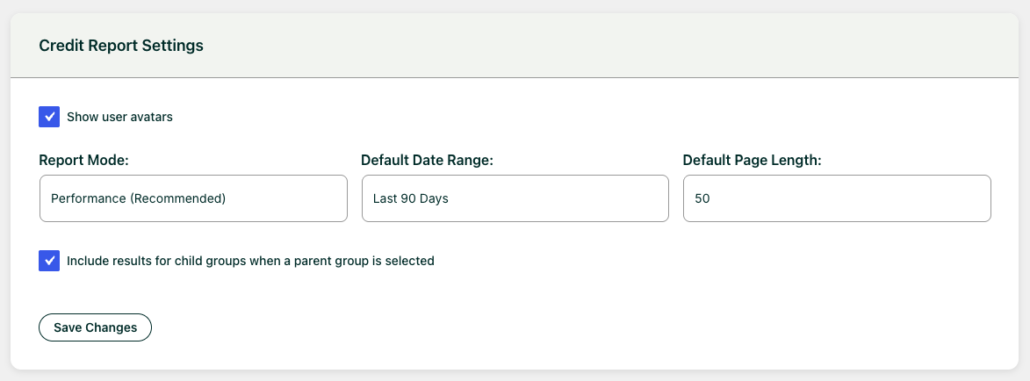 #### Default Date Range & Rows Per Page
Set the date range the report loads with, and how many rows appear per page, so the report opens the way your team prefers.
#### Include Results for Child Groups
When a parent group is selected, this option includes records from its child groups in the report. *(Added in v5.0.)* It appears only when LearnDash group hierarchies are in use.
### User Profiles
Credit totals also appear on each user’s profile page in the WordPress admin, showing both the learner’s total credits and the credits they’ve earned since the rollover date — a quick way to check one person without opening the full report.
### Related Articles
- [Continuing Education Report](https://www.uncannyowl.com/knowledge-base/continuing-education-report/) — The front-end report for learners and group leaders
- [Add, Edit, and Remove Credits](https://www.uncannyowl.com/knowledge-base/add-and-remove-credits/) — Manage individual credit records
- [Required Credits](https://www.uncannyowl.com/knowledge-base/required-credits/) — Set the requirements behind the Deficiency Report
- [Set Up the Uncanny Continuing Education Credits Plugin](https://www.uncannyowl.com/knowledge-base/setup-continuing-education-credits-plugin/) — Configure report defaults and the rollover date
- [Continuing Education Shortcodes](https://www.uncannyowl.com/knowledge-base/continuing-education-shortcodes/) — Display credit data anywhere on your site
**Article Categories:** Uncanny Continuing Education Credits
---
### [Continuing Education Shortcodes](https://www.uncannyowl.com/knowledge-base/continuing-education-shortcodes/)
**Published:** August 5, 2017
**Author:** Ryan Moore
**Excerpt:** Learn about the shortcodes that are available in Uncanny Continuing Education Credits.
**Content:**
### Overview
Uncanny CEUs includes a set of shortcodes — each with a matching Gutenberg block — for displaying credit information anywhere on your site. Use them to show learners their earned credits, how many credits remain before a rollover date, certificate descriptions, and more.
Every shortcode below has an equivalent block in the **Uncanny Continuing Education Credits** block category. Shortcodes are ideal for page builders, widgets, and templates; blocks offer the same output with a visual settings panel in the WordPress editor. Both produce identical results, so use whichever fits your workflow.
Wherever a shortcode references “credits,” the output uses the credit label you set under **Uncanny CEUs > Settings** (for example, CEUs, CPDs, or PDUs)
### Shortcodes/Blocks
Here’s a list of shortcodes and blocks and how to use them:
### Available Course Credits
```
[uo_ceu_available course-id="id"]
```
Block Name: **Available Credits**
This shortcode displays the number of credits available for the course (as set in the Edit page for that course). The course-id attribute is optional and is used to associated the shortcode with a particular course. If the shortcode is used on a course page, no ID is required. On other pages it should be added. If you are using blocks, the optional *Course ID* will appear in the block side menu, under *Available Credits Settings*.
### Earned Course Credits
```
[uo_ceu_earned course-id="id" since-rollover="yes"]
```
Block Name: **Earned Credits**
This shortcode shows the number of credits earned by the learner for the associated course. Once again, course-id is optional and not required on a course page. If the user has not earned any credits for the course, the system will display a value of 0. If *since\_rollover* is set to *yes*, it shows the number of credits earned since the rollover date. If credits were earned before the date, a value of 0 is shown. If you are using blocks, the options *Course ID* and *Since Rollover* will appear in the block side menu, under *Earned Credits Settings*.
### Total Credits Earned
```
[uo_ceu_total user-id=""]
```
Block Name: **Total Credits**
This shortcode shows the total number of credits (regardless of rollover date) for the associated user. If the user\_id attribute is not included, the value is shown for the current user. If you are using blocks, the option *User ID* will appear in the block side menu, under *Total Credits Settings*.
### Total Credits Earned since Rollover Date
```
[uo_ceu_total_rollover user-id=""]
```
Block Name: **Total Rollover Credits**
This shortcode is much like the total one except that it only sums credits earned on or after the rollover date. If you are using blocks, the options *User ID* and *On or After Rollover* will appear in the block side menu.
### Days Remaining until Rollover Date
```
[uo_ceu_days_remaining]
```
Block Name: **Days Remaining**
This shortcode/block outputs the number of days that remain until the rollover date. Learners can reference this value so they know how much time they have until all of their credits must be earned.
### Credits Remaining before Rollover Date
```
[uo_ceu_credits_remaining user_id="id"]
```
Block Name: **Credits Remaining**
This shortcode/block shows users how many credits they need to earn before the rollover date. If no user\_id is specified, the shortcode/block will show the value for the current user. As a reminder, the number of credits shown is the *highest* of a user’s associated individual and group credit requirements.
### Certificate Trigger Description
```
[uo_ceu_certificate_description certificate-id="678"]
```
Block Name: **Certificate Trigger Description**
This shortcode/block displays the description text configured on a CEU certificate trigger. Useful for showing learners what a certificate represents on a course or profile page. The LearnDash certificate ID is optional. If no ID is used, it defaults to the current certificate/post.
See [Continuing Education Certificates](https://www.uncannyowl.com/knowledge-base/continuing-education-certificates/) for how to configure the description.
### Continuing Education Report
```
[uo_ceu_report]
```
Block Name: **Continuing Education Report**
This shortcode/block displays a front-end credit report. By default it shows a learner-facing search report; with the enhanced attribute enabled it becomes a full report for administrators and group leaders, with column customization, filtering, export, and inline credit editing.
**Attribute****Description**`enhanced`off (default) shows the standard learner search report; on loads the enhanced report (admins and group leaders only).`columns`A comma-separated list of columns to show, each as `key`mode`The data source used to build the report: meta (recommended), json (fastest), legacy, or tables.`add`on enables the “Add credits” action in the enhanced report.`edit`on enables inline editing of existing credit records.`delete`on enables deleting credit records.Because the enhanced report and its add/edit/delete actions are powerful, they are only available to administrators and group leaders. For a full walkthrough, see [Continuing Education Report](https://www.uncannyowl.com/knowledge-base/continuing-education-report/) and [Add and Remove Credits](https://www.uncannyowl.com/knowledge-base/add-and-remove-credits/).
### Using the Blocks
To add any of these as a block, edit a page or post, click the **+** (Add Block) button, and search for the block name from the Quick Reference table above — or browse the **Uncanny Continuing Education Credits** block category. Each block exposes the same options as its shortcode in the block’s sidebar settings panel.
### Related Articles
- [Required Credits](https://www.uncannyowl.com/knowledge-base/required-credits/)
- [Continuing Education Report](https://www.uncannyowl.com/knowledge-base/continuing-education-report/)
- [Continuing Education Certificates](https://www.uncannyowl.com/knowledge-base/continuing-education-certificates/)
**Article Categories:** Uncanny Continuing Education Credits
---
### [Continuing Education Report](https://www.uncannyowl.com/knowledge-base/continuing-education-report/)
**Published:** July 22, 2017
**Author:** Ryan Moore
**Excerpt:** Learn how to embed a report that enables third parties to verify credits earned by your users.
**Content:**
### Overview
The Continuing Education Report puts credit data on the front end of your site. Learners can look up their own earned credits, and administrators and group leaders can run a full report — with filtering, export, and inline credit management — without going into the WordPress admin.
The report is added with a shortcode or block and comes in two forms:
- **Standard report** — A search box anyone can use to look up course completions and earned credits.
- **Enhanced report** — A full data table for administrators and group leaders, with custom columns, date filtering, CSV and Excel export, and the ability to add, edit, and delete credits.
### Adding the Report
Add the report with the shortcode:
```
[uo_ceu_report]
```
Or insert the **Continuing Education Report** block from the **Uncanny Continuing Education Credits** block category. The block exposes the same options as the shortcode in its settings panel.
### The Standard Report
By default, `[uo_ceu_report]` displays a search-based report. A visitor enters a search term and the report returns matching learners and their credits.
- Searches require a **minimum of 3 characters**.
- The search matches against email address, first name, last name, and display name.
- Results are paginated for readability.
This standard view is suitable for a public or learner-facing page where people look up their own records.
### The Enhanced Report
Add enhanced=”on” or enable the **Enhanced** block option, to unlock the full report:
`[uo_ceu_report enhanced="on"]`
The enhanced report is available only to logged-in administrators and group leaders. It displays all accessible credit data in a sortable, filterable table with:
- **Filtering** by user, group, course, and date range
- **Export** to CSV and Excel
- **Custom columns** (see below)
- **Inline credit management** — add, edit, and delete records (see below)
#### Enabling Credit Editing
The enhanced report can let group leaders and admins manage credits directly. Each action is turned on with its own attribute:
`[uo_ceu_report enhanced="on" add="on" edit="on" delete="on"]`
**Attribute****What it enables**`add`An **Add Credits** button for awarding new credits`edit`Inline editing of existing credit records (added in v5.0)`delete`Selecting and deleting credit recordsFor a full walkthrough of these actions, see [Add, Edit, and Remove Credits](https://www.uncannyowl.com/knowledge-base/add-and-remove-credits/).
#### Customizing Columns
Use the columns attribute to choose which columns appear and what they’re labeled. Each column is written as key||Label, separated by commas:
`[uo_ceu_report enhanced="on" columns="user||User,course||Course,date||Date,ceus_earned||Credits,total||Total"]`
Common column keys include user, course, date, ceus\_earned, and total.
#### Report Performance Mode
Large sites can choose how the report retrieves data using the mode attribute (meta is recommended for most sites; json is fastest). The default for all reports is set under **Uncanny CEUs > Settings**. See [Continuing Education Admin Reports](https://www.uncannyowl.com/knowledge-base/continuing-education-credits-admin-report/) for the full explanation of report modes.
### For Developers: Custom Columns and Data
Developers can extend the report with custom columns and data using filters:
- `uo_ceu_credit_report_column_config` — Define the report’s columns and their data structure (added in v5.0 for finer control over columns and the data behind them).
- `uo_ceu_credit_report_table_data` — Modify the credit data before it’s displayed, including injecting values for custom columns.
Combine the two to add a column and populate it with your own data. These filters are intended for developers comfortable working with PHP.
### Related Articles
- [Continuing Education Admin Reports](https://www.uncannyowl.com/knowledge-base/continuing-education-credits-admin-report/) — The in-admin Credit Report, report modes, and child-group settings
- [Add, Edit, and Remove Credits](https://www.uncannyowl.com/knowledge-base/add-and-remove-credits/) — Manage credit records from the report
- [Continuing Education Shortcodes](https://www.uncannyowl.com/knowledge-base/continuing-education-shortcodes/) — All CEU shortcodes and blocks
**Article Categories:** Uncanny Continuing Education Credits
---
### [Continuing Education Certificates](https://www.uncannyowl.com/knowledge-base/continuing-education-certificates/)
**Published:** July 24, 2017
**Author:** Ryan Moore
**Excerpt:** Learn how to award certificates for completing a set of LearnDash courses or achieving a minimum number of credits, units, hours, etc.
**Content:**
### Overview
Uncanny CEUs can issue a certificate automatically when a learner earns enough credits or completes a defined set of courses, then email it to the learner — and optionally to group leaders and administrators.
CEU certificates are separate from LearnDash’s standard per-course certificates. They’re designed for milestones that span more than one course, such as:
- **Credit-based certificates** — awarded when a learner’s total earned credits reach a threshold you set.
- **Multi-course certificates** — awarded when a learner completes a specific combination of courses.
Because these certificates are triggered by cumulative achievement rather than a single course completion, they’re delivered by email. A copy can also be stored on your server.
Certificates are attached to emails as PDF files and can be optionally stored on the server (in /wp-content/uploads/ceu-certs/ for easy FTP access).
### Enabling Certificates
1. Go to **Uncanny CEUs > Settings** and open the certificate email settings.
2. Enable the certificate type(s) you want to use — credit-based, multi-course, or both.
3. Set the **email subject** and **message**, and choose who receives the email (learner, and optionally group leaders and administrators).
4. Optionally enable server storage. Stored certificates are saved to /wp-content/uploads/ceu-certs/.
The email subject and message support personalization variables, the same way reminder emails do.
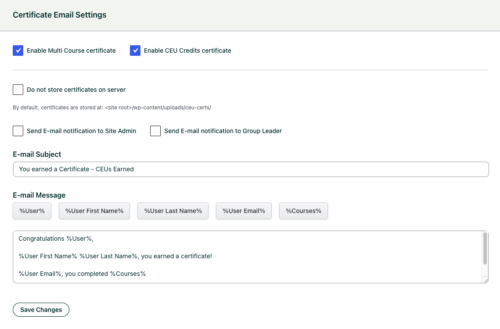 **Note:** The certificate email subject, message, and recipient settings apply to all CEU certificate types. Make sure your wording works for every certificate you issue.
### Configuring a Certificate Trigger
CEU certificates are configured on the LearnDash **Certificate** itself.
1. Edit (or create) the certificate under **LearnDash > Certificates**.
2. In the Uncanny CEUs certificate settings on that screen, choose the trigger:
- **Required courses** — Select the courses a learner must complete to earn this certificate.
- **Credit threshold** — Enter the number of credits a learner must earn to be awarded this certificate.
3. Optionally add a **description** explaining what the certificate represents. You can display this text elsewhere on your site using the `[uo_ceu_certificate_description] `shortcode — see [Continuing Education Shortcodes](https://www.uncannyowl.com/knowledge-base/continuing-education-shortcodes/).
4. Save the certificate.
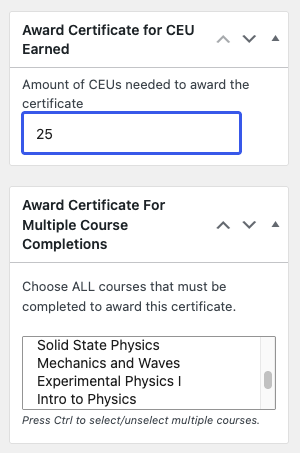 **Important:** A credit-threshold certificate is awarded **once** per learner. If you later raise the threshold, learners who already received the certificate are not issued a new one.
### How Learners Receive Certificates
Because CEU certificates are triggered by cumulative achievement, they’re delivered by email rather than through LearnDash’s standard certificate display (such as the ld\_profile shortcode). Email delivery is how learners get these certificates, so confirm your site can reliably send email before relying on this feature.
Note that generating historical credit records (see [Generate Historical LearnDash Course Credits](https://www.uncannyowl.com/knowledge-base/generate-learndash-course-credits/)) backfills credit data but does **not** trigger new certificate emails.
### Related Articles
- [Continuing Education Shortcodes](https://www.uncannyowl.com/knowledge-base/continuing-education-shortcodes/) — Display certificate descriptions with `[uo_ceu_certificate_description]`
- [Required Credits](https://www.uncannyowl.com/knowledge-base/required-credits/) — Set the credit requirements that pair with credit-based certificates
- [Set Up the Uncanny Continuing Education Credits Plugin](https://www.uncannyowl.com/knowledge-base/setup-continuing-education-credits-plugin/) — Configure credit labels and email settings
**Article Categories:** Uncanny Continuing Education Credits
---
### [Add and Remove Credits](https://www.uncannyowl.com/knowledge-base/add-and-remove-credits/)
**Published:** December 18, 2020
**Author:** Ryan Moore
**Content:**
### Overview
Credits are awarded automatically when learners complete courses, but you’ll sometimes need to manage them by hand — to award credit for an activity that happened outside of LearnDash, to correct a record, or to remove one. You can do all of this directly from the Credit Report.
The Credit Report supports three manual actions on credit records:
- **Add** a new credit record — for a LearnDash course or for an activity that doesn’t exist as a course on your site (a webinar, a workshop, an in-person session).
- **Edit** an existing record — adjust the credit amount or date of a record that’s already there.
- **Delete** a record — permanently remove a credit a learner earned.
Adding and deleting credits have been available since version 3.1. Editing existing records inline was added in **version 5.0**.
These actions are available to administrators and group leaders in the enhanced report. If you’re displaying the report on the front end with the \[uo\_ceu\_report\] shortcode or block, each action is enabled with its own attribute (add=”on”, edit=”on”, delete=”on”). See [Continuing Education Report](https://www.uncannyowl.com/knowledge-base/continuing-education-report/) for those options.
### Adding Credits
1. Go to **Uncanny CEUs > Credit Report** (or open an enhanced front-end report).
2. Click the **Add Credits** button to open the entry form.
3. Choose what the credit is for:
- **A LearnDash course** — Select the course. The credit amount matches the value already assigned to that course, so the course must have a credit value set. See [Adding Credits to Courses](https://www.uncannyowl.com/knowledge-base/adding-course-credits/).
- **A non-LearnDash activity** — Enter a title, the number of credits, and the date and time the credit was earned.
4. Select the learner the credit applies to.
5. Save the entry.
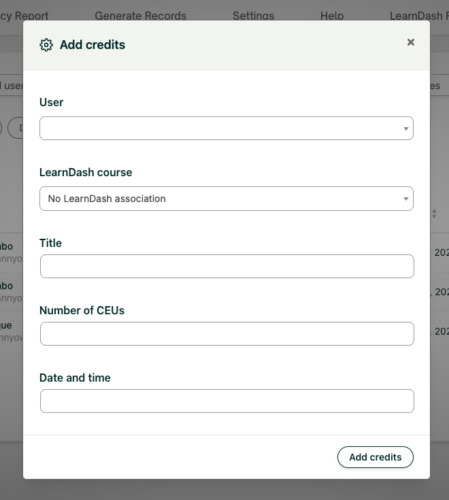 **Tip:** If you award a credit with a date in the future, it won’t appear in the report under the default date range. Set a custom date range with an end date past the award date to see it.
### Editing Credits
As of version 5.0, you can correct an existing credit record without deleting and re-adding it. If the credit is awarded via course completion, you will be able to edit the options **Complete Course** and **Date and time**. If the credit was awarded without course completion, you will be able to edit the **Title**, **Number of CEUs** and **Date and time** options.
1. In the Credit Report, find the record you want to change and check the box on the left.
2. Click the **Edit** **credits** button.
3. Update the credits options depending on type of credit (detailed above).
4. Save the change.
This is the quickest way to fix a typo in a credit amount or correct an award date.
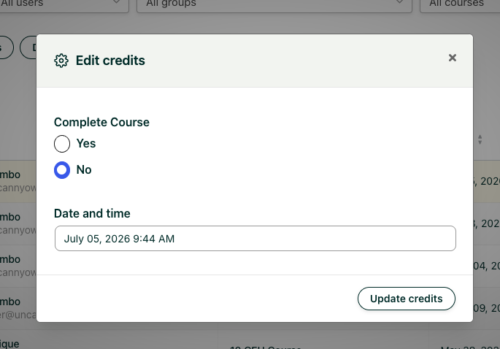 ### Deleting Credits
1. In the Credit Report, select the record (or records) you want to remove using the row checkboxes.
2. Click the **Delete Credits** button below the filters.
3. Confirm the deletion when prompted.
Deleting a credit record is permanent. If you only need to change a value, use **Edit** instead.
### Related Articles
- [Continuing Education Report](https://www.uncannyowl.com/knowledge-base/continuing-education-report/) — Enable add/edit/delete on the front-end report
- [Adding Credits to Courses](https://www.uncannyowl.com/knowledge-base/adding-course-credits/) — Set the course credit values used when adding LearnDash credits
- [Continuing Education Admin Reports](https://www.uncannyowl.com/knowledge-base/continuing-education-credits-admin-report/) — Filter and export the Credit Report
**Article Categories:** Uncanny Continuing Education Credits
---
### [Use Case: Selling Accredited & Continuing Education Courses](https://www.uncannyowl.com/knowledge-base/use-case-selling-accredited-continuing-education-courses/)
**Published:** July 5, 2026
**Author:** David Chambo
**Content:**
### Overview
“Earn 3 CPD credits” is a powerful reason to buy a course. When your courses count toward a license or designation, the credits *are* the product. Uncanny CEUs lets you advertise accredited credit on every course and award it automatically after purchase — turning continuing education into a revenue stream.
Selling continuing education means combining three things:
1. **A way to sell course access** — WooCommerce, redemption codes, or memberships.
2. **Credits that are awarded on completion** — handled by Uncanny CEUs.
3. **Proof of credit** — certificates and transcripts learners can submit to their board.
Uncanny CEUs supplies the credit layer and works alongside the Uncanny tools you already use to sell and deliver courses.
### Why Credits Sell Courses
- **Credits are the value proposition.** Professionals shop for courses by the credits they award. Displaying the credit value upfront answers their main question before they buy.
- **Automatic delivery.** Credits are awarded on completion with no manual step — the learner buys, learns, and earns.
- **Trust through certificates.** An automatic certificate gives buyers confidence the course truly counts toward their requirement.
- **Repeat business.** Professionals come back every renewal cycle. A clear credit transcript keeps them returning to you for their next credits.
### Building the Offer
#### Step 1: Assign and Advertise the Credit Value
Set each course’s credit value on its edit screen (see [Adding Credits to Courses](https://www.uncannyowl.com/knowledge-base/adding-course-credits/)). Then advertise it on the sales page using the available-credits shortcode or block, so shoppers see exactly what they’ll earn:
```
[uo_ceu_available course-id="123"]
```
Place it near the price and the buy button — e.g., “Complete this course and earn \[uo\_ceu\_available\] CPD credits.”
 #### Step 2: Sell Course Access
Use whichever Uncanny tool fits your sales model:
- **WooCommerce** — Sell courses or bundles as products. On purchase, the learner is enrolled and earns credits automatically on completion.
- **Redemption codes** — Sell or distribute access codes for individual and bulk purchases with [Uncanny Codes](https://www.uncannyowl.com/downloads/uncanny-learndash-codes/). Ideal for selling seats to an employer who then distributes them to staff.
- **Group licenses** — Sell access to organizations with [Uncanny Groups for LearnDash](https://www.uncannyowl.com/downloads/uncanny-learndash-groups/), where a buyer purchases a block of seats and manages their own learners.
Uncanny CEUs sits underneath all of these — however the learner gets access, completing the course awards the credits.
#### Step 3: Deliver Certificates Automatically
Configure a certificate to issue when the learner completes the course or reaches a credit milestone, and have it emailed to them. This is what buyers submit to their licensing board as proof. See [Continuing Education Certificates](https://www.uncannyowl.com/knowledge-base/continuing-education-certificates/).
#### Step 4: Give Buyers a Lasting Transcript
Add a credit report or transcript shortcodes to the account/dashboard area so returning customers can always see the credits they’ve purchased and earned with you. See [Continuing Education Report](https://www.uncannyowl.com/knowledge-base/continuing-education-report/).
### Selling to Employers and Organizations
A large share of continuing education is bought by employers for their teams. To serve that market:
- Sell **bulk seats** via [Uncanny Codes](https://www.uncannyowl.com/downloads/uncanny-learndash-codes/) or **group licenses** via [Uncanny Groups for LearnDash](https://www.uncannyowl.com/downloads/uncanny-learndash-groups/).
- Make the **purchasing manager a group leader** so they can enroll staff and run the front-end Continuing Education Report to track their team’s credits.
- For larger organizations with a hierarchy, enable the **child groups** option so a head-office report rolls up every sub-group. See [Continuing Education Admin Reports](https://www.uncannyowl.com/knowledge-base/continuing-education-credits-admin-report/).
This combination lets you sell one license to an organization and hand them a self-service portal for enrollment and credit tracking.
### Automating the Buyer Journey
Uncanny CEUs integrates with [Uncanny Automator](https://automatorplugin.com/) so you can build the credit milestones into a larger automation. The **Uncanny CEUs** integration includes two triggers and an action:
- A **trigger** for when *a user earns a number of CEUs* — fires each time a learner earns credits.
- A **trigger** for when *the total number of CEUs earned by a user is greater than or equal to a specific number* — use it to send a congratulations email, issue a coupon for the next course, add a badge, or notify a CRM when a buyer hits a credit milestone.
- An **action** that *awards a number of custom CEUs to the user* — use it to grant credits as part of a recipe, such as after a purchase or an event registration.
See the [Uncanny Continuing Education Credits integration](https://automatorplugin.com/integration/uncanny-continuing-education-credits/) for available triggers and actions.
### Related Articles
- [Continuing Education Certificates](https://www.uncannyowl.com/knowledge-base/continuing-education-certificates/) — Proof of credit for buyers
- [Use Case: Continuing Education for Professional Associations](https://www.uncannyowl.com/knowledge-base/use-case-continuing-education-for-professional-associations/) — Run a full CE program
- [Uncanny Codes](https://www.uncannyowl.com/downloads/uncanny-learndash-codes/) — Sell and distribute course access codes
- [Uncanny Groups for LearnDash](https://www.uncannyowl.com/downloads/uncanny-learndash-groups/) — Sell group licenses with leader-managed reporting
- [Getting Started with Uncanny Continuing Education Credits](https://www.uncannyowl.com/knowledge-base/getting-started-with-uncanny-continuing-education-credits/) — Choose the right workflow
**Article Categories:** Uncanny Continuing Education Credits
---
### [Use Case: Continuing Education for Professional Associations](https://www.uncannyowl.com/knowledge-base/use-case-continuing-education-for-professional-associations/)
**Published:** July 5, 2026
**Author:** David Chambo
**Content:**
### Overview
Professional associations, certifying bodies, and training providers award continuing education to members so they can maintain a license or designation — CME for clinicians, CLE for lawyers, CPD for accountants and engineers, PDUs for project managers, and so on. Uncanny CEUs gives you the credit-tracking, certificates, and member-facing transcripts these programs depend on, right inside LearnDash.
A continuing education program has a few defining needs:
- Credits that use the **right terminology** for your profession.
- A way for members to **see and prove** the credits they’ve earned.
- **Certificates** members can submit to a licensing board.
- **Reporting** for your team and for partner organizations.
Uncanny CEUs covers all four, and works alongside WooCommerce and Uncanny Groups when you sell courses or serve organizational members.
### Why Associations Choose Uncanny CEUs
- **Your terminology, everywhere.** Label credits as CME, CPD, PDUs, contact hours — whatever your accreditation uses. The label flows through reports, certificates, and emails automatically.
- **A permanent member record.** Earned credits are stored permanently and independently of course data, so a member’s history stays accurate for years — exactly what audits and renewals require.
- **Certificates on autopilot.** Issue a certificate the moment a member earns enough credits or finishes a required series of courses.
- **Member self-service.** Members look up their own totals and download what they need, reducing email to your staff.
### Setting Up Your Program
#### Step 1: Set Your Credit Terminology
Under **Uncanny CEUs > Settings**, set the singular and plural credit labels to match your accreditation — for example, “CME Credit” / “CME Credits” or “PDU” / “PDUs.” This is the first thing to configure, because the label appears everywhere members and staff see credits.
#### Step 2: Assign Credit Values to Courses
Give each course its accredited credit value on the course edit screen. Decimal values are supported (for example, 1.5 credits), which matters when accreditation bodies award partial credits. See [Adding Credits to Courses](https://www.uncannyowl.com/knowledge-base/adding-course-credits/).
#### Step 3: Issue Certificates of Completion
Configure certificates to award members automatically:
- **Per credit milestone** — e.g., a certificate when a member reaches 20 CME credits.
- **Per course series** — e.g., a certificate for completing all courses in a designation track.
Members receive the certificate by email, and a copy can be stored on your server for your records. See [Continuing Education Certificates](https://www.uncannyowl.com/knowledge-base/continuing-education-certificates/).
#### Step 4: Give Members a Credit Transcript
Add a front-end report or credit shortcodes to a member dashboard so members can view and verify their credits at any time:
- `[uo_ceu_total]` — Lifetime credits earned
- `[uo_ceu_earned course-id="123"]` — Credits earned for a specific course
- `[uo_ceu_report] `— A searchable record of completions and credits
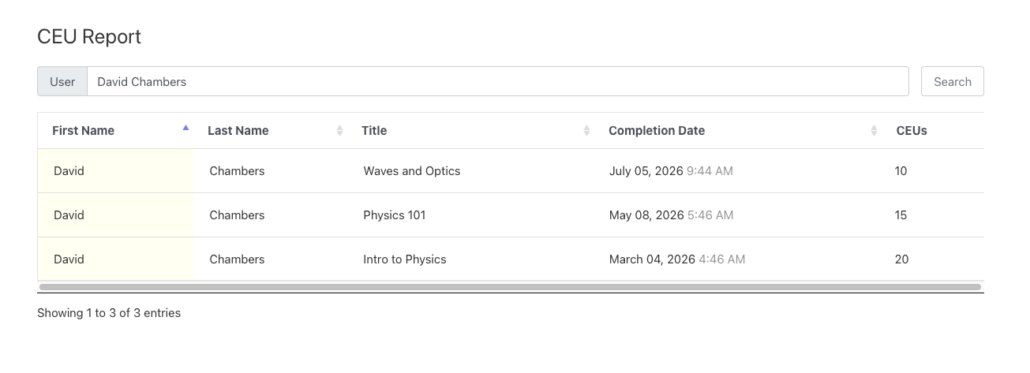 See [Continuing Education Report](https://www.uncannyowl.com/knowledge-base/continuing-education-report/) and [Continuing Education Shortcodes](https://www.uncannyowl.com/knowledge-base/continuing-education-shortcodes/).
#### Step 5: Account for Pre-Existing Credits
If members completed courses before you installed the plugin, backfill their records so transcripts are complete from day one. See [Generate Historical LearnDash Course Credits](https://www.uncannyowl.com/knowledge-base/generate-learndash-course-credits/).
### Handling Credits Earned Outside Your Courses
Members often earn credits at conferences, webinars, or partner events that aren’t courses on your site. Add those credits manually so a member’s transcript reflects their full continuing education — enter a title, the credit amount, and the date from the Credit Report. See [Add, Edit, and Remove Credits](https://www.uncannyowl.com/knowledge-base/add-and-remove-credits/).
### Serving Organizational Members
If your association serves companies or chapters — not just individuals — pair Uncanny CEUs with [Uncanny Groups for LearnDash](https://www.uncannyowl.com/downloads/uncanny-learndash-groups/). A chapter administrator becomes a group leader who can:
- Enroll their members
- Run continuing education reports on their group from the front end
- Track each member’s credits toward designation requirements
For multi-level structures (national → regional → local chapters), enable the **child groups** option so a parent’s report rolls up its sub-groups. See [Continuing Education Admin Reports](https://www.uncannyowl.com/knowledge-base/continuing-education-credits-admin-report/).
### Related Articles
- [Continuing Education Certificates](https://www.uncannyowl.com/knowledge-base/continuing-education-certificates/) — Credit-based and multi-course certificates
- [Continuing Education Report](https://www.uncannyowl.com/knowledge-base/continuing-education-report/) — Member-facing transcripts
- [Use Case: Selling Accredited & Continuing Education Courses](https://www.uncannyowl.com/knowledge-base/use-case-selling-accredited-continuing-education-courses/) — Monetize your CE program
- [Getting Started with Uncanny Continuing Education Credits](https://www.uncannyowl.com/knowledge-base/getting-started-with-uncanny-continuing-education-credits/) — Choose the right workflow
**Article Categories:** Uncanny Continuing Education Credits
---
### [Use Case: Compliance & Recertification Training](https://www.uncannyowl.com/knowledge-base/use-case-compliance-recertification-training/)
**Published:** July 5, 2026
**Author:** David Chambo
**Content:**
### Overview
Many industries require employees to complete a set amount of training every year — safety, HIPAA, anti-harassment, financial compliance, and more. Uncanny CEUs is built for exactly this: assign credits to your training courses, set an annual requirement, and let the plugin track who’s on track and who’s falling behind.
A compliance program usually comes down to one rule: *every learner must earn at least X credits within each compliance period.* Uncanny CEUs turns that rule into an automated system.
- Learners earn credits automatically as they complete courses.
- A **rollover date** defines the start of each compliance period.
- A **required credits** value sets the minimum each learner (or group) must reach.
- A **Deficiency Report** shows exactly who hasn’t met the requirement yet.
- **Reminder emails** nudge learners before the deadline.
The result is a self-running compliance tracker that replaces the spreadsheets most organizations rely on.
### Why Use Uncanny CEUs for Compliance
- **Audit-ready records.** Every earned credit is stored permanently, with course name, amount, and date — even if a course is later edited or reset. When an auditor asks for proof, the data is there.
- **Annual reset without losing history.** The rollover date starts a fresh period each year while keeping lifetime totals intact.
- **No manual chasing.** Reminder emails and the Deficiency Report surface at-risk learners automatically.
- **Works per group.** Set different requirements for different departments or locations using LearnDash groups.
### The Workflow
#### Step 1: Assign Credits to Your Compliance Courses
For each required course, set a credit value on the course edit screen. A one-hour module might be worth 1 credit; a half-day course, 4. See [Adding Credits to Courses](https://www.uncannyowl.com/knowledge-base/adding-course-credits/).
#### Step 2: Set Your Rollover Date
Under **Uncanny CEUs > Settings**, set the rollover date to the first day of your compliance period — for example, January 1 for a calendar-year program.
The rollover date is a single, site-wide **day and month** (it has no year), so the same period applies to every learner. The plugin does not support per-learner rollover dates tied to individual hire or enrollment dates. The rollover date is what makes annual tracking work: credits earned “since rollover” are what count toward the current period’s requirement.
#### Step 3: Set the Required Credits
Define how many credits each learner must earn in a period:
- **Per group** — Edit a LearnDash group and set its required credits. Everyone in that group inherits the requirement. Ideal for “all warehouse staff need 6 safety credits per year.”
- **Per individual** — Set a requirement on a specific user’s profile when one person’s obligations differ from the group.
When a learner belongs to more than one group, the plugin applies the **highest** requirement.
See [Required Credits](https://www.uncannyowl.com/knowledge-base/required-credits/) for the full setup.
#### Step 4: Turn On Reminder Emails
In **Settings**, enable reminder emails and choose how many days before the rollover date they should send. Learners who haven’t met their requirement receive a personalized nudge with their name, how many credits they still need, and the deadline.
**Tip:** When you have a large learner base, stagger reminders or test with a small group first to avoid sending a large volume of email all at once.
#### Step 5: Monitor with the Deficiency Report
Open **Uncanny CEUs > Credit Report** and go to the **Deficiency Report** tab. It lists every learner who hasn’t met their requirement, filterable by user and group. Learners who have met their requirement drop off the list automatically — so anyone showing up still needs to act.
Export the report to CSV or Excel for management or compliance officers.
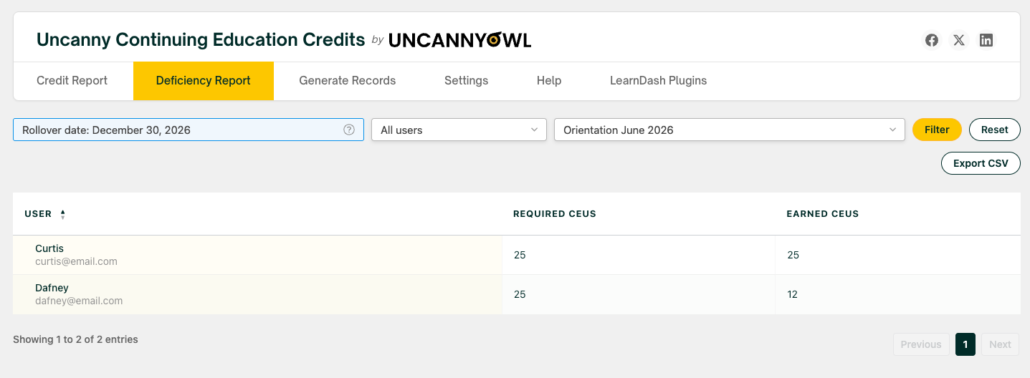 ### Showing Learners Their Status
Help learners stay ahead of the deadline by displaying their progress on a dashboard or profile page:
- `[uo_ceu_credits_remaining]` — How many credits they still need this period
- `[uo_ceu_days_remaining]` — Days left until the rollover date
- `[uo_ceu_total_rollover] `— Credits earned this period
See [Continuing Education Shortcodes](https://www.uncannyowl.com/knowledge-base/continuing-education-shortcodes/) for all display options.
### Scaling to Multiple Departments
For organizations with several teams or locations, use LearnDash groups to set per-group requirements, and pair Uncanny CEUs with [Uncanny Groups for LearnDash](https://www.uncannyowl.com/downloads/uncanny-learndash-groups/). Group leaders can then run the front-end Continuing Education Report on their own team — checking who’s compliant without needing admin access.
If your program runs across a hierarchy of groups, enable the **child groups** option in the report settings so a parent group’s report includes its sub-groups. See [Continuing Education Admin Reports](https://www.uncannyowl.com/knowledge-base/continuing-education-credits-admin-report/).
### Related Articles
- [Required Credits](https://www.uncannyowl.com/knowledge-base/required-credits/) — Requirements, rollover dates, and reminders
- [Continuing Education Admin Reports](https://www.uncannyowl.com/knowledge-base/continuing-education-credits-admin-report/) — Deficiency Report and exports
- [Getting Started with Uncanny Continuing Education Credits](https://www.uncannyowl.com/knowledge-base/getting-started-with-uncanny-continuing-education-credits/) — Choose the right workflow
- [Uncanny Groups for LearnDash](https://www.uncannyowl.com/downloads/uncanny-learndash-groups/) — Group leader reporting for departments and locations
**Article Categories:** Uncanny Continuing Education Credits
---
### [Getting Started with Uncanny Continuing Education Credits](https://www.uncannyowl.com/knowledge-base/getting-started-with-uncanny-continuing-education-credits/)
**Published:** July 5, 2026
**Author:** David Chambo
**Content:**
### Overview
Uncanny Continuing Education Credits (CEUs) turns your LearnDash courses into a complete credit-tracking system. This guide explains what the plugin does, how the pieces fit together, and where to go next based on what you’re trying to achieve.
### What Is Uncanny CEUs?
Uncanny CEUs lets you assign a credit value to any LearnDash course and automatically award those credits to learners when they complete it. You decide what the credits are called — CEUs, CPDs, PDUs, CMEs, contact hours, or any custom label — and the plugin tracks every credit each learner earns over time.
Once credits are flowing, you can:
- **Report on credits** through front-end reports for learners and group leaders, and detailed admin reports for administrators.
- **Set credit requirements** for individuals or groups, with annual rollover dates and automated reminder emails for learners who fall short.
- **Issue certificates** automatically when a learner earns enough credits or completes a defined set of courses.
- **Keep a permanent record** of every credit earned — even if a course is later edited, reset, or removed.
Common use cases include compliance and recertification training, professional continuing-education programs run by associations, and selling accredited courses that award contact hours.
### How CEUs Work
The basic flow is straightforward:
1. **Assign credits to courses** — Set a credit value on each LearnDash course you want to track.
2. **Learners complete courses** — When a learner completes a course, the plugin automatically awards the assigned credits and stores a permanent record.
3. **Track, require, and certify** — Use reports to monitor earned credits, set requirements with rollover dates, and award certificates when thresholds are met.
Every earned credit is stored as its own record with the course name, credit amount, and date. Because these records live outside of LearnDash’s own completion data, edits to a course never change credits a learner has already earned.
### Choose Your Workflow
Uncanny CEUs supports several workflows depending on how your organization uses credits. Use the guide below to find the right starting point.
#### I want to award credits for completing courses
This is the core of the plugin. Assign a credit value to each course, and learners earn those credits automatically on completion.
**Start here:**
- [Adding Credits to Courses](https://www.uncannyowl.com/knowledge-base/adding-course-credits/) — Set a credit value on any LearnDash course
- [Generate Historical LearnDash Course Credits](https://www.uncannyowl.com/knowledge-base/generate-learndash-course-credits/) — Award credits retroactively for completions that happened before you installed the plugin
#### I want to enforce annual training requirements
If learners must earn a minimum number of credits within a recurring period — for example, an annual compliance requirement — set a rollover date and define how many credits each learner or group must earn.
**Start here:**
- [Required Credits](https://www.uncannyowl.com/knowledge-base/required-credits/) — Set per-user and per-group requirements, rollover dates, and reminder emails
#### I want learners and managers to see their credit totals
Display credit totals on any page using shortcodes or blocks, give learners a front-end report, and let group leaders run reports on their teams without admin access.
**Start here:**
- [Continuing Education Report](https://www.uncannyowl.com/knowledge-base/continuing-education-report/) — Add a front-end credit report for learners and group leaders
- [Continuing Education Shortcodes](https://www.uncannyowl.com/knowledge-base/continuing-education-shortcodes/) — Display credit totals, remaining credits, and more on any page
#### I want detailed reporting for administrators
Administrators get a full Credit Report inside WordPress with filtering by user, group, course, and date range, plus CSV and Excel export.
**Start here:**
- [Continuing Education Admin Reports](https://www.uncannyowl.com/knowledge-base/continuing-education-credits-admin-report/) — Filter, export, and configure the admin Credit Report
#### I want to award certificates based on credits
Issue certificates automatically when a learner reaches a credit threshold or completes a specific combination of courses, and email them to learners, group leaders, or admins.
**Start here:**
- [Continuing Education Certificates](https://www.uncannyowl.com/knowledge-base/continuing-education-certificates/) — Configure credit-based and multi-course certificates
#### I want to manually adjust a learner’s credits
Award credits for activities completed outside of LearnDash (such as a webinar or an in-person workshop), or correct an existing record directly from the report.
**Start here:**
- [Add and Remove Credits](https://www.uncannyowl.com/knowledge-base/add-and-remove-credits/) — Add, edit, and delete credit records from the Credit Report
#### I want to automate actions when learners earn credits
Uncanny CEUs integrates with [Uncanny Automator](https://automatorplugin.com/). You can start a recipe when a learner’s earned credits reach a threshold, or award credits as a step in a larger automation.
**Start here:**
- The **Uncanny CEUs** integration in Automator includes a trigger that fires when *the total number of credits earned by a user is greater than or equal to a specific number*, and an action that *awards a number of custom credits to a user*. See the [Uncanny Continuing Education Credits integration](https://automatorplugin.com/integration/uncanny-continuing-education-credits/) for setup details.
### First-Time Setup Checklist
Before learners start earning credits, complete these steps:
1. **Install and activate** the plugin and enter your license key under **Uncanny CEUs > Settings**. See [Set Up the Uncanny Continuing Education Credits Plugin](https://www.uncannyowl.com/knowledge-base/setup-continuing-education-credits-plugin/).
2. **Set your credit label** under **Uncanny CEUs > Settings**. Choose the singular and plural names for your credits (for example, “CPD” / “CPDs”) so they appear correctly everywhere on your site.
3. **Set a rollover date** if learners need to meet a recurring requirement. Leave it blank if you only want to track lifetime totals.
4. **Assign credits to your courses** under each course’s edit screen. See [Adding Credits to Courses](https://www.uncannyowl.com/knowledge-base/adding-course-credits/).
5. **Add reporting and display** — place a front-end report or credit shortcodes where learners can see their progress.
6. **Test the flow** — complete a course as a test learner and confirm the correct credits are awarded and appear in the report.
### Managing Credits Over Time
Once credits are being earned, these tools help you monitor and maintain them:
- [Continuing Education Admin Reports](https://www.uncannyowl.com/knowledge-base/continuing-education-credits-admin-report/) — Filter and export credit data, and configure report defaults
- [Add and Remove Credits](https://www.uncannyowl.com/knowledge-base/add-and-remove-credits/) — Adjust records for individual learners
- [Required Credits](https://www.uncannyowl.com/knowledge-base/required-credits/) — Track who has and hasn’t met their requirements with the Deficiency Report
### Related Articles
- [Set Up the Uncanny Continuing Education Credits Plugin](https://www.uncannyowl.com/knowledge-base/setup-continuing-education-credits-plugin/) — Installation, license, and configuration
- [Continuing Education Shortcodes](https://www.uncannyowl.com/knowledge-base/continuing-education-shortcodes/) — Full shortcode and block reference
- [Uncanny Continuing Education Credits – Changelog](https://www.uncannyowl.com/knowledge-base/continuing-education-credits-changelog/) — Version history
**Article Categories:** Uncanny Continuing Education Credits
---
### [Tin Canny Reporting for LearnDash - Overview](https://www.uncannyowl.com/knowledge-base/tin-canny-learndash-reporting-overview/)
**Published:** September 1, 2017
**Author:** yuehchin
**Content:**
Tin Canny Reporting turns LearnDash into a complete reporting platform for interactive eLearning.
LearnDash does not natively support uploading or embedding interactive SCORM or xAPI (Tin Can) eLearning content into your course, however, this is possible using Tin Canny Reporting for LearnDash.
Upload your Articulate, Captivate, iSpring, or H5P content, embed it in your courses, and capture detailed completion, score, and engagement data — all stored on your own site, with no external Learning Record Store to run.
**New here?** Jump straight to [Getting Started with Tin Canny Reporting](https://www.uncannyowl.com/knowledge-base/getting-started-with-tin-canny-reporting-for-learndash/) for a 20-minute install-to-first-report walkthrough.
### What Tin Canny does
LearnDash tracks whether a lesson is complete. Tin Canny adds everything that happens *inside* your interactive content:
1. **Upload eLearning content** — embed SCORM and xAPI/Tin Can modules in lessons and topics with the Tin Canny Uploader.
2. **Capture detailed data** — every interaction, score, and answer is recorded automatically.
3. **Store it locally** — a Learning Record Store built into WordPress means no third-party LRS subscription and no data leaving your server.
4. **Convert SCORM to Tin Can** — SCORM 1.2/2004 statements are converted to xAPI automatically, so all content reports together.
5. **Report for admins and Group Leaders** — four back-end reports plus front-end reports your managers can run themselves.
6. **Gate completion and track time** — integrate with the LearnDash Mark Complete button and the Uncanny Simple Course Timer.
### The Tin Canny eLearning content uploader
The uploader integrates with both the block and classic editors so you can embed modules directly into LearnDash lessons, topics, and courses. Uploaded modules are managed from the **Manage Content** page — redesigned in v5.1 with a cleaner layout and new upload-date and filesize columns. See [Managing eLearning Content](https://www.uncannyowl.com/knowledge-base/managing-elearning-content/).
### LearnDash and Tin Can reports
Tin Canny provides four core report views, each with sortable tables, search, drill-down, and CSV/Excel export:
**Report****What it answers**[**Course Report**](https://www.uncannyowl.com/knowledge-base/course-report/)How is each course performing across all learners?[**User Report**](https://www.uncannyowl.com/knowledge-base/user-report/)How is one learner doing — with course start and lesson/topic completion dates?[**Tin Can Report**](https://www.uncannyowl.com/knowledge-base/tin-can-report/)What exactly did learners do inside each module?[**xAPI Quiz Report**](https://www.uncannyowl.com/knowledge-base/xapi-quiz-report/)How did learners answer each question?### A local LRS — nothing external to run
Tin Canny stores all Tin Can/xAPI statements in a Learning Record Store native to WordPress. You get full statement capture without the cost or complexity of an external LRS, and your learning data stays on your own server.
### Reports for site administrators and Group Leaders
Reports surface completion times, activity trends, and individual quiz responses. Administrators see the whole site; Group Leaders see only their assigned groups. With the **front-end reports**, Group Leaders and client managers can review (and, as of v5.1.1, **sort** by % Complete and Avg Quiz) their teams’ progress without a dashboard login. See [Front End LearnDash Reports](https://www.uncannyowl.com/knowledge-base/front-end-reports/).
### Integrations
- **LearnDash Mark Complete button** — require a module to be finished before a lesson/topic can be completed, so completion means engagement. Configure this per lesson/topic in the **Tin Canny** tab on the edit screen (added in v5.1.3.3).
- **Uncanny Simple Course Timer** (Toolkit Pro) — add time-spent columns to your reports for seat-time tracking.
### Where to go next
- [Getting Started with Tin Canny Reporting](https://www.uncannyowl.com/knowledge-base/getting-started-with-tin-canny-reporting-for-learndash/) — install to first report
- [Authoring Tools Supported by Tin Canny](https://www.uncannyowl.com/knowledge-base/authoring-tools-supported/) — supported tools and formats
- [From Articulate & Captivate to LearnDash](https://www.uncannyowl.com/knowledge-base/from-articulate-captivate-to-learndash-with-real-reporting/) — bringing authored content into LearnDash
- [Prove Training Compliance with Tin Canny](https://www.uncannyowl.com/knowledge-base/prove-training-compliance-with-tin-canny/) — using reports as audit evidence
**Article Categories:** Tin Canny Reporting for LearnDash
---
### [Getting Started with Tin Canny Reporting for LearnDash](https://www.uncannyowl.com/knowledge-base/getting-started-with-tin-canny-reporting-for-learndash/)
**Published:** July 1, 2026
**Author:** David Chambo
**Content:**
New to Tin Canny? This guide takes you from a fresh install to your first tracked eLearning module — with real completion and quiz data flowing into your reports — in about 20 minutes. No coding, and no external Learning Record Store to configure.
**Want the bigger picture first?** The [Tin Canny Reporting for LearnDash – Overview](https://www.uncannyowl.com/knowledge-base/tin-canny-learndash-reporting-overview/) article explains everything the plugin does. This guide walks the fastest path to seeing it work.
### What Tin Canny does
LearnDash tells you whether a learner finished a lesson. It can’t tell you what happened *inside* an Articulate, Captivate, or iSpring module — how they scored, which questions they missed, or how long they spent. Tin Canny closes that gap:
- **Upload eLearning modules** (SCORM or xAPI/Tin Can) straight into your LearnDash lessons and topics — no separate hosting.
- **Capture every interaction** in a Learning Record Store (LRS) that’s built into your WordPress site.
- **Report on real engagement** through four admin reports plus front-end reports your Group Leaders can run themselves.
- **Gate completion** so a lesson and/or topic can’t be marked complete until the learner actually finishes the module.
This guide covers the essentials so you see value immediately. Links throughout point to deeper articles when you’re ready.
### Key terms (read this first)
A few terms come up constantly in Tin Canny. Here’s what they mean:
**Term****Plain-English meaning****Module**A self-contained eLearning package (a SCORM or xAPI zip) built in a tool like Storyline, Rise, Captivate, or iSpring.**SCORM / xAPI (Tin Can)**The two publishing standards modules use to report progress and scores. Tin Canny supports both.**LRS (Learning Record Store)**Where learning data is stored. Tin Canny includes one *inside* WordPress, so you don’t need an external service.**Statement**A single recorded action — “Jane answered Question 3 correctly,” “Sam completed the module.”**Report**A view of the captured data: by course, by user, by raw statement, or by quiz question.### What you’ll need
- A working WordPress site with **LearnDash** and at least one published course with a lesson or topic.
- The **Tin Canny Reporting** plugin file and your license key (both are in your purchase email and your [Uncanny Owl account](https://www.uncannyowl.com/account/)).
- At least one **eLearning module** exported as a SCORM or xAPI zip. See [Authoring Tools Supported by Tin Canny](https://www.uncannyowl.com/knowledge-base/authoring-tools-supported/) for export tips.
- A server that meets the [Technical Requirements](https://www.uncannyowl.com/knowledge-base/tin-canny-reporting-technical-requirements/).
### Step 1 — Install and activate
1. In your WordPress dashboard, go to **Plugins > Add New > Upload Plugin**.
2. Upload the Tin Canny Reporting ZIP file and click **Install Now**, then **Activate**.
3. Open **Tin Canny Reporting > Settings** and paste your license key. Activation enables automatic updates.
For the full walkthrough, see [Install the Tin Canny Reporting Plugin](https://www.uncannyowl.com/knowledge-base/tincanny-installation-setup/).
### Step 2 — Run Site Check
Before you upload anything, confirm your server can capture data.
1. Go to **Tin Canny Reporting > Settings** and find the **Site Check** panel.
2. Confirm the **xAPI endpoint is reachable** and that the plugin has **direct access to its PHP files**. Both should show green.
3. If a check fails, click **Re-check** after adjusting your setup. The most common causes are Plain permalinks or a maintenance/redirect plugin intercepting requests.
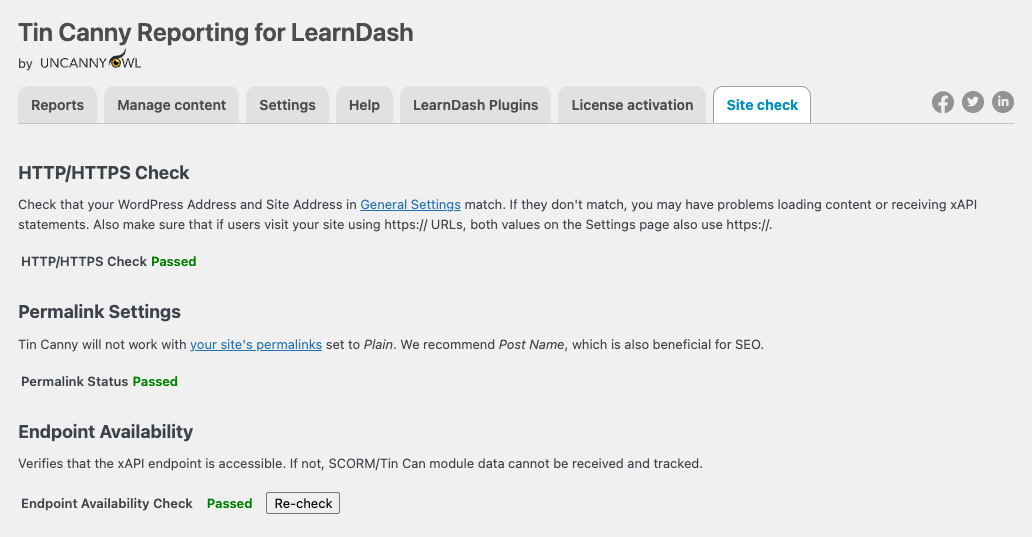 This 30-second step prevents the single most common support issue — modules that upload fine but never record data. Details: [Site Check](https://www.uncannyowl.com/knowledge-base/site-check/).
### Step 3 — Upload your first module
1. Edit the LearnDash **lesson or topic** where the module should live.
2. In the editor, add the **Tin Canny** block (Gutenberg) or click the **Tin Canny Uploader** button (Classic Editor).
3. Choose **Upload new content**, select your SCORM/xAPI zip, and wait for it to register.
4. Insert the module into the page and **Update** the lesson.
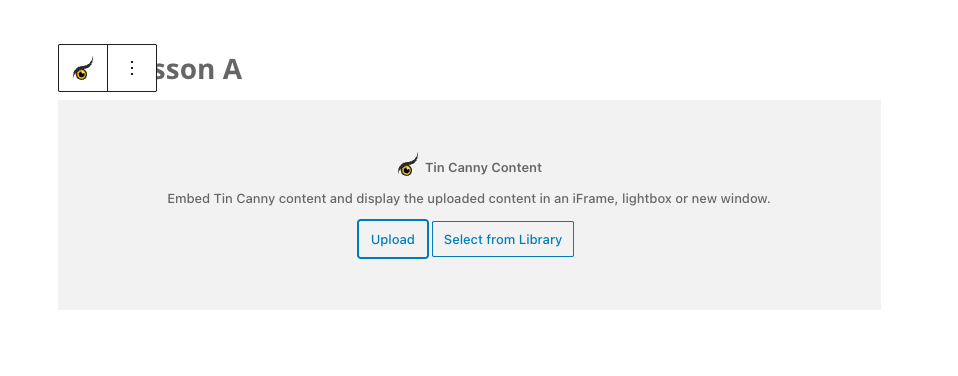 Every module you upload is also listed under **Tin Canny Reporting > Manage Content**,where you can search, preview, replace, or delete it. See [Tin Canny Uploader](https://www.uncannyowl.com/knowledge-base/storyline-captivate-uploader/) and [Managing eLearning Content](https://www.uncannyowl.com/knowledge-base/managing-elearning-content/).
### Step 4 — Require the module for completion (optional but recommended)
To stop learners from skipping the module:
1. While editing the lesson or topic, open the **Tin Canny** tab in the LearnDash tab bar at the top of the screen (next to *Lesson page*, *Settings*, and *Uncanny Toolkit*).
2. Set **Restrict Mark Complete** to *Disabled until complete* so the page can only be completed once the embedded module reports completion. (Optionally set a **Completion Condition** such as `result > 80` to require a passing score.)
3. **Save.**
Now the **Mark Complete** button stays locked until the learner finishes the module — so your completion data reflects real engagement, not just clicks.
**Where are these settings?** As of v5.1.3.3, all per-content Tin Canny module settings live in the **Tin Canny** tab on lesson and topic edit screens. See [Setting up Tin Canny Reporting](https://www.uncannyowl.com/knowledge-base/protecting-sharing-content-tin-canny/) for the full list.
### Step 5 — See your data in the reports
Take (or have a test learner take) the module, then:
1. Go to **Tin Canny Reporting > Reports**.
2. Open each report to see what it captures:
- **Course Report** — completion and activity across every course, with trend charts.
- **User Report** — drill into one learner: courses, lessons, quizzes, start and completion dates.
- **Tin Can Report** — the raw statement stream from your modules.
- **xAPI Quiz Report** — individual question responses, scores, and answer choices.
3. Sort any column, search by name or email, and **export to CSV/Excel** for deeper analysis.
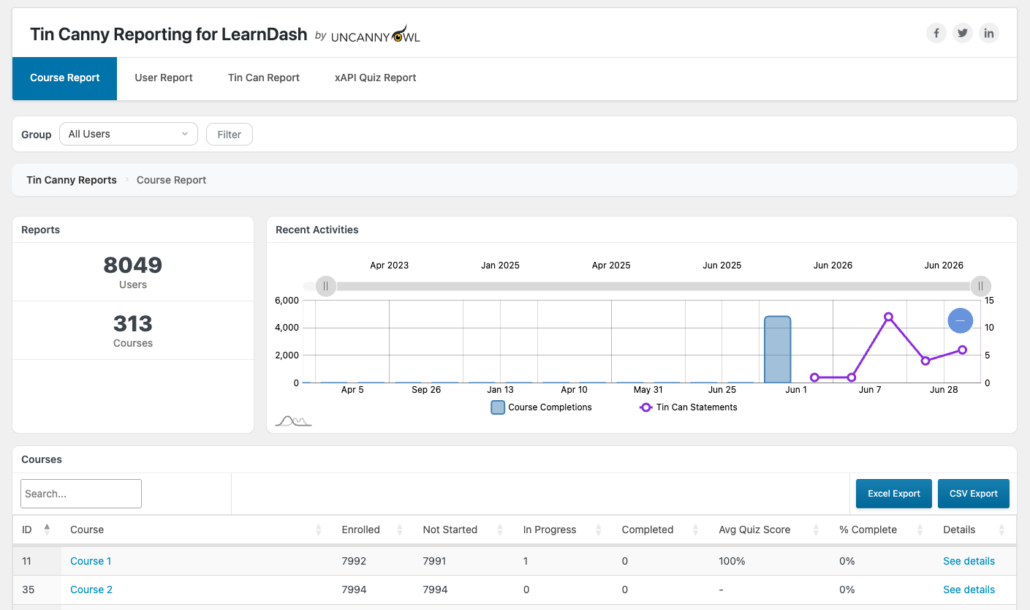 That’s it — you have a tracked module and live reporting. From here, learners’ scores, answers, and time-in-module flow into Tin Canny automatically.
### Where to go next
Pick the path that matches your goal:
- **Proving training happened?** See [Prove Training Compliance with Tin Canny](http://use-case-training-compliance.md).
- **Want managers to run their own reports?** See [Front End LearnDash Reports](https://www.uncannyowl.com/knowledge-base/front-end-reports/) and [Give Managers Self-Serve Reporting](http://use-case-self-serve-manager-reporting.md).
- **Embedding reports on pages?** See the [Tin Canny Shortcodes & Blocks Quick Reference](http://tin-canny-shortcodes-blocks-reference.md).
- **Fine-tuning behaviour?** See [Setting up Tin Canny Reporting](https://www.uncannyowl.com/knowledge-base/protecting-sharing-content-tin-canny/) and [Actions/Filters for Developers](https://www.uncannyowl.com/knowledge-base/actions-filters-for-developers-2/).
### Related Articles
- [Tin Canny Reporting for LearnDash – Overview](https://www.uncannyowl.com/knowledge-base/tin-canny-learndash-reporting-overview/) — everything the plugin does
- [Install the Tin Canny Reporting Plugin](https://www.uncannyowl.com/knowledge-base/tincanny-installation-setup/) — full installation reference
- [Setting up Tin Canny Reporting](https://www.uncannyowl.com/knowledge-base/protecting-sharing-content-tin-canny/) — every setting explained
- [Authoring Tools Supported by Tin Canny](https://www.uncannyowl.com/knowledge-base/authoring-tools-supported/) — exporting modules that track correctly
**Article Categories:** Tin Canny Reporting for LearnDash
---
### [Prove Training Compliance with Tin Canny](https://www.uncannyowl.com/knowledge-base/prove-training-compliance-with-tin-canny/)
**Published:** July 4, 2026
**Author:** David Chambo
**Content:**
If your organization has to *show* that training happened — to an auditor, a regulator, a client, or your own leadership — “they clicked complete” isn’t enough. Tin Canny turns LearnDash into a defensible record of who completed what, when, how well they scored, and how long they spent.
### The problem with completion-only tracking
Standard LMS reporting answers one question: *did the learner finish?* Compliance teams need more:
- **Did they actually engage**, or click through?
- **What did they score**, and did they pass a required threshold?
- **When** did they complete it — before or after the deadline?
- **Can we produce the evidence** months later, on demand?
Tin Canny captures all of this automatically from your SCORM and xAPI modules and keeps it in a Learning Record Store built into your own WordPress site — so the data is yours, not a third party’s.
### How Tin Canny builds your compliance record
#### 1. Gate completion on real engagement
Embed your training as a Tin Canny module and require it for lesson completion. In the lesson or topic’s **Tin Canny** tab (in the LearnDash tab bar; added in v5.1.3.3), set **Restrict Mark Complete** to *Disabled until complete*. The **Mark Complete** button then stays locked until the module reports done — so a “complete” status genuinely means the learner reached the end. No more skipped content.
#### 2. Capture scores and pass/fail
For modules and quizzes with scoring, the **xAPI Quiz Report** and **Tin Can Report** record each learner’s results — including individual question responses. If your policy requires an 80% pass, you can show exactly who cleared it.
#### 3. Timestamp everything
The **User Report** records **course start dates** and **lesson/topic completion dates** (added in v5.0), so you can demonstrate that training was completed within a required window — and in what order.
#### 4. Measure time spent
Pair Tin Canny with the **Simple Course Timer** (Uncanny Toolkit Pro) and a **Time column** appears in your Lesson & Topic and Course reports. For “minimum seat-time” requirements common in regulated industries, this is the evidence you need.
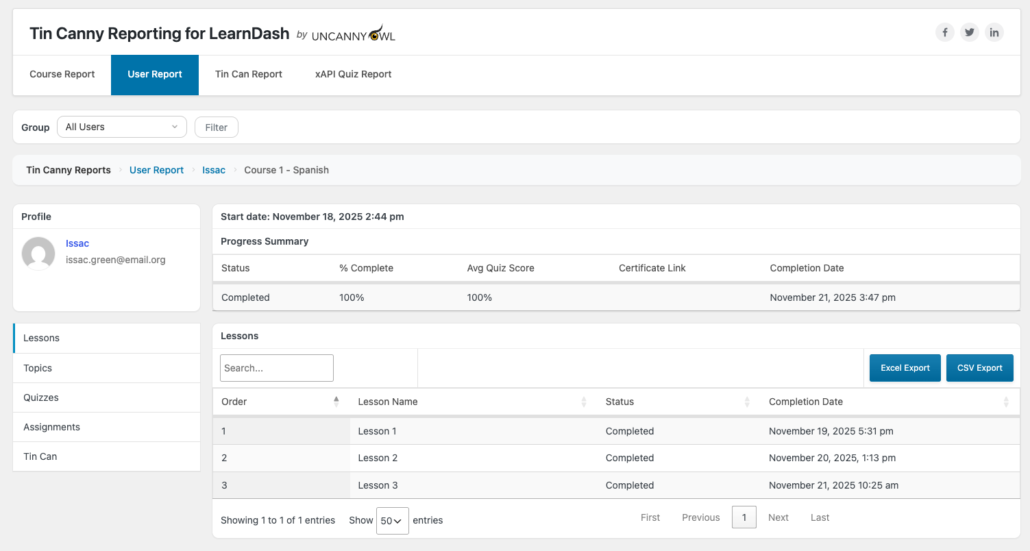#### 5. Export the evidence
Every Tin Canny report exports to **CSV/Excel**. When an auditor asks for proof, you produce a dated, per-learner record in minutes — not a frantic week of screenshots.
### A typical compliance workflow
1. Build your policy/training as a SCORM or xAPI module and upload it to a LearnDash lesson.
2. Require the module for completion, and set a passing score on any quiz.
3. Let learners complete it; Tin Canny records scores, dates, and time automatically.
4. At audit time, open the **User Report** (or run a front-end report for a manager), filter to the relevant group, and **export to CSV**.
### Why this matters
- **Defensible records.** Scores, dates, and time spent — not just a checkbox.
- **Your data, your server.** The LRS lives in WordPress; nothing depends on an external service that could change terms or disappear.
- **Self-serve for managers.** Front-end reports let department leads pull their own team’s compliance status without a WordPress login.
### Related Articles
- [Getting Started with Tin Canny Reporting](https://www.uncannyowl.com/knowledge-base/getting-started-with-tin-canny-reporting-for-learndash/) — set up your first tracked module
- [User Report](https://www.uncannyowl.com/knowledge-base/user-report/) — per-learner completion dates and scores
- [xAPI Quiz Report](https://www.uncannyowl.com/knowledge-base/xapi-quiz-report/) — question-level scoring evidence
- [Lesson and Topic Completion Reports](https://www.uncannyowl.com/knowledge-base/lesson-and-topic-completion-reports/) — time-in-content with Simple Course Timer
**Article Categories:** Tin Canny Reporting for LearnDash
---
### [From Articulate & Captivate to LearnDash — With Real Reporting](https://www.uncannyowl.com/knowledge-base/from-articulate-captivate-to-learndash-with-real-reporting/)
**Published:** July 4, 2026
**Author:** David Chambo
**Content:**
You’ve invested in professional eLearning built in Articulate Storyline, Rise, Adobe Captivate, or iSpring. The hard part shouldn’t be getting it *into* your site and *reporting* on it. Tin Canny makes LearnDash a first-class home for authored content: upload the package, embed it in a lesson, and get detailed reporting — no external LMS, no separate LRS subscription.
### The usual headache
Authoring tools export SCORM or xAPI packages. Out of the box, LearnDash can host a course — but it can’t ingest those packages or read the rich data they produce. Teams end up either:
- paying for a separate SCORM-capable LMS, or
- standing up and maintaining an external Learning Record Store, or
- losing the data entirely and tracking only “lesson complete.”
Tin Canny removes that trade-off.
### What Tin Canny gives you
#### Upload packages straight into lessons
Use the **Tin Canny Uploader** (or the Tin Canny block) right in the lesson editor to upload a SCORM or xAPI zip and embed it. Content is hosted on your own site. See [Tin Canny Uploader](https://www.uncannyowl.com/knowledge-base/storyline-captivate-uploader/).
#### Broad authoring-tool support
Tin Canny works with almost all standards-compliant SCORM and xAPI/Tin Can modules. Primary testing covers **Articulate Storyline, Articulate Rise, Adobe Captivate, iSpring, and H5P**, across **SCORM 1.2, SCORM 2004, and xAPI**. See [Authoring Tools Supported by Tin Canny](https://www.uncannyowl.com/knowledge-base/authoring-tools-supported/) for specifics and publishing tips.
#### A built-in LRS — nothing external to run
Every statement your modules send is stored in a Learning Record Store **inside WordPress**. No third-party LRS account, no data leaving your server, no extra monthly bill.
#### Unified reporting, even for SCORM
SCORM modules don’t speak xAPI natively — so Tin Canny **automatically converts SCORM 1.2 and 2004 statements into Tin Can/xAPI** behind the scenes. The result: your SCORM and xAPI content show up together in the same Course, User, Tin Can, and Quiz reports.
#### Completion that reflects the content
Tie the LearnDash **Mark Complete** button to module completion, so finishing the lesson means finishing the module — your reports stay honest. (Set this in the lesson/topic’s **Tin Canny** tab, added in v5.1.3.3.)
### A typical migration
1. Publish your course from Storyline/Captivate/iSpring as **SCORM** or **xAPI**.
2. In the LearnDash lesson, open the **Tin Canny Uploader** and upload the package.
3. Embed it and require it for completion.
4. Watch scores, question responses, and time-in-content flow into your reports automatically.
Updating later? Use **Replace content** on the Manage Content page to swap in a new version while keeping the module ID and historical data.
### Why this matters
- **No second platform.** Your authored content, hosting, and reporting all live in one WordPress + LearnDash site.
- **No external LRS bill.** The Learning Record Store is included.
- **SCORM and xAPI, unified.** One set of reports, regardless of how each module was published.
### Related Articles
- [Authoring Tools Supported by Tin Canny](https://www.uncannyowl.com/knowledge-base/authoring-tools-supported/) — supported tools and publish formats
- [Tin Canny Uploader](https://www.uncannyowl.com/knowledge-base/storyline-captivate-uploader/) — uploading and embedding modules
- [Managing eLearning Content](https://www.uncannyowl.com/knowledge-base/managing-elearning-content/) — replacing content without losing data
- [Getting Started with Tin Canny Reporting](https://www.uncannyowl.com/knowledge-base/getting-started-with-tin-canny-reporting-for-learndash/) — install to first report
**Article Categories:** Tin Canny Reporting for LearnDash
---
### [See How Learners Actually Engage with Your Content](https://www.uncannyowl.com/knowledge-base/see-how-learners-actually-engage-with-your-content/)
**Published:** July 4, 2026
**Author:** David Chambo
**Content:**
A pass/fail score tells you the outcome. It doesn’t tell you *why* a third of your learners struggled with Module 3, which quiz question everyone gets wrong, or whether people are rushing through your most important lesson. Tin Canny’s xAPI and Tin Can tracking shows you what’s happening *inside* your content — so you can make it better.
### Beyond “did they pass?”
When you publish an Articulate, Captivate, or iSpring module as SCORM or xAPI, it emits a stream of detailed statements as learners interact with it. Tin Canny captures every one in your site’s built-in Learning Record Store and turns it into reports you can actually read.
That means you can answer questions a completion report never could:
- **Which questions are too hard (or too easy)?** The xAPI Quiz Report shows responses question by question, so you can spot the item 70% of learners miss — and fix the content or the question.
- **Where do learners drop off?** Statement timestamps reveal where engagement stalls.
- **Are people rushing?** With the Simple Course Timer integration, time-in-content tells you whether learners are absorbing material or speed-running it.
- **Which content performs best?** Compare completion and scores across modules to see what’s working.
### The reports that reveal it
#### xAPI Quiz Report — question-level insight
See every learner’s answer to every question from your modules, including richer question types. As of recent releases, the report renders clear labels even for **Storyline matching and Likert-scale questions**, so survey-style and drag-and-match interactions show up properly instead of as blanks.
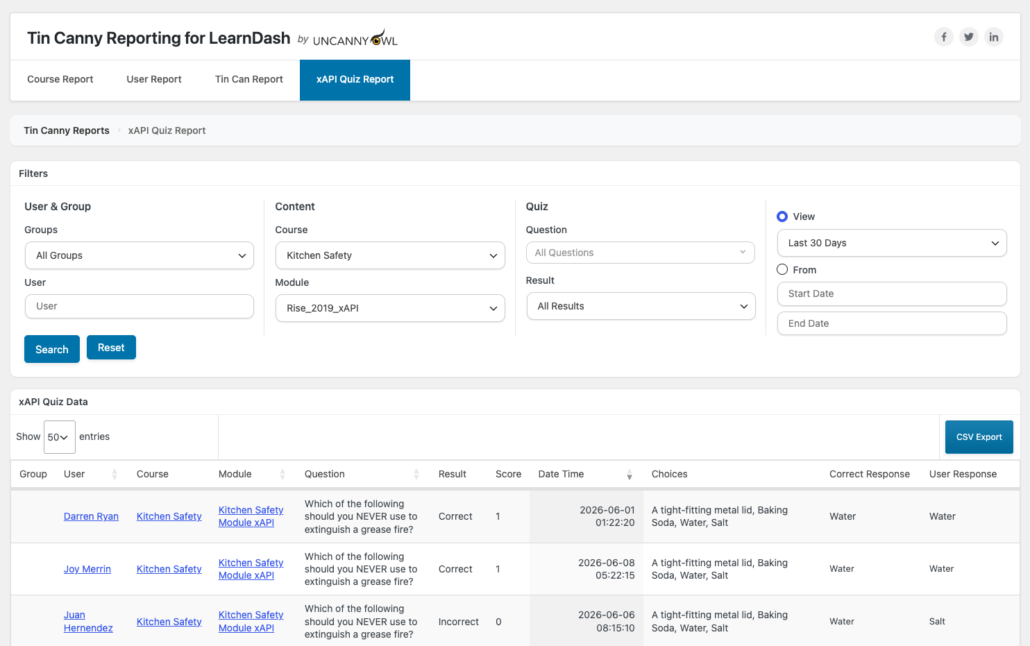 #### Tin Can Report — the raw activity stream
Every interaction, in order, with timestamps. Useful for understanding the *path* a learner took through interactive content, not just the result. Tin Canny automatically de-duplicates noisy “passed” statements so the stream stays readable.
#### Course & User Reports — the zoomed-out view
The **Course Report** charts recent activity and surfaces your most- and least-completed courses, so you can see at a glance which content is landing. The **User Report** lets you drill into any individual learner’s full journey.
### Turn insight into better courses
A simple, repeatable loop:
1. **Publish** your module with xAPI (or SCORM) and embed it in a lesson.
2. **Let a cohort run through it.**
3. **Open the xAPI Quiz Report** and look for questions with low success rates or unexpected answer patterns.
4. **Revise** the slide, the explanation, or the question — then re-upload using **Replace content** so your historical data and module ID are preserved.
5. **Compare** the next cohort’s results.
### Why this matters
- **Improve outcomes, not just measure them.** You learn *where* learners struggle, not only *that* they did.
- **No external analytics stack.** The LRS is inside WordPress; the reports are built in.
- **Works with the tools you already use.** Storyline, Rise, Captivate, iSpring, and H5P all feed the same reports.
### Related Articles
- [xAPI Quiz Report](https://www.uncannyowl.com/knowledge-base/xapi-quiz-report/) — question-by-question response data
- [Tin Can Report](https://www.uncannyowl.com/knowledge-base/tin-can-report/) — the raw statement stream
- [LearnDash Quiz Question Analysis Report](https://www.uncannyowl.com/knowledge-base/learndash-quiz-question-analysis-report/) — spotting problem questions in LearnDash quizzes
- [Managing eLearning Content](https://www.uncannyowl.com/knowledge-base/managing-elearning-content/) — replacing content without losing data
**Article Categories:** Tin Canny Reporting for LearnDash
---
### [Give Managers Their Own Reports — No Admin Access Needed](https://www.uncannyowl.com/knowledge-base/give-managers-their-own-reports-no-admin-access-needed/)
**Published:** July 4, 2026
**Author:** David Chambo
**Content:**
When you sell or deliver training to organizations, every client manager wants the same thing: *“How is my team doing?”* Answering that one-by-one — exporting spreadsheets, taking screenshots, fielding emails — doesn’t scale. Tin Canny’s front-end reports let managers and Group Leaders pull their own up-to-the-minute reports, without ever logging into WordPress.
### The bottleneck this removes
In a typical setup, only administrators can see reporting in the WordPress dashboard. So the admin becomes a reporting help desk: every “can you send me my team’s progress?” lands on one person. Tin Canny fixes this by putting reports on the **front end**, scoped automatically to what each Group Leader is allowed to see.
### How it works
#### 1. Put reports on a page
Add a single shortcode (or block) to any page and you have a live reporting hub:
- \[tincanny\] — the full reporting interface (Course, User, and optionally Tin Can/Quiz reports)
- \[uo\_group\_quiz\_report\] — consolidated quiz scores by group and course
- \[uotc\_lesson\_report\] / \[uotc\_topic\_report\] — lesson and topic completion
See the [Tin Canny Shortcodes & Blocks Quick Reference](http://tin-canny-shortcodes-blocks-reference.md) for the full list.
#### 2. Scope is automatic
A Group Leader who opens the page sees **only their own groups’ learners** — never the whole site. If they lead multiple groups, a **group selector dropdown** lets them switch between teams. Administrators see everything. You don’t configure permissions per page; Tin Canny reads each viewer’s role and group membership.
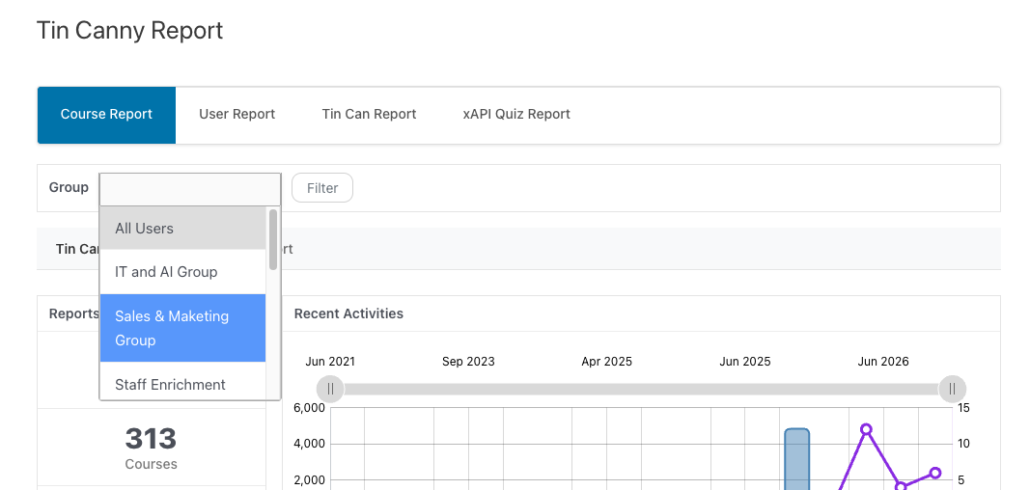#### 3. Managers self-serve
From that page a manager can:
- Check each learner’s status — **Not started, In progress, Completed** — by course
- Sort by **% Complete** or **Avg Quiz** score (front-end columns are sortable as of v5.1.1)
- Review quiz scores, including SCORM/xAPI results
- **Export to CSV** for their own records
No dashboard, no training, no support ticket.
### Pairs perfectly with Uncanny Groups
Front-end reporting is most powerful when each client organization is a **LearnDash group** with its own Group Leader. [Uncanny Groups](https://www.uncannyowl.com/knowledge-base/uncanny-learndash-groups-plugin-overview/) gives leaders a front-end management page to enroll and manage their own people; Tin Canny adds the reporting layer on top. Together they let an organization run its entire training program — enrollment *and* reporting — without touching your admin.
### Why this matters
- **Frees up your admins.** Reporting requests stop landing in one inbox.
- **A better client experience.** Customers get instant, always-current answers.
- **A sellable feature.** “Your managers get their own live dashboards” is a strong differentiator for B2B training providers.
### Related Articles
- [Front End LearnDash Reports](https://www.uncannyowl.com/knowledge-base/front-end-reports/) — placing reports on a page
- [Front End Quiz Reports](https://www.uncannyowl.com/knowledge-base/front-end-quiz-reports/) — the quiz report shortcodes
- [Tin Canny Shortcodes & Blocks Quick Reference](http://tin-canny-shortcodes-blocks-reference.md) — every report shortcode and block
- [Uncanny Groups for LearnDash – START HERE!](https://www.uncannyowl.com/knowledge-base/uncanny-learndash-groups-plugin-overview/) — front-end group management
**Article Categories:** Tin Canny Reporting for LearnDash
---
### [Tin Can Report](https://www.uncannyowl.com/knowledge-base/tin-can-report/)
**Published:** September 7, 2017
**Author:** yuehchin
**Content:**
### Overview
The Tin Can Report is the raw activity stream from your eLearning modules. Every interaction a learner has with SCORM or xAPI content — built in Storyline, Captivate, iSpring, H5P, and more — is recorded here as an individual statement.
The Tin Can Report captures learning interactions from modules uploaded with the Tin Canny Uploader and published as **xAPI** or **SCORM 1.2 / 2004**. Statements are stored in a Learning Record Store native to WordPress — no external LRS required. Each record includes the user, module, activity, result, and a timestamp.
Use this report when you need the underlying detail: the full sequence of what a learner did inside a module.
### Report Filters
The Tin Can Report opens with a filter panel — set your criteria and click **Search** (or **Reset** to clear). Filters are grouped:
- **User & Group**
- **Groups** — scope the report to a specific group. Group Leaders are automatically limited to their assigned groups.
- **User** — narrow to a single learner.
- **Content**
- **Course** — filter to one course.
- **Module** — filter to one module.
- **Activity**
- **Action** — filter by the Tin Can verb/action (e.g. a specific statement type), or leave on **All actions**.
- **View** — choose a preset range (**Last 30 Days**) or select **From** and enter a custom **Start Date** / **End Date**.
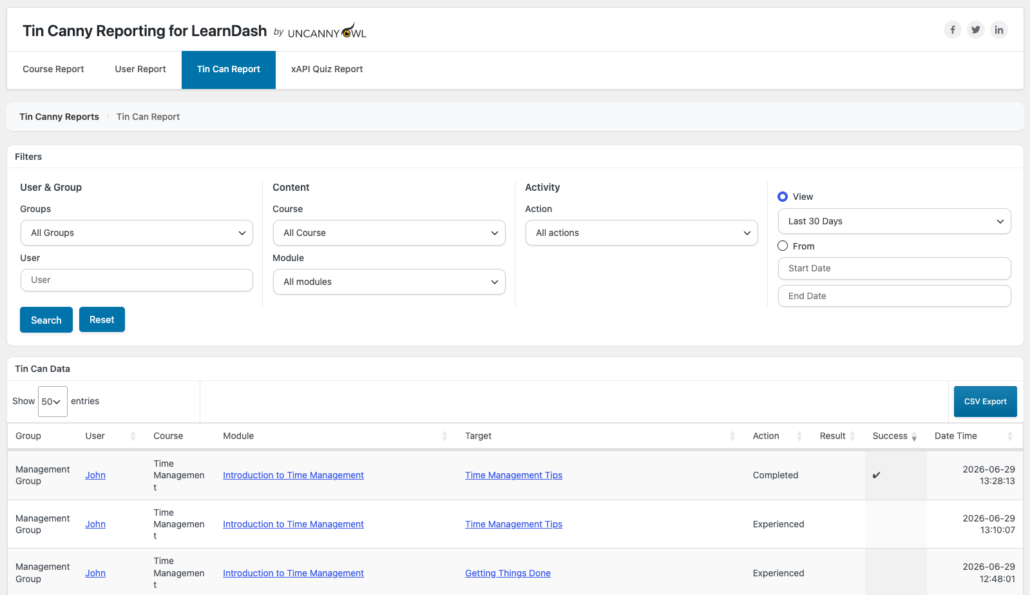 ### Results
After you search, the **Tin Can Data** table lists each matching statement. Default columns:
**Column****Shows****Group**The learner’s group (or *n/a*)**User**The learner**Course** / **Module**Where the statement came from**Target**What was acted on (e.g. the question or object)**Action**The Tin Can verb (e.g. *Answered*, *Passed*)**Result**The reported result, if any**Success**Whether the interaction was successful**Date Time**When it occurredSet **Show \[n\] entries** for page size, and use **Screen Options** (top right) to choose which columns appear.
### Scoring
By default the report uses the raw score reported by a module. For finer control, two developer filters are available:
- **uo\_tincanny\_data\_consider\_scaled\_score** — **added in v5.0.** When enabled, reporting considers the module’s *scaled* score (0–1) rather than the raw value. Useful when modules report scores on different scales.
- **tincanny\_result\_override** — **added in v5.1.0.3.** Overrides the stored result value of a statement before it’s reported.
See [Actions/Filters for Developers](https://www.uncannyowl.com/knowledge-base/actions-filters-for-developers-2/) for usage details.
### Performance
The Tin Can Report was **refactored in v5.0** for faster loading, which is especially noticeable on sites with hundreds of thousands of statements.
### Export to CSV
Export the filtered results to CSV for deeper analysis — valuable when working with very large datasets.
### Related Articles
- [xAPI Quiz Report](https://www.uncannyowl.com/knowledge-base/xapi-quiz-report/) — question-level quiz responses
- [Actions/Filters for Developers](https://www.uncannyowl.com/knowledge-base/actions-filters-for-developers-2/) — the scoring and result-override filters
- [See How Learners Actually Engage with Your Content](https://www.uncannyowl.com/knowledge-base/see-how-learners-actually-engage-with-your-content/) — reading the activity stream to improve content
**Article Categories:** Tin Canny Reporting for LearnDash
---
### [Site Check](https://www.uncannyowl.com/knowledge-base/site-check/)
**Published:** May 31, 2019
**Author:** Ryan Moore
**Content:**
### Overview
Site Check is Tin Canny’s built-in diagnostic. It runs three checks to confirm your server is configured so modules load and data is captured correctly — catching the most common setup problems before they cost you a support ticket.
### When to run it
Run Site Check whenever you:
- First install Tin Canny (do this before your first upload).
- Notice **modules not loading**, the **Mark Complete button not unlocking**, or **xAPI/SCORM data not being tracked**.
- Change hosting, permalinks, a security/maintenance plugin, or your site URL.
Open it from **Tin Canny Reporting > Site check** in the WordPress admin. Each check shows a **Passed** status when it’s healthy. After changing anything, click **Re-check** to run the tests again.
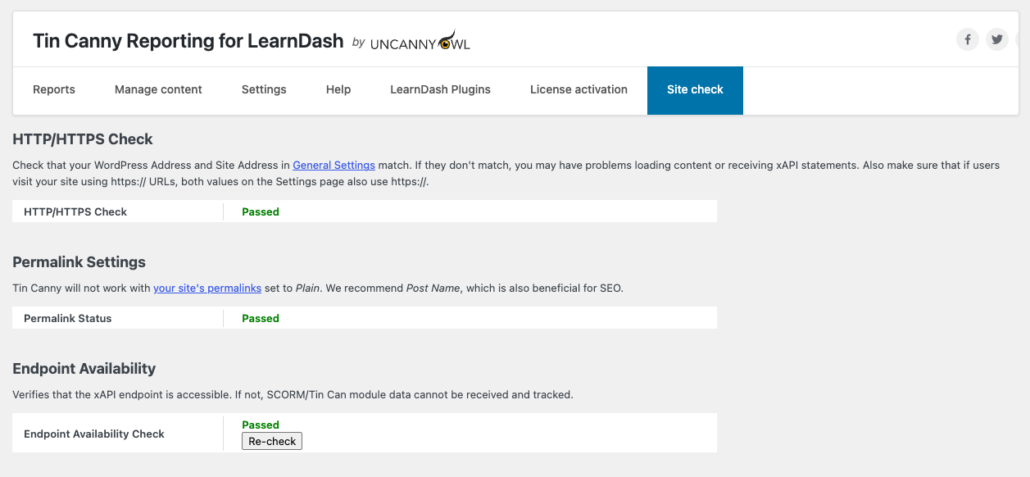 ### The three checks
#### 1. HTTP/HTTPS Check
Confirms that your **WordPress Address** and **Site Address** (in **Settings > General**) match. If they don’t match, you may have problems loading content or receiving xAPI statements. If visitors reach your site over https://, make sure **both** values on the General Settings page also use https://.
**If it fails:** Go to **Settings > General** and align the WordPress Address (URL) and Site Address (URL) — including matching http:// vs https:// — then click **Re-check**.
#### 2. Permalink Settings
Confirms your permalink structure is compatible. **Tin Canny will not work with permalinks set to *Plain*.** We recommend **Post name**, which is also better for SEO.
**If it fails:** Go to **Settings > Permalinks**, choose **Post name** (or any structure other than Plain), save, then **Re-check**.
#### 3. Endpoint Availability
Verifies that the **xAPI endpoint is accessible**. If it isn’t, SCORM/Tin Can module data can’t be received and tracked — modules may still upload and display, but no reporting data is recorded.
**If it fails:** the usual causes are a sitewide redirect from a maintenance-mode, “coming soon,” or aggressive security plugin intercepting the endpoint, or server/firewall rules blocking the request. Temporarily disable the suspected plugin or rule and **Re-check**. (A Plain permalink setting can also cause this — fixing check #2 often clears it too.)
### Still failing?
If any check still fails after the fixes above, [contact Uncanny Owl support](https://www.uncannyowl.com/support/) with a screenshot of the Site Check screen so the team can see exactly which check is failing.
### Related Articles
- [Getting Started with Tin Canny Reporting](http://getting-started-with-tin-canny-reporting.md) — Site Check is a recommended first step
- [Install the Tin Canny Reporting Plugin](https://www.uncannyowl.com/knowledge-base/tincanny-installation-setup/) — installation and licensing
- [Setting up Tin Canny Reporting](https://www.uncannyowl.com/knowledge-base/protecting-sharing-content-tin-canny/) — data capture and protection settings
**Article Categories:** Tin Canny Reporting for LearnDash
---
### [Setting up Tin Canny Reporting for LearnDash](https://www.uncannyowl.com/knowledge-base/protecting-sharing-content-tin-canny/)
**Published:** September 15, 2017
**Author:** Anthony Lucic
**Content:**
### Overview
The **Tin Canny Reporting > Settings** page is where you decide how learner data is captured and shown, how the Mark Complete button behaves, how modules appear on the page, and how data is cleared when you need a fresh start. This article walks through every setting in the order it appears on the page.
### Reports
- **Disable wp-admin dashboard widget** — *Yes / No.* Tin Canny adds a small reporting summary to your WordPress admin home screen. If you’d rather keep that dashboard uncluttered, set this to **Yes** to hide the widget.
- **Enable sorting by % complete** — *Yes / No.* Lets you sort report tables by each learner’s completion percentage. Sorting that column pulls a large amount of data at once, which can slow the reports down — or time out — on sites with a lot of users, so it’s best left off unless your user base is small and you want the convenience.
- **Enable Tin Can Report on front end** — *Yes / No.* Adds the **Tin Can Report** as a tab inside the front-end reporting interface created by the \[tincanny\] shortcode, so admins and Group Leaders can reach it from a page instead of the dashboard.
- **Enable xAPI Quiz Report on front end** — *Yes / No.* Does the same for the **xAPI Quiz Report**, adding it as a tab in the \[tincanny\] front-end interface.
- **User identifier(s)** — *Display Name / First Name / Last Name / Username / Email Address.* Choose which identifying columns appear in the user list of the Course Report and User Report. Pick whatever combination makes it easiest to recognize your learners at a glance.
### Course/User Report Settings
- **Default group for Reports** — *All Users, or any of your groups.* Pre-selects a group so the Course and User reports open already filtered to it. On a large site this is a real time-saver, since the report isn’t loading every learner each time. You can still switch to a different group (or back to All Users) from within the reports whenever you like.
- **Default page length** — *10 / 25 / 50 / 100 / 200.* Sets how many rows load per page in the reports. Smaller numbers load faster; larger numbers mean less paging back and forth. Choose what fits your data and your patience.
### Tin Can/SCORM
- **Capture Tin Can and SCORM data** — *Yes / No.* Controls whether Tin Canny records the Tin Can/SCORM statements your uploaded modules send. If you’re using modules from a supported authoring tool (Storyline, Rise, Captivate, iSpring) and want their results in your reports, turn this on. Set it to **No** to stop capturing — and note that when data capture is off, the **Tin Can Report** and **xAPI Quiz Report** tabs disappear from the reporting interface.
- **Protect SCORM/Tin Can modules** — *Yes / No.* Turns on basic protection that limits viewing of your uploaded modules (Storyline, Rise, Captivate, iSpring) to signed-in users, so anonymous visitors can’t open the module files directly from outside your site. Two things worth knowing: the protection does **not** cover modules you place on standalone pages or posts (anyone can view those), and while you can set protection globally here and fine-tune it per lesson/topic, **if it’s switched off globally you can’t turn it back on for an individual lesson or topic**. If modules are having trouble loading, try disabling this. It also relies on hosts that support mod\_rewrite.
- **SCORM Driver Compatibility** — *Async (default) / Sync.* Determines how newly uploaded modules communicate with your site. **Async** is the default and performs best in most environments; switch to **Sync** only if SCORM/xAPI results aren’t being tracked the way you expect. Because the mode is set at upload time, changing this setting affects future uploads — to apply it to an existing module, upload that module again.
### Mark Complete button
- **Behavior** — Sets what the LearnDash **Mark Complete** button does on lessons and topics that contain an embedded Tin Canny module. Choose a site-wide default here; you can override it on any individual lesson or topic. The options are:
- **Always Enabled** — the button works normally, whether or not the learner has finished the module.
- **Disabled until complete** — the button stays greyed out until the learner completes the embedded module.
- **Hidden until complete** — the button is hidden and only appears once the module is finished.
- **Hidden and autocomplete** — there’s no button at all; the lesson or topic marks itself complete as soon as the learner finishes the module. (Be sure to give learners another way to move on, since there’s no button to click.)
- **Hidden and autoadvance** — the same as autocomplete, but it also sends the learner straight on to the next lesson or topic the moment they finish.
- **Enable compatibility mode** — *Yes / No.* A more dependable (if slightly slower) method of recording xAPI statements and unlocking the Mark Complete behaviors. Switch it on if completion isn’t unlocking reliably — for instance, when a module sends its final statement at the same moment it closes.
- **Custom label** — Replace the default Mark Complete button text with wording of your own whenever a Tin Canny module is embedded in the lesson or topic — for example, “Finish module” or “I’m done.”
- **Autocomplete Lessons and Topics even if Tin Canny content on page (Uncanny Toolkit Pro)** — *Yes / No.* Works hand-in-hand with the **Autocomplete Lessons & Topics** feature in Uncanny LearnDash Toolkit Pro. Normally, when a lesson or topic holds a Tin Canny module, completion is decided by the **Mark Complete button** behavior above. With this turned on, the lesson or topic is instead marked complete automatically on page load, even though a module is present. Without Toolkit Pro (and its Autocomplete Lessons and Topics module) active, completion simply continues to follow the Mark Complete behavior.
### Lightbox
- **Transition** — *Fade / Zoom / None.* The visual effect used when a module opens in a lightbox. Choose **Fade** or **Zoom** for a little motion, or **None** for an instant open.
- **Default lightbox size** — Sets the default dimensions of modules shown in a lightbox. Enter a **Width** (px / % / vw) and **Height** (px / % / vh) and pick the units that suit you — fixed pixels, or percentage/viewport units that scale with the screen. These defaults can be overridden on an individual lesson or topic.
### Reset data
**These actions are permanent and can’t be undone — export anything you need first.**
- **Reset Tin Can data** — the **Reset data** button permanently deletes all captured Tin Can data. Useful when you’re testing or starting over, but there’s no way back.
- **Reset xAPI Quiz data** — the **Reset Quiz Data** button permanently deletes all xAPI Quiz data.
- **Reset bookmark data** — the **Reset bookmark data** button clears the saved resume positions for uploaded modules, so every learner starts their modules from the beginning again.
- **Purge statements** — pick a verb (**Answered**, **Attempted**, or **Passed**) and click **Purge statements** to delete only the SCORM/xAPI statements that use that verb. This is a more surgical cleanup than wiping everything at once.
- **Purge Answered statements** — a one-click shortcut (the **Purge Answered statements** button) that removes every stored xAPI statement with the “Answered” verb.
### Delete Tin Canny Data
- **Delete all Tin Canny data on uninstall** — By default, your data is kept even if you remove the plugin. Enable this option only if you want a completely clean removal: with **Delete all data on uninstall** turned on, uninstalling Tin Canny permanently erases **all** of its data — SCORM/xAPI statements, quiz data, uploaded modules, module bookmarks, plugin settings, and everything related. There is no undo, so switch it on deliberately.
**Article Categories:** Tin Canny Reporting for LearnDash
---
### [Managing Elearning Content](https://www.uncannyowl.com/knowledge-base/managing-elearning-content/)
**Published:** December 7, 2018
**Author:** Ken
**Content:**
### Overview
The **Manage Content** page is your library for every module you’ve uploaded with Tin Canny. From one screen you can upload new content, find existing modules, preview them, replace them with updated versions, and delete what you no longer need — all while keeping your reporting data intact.
### The Manage Content page
Go to **Tin Canny Reporting > Manage Content**. The page was **redesigned in v5.1** with a cleaner, modernized layout that makes a large content library easier to scan.
Each uploaded module is listed in a table with these columns *(verified in source)*:
- **Module ID** — the module’s unique ID (preserved when you replace content).
- **Content** — the module name/title.
- **Type** — the module format (SCORM, xAPI, etc.).
- **Uploaded** — when it was added. *(New in v5.1.)*
- **Size** — how large the package is. *(New in v5.1.)*
You can **search by title** and **sort by any column** (all columns are sortable) to find a module quickly, even in a big library.
 ### Uploading new content
Click **Upload new content**, then **Click to Upload** and choose your module. Modules must be uploaded as a **.zip** file published from one of the [supported authoring tools](https://www.uncannyowl.com/knowledge-base/authoring-tools-supported/) — it’s the only accepted file type. Once uploaded, a module can be embedded in any lesson or topic with the Tin Canny block or uploader. See [Tin Canny Uploader](https://www.uncannyowl.com/knowledge-base/storyline-captivate-uploader/).
#### Upload entire zip file (faster uploads)
By default, Tin Canny unpacks your .zip and uploads the module’s files individually. For a large module this can mean hundreds of separate transfers, which is slow. The upload screen offers a faster alternative:
- Tick **Upload entire zip file** before uploading. The whole package is sent as a **single file** and unpacked on the server — far quicker than uploading each file one at a time.
**When to use it:** As the in-product note says, *“Choose this option for faster uploads; it may not work in all environments or with large file sizes.”* If a single-file upload fails — usually because the .zip is larger than your server’s maximum upload size — leave the box unticked and upload normally. The screen shows your server’s **maximum upload file size** as a guide.
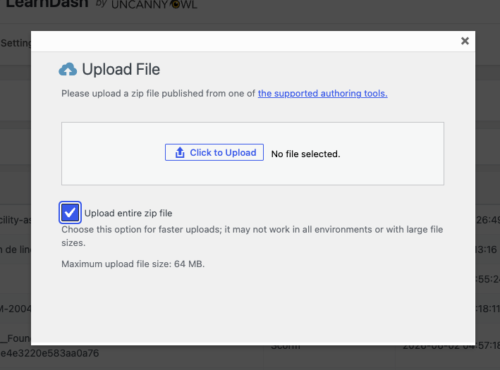 ### Previewing content
Use the **preview** option to view a module directly from the Manage Content page. Note that previewing a module generates xAPI tracking, just as a learner would..
### Replacing content
When you publish an updated version of a course, you don’t have to delete the old module and re-embed a new one (which would break links and lose history). Instead, use **Replace content**:
1. Find the module in the list and choose **Replace**.
2. Upload the new package.
3. Choose how to handle existing data:
- **Delete bookmark/resume data only** — This option deletes stored bookmark data (ie where learners restart the module), but xAPI statement history is kept. This data must be deleted whenever content is replaced as internal bookmark IDs may have changed, resulting in the existing bookmark data preventing the module from loading properly.
- **Delete bookmarks *and* xAPI statements** — This option deletes both stored bookmark data and stored xAPI statements (the data shown in the Tin Can and xAPI Quiz reports). A full reset for this module.
 Because **Replace** preserves the module’s ID, every place you’ve embedded it keeps working, and (depending on your choice above) your historical completion records are retained. This is the recommended way to update content.
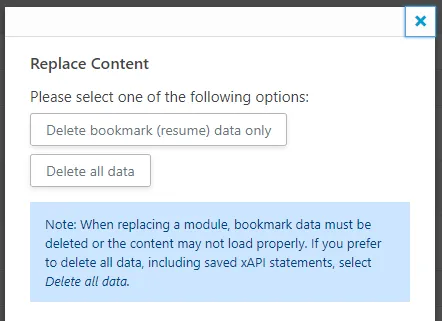 ### Deleting content
Remove a module entirely with **Delete**. Use this only when you no longer need the module or its data. For routine updates, using the **Replace** option is recommended.
### Related Articles
- [Tin Canny Uploader](https://www.uncannyowl.com/knowledge-base/storyline-captivate-uploader/) — uploading and embedding modules in lessons
- [Authoring Tools Supported by Tin Canny](https://www.uncannyowl.com/knowledge-base/authoring-tools-supported/) — supported formats and publishing tips
- [Setting up Tin Canny Reporting](https://www.uncannyowl.com/knowledge-base/protecting-sharing-content-tin-canny/) — data capture and protection settings
**Article Categories:** Tin Canny Reporting for LearnDash
---
### [Lesson and Topic Completion Reports](https://www.uncannyowl.com/knowledge-base/lesson-and-topic-completion-reports/)
**Published:** April 19, 2023
**Author:** Ryan Moore
**Content:**
### Overview
These front-end reports show, for a specific lesson or topic, exactly which learners have completed it. They’re built for administrators and Group Leaders who need granular completion data without digging through the full back-end reports.
Lesson and Topic Completion Reports display completion status per learner for a chosen lesson or topic. Access is limited to **administrators and Group Leaders** — learners don’t see them.
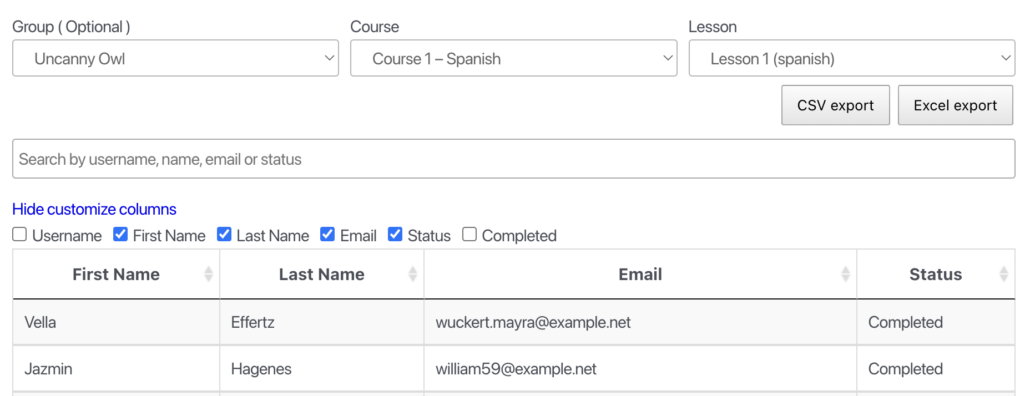 ### Adding the reports to a page
Place either a block or shortcode on a page (a full-width layout works best):
Block Name / **Shortcode****Shows**Tin Canny Lesson Report / `[uotc_lesson_report]`Completion of a chosen **lesson**Tin Canny Topic Report / `[uotc_topic_report]`Completion of a chosen **topic**### Using the report
1. (Optional) Select a **group** to scope the report.
2. Select a **course**.
3. Select the **lesson or topic**.
The table populates with the enrolled learners and their completion status. Use **Customize columns** to choose which fields appear.
### Time spent
When the **Simple Course Timer** module ([Uncanny Toolkit Pro](https://www.uncannyowl.com/knowledge-base/uncanny-toolkit-pro/)) is enabled, a **Time column** is added showing how long each learner spent in the lesson or topic. *(Added in v4.4.1.)* This is invaluable for “minimum time-in-content” requirements and for spotting learners who rushed through.
### Exporting
Reports export to **CSV and Excel** for filtering and record-keeping.
### Related Articles
- [Front End LearnDash Reports](https://www.uncannyowl.com/knowledge-base/front-end-reports/) — the combined front-end report interface
- [Tin Canny Shortcodes & Blocks Quick Reference](http://tin-canny-shortcodes-blocks-reference.md) — every report shortcode and block
- [Prove Training Compliance with Tin Canny](https://www.uncannyowl.com/knowledge-base/prove-training-compliance-with-tin-canny/) — using time-in-content as audit evidence
**Article Categories:** Tin Canny Reporting for LearnDash
---
### [Front End Quiz Reports](https://www.uncannyowl.com/knowledge-base/front-end-quiz-reports/)
**Published:** September 8, 2017
**Author:** Ryan Moore
**Content:**
### Overview
Tin Canny includes three **front-end** quiz reports that consolidate LearnDash quiz scores and SCORM/xAPI (Tin Canny) scores, so administrators, Group Leaders, and learners can see results without logging into the WordPress dashboard. Each report can be placed on any page with a **block** or its matching **shortcode**.
These are **front-end** reports for placing on a page. For the back-end admin report of question-by-question xAPI responses, see [xAPI Quiz Report](https://www.uncannyowl.com/knowledge-base/xapi-quiz-report/).
### Before you start
- The easiest way to add a report is with a **block** — when editing a page, click **+**, search **Tin Canny**, and choose the report. Each block has a matching shortcode if you’d rather paste one in (use a **Shortcode block** in the editor).
- Quiz reports render wide tables, so use a **full-width page template** with no sidebar for the best layout.
- Reports inherit your theme’s styles; on some themes you may want light CSS adjustments for spacing or table width.
### Group Leader Quiz Report
Add the **Tin Canny Group Quiz Report** block, or use the **`[uo_group_quiz_report]`** shortcode.
Shows consolidated quiz data and Tin Canny scores (H5P, iSpring, Storyline, etc.) **by group and by course**. It reports the highest score from multiple attempts, and — when statistics are enabled — can link through to detailed results.
- **Who can view:** Administrators and Group Leaders (Group Leaders see only their own groups).
- **Attribute:** user\_report\_url=”%URL%” — turns each learner’s name into a link to their individual user report. Replace %URL% with the page that holds the **User Quiz Report** (\[uo\_individual\_quiz\_report\]), enabling drill-down from the group report to a single learner.
**Developers:** the userReportUrl value can also be set globally with the uo\_tincanny\_quiz\_report\_user\_report\_url filter. See [Actions/Filters for Developers](https://www.uncannyowl.com/knowledge-base/actions-filters-for-developers-2/).
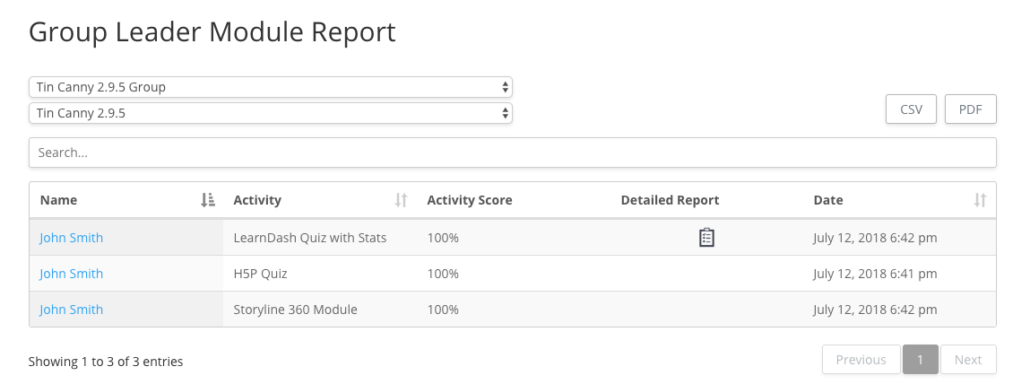 ### User Quiz Report
Shows the **viewing learner’s own** LearnDash quiz scores plus SCORM/xAPI scores across all of their courses. Because it’s scoped to the current user, this is the report you place on a learner-facing “My Results” page.
Add the **Tin Canny Individual Quiz Report** block, or use the **`[uo_individual_quiz_report]`** shortcode.
- **Who can view:** Students, Group Leaders, and Administrators (each sees their own scores).
- **Attribute:** exclude\_non\_course\_quizzes=”yes” — *added in v5.0.* Hides quizzes that aren’t mapped to a course, so the report shows only course-based quizzes. Default is no.
#### Linking Group Quiz Report with the User Quiz Report
What’s especially powerful with the 2 new reports is that they can be linked, so users listed in the Group Leader report are hyperlinked to the user report. Administrators and Group Leaders can then drill down into a user to see their results across everything.
Use the “user\_report\_url” attribute with the uo\_group\_quiz\_report shortcode to link them:
```
[uo_group_quiz_report user_report_url="%URL%"]
```
Replace `%URL%` in the example above with the URL of the user report on your website (the page that contains the `[uo_individual_quiz_report]` shortcode). You can use a static or relative URL, and as long as it’s populated correctly, the Group Report will now link to individual score reports.
### Detailed Quiz Report
Use the `[uotc_ld_quiz_report] `shortcode. *(This report is shortcode-only — there is no block for it.)*
The most comprehensive view: it shows **all attempts for all users**, including learners who have access but **haven’t attempted** a quiz, and it lists **all records regardless of course mapping** (no course-selection filter). Columns are customizable.
- **Who can view:** Administrators and Group Leaders. By default an administrator sees all users (not only group-linked users); visibility is customizable via filter.
- **How it differs from the other two:** all attempts rather than highest-score-only, includes records for users that have not attempted the quiz yet (this can be disabled using the following filter: `add_filter( ‘uotc_quiz_report_hide_unattempted_users’, ‘__return_true’ );`), ignores course mapping, and offers customizable columns.
This report can also be used by additional custom roles. Here’s a code example:
```
```
And for even more control over outputting users that have attempted vs. not attempted a quiz, here’s an example of isolating results based on group ID or quiz ID:
```
```
### Related Articles
- [xAPI Quiz Report](https://www.uncannyowl.com/knowledge-base/xapi-quiz-report/) — the back-end, question-by-question xAPI report
- [Front End LearnDash Reports](https://www.uncannyowl.com/knowledge-base/front-end-reports/) — the combined \[tincanny\] reporting interface
- [Tin Canny Blocks & Shortcodes Quick Reference](http://tin-canny-shortcodes-blocks-reference.md) — every report block and shortcode
- [Give Managers Their Own Reports](http://use-case-self-serve-manager-reporting.md) — the self-serve reporting use case
**Article Categories:** Tin Canny Reporting for LearnDash
---
### [Front End LearnDash Reports](https://www.uncannyowl.com/knowledge-base/front-end-reports/)
**Published:** September 8, 2017
**Author:** Ryan Moore
**Content:**
### Overview
Front-end reports put Tin Canny’s reporting on a WordPress page, so administrators and Group Leaders can review course and learner data without logging into the WordPress admin dashboard. It’s the foundation for letting client managers run their own reports.
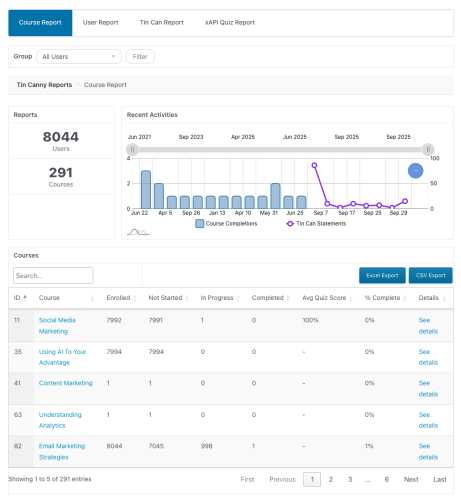 ### What they are
The **Tin Canny Course/User Report** block or `[tincanny]` shortcode renders the full reporting interface on the front end — **Course Report, User Report**, and (if enabled) **Tin Can and xAPI Quiz reports** — in one tabbed view. Add it to any page:
```
[tincanny]
```
**Tip:** Reports are wide tables. Use a **full-width page template with no sidebar** so the columns aren’t squeezed.
**Note: The Tin Can and xAPI Quiz reports are not enabled by default**. To turn these reports on, go to Tin Canny Reporting > Settings in your admin panel and enable the appropriate options:
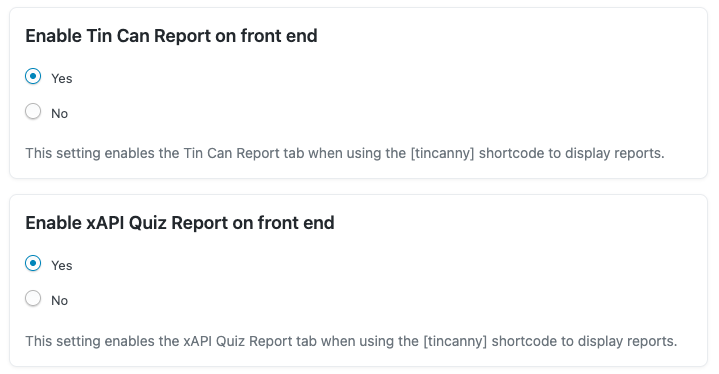 ### Who can view them
Tin Canny checks each viewer’s role and group membership:
- **Administrators** see all data.
- **Group Leaders** see only their assigned groups. Leaders of multiple groups get a **group-selector dropdown** to switch between teams.
- Learners do not see these admin reports (the learner-facing quiz report is separate — see [Front End Quiz Reports](https://www.uncannyowl.com/knowledge-base/front-end-quiz-reports/)).
### Sorting and defaults
- **Sortable columns:** as of **v5.1.1**, the front-end User Report’s **% Complete** and **Avg Quiz** columns are sortable, so managers can rank learners by progress or performance with a click.
- **Defaults carry over:** the **default group** and **default page length** set under **Tin Canny Reporting > Settings** also apply to the front-end reports, so a leader’s page opens already filtered and paginated.
### Enabling Tin Can / Quiz reports
The **Tin Can** and **xAPI Quiz** reports only appear in the front-end interface if the option **Enable Tin Can Report on front end** and **Enable xAPI Quiz Report on front end** are enabled under **Tin Canny Reporting > Settings** under the **Reports** heading.
### Styling
Front-end reports intentionally inherit your theme’s styles so they blend in. On some themes you may want light CSS adjustments for table width or spacing.
### Related Articles
- [Front End Quiz Reports](https://www.uncannyowl.com/knowledge-base/front-end-quiz-reports/) — learner- and group-facing quiz reports
- [Tin Canny Shortcodes & Blocks Quick Reference](http://tin-canny-shortcodes-blocks-reference.md) — every report shortcode and block
- [Give Managers Their Own Reports](http://use-case-self-serve-manager-reporting.md) — the self-serve reporting use case
- [Setting up Tin Canny Reporting](https://www.uncannyowl.com/knowledge-base/protecting-sharing-content-tin-canny/) — enabling data capture and setting defaults
**Article Categories:** Tin Canny Reporting for LearnDash
---
### [Course Report](https://www.uncannyowl.com/knowledge-base/course-report/)
**Published:** September 5, 2017
**Author:** yuehchin
**Content:**
### Overview
The Course Report is the bird’s-eye view of training on your site: how many learners and courses you have, what’s being completed, and how each course is performing — with the ability to drill into any course for the detail.
This report is for LearnDash data and progress completion across lessons and topics in LearnDash courses. Data for SCORM/xAPI modules is included in the [Tin Can report](https://www.uncannyowl.com/knowledge-base/tin-can-report/).
Above the course table you’ll see:
- A **Reports** panel with the total number of **Users** and **Courses** in scope.
- A **Recent Activities** chart plotting **Course Completions** and **Tin Can Statements** over time, with a date-range slider to zoom the timeframe.
A condensed version of this overview also appears on your WordPress Dashboard for an at-a-glance pulse.
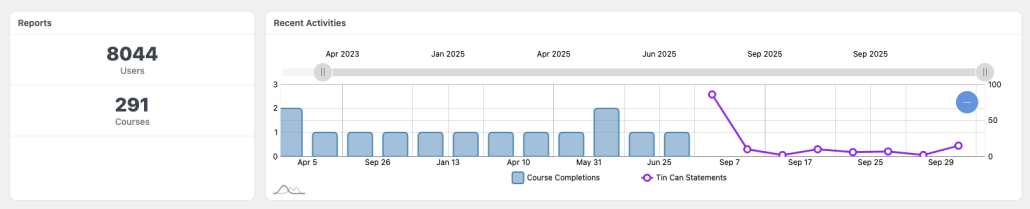 #### Group Filter
At the top of the report is a **Group** filter. Choose a group from the dropdown and click **Filter** to scope the entire report — the activity chart, the totals, and the course table — to just that group’s learners.
- **Administrators** can filter by any group, or choose **All Users** to see everyone.
- **Group Leaders** are automatically limited to their assigned groups, and use the same dropdown to switch between the groups they lead.
You can set a **default group** under **Tin Canny Reporting > Settings** (v5.0) so the report opens already filtered to it. See [Report defaults](https://docs.google.com/document/d/1ENYYiR4aY7VpJVhhpy1coEUge4HQenMLLn081DTrIo4/edit#report-defaults).
### Course Table
Below the overview, the Course Table lists every course in scope. Columns include:
**Column****Shows****ID** / **Course**Course ID and title**Enrolled**Number of enrolled learners**Not Started** / **In Progress** / **Completed**Learner counts by status**Avg Quiz Score**Average quiz score for the course**% Complete**Overall completion percentage**Details**A **See details** link to the drill-down report**Avg Time To Complete** / **Avg Time Spent**Time columns shown when the [Simple Course Timer](https://www.uncannyowl.com/knowledge-base/simple-course-timer/) module (Uncanny Toolkit Pro) is enabledYou can **search** for a course by name and **sort** by any column heading. Note that these progress metrics track **LearnDash lessons and topics** — not the internal steps of an uploaded module.
#### Exporting
Use the **Excel Export** and **CSV Export** buttons above the table to download the current (filtered) course data for analysis or record-keeping.
### Report defaults
Under **Tin Canny Reporting > Settings** you can set a **default group** and **default page length** so the report opens already filtered and sized to your needs (added in v5.0). This is a time-saver when you regularly report on the same group or work with many courses.
### Drill-Down Course Report
Click a course’s **See details** link to open its detail report: overall performance for that course plus a list of enrolled users and their individual progress.
### Related Articles
- [User Report](https://www.uncannyowl.com/knowledge-base/user-report/) — the learner-centric companion view
- [Front End LearnDash Reports](https://www.uncannyowl.com/knowledge-base/front-end-reports/) — display this report on the front end
- [Lesson and Topic Completion Reports](https://www.uncannyowl.com/knowledge-base/lesson-and-topic-completion-reports/) — completion at the lesson/topic level
**Article Categories:** Tin Canny Reporting for LearnDash
---
### [Actions/Filters for Developers](https://www.uncannyowl.com/knowledge-base/actions-filters-for-developers-2/)
**Published:** November 12, 2020
**Author:** Ryan Moore
**Content:**
Tin Canny includes WordPress filters for developers building custom functionality on top of the plugin. This article lists the available hooks, grouped by what they affect.
### Permissions & capabilities
Control who can access reporting features and data.
**Filter****Default****Description**`uo_tincanny_reporting_capability``tincanny_reporting`Capability required to view the Tin Canny reporting admin menu/pages. Defaults to the plugin’s own custom `tincanny_reporting` capability — **not** `manage_options`.`tincanny_view_all_reports_permission`(boolean)Whether the current user may view **all** reports rather than only their own groups. Receives a **boolean** (default is the result of an “is current user an admin” check), so return `true/false` — not a capability string.`tincanny_can_get_data``manage_options`Minimum capability for a logged-in user to retrieve report data via REST.`uo_tincan_ld_admin_capability_check``manage_options`**Added in v5.1.1.** The capability checked when granting access to reporting features. Use this to open reporting to custom roles.```
add_filter( 'uo_tincan_ld_admin_capability_check', function ( $capability ) {
return 'edit_courses'; // allow any role with this cap to view reporting
} );
```
### Data capture & processing
Control which statements are recorded and how.
**Filter****Signature****Description**`tincanny_module_allow_db_capture``($allow = true, $db_data)`Controls whether a module’s statements are written to the database. **Enhanced in v5.1.3** to also support *skipping* specific xAPI events. *(Verified: `TinCanRequest.php`.)*`tincanny_process_content``($process = true, $array)`Controls whether captured content is processed. **Enhanced in v5.1.3** to support skipping xAPI events. *(Verified: `Server.php`.)*`uo_tincanny_actor_name``($user_name, $User)`**Added in v5.1.3.3.** Overrides the learner name (actor) passed to a module, e.g. to use a display name or anonymized identifier. The second argument is the **WP\_User object**. *(Verified in v5.1.3.3 source: `Shortcode.php`, `TinCan_Content_List_Table.php`.)*```
add_filter( 'uo_tincanny_actor_name', function ( $user_name, $user ) {
return 'Learner #' . $user->ID; // anonymize the actor name sent to modules
}, 10, 2 );
```
### Scoring & results
Adjust how scores and results are interpreted in reports.
**Filter****Signature****Description**`uo_tincanny_data_consider_scaled_score``($consider = false)`**Added in v5.0.** Return true to make reporting use the module’s *scaled* score rather than the raw score. *(Verified: `Database/Admin.php`.)*`tincanny_result_override`(`$override = null, $TC_Result)`**Added in v5.1.0.3.** Return a non-null value to override the stored result of a Tin Can statement before it’s reported. *(Verified: `TinCanRequest.php`.)*### Reports & front-end output
Customize report links and display.
**Filter****Signature****Description**`uo_tincanny_quiz_report_user_report_url``($user_report_url)`**Added in v5.0.** Overrides the `userReportUrl` used by the **`[uo_group_quiz_report]`** shortcode so learner names link to the correct individual user report page. *(Verified: `quiz-module-reports.php`.)*### Module display (lightbox)
Tin Canny modules can open in a GLightbox lightbox. Its JavaScript configuration is filterable.
- **`uo_tincanny_glightbox_config`** — **Added in v5.1.0.1.** Filters the lightbox config array. The array includes a **`closeOnOutsideClick`** key (string ‘`0`‘ = disabled by default, ‘`1`‘ = enabled) that controls whether clicking outside the lightbox closes it. Set it to ‘`1`‘, or to ‘`0`‘ to prevent learners from accidentally closing a module mid-activity. *(Verified: `uncanny-articulate-and-captivate/classes/Shortcode.php`.)*
add\_filter( ‘uo\_tincanny\_glightbox\_config’, function ( $config ) {
```
add_filter( 'uo_tincanny_glightbox_config', function ( $config ) {
$config['closeOnOutsideClick'] = '0'; // don't close on outside click
return $config;
} );
```
The vc\_snc shortcode that embeds a module also accepts a `closeOnOutsideClick` attribute directly.
## Related Articles
- [Setting up Tin Canny Reporting](https://www.uncannyowl.com/knowledge-base/protecting-sharing-content-tin-canny/) — the no-code settings these filters extend
- [xAPI Quiz Report](https://www.uncannyowl.com/knowledge-base/xapi-quiz-report/) — where the quiz-report URL filter applies
- [Tin Canny Shortcodes & Blocks Quick Reference](http://tin-canny-shortcodes-blocks-reference.md) — report shortcodes and attributes
**Article Categories:** Tin Canny Reporting for LearnDash
---
### [Single Page Courses](https://www.uncannyowl.com/knowledge-base/single-page-courses/)
**Published:** January 4, 2021
**Author:** Ryan Moore
**Content:**
### Overview
Single Page Courses let you build a complete LearnDash course on a single page — no lessons or topics required. It’s ideal for microlearning and short, self-contained courses where LearnDash’s usual nested structure gets in the way.
Out of the box, LearnDash needs at least one lesson per course so it can calculate progress and completion. That forces short courses into a nested lesson/topic structure that often doesn’t match your instructional design — a real obstacle for microlearning.
This module (introduced in Uncanny Toolkit Pro version 3.6) removes that requirement. A course can consist entirely of a single page, while LearnDash still tracks completion correctly behind the scenes.
### Configure It
When the module is active, it adds new settings to the course editing screen. Turning on **Single Page Course** and saving creates a hidden lesson under the course. That lesson is invisible to learners — it never shows on the front end, and students won’t know it exists. It’s simply the mechanism LearnDash uses to record progress.
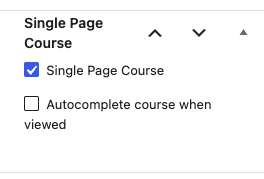 The main decision is how the course gets marked complete:
- **Mark Complete button (default)** — The course page shows a **Mark Complete** button. When a learner clicks it, the hidden lesson is marked complete, the page refreshes, and the course completes.
- **Autocomplete** — The course can complete automatically. Note that this is set at the course level and is independent of Toolkit’s other autocompletion options.
**Important:** If autocomplete is enabled *and* a certificate is associated with the course, the learner will have to reload the page to see the certificate.
### Usage
Single Page Courses keep the standard LearnDash and Toolkit features you’d expect:
- Enrollment management works exactly as usual.
- Course certificates are issued normally.
**Note:** It is important to make sure that you do hide any content that should only be available to students in a student shortcode (see [LearnDash shortcode documentation](https://www.learndash.com/support/docs/core/shortcodes-blocks/?fbclid=IwAR2B1nFi_yPkUIJtMKvXcVk6ZuQfD5-llqndVLiBYyqEZV2mhayMMJAcjzs#learndash_student_student) for more details), or you could use our [Not Enrolled Redirect](https://www.uncannyowl.com/knowledge-base/redirect-user-if-not-enrolled/) module to keep all visitors off of the course page entirely.
**Note:** Because there are no real lessons or topics, lesson-level LearnDash features aren’t available at the course level — including video progression controls. If you need those, use a standard course structure instead.
### Related Articles
- [Course Dashboard](https://www.uncannyowl.com/knowledge-base/learndash-course-dashboard/)
- [Autocomplete Lessons & Topics](https://www.uncannyowl.com/knowledge-base/autocomplete-lessons-topics/)
- [Enhanced Course Grid](https://www.uncannyowl.com/knowledge-base/enhanced-course-grid/)
- [Getting Started with Uncanny Toolkit Pro](https://www.uncannyowl.com/knowledge-base/getting-started-with-uncanny-toolkit-pro/)
**Article Categories:** Uncanny Toolkit Pro for LearnDash
---
### [Simple Course Timer](https://www.uncannyowl.com/knowledge-base/simple-course-timer/)
**Published:** October 8, 2016
**Author:** Ryan Moore
**Excerpt:** Learn how to track and report on the time learners spend in courses.
**Content:**
### Overview
Track exactly how long learners spend inside your LearnDash courses — on course, lesson, topic, and quiz pages — and put that time to work: show it on screen, add it to your reports, require a minimum time before a quiz unlocks, or automatically log learners out and redirect them when they go idle.
The Simple Course Timer records the time each learner spends in a course and its lessons, topics, and quizzes. You can display that time to learners in real time, surface total and completion times in your reports, and use time as a gate — for example, requiring learners to spend a minimum amount of time in the material before they can attempt a quiz, or logging out learners who go idle.
This is a core tool for **seat-time compliance** (continuing education, certifications) and for **reducing cheating** by stopping learners from racing through content.
**Important — tracking starts when you enable it.** The timer only records time from the moment the module is activated, and only while it stays active. Historical time is not available, so enable the module before you need the data.
### Configure It
Enable the **Simple Course Timer** module under **Uncanny Toolkit**, then configure the options below based on what you need the timer to do.
#### Idle Timeout
When enabled, the timer stops counting if a learner is inactive for too long, so idle time doesn’t inflate the recorded total. After the idle period a popup asks the learner to confirm they’re still active — confirming resumes the timer; navigating away stops it.
You can customize:
- **Default idle time** (overridable per lesson, topic, or quiz). Defaults to 900 seconds (15 minutes) if no value is set.
- The **timeout message** shown to the learner.
- The **button labels** for confirming activity and for exiting the course.
- The **redirect location** for learners who choose to exit.
#### Minimum Course Time Before Quiz
Enable **Enable Quizzes after X time** to block quiz attempts until a learner has accumulated a minimum amount of time in the course. A field appears on quiz pages where you set the required minutes; learners see a message showing the required time and their current progress until they qualify.
#### Logout & Redirect on Idle Timeout
Instead of showing the inactivity popup when a learner goes idle, you can enable **Enable Logout** to **log the learner out and redirect them** when the idle timeout is reached. The learner is sent to the page set in the **Inactive Redirect** setting; if no Inactive Redirect page is specified, they’re redirected to the site homepage.
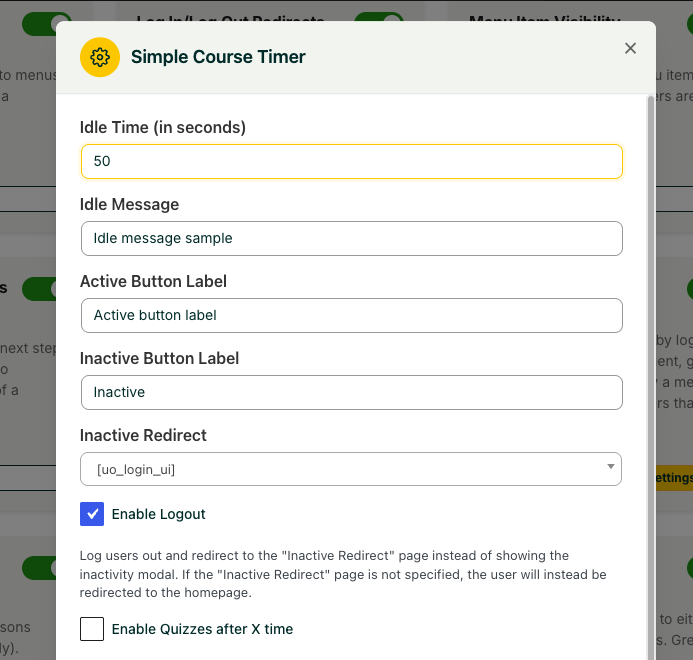 ### Shortcodes / Blocks
Place any of these on a page to display tracked time. A matching block is available for each.
**Shortcode****What it displays**`[uo_time course-id=""]`Total time spent in the course`[uo_time_course_completed course-id=""]`Time at the point of completion (populated only after the course is completed)`[uo_time_lesson lesson-id=""]`Time in a lesson, plus its associated topics and quizzes`[uo_time_topic topic-id=""]`Time in a topic and its associated quiz`[uo_time_quiz quiz-id=""]`Time in a quiz`[uo_time_total user-id=""]`Total time across all courses since the module was activated`[uo_time_live]`A real-time, live-counting display of active course time### Reporting
When the Simple Course Timer module is enabled, both **total time** in course and **completion time** can be exported in LearnDash reports or displayed onscreen.
Time starts being tracked as soon as the module is enabled. The time columns are also added to the LearnDash course report automatically.
The module also integrates with [Tin Canny LearnDash Reporting](https://www.uncannyowl.com/knowledge-base/tin-canny-reporting-for-learndash-overview/), adding the same columns there.
### Limitations to Know
- **Mobile devices:** time isn’t tracked when a learner is taken away from WordPress (e.g. opening a PDF or a link in a new window) on iOS/Android, and tracking pauses while WordPress is in a background tab — an operating-system constraint, not a plugin setting.
- **Caching:** some caching plugins can cause high resource usage with the timer active. If you see performance issues, test with caching disabled.
### For Developers
- **`uo_course_timer_time_display`** *(v4.4.1)* — Filter the way tracked time is displayed.
- **`uo_course_timer_time_display_completion`** *(v4.4.1)* — Filter the way completion time is displayed.
### Related Articles
- [Enhanced LearnDash CSV Reports](https://www.uncannyowl.com/knowledge-base/enhanced-learndash-csv-reports/) — Add more learner data to your exports
- [Cohort & Membership Programs](https://www.uncannyowl.com/knowledge-base/cohort-membership-programs/) — Combine the timer with group-based drip content
- [Tin Canny Reporting for LearnDash – Overview](https://www.uncannyowl.com/knowledge-base/tin-canny-reporting-for-learndash-overview/) — Deeper reporting that surfaces course time
**Article Categories:** Uncanny Toolkit Pro for LearnDash
---
### [Sample Lesson Label (Legacy)](https://www.uncannyowl.com/knowledge-base/sample-lesson-label/)
**Published:** September 29, 2016
**Author:** yuehchin
**Excerpt:** Learn how to display a visual "Sample" label on sample lessons on your course pages.
**Content:**
### Overview
Make LearnDash sample lessons obvious by adding a clear, customizable label to them. By default, sample lessons are only distinguishable because their title appears as a link — a cue many learners miss.
LearnDash’s sample lesson feature lets you offer a free preview of course material without unlocking the full course. The problem is that sample lessons aren’t visually distinct — the only signal is that the lesson title is clickable, which is easy to overlook.
This module adds a prominent label to each sample lesson so learners can immediately see what’s free to preview, which can encourage more clicks into your course content.
**Note:** This module is for the legacy LearnDash (LD25) theme only. The label is applied via CSS that targets the legacy theme’s .is\_sample h4>a markup. The “Sample Lesson” label is native to LearnDash 3.0 theme.
### Usage
Once the module is enabled, a label automatically appears on every sample lesson in your course materials — no per-lesson setup required.
 ### Configure It
Customize the label in the module’s **Settings** window so it fits your course design:
- **Label text** — Set the wording, for example “Sample” or “Free Preview.” Defaults to “Sample.”
- **Label background color** — Set the background color to match your branding.
- **Label text color** — Set the label’s text color.
- **Label border color** — Set the color of the label’s border.
- **Label text size** — Set the font size for the label (defaults to 14px).
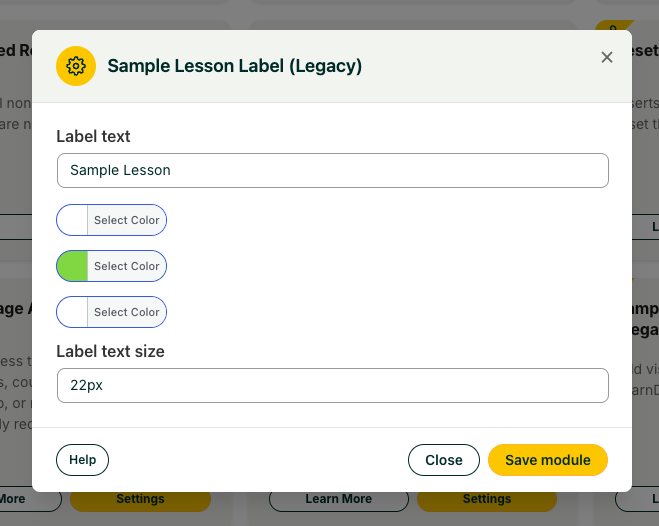
**Important:** Some themes can interfere with the label. On the University theme, for example, the label may render as a checkmark instead of the text. This is a CSS conflict and can be resolved with custom CSS. Because these issues are site-specific, open a support ticket for help with your particular theme rather than relying on the Knowledge Base.
### Related Articles
- [Restrict Page Access](https://www.uncannyowl.com/knowledge-base/restrict-page-access/)
- [Single Page Courses](https://www.uncannyowl.com/knowledge-base/single-page-courses/)
- [Getting Started with Uncanny Toolkit Pro](https://www.uncannyowl.com/knowledge-base/getting-started-with-uncanny-toolkit-pro/)
**Article Categories:** Uncanny Toolkit Pro for LearnDash
---
### [Restrict Page Access](https://www.uncannyowl.com/knowledge-base/restrict-page-access/)
**Published:** January 13, 2020
**Author:** Ken
**Content:**
## Overview
Control who can view any public-facing page, post, course, lesson, topic, or quiz based on login status, user role, course enrollment, or group membership. Users who don’t qualify are either shown a message or redirected elsewhere.
This module adds an access-control metabox to the **Edit** screen of every publicly registered post type. You set the requirements on the individual item, so you can lock down a single landing page, a course, or any other content without touching the rest of your site.
Common use cases include gating bonus content behind enrollment, limiting a page to a specific role, or keeping a work-in-progress page hidden from logged-out visitors.
### Configure It
Open the **Edit Post** screen for the page you want to protect and use the restrict-access metabox in the sidebar. Choose the criteria that fit your scenario — you can combine any of them:
- **Require login** — Check this to prevent logged-out users from accessing the page. The checkbox is labeled “Users must be logged in to view this \[post type\].” Use it as a baseline when content should never be public.
- **Required role** — Pick one or more roles when only specific user types should see the page. A user passes if they have **any** of the selected roles.
- **Required course** — Pick one or more courses when only enrolled users should see the page. A user passes if they’re enrolled in **any** of the selected courses.
- **Required course completion** — Pick one or more courses when only users who have *completed* a course should see the page. A user passes if they’ve completed **any** of the selected courses.
- **Required group** — Pick one or more groups when only members should see the page. A user passes if they’re a member of **any** of the selected groups. Group leaders of a selected group also pass.
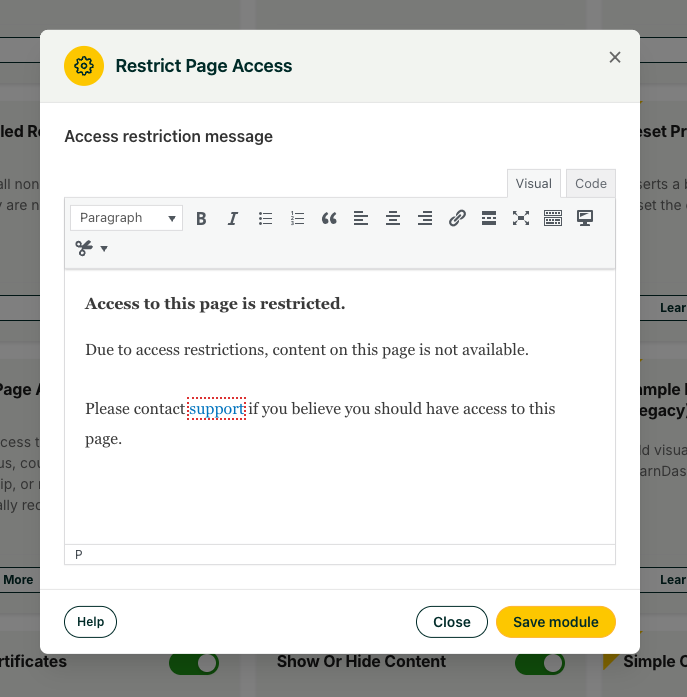 #### How the access rules combine
The logic differs depending on whether selections are within one field or spread across several:
- **Within a single field — match ANY.** If you select Sales 101 and Customer Service 101 under Required courses, a user enrolled in *either* course gets access.
- **Across multiple fields — match at least one in EACH.** If you set the Customer role *and* the Sales 101 course, a user must satisfy *both* conditions: they need the Customer role **and** enrollment in Sales 101.
### What denied users see
Decide what happens when a user doesn’t qualify:
- **Redirect** — Check the redirect option to send denied users to another location. Choose:
- **Page** — Select from your publicly available posts.
- **Custom URL** — Enter any redirect address.
- **Message** — If you don’t redirect, denied users stay on the page and see a custom message. Configure the message text in the module settings.
**Note:** The message is set globally in the module settings, so the same message is shown for every restricted page that uses the message option rather than a redirect.
### Related Articles
- [Sample Lesson Label](https://www.uncannyowl.com/knowledge-base/sample-lesson-label/)
- [Reset Progress Button](https://www.uncannyowl.com/knowledge-base/learndash-reset/)
- [Getting Started with Uncanny Toolkit Pro](https://www.uncannyowl.com/knowledge-base/getting-started-with-uncanny-toolkit-pro/)
**Article Categories:** Uncanny Toolkit Pro for LearnDash
---
### [Uncanny LearnDash Toolkit Pro - Quick Reference](https://www.uncannyowl.com/knowledge-base/uncanny-learndash-toolkit-pro-quick-reference/)
**Published:** July 20, 2016
**Author:** Ken
**Excerpt:** View a quick reference guide to all modules in the Uncanny LearnDash Toolkit Pro.
**Content:**
A single-page map of every Toolkit Pro module, what it does, and the shortcodes it provides. Use it to find the right module fast, then open that module’s full article for setup details.
\[table id=2 /\]
**Tip:** Shortcode attributes vary by module. Open each module’s full article for the complete list of attributes and examples.
### Related Articles
- [Install the Uncanny Toolkit Pro for LearnDash](https://www.uncannyowl.com/knowledge-base/install-the-uncanny-toolkit-pro-for-learndash/)
- [Enhanced LearnDash CSV Reports](https://www.uncannyowl.com/knowledge-base/enhanced-learndash-csv-reports/)
- [Import LearnDash Users](https://www.uncannyowl.com/knowledge-base/import-learndash-users/)
- [Getting Started with Uncanny Toolkit Pro](https://www.uncannyowl.com/knowledge-base/getting-started-with-uncanny-toolkit-pro/)
**Article Categories:** Uncanny Toolkit Pro for LearnDash
---
### [Reset Progress Button](https://www.uncannyowl.com/knowledge-base/learndash-reset/)
**Published:** October 1, 2018
**Author:** Ryan Moore
**Excerpt:** Learn how to enable learners to reset their progress in a course with the click of a button.
**Content:**
### Overview
Let learners reset their own progress in a course with a single button — useful for retaking a course, clearing a failed attempt, or starting over. You can add the button anywhere with a shortcode or block, or trigger a reset programmatically with a developer function.
The Reset Progress Button clears a user’s progress in a specified LearnDash course. You can place it on any post type — including the course itself — using either a shortcode or the **Reset Button** block.
The button is context-aware: it only shows to users who have recorded progress in the course. Learners who haven’t started the course won’t see it.
If your courses have shared quizzes, clicking the Reset Button will reset the quiz attempts in all courses where the user has completed the quiz.
For example, a quiz is assigned to “Course 1” and “Course 2”. A course user completes both courses and passed the quiz in each course. The user then clicks the Reset Button for “Course 2”, resulting in all progress resetting for “Course 2”. When the user views “Course 1”, the course will still have a status of completed, however the shared quiz progress will show as reset.
For shared essay quizzes that have been graded and points awarded, only the points will reset, the graded essay remains submitted.
If a shared quiz awards the user a certificate, clicking the reset button will also clear awarded certificates in all courses that share the same quiz.
To ensure users receive awarded certificates after passing a quiz, you can use the Toolkit Pro module [Email Quiz Certificates](https://www.uncannyowl.com/knowledge-base/send-quiz-certificates-by-email/).
### Configure It
You can customize the button in the Toolkit module settings:
- **Button text** — Set the label that appears on the button.
- **Append course name** — Optionally add the course name to the button text. We recommend enabling this when you display multiple reset buttons on a single page, so learners can tell them apart.
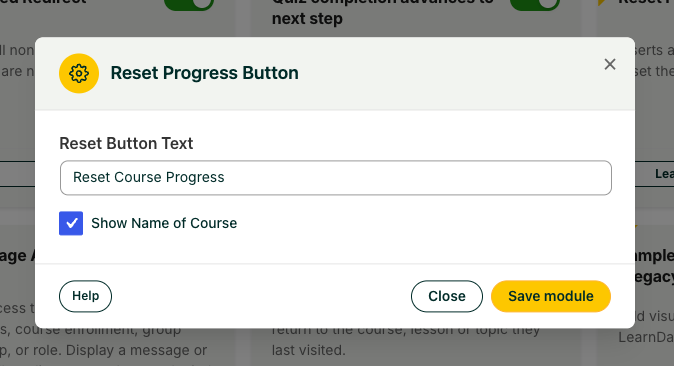 ### Usage
Add the button with the shortcode or the **Reset Button** block.
```
[uo_reset_course_progress course_id="x"]
```
Replace x with the course ID. You can find the ID in the admin URL when editing the course — it’s the `post=x` value.
Decisions to make when placing the button:
- **On the course page** — The `course_id` attribute is optional; the button targets the current course automatically.
- **On any other page** — Set `course_id` so the button knows which course to reset.
- **Show only after completion** — Wrap the shortcode in LearnDash’s `course_complete` shortcode so the button appears only to learners who have finished the course.
### Resetting Tin Canny data
If you also use Tin Canny LearnDash Reporting, you can clear its tracking data at the same time:
```
[uo_reset_course_progress reset_tincanny="yes"]
```
Setting `reset_tincanny="yes"` deletes the user’s Tin Canny tracking data for that course.
**Note:** In the current version, both the reporting (results) and resume (bookmark) tracking records for the course are cleared. Earlier versions did not delete resume/bookmark data due to technical constraints.
### Shortcode Reference
**Attribute****Values****Description**`course_id`Course ID (e.g. `100`)The course to reset. Optional when the button is placed on the course page itself.`reset_tincanny``yes` / `no` (default `no`)Also deletes the user’s Tin Canny tracking records for the course.`redirect`URLOptional. Sends the learner to this URL after the reset is processed.### Developer Function
For custom implementations, reset a user’s progress directly:
```
$user_id = 10;
$course_id = 100;
\uncanny_pro_toolkit\LearnDashReset::reset_course_progress( $user_id, $course_id );
```
The method signature is `reset_course_progress( $user_id, $course_id, $reset_tincanny_data = 'no', $redirect_url = null )`. Pass `'yes'` as the third argument to also clear Tin Canny tracking data.
### Related Articles
- [Duplicate Pages & Posts](https://www.uncannyowl.com/knowledge-base/duplicate-pages-posts/)
- [Restrict Page Access](https://www.uncannyowl.com/knowledge-base/restrict-page-access/)
- [Getting Started with Uncanny Toolkit Pro](https://www.uncannyowl.com/knowledge-base/getting-started-with-uncanny-toolkit-pro/)
**Article Categories:** Uncanny Toolkit Pro for LearnDash
---
### [Lesson/Topic/Quiz Table Colors (Legacy)](https://www.uncannyowl.com/knowledge-base/learndash-table-colors/)
**Published:** September 10, 2016
**Author:** yuehchin
**Excerpt:** Learn how to change lesson, topic and quiz table accent colors in LearnDash.
**Content:**
### Overview
Customize the heading colors of your LearnDash tables so they match your site’s branding — including the Course Dashboard, course, lesson, and quiz tables.
This module lets you set the **heading text** and **background colors** of LearnDash tables without writing CSS. The colors you choose apply to:
- The Course Dashboard table
- Course tables
- Lesson tables
- Quiz tables
### Configure It
Set your colors in the module’s settings using either method:
- **Color picker** — click and choose visually.
- **Hex values** — type a hex color code (for example, #1a73e8) directly for an exact match to your brand palette.
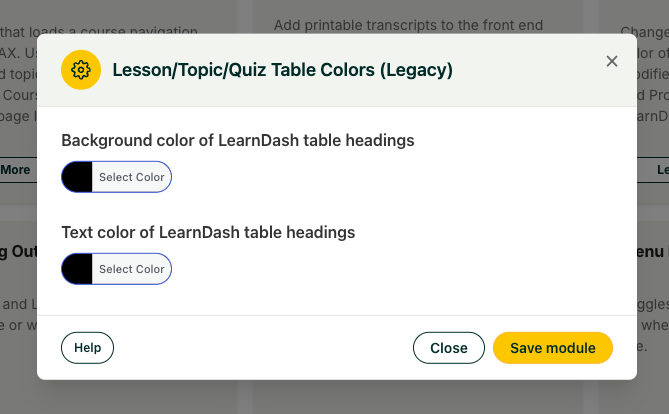 ### Usage
1. Activate the module.
2. Open its settings and pick the heading text and background colors using the color picker or hex values.
3. Save. The new colors apply across the supported LearnDash tables.
**Heads up — theme compatibility.** This module is **not compatible with BuddyBoss or other themes that override LearnDash templates and styles**. If your theme replaces the default LearnDash table markup, these color settings won’t take effect.
**Heads up — LearnDash tables only.** Only LearnDash tables are affected. Tables generated by other plugins or content remain unchanged.
### Related Articles
- [Uncanny Toolkit Pro Quick Reference](https://www.uncannyowl.com/knowledge-base/uncanny-learndash-toolkit-pro-quick-reference/)
- [Install the Uncanny Toolkit Pro for LearnDash](https://www.uncannyowl.com/knowledge-base/install-the-uncanny-toolkit-pro-for-learndash/)
- [Getting Started with Uncanny Toolkit Pro](https://www.uncannyowl.com/knowledge-base/getting-started-with-uncanny-toolkit-pro/)
**Article Categories:** Uncanny Toolkit Pro for LearnDash
---
### [Learner Transcript](https://www.uncannyowl.com/knowledge-base/learner-transcript/)
**Published:** September 18, 2016
**Author:** Ryan Moore
**Excerpt:** Learn how to provide a printable, downloadable transcript to your learners.
**Content:**
### Overview
Give every learner a single, printable page that shows all of their courses, completion status, quiz scores, and certificates — branded with your logo and colors. It’s the easiest way for learners (and the organizations training them) to see a consolidated record of progress in one place.
The Learner Transcript module generates an on-demand transcript for the logged-in learner. Enable the module, drop the shortcode or block on a page, and each learner sees their own record — every course they’re enrolled in or have completed, with status, scores, and certificate links in a clean table you can brand and print.
Common uses include continuing-education record-keeping, employee training documentation, and giving learners a professional summary they can download or share with an employer.
### Configure It
Enable the **Learner Transcript** module under **Uncanny Toolkit**, then adjust its settings to control what appears on the transcript and how it’s branded.
#### Branding
- **Accent UI color** — An accent color applied throughout the transcript, so it can match your brand or logo.
- **Logo URL (header)** — An image displayed at the top of the transcript.
- **Heading** — Text shown beneath the logo.
- **Organization** — The name of the organization issuing the transcript.
- **Logo URL (footer)** and **Disclaimer** — An optional image and text block at the bottom of the transcript.
#### What to include
- **Display completed courses only** — Show only courses the learner has finished. Leave off to show in-progress and not-started courses too.
- **Display courses the user is no longer enrolled in** — Include any course the learner has recorded progress in, even after un-enrollment. Useful for a complete historical record.
- **Disable \[column\]** — Hide any individual column (Steps, Avg. Score, Final Score, Certificate, etc.) you don’t want to show.
- **Enable Custom CEUs rows** — If the [Uncanny Continuing Education Credits](https://www.uncannyowl.com/knowledge-base/adding-credits-to-student-transcript/) plugin is active and a learner has been awarded custom credits, add rows for those records. (Scores and steps show “n/a” for custom-credit rows, since they don’t apply.)
#### Ordering
- **Table course sorting** — Choose the order courses appear in. As of recent versions the options include **Course completion date (ascending)** and **(descending)** in addition to course publish-date and title sorting, so you can lead with a learner’s most recent completions.
### Sharing a Transcript (Public Link)
By default, a transcript is private — only the signed-in learner can view their own. Enabling the **Allow public transcript access** setting makes a transcript **publicly accessible through a shareable link**, so a learner can hand a verifier (an employer, a licensing body, an admissions office) a single URL instead of a screenshot or PDF.
When public access is enabled:
- A **Share** button appears next to the Print button on the transcript page.
- Clicking **Share** copies the transcript’s shareable link to the clipboard (the button confirms with “Copied”).
- Anyone with the link can view that transcript without logging in.
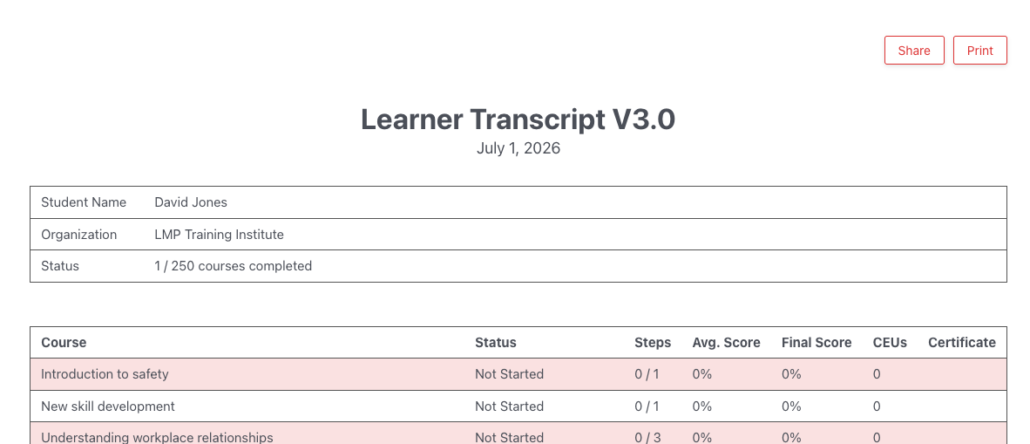 **Privacy note:** A public transcript link is viewable by anyone who has the URL. Only enable public access if you’re comfortable with the transcript being shared outside your site, and let learners know their transcript can be made public.
### Transcript Content
The transcript renders as a table with a customizable header and footer. Available columns:
**Column****What it shows****Course**A course the learner is enrolled in or has previously completed (closed, open, and free course types are all included).**Status**Not Started, In Progress, or Completed (with completion date).**Steps**The number of steps in the course (lessons + topics).**Avg. Score**Average score across all quizzes in the course. Only the highest attempt counts; failed quizzes are excluded.**Final Score**The score on the quiz associated with the course, or — if none — the quiz on the last lesson.**CEUs** **(requires Uncanny CEUs plugin)**Displays earned CEUs for the learner (requires Uncanny CEUs plugin)**Certificate**If a certificate was earned, an icon links to it.### Shortcode / Block
Add the transcript to any page with the `[uo_transcript]` shortcode or the **Learner Transcript** block.
**Attribute****Description****Values****Default**`logo-url`Image included at the top of the transcriptany image URLempty`date-format`Format used for dates in the transcriptany valid PHP date format`F j, Y``category`Show only courses in a WordPress categoryany category slug, or all`all``ld_category`Show only courses in a LearnDash categoryany LearnDash category slug, or all`all`**Tip:** Transcripts can be long, so give them their own dedicated page.
### Printing a Transcript
Use the **Print** button above the logo area rather than your browser’s print command — it formats the transcript correctly. Output can vary slightly between browsers.
### Continuing Education Credits
This module integrates with the [Uncanny Continuing Education Credits](https://www.uncannyowl.com/knowledge-base/adding-credits-to-student-transcript/) plugin to display earned or available credits/hours beside each course.
### Group Leader Access
Group Leaders can view their learners’ transcripts through the Group Course Report in [Uncanny Groups](https://www.uncannyowl.com/knowledge-base/using-the-group-reports/). Transcripts are otherwise only visible to the signed-in learner; to view a specific learner’s transcript as an admin, use the User Switching plugin to switch to that user.
### For Developers
- **`uo_pro_transcript_cell_$key`** *(added in v4.3.2)* — A WordPress filter for each transcript cell, where `$key` is the column key. Use it to modify a cell’s output — for example, to make the course title a link.
### Overriding the Transcript Template
As of Toolkit Pro v3.1 you can override transcript templates in an upgrade-safe way. Copy:
`wp-content/plugins/uncanny-toolkit-pro/src/templates/transcript.php`
to:
`wp-content/themes/yourtheme/uncanny-toolkit/transcript.php`
The copied file overrides the default.
**Warning:** Never edit template files inside the plugin itself — they’re overwritten on every update and your changes will be lost.
### Related Articles
- [Adding Credits to Student Transcript](https://www.uncannyowl.com/knowledge-base/adding-credits-to-student-transcript/) — Show CEU credits on the transcript
- [Selling Online Courses: Certificates, Transcripts & Expiry](https://www.uncannyowl.com/knowledge-base/selling-online-courses-certificates-transcripts-expiry/) — Full course-seller workflow
- [Email Course Certificates](https://www.uncannyowl.com/knowledge-base/send-course-certificates-email/) — Deliver certificates automatically on completion
**Article Categories:** Uncanny Toolkit Pro for LearnDash
---
### [Lazy Loading Course Navigation](https://www.uncannyowl.com/knowledge-base/lazy-loading-course-navigation/)
**Published:** May 24, 2019
**Author:** Ryan Moore
**Content:**
## Overview
Speed up pages on content-heavy LearnDash sites by loading the course navigation after the rest of the page instead of blocking on it. This is for sites with a large number of LearnDash courses, lessons, topics, and quizzes, where the standard Course Navigation widget slows page loads.
This module replaces LearnDash’s default Course Navigation widget with an alternative that loads after the rest of the page’s content finishes. On sites with many LearnDash posts, deferring the navigation this way can significantly improve perceived page load speed.
The replacement navigation inherits the styles from LearnDash’s standard Course Navigation widget, so it looks the same as what your learners already see — it just loads differently.
### Setup
1. Enable the module in the Toolkit settings.
2. Add the shortcode below where you want the navigation to appear — typically a sidebar widget area on your course, lesson, topic, and quiz pages. The navigation only renders on single LearnDash content pages that belong to a course; on any other page the shortcode outputs nothing.
```
[uo-course-navigation]
```
#### Decide whether to show a heading
- **Widget Heading** — You can add an optional heading to the navigation in the module settings (the setting is labeled “Widget Heading”). In most cases we recommend leaving it blank, since the navigation is usually self-explanatory in context.
### Shortcode Reference
**Shortcode****Purpose**`[uo-course-navigation]`Outputs the lazy-loading course navigation, styled to match LearnDash’s standard Course Navigation widget.**Important:** This module is intended primarily for sites with a lot of LearnDash courses, lessons, topics, and quizzes. Smaller installations may see little or no performance benefit and are usually better off keeping the standard LearnDash Course Navigation widget.
### Related Articles
- [Single Page Courses](https://www.uncannyowl.com/knowledge-base/single-page-courses/)
- [Enhanced Course Grid](https://www.uncannyowl.com/knowledge-base/enhanced-course-grid/)
- [Getting Started with Uncanny Toolkit Pro](https://www.uncannyowl.com/knowledge-base/getting-started-with-uncanny-toolkit-pro/)
**Article Categories:** Uncanny Toolkit Pro for LearnDash
---
### [Install the Uncanny Toolkit Pro for LearnDash](https://www.uncannyowl.com/knowledge-base/install-the-uncanny-toolkit-pro-for-learndash/)
**Published:** August 19, 2025
**Author:** Ken
**Content:**
### Overview
Get Uncanny Toolkit Pro installed, licensed, and ready so you can start turning on the Pro modules that extend your LearnDash site. This guide walks through the full setup from download to activation
### Installation
1. **Confirm the free Toolkit is active.** In your WordPress dashboard, go to **Plugins** and verify that **Uncanny Toolkit for LearnDash** is installed and activated.
2. **Download Toolkit Pro.** Get the plugin .zip from either your purchase confirmation email or the **Downloads** section of your [My Account](https://www.uncannyowl.com/my-account/) page.
3. **Upload the plugin.** In WordPress, go to **Plugins > Add New > Upload Plugin**, choose the .zip file you downloaded, and click **Install Now**.
4. **Activate.** Once the upload finishes, click **Activate**.
### License & Updates
After activation, WordPress sends you to the Toolkit Pro **Settings** page. Enter your **license key** and activate the plugin from there.
Activating your license does two things: it unlocks the Pro modules and it enables automatic updates, so you’ll be prompted to update Pro from your Plugins screen just like any other plugin. Keep the license active to keep receiving updates and support.
**New admin UI (v4.4):** Toolkit Pro v4.4 introduced a redesigned, standardized Uncanny Owl admin interface that’s shared across our plugins. If your screen looks different from older screenshots, this is expected.
**New “Uncanny Toolkit” tab on LearnDash edit screens (v4.4.1):** WordPress 7.0 tucks classic metaboxes into a collapsed pane in the block editor. To keep Toolkit Pro’s per-item settings easy to find, v4.4.1 adds a dedicated **Uncanny Toolkit** tab to the LearnDash settings header when you edit a **Course, Lesson, Topic, or Group** (for the active modules that add settings to those screens). If a module’s options look like they’ve disappeared after upgrading to WordPress 7.0, open the **Uncanny Toolkit** tab. Quiz edit screens are not affected.
### Initial Configuration
With Pro licensed, you turn features on one module at a time:
1. Open the Uncanny Toolkit admin page.
2. Find the Pro module you want (modules are listed alongside the free ones).
3. Activate the module, then open its settings to configure it.
Only the modules you activate run on your site, so you can enable just what you need.
### Next Steps
- New to the suite? Start with [Getting Started with Uncanny Toolkit Pro](https://www.uncannyowl.com/knowledge-base/getting-started-with-uncanny-toolkit-pro/).
- Want a fast map of every module and shortcode? See the [Quick Reference](https://www.uncannyowl.com/knowledge-base/uncanny-learndash-toolkit-pro-quick-reference/).
### Related Articles
- [Uncanny Toolkit Pro Quick Reference](https://www.uncannyowl.com/knowledge-base/uncanny-learndash-toolkit-pro-quick-reference/)
- [Install the free Uncanny Toolkit for LearnDash](https://www.uncannyowl.com/knowledge-base/install-the-uncanny-toolkit-for-learndash/)
- [Getting Started with Uncanny Toolkit Pro](https://www.uncannyowl.com/knowledge-base/getting-started-with-uncanny-toolkit-pro/)
- [Toolkit Pro vs. the Free Toolkit](https://www.uncannyowl.com/knowledge-base/toolkit-pro-vs-the-free-toolkit-what-you-get/)
**Article Categories:** Uncanny Toolkit Pro for LearnDash
---
### [Improved Group Leader Interface (deprecated)](https://www.uncannyowl.com/knowledge-base/group-leader-access/)
**Published:** August 3, 2016
**Author:** Ken
**Excerpt:** Learn how to enable a streamlined group leader interface in /wp-admin.
**Content:**
### Overview
The Improved Group Leader Interface simplifies the LearnDash Group Leader experience and automatically enrolls group leaders in the groups and courses they manage.
**Important**: This module is considered deprecated and generally not recommended for LearnDash 4.x use. It is still available to users as a Legacy module.
This module cleans up the standard LearnDash Group Leader dashboard by removing clutter and emphasizing the elements that matter. It also handles enrollment automatically:
- Makes group leaders members of the groups they manage.
- Enrolls those leaders in the courses assigned to their groups.
The result is a tidier interface where group leaders can see and access the courses they’re responsible for.
 ### Configure It
#### Set the “View Courses” link destination
Because the module grants leaders course access, it adds a **View Courses** link to the interface. You must tell that link where to go — set the destination URL in the module’s settings.
#### Decide where Group Leaders land after login
You can redirect users with the Group Leader WordPress role to a specific page when they log in. If you use the Uncanny LearnDash Groups plugin, this is typically the **Group Management** page. Leave it unset if you don’t want a login redirect.
#### Set redirect priority
When more than one feature on your site wants to control where a user is sent after login, **Redirect Priority** decides which one wins. A higher value gives this module’s redirect more importance. Raise it if another plugin or setting is overriding the redirect you configured here.
### Usage
1. Activate the module.
2. Set the **View Courses** link URL.
3. (Optional) Choose a login redirect page for Group Leaders and adjust the redirect priority if needed.
4. Save. Group Leaders now see the streamlined interface and are auto-enrolled in their groups’ courses.
### Related Articles
- [Uncanny Toolkit Pro Quick Reference](https://www.uncannyowl.com/knowledge-base/uncanny-learndash-toolkit-pro-quick-reference/)
- [Employee Training & Onboarding at Scale](https://www.uncannyowl.com/knowledge-base/employee-training-onboarding-learndash/) *(new article — suggested URL, confirm)*
- [Install the Uncanny Toolkit Pro for LearnDash](https://www.uncannyowl.com/knowledge-base/install-the-uncanny-toolkit-pro-for-learndash/)
**Article Categories:** Uncanny Toolkit Pro for LearnDash
---
### [Import Users](https://www.uncannyowl.com/knowledge-base/import-learndash-users/)
**Published:** August 7, 2016
**Author:** yuehchin
**Excerpt:** Learn how to import users from .csv directly into LearnDash courses and groups.
**Content:**
### Overview
Create or update hundreds of LearnDash users from a single spreadsheet — enrolling them in courses, assigning them to groups, setting custom profile fields, and emailing them their login details, all in one import.
The Import Users module turns a CSV file into LearnDash users. Use it to onboard a new cohort of employees or students, migrate records from another platform, or bulk-update existing users. A single import can create accounts, enroll users in courses and groups, set custom user meta, and send each person a welcome email with their account details.
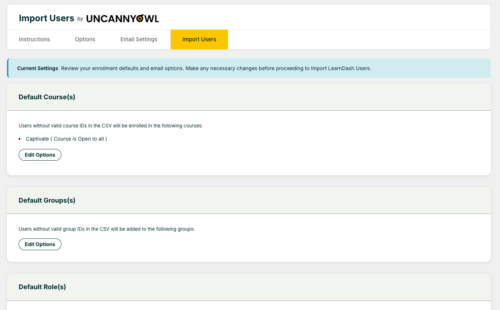 ### The Four-Step Process
#### Step 1: Options
Set the defaults for the import: the role new users receive, which courses to enroll them in, and which groups to add them to. (Values in your CSV override these defaults per row.)
#### Step 2: Email Settings
Enable welcome emails and customize the template using tokens such as `%Password%` and `%Reset Password Link%`, so new users receive their credentials and a way to set their own password.
#### Step 3: Prepare Your CSV
Your file needs one column of user data per field. The only **required** column is user\_email.
**Supported columns:**
**Column****Purpose**`user_email`**Required.** The user’s email address.`user_login`Username (generated from email if omitted).`user_pass`Password (generated if omitted).`first_name`, `last_name`, `display_name`Profile name fields.`wp_role`WordPress role, by role slug.`learndash_courses`Course IDs to enroll the user in, separated by semicolons.`learndash_groups`Group IDs to add the user to, separated by semicolons.`group_leader`Assigns the user as a group leader.*(any other heading)*Saved as custom user meta.**Delimiter support** *(v4.4):* the importer now accepts **comma, semicolon, tab, or pipe (|) delimited** files and **detects the delimiter automatically**. You no longer need to convert a semicolon- or tab-separated export into a comma-separated file first — upload it as-is.
#### Step 4: Import Users
Upload your CSV and review the validation results. The importer previews what will happen so you can catch problems before committing, then confirm to run the import.
### Limitations to Know
- **Up to 1,000 users per import.** Split larger lists into multiple files.
- **Additive only for enrollments** — the importer can add course/group enrollments but can’t remove existing ones.
- **Can’t change usernames or email addresses** of existing users.
- **Can’t mark courses complete** through import.
- **Password hashes don’t transfer between sites** — imported users on a new site will need to set a password (use the `%Reset Password Link%` token in the welcome email).
### Access
Import Users is restricted to **site administrators** for security reasons. Developers can extend access to Group Leaders via a custom filter.
### Related Articles
- [Enhanced LearnDash CSV Reports](https://www.uncannyowl.com/knowledge-base/enhanced-learndash-csv-reports/) — Export richer user data back out of LearnDash
- [Employee Training & Onboarding at Scale](https://www.uncannyowl.com/knowledge-base/employee-training-onboarding-at-scale/) — Full org-onboarding workflow built around Import Users
- [Group Registration](https://www.uncannyowl.com/knowledge-base/group-sign-up/) — Let users self-register instead of importing them
**Article Categories:** Uncanny Toolkit Pro for LearnDash
---
### [Group Registration](https://www.uncannyowl.com/knowledge-base/group-sign-up/)
**Published:** August 30, 2016
**Author:** Ryan Moore
**Excerpt:** Learn how to allow users to self-register directly into groups.
**Content:**
### Overview
Give each LearnDash Group its own self-service sign-up page. Share the link with an organization, and their people can create accounts and land directly in the right group — no manual enrollment, no admin in the middle.
The Group Registration module lets learners register themselves directly into a LearnDash Group — and switch groups — from the front end. Every group gets a **unique registration URL** (visible only to administrators). Anyone who visits that URL and registers is automatically added to the associated group. To join an additional group, a user simply visits that group’s registration URL.
This is ideal for organizational sign-ups: distribute one link to a client, school, or department and let their members self-enroll into the correct group.
### Configure It
Enable the **Group Registration** module under **Uncanny Toolkit**, then set the options that control how registration behaves.
- **Allow users to join multiple LearnDash Groups?** — Choose **No** to have new registrations *switch* the user to the new group, or **Yes** to *add* the new group while keeping existing memberships.
- **Hide native LearnDash content (LearnDash 3.2+)** — Hides LearnDash’s default group information table on the registration page.
- **Existing Group Member Link Text / URL** — Customize the link shown to already-registered members (for example, pointing them to a dashboard or to course content).
- **Organization Labels** — Customize the labels used for the group contact details shown on registration pages.
### Supported Registration Forms
You can place a custom registration form on a group page. If you leave the form area empty, the built-in default registration form is used automatically.
Supported form plugins:
- **Gravity Forms** (with the User Registration add-on) — our recommended option for the most flexible registration experience.
- **Forminator** *(supported as of Toolkit Pro v4.4.1)* — Forminator registration forms are now recognized on group sign-up pages.
- **Theme My Login**
### Finding the Group Registration URL
**Toolkit Pro v3.8.3 or higher:** Go to **LearnDash LMS > Groups** and click the **Signup URL** link beneath each group to reveal its registration URL.
 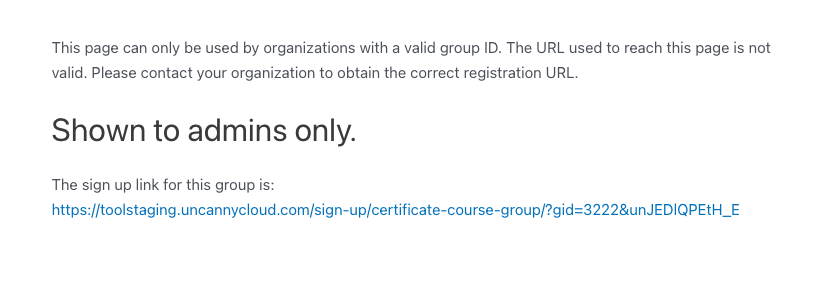 **Earlier versions:** Click the permalink at the top of the group post (administrators only) to reveal the actual registration URL — the displayed permalink itself is not the registration URL.
 **Tip:** If a sign-up URL returns a 404, go to **Settings > Permalinks** and click Save to flush the permalink rules.
### Shortcodes / Blocks
**Shortcode****Block****What it does**`[uo_group_status]`Group StatusDisplays organization details for each group a logged-in user belongs to`[uo_group_organization]`Group OrganizationDisplays organization details on the registration page for logged-out visitors`[uo_group_login]`Group LoginShows a login form on the registration page; logging in adds the user to the associated group### Organization Details
You can add optional organization metadata (contact information, etc.) to a group via its metabox. These details display in the registration page sidebar using the shortcodes above.
### Integration with Uncanny Groups
The [Uncanny LearnDash Groups](https://www.uncannyowl.com/downloads/uncanny-learndash-groups/) plugin includes a system to track and limit how many users can be added to a LearnDash Group.
When the [Uncanny Groups](https://www.uncannyowl.com/knowledge-base/uncanny-learndash-groups-plugin-overview/) plugin is active, the **seat limits** defined there govern self-registration. If a user registers from a Group Registration page to a group with a defined seat limit, the registration will complete normally if the group has available seats, and one seat will be deducted for each user that registers. If no seats remain for the group, the user will be blocked from registering and will see a message that the group is full. The only way to allow registration when this happens is for an administrator (or a Group Leader, if the group was created via purchase) to add additional seats to the group.
### For Developers
- **Custom group signup form fields** — Toolkit Pro v4.3.2 added WordPress action hooks for injecting custom fields into the group signup form, and v4.3.1 added an action/filter for custom validation. Use these to collect and validate extra information during group registration.
### Overriding the Registration Template
As of Toolkit Pro v3.1, templates can be overridden in an upgrade-safe way. Copy:
`wp-content/plugins/uncanny-toolkit-pro/src/templates/single-group.php`
to:
`wp-content/themes/yourtheme/uncanny-toolkit/single-group.php`
**Warning:** Don’t edit template files inside the plugin itself — they’re overwritten on every update.
### Related Articles
- [Group Login Redirect](https://www.uncannyowl.com/knowledge-base/learndash-group-login-redirect/) — Send group members to a group-specific page on login
- [Group Logo/List](https://www.uncannyowl.com/knowledge-base/ld-group-logo-list/) — Brand the group experience with a logo
- [Employee Training & Onboarding at Scale](https://www.uncannyowl.com/knowledge-base/employee-training-onboarding-at-scale/)— Full organizational onboarding workflow
**Article Categories:** Uncanny Toolkit Pro for LearnDash
---
### [Group Logo/List](https://www.uncannyowl.com/knowledge-base/ld-group-logo-list/)
**Published:** September 8, 2016
**Author:** Ryan Moore
**Excerpt:** Learn how to display the name and/or branding image of your users' groups. Useful for group-specific branding.
**Content:**
## Overview
Show your clients’ branding to their learners — display a LearnDash Group’s logo, the group name, and its group leaders anywhere on your site, without running multisite. This is for sites that sell to organizations and want each org’s members to see familiar branding.
Many LearnDash sites sell to organizations rather than individual users. In those cases, showing client branding to end users helps the experience feel tailored to each organization. This module lets you surface a group’s logo, name, and leaders on your pages — no multisite setup required.
**Important:** All branding options work best on sites where each user belongs to a **single** LearnDash Group. If a user is in multiple groups, the logo and list shortcodes will show *all* of that user’s groups and logos, which can produce unpredictable results.
## Configure It
To assign a logo to a group, edit the LearnDash Group and use the featured-image metabox — exactly the way you’d set a featured image on a course. With this module active, that metabox is relabeled **Branding Logo** (with a **Set Logo** link), so look for “Branding Logo” rather than “Featured Image”. The other shortcodes pull group names and leaders automatically; no extra setup is needed.
## Usage
Add any of the shortcodes (or their matching blocks) to a page to display group branding to the current user.
### Group Logo
Shortcode: `[uo_group_logo]` • Block: **Group Logo**
Displays the group’s logo image. On a group registration page it shows that group’s logo; on other pages it shows the current user’s group logo.
**Attribute****Options****Default****Notes**`size``full`, `large`, `medium`, `thumbnail``full`Selects the WordPress image size. Example: `[uo_group_logo size="medium"]`**Note:** When a user belongs to multiple groups that each have a logo, all logos are displayed.
#### Group List
Shortcode: `[uo_group_list]` • Block: **Group List**
Outputs a list of the current user’s groups.
**Attribute****Default****Notes**`separator`comma and space (, )Sets the text placed between group names. Example: `[uo_group_list separator=" "]`#### Group Leaders
Shortcode: `[uo_group_leaders]`
Outputs the names and email addresses of the group’s leaders. When the user belongs to multiple groups, the list includes a heading for each group name.
### Related Articles
- [Group Login Redirect](https://www.uncannyowl.com/knowledge-base/learndash-group-login-redirect/)
- [Group Forums with bbPress](https://www.uncannyowl.com/knowledge-base/learndash-group-forums-with-bbpress/)
- [LearnDash Group Course Access Expiration](https://www.uncannyowl.com/knowledge-base/learndash-group-expiration/)
- [Getting Started with Uncanny Toolkit Pro](https://www.uncannyowl.com/knowledge-base/getting-started-with-uncanny-toolkit-pro/)
**Article Categories:** Uncanny Toolkit Pro for LearnDash
---
### [Group Login Redirect](https://www.uncannyowl.com/knowledge-base/learndash-group-login-redirect/)
**Published:** January 10, 2019
**Author:** Ken
**Content:**
### Overview
Send each LearnDash Group’s members to a page of your choosing the moment they log in — a client portal, a group landing page, or a custom dashboard. This is for sites that want a tailored entry point per group.
By default, every user lands on the same page after logging in. Group Login Redirect lets you set a different destination for each group, so members arrive exactly where they should — for example, sending a client organization’s staff straight to their branded portal.
### Configure It
When the module is enabled, new fields appear on the **LearnDash Group** edit page.
**Where to find these fields (Toolkit Pro v4.4.1+):** On the group edit screen, these settings are reached through a dedicated **Uncanny Toolkit** tab in the LearnDash settings header. v4.4.1 added this tab so the fields stay easy to find under WordPress 7.0’s block editor, which otherwise collapses classic metaboxes out of view. The settings themselves are unchanged — only where you click to reach them.
- **Redirect members on login** — enter the URL you want this group’s members sent to when they log in. This is the only required setting.
- **Redirect priority** — leave this blank in most cases. Set a number only in these situations:
- **A user is in multiple groups with redirects.** The redirect with the highest priority number wins.
- **The redirect isn’t working.** Another plugin may be overriding it with a higher-priority redirect. Enter a number larger than 99 — try 99999 if you want this redirect to take precedence over everything else.
 ### Shortcodes
Reuse the group’s redirect URL elsewhere on your site — in menus, buttons, or image links.
**Shortcode****What it outputs**`[uo_group_login_redirect_url]`The URL exactly as typed into the **Redirect members on login** field. Use it where you need the raw URL.`[uo_group_login_redirect_link text="Portal"]`A ready-made HTML link using the text attribute as the label and the redirect URL as the target — e.g. `Portal.`### Related Articles
- [Group Logo / List](https://www.uncannyowl.com/knowledge-base/ld-group-logo-list/)
- [Group Forums with bbPress](https://www.uncannyowl.com/knowledge-base/learndash-group-forums-with-bbpress/)
- [LearnDash Group Course Access Expiration](https://www.uncannyowl.com/knowledge-base/learndash-group-expiration/)
- [Getting Started with Uncanny Toolkit Pro](https://www.uncannyowl.com/knowledge-base/getting-started-with-uncanny-toolkit-pro/)
**Article Categories:** Uncanny Toolkit Pro for LearnDash
---
### [Group Forums with bbPress](https://www.uncannyowl.com/knowledge-base/learndash-group-forums-with-bbpress/)
**Published:** January 13, 2020
**Author:** Ken
**Excerpt:** Learn how to assign bbPress Forums to LearnDash Groups.
**Content:**
### Overview
Give each LearnDash Group its own private bbPress discussion forum, so members can talk with their own cohort rather than everyone in a course. This is for sites that organize learners into groups and want group-only conversations.
LearnDash offers an official bbPress integration plugin that ties forums to **courses**, giving enrolled students access to course-specific forums. Group Forums with bbPress extends that idea to **groups** — letting you associate a bbPress forum with one or more LearnDash Groups so only those group members can take part.
Common use cases:
- A separate discussion space for each client organization or cohort.
- Group-only forums layered on top of course forums, so a student sees both their course forum and their group forum.
### Configure It
When the module is active, a new metabox appears on the **Edit Forum** page. Configure group access there:
1. In the **Associated Group(s)** box, select which group(s) should have access to the forum.
2. In the **Post Limit Access** dropdown, decide who can post:
- Choose **ALL** when a user must belong to *every* selected group to participate.
- Choose **ANY** when belonging to *any one* of the selected groups is enough.
3. Decide whether the forum should be **readable by everyone**:
- Check **Forum View** to let all site users read the forum, while keeping topic and reply posting limited to selected group members.
- Leave it unchecked to hide the forum entirely from non-members.
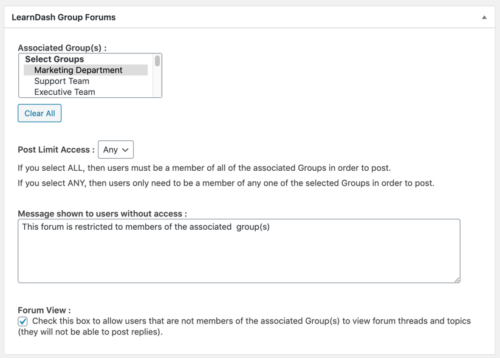 ### Usage
#### Group Forums widget
When the module is active, it adds a **Group Forums** widget that displays links to all group-specific forums the current user can access — a convenient jumping-off point for members.
#### Combining group and course restrictions
You can use this module alongside LearnDash’s bbPress integration plugin so a forum is restricted by *both* course enrollment and group membership. Keep these rules in mind:
- To access a forum restricted both ways, a user must satisfy **both** the course enrollment **and** the group membership requirements.
- The **Forum View** checkbox is evaluated per restriction. If it’s checked for one restriction but not the other, a user who meets only the unchecked restriction can still *view* the forum.
**Important — Forum View example:** Suppose **Forum View** is checked for the course restriction but not the group restriction. A user who meets only the group restriction can view the forum, while a user who meets only the course restriction will see the access-denied message.
### Related Articles
- [Group Login Redirect](https://www.uncannyowl.com/knowledge-base/learndash-group-login-redirect/)
- [Group Logo / List](https://www.uncannyowl.com/knowledge-base/ld-group-logo-list/)
- [LearnDash Group Course Access Expiration](https://www.uncannyowl.com/knowledge-base/learndash-group-expiration/)
- [Getting Started with Uncanny Toolkit Pro](https://www.uncannyowl.com/knowledge-base/getting-started-with-uncanny-toolkit-pro/)
**Article Categories:** Uncanny Toolkit Pro for LearnDash
---
### [Group Expiration](https://www.uncannyowl.com/knowledge-base/learndash-group-expiration/)
**Published:** August 28, 2016
**Author:** yuehchin
**Excerpt:** Learn how to set an expiry date on a LearnDash group and set up expiry reminder notification emails.
**Content:**
### Overview
Expire course access for an entire LearnDash Group on a date you choose, and warn members by email before it happens. This is built for organizations that sell bulk course licenses for a fixed term.
When you sell a course license to an organization for a defined period — say, a one-year contract — this module lets you set a single expiration date for the whole group. On that date, course access is removed for every member, and you can notify members in advance so the cutoff isn’t a surprise.
**Common use cases:**
- Annual or term-based bulk licenses sold to employers or schools.
- Time-limited cohort programs where access should end after the program closes.
### Configure It
#### Module-level settings
After enabling the module, set the defaults that apply across all groups:
- **Send expiry email notifications** — turn the advance-warning email on or off.
- **Days before expiration to send the email** — how far ahead members are warned. If you leave this unset, the default is **7 days**.
- **Trash groups after expiration** — whether expired groups are automatically moved to trash, and how many days after expiry that happens. This is purely housekeeping to keep your group list tidy.
**Note:** If a group’s expiry date falls *within* the “days before expiry” window at the moment you first set it, no expiration notification is triggered for that group. Set expiry dates comfortably in the future.
#### Per-group settings
Edit a LearnDash Group to set its expiration date. With the module enabled, an **Expiration Date** metabox appears — click the date field to pick a date from the calendar.
**Where to find these settings (Toolkit Pro v4.4.1+):** On the group edit screen, the **Expiration Date** field — and the **Expiration Email** box below it (when email notifications are enabled) — are reached through a dedicated **Uncanny Toolkit** tab in the LearnDash settings header. v4.4.1 added this tab so the settings stay easy to find under WordPress 7.0’s block editor, which otherwise collapses classic metaboxes out of view. The settings themselves are unchanged — only where you click to reach them.
To see expiration status at a glance, go to **LearnDash LMS > LearnDash Groups**. A new **Expiration Date** column shows the upcoming expiry date, whether the notification email has been sent, or the timestamp of a past expiration.
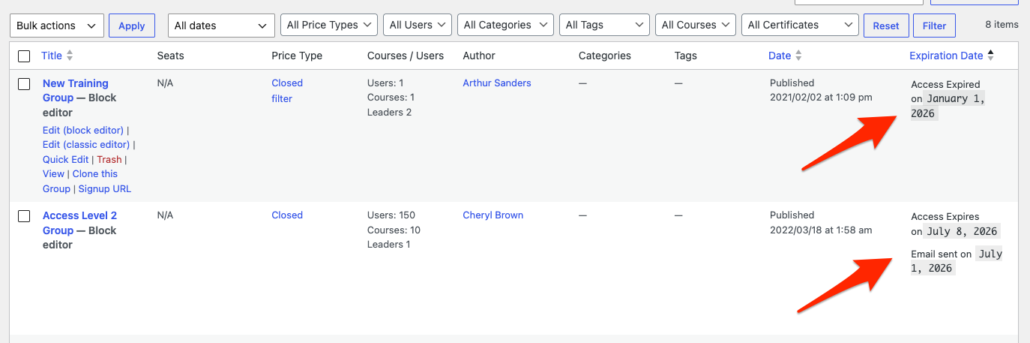 ### Customizing the notification email
Below the expiration date field, the **Expiration Email** metabox lets you customize the email subject and body. You can insert these variables into the body (they are case-insensitive):
- `%Display Name%`
- `%LearnDash Group Name%`
- `%Expiration Date%`
Use the **Test Email** button to send a sample to your own email address (the logged-in user clicking the button) before going live.
### Shortcodes
Display expiration information to members anywhere on your site.
**Shortcode****What it outputs**`[uo_group_expiration_date]`The expiration date for the current user’s group. Works automatically when the user is in exactly one group that has an expiry date.`[uo_group_expiration_date group_id="1234"]`The expiration date for a specific group. Use this when a user belongs to multiple groups with expiry dates, or to target a particular group.`[uo_group_expiration_in]`A countdown of the time remaining until expiration. Accepts the same group\_id parameter.`[uo_group_expiration_in pre-text=""]`The countdown with custom lead-in text before the time remaining.**Note:** The expiration date continues to display even after the expiration date has passed.
### Usage notes
- **Use future dates.** Expiration only takes effect for dates in the future. Courses are removed at midnight on the expiration date.
- **Reactivating an expired group requires a manual step.** Setting a new future date reactivates the group, but courses are **not** restored automatically — you’ll need to re-add them to the group manually.
- **Emails depend on site traffic.** Notification emails are triggered by a WordPress cron job that runs on site visits. On infrequently visited sites, emails may be delayed.
- **Auto-trash timing.** The “Trash groups after expiration” delay defaults to **365 days** after expiry (not a small number — set it to suit your retention needs). Once a group is in the trash, WordPress permanently deletes it on its own default schedule (30 days, unless your site changes `EMPTY_TRASH_DAYS`); this module only moves the group to trash, it does not permanently delete it.
### Related Articles
- [Drip Lessons by Group](https://www.uncannyowl.com/knowledge-base/drip-lessons-by-ldgroup/)
- [Group Login Redirect](https://www.uncannyowl.com/knowledge-base/learndash-group-login-redirect/)
- [Cohort & Membership Programs](https://www.uncannyowl.com/knowledge-base/cohort-membership-programs/)
- [Getting Started with Uncanny Toolkit Pro](https://www.uncannyowl.com/knowledge-base/getting-started-with-uncanny-toolkit-pro/)
**Article Categories:** Uncanny Toolkit Pro for LearnDash
---
### [Enhanced LearnDash CSV Reports](https://www.uncannyowl.com/knowledge-base/enhanced-learndash-csv-reports/)
**Published:** June 5, 2020
**Author:** Ken
**Content:**
### Overview
Pull more meaningful data into your LearnDash reports. This module extends the native CSV export at **LearnDash LMS > Reports** so your exports can include user profile fields, custom meta values, assignment details, and CEU credits — not just the default columns.
Out of the box, LearnDash CSV exports cover the basics. Enhanced LearnDash CSV Reports lets you decide which additional columns to add, so the spreadsheet you hand to an administrator, client, or compliance team already contains the fields they need. You configure everything in the module’s settings, then export as usual from **LearnDash LMS > Reports**.
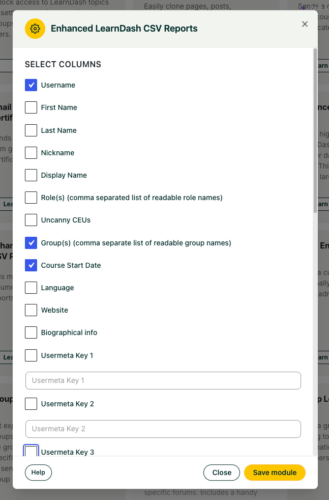 ### Configure It
#### Choose which standard user fields to include
Check the WordPress user fields you want added as columns:
- Username
- First Name
- Last Name
- Nickname
- Display Name
- Role(s) — comma-separated, human-readable role names
- Group(s) — comma-separated, human-readable group names
- Course Start Date
- Language
- Website
- Biographical info
We recommend including at least **First Name**, **Last Name**, and **Group(s)** for most reporting, since those are what stakeholders typically look for first.
**Note:** Additional columns for time spent in a course and time spent to complete a course
can be added when you enable the [Simple Course Timer module](https://www.uncannyowl.com/knowledge-base/simple-course-timer/)**.**
#### Add custom user meta (up to 10 keys)
If you store extra data on user profiles — an employee ID, department, region, etc. — add it to the export by entering the **user meta key** and checking its box. You can include up to 10 user meta keys. Save the module after adding them.
#### Add course meta (up to 3 keys)
Three **course meta key** fields are available for data attached to courses, such as expected completion time, credit values, or launch dates. Enter the meta key for each value you want as a column.
#### Include assignment details
By default, the export includes details for up to **three assignments per course**, showing the submission ID and status (for example, “Not approved”). To raise that limit, add the filter below to your site (for example, via a code snippet plugin). This example raises it to 10:
```
function update_uo_assignments_columns(){
return 10;
}
add_filter('uo_assignments_columns', 'update_uo_assignments_columns');
```
#### Include CEU credits
If the **Uncanny Continuing Education Credits** plugin is active, an option appears to include CEU data. Enable it to add a credits column to the export — useful for accreditation and compliance reporting.
### Usage
1. Open the **Enhanced LearnDash CSV Reports** module settings and choose your columns and meta keys.
2. Save the module.
3. Go to **LearnDash LMS > Reports** and run the CSV export as you normally would. Your selected columns are now included in the file.
**Heads up — ACF fields aren’t supported.** This module cannot export Advanced Custom Fields (ACF) values. To pull ACF data into a report, you’d need a different approach.
**Heads up — group meta isn’t exportable.** You can export the *names* of the groups a user belongs to, but not the meta data stored on those groups.
### Related Articles
- [Uncanny Toolkit Pro Quick Reference](https://www.uncannyowl.com/knowledge-base/uncanny-learndash-toolkit-pro-quick-reference/)
- [Import LearnDash Users](https://www.uncannyowl.com/knowledge-base/import-learndash-users/)
- [Learner Transcript](https://www.uncannyowl.com/knowledge-base/learner-transcript/)
- [Install the Uncanny Toolkit Pro for LearnDash](https://www.uncannyowl.com/knowledge-base/install-the-uncanny-toolkit-pro-for-learndash/)
**Article Categories:** Uncanny Toolkit Pro for LearnDash
---
### [Enhanced Lesson/Topic Grid](https://www.uncannyowl.com/knowledge-base/enhanced-lessontopic-grid/)
**Published:** July 29, 2016
**Author:** Ken
**Excerpt:** Learn how to display lessons and/or topics in a grid instead of a table. Supports featured images.
**Content:**
### Overview
The Enhanced Lesson/Topic Grid displays a course’s lessons — or a lesson’s topics — in a clean, image-led grid. It’s the lesson/topic counterpart to the [Enhanced Course Grid](https://www.uncannyowl.com/knowledge-base/enhanced-course-grid/), giving you a more visual alternative to LearnDash’s default lesson lists.
Add the grid to any page and it adapts to its context:
- On a **course page**, it automatically shows that course’s lessons.
- On a **lesson page**, it automatically shows that lesson’s topics.
By default it renders a 2-column grid with equal-sized featured images. Dripped lessons that aren’t yet available display their availability date, so learners know when content unlocks.
 **Important:** When you place the grid on a course or lesson page, the associated quiz table is hidden — you’ll need to link to quizzes manually. The exception is when the grid is enabled globally for all lessons/topics; in that case the quiz table stays visible.
### Configure It
Use the **Enhanced Lesson/Topic Grid** block or the `[uo_lessons_topics_grid]` shortcode, then decide:
- **Where the grid lives** — On a course or lesson page, no IDs are needed; it detects context automatically. On any other page, point it at content explicitly: use **`course_id`** to list a course’s lessons, or **`lesson_id`** to list a lesson’s topics. These two are mutually exclusive.
- **Which items to show** — Narrow the grid with **`category`** (a WordPress category slug) or **`tag`** (a tag slug). These two can’t be combined.
- **Layout** — Set **`cols`** (1–5; default 2) and toggle **`show_image`** for featured images.
- **Hover styling** — Set **`border_hover`** to change the grid item border color on hover.
You can also enable the grid **globally** from the module’s settings box, so it appears automatically on all course and lesson pages without adding a shortcode to each one.
**Note:** Topic grids are supported on LearnDash pages only. The `lesson_id` topic grid won’t work outside of LearnDash content. If featured images don’t appear, check the module settings.
### Shortcode reference
`[uo_lessons_topics_grid]`
**Attribute****What it does****Values****Default**`course_id`List a course’s lessons; required off the course page. Can’t combine with `lesson_id`Any course IDThe current course’s ID (if on a course page)`lesson_id`List a lesson’s topics; LearnDash pages only. Can’t combine with `course_id`Any lesson IDThe current lesson’s ID (if on a lesson page)`category`Show only items in a WordPress category. Can’t combine with `tag`A category slug`all``tag`Show only items with a given tag. Can’t combine with `category`A tag slug`all``cols`Columns per row`1`–`5``2``show_image`Show featured images (min. recommended 624 × 468 px; WP crops to 1.33:1)`yes`, `no``yes``border_hover`Border color of grid items on hoverA color value(not specified)### Customization
**CSS:** Copy `/wp-content/plugins/uncanny-toolkit-pro/src/assets/legacy/frontend/css/lesson-topic-grid-view.css` to `/wp-content/themes/your-theme/uncanny-toolkit-pro/css/lesson-topic-grid-view.css` and edit the copy.
**Template override (v3.1+):** Copy `wp-content/plugins/uncanny-toolkit-pro/src/templates/lesson-topic-grid.php` to `wp-content/themes/yourtheme/uncanny-toolkit/lesson-topic-grid.php`.
**Important:** Don’t edit CSS or template files inside the Uncanny Toolkit Pro plugin directly — they’re overwritten during upgrades and your customizations will be lost. Always work from the theme override.
### Related Articles
- [Enhanced Course Grid](https://www.uncannyowl.com/knowledge-base/enhanced-course-grid/)
- [Course Dashboard](https://www.uncannyowl.com/knowledge-base/learndash-course-dashboard/)
- [Single Page Courses](https://www.uncannyowl.com/knowledge-base/single-page-courses/)
- [Autocomplete Lessons & Topics](https://www.uncannyowl.com/knowledge-base/autocomplete-lessons-topics/)
**Article Categories:** Uncanny Toolkit Pro for LearnDash
---
### [Enhanced Course Grid](https://www.uncannyowl.com/knowledge-base/enhanced-course-grid/)
**Published:** July 27, 2016
**Author:** Ryan Moore
**Excerpt:** Learn how to display a highly customizable grid of courses.
**Content:**
### Overview
The Enhanced Course Grid displays your courses in a clean, customizable grid — with featured images, optional descriptions, progress bars, prices, and Start/Resume buttons. It’s built primarily for signed-in learners who want to see what they’re enrolled in and what’s available next.
By default the grid renders four columns with expandable rows and orders courses in a sensible learner-first sequence: enrolled courses (sorted by completion percentage) first, then non-enrolled courses, then anything tagged “coming soon.”
**What the grid can show:**
- Featured images displayed at equal sizes
- Optional short descriptions beneath course names (HTML is supported in the Short Description field)
- Progress bars for enrolled learners
- A **Start** or **Resume** button per course
- A price or price banner in the upper-left corner
- “Coming Soon” status, driven by a standard WordPress tag (not a LearnDash tag)
Common uses include a member dashboard of enrolled courses sorted by progress, a public catalog of available courses, and category-filtered grids for specific topics or programs.
 **Important:** If you use HTML in the Short Description field, disable the LearnDash Course Grid plugin — it strips HTML out of that field.
**Where to set the Short Description (Toolkit Pro v4.4.1+):** The course **Short Description** field is on the course edit screen, under a dedicated **Uncanny Toolkit** tab in the LearnDash settings header. v4.4.1 added this tab so the field stays easy to find under WordPress 7.0’s block editor, which otherwise collapses classic metaboxes out of view.
### Configure It
Add the grid with the **Enhanced Course Grid** block or the `[uo_courses]` shortcode, then shape it around these decisions:
- **Which courses to include** — Use **`enrolled_only="yes"`** for a personal dashboard, or **`not_enrolled="yes"`** for an “available courses” catalog. Filter by topic with **`category`** (WordPress) or **`ld_category`** (LearnDash course category); both accept comma-separated slugs. When you pass multiple categories, **taxonomy\_relation** decides whether a course must match AND (all) or OR (any, the default).
- **Whether to give learners a filter dropdown** — Turn on **`categoryselector`** (WordPress) or **`course_categoryselector`** (LearnDash). Empty categories are hidden automatically.
- **Layout** — Set **`cols`** (1–5; default 4). Use **limit** to control how many courses appear before the **View More** button (all shows everything and removes the button). Hide that button with **`hide_view_more`**, or point it at a full catalog page with **`more="URL"`**.
- **What to show on each card** — Toggle **`show_image`**, **`price`**, **`hide_description`**, **`hide_progress`**, **`hide_credits`**, **`hide_title`**, and **`link_to_course`**. We recommend **`hide_progress="yes"`** on sites with many courses for better performance.
- **Action buttons** — Set **`start_course_button="show"`** to show a **Start** button for enrolled learners at 0% progress, and **`resume_course_button="show"`** to show a **Resume** button for learners with progress (this requires the Resume module enabled).
- **Sort order** — The default uses **`default_sorting`** by status (`course-progress`,`enrolled`,`not-enrolled`,`coming-soon`,`completed`). To sort alphabetically or by date instead, set **`orderby`** (`title`, `date`, `menu_order`) plus **`order`** (`asc/desc`) and add **`ignore_default_sorting="yes"`** so your order takes precedence.
- **Colors and labels** — Restyle with **`border_hover`**, **`view_more_color`**, **`view_more_hover`**, **`view_more_text_color`**, and relabel buttons with **`view_more_text`** / **`view_less_text`**.
**Important:** `default_sorting` doubles as a filter. Any status you leave *out* of your custom `default_sorting` list is excluded from the grid entirely. For example, omitting `not-enrolled` hides non-enrolled courses.
#### Example
A learner dashboard showing only enrolled courses, no prices, sorted by progress then completion:
`[uo_courses enrolled_only="yes" price="no" default_sorting="course-progress,enrolled,completed"]`
### Shortcode reference
\[uo\_courses\]
**Attribute****What it does****Values****Default**`category`Show courses in one or more WordPress categories`all` or slug(s), comma-separated`all``ld_category`Show courses in one or more LearnDash course categories`all` or slug(s), comma-separated`all``categoryselector`Show a WordPress-category filter dropdown (empty categories hidden)`show`, `hide``hide``course_categoryselector`Show a LearnDash-category filter dropdown (empty categories hidden)`show`, `hide``hide``taxonomy_relation`Match ALL or ANY of the supplied categories`AND`, `OR``OR``enrolled_only`Show only enrolled courses`yes`, `no``no``not_enrolled`Show only non-enrolled courses`yes`, `no``no``cols`Columns per row`1`–`5``4``limit`Courses shown before the View More button (all removes it)`all` or an integer`4``hide_view_more`Hide the View More button`yes`, `no``no``hide_description`Hide the course description`yes`, `no``no``hide_progress`Hide the progress bar (improves performance)`yes`, `no``no``hide_credits`Hide the assigned credit value`yes`, `no``no``hide_title`Hide the course title`yes`, `no``no``more`Send View More to a URL instead of expanding the listA URL(none)`show_image`Show the featured image (min. recommended 624 × 468 px)`yes`, `no``yes``price`Show the price / price banner in the upper left`yes`, `no``yes``link_to_course`Link grid items to their course pages`yes`, `no``yes``default_sorting`Sort by status; omitted statuses are excluded`course-progress`,`enrolled`,`not-enrolled`,`coming-soon`,`completed` (any order)`course-progress`,`enrolled`,`not-enrolled`,`coming-soon`,`completed``orderby`Course ordering method`title`, `date`, `menu_order`title`order`Sort direction (based on orderby)`asc`, `desc``asc``ignore_default_sorting`Let orderby take precedence over default\_sorting`yes`, `no``no``start_course_button`Show a Start button for enrolled learners at 0%`show`, `hide``hide``resume_course_button`Show a Resume button for learners with progress (needs Resume module)`show`, `hide``hide`border\_hoverBorder color on grid-item hoverA color value(none)view\_more\_colorView More button fill colorA color value(none)view\_more\_hoverView More button fill color on hoverA color value(none)view\_more\_text\_colorView More button text colorA color value(none)view\_more\_textView More button labelCustom text(none)view\_less\_textView Less button labelCustom text(none)### Customization
**CSS:** Copy `/wp-content/plugins/uncanny-toolkit-pro/src/assets/legacy/frontend/css/course-grid-view.css` to `/wp-content/themes/your-theme/uncanny-toolkit-pro/css/course-grid-view.css` and edit the copy.
**Template override (v3.1+):** Copy `wp-content/plugins/uncanny-toolkit-pro/src/templates/course-grid.php` to `wp-content/themes/yourtheme/uncanny-toolkit/course-grid.php`.
**Developer filters** for ribbon text:
- apply\_filters( ‘uo\_course\_grid\_ribbon\_text’, $output, $course->ID )
- apply\_filters( ‘uo\_course\_grid\_ribbon\_price’, $course\_price, $course->ID )
**Important:** Don’t edit CSS or template files inside the plugin directly — they’re overwritten on upgrade. Always work from the theme override.
**Note — other caveats:**
- **WooCommerce:** The grid can’t integrate with WooCommerce unless you make significant changes to the WooCommerce store-page template.
- **Featured images:** WordPress crops images to a 1.33:1 ratio; upload at least 624 × 468 px.
- **Closed courses:** A course with no price listed displays as “Free,” which may be inaccurate.
- **Resume button:** Only appears for learners with progress recorded after plugin version 2.5 was installed.
### Related Articles
- [Enhanced Lesson/Topic Grid](https://www.uncannyowl.com/knowledge-base/enhanced-lessontopic-grid/)
- [Course Dashboard](https://www.uncannyowl.com/knowledge-base/learndash-course-dashboard/)
- [Single Page Courses](https://www.uncannyowl.com/knowledge-base/single-page-courses/)
- [Getting Started with Uncanny Toolkit Pro](https://www.uncannyowl.com/knowledge-base/getting-started-with-uncanny-toolkit-pro/)
**Article Categories:** Uncanny Toolkit Pro for LearnDash
---
### [Email Quiz Certificates](https://www.uncannyowl.com/knowledge-base/send-quiz-certificates-by-email/)
**Published:** December 23, 2016
**Author:** Ryan Moore
**Excerpt:** Learn how to send quiz certificates to learners and, optionally, admins and/or group leaders by email.
**Content:**
### Overview
Email a learner’s quiz certificate automatically the moment they pass, with the PDF attached to their completion email. Learners get instant proof of their result without logging back in, and you can copy administrators or group leaders too.
LearnDash generates a certificate when a learner passes a quiz, but they normally have to view or download it manually. The Email Quiz Certificates module delivers it automatically: on successful quiz completion, the module emails the learner the certificate as a PDF attachment. Copies can also go to the site administrator, group leaders, or additional addresses.
This module handles certificates attached to **quizzes** specifically.
**Note:** For course-level certificates, use the [Email Course Certificates](https://www.uncannyowl.com/knowledge-base/send-course-certificates-email/) module instead.
### Configure It
Settings are decisions about delivery, storage, and email content.
**Delivery and recipients**
- **Send Certificate to Site Admin / Group Leader(s):** Check these to copy administrators and/or group leaders on the certificate email — useful when results need to live beyond the learner’s inbox.
- **CC Certificate To:** Add one or more email addresses to receive a copy via CC, such as a shared records mailbox.
- **From Name / From Email:** Set how the sender appears. If you leave these blank, the module falls back to your LearnDash quiz email settings.
**Storage**
- **Do not store certificates on server:** By default, generated certificates are saved on the server (under `/uploads/user-certificates/`). Check this if you’d rather not retain copies.
**Rendering**
- **Use Cron to send certificate:** Leave this off in most cases. Enable it only if shortcode data isn’t rendering correctly in the emailed certificate; sending via cron can resolve those issues.
**Email content**
- **Admin / Group Leader Email Subject & Body:** Customize the message sent to administrative recipients. Available tokens are listed directly below the body field.
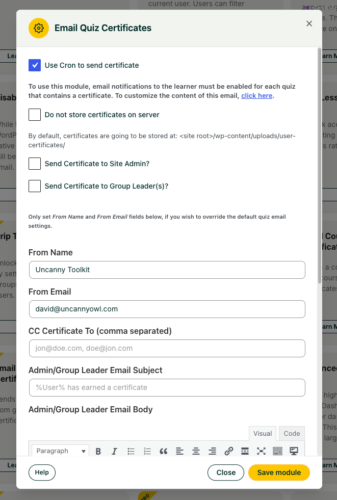 ### Developer Filters
**Filter****Parameters / Default****Purpose**`uo_quiz_certificate_save_path`Default: `/uploads/user-certificates/`Change where generated certificates are stored.`uo_quiz_completion_certificate_filename``file_name, user_id, quiz_id, certificate_post, current_time_stamp`Customize the certificate filename.`uo_generate_quiz_certificate``true / false `(default: `true`)Control whether a certificate is generated.`uo_quiz_certificate_http_url`—Update the HTTP URL when the save path changes.### Related Articles
- [Email Course Certificates](https://www.uncannyowl.com/knowledge-base/send-course-certificates-email/)
- [Email Group Certificates](https://www.uncannyowl.com/knowledge-base/send-group-certificates-email/)
- [Download Certificates in Bulk](https://www.uncannyowl.com/knowledge-base/download-certificates-in-bulk/)
- [Certificate Preview](https://www.uncannyowl.com/knowledge-base/certificate-preview/)
**Article Categories:** Uncanny Toolkit Pro for LearnDash
---
### [Email Group Certificates](https://www.uncannyowl.com/knowledge-base/send-group-certificates-email/)
**Published:** December 22, 2016
**Author:** Ryan Moore
**Excerpt:** Learn how to send course certificates to learners and, optionally, admins and/or group leaders by email.
**Content:**
### Overview
Send a group certificate straight to a learner’s inbox the moment they complete every course in a LearnDash group. The PDF is attached to the completion email, and you can copy administrators, group leaders, or other addresses on the same message.
LearnDash can generate a certificate when a learner finishes all courses in a group, but they normally have to view or download it manually. The Email Group Certificates module delivers it automatically: when a learner completes every course in a group that has a certificate assigned, the module emails them the certificate as a PDF attachment. Copies can also go to the site administrator, group leaders, or additional recipients.
Use it when you want group completions confirmed in learners’ inboxes automatically, when administrators need a copy on file, or when group leaders should be notified as their members finish.
**Important:** This is a global module — it cannot be turned on or off per group. Once enabled, it emails the certificate PDF for **any** group that has a certificate assigned.
### Configure It
Settings are decisions about delivery, storage, and email content.
**Delivery and recipients**
- **Send Certificate to Site Admin / Group Leader(s):** Check these to copy administrators and/or group leaders on the certificate email. Group leaders are an obvious choice here, since they’re tracking their group’s progress.
- **CC Certificate To:** Add one or more email addresses to receive a copy via CC — useful for a shared records mailbox.
- **From Name / From Email:** Set how the sender appears so the email matches your brand or a monitored address.
**Storage**
- **Do not store certificates on server:** By default, generated certificates are saved on the server. Check this if you’d rather not keep copies — for example, to limit disk use. Leave it unchecked if you want certificates retained on the server.
**Rendering**
- **Use Cron to send certificate:** Leave this off in most cases. Enable it only if shortcodes aren’t rendering correctly in the emailed certificate; sending via cron can resolve those output issues.
**Email content**
- **Email Subject & Email Body:** Customize the message learners receive. Available tokens are listed directly below the body field — use them to personalize with learner and group details.
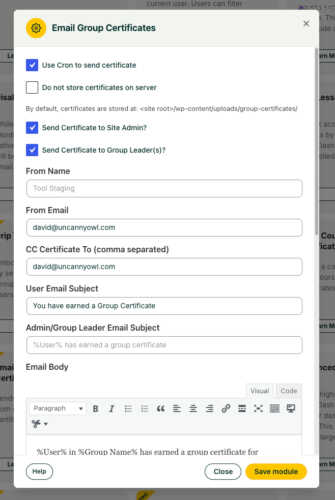 ### Related Articles
- [Email Course Certificates](https://www.uncannyowl.com/knowledge-base/send-course-certificates-email/)
- [Email Quiz Certificates](https://www.uncannyowl.com/knowledge-base/send-quiz-certificates-by-email/)
- [Download Certificates in Bulk](https://www.uncannyowl.com/knowledge-base/download-certificates-in-bulk/)
- [Certificate Preview](https://www.uncannyowl.com/knowledge-base/certificate-preview/)
**Article Categories:** Uncanny Toolkit Pro for LearnDash
---
### [Email Course Certificates](https://www.uncannyowl.com/knowledge-base/send-course-certificates-email/)
**Published:** December 22, 2016
**Author:** Ken
**Excerpt:** Learn how to send course certificates to learners and, optionally, admins and/or group leaders by email.
**Content:**
### Overview
Deliver a learner’s certificate the moment they finish a course, with the PDF attached right to the completion email. No more asking learners to log back in and download it themselves — and you can copy admins or group leaders on the same message.
LearnDash generates a course certificate, but learners normally have to view or download it manually. The Email Course Certificates module closes that gap: whenever a learner completes a course that has a certificate assigned, the module emails them the certificate as a PDF attachment. You can also route copies to the site administrator, group leaders, or additional addresses.
This is a good fit when you want certificates in learners’ inboxes automatically, need a copy on file for administrators, or want group leaders notified as their members complete courses.
**Important:** This is a global module — it cannot be turned on or off per course. Once enabled, it emails the certificate PDF for **any** course that has a certificate assigned.
### Configure It
Settings are decisions about delivery, storage, and email content.
**Delivery and recipients**
- **Send Certificate to Site Admin / Group Leader(s):** Check these to copy administrators and/or group leaders on the certificate email. Use this when records need to live somewhere beyond the learner’s inbox.
- **CC Certificate To:** Add one or more email addresses to receive a copy via CC — handy for a shared records or compliance mailbox.
- **From Name / From Email:** Set how the sender appears. Configure these to match your brand or a monitored support address.
**Storage**
- **Do not store certificates on server:** By default, generated certificates are saved on the server. Check this if you’d rather not retain copies — for example, to limit disk use or for data-handling reasons. Leave it unchecked if you want certificates available on the server afterward.
**Rendering**
- **Use Cron to send certificate:** Leave this off in most cases. Enable it only if shortcodes aren’t rendering correctly in the emailed certificate; sending via cron can resolve those rendering issues.
**Email content**
- **Email Subject & Email Body:** Customize the message learners receive. Available tokens are listed directly below the body field — use them to personalize with learner and course details.
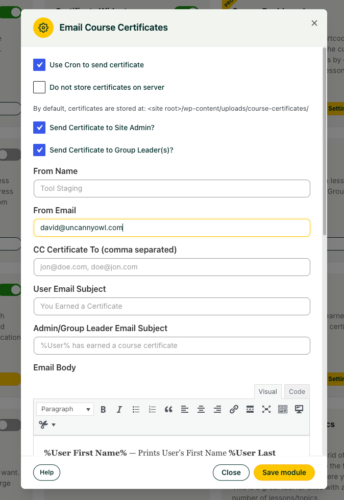 ### Developer Filters
**Filter****Parameters****Purpose**`uo_course_certificate_save_path`Custom absolute pathChange where generated certificates are stored on the server.`uo_course_completion_certificate_filename``$file_name, $user, $course_id, $certificate_post, $timestamp`Customize the generated certificate’s filename.## Related Articles
- [Email Group Certificates](https://www.uncannyowl.com/knowledge-base/send-group-certificates-email/)
- [Email Quiz Certificates](https://www.uncannyowl.com/knowledge-base/send-quiz-certificates-by-email/)
- [Download Certificates in Bulk](https://www.uncannyowl.com/knowledge-base/download-certificates-in-bulk/)
- [Certificate Preview](https://www.uncannyowl.com/knowledge-base/certificate-preview/)
**Article Categories:** Uncanny Toolkit Pro for LearnDash
---
### [Duplicate Pages & Posts](https://www.uncannyowl.com/knowledge-base/duplicate-pages-posts/)
**Published:** July 26, 2016
**Author:** yuehchin
**Excerpt:** Learn how to easily duplicate courses, lessons, topics, quizzes, pages and posts.
**Content:**
### Overview
Clone any page, post, or LearnDash item in a single click instead of rebuilding it from scratch. This is ideal for course creators who want to reuse an existing course, lesson, or quiz as the starting point for a new one.
Duplicate Pages & Posts copies an item and everything attached to it. The duplicate inherits the original’s associated meta, settings, categories, tags, and custom taxonomies, so you start with an exact working copy rather than a blank slate.
**The module can clone:**
- Standard WordPress pages and posts
- Any registered custom post type
- LearnDash courses, lessons, topics, quizzes, certificates, and groups
- LearnDash quiz questions (LearnDash 2.6+)
Common use cases include spinning up a new course from a proven template, creating a variant of an existing quiz, or copying a marketing page before making edits.
### Configure It
In the module settings you’ll see a list of every registered post type on your site. Decide which of these you want to be able to duplicate:
- **Enable duplication per post type** — Turn duplication on for the post types you actually clone. You can enable it for any post type, but post types that store custom data or link to other posts may not copy cleanly.
**Important:** Some custom post types contain data or relationships that don’t duplicate correctly. We strongly recommend testing any duplicated custom post type before relying on it in a live environment.
**Note:** Duplicating requires the edit\_published\_posts capability (and edit access to the specific item). By default this includes Administrators, Editors, and Authors, but not Contributors or Subscribers.
### Usage
You can duplicate an item two ways:
- From the admin list of courses, lessons, topics, quizzes, or certificates
- From the **Edit** view of any of those post types
**Note:** Cloning a lesson or topic duplicates that single item only — it does not create new copies of its child topics or quizzes. (Duplicating a course is the exception: the duplicate reuses the original’s lesson/topic/quiz steps — see *Cloning courses* below.)
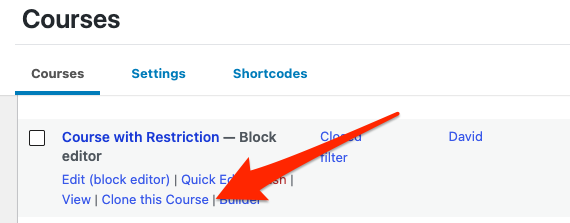 ### Cloning courses
There are 2 possible cloning outcomes, depending on whether or not **Shared Course Steps** is enabled. . The cloned course is created as a **draft** so you can review it before publishing.
**Shared Course Steps Enabled** Cloning a course with Shared Course Steps enabled will not create unique copies of any lessons, topics or quizzes. They remain shared. Any edits made to the shared lessons, topics or quizzes will apply to any other course that shares the content.
**Note:** After enabling Shared Course Steps, when cloning a course that was created with Shared Course Steps disabled, the course structure must be modified and resaved before cloning to ensure that the steps are cloned.
**Shared Course Steps Disabled
When cloning a course with Shared Course Steps disabled, the cloned course will be empty, with no lessons, topics or quizzes.
### Cloning LearnDash quizzes
Quiz cloning is where this module stands out — it copies quiz questions, which most other duplication plugins handle poorly. Behavior depends on your LearnDash **Shared Quiz Questions** setting (LearnDash 2.6+):
- **Shared Quiz Questions disabled** — The duplicated quiz gets an independent copy of the questions. Editing them in one quiz does not affect the other.
- **Shared Quiz Questions enabled** — The duplicated quiz is assigned the same questions as the original. Editing a question in one quiz changes it in both.
**Note:** Because of how quiz question associations work, cloning an individual quiz question makes the clone appear in the same quiz as the original question.
### Related Articles
- [Reset Progress Button](https://www.uncannyowl.com/knowledge-base/learndash-reset/)
- [Single Page Courses](https://www.uncannyowl.com/knowledge-base/single-page-courses/)
- [Getting Started with Uncanny Toolkit Pro](https://www.uncannyowl.com/knowledge-base/getting-started-with-uncanny-toolkit-pro/)
**Article Categories:** Uncanny Toolkit Pro for LearnDash
---
### [Drip Topics by LearnDash Group](https://www.uncannyowl.com/knowledge-base/drip-topics-by-ldgroup/)
**Published:** July 25, 2016
**Author:** Ryan Moore
**Excerpt:** Learn how to drip topics on different dates to different groups.
**Content:**
### Overview
Release individual LearnDash topics to each group on its own schedule, so different cohorts can progress through the same course at their own pace. This is for sites that run the same course for multiple groups on different timelines.
LearnDash’s native drip dates apply the same schedule to everyone in a course. Drip Topics by Group lets you set topic drip dates **per LearnDash Group**, on specific calendar dates, so each group unlocks topics on dates that suit it.
This works the same way as Drip Lessons by Group, but at the topic level — useful when you need finer control than dripping whole lessons.
### Configure It
Group drip dates are managed on the topic itself, under **Edit Topic > Settings** in the WordPress admin. When the module is active, a **Topic Group Drip Settings** metabox lists every group that has access to the topic.
**Where to find it (Toolkit Pro v4.4.1+):** On the topic edit screen, the **Topic Group Drip Settings** are reached through a dedicated **Uncanny Toolkit** tab in the LearnDash settings header, just below the topic title. This tab was added in v4.4.1 so the settings stay easy to find under WordPress 7.0’s block editor, which otherwise collapses classic metaboxes out of view. The settings themselves are unchanged — only where you click to reach them.
- **To schedule a topic for a group** — enter a drip date for the group and click **Save date**. The topic becomes available to that group’s members on the date you set.
- **To choose the right course first (shared topics)** — if the topic appears in more than one course, pick the course from the **Switch Course** dropdown before the associated groups appear and before setting any dates.
- **To schedule for students who are not in a group** — use LearnDash’s standard **Topic Access Settings** metabox instead. The group drip settings only apply to group members.
**Important:** A drip date for a topic/group combination persists across all courses. If a group can access two courses that contain the same topic, you can only set **one** drip date for that topic.
**Note:** If a group has access to the topic but does not appear in the list, double-check that the correct course is selected in the **Switch Course** dropdown.
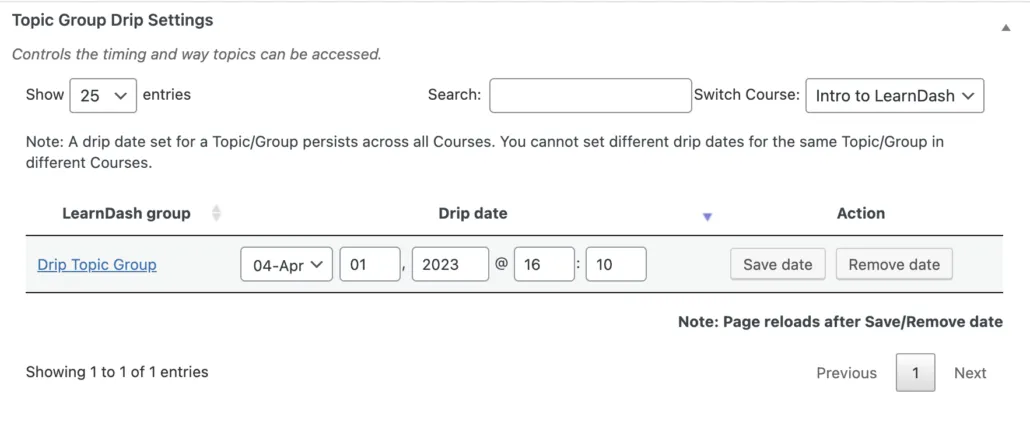 ### Usage
For end users, topics stay locked until the drip date set for their group arrives, at which point the topic unlocks automatically.
#### Removing a drip date
To remove a drip date for a group, click **Remove date** next to that group’s date.
**Important:** Drip Topics by Group does not currently support the LearnDash Notifications plugin. The notification trigger for this module is not registered (it is commented out in the code), so it cannot be selected in LearnDash Notifications. If you need “topic available” emails, that functionality is not available for this module. (Drip Lessons by Group does register its trigger and supports notifications.)
### Related Articles
- [Drip Lessons by Group](https://www.uncannyowl.com/knowledge-base/drip-lessons-by-ldgroup/)
- [LearnDash Group Course Access Expiration](https://www.uncannyowl.com/knowledge-base/learndash-group-expiration/)
- [Getting Started with Uncanny Toolkit Pro](https://www.uncannyowl.com/knowledge-base/getting-started-with-uncanny-toolkit-pro/)
- [Cohort & Membership Programs](https://www.uncannyowl.com/knowledge-base/cohort-membership-programs/)
**Article Categories:** Uncanny Toolkit Pro for LearnDash
---
### [Drip Lessons by LearnDash Group](https://www.uncannyowl.com/knowledge-base/drip-lessons-by-ldgroup/)
**Published:** July 25, 2016
**Author:** yuehchin
**Excerpt:** Learn how to drip lessons on different dates to different groups.
**Content:**
### Overview
Release lessons to each LearnDash Group on its own schedule, so different cohorts can move through the same course at their own pace. This is for sites that run the same course for multiple groups that started on different dates.
Out of the box, LearnDash can release a lesson a set number of days after enrollment or on a fixed calendar date — but that schedule applies to every student in the course. Drip Lessons by Group lets you set lesson drip dates **per LearnDash Group**, on specific calendar dates.
**Common use cases:**
- An employer enrolls successive intakes of staff in the same onboarding course and wants each intake’s lessons to unlock on dates that match when they started.
- A training provider runs the same course for several client organizations, each on its own timeline.
### Configure It
Group drip dates are managed on the lesson itself, under **Edit Lesson > Settings** in the WordPress admin. When the module is active, a **Lesson Group Drip Settings** metabox lists every group that has access to the lesson.
**Where to find it (Toolkit Pro v4.4.1+):** On the lesson edit screen, the **Lesson Group Drip Settings** are reached through a dedicated **Uncanny Toolkit** tab in the LearnDash settings header, just below the lesson title. This tab was added in v4.4.1 so the settings stay easy to find under WordPress 7.0’s block editor, which otherwise collapses classic metaboxes out of view. The settings themselves are unchanged — only where you click to reach them.
- **To schedule a lesson for a group** — enter a drip date for the group and click **Save date**. The lesson becomes available to that group’s members on the date you set.
- **To choose the right course first (shared lessons)** — if the lesson belongs to more than one course, pick the course from the **Switch Course** dropdown before the associated groups appear and before setting any dates.
- **To schedule for students who are not in a group** — use LearnDash’s standard **Lesson Access Settings** metabox instead. The group drip settings only apply to group members.
**Important:** A drip date for a lesson/group combination persists across all courses. If a group can access two courses that contain the same lesson, you can only set **one** drip date for that lesson — you cannot drip the same lesson on different dates in two different courses for the same group.
**Note:** If a group has access to the lesson but does not appear in the list, double-check that the correct course is selected in the **Switch Course** dropdown.
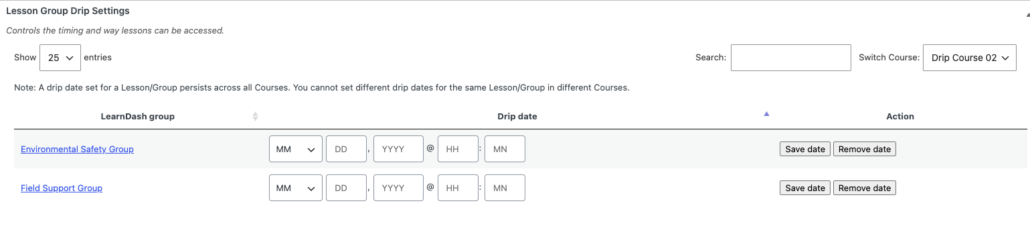### Usage
For end users, lessons stay locked until the drip date set for their group arrives, at which point the lesson unlocks automatically.
#### Removing a drip date
To remove a drip date for a group, click **Remove date** next to that group’s date.
#### Email notifications (LearnDash Notifications plugin)
You can email students when a lesson becomes available based on their group’s drip date, using the LearnDash Notifications plugin. Create a notification with the trigger **A scheduled lesson is available to user with Uncanny Drip by Group**.
**Note:** If you use both LearnDash’s native “Lesson Release Schedule” and lesson group drip and find that notification emails aren’t going out as expected, add the following filter to your child theme’s `functions.php` to prioritize group drip notifications:
`add_filter( 'uo_drip_ignore_learndash_release_date', '__return_true' );`
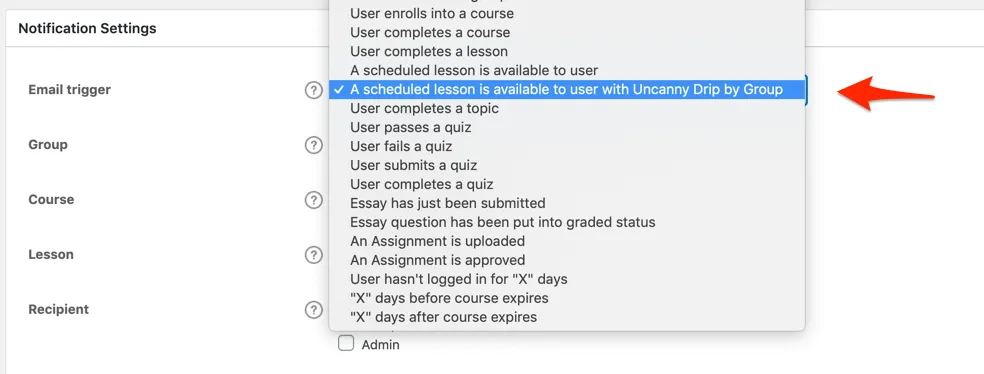### Related Articles
- [Drip Topics by Group](https://www.uncannyowl.com/knowledge-base/drip-topics-by-ldgroup/)
- [LearnDash Group Course Access Expiration](https://www.uncannyowl.com/knowledge-base/learndash-group-expiration/)
- [Getting Started with Uncanny Toolkit Pro](https://www.uncannyowl.com/knowledge-base/getting-started-with-uncanny-toolkit-pro/)
- [Cohort & Membership Programs](https://www.uncannyowl.com/knowledge-base/cohort-membership-programs/)
**Article Categories:** Uncanny Toolkit Pro for LearnDash
---
### [Download Certificates in Bulk](https://www.uncannyowl.com/knowledge-base/download-certificates-in-bulk/)
**Published:** April 11, 2023
**Author:** Ryan Moore
**Content:**
### Overview
Generate and download a whole batch of LearnDash certificates at once instead of saving them one learner at a time. Administrators and Group Leaders pick a group, course, or quiz, and the module bundles every matching certificate into a single downloadable zip file.
Collecting certificates individually doesn’t scale once you have dozens or hundreds of learners. The Download Certificates in Bulk module solves this by letting admins and Group Leaders select a certificate type and target, then generating all the PDFs together as one zip file.
Common use cases include sending a Group Leader every certificate for their cohort, archiving course completions for compliance, or pulling quiz certificates for an entire class. Because generation can be heavy, the module runs the job in the background (processing in batches via cron) and emails a download link when the zip is ready.
**Requirement:** The server must have PHP’s **ZipArchive** class available to build the zip. If it isn’t, the module shows a notice on its settings screen asking you to contact your host to enable the zip module.
**Access:** The bulk download form is available to users with the **Administrator** or **Group Leader** role by default (capability `manage_options`). Both the capability and the allowed roles are filterable (`uo_bulk_downlad_cert_capability, uo_bulk_downlad_cert_allowed_roles`).
### Setup
Add the shortcode below to any page where authorized users should generate certificates:
`[uo_download_certificates]`
The form appears wherever the shortcode is placed and is intended for administrators and Group Leaders.
**Shortcode****Attributes****Description**`[uo_download_certificates]``allow-clear` (default `no`)Renders the bulk certificate generation form. Set `allow-clear="yes"` to show a “Clear previous runs” checkbox on the form.### Usage
From a page containing the shortcode:
1. **Choose the certificate type** — LearnDash Group, Course, or Quiz.
2. **Select the target.** Depending on the type, pick the relevant group, course, and/or quiz.
3. **Click Generate certificates.** The zip file is built in the background.
4. **Watch for the email.** When the zip is ready, the user who started the job receives an email with a download link.
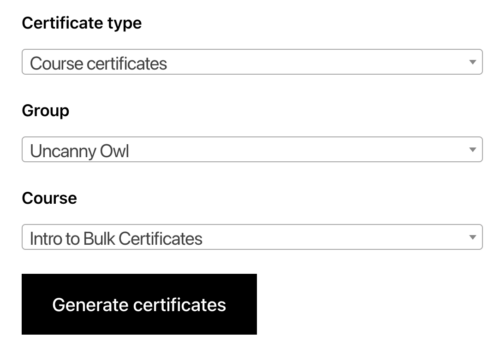 ### Module settings
The module settings screen controls notifications and storage. The available options are:
- **Minimum free space required (in GB):** The module checks available disk space before generating; default is **2 GB**. If less than this is free, generation is blocked.
- **From Name / From Email:** Set how the notification email’s sender appears.
- **Email Subject / Email Body:** Customize the email that delivers the download link. Available variables (`%User First Name%, %Link%, %Certificates for%, %Time requested%`) are listed below the body field.
- **Delete certificate zip files from the server:** A button that removes all generated certificate zip files from the server immediately, to reclaim disk space.
- **Clear previous runs:** A button that clears records of previous generation runs.
**Note on storage:** Generated zip files are stored under `/wp-content/uploads/bulk-certificates`. The download link in each notification email is a transient that **expires 24 hours after creation** (filterable via `uo_file_expiry_time`, default `86400` seconds), so retrieve the file promptly.
**Important:** Generating certificates is a background process and large batches can take a while. The job is processed in batches of 100 via cron.
### Related Articles
- [Certificate Preview](https://www.uncannyowl.com/knowledge-base/certificate-preview/)
- [Email Course Certificates](https://www.uncannyowl.com/knowledge-base/send-course-certificates-email/)
- [Email Group Certificates](https://www.uncannyowl.com/knowledge-base/send-group-certificates-email/)
- [Getting Started with Uncanny Toolkit Pro](https://www.uncannyowl.com/knowledge-base/getting-started-with-uncanny-toolkit-pro/)
**Article Categories:** Uncanny Toolkit Pro for LearnDash
---
### [Days Until Course Expiry](https://www.uncannyowl.com/knowledge-base/days-until-course-expiry/)
**Published:** July 24, 2016
**Author:** Ryan Moore
**Excerpt:** Learn how to use a handy shortcode/Gutenberg block to display the number of days remaining until a user's course access expires.
**Content:**
### Overview
This module shows learners *how many days remain* until their course access expires. LearnDash can already display a fixed expiry date; use this when a countdown (“expires in 12 days”) is more motivating or clearer for your learners.
LearnDash natively offers a shortcode that prints the date a learner’s course access ends. This module takes a different angle: instead of a date, it outputs the number of days left. That countdown framing is useful for renewal prompts, urgency messaging, and any place you’d rather say “your access expires in X days” than show a calendar date.
By default the output reads: **Course Access Expires in X days**.
### Setup
There are two scenarios, and they decide whether you need to pass a course ID:
- **On a course page (or its sidebar)** — Just add the **Days Until Course Expiry** block or the `[uo_expiration_in]` shortcode. It automatically detects the current course and shows the logged-in learner’s remaining days.
- **On any other page** — The module can’t infer the course, so pass it explicitly with the course-id attribute, e.g. `[uo_expiration_in course-id="123"]`.
To change the lead-in wording, use the **pre-text** attribute, e.g. `[uo_expiration_in pre-text="Your access will expire in:"]`.
### Shortcode reference
`[uo_expiration_in]`
**Attribute****What it does****Example**course-idSpecifies the course post ID — required when the shortcode isn’t on a course pagecourse-id=”123″pre-textCustomizes the text shown before the day countpre-text=”Your access will expire in:”### Usage
- On the final day of access, the count displays 0.
- After access has expired, nothing is displayed. Keep this in mind on closed course pages, where there may be no visible output for expired learners.
**Note:** This is a Pro module — it must be installed and activated under Uncanny Toolkit Pro before the block or shortcode will render anything.
### Related Articles
- [Course Dashboard](https://www.uncannyowl.com/knowledge-base/learndash-course-dashboard/)
- [Group Expiration](https://www.uncannyowl.com/knowledge-base/learndash-group-expiration/)
- [Simple Course Timer](https://www.uncannyowl.com/knowledge-base/simple-course-timer/)
- [Selling Online Courses: Certificates, Transcripts & Expiry](https://www.uncannyowl.com/knowledge-base/selling-online-courses-certificates-transcripts-expiry/)
**Article Categories:** Uncanny Toolkit Pro for LearnDash
---
### [Course Dashboard](https://www.uncannyowl.com/knowledge-base/learndash-course-dashboard/)
**Published:** August 18, 2016
**Author:** yuehchin
**Excerpt:** Learn how to display a list of courses that shows completion information and supports drilldown to the lesson and topic level.
**Content:**
### Overview
The Course Dashboard gives your learners one page where they can browse all of their courses, drill into lessons and topics, jump straight to any quiz, review past quiz results, and grab their certificates — without clicking into each course first. It’s ideal as the centerpiece of a “My Courses” or member dashboard page.
Drop the dashboard onto any page and it renders a collapsible list of courses. Each course expands to reveal its lessons, and each lesson expands to reveal its topics. Along the way it surfaces everything a learner needs to keep moving:
- Links to every quiz at the course, lesson, or topic level
- A list of results from all quiz attempts
- Links to course-level and quiz-level certificates
- A **Resume** button for each course
- The number of Continuing Education Credits (CEUs) earned or assigned per course (when the [Uncanny Continuing Education Credits](https://www.uncannyowl.com/knowledge-base/setup-continuing-education-credits-plugin/) plugin is active)
The big payoff is direct access: a learner can open any lesson or topic from this single page instead of navigating into a course and drilling down manually.
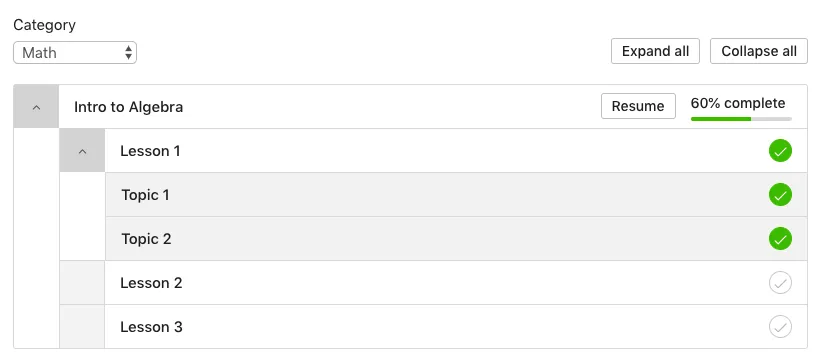 #### Choosing a theme
The dashboard ships with two themes. Pick based on your LearnDash version and any styling plugins you run:
- **3.0 theme (recommended)** — A responsive design built for LearnDash 3.0 with several color customization options. **Choose this** if you’re on LearnDash 3.0, or if you run themes/plugins that override default LearnDash styles (for example, the Boss theme by BuddyBoss including Social Learner, or LearnDash Visual Customizer by SnapOrbital). It avoids CSS conflicts.
- **Legacy theme** — The original dashboard design, kept for backward compatibility. Choose this only if you specifically need to match an existing legacy layout.
**Note:** The theme switcher was added in version 3.2. If you’re on LearnDash 2.x with style-overriding themes or plugins, use the 3.0 theme to avoid CSS conflicts.
### Setup
Add the dashboard to any page using either the **Course Dashboard** block or the \[uo\_dashboard sample=’sample’\] shortcode. That alone renders the full collapsible list of courses, lessons, topics, quizzes, and earned certificates.
From there, the attributes let you shape the page around a few key decisions:
- **Whose courses to show** — Leave **user\_id** unset to show the logged-in user’s courses, or pass a specific user’s ID to render someone else’s list.
- **Which courses appear** — Use **show** to control scope. Pick enrolled (default) for a personal “my courses” page; all to show every course in the system to both logged-in and logged-out visitors; open to behave like enrolled for members while showing only open courses to logged-out visitors; or free to limit to free courses. Use **not\_enrolled=”yes”** instead when you want a “courses you haven’t started yet” list.
- **How courses are sorted** — Set **orderby** (title, date, or menu\_order; defaults to post ID) together with **order** (asc or desc).
- **Whether to filter by category** — You can pre-filter with **ld\_category** (LearnDash course category) or **category** (WordPress category), or give learners a dropdown with **course\_categoryselector** or **categoryselector**.
- **Whether to expand on load** — Set **expand\_by\_default=”yes”** if you want every course opened to its lessons and topics when the page loads.
**Important:** You can’t combine the two category systems. Use either the LearnDash category attributes/selector *or* the WordPress category attributes/selector — not both at once. Empty categories are automatically hidden from the dropdowns.
### Shortcode reference
\[uo\_dashboard sample=’sample’\] — example: \[uo\_dashboard sample=’sample’ orderby=”title” order=”asc”\]
**Attribute****What it does****Values****Default**user\_idWhose course list to show; pass a user ID to override the logged-in userA registered user’s IDCurrent logged-in usershowWhich courses display. enrolled: the user’s enrolled courses (nothing for logged-out visitors). all: every course, for everyone. open: like enrolled for members, only open courses for logged-out visitors. free: free courses only.enrolled, all, free, openenrolledorderbySort field for coursestitle, date, menu\_orderPost IDorderSort direction (based on orderby)asc, descascld\_categoryLimit to a LearnDash course category (can’t combine with the dropdown)all or a LearnDash category slugallexpand\_by\_defaultExpand all lessons and topics on loadyes, nonocourse\_categoryselectorShow a dropdown to filter by LearnDash course category (empty categories hidden)show, hidehidecategoryselectorShow a dropdown to filter by WordPress category (empty categories hidden)show, hidehidecategoryLimit to a WordPress category (can’t combine with the dropdown)all or a WordPress category slugallnot\_enrolledShow only courses the user is *not* enrolled inyes, nono### Overriding the template
You can customize the dashboard markup in an upgrade-safe way. Copy:
`wp-content/plugins/uncanny-toolkit-pro/src/templates/frontend-dashboard/dashboard-template.php`
to:
`wp-content/themes/yourtheme/uncanny-toolkit/frontend-dashboard/dashboard-template.php`
and edit the copy in your theme.
**Important:** Never edit template files inside the Uncanny Toolkit Pro plugin directly — they’re overwritten on every upgrade and your changes will be lost. Always work from the theme override.
### Related Articles
- [Enhanced Course Grid](https://www.uncannyowl.com/knowledge-base/enhanced-course-grid/)
- [Days Until Course Expiry](https://www.uncannyowl.com/knowledge-base/days-until-course-expiry/)
- [Single Page Courses](https://www.uncannyowl.com/knowledge-base/single-page-courses/)
- [Getting Started with Uncanny Toolkit Pro](https://www.uncannyowl.com/knowledge-base/getting-started-with-uncanny-toolkit-pro/)
**Article Categories:** Uncanny Toolkit Pro for LearnDash
---
### [Certificate Preview](https://www.uncannyowl.com/knowledge-base/certificate-preview/)
**Published:** May 24, 2019
**Author:** Ken
**Content:**
### Overview
Check how a LearnDash PDF certificate will actually look before any learner earns it. The Certificate Preview module adds a preview button right on the certificate editor, so you can confirm layout, fonts, and shortcode placement without having to complete a course or quiz yourself.
Designing a LearnDash certificate normally means saving your work, completing a course or quiz as a test learner, and then opening the generated PDF — a slow loop every time you tweak a margin or move a shortcode. Certificate Preview removes that round trip.
When the module is enabled, the **Edit Certificate** screen gains a metabox with a **Certificate Preview** button. Click it and a rendered PDF preview opens, using static sample values in place of the dynamic LearnDash shortcodes. This is ideal while you’re iterating on certificate design and want fast visual feedback.
### Usage
1. Open the certificate under **LearnDash LMS > Certificates** and edit it.
2. Make your design changes.
3. **Save the certificate.** Previews reflect only saved content.
4. Click **Certificate Preview** in the metabox to open the rendered PDF.
 ### How shortcodes are handled
The preview is a representation of the final certificate, not a live render of real learner data, so some shortcode behavior differs:
- **LearnDash shortcodes** such as quizinfo and courseinfo are replaced with static placeholder values so you can see roughly where and how they’ll appear.
- **Non-LearnDash shortcodes** may not render at all and are not supported in the preview.
**Important:** Save your changes before previewing — unsaved edits will not appear. If the preview returns a critical error, capture the message from your WordPress admin notification email or your server error logs and open a support ticket with that detail.
### Related Articles
- [Download Certificates in Bulk](https://www.uncannyowl.com/knowledge-base/download-certificates-in-bulk/)
- [Email Course Certificates](https://www.uncannyowl.com/knowledge-base/send-course-certificates-email/)
- [Getting Started with Uncanny Toolkit Pro](https://www.uncannyowl.com/knowledge-base/getting-started-with-uncanny-toolkit-pro/)
**Article Categories:** Uncanny Toolkit Pro for LearnDash
---
### [Autocomplete Lessons & Topics on WPForms Submission](https://www.uncannyowl.com/knowledge-base/wpforms-auto-completes-lessons-topics/)
**Published:** March 30, 2022
**Author:** Ryan Moore
**Content:**
### Overview
Mark a LearnDash lesson or topic complete the moment a learner submits a WPForms form on that page. Use it when a step should require an action — a sign-off, a survey, or feedback — before the learner moves on.
With this module enabled and autocompletion turned on for a specific form, the WPForms submit button replaces the standard **Mark Complete** button. When the learner submits the form, the lesson or topic is marked complete automatically.
**Common use cases:**
- Acknowledgement or consent forms a learner must submit before continuing.
- Surveys or feedback collected at a specific point in a course.
- Any step where completion should be tied to a deliberate form submission.
**Important:** For this module to work, lessons must be associated with a course, and topics must be associated with both a lesson and a course.
### Configure It
#### Turn on autocompletion for the form
In the WPForms builder, go to **Settings → General** and check **Enable LearnDash Lesson/Topic Autocompletion**. This makes the form’s submission the completion trigger for that specific form.
 #### Decide whether learners can resubmit a previously completed form
If the same form appears across multiple pages, lessons, or topics, use the **Hide the Mark Complete button if the user has a previous entry** setting:
- Keep it **enabled** when a single submission should count everywhere — the learner won’t be prompted again once they’ve submitted.
- **Disable** it when learners should submit the form fresh in each course context, even if an earlier entry exists.
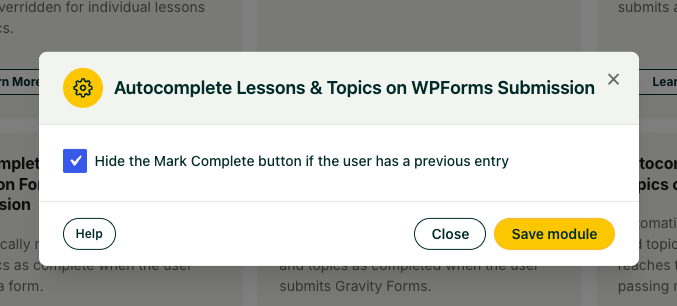 #### Decide how learners advance after submitting
To advance learners to the next topic or lesson automatically after submission:
- Make sure the form is not submitting via AJAX. The module detects an ajax attribute in the shortcode and, if present, leaves LearnDash’s standard navigation in place instead of auto-advancing.
- Remove any redirect settings in the form’s confirmation settings.
**Note:** If the form is on the last topic of a lesson, learners return to that lesson after submitting rather than advancing to the next lesson.
### Usage
The learner fills in and submits the WPForms form as usual. On submission, the lesson or topic is marked complete.
**Important:** This module works alongside the standard **Autocomplete Lessons & Topics** module, which marks content complete on page load. That can conflict with form-based steps that require input first. On pages where a form submission should drive completion, disable page-load autocompletion for that lesson or topic.
### Related Articles
- [Autocomplete Lessons & Topics](https://www.uncannyowl.com/knowledge-base/autocomplete-lessons-topics/)
- [Autocomplete Lessons & Topics on Gravity Form Submission](https://www.uncannyowl.com/knowledge-base/gravity-forms-auto-completes-lessons-topics/)
- [Autocomplete Lessons & Topics on Fluent Forms Submission](https://www.uncannyowl.com/knowledge-base/ffforms-auto-completes-lessons-topics/)
- [Autocomplete Lessons & Topics on Formidable Forms Submission](https://www.uncannyowl.com/knowledge-base/formidable-auto-completes-lessons-topics/)
**Article Categories:** Uncanny Toolkit Pro for LearnDash
---
### [Autocomplete Lessons & Topics on Quiz Results Page](https://www.uncannyowl.com/knowledge-base/autocomplete-lessons-topics-quiz-results-page/)
**Published:** July 23, 2016
**Author:** Ken
**Excerpt:** Learn how to automatically mark a lesson or topic complete when a user reaches the results page of an associated quiz (with a passing mark).
**Content:**
### Overview
Automatically mark a LearnDash lesson or topic complete the instant a learner reaches the results page of an associated quiz with a passing mark — no extra click required. This solves a common LearnDash gap where learners pass a quiz but never click **Click Here to Continue**, leaving their lesson or topic stuck as incomplete.
By default, passing a LearnDash quiz doesn’t complete the lesson or topic on its own — the learner has to click through from the results page. Many never do, so their progress stalls. With this module enabled, reaching the quiz results page with a passing score marks the associated lesson or topic complete automatically.
**Common use cases:**
- Courses where quizzes gate progression and learners frequently get stuck on the results screen.
- Reducing support requests about lessons that “won’t complete” after a passed quiz.
When a lesson or topic has more than one quiz attached, it only marks complete once **all** of those quizzes have been passed.
**Note:** “Newer versions” of LearnDash have this function built-in.
### Configure It
This module has no settings of its own — simply enabling it applies the behavior to all lessons and topics across the site.
- Enable it when you want passing quiz results to reliably complete the associated lesson or topic everywhere.
- There is no per-lesson or per-topic configuration.
**Important:** A few constraints to keep in mind:
- **Passing mark required.** Completion only triggers when the learner achieves a passing score.
- **Global only.** The setting applies site-wide; you cannot enable it for some lessons or topics and not others.
- **Not retroactive.** It does not apply to work completed before the module was activated.
### Usage
The learner takes the associated quiz and passes. As soon as they land on the results page, the lesson or topic is marked complete automatically — they don’t need to click **Click Here to Continue** to record completion.
**Note:** For completion logic at the *course* level, or rules driven by quiz results that go beyond what this module covers, [Uncanny Automator](https://automatorplugin.com/) offers more flexible options.
### Related Articles
- [Autocomplete Lessons & Topics](https://www.uncannyowl.com/knowledge-base/autocomplete-lessons-topics/)
- [Autocomplete Lessons & Topics when Quiz is Graded](https://www.uncannyowl.com/knowledge-base/autocomplete-lessons-topics-when-quiz-is-graded/)
- [Getting Started with Uncanny Toolkit Pro](https://www.uncannyowl.com/knowledge-base/getting-started-with-uncanny-toolkit-pro/↗)
**Article Categories:** Uncanny Toolkit Pro for LearnDash
---
### [Autocomplete Lessons & Topics when Quiz is Graded](https://www.uncannyowl.com/knowledge-base/autocomplete-lessons-topics-when-quiz-is-graded/)
**Published:** January 11, 2019
**Author:** Ken
**Content:**
### Overview
Automatically mark a LearnDash lesson or topic complete when an instructor manually grades its quiz with a passing mark. This removes the awkward step where a learner has already passed but still has to return to the lesson to mark it done themselves by clicking the “Mark Complete” button.
Some LearnDash quizzes — essays and open-ended questions, for example — require an instructor to grade them by hand. Normally, even after the instructor grades the quiz, the learner must go back to the lesson or topic to complete it. This module closes that gap: once the essay response is marked graded, the associated lesson or topic is marked complete automatically.
**Common use cases:**
- Courses with essay or open-response quizzes that require manual grading.
- Reducing back-and-forth where learners pass a graded assessment but their lesson stays incomplete.
This module targets manually graded assessments specifically, working alongside LearnDash’s native quiz grading workflow rather than automatically scored quizzes.
### Configure It
Enable the module to have manual passing grades complete the associated lesson or topic automatically. There are no additional per-item settings.
**Important:** If the lesson or topic contains additional quizzes that have not yet been passed, it will **not** be marked complete. Completion only triggers once every quiz requirement for that lesson or topic is satisfied.
### Usage
An instructor grades the quiz in LearnDash. As long as no other quizzes on that lesson or topic remain incomplete, the lesson or topic is marked complete automatically — the learner doesn’t need to return and complete it manually.
### Related Articles
- [Autocomplete Lessons & Topics](https://www.uncannyowl.com/knowledge-base/autocomplete-lessons-topics/)
- [Autocomplete Lessons & Topics on Quiz Results Page](https://www.uncannyowl.com/knowledge-base/autocomplete-lessons-topics-quiz-results-page/)
- [Getting Started with Uncanny Toolkit Pro](https://www.uncannyowl.com/knowledge-base/getting-started-with-uncanny-toolkit-pro/)
**Article Categories:** Uncanny Toolkit Pro for LearnDash
---
### [Getting Started with Uncanny Toolkit Pro](https://www.uncannyowl.com/knowledge-base/getting-started-with-uncanny-toolkit-pro/)
**Published:** June 30, 2026
**Author:** David Chambo
**Content:**
Uncanny Toolkit Pro adds 30+ modules to LearnDash, so the fastest way to get value is to start from *what you want to accomplish* rather than scrolling the full module list. This guide explains how Toolkit Pro is organized and points you to the right article for your goal.
### What Is Uncanny Toolkit Pro?
Uncanny Toolkit Pro is the premium companion to the free [Uncanny Toolkit for LearnDash](https://www.uncannyowl.com/knowledge-base/install-the-uncanny-toolkit-for-learndash/). It’s a single plugin containing a library of independent **modules** — each one a self-contained feature you turn on only if you need it. You enable the modules you want, configure them, and leave the rest off.
Modules cover four broad areas:
- **Reporting & records** — learner transcripts, enhanced CSV reports, course time tracking.
- **Certificates** — email certificates on course/quiz/group completion, bulk certificate downloads, certificate previews.
- **User & group management** — bulk CSV user import, self-service group registration, per-group content drip, group expiration, group branding.
- **Course experience & completion** — automatic lesson/topic completion, course dashboards, course grids, single-page courses, reset-progress buttons, and more.
### How Toolkit Pro Works
The basic flow is the same for every module:
1. **Install Toolkit Pro** alongside the free Toolkit (Pro requires the free plugin to be active). See [Install the Uncanny Toolkit Pro for LearnDash](https://www.uncannyowl.com/knowledge-base/install-the-uncanny-toolkit-pro-for-learndash/).
2. **Enable the module** from the Uncanny Toolkit modules screen. Modules are off by default — turning one on is a single toggle.
3. **Configure its settings**, then add any associated **shortcode or block** to a page if the module outputs something for learners (transcripts, grids, dashboards, timers, etc.).
Because each module is independent, you can adopt Toolkit Pro one feature at a time — there’s no big-bang setup.
### Choose Your Goal
Use the guide below to jump straight to the modules that solve your problem.
#### I want to enroll a lot of users at once
If you’re onboarding a batch of employees, students, or members, you can create and enroll users in bulk from a spreadsheet — no manual account creation.
**Start here:**
- [Import Users](https://www.uncannyowl.com/knowledge-base/import-learndash-users/) — Create or update users from a CSV, enroll them in courses and groups, and send welcome emails.
- For the full org-onboarding workflow, see [Employee Training & Onboarding at Scale](https://www.uncannyowl.com/knowledge-base/employee-training-onboarding-at-scale/).
#### I want learners to register themselves into a group
Give each LearnDash Group its own registration page so staff or members can create accounts and join the right group automatically.
**Start here:**
- [Group Registration](https://www.uncannyowl.com/knowledge-base/group-sign-up/) — Unique self-registration URLs per group, with support for Gravity Forms, Forminator, and Theme My Login.
#### I want to issue certificates and transcripts
Toolkit Pro can email certificates automatically on completion and give learners a printable, shareable record of everything they’ve done.
**Start here:**
- [Email Course Certificates](https://www.uncannyowl.com/knowledge-base/send-course-certificates-email/) — Attach the completion certificate to the course-complete email.
- [Email Quiz Certificates](https://www.uncannyowl.com/knowledge-base/send-quiz-certificates-by-email/) and [Email Group Certificates](https://www.uncannyowl.com/knowledge-base/send-group-certificates-email/)
- [Learner Transcript](https://www.uncannyowl.com/knowledge-base/learner-transcript/) — A branded, printable transcript with an optional public shareable link.
- [Download Certificates in Bulk](https://www.uncannyowl.com/knowledge-base/download-certificates-in-bulk/) — Generate a ZIP of certificates for a whole group or course.
#### I want to drip content to different groups on different schedules
Run the same course for multiple cohorts, each unlocking content on its own calendar tied to when the group started.
**Start here:**
- [Drip Lessons by LearnDash Group](https://www.uncannyowl.com/knowledge-base/drip-lessons-by-ldgroup/) and [Drip Topics by LearnDash Group](https://www.uncannyowl.com/knowledge-base/drip-topics-by-ldgroup/)
#### I want better reporting on learner progress
Get more out of LearnDash’s exports and add columns that the native reports don’t include.
**Start here:**
- [Enhanced LearnDash CSV Reports](https://www.uncannyowl.com/knowledge-base/enhanced-learndash-csv-reports/) — Add username, names, roles, groups, and custom user meta to native CSV exports.
- [Simple Course Timer](https://www.uncannyowl.com/knowledge-base/simple-course-timer/) — Track time spent in courses, lessons, topics, and quizzes, and add it to reports.
#### I want to automatically mark lessons or topics complete
Remove the friction of learners forgetting to click “Mark Complete,” or tie completion to a form submission or quiz result.
**Start here:**
- [Autocomplete Lessons & Topics](https://www.uncannyowl.com/knowledge-base/autocomplete-lessons-topics/) — Global or per-step automatic completion.
- Form-triggered autocomplete for [Gravity Forms](https://www.uncannyowl.com/knowledge-base/gravity-forms-auto-completes-lessons-topics/), [WPForms](https://www.uncannyowl.com/knowledge-base/wpforms-auto-completes-lessons-topics/), [Formidable Forms](https://www.uncannyowl.com/knowledge-base/formidable-auto-completes-lessons-topics/), and [Fluent Forms](https://www.uncannyowl.com/knowledge-base/ffforms-auto-completes-lessons-topics/).
#### I want to improve how courses are displayed
Build better front-end course and lesson navigation than the LearnDash defaults.
**Start here:**
- [Enhanced Course Grid](https://www.uncannyowl.com/knowledge-base/enhanced-course-grid/) and [Enhanced Lesson/Topic Grid](https://www.uncannyowl.com/knowledge-base/enhanced-lessontopic-grid/)
- [Course Dashboard](https://www.uncannyowl.com/knowledge-base/learndash-course-dashboard/) — A single page showing a learner’s enrolled courses, progress, certificates, and resume buttons.
### First-Time Setup Checklist
1. **Install and activate** the free Uncanny Toolkit, then Uncanny Toolkit Pro, and enter your license key. See [Install the Uncanny Toolkit Pro for LearnDash](https://www.uncannyowl.com/knowledge-base/install-the-uncanny-toolkit-pro-for-learndash/).
2. **Open the modules screen** under **Uncanny Toolkit** in your admin menu and review the full list of available modules.
3. **Enable only the modules you need** for your immediate goal (use the “Choose Your Goal” section above to decide).
4. **Configure each module’s settings**, and add its shortcode or block to a page if it outputs content for learners.
5. **Test as a learner** — enroll a test user and confirm the experience looks and behaves the way you expect before rolling out.
### Tips for Getting the Most From Toolkit Pro
- **Enable modules deliberately.** Every active module adds a little overhead. Turn on what you use; leave the rest off.
- **Many modules pair up.** Group Registration + Drip by Group + Group Expiration is a complete cohort system; Import Users + Enhanced CSV Reports + Email Certificates is a complete corporate-onboarding system. The Use Cases (see “Related Articles” below) show these combinations end to end.
- **Check the Quick Reference** for a one-page list of every module and its shortcode: [Uncanny Toolkit Pro – Quick Reference](https://www.uncannyowl.com/knowledge-base/uncanny-learndash-toolkit-pro-quick-reference/).
### Related Articles
- [Install the Uncanny Toolkit Pro for LearnDash](https://www.uncannyowl.com/knowledge-base/install-the-uncanny-toolkit-pro-for-learndash/) — Installation, license, and updates
- [Uncanny Toolkit Pro – Quick Reference](https://www.uncannyowl.com/knowledge-base/uncanny-learndash-toolkit-pro-quick-reference/) — Every module and shortcode at a glance
- [Toolkit Pro vs. the Free Toolkit](https://www.uncannyowl.com/?post_type=ht_kb&p=383401)— What the Pro upgrade adds
**Article Categories:** Uncanny Toolkit Pro for LearnDash
---
### [Toolkit Pro vs. the Free Toolkit: What You Get](https://www.uncannyowl.com/knowledge-base/toolkit-pro-vs-the-free-toolkit-what-you-get/)
**Published:** June 30, 2026
**Author:** David Chambo
**Content:**
The free [Uncanny Toolkit for LearnDash](https://www.uncannyowl.com/knowledge-base/install-the-uncanny-toolkit-for-learndash/) fixes a dozen everyday LearnDash annoyances. **Uncanny Toolkit Pro** adds 30+ modules that turn LearnDash into a platform you can run a real training business or program on. This article explains the difference so you can decide whether to upgrade.
### The Short Version
- **The free Toolkit** is about *convenience* — login links, redirects, hiding the admin bar, breadcrumb links, menu visibility, and other small fixes that make a LearnDash site nicer to use.
- **Toolkit Pro** is about *capability* — bulk user management, certificates, transcripts, group-based content delivery, advanced reporting, and time tracking. These are the features organizations need once their LMS becomes business-critical.
Pro requires the free Toolkit to be installed and active — it extends the free plugin rather than replacing it.
### What the Free Toolkit Includes
The free plugin focuses on usability fixes, including:
- Front-end login, and log in/out links and redirects
- Hiding the WordPress admin bar from learners
- Breadcrumb links and menu item visibility
- Certificate widget, “not enrolled” redirects, and more
It’s an excellent starting point and costs nothing. Many small sites never need more.
### What Toolkit Pro Adds
Pro is where the platform-level features live. Highlights:
**Capability****What it does****Module****Bulk user import**Create/enroll hundreds of users from a CSV (auto-detects comma/semicolon/tab/pipe delimiters)Import Users**Self-service group sign-up**Unique registration URL per group; Forminator, Gravity Forms, Theme My LoginGroup Registration**Email certificates**PDF certificates delivered automatically on course/quiz/group completionEmail Certificates**Bulk certificate download**Generate a ZIP of certificates for a whole group or courseDownload Certificates in Bulk**Learner transcripts**Branded, printable records with an optional public shareable linkLearner Transcript**Group-based content drip**Per-cohort schedules tied to each group’s start dateDrip Lessons/Topics by Group**Group expiration**Revoke a whole organization’s access on a set dateGroup Expiration**Course time tracking**Record time-on-content; enforce minimum time or auto-logout on expirySimple Course Timer**Enhanced reporting**Extra columns (names, roles, groups, custom meta) on native LearnDash CSV exportsEnhanced CSV Reports**Advanced autocompletion**Mark lessons/topics complete on page load, form submission, or quiz resultAutocomplete modules**Better course display**Responsive course/lesson grids and a learner course dashboardEnhanced Grids, Course Dashboard**Group branding**Per-group logos and login redirects for white-labeled experiencesGroup Logo/List, Group Login Redirect…plus duplicate pages/posts, restrict page access, single-page courses, reset-progress buttons, sample-lesson labels, bbPress group forums, and an extensive developer hook library.
### How to Tell Which One You Need
**Stay on the free Toolkit if:** you run a small site, enroll users manually or through a single checkout, and don’t need certificates by email, transcripts, or advanced reporting.
**Upgrade to Toolkit Pro if any of these sound like you:**
- You enroll users in batches or onboard organizations. → *Import Users, Group Registration*
- You sell courses and want certificates delivered automatically. → *Email Certificates*
- You run cohorts or memberships that need scheduled content. → *Drip by Group*
- You report learner progress to clients or managers. → *Enhanced CSV Reports*
- You need seat-time tracking or anti-cheating measures. → *Simple Course Timer*
- You provide professional/continuing education and learners need transcripts. → *Learner Transcript*
If you recognized your situation above, the Use Cases (see “Related Articles” below) show exactly how these modules fit together.
### Getting Started with Pro
Pro installs alongside the free plugin. See [Install the Uncanny Toolkit Pro for LearnDash](https://www.uncannyowl.com/knowledge-base/install-the-uncanny-toolkit-pro-for-learndash/), then use [Getting Started with Uncanny Toolkit Pro](https://www.uncannyowl.com/knowledge-base/getting-started-with-uncanny-toolkit-pro/) to find the right modules for your goal.
### Related Articles
- [Getting Started with Uncanny Toolkit Pro](https://www.uncannyowl.com/knowledge-base/getting-started-with-uncanny-toolkit-pro/)
- [Employee Training & Onboarding at Scale](https://www.uncannyowl.com/knowledge-base/employee-training-onboarding-at-scale/)
- [Selling Online Courses: Certificates, Transcripts & Expiry](https://www.uncannyowl.com/knowledge-base/selling-online-courses-certificates-transcripts-expiry/)
- [Cohort & Membership Programs](https://www.uncannyowl.com/knowledge-base/cohort-membership-programs/)
**Article Categories:** Uncanny Toolkit Pro for LearnDash
---
### [Cohort & Membership Programs](https://www.uncannyowl.com/knowledge-base/cohort-membership-programs/)
**Published:** June 30, 2026
**Author:** David Chambo
**Content:**
Cohort-based courses and membership programs live or die on pacing. You want every group of learners to move through the material together, unlocking content on a schedule tied to *their* start date — not a fixed calendar that’s wrong for everyone who didn’t join on day one. This guide shows how Uncanny Toolkit Pro runs scheduled, group-based learning at any scale.
### The Scenario
You run the same course for repeating cohorts — a 6-week bootcamp that starts monthly, a membership that drips a new module each week, a facilitated program with rolling intakes. Standard LearnDash drip is calendar-based, which means a learner who joins in week 3 sees content that’s already unlocked. You need each cohort on its own timeline. Here’s how.
### Run Each Cohort on Its Own Schedule
This is the centerpiece. [Drip Lessons by LearnDash Group](https://www.uncannyowl.com/knowledge-base/drip-lessons-by-ldgroup/) and [Drip Topics by LearnDash Group](https://www.uncannyowl.com/knowledge-base/drip-topics-by-ldgroup/) let you set per-group drip dates, so the *same* course unlocks content on a different calendar for each group. A cohort that starts in January and one that starts in March both follow the identical week-by-week sequence — each measured from their own start. Drip Lessons by Group also integrates with the LearnDash Notifications plugin, so learners get a “new content is available” email when a lesson unlocks. (Drip Topics by Group does not currently support LearnDash Notifications.)
### Enroll Each Cohort Cleanly
Each cohort is a LearnDash Group. To fill it:
- Let learners join themselves with [Group Registration](https://www.uncannyowl.com/knowledge-base/group-sign-up/) — give each intake its own sign-up URL (Forminator, Gravity Forms, or Theme My Login supported).
- Or bulk-add a known roster with [Import Users](https://www.uncannyowl.com/knowledge-base/import-learndash-users/).
### Make It Feel Like a Program, Not Just a Course
The little touches make a cohort feel like a cohort:
- [Group Login Redirect](https://www.uncannyowl.com/knowledge-base/learndash-group-login-redirect/) drops each cohort onto its own home page or community hub on login.
- [Group Logo/List](https://www.uncannyowl.com/knowledge-base/ld-group-logo-list/) brands the experience per group — useful when you run white-labeled programs for different clients.
- [Group Forums with bbPress](https://www.uncannyowl.com/knowledge-base/learndash-group-forums-with-bbpress/) gives each cohort a private discussion space only its members can post in.
### Keep Learners Moving (and Honest)
For paced or accredited programs:
- [Simple Course Timer](https://www.uncannyowl.com/knowledge-base/simple-course-timer/) tracks real engagement time and can require a minimum time in the material before a quiz unlocks.
- [Learner Transcript](https://www.uncannyowl.com/knowledge-base/learner-transcript/) gives each member a running record of progress and completions across the whole program.
### Wind Down Access at the End
When a cohort or membership term ends, [Group Expiration](https://www.uncannyowl.com/knowledge-base/learndash-group-expiration/) revokes that group’s access on a set date with optional warning emails — so last month’s cohort doesn’t keep occupying seats or accessing content.
### The Whole System at a Glance
**Need****Module**Per-cohort content scheduleDrip Lessons / Topics by GroupFill the cohortGroup Registration, Import UsersCohort home page on loginGroup Login RedirectPer-cohort brandingGroup Logo/ListPrivate discussionGroup Forums with bbPressPace & verify engagementSimple Course Timer, Learner TranscriptEnd access on scheduleGroup Expiration### Related Articles
- [Getting Started with Uncanny Toolkit Pro](https://www.uncannyowl.com/knowledge-base/getting-started-with-uncanny-toolkit-pro/)
- [Employee Training & Onboarding at Scale](https://www.uncannyowl.com/knowledge-base/employee-training-onboarding-at-scale/) — A related group-based workflow
- [Uncanny Groups for LearnDash](https://www.uncannyowl.com/knowledge-base/uncanny-learndash-groups-plugin-overview/) — Sell cohort/membership access and manage seats
**Article Categories:** Uncanny Toolkit Pro for LearnDash
---
### [Adding Credits to Student Transcript](https://www.uncannyowl.com/knowledge-base/adding-credits-to-student-transcript/)
**Published:** March 19, 2019
**Author:** Ken
**Content:**
Show learners how many continuing education credits they have earned (and how many are still available) right on their transcript. When you run Uncanny Continuing Education Credits alongside the Learner Transcript module, a credits column appears automatically on each enrolled course.
The **Learner Transcript** module in Uncanny Toolkit Pro gives learners a single page that lists every course they’re enrolled in, along with progress and completion details. When the **Uncanny Continuing Education Credits (CEUs)** plugin is also active, it extends that transcript with an extra column showing the credits earned or available for each course.
This is most useful for organizations that award CEUs, professional development hours, or any unit-based credit and want learners to see their running totals without leaving the transcript. Because credit labels in the CEUs plugin are configurable, the column heading reflects whatever you call your units — for example, “Hours” instead of “Credits.”
 ### Setup
Both pieces need to be in place before the column appears. There’s nothing to configure on the transcript itself — the integration is automatic.
- **Enable the Learner Transcript module.** Activate and configure it in Uncanny Toolkit Pro so learners have a transcript page to begin with.
- **Install and activate Uncanny Continuing Education Credits.** This is a separate plugin. Once it’s active and your credit values are set up, the column is injected into the transcript automatically.
**Note:** The credits column only appears when both the Learner Transcript module and the Uncanny CEUs plugin are active. The column heading matches the credit label configured in the CEUs plugin settings.
### Related Articles
- [Learner Transcript](https://www.uncannyowl.com/knowledge-base/learner-transcript/)
- [Getting Started with Uncanny Toolkit Pro](https://www.uncannyowl.com/knowledge-base/getting-started-with-uncanny-toolkit-pro/)
- [Selling Online Courses: Certificates, Transcripts & Expiry](https://www.uncannyowl.com/knowledge-base/selling-online-courses-certificates-transcripts-expiry/)
**Article Categories:** Uncanny Toolkit Pro for LearnDash
---
### [Selling Online Courses: Certificates, Transcripts & Expiry](https://www.uncannyowl.com/knowledge-base/selling-online-courses-certificates-transcripts-expiry/)
**Published:** June 30, 2026
**Author:** David Chambo
**Content:**
When you sell courses, the experience around the content is what makes you look professional — the certificate that lands in the learner’s inbox the moment they finish, the transcript they can show an employer, the polished course catalog, the access that expires cleanly when a subscription ends. This guide shows how Uncanny Toolkit Pro delivers that experience without custom development.
### The Scenario
You sell online courses — as a solo creator, an academy, or a professional-education provider. LearnDash handles the content and the checkout, but out of the box the finishing touches are missing: certificates aren’t automatically delivered, there’s no consolidated record for learners, access doesn’t expire on its own, and the course catalog looks plain. Toolkit Pro fills each of those gaps.
### Deliver Certificates Automatically
Nothing says “legitimate course” like a certificate that arrives the instant a learner finishes — no “where’s my certificate?” support tickets.
- [Email Course Certificates](https://www.uncannyowl.com/knowledge-base/send-course-certificates-email/) attaches the completion certificate as a PDF to the course-complete email.
- [Email Quiz Certificates](https://www.uncannyowl.com/knowledge-base/send-quiz-certificates-by-email/) does the same for individual quizzes.
- Before you launch, [Certificate Preview](https://www.uncannyowl.com/knowledge-base/certificate-preview/) lets you see exactly how the PDF will render right from the certificate editor, so there are no surprises.
- Running a cohort or a corporate batch? [Download Certificates in Bulk](https://www.uncannyowl.com/knowledge-base/download-certificates-in-bulk/) generates a ZIP of certificates for a whole course or group at once.
### Give Learners a Record They Can Show Off
A professional learner record turns “I took a course” into something verifiable.
[Learner Transcript](https://www.uncannyowl.com/knowledge-base/learner-transcript/) gives each learner a branded, printable page listing every course, status, quiz score, and earned certificate. As of v4.4 you can enable a **public shareable link** with copy-to-clipboard, so a learner can send a verifier a single URL — ideal for professional or continuing-education contexts. Add the [Continuing Education Credits](https://www.uncannyowl.com/knowledge-base/adding-credits-to-student-transcript/) integration and the transcript also shows earned credits or hours per course.
### Make the Catalog Look the Part
The default LearnDash course list is functional but plain. The [Enhanced Course Grid](https://www.uncannyowl.com/knowledge-base/enhanced-course-grid/) (\[uo\_courses\]) displays your catalog as a responsive grid that orders courses by the learner’s enrollment status and can be filtered and sorted however you like — a far more polished storefront. Inside a course, the [Enhanced Lesson/Topic Grid](https://www.uncannyowl.com/knowledge-base/enhanced-lessontopic-grid/) and [Course Dashboard](https://www.uncannyowl.com/knowledge-base/learndash-course-dashboard/) give learners a clear, modern way to navigate and resume.
### Control How Long Access Lasts
If you sell time-limited access or subscriptions, learners should know where they stand — and access should end cleanly.
[Days Until Course Expiry](https://www.uncannyowl.com/knowledge-base/days-until-course-expiry/) shows learners how many days of access they have left (“Course Access Expires in X days”), with custom wording you control. For group- or organization-level access, [Group Expiration](https://www.uncannyowl.com/knowledge-base/learndash-group-expiration/) revokes access automatically on a set date with optional warning emails.
### The Whole System at a Glance
**Goal****Module**Auto-deliver certificatesEmail Course / Quiz CertificatesPreview certificates before launchCertificate PreviewIssue certificates in bulkDownload Certificates in BulkGive learners a shareable recordLearner TranscriptPolished course catalog & navigationEnhanced Course Grid, Lesson/Topic Grid, Course DashboardShow & enforce access expiryDays Until Course Expiry, Group Expiration### Related Articles
- [Getting Started with Uncanny Toolkit Pro](https://www.uncannyowl.com/knowledge-base/getting-started-with-uncanny-toolkit-pro/)
- [Employee Training & Onboarding at Scale](https://www.uncannyowl.com/knowledge-base/employee-training-onboarding-at-scale/) — The B2B counterpart to this workflow
- [Toolkit Pro vs. the Free Toolkit](https://www.uncannyowl.com/?post_type=ht_kb&p=383401) — What the upgrade adds for course sellers
**Article Categories:** Uncanny Toolkit Pro for LearnDash
---
### [Autocomplete Lessons & Topics](https://www.uncannyowl.com/knowledge-base/autocomplete-lessons-topics/)
**Published:** July 21, 2016
**Author:** Ryan Moore
**Excerpt:** Learn how to hide the Mark Complete button and automatically mark lessons and topics as complete when a user visits the lesson/topic page.
**Content:**
### Overview
Automatically mark LearnDash lessons and topics as complete the moment a learner opens them, so they progress through a course without hunting for the **Mark Complete** button. This is ideal for content-light steps, introductions, or any course where you want a frictionless flow.
When this module is active, opening a lesson or topic marks it complete on page load, and the standard **Mark Complete** button no longer appears. You control this behavior globally for the whole site, then override it on individual lessons or topics where you’d rather keep a manual completion step.
**Common use cases:**
- Welcome, overview, or “read this first” pages where there’s nothing for the learner to actively complete.
- Video- or text-only courses where you want learners to move through automatically.
- Mixed courses where most steps should autocomplete, but a few graded or timed steps should not.
Autocompletion is intentionally skipped when a learner still has something to do on the page. It does **not** occur when:
- The lesson or topic includes an incomplete assignment.
- The lesson or topic contains one or more incomplete quizzes.
- The lesson includes incomplete topics.
- The lesson or topic has a timer enabled.
- The lesson is being dripped (or Group Dripped) and is not yet available.
- The lesson or topic contains a Fluent Form and the **Autocomplete Lessons & Topics on Fluent Form Submission** module is enabled.
- The lesson or topic contains a Formidable Form and the **Autocomplete Lessons & Topics on Formidable Form Submission** module is enabled.
- The lesson or topic contains a Gravity Form and the **Autocomplete Lessons & Topics on Gravity Form Submission** module is enabled.
- The lesson or topic contains a WPForms Form and the **Autocomplete Lessons & Topics on WPForms Form Submission** module is enabled.
**Important:** For this module to work, lessons must be associated with a course, and topics must be associated with both a lesson and a course. Autocompletion is also disabled for any lesson or topic that contains modules uploaded with the Tin Canny plugin.
### Configure It
#### Decide your site-wide default
When you enable the module, **Enable auto-completion for all lessons and topics** is turned on by default. This applies to every lesson and topic that isn’t already complete.
- Leave it **on** if most of your content should autocomplete and you’ll make exceptions case by case.
- Turn it **off** if you only want autocompletion on a handful of specific lessons or topics, then enable those individually.
#### Override on individual lessons and topics
On the Edit screen for a lesson or topic, use the **Auto Complete** drop-down to override the global default:
- **Disabled** — No autocompletion on page load. The **Mark Complete** button stays visible. Choose this for steps that require deliberate action.
- **Enabled** — The lesson or topic autocompletes on page load, regardless of the global setting.
- **Use Global Setting (default)** — Inherits whatever you set globally.
**Note:** Topics do not inherit a lesson’s autocompletion setting. A setting applied to a topic does not roll up to its parent lesson, so configure topics individually where needed.
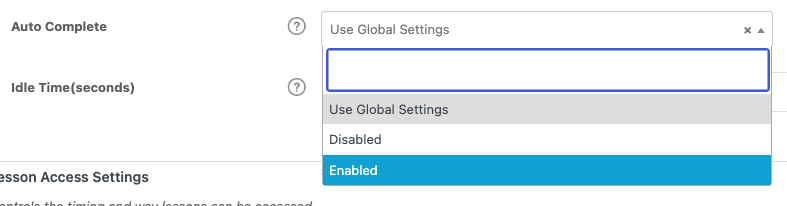 ### Usage
For the learner, an autocompleting lesson or topic simply marks itself done on open — there’s no button to click.
#### The Done button
So learners are never stranded without a way forward, a **Done** button automatically appears on the last incomplete lesson or topic. It acts as a final **Mark Complete** button and triggers course completion. Its behavior depends on your course progression mode.
**Note:** When a learner completes the last topic in a lesson that has autocompletion enabled, they are returned to that lesson — not moved straight to the next lesson.
### Related Articles
- [Autocomplete Lessons & Topics on Quiz Results Page](https://www.uncannyowl.com/knowledge-base/autocomplete-lessons-topics-quiz-results-page/)
- [Autocomplete Lessons & Topics when Quiz is Graded](https://www.uncannyowl.com/knowledge-base/autocomplete-lessons-topics-when-quiz-is-graded/)
- [Autocomplete Lessons & Topics on Gravity Form Submission](https://www.uncannyowl.com/knowledge-base/gravity-forms-auto-completes-lessons-topics/)
- [Getting Started with Uncanny Toolkit Pro](https://www.uncannyowl.com/knowledge-base/getting-started-with-uncanny-toolkit-pro/)
**Article Categories:** Uncanny Toolkit Pro for LearnDash
---
### [Employee Training & Onboarding at Scale](https://www.uncannyowl.com/knowledge-base/employee-training-onboarding-at-scale/)
**Published:** June 30, 2026
**Author:** David Chambo
**Content:**
If you train employees, partners, or franchisees on LearnDash, the hard part usually isn’t the course — it’s everything around it: getting hundreds of people enrolled, keeping each client or department separate, proving completion, and pulling reports for managers. This guide shows how a handful of Uncanny Toolkit Pro modules combine into one repeatable onboarding system.
### The Scenario
You deliver training to organizations — new-hire onboarding, compliance, certifications. Each organization is a cohort of dozens or hundreds of learners. You need to enroll them quickly, keep their data separate, deliver content on a schedule, prove who finished, and report back to their managers. Doing this by hand doesn’t scale. Here’s how to automate each step.
### Step 1 — Get Everyone Enrolled
You have two ways to onboard a group of learners, depending on whether you have their details up front.
**You have a roster (spreadsheet of names and emails):** Use [Import Users](https://www.uncannyowl.com/knowledge-base/import-learndash-users/) to create every account, enroll them in the right courses, assign them to the right LearnDash Group, and email each person their login — all from one CSV. As of v4.4 the importer auto-detects comma, semicolon, tab, or pipe delimiters, so an export straight from an HR system usually imports without reformatting.
**You want learners to sign themselves up:** Use [Group Registration](https://www.uncannyowl.com/knowledge-base/group-sign-up/) to give each organization a unique sign-up URL. Send the link to the client; their people self-register and land in the correct group automatically. Forminator, Gravity Forms, and Theme My Login are all supported for the registration form.
### Step 2 — Keep Each Client Separate with Groups
LearnDash Groups are the backbone of multi-client training. Each organization becomes a group, which keeps their learners, progress, and reporting cleanly separated. Toolkit Pro adds organization branding to the experience with [Group Logo/List](https://www.uncannyowl.com/knowledge-base/ld-group-logo-list/), so each client sees their own logo, and [Group Login Redirect](https://www.uncannyowl.com/knowledge-base/learndash-group-login-redirect/) to send each group’s members to the right landing page on login.
### Step 3 — Deliver Content on a Schedule
For structured onboarding or compliance programs, you often want content to unlock over time rather than all at once. [Drip Lessons by LearnDash Group](https://www.uncannyowl.com/knowledge-base/drip-lessons-by-ldgroup/) and [Drip Topics by LearnDash Group](https://www.uncannyowl.com/knowledge-base/drip-topics-by-ldgroup/) let each cohort unlock the same course on its own calendar, tied to when that group started — so a January cohort and a March cohort follow the same schedule offset from their own start dates.
### Step 4 — Enforce and Verify Completion
For compliance training where “they clicked through it” isn’t good enough:
- [Simple Course Timer](https://www.uncannyowl.com/knowledge-base/simple-course-timer/) records real time-on-content and can require a minimum time before a quiz unlocks — useful for seat-time requirements.
- [Email Course Certificates](https://www.uncannyowl.com/knowledge-base/send-course-certificates-email/) and [Email Group Certificates](https://www.uncannyowl.com/knowledge-base/send-group-certificates-email/) deliver proof of completion automatically, and can CC the admin or group leader.
- [Learner Transcript](https://www.uncannyowl.com/knowledge-base/learner-transcript/) gives each employee a branded record of everything they’ve completed, now with an optional shareable public link for HR or auditors.
### Step 5 — Report Back to Managers
[Enhanced LearnDash CSV Reports](https://www.uncannyowl.com/knowledge-base/enhanced-learndash-csv-reports/) adds the columns native LearnDash exports leave out — username, full names, roles, group membership, course start date, and custom user meta — so the report you hand a client manager is actually usable.
### Step 6 — Expire Access When the Program Ends
For time-boxed contracts or annual compliance cycles, [Group Expiration](https://www.uncannyowl.com/knowledge-base/learndash-group-expiration/) revokes a whole organization’s access on a set date, with optional pre-expiry warning emails — so you don’t have to remember to clean up access manually.
### The Whole System at a Glance
**Need****Module**Bulk-enroll a rosterImport UsersLet learners self-enroll into the right groupGroup RegistrationBrand each client’s experienceGroup Logo/List, Group Login RedirectRelease content on a cohort scheduleDrip Lessons/Topics by GroupEnforce seat timeSimple Course TimerDeliver proof of completionEmail Certificates, Learner TranscriptReport to managersEnhanced CSV ReportsEnd access on scheduleGroup Expiration### Related Articles
- [Getting Started with Uncanny Toolkit Pro](https://www.uncannyowl.com/knowledge-base/getting-started-with-uncanny-toolkit-pro/)
- [Cohort & Membership Programs](https://www.uncannyowl.com/knowledge-base/cohort-membership-programs-learndash/) *(new article — suggested URL, confirm)* — A related scheduled-delivery workflow
- [Uncanny Groups for LearnDash](https://www.uncannyowl.com/knowledge-base/uncanny-learndash-groups-plugin-overview/) — Add seat management and group commerce
**Article Categories:** Uncanny Toolkit Pro for LearnDash
---
### [Autocomplete Lessons & Topics on Gravity Forms Submission](https://www.uncannyowl.com/knowledge-base/gravity-forms-auto-completes-lessons-topics/)
**Published:** July 22, 2016
**Author:** Ryan Moore
**Excerpt:** Learn how to automatically mark a lesson or topic complete when a user submits a Gravity Form.
**Content:**
### Overview
Mark a LearnDash lesson or topic complete the moment a learner submits a Gravity Form on that page. This is perfect for steps that require an action first — signing an agreement, answering a survey, or submitting feedback — before the learner can move on.
With this module enabled and autocompletion turned on for a specific form, the form’s submit button replaces the standard **Mark Complete** button. When the learner submits the form, the lesson or topic is marked complete automatically.
Common use cases:
- Acknowledgement or consent forms a learner must complete before continuing.
- Surveys, quizzes, or feedback collected at a specific point in a course.
- Any step where completion should be tied to a deliberate form submission.
**Important:** For this module to work, lessons must be associated with a course, and topics must be associated with both a lesson and a course.
### Configure It
#### Turn on autocompletion for the form
Enable autocompletion in the Gravity Form’s settings (the **Mark Lesson/Topic Complete** option — “Enable to Mark Lesson/Topic Autocomplete”) so its submit button takes over as the completion trigger for that lesson or topic.
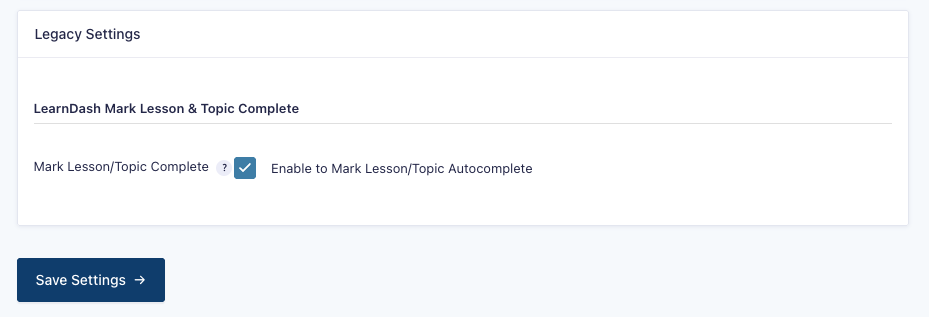 #### Decide whether learners can resubmit a previously completed form
If the same form appears across multiple pages, lessons, or topics, use the **Hide the Mark Complete button if the user has a previous entry** setting:
- Keep it **enabled** when a single submission should count everywhere — the learner won’t be asked again once they’ve submitted.
- **Disable** it when learners should submit the form fresh in each course context — useful for surveys or feedback that need to be collected per lesson, even if an earlier entry exists.
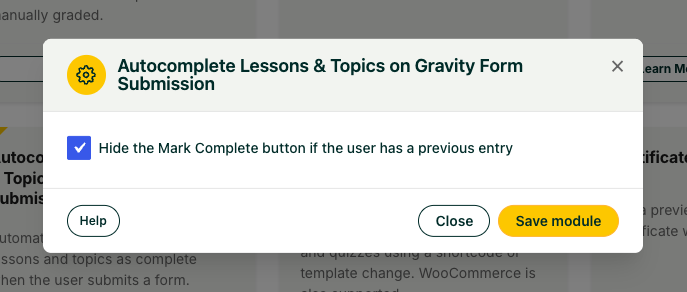 #### Decide how learners advance after submitting
To advance learners to the next topic or lesson automatically after submission:
- Disable AJAX form submission (use ajax=false in the form shortcode).
- Remove any redirect settings from the form’s confirmation options.
**Attribute****Where it goes****Purpose**ajax=falseGravity Form shortcodeDisables AJAX submission so the page reload can trigger auto-advance**Note:** If the form is on the final topic of a lesson, learners return to that lesson after submitting rather than advancing to the next lesson.
### Usage
The learner fills in and submits the Gravity Form as usual. On submission, the lesson or topic is marked complete — there’s no separate **Mark Complete** step.
**Important:** This module works alongside the standard **Autocomplete Lessons & Topics** module, which marks content complete on page load. That can conflict with form-based steps that require input first. On pages where a form submission should drive completion, disable page-load autocompletion for that lesson or topic.
### Related Articles
- [Autocomplete Lessons & Topics](https://www.uncannyowl.com/knowledge-base/autocomplete-lessons-topics/)
- [Autocomplete Lessons & Topics on Fluent Forms Submission](https://www.uncannyowl.com/knowledge-base/ffforms-auto-completes-lessons-topics/)
- [Autocomplete Lessons & Topics on WPForms Submission](https://www.uncannyowl.com/knowledge-base/wpforms-auto-completes-lessons-topics/)
- [Autocomplete Lessons & Topics on Formidable Forms Submission](https://www.uncannyowl.com/knowledge-base/formidable-auto-completes-lessons-topics/)
**Article Categories:** Uncanny Toolkit Pro for LearnDash
---
### [Autocomplete Lessons & Topics on Formidable Forms Submission](https://www.uncannyowl.com/knowledge-base/formidable-auto-completes-lessons-topics/)
**Published:** March 30, 2022
**Author:** Ryan Moore
**Content:**
### Overview
Mark a LearnDash lesson or topic complete the moment a learner submits a Formidable Forms form on that page. Use it when a step should require an action — a sign-off, a survey, or feedback — before the learner moves on.
With this module enabled and autocompletion turned on for a specific form, the Formidable Forms submit button replaces the standard **Mark Complete** button. When the learner submits the form, the lesson or topic is marked complete automatically.
Common use cases:
- Acknowledgement or consent forms a learner must submit before continuing.
- Surveys or feedback collected at a specific point in a course.
- Any step where completion should be tied to a deliberate form submission.
**Important:** For this module to work, lessons must be associated with a course, and topics must be associated with both a lesson and a course.
### Configure It
#### Turn on autocompletion for the form
Open the form’s settings and enable **Enable LearnDash Lesson/Topic Autocompletion**. This makes the form’s submission the completion trigger for that lesson or topic.
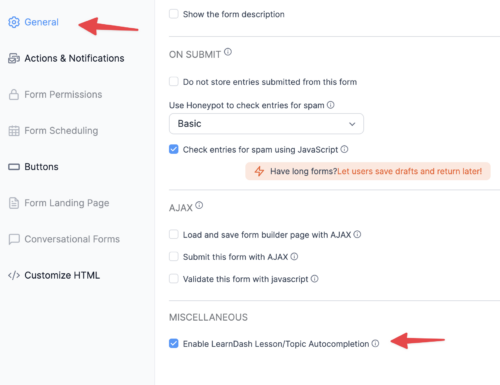#### Decide whether learners can resubmit a previously completed form
If the same form appears across multiple pages, lessons, or topics, use the **Hide the Mark Complete button if the user has a previous entry** setting:
- Keep it **enabled** when a single submission should count everywhere — the learner won’t be prompted again once they’ve submitted.
- **Disable** it when learners should submit the form fresh in each course context, even if an earlier entry exists.
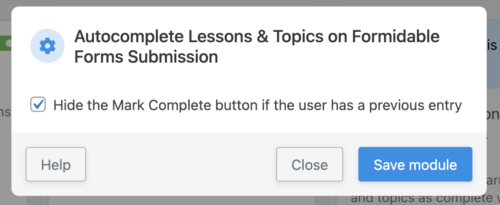 #### Decide how learners advance after submitting
To advance learners to the next topic or lesson automatically after submission:
- Do not enable AJAX form submission.
- Disable any redirect settings in the form’s confirmation area.
**Note:** If the form is on the final topic of a lesson, learners return to that lesson after submitting rather than advancing to the next lesson.
### Usage
The learner fills in and submits the Formidable Forms form as usual. On submission, the lesson or topic is marked complete.
**Important:** This module works alongside the standard **Autocomplete Lessons & Topics** module, which marks content complete on page load. That can conflict with form-based steps that require input first. On pages where a form submission should drive completion, disable page-load autocompletion for that lesson or topic.
### Related Articles
- [Autocomplete Lessons & Topics](https://www.uncannyowl.com/knowledge-base/autocomplete-lessons-topics/)
- [Autocomplete Lessons & Topics on Gravity Form Submission](https://www.uncannyowl.com/knowledge-base/gravity-forms-auto-completes-lessons-topics/)
- [Autocomplete Lessons & Topics on Fluent Forms Submission](https://www.uncannyowl.com/knowledge-base/ffforms-auto-completes-lessons-topics/)
- [Autocomplete Lessons & Topics on WPForms Submission](https://www.uncannyowl.com/knowledge-base/wpforms-auto-completes-lessons-topics/)
**Article Categories:** Uncanny Toolkit Pro for LearnDash
---
### [Autocomplete Lessons & Topics on Fluent Forms submission](https://www.uncannyowl.com/knowledge-base/ffforms-auto-completes-lessons-topics/)
**Published:** March 30, 2022
**Author:** Ryan Moore
**Content:**
### Overview
Mark a LearnDash lesson or topic complete the moment a learner submits a Fluent Forms form on that page. Use it when a step should require an action — a sign-off, a survey, or feedback — before the learner moves on.
With this module enabled and autocompletion turned on for a specific form, the Fluent Forms submit button replaces the standard **Mark Complete** button. When the learner submits the form, the lesson or topic is marked complete automatically.
Common use cases:
- Acknowledgement or consent forms a learner must submit before continuing.
- Surveys or feedback collected at a specific point in a course.
- Any step where completion should be tied to a deliberate form submission.
**Important:** For this module to work, lessons must be associated with a course, and topics must be associated with both a lesson and a course.
### Configure It
#### Turn on autocompletion
In the module’s settings, enable **Hide the “Mark Complete” button automatically when the Fluent Forms are added to the lessons and topics**. This turns autocompletion on for Fluent Forms added to lessons and topics, so the form’s submit button takes over as the completion trigger.
#### Decide whether learners can resubmit a previously completed form
If the same form appears across multiple pages, lessons, or topics, use the **Hide the “Mark Complete” button if the user has a previous entry** setting:
- Keep it **enabled** (recommended in most cases) when a single submission should count everywhere — the learner won’t be prompted again once they’ve submitted.
- **Disable** it when learners should submit the form fresh in each course context, even if an earlier entry exists.
Showing or hiding the **Mark Complete** button is optional; in most cases this checkbox should be checked.
**Important:** Fluent Forms cannot support non-AJAX submissions, so this module cannot advance the learner automatically on form submission. Learners must navigate to the next step manually after submitting — there is no auto-advance workaround.
### Usage
The learner fills in and submits the Fluent Forms form as usual. On submission, the lesson or topic is marked complete, then the learner moves to the next step manually.
**Note:** This module works alongside the standard **Autocomplete Lessons & Topics** module, which marks content complete on page load. That can conflict with form-based steps that require input first. On pages where a form submission should drive completion, disable page-load autocompletion for that lesson or topic.
### Related Articles
- [Autocomplete Lessons & Topics](https://www.uncannyowl.com/knowledge-base/autocomplete-lessons-topics/)
- [Autocomplete Lessons & Topics on Gravity Form Submission](https://www.uncannyowl.com/knowledge-base/gravity-forms-auto-completes-lessons-topics/)
- [Autocomplete Lessons & Topics on WPForms Submission](https://www.uncannyowl.com/knowledge-base/wpforms-auto-completes-lessons-topics/)
- [Autocomplete Lessons & Topics on Formidable Forms Submission](https://www.uncannyowl.com/knowledge-base/formidable-auto-completes-lessons-topics/)
**Article Categories:** Uncanny Toolkit Pro for LearnDash
---
### [User Switching](https://www.uncannyowl.com/knowledge-base/user-switching-module/)
**Published:** August 14, 2017
**Author:** Anthony Lucic
**Excerpt:** Learn how to preview your site as another user without having to know that user's password.
**Content:**
### Overview
Troubleshoot learner issues by stepping directly into a user’s account to see your site exactly as they do, then switch back to your own account instantly. It is the fastest way to confirm what a student is (or isn’t) seeing without ever asking for their password.
### What the Module Does
The **User Switching** module lets administrators log in as another user, view the site from that person’s perspective, and return to their own account with a single click. It is built on John Blackbourn’s well-established [User Switching](https://wordpress.org/plugins/user-switching/) plugin.
This is invaluable for LearnDash support and troubleshooting. When a learner reports that a lesson won’t unlock, a quiz won’t submit, or content appears to be missing, you can switch into their account and see precisely what they see, instead of guessing from screenshots or descriptions.
**Note:** Any action you take while switched is recorded as if that user performed it. Completing a lesson, submitting a quiz, or posting a comment will be attributed to them. We recommend creating a dedicated test account for trying out site behavior, and reserving live learner accounts for cases where you specifically need to inspect that user’s real progress and data.
### Enabling the Module
1. Go to **Uncanny Toolkit** in your WordPress admin menu.
2. Locate the **User Switching** module and toggle it on.
Once enabled, the module automatically gives administrators the ability to switch between user accounts. No further configuration is required.
### Who Can Switch Users
Switching is available to administrators and any user who has the capability to edit users. Because this capability grants full access to other accounts, it should remain limited to trusted, high-level roles.
### How to Switch to Another User
1. Go to **Users > All Users**.
2. Find the user you want to view the site as.
3. Hover over their username and click the **Switch To** link beneath it.
You are now logged in as that user and will see the site exactly as they do.
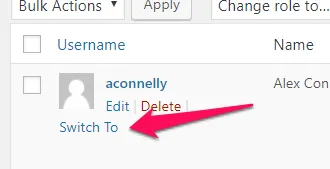### How to Switch Back
While you are switched into another account, a link to return to your own account appears in the **admin bar** at the top of the screen, and/or at the **bottom of the page**. Click it to instantly switch back to your original administrator account.
### Security Considerations
**Note:** User Switching never reveals passwords. It uses WordPress’s own secure cookie authentication to move between accounts, so you can view a user’s experience without ever knowing or changing their credentials.
If you also use the **Hide Admin Bar** module, be aware that hiding the admin bar can hide the switch-back link along with it. We recommend confirming the switch-back link remains accessible at the bottom of the page so you are never stranded in another user’s account. Some themes can also affect where the switch-back link appears, so it is worth verifying its placement before relying on the module in production.
### Related Articles
- [Introduction to the Uncanny LearnDash Toolkit](https://www.uncannyowl.com/knowledge-base/introduction-to-the-uncanny-learndash-toolkit/)
- [Disable Emails](https://www.uncannyowl.com/knowledge-base/disable-emails/)
- [Groups in User Profiles](https://www.uncannyowl.com/knowledge-base/learndash-groups-user-profiles/)
**Article Categories:** Uncanny Toolkit for LearnDash
---
### [Use Case: Safely Test Your LearnDash Site](https://www.uncannyowl.com/knowledge-base/use-case-safely-test-your-learndash-site/)
**Published:** June 30, 2026
**Author:** David Chambo
**Content:**
### Overview
Testing changes on a real course site is risky. Run a test enrollment and you might fire off a wave of real emails to real learners. Try to reproduce a “my course won’t load” report and you’re guessing at what the learner actually sees.
Two free Toolkit modules make testing safe and accurate: **Disable Emails** stops your staging site from contacting anyone, and **User Switching** lets you experience the site exactly as a specific learner. Together they let you test confidently — without surprises.
### The Modules You’ll Use
**Module****What it does**[Disable Emails](https://www.uncannyowl.com/knowledge-base/disable-emails/)Blocks all outgoing email from the site[User Switching](https://www.uncannyowl.com/knowledge-base/user-switching-module/)Lets admins log in as another user, then switch back### Scenario 1: A Safe Staging Environment
When you clone your live site to a staging server, it still knows how to send email — and a single test action can trigger enrollment notifications, password resets, or course-completion emails to your actual customers.
1. On your **staging** site, enable [Disable Emails](https://www.uncannyowl.com/knowledge-base/disable-emails/) under **Uncanny Toolkit > Modules**.
2. That’s it — no configuration needed. While the module is active, WordPress sends no email at all.
3. Watch for the admin-bar reminder confirming email is blocked.
 **Important:** This blocks **all** site email while active. Only enable it on staging or test sites — never leave it on in production, or your learners will stop receiving notifications.
**We recommend** pairing Disable Emails with an email-logging plugin (such as Email Log). The logger captures what *would* have been sent, so you can verify your emails are correct without anything actually leaving the server.
### Scenario 2: Reproduce a Learner’s Problem Exactly
When a learner reports that something is broken, the fastest way to diagnose it is to see the site through their eyes.
1. Enable [User Switching](https://www.uncannyowl.com/knowledge-base/user-switching-module/).
2. Go to **Users > All Users** and find the learner.
3. Click **Switch To** on their row.
4. You’re now browsing as that user — you’ll see their courses, progress, and any access restrictions exactly as they do.
5. When you’re done, use the **switch-back** link in the admin bar to return to your own account instantly.
**Note:** User Switching is a powerful administrative capability. Only trusted roles should have access to it, since it grants the ability to act as another account.
### Putting It Together: A Testing Routine
1. Clone production to staging.
2. Enable **Disable Emails** on staging immediately.
3. Make and test your changes — new courses, settings, plugin updates.
4. Use **User Switching** to verify the experience from a learner’s perspective.
5. When everything checks out, apply the changes to production (with Disable Emails **off** there).
### Related Articles
- [Disable Emails](https://www.uncannyowl.com/knowledge-base/disable-emails/)
- [User Switching](https://www.uncannyowl.com/knowledge-base/user-switching-module/)
- [Groups in User Profiles](https://www.uncannyowl.com/knowledge-base/learndash-groups-user-profiles/) — Check a user’s group memberships while troubleshooting
- [Getting Started with the Uncanny Toolkit](https://www.uncannyowl.com/knowledge-base/getting-started-with-the-uncanny-toolkit/)
---
### [Use Case: Build a Custom-Branded Login Experience](https://www.uncannyowl.com/knowledge-base/use-case-build-a-custom-branded-login-experience/)
**Published:** June 30, 2026
**Author:** David Chambo
**Content:**
### Overview
Out of the box, WordPress sends your learners to a generic wp-login.php screen that has nothing to do with your brand. For a course or membership site, that’s a jarring break in the experience — and a missed opportunity to reinforce trust at the exact moment someone signs in.
The Uncanny Toolkit lets you replace that default screen entirely with a login experience that lives on your own pages, matches your design, and routes learners exactly where you want them. This guide combines four free modules into one cohesive flow.
### The Modules You’ll Use
**Module****Role in the flow**[Front End Login](https://www.uncannyowl.com/knowledge-base/front-end-login/)The branded login, forgot-password, and reset-password forms[Log In/Log Out Links](https://www.uncannyowl.com/knowledge-base/log-in-log-out-links/)Login, logout, and register links in your menu[Log In/Log Out Redirects](https://www.uncannyowl.com/knowledge-base/learndash-login-redirect/)Sends users to the right page after signing in or out[Menu Item Visibility](https://www.uncannyowl.com/knowledge-base/menu-item-visibility/)Shows the right menu items to logged-in vs logged-out visitorsEnable all four under **Uncanny Toolkit > Modules**.
### The Workflow
#### Step 1: Create Your Branded Login Page
1. Create a new page called **Log In**.
2. Add the **Front End Login** block (or the
## Login
Log in below to access your account.
Username or Email Address
Password
Remember Me
[Forgot Password?](https://www.uncannyowl.com/login/?action=lostpassword) shortcode) to the page.
3. Go to **Uncanny Toolkit > Settings > Front End Login** and set this page as your **Login Page**. Anyone who tries to reach the default WordPress login screen is now redirected here.
4. Under **Select Template**, choose **Modern** and use the built-in colour pickers (Primary, Text, Background, and Border Color) to match your brand — no custom CSS required.
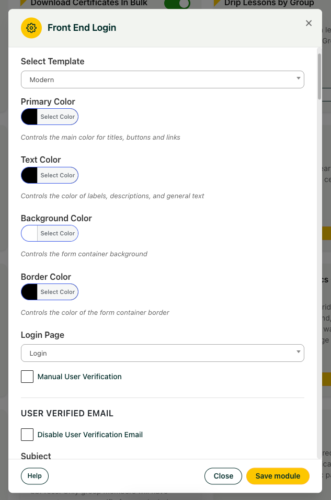 **Tip:** Add reCAPTCHA v2 keys in the Front End Login settings to cut down on spam logins, and — if your audience expects it — turn on two-factor authentication via the free WP 2FA plugin.
#### Step 2: Route Users After They Log In
Use the [Log In/Log Out Redirects](https://www.uncannyowl.com/knowledge-base/learndash-login-redirect/) module to send learners to a meaningful destination — typically a **My Courses** dashboard — instead of the WordPress profile screen.
1. Go to **Uncanny Toolkit > Settings > Log In/Log Out Redirects**.
2. Set the **login redirect** to your course dashboard page.
3. Set the **logout redirect** to your home page or a “see you soon” page.
#### Step 3: Add Login and Logout Links to Your Menu
With [Log In/Log Out Links](https://www.uncannyowl.com/knowledge-base/log-in-log-out-links/) enabled:
1. Go to **Appearance > Menus**.
2. In the **Uncanny Menu Links** section, add a **Log In** link (or a modal login link) and a **Log Out** link.
For a smoother experience, use the modal login option so visitors can sign in from any page without leaving it. (The modal requires AJAX to be enabled in the Front End Login settings.)
#### Step 4: Show the Right Menu to the Right Visitor
A logged-out visitor shouldn’t see “Log Out,” and a logged-in learner shouldn’t see “Log In” or “Register.” Use [Menu Item Visibility](https://www.uncannyowl.com/knowledge-base/menu-item-visibility/) to clean this up:
1. Go to **Appearance > Menus** and expand a menu item.
2. Set each item to show only to **logged-in** or **logged-out** visitors as appropriate.
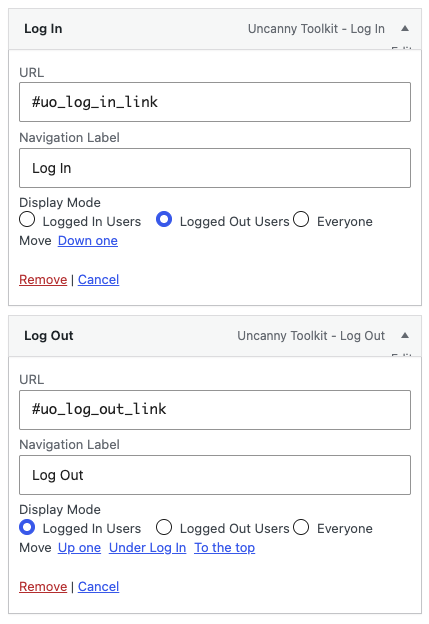 ### The Result
Visitors now experience a login flow that feels native to your site from start to finish: they click **Log In** in your menu, sign in on a branded page, and land on their course dashboard — never seeing a default WordPress screen. Logged-in and logged-out visitors each see a menu tailored to them.
### Recommended Enhancements
- **Distraction-free learning** — Pair this with [Hide Admin Bar](https://www.uncannyowl.com/knowledge-base/hide-admin-bar/) so students don’t see the WordPress toolbar. See [Use Case: A Distraction-Free Student Dashboard](https://www.uncannyowl.com/knowledge-base/use-case-a-distraction-free-student-dashboard/).
- **Gated content** — Use [Show or Hide Content](https://www.uncannyowl.com/knowledge-base/show-hide-content/) to reveal members-only content on otherwise public pages.
- **Sales routing** — Use [Not Enrolled Redirect](https://www.uncannyowl.com/knowledge-base/redirect-user-if-not-enrolled/) to send non-enrolled visitors to your sales page.
### Related Articles
- [Front End Login](https://www.uncannyowl.com/knowledge-base/front-end-login/)
- [Log In/Log Out Links](https://www.uncannyowl.com/knowledge-base/log-in-log-out-links/)
- [Log In/Log Out Redirects](https://www.uncannyowl.com/knowledge-base/learndash-login-redirect/)
- [Menu Item Visibility](https://www.uncannyowl.com/knowledge-base/menu-item-visibility/)
- [Getting Started with the Uncanny Toolkit](https://www.uncannyowl.com/knowledge-base/getting-started-with-the-uncanny-toolkit/)
**Article Categories:** Uncanny Toolkit for LearnDash
---
### [Use Case: A Distraction-Free Student Dashboard](https://www.uncannyowl.com/knowledge-base/use-case-a-distraction-free-student-dashboard/)
**Published:** June 30, 2026
**Author:** David Chambo
**Content:**
### Overview
Course completion rises when learners aren’t fighting the interface. A cluttered admin bar, a confusing sense of “where am I?”, and the friction of finding where you left off all chip away at momentum.
This guide combines several free Toolkit modules into a focused, learner-first experience — the kind of polish that makes a LearnDash site feel like a purpose-built learning platform rather than a WordPress blog with courses bolted on.
### The Modules You’ll Use
**Module****What it contributes**[Hide Admin Bar](https://www.uncannyowl.com/knowledge-base/hide-admin-bar/)Removes the WordPress toolbar for students[Breadcrumb Links](https://www.uncannyowl.com/knowledge-base/learndash-breadcrumb-links/)Shows learners exactly where they are in a course[Resume Button](https://www.uncannyowl.com/knowledge-base/learndash-resume/)One click back to where they left off[Quiz Completion Advances to Next Step](https://www.uncannyowl.com/knowledge-base/quiz-completion-advances-to-next-step/)Auto-advances learners after a quiz[Menu Item Visibility](https://www.uncannyowl.com/knowledge-base/menu-item-visibility/)Shows students only the menu items relevant to themEnable each under **Uncanny Toolkit > Modules**.
### The Workflow
#### Step 1: Remove the Admin Bar for Students
The WordPress admin bar is useful for you, but it confuses learners and breaks the immersion.
1. Enable [Hide Admin Bar](https://www.uncannyowl.com/knowledge-base/hide-admin-bar/).
2. Go to **Uncanny Toolkit > Settings > Hide Admin Bar**.
3. Check the roles whose admin bar should be hidden — typically **Subscriber**, **Customer**, and any student role. Leave it visible for administrators and instructors.
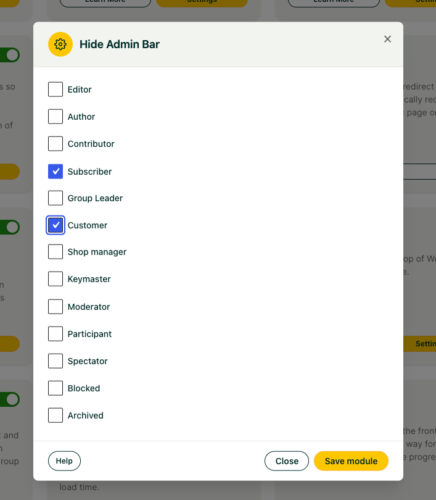 #### Step 2: Give Learners a Sense of Place
Add breadcrumbs so learners always know where they are in the course hierarchy.
1. Enable [Breadcrumb Links](https://www.uncannyowl.com/knowledge-base/learndash-breadcrumb-links/).
2. Add the \[uo\_breadcrumbs\] shortcode to your course, lesson, and topic templates (or use the template function if your theme supports it).
3. Optionally customize the separator and the dashboard label in the module settings.
#### Step 3: Make It Easy to Resume
Nothing kills momentum like hunting for the next lesson.
1. Enable the [Resume Button](https://www.uncannyowl.com/knowledge-base/learndash-resume/).
2. Add the resume shortcode to your course dashboard.
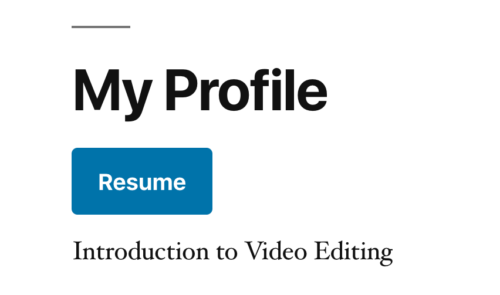#### Step 4: Keep Learners Moving After Quizzes
1. Enable [Quiz Completion Advances to Next Step](https://www.uncannyowl.com/knowledge-base/quiz-completion-advances-to-next-step/).
2. Once active, completing a quiz automatically moves the learner to the next step — no extra clicks, no dead-end “quiz complete” screen.
#### Step 5: Simplify the Menu
Use [Menu Item Visibility](https://www.uncannyowl.com/knowledge-base/menu-item-visibility/) so logged-in learners see a clean, course-focused menu (My Courses, Resume, Log Out) without marketing or sign-up links meant for visitors.
### The Result
A learner logs in and sees a clean page with no WordPress chrome, breadcrumbs telling them exactly where they are, a **Resume** button to jump back in, and quizzes that flow straight into the next lesson. The experience feels intentional — and learners who don’t get lost are learners who finish.
### Recommended Enhancements
- Pair with a [branded login experience](https://www.uncannyowl.com/knowledge-base/front-end-login/) so the polish starts at sign-in.
- Add [Show Certificates](https://www.uncannyowl.com/knowledge-base/show-learndash-certificates/) and the [Certificate Widget](https://www.uncannyowl.com/knowledge-base/learndash-certificate-widget/) so learners can celebrate and download their achievements.
### Related Articles
- [Hide Admin Bar](https://www.uncannyowl.com/knowledge-base/hide-admin-bar/)
- [Breadcrumb Links](https://www.uncannyowl.com/knowledge-base/learndash-breadcrumb-links/)
- [Resume Button](https://www.uncannyowl.com/knowledge-base/learndash-resume/)
- [Quiz Completion Advances to Next Step](https://www.uncannyowl.com/knowledge-base/quiz-completion-advances-to-next-step/)
- [Getting Started with the Uncanny Toolkit](https://www.uncannyowl.com/knowledge-base/getting-started-with-the-uncanny-toolkit/)
**Article Categories:** Uncanny Toolkit for LearnDash
---
### [Topics Autocomplete Lessons (Legacy)](https://www.uncannyowl.com/knowledge-base/topics-autocomplete-lessons/)
**Published:** July 20, 2016
**Author:** yuehchin
**Excerpt:** Learn how to automatically mark lessons complete when a user completes the lesson's topics.
**Content:**
### Overview
Topics Autocomplete Lessons automatically marks a lesson as complete once all of the topics inside it are finished, then sends the learner on to the next lesson. This is a legacy module, retained for backward compatibility on older LearnDash setups.
### What This Module Does
When this module is enabled, if all topics in a lesson are marked as completed, the lesson is marked as completed automatically and the user is directed to the next lesson.
This removes a common point of friction: without it, learners often have to navigate back to a lesson page they have already worked through and click a completion button before they can continue. With the module on, that step happens for them as soon as the last topic is done.
A note on behavior: enabling this module does not hide the lesson’s **Mark Complete** button. It only adds the automatic completion behavior. Whether learners still see that button depends on your course’s progression settings (open vs. linear).
### How to Enable It
1. In your WordPress admin, go to the **Uncanny Toolkit** settings page.
2. Locate the **Topics Autocomplete Lessons** module.
3. Turn the module on.
That’s all that’s required. There are no additional configuration options for this module.
### Legacy Status and Modern Alternatives
This module predates the course navigation changes introduced in LearnDash 4.11. With those changes, this module is considered redundant with native LearnDash functionality and is no longer recommended for sites running LearnDash 4.11 or higher.
The module remains supported and continues to function as before for sites that still rely on it. As part of Toolkit v3.8.0, we completed internal deprecated-function cleanup so the module stays compatible with current WordPress and PHP versions. No settings or behavior changed in that release.
If you are setting up a new course or running LearnDash 4.11+, we recommend using LearnDash’s built-in course navigation and progression options for autocompletion rather than enabling this module. For related automatic advancement on quizzes, see the Toolkit’s **Quiz Completion Advances to Next Step** module.
### Related Articles
- [Introduction to the Uncanny LearnDash Toolkit](https://www.uncannyowl.com/knowledge-base/introduction-to-the-uncanny-learndash-toolkit/)
- [Install the Uncanny LearnDash Toolkit](https://www.uncannyowl.com/knowledge-base/install-the-uncanny-learndash-toolkit/)
- [Quiz Completion Advances to Next Step](https://www.uncannyowl.com/knowledge-base/quiz-completion-advances-to-next-step/)
**Article Categories:** Uncanny Toolkit for LearnDash
---
### [Uncanny Toolkit for LearnDash - Quick Reference](https://www.uncannyowl.com/knowledge-base/uncanny-learndash-toolkit-quick-reference/)
**Published:** April 20, 2016
**Author:** Ken
**Excerpt:** See a summary of the most commonly used functions in the Uncanny LearnDash Toolkit.
**Content:**
This reference lists the shortcodes, blocks, and widgets included with the free Uncanny Toolkit for LearnDash, grouped by module. Each shortcode requires its module to be enabled on the Uncanny LearnDash Toolkit settings page. Follow the linked article in each section for full setup details.
\[table id=1 /\]
**Article Categories:** Uncanny Toolkit for LearnDash
---
### [Uncanny Toolkit: Free vs. Pro](https://www.uncannyowl.com/knowledge-base/uncanny-toolkit-free-vs-pro/)
**Published:** June 30, 2026
**Author:** David Chambo
**Content:**
### Overview
The free Uncanny Toolkit gives every LearnDash site the essentials — branded login, course navigation, certificate displays, and admin tools. [Uncanny Toolkit Pro](https://www.uncannyowl.com/downloads/uncanny-pro-toolkit/) builds on that foundation with the advanced modules that growing course businesses need: automation, group management, reporting, and a richer learner experience.
This article helps you decide which is right for you, and what an upgrade unlocks.
### What the Free Toolkit Covers
The free version is genuinely useful on its own. It includes modules for:
- **Login & access** — Front End Login, Log In/Log Out Links, Log In/Log Out Redirects, Not Enrolled Redirect
- **Navigation & experience** — Breadcrumb Links, Resume Button, Quiz Completion Advances to Next Step, Menu Item Visibility, Show or Hide Content, Hide Admin Bar
- **Certificates** — Show Certificates, Certificate Widget
- **Administration** — Groups in User Profiles, User Switching, Disable Emails
For many sites, that’s everything you need. See the [Introduction to the Uncanny Toolkit](https://www.uncannyowl.com/knowledge-base/introduction-to-the-uncanny-learndash-toolkit/) for the full module directory.
### What Toolkit Pro Adds
Toolkit Pro installs alongside the free version and adds modules in several high-value areas:
**Area****Examples of Pro modules****Automation**Autocomplete lessons & topics on form submission or quiz results, Reset Progress button**Group sales & management**Group Registration, Group Login Redirect, Group Expiration, Group Logo/List, Drip content by group**Reporting & certificates**Enhanced LearnDash CSV Reports, Email Course/Group/Quiz Certificates, Download Certificates in Bulk, Certificate Preview**Learner experience**Course Dashboard, Enhanced Course Grid, Single Page Courses, Lazy Loading Course Navigation, Simple Course Timer, Sample Lesson Label, Learner Transcript**Site management**Import Users, Duplicate Pages & Posts, Restrict Page Access, Days Until Course ExpirySee the full list in the [Uncanny Toolkit Pro – Quick Reference](https://www.uncannyowl.com/knowledge-base/uncanny-learndash-toolkit-pro-quick-reference/).
### When to Upgrade
Consider Toolkit Pro when you need to:
- **Sell or manage groups.** If you offer team or organizational licenses, Pro’s group registration, expiration, and management modules are purpose-built for it.
- **Automate course progress.** Mark lessons or topics complete automatically when a form is submitted or a quiz is passed.
- **Report at scale.** Export detailed, filterable CSV reports across courses, users, and quizzes.
- **Deliver certificates by email.** Automatically send certificates on course, group, or quiz completion, or download them in bulk.
- **Polish the catalog and player.** Course grids, a course dashboard, single-page courses, and timers elevate the learner experience.
### How They Work Together
Pro doesn’t replace the free Toolkit — it extends it. Both plugins share the same **Uncanny Toolkit > Modules** and **Settings** screens, so there’s no separate interface to learn. Enable free and Pro modules side by side and configure them in one place.
To add Pro:
1. Purchase [Uncanny Toolkit Pro](https://www.uncannyowl.com/downloads/uncanny-pro-toolkit/).
2. Upload the plugin ZIP under **Plugins > Add New > Upload Plugin** and activate it.
3. Enter your license key, then enable Pro modules under **Uncanny Toolkit > Modules**.
### Related Articles
- [Introduction to the Uncanny Toolkit for LearnDash](https://www.uncannyowl.com/knowledge-base/introduction-to-the-uncanny-learndash-toolkit/) — Free module directory
- [Getting Started with the Uncanny Toolkit](https://www.uncannyowl.com/knowledge-base/install-the-uncanny-learndash-toolkit/) — Pick the right modules for your goal
- [Uncanny Toolkit Pro for LearnDash](https://www.uncannyowl.com/downloads/uncanny-pro-toolkit/) — Product page and full feature list
**Article Categories:** Uncanny Toolkit for LearnDash
---
### [Show or Hide Content](https://www.uncannyowl.com/knowledge-base/show-hide-content/)
**Published:** May 11, 2016
**Author:** Ryan Moore
**Excerpt:** Learn how to use shortcodes to show content based on whether or not the user is logged in.
**Content:**
### Overview
Show the right content to the right visitors. The **Show or Hide Content** module lets you display or hide any block of content based on whether a visitor is logged in or logged out, so members and anonymous visitors each see exactly what’s meant for them.
The **Show or Hide Content** module adds a simple shortcode to your site that conditionally reveals or conceals whatever content you wrap inside it. It’s especially useful for **Open** LearnDash course types, where anyone can view the page but you want logged-in members to see extra material, or you want to encourage logged-out visitors to sign up.
**Common uses include:**
- Showing bonus content or member-only resources to logged-in users.
- Presenting a call to action (sign up, log in, enroll) to logged-out visitors.
- Giving anonymous visitors a taste of a course while keeping the full content reserved for members.
This is a free module included in the **Uncanny Toolkit for LearnDash**.
### Enabling the Module
1. In your WordPress admin, go to **Uncanny Toolkit**.
2. Locate the **Show Or Hide Content** module.
3. Click **Activate** to turn it on.
The module has no additional settings — once it’s active, the shortcode is ready to use anywhere shortcodes are supported.
\[Screenshot: Uncanny Toolkit modules screen, the “Show Or Hide Content” module card with its Activate toggle in the on state\]
### How It Works
Wrap any content in the shortcode and set the for attribute to control who sees it. Visitors who don’t match the condition simply won’t see the wrapped content — it’s removed from the page entirely rather than hidden with CSS.
#### Shortcode Reference
**Shortcode****Attribute****Accepted Values****Description**forloggedinShows the wrapped content only to logged-in users.forloggedoutShows the wrapped content only to logged-out (anonymous) visitors. (with a hyphen) works as an alias for if you prefer that spelling.
### Usage Examples
Show content only to logged-in users:
```
This bonus material is only visible to logged-in members.
```
Show content only to logged-out visitors:
```
Create a free account to unlock the full course!
```
You can use both shortcodes on the same page to tailor the experience for each audience:
```
Log in to track your progress.
```
The content inside is fully processed, so you can nest other shortcodes inside it. For example, you can place a login form or another LearnDash shortcode within a block.
## Tips and Recommendations
- We recommend pairing with a clear call to action — a sign-up link or login prompt — to convert anonymous visitors into members.
- The shortcode checks login status only. To show or hide content based on LearnDash enrollment, LearnDash’s own \[visitor\] and \[student\] shortcodes work on course pages and filter by enrollment status.
- Because non-matching content is removed from the page, it won’t appear in the page source — making it a clean way to keep member-only material private.
### Related Articles
- [Menu Item Visibility](https://www.uncannyowl.com/knowledge-base/menu-item-visibility/)
- [Not Enrolled Redirect](https://www.uncannyowl.com/knowledge-base/redirect-user-if-not-enrolled/)
- [Front End Login](https://www.uncannyowl.com/knowledge-base/front-end-login/)
**Article Categories:** Uncanny Toolkit for LearnDash
---
### [Show Certificates](https://www.uncannyowl.com/knowledge-base/show-learndash-certificates/)
**Published:** May 10, 2016
**Author:** yuehchin
**Excerpt:** Learn how to use a shortcode to display the user's earned LearnDash certificates.
**Content:**
### Overview
Give your learners one easy place to find and download every certificate they’ve earned. The **Show Certificates** module adds a shortcode that lists a logged-in user’s LearnDash course and quiz certificates anywhere on your site, so achievements are always just a click away.
### What This Module Does
Once enabled, the **Show Certificates** module provides the `[uo_learndash_certificates]` shortcode (the hyphenated alias `[uo-learndash-certificates]` also works). Drop it onto any page, post, or block area and signed-in learners will see a tidy list of the certificates they’ve earned, each linked for viewing and download.
The list automatically reflects what each learner has unlocked:
- **Course certificates** are listed alphabetically by course title.
- **Quiz certificates** are shown newest-first (the reverse of the order the attempts were recorded).
- **Group certificates** are also included.
- If a learner earns the same certificate more than once, each instance is shown, matching LearnDash’s native behavior.
Because the shortcode only ever displays certificates for the currently logged-in user, you can safely place it on a shared “My Certificates” or account page.
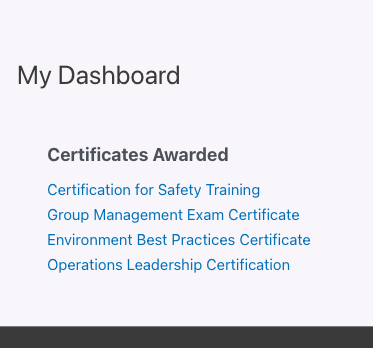 ### How It Relates to the Certificate Widget
**Show Certificates** and the **Certificate Widget** are two independent ways to display a learner’s earned certificates — they do **not** depend on each other, and each builds its own certificate list directly from LearnDash.
- **Show Certificates** provides the `[uo_learndash_certificates]` shortcode for placing a certificate list directly in page or post content.
- The [**Certificate Widget**](https://www.uncannyowl.com/knowledge-base/learndash-certificate-widget/) displays a similar list inside a sidebar or other widget area.
Enable whichever fits where you want the list to appear — or both. Enabling one is not a prerequisite for the other.
### How to Enable the Module
1. In your WordPress admin, go to **Uncanny Toolkit**.
2. Find the **Show Certificates** module and click **Activate**.
3. The \[uo\_learndash\_certificates\] shortcode is now ready to use anywhere on your site.
### Using the Shortcode
Add the shortcode to any page or post to display the current learner’s certificates:
`[uo_learndash_certificates]`
#### Shortcode Attributes
You can refine the output with the following attributes:
- title — Sets a custom heading above the certificate list. Example: `[uo_learndash_certificates title="My Certificates"]`
- class — Adds a custom CSS class to the list container for styling. Example: `[uo_learndash_certificates class="my-custom-class"]`
- course\_certificates — Show or hide course certificates. Accepts show (default) or hide.
- quiz\_certificates — Show or hide quiz certificates. Accepts show (default) or hide.
- group\_certificates — Show or hide group certificates. Accepts show (default) or hide.
- no-cert-message — Custom message shown when the learner has no certificates (default: *Complete courses to earn certificates*).
To hide a whole category, set its attribute to hide. The shortcode only outputs nothing if **all three** certificate types (course\_certificates, quiz\_certificates, and group\_certificates) are set to hide and the learner has no certificates to show.
### Tips and Troubleshooting
- The shortcode only renders certificates for the logged-in user, so be sure to test it while signed in as a learner who has earned at least one certificate.
- Certificates must be properly configured and earned in LearnDash before they will appear. If the list is empty, confirm the learner has completed the relevant course or quiz.
- Some page builders process shortcodes differently. If the list doesn’t render as expected, we recommend testing the shortcode in the standard WordPress editor first to confirm it’s working.
### Related Articles
- [LearnDash Certificate Widget](https://www.uncannyowl.com/knowledge-base/learndash-certificate-widget/)
- [Introduction to the Uncanny LearnDash Toolkit](https://www.uncannyowl.com/knowledge-base/introduction-to-the-uncanny-learndash-toolkit/)
- [Install the Uncanny LearnDash Toolkit](https://www.uncannyowl.com/knowledge-base/install-the-uncanny-learndash-toolkit/)
**Article Categories:** Uncanny Toolkit for LearnDash
---
### [Resume Button](https://www.uncannyowl.com/knowledge-base/learndash-resume/)
**Published:** May 4, 2016
**Author:** Ryan Moore
**Excerpt:** Learn how to create buttons that enable users to resume their learning in LearnDash.
**Content:**
### Overview
The **Resume Button** module gives learners a one-click way to jump straight back to the last course, lesson, topic, or quiz they were working on. Removing the friction of hunting for where they left off keeps learners moving and helps drive course completion.
Once you enable the module, you can drop a Resume button (or link) anywhere on your site outside of LearnDash content, such as a dashboard, welcome page, or members area. When a signed-in learner clicks it, they are returned to the last LearnDash post they visited.
The button only appears for learners who have visited LearnDash content before. If a learner has no activity yet, the button stays hidden, so there is nothing to click until they have actually started a course.
 ### Enabling the Module
1. In your WordPress admin, go to **Uncanny Toolkit**.
2. Find the **Resume Button** module.
3. Click **Activate** to turn it on.
### Adding the Resume Button
Place the shortcode on any page or post that is **not** LearnDash content. We recommend a course dashboard or a members-only page so the button is only seen by learners who are signed in.
### Resume the Last Visited Post
Use this shortcode to send the learner back to the most recent LearnDash course, lesson, topic, or quiz they visited:
`[uo_learndash_resume]`
#### Resume a Specific Course
To link directly to a learner’s last position within a particular course, use the course-specific shortcode and pass the course ID:
`[uo_course_resume course_id="x"]`
Replace x with the ID of the course you want the button to target.
**Attribute****Description**course\_id**Required.** The ID of the course the button links to.#### Render a Link Instead of a Button
If you prefer a text link rather than a button, use the link shortcode:
`[uo_learndash_resume_link]`
To output only the raw URL of the learner’s last visited page (for example, to build your own custom link or pass it elsewhere), add the `url_only` attribute:
`[uo_learndash_resume_link url_only="yes"]`
**Attribute****Description**url\_onlySet to yes to output only the URL of the last visited page instead of a hyperlink.### Styling the Button
The Resume button automatically adopts the styles set for form submit buttons on your site, so it should match your theme out of the box. To customize it further, target the following selector in your CSS:
`a.learndash-resume-button input[type="submit"]`
### Important Notes
- Learners must be **signed in** for the button to work, since it depends on their personal activity history. We recommend placing it on a members-only or password-protected page.
- The button hides itself when the learner is **already on the exact page it would link to** (its resume target), to avoid a link that points to the current page. We still recommend placing it on a non-LearnDash page such as a dashboard or landing page.
- The button stays hidden for learners who have not yet visited any LearnDash content.
### Related Articles
- [Introduction to the Uncanny LearnDash Toolkit](https://www.uncannyowl.com/knowledge-base/introduction-to-the-uncanny-learndash-toolkit/)
- [Breadcrumb Links](https://www.uncannyowl.com/knowledge-base/learndash-breadcrumb-links/)
- [Quiz Completion Advances to Next Step](https://www.uncannyowl.com/knowledge-base/quiz-completion-advances-to-next-step/)
**Article Categories:** Uncanny Toolkit for LearnDash
---
### [Quiz Completion Advances to Next Step](https://www.uncannyowl.com/knowledge-base/quiz-completion-advances-to-next-step/)
**Published:** November 4, 2020
**Author:** Ryan Moore
**Content:**
### Overview
Keep learners moving through your course without breaking their stride. When this module is active, finishing a quiz sends learners straight to the next step instead of leaving them on the quiz results screen to find their own way forward.
### What This Module Does
When a learner finishes a quiz, LearnDash shows a quiz results screen with a continue action. The **Quiz Completion Advances to Next Step** module changes *where that continue action goes* — instead of returning the learner to the quiz’s parent, it sends them to the next step in the course, based on LearnDash’s course structure. For example, a quiz attached to the last topic in a lesson advances the learner to the next lesson.
The module only affects quizzes that are associated with a **lesson or topic**. Course-level and global quizzes are left to LearnDash’s own handling. There are no settings to configure.
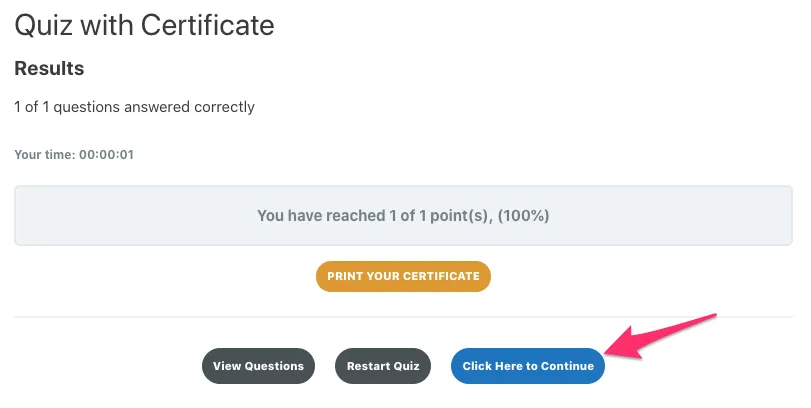 ### Before You Enable It
For the smoothest experience, your lessons should mark themselves complete when their quizzes are finished. Otherwise a learner can be advanced past a lesson that LearnDash still considers incomplete and may hit the message: *“Please go back and complete the previous lesson.”*
### How to Enable It
1. In your WordPress dashboard, go to **Uncanny Toolkit**.
2. Find **Quiz Completion Advances to Next Step** in the list of available modules.
3. Click **Activate**.
There are no additional settings to configure. Once active, qualifying lesson/topic quizzes route learners to the next course step.
### How It Works in Practice
- The module applies only to quizzes associated with a **lesson or topic** — course-level and global quizzes are unaffected.
- Whether and when LearnDash shows the continue action (for example, after a passing grade) is governed by your LearnDash quiz settings, not by this module. The module simply redirects that action to the next step.
- The destination step is determined entirely by LearnDash’s course structure, so the learner always lands on the next logical step in their progression.
### Troubleshooting
If learners are not advanced as expected, confirm the following:
- The quiz is attached to a lesson or topic (not a course-level or global quiz).
- Lessons mark complete correctly — consider a lesson/topic auto-completion module (see *Before You Enable It* above).
- Your LearnDash installation is up to date.
### Related Articles
- [Introduction to the Uncanny LearnDash Toolkit](https://www.uncannyowl.com/knowledge-base/introduction-to-the-uncanny-learndash-toolkit/)
- [Resume Button](https://www.uncannyowl.com/knowledge-base/learndash-resume/)
- [Breadcrumb Links](https://www.uncannyowl.com/knowledge-base/learndash-breadcrumb-links/)
**Article Categories:** Uncanny Toolkit for LearnDash
---
### [Not Enrolled Redirect](https://www.uncannyowl.com/knowledge-base/redirect-user-if-not-enrolled/)
**Published:** January 31, 2018
**Author:** Ken
**Excerpt:** Learn how to redirect users who attempt to access a course page but are not enrolled in the course.
**Content:**
### Overview
Send visitors who aren’t enrolled in a course to a sales page, landing page, or sign-up form instead of leaving them on a blank or restricted course screen. The Not Enrolled Redirect module turns “you can’t access this” into a chance to convert.
### What It Does
When a user tries to view a course they aren’t enrolled in, this module redirects them to a URL you choose. It applies to:
- Logged-out visitors
- Logged-in users who are not enrolled in that course
Administrators are excluded, so you can always preview the course yourself. Users enrolled through a LearnDash **group** are also treated as enrolled and are not redirected.
You set a separate redirect URL for each course, which lets you point every course at its own sales or landing page. The redirect applies to the course page itself, not to individual lessons or topics within the course.
**Important:** The redirect only fires for visitors LearnDash considers *not enrolled*. Because **Open** courses grant access to everyone, LearnDash never reports those visitors as “not enrolled,” so the redirect won’t fire on them.)
### Before You Start
This module is part of the free **Uncanny Toolkit for LearnDash** and works with LearnDash 3.x.
1. Go to **WordPress Admin > Uncanny Toolkit**.
2. Enable the **Not Enrolled Redirect** module.
The per-course redirect field only appears after the module is active.
### How to Set Up a Redirect
1. Open the course you want to protect and go to **Edit Course**.
2. Open the **Settings** tab (the **Display and Content Options** settings).
3. Confirm the course **Access Mode** is set to **Closed**.
4. Locate the **Not enrolled Redirect URL** field and enter the full URL where non-enrolled users should be sent (for example, your sales page).
5. Update the course to save your changes.
\[Screenshot: LearnDash Edit Course screen, Settings tab, with the “Not enrolled Redirect URL” field filled in and Access Mode set to Closed\]
The redirect URL field supports shortcodes, so you can build dynamic destinations if needed.
### Redirecting to Another Domain
By default, WordPress only allows redirects to URLs on your own site. If you want to send users to an external domain, you need to add that domain to WordPress’s list of allowed redirect hosts using the `allowed_redirect_hosts` filter.
Add the following to your child theme’s `functions.php` file, replacing `example.com` with the domain you’re redirecting to:
```
add_filter( 'allowed_redirect_hosts', 'uo_allowed_domains_list' );
function uo_allowed_domains_list( $hosts ) {
$hosts[] = 'example.com';
return $hosts;
}
```
We recommend adding code snippets through a child theme or a dedicated code-snippets plugin so your changes survive theme updates.
### Related Articles
- [Log In/Log Out Redirects](https://www.uncannyowl.com/knowledge-base/learndash-login-redirect/)
- [Front End Login](https://www.uncannyowl.com/knowledge-base/front-end-login/)
- [Show or Hide Content](https://www.uncannyowl.com/knowledge-base/show-hide-content/)
**Article Categories:** Uncanny Toolkit for LearnDash
---
### [Menu Item Visibility](https://www.uncannyowl.com/knowledge-base/menu-item-visibility/)
**Published:** May 7, 2016
**Author:** yuehchin
**Excerpt:** Learn how to create different menus for logged in and logged out users.
**Content:**
### Menu Item Visibility
Show different menu items to logged-in and logged-out visitors, so each audience sees only the links that matter to them. The Menu Item Visibility module adds a simple per-item control to your WordPress menus, with no code required.
### What This Module Does
When enabled, Menu Item Visibility adds a visibility setting to every item in your WordPress menus. You can choose whether each item appears for everyone, only for signed-in users, or only for signed-out users.
This is ideal for streamlining navigation. For example, you can hide a **Log In** link from members who are already signed in, or show a **My Courses** link only to logged-in students.
### Enabling the Module
1. In your WordPress dashboard, go to **Uncanny Toolkit**.
2. Find **Menu Item Visibility** in the list of modules.
3. Turn the module on.
No further configuration is needed at the module level. Once it’s active, the new visibility controls appear automatically inside your menu editor.
### Setting Visibility on a Menu Item
Visibility is set individually for each menu item under **Appearance > Menus**.
1. Go to **Appearance > Menus**.
2. Select the menu you want to edit.
3. Click a menu item to expand its settings.
4. Under the **Display Mode** control, choose who should see the item:
- **Everyone** (default)
- **Logged In Users**
- **Logged Out Users**
5. Repeat for any other items you want to control.
6. Click **Save Menu**.
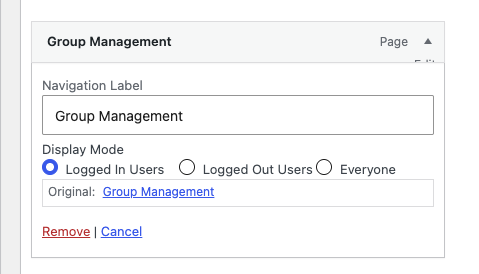 That’s it. The visibility rule applies immediately on the front end of your site, and any item without a rule continues to display for everyone.
### What This Module Doesn’t Do
Menu Item Visibility controls visibility based on login status only. It does not offer role-based granularity, so you can’t restrict a menu item to a specific user role (such as showing a link only to a particular group or membership level).
If you need per-role menu control, we recommend the free **[Nav Menu Roles](https://wordpress.org/plugins/nav-menu-roles/)** plugin instead.
#### Important: Conflict with Nav Menu Roles
Menu Item Visibility and the **[Nav Menu Roles](https://wordpress.org/plugins/nav-menu-roles/)** plugin cannot run at the same time. If you use Nav Menu Roles, disable the **Menu Item Visibility** module in the Uncanny Toolkit to avoid a conflict between the two.
Choose one approach based on your needs:
- Use **Menu Item Visibility** for simple logged-in vs. logged-out control.
- Use **[Nav Menu Roles](https://wordpress.org/plugins/nav-menu-roles/)** if you need to target specific user roles.
### Related Articles
- [Log In/Log Out Links](https://www.uncannyowl.com/knowledge-base/log-in-log-out-links/)
- [Front End Login](https://www.uncannyowl.com/knowledge-base/front-end-login/)
- [Hide Admin Bar](https://www.uncannyowl.com/knowledge-base/hide-admin-bar/)
**Article Categories:** Uncanny Toolkit for LearnDash
---
### [Log In/Log Out Redirects](https://www.uncannyowl.com/knowledge-base/learndash-login-redirect/)
**Published:** May 6, 2016
**Author:** Ryan Moore
**Excerpt:** Learn how to redirect users to specific pages when they log in and log out of your site.
**Content:**
### Overview
Send your learners exactly where you want them to go after they log in or log out. This Uncanny Toolkit for LearnDash module lets you set custom destination URLs for non-administrator users, so members land on a course dashboard, a profile page, or any URL you choose instead of the default WordPress screen.
### What This Module Does
The **Log In/Log Out Redirects** module sends non-administrator users to URLs you specify:
- **After login** — for example, your course list, a “My Courses” page, or a personalized dashboard.
- **After logout** — for example, your homepage, a sales page, or a custom goodbye page.
Administrators are intentionally excluded from these redirects so they continue to reach /wp-admin/ as usual. This keeps your management workflow intact while giving members a tailored experience.
### How to Set It Up
1. In your WordPress admin, go to **Uncanny Toolkit**.
2. Locate the **Log In/Log Out Redirects** module and click **Activate** (then **Settings** if it doesn’t open automatically).
3. Enter the full destination URL in the **Login Redirect** field (for example, `https://yoursite.com/my-courses/`).
4. Enter the full destination URL in the **Logout Redirect** field (for example, `https://yoursite.com/)`.
5. Click **Save** to apply your changes.
We recommend using complete URLs (including `https://`) rather than relative paths to avoid protocol mismatches.
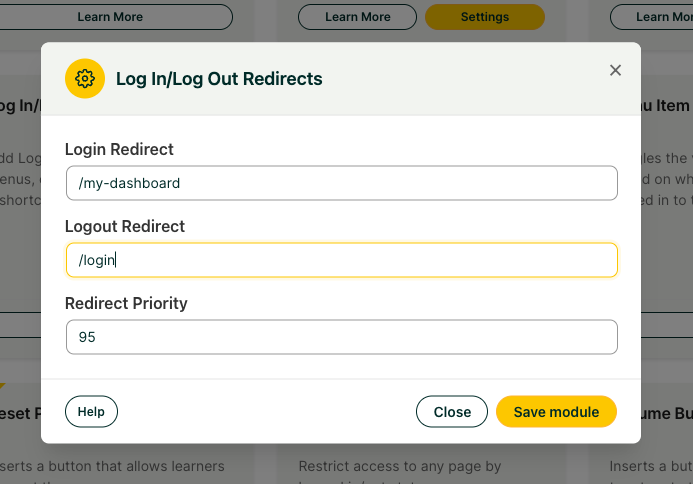 **Important:** If you have **any** other plugin on your site that can redirect users on login or logout, it will, in all likelihood, override this Toolkit redirect. See the Troubleshooting section below before activating this module.
### Adjusting Redirect Priority
The module includes an adjustable redirect priority value in its settings. If another plugin or theme is intercepting the redirect before Toolkit can act, increasing this value can help Toolkit take priority. This is a common fix for conflicts with page builders such as Elementor Pro.
### Troubleshooting
#### Conflicts With Other Redirect Plugins
Plugins that manage login behavior, such as **LoginWP** (formerly Peter’s Login Redirect), **Theme My Login**, and **UserPro**, will all take priority over this module. If your redirect isn’t working, a competing plugin is the most likely cause.
- Temporarily deactivate other login/redirect plugins to confirm the conflict.
- If you can’t remove the conflicting plugin, configure the redirect within that plugin instead, or try increasing the redirect priority value (see above).
**Note:** If a conflict can’t be resolved through Toolkit, a dedicated redirect plugin such as **LoginWP** can be configured to override other plugins and handle the redirect for you.
#### Redirects Not Firing or Caching Interference
Server-side caching can serve a cached page before the redirect runs, especially on your homepage.
- Ask your host to add cache exclusions for the pages involved in the redirect.
- Pay particular attention to homepage caching layers such as **Varnish**.
**Important:** Always clear your cache after changing redirect settings, and test in a private/incognito window to rule out browser-cached results.
#### Redirect Loops or Repeated Login Prompts
If users are bounced back to the login screen repeatedly, you’re likely dealing with an HTTPS/HTTP mismatch.
- Confirm your SSL certificate is installed and that your **WordPress Address** and **Site Address** (under **Settings > General**) both use https://.
- Make sure the redirect URLs you entered use the same protocol (https://) as the rest of your site.
- Avoid pointing a login redirect at a page that itself redirects logged-out users back to login, which can create a loop.
### Related Articles
- [Front End Login](https://www.uncannyowl.com/knowledge-base/front-end-login/)
- [Log In/Log Out Links](https://www.uncannyowl.com/knowledge-base/log-in-log-out-links/)
- [Not Enrolled Redirect](https://www.uncannyowl.com/knowledge-base/redirect-user-if-not-enrolled/)
**Article Categories:** Uncanny Toolkit for LearnDash
---
### [Log In/Log Out Links](https://www.uncannyowl.com/knowledge-base/log-in-log-out-links/)
**Published:** May 5, 2016
**Author:** Ryan Moore
**Excerpt:** Learn how to create links that log users into or out of your site in menus or anywhere else.
**Content:**
### Overview
Add log in, log out, and registration links anywhere on your site using simple shortcodes, or drop them straight into your navigation menus. The **Log In/Log Out Links** module gives you a fast, code-free way to point users to the right action based on whether they’re signed in.
### What This Module Does
Once the module is enabled, you get four shortcodes that display context-aware links: a log in link for signed-out users, a log out link for signed-in users, a combined link that switches automatically, and a link to your registration page. You can place these shortcodes in pages, posts, and widgets, or add them to any WordPress menu through a dedicated **Uncanny Menu Links** section.
### Shortcode Reference
Wrap your link text inside the shortcode tags. The text between the opening and closing tags becomes the clickable link.
**Shortcode** **What it does** ```
[```
uo_login_link
```]
```
Displays a **log in** link to signed-out users. ```
[```
uo_logout
```]
```
Displays a **log out** link to signed-in users. ```
[```
uo_loginout
```]
```
Automatically shows a **log in** link to signed-out users and a **log out** link to signed-in users. ```
[```
uo_register
```]
```
Displays a link to your site’s **registration page**.
For example, to show a log in prompt you’d use:
```
[```
uo_login_link
```] Log In [```
/uo_login_link
```]
```
The \[`uo_loginout`\] shortcode is the most convenient option for navigation menus and headers, since a single link handles both states for you.
### Adding Links to a Menu
You can add log in, log out, and registration links directly to any WordPress menu without writing a shortcode. While logged in as an administrator:
1. Go to **Appearance > Menus**.
2. Locate the **Uncanny Menu Links** section on the left side of the screen.
3. Check the menu entries you want to add.
4. Click **Add to Menu**.
5. Drag the new items into the desired position, then click **Save Menu**.
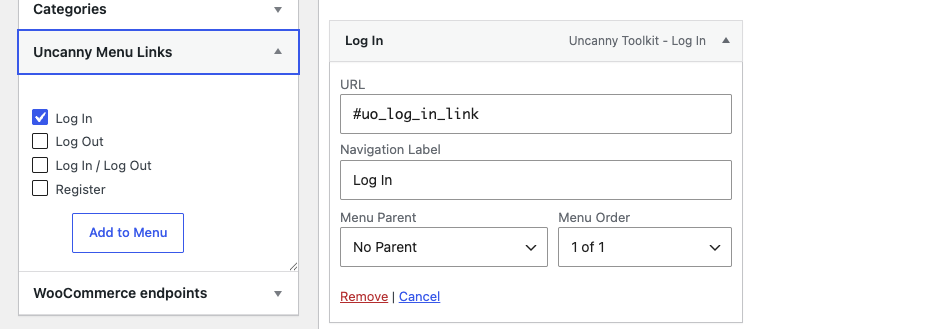 ####
#### About Registration Links
The Toolkit does not include its own registration page or replace WordPress’s built-in registration functions. The [Register](https://www.uncannyowl.com/wp-login.php?action=register) link simply points to whatever registration setup already exists on your site.
If you want a branded, fully featured registration experience, we recommend pairing the Toolkit with a dedicated form plugin such as Gravity Forms with the User Registration add-on.
### Optional: Front End Login Modal
If you’d like the log in link to open a pop-up modal instead of loading a separate page, the **Front end login modal** menu item is available. To use it, make sure:
- The **Front End Login** module is enabled.
- **AJAX** is enabled in the Front End Login settings.
- A **Login Page** is set in the Front End Login settings.
The modal works with any login template — there is no requirement to use a specific template.
### Related Articles
- [Front End Login](https://www.uncannyowl.com/knowledge-base/front-end-login/)
- [Log In/Log Out Redirects](https://www.uncannyowl.com/knowledge-base/learndash-login-redirect/)
- [Menu Item Visibility](https://www.uncannyowl.com/knowledge-base/menu-item-visibility/)
**Article Categories:** Uncanny Toolkit for LearnDash
---
### [Introduction to the Uncanny Toolkit for LearnDash](https://www.uncannyowl.com/knowledge-base/introduction-to-the-uncanny-learndash-toolkit/)
**Published:** April 18, 2016
**Author:** Ryan Moore
**Excerpt:** An introduction to the Uncanny LearnDash Toolkit plugin.
**Content:**
### Overview
The Uncanny Toolkit is a free, modular plugin that fills the gaps in LearnDash — adding the login pages, navigation, and front-end features that course creators reach for most. Turn on only the modules you need, and skip the custom code.
### What the Toolkit Does
LearnDash is a powerful LMS, but building a polished learner experience around it usually means stitching together shortcodes, snippets, and workarounds. The Uncanny Toolkit packages those common needs as ready-to-use **modules** you enable from a single settings screen — no developer required.
Each module is self-contained and independent. Activate a branded front-end login, add course breadcrumbs, hide the admin bar from students, show learners their certificates — or all of the above. Because the Toolkit adds almost no styling of its own, modules inherit your theme’s design and stay out of your way.
The Toolkit is the free foundation; [Uncanny Toolkit Pro](https://www.uncannyowl.com/downloads/uncanny-pro-toolkit/) adds advanced modules such as course timers, group registration, CSV reporting, and more.
### The Modules
Enable any of these under **Uncanny Toolkit > Modules**. We recommend turning on only the modules you actively use.
#### Login & Access
- [Front End Login](https://www.uncannyowl.com/knowledge-base/front-end-login/) — Branded login, forgot-password, and reset-password forms anywhere on your site, with optional modal login, reCAPTCHA, and two-factor authentication.
- [Log In/Log Out Links](https://www.uncannyowl.com/knowledge-base/log-in-log-out-links/) — Add login, logout, and register links to menus and pages with shortcodes.
- [Log In/Log Out Redirects](https://www.uncannyowl.com/knowledge-base/learndash-login-redirect/) — Send users to the right page after they log in or out.
- [Not Enrolled Redirect](https://www.uncannyowl.com/knowledge-base/redirect-user-if-not-enrolled/) — Redirect visitors who aren’t enrolled in a course to a sales or landing page.
#### Navigation & Learner Experience
- [Breadcrumb Links](https://www.uncannyowl.com/knowledge-base/learndash-breadcrumb-links/) — Add course → lesson → topic breadcrumbs so learners always know where they are.
- [Resume Button](https://www.uncannyowl.com/knowledge-base/learndash-resume/) — Drop learners back exactly where they left off.
- [Quiz Completion Advances to Next Step](https://www.uncannyowl.com/knowledge-base/quiz-completion-advances-to-next-step/) — Automatically move learners forward after they complete a quiz.
- [Menu Item Visibility](https://www.uncannyowl.com/knowledge-base/menu-item-visibility/) — Show different menu items to logged-in and logged-out visitors.
- [Show or Hide Content](https://www.uncannyowl.com/knowledge-base/show-hide-content/) — Conditionally display content based on login status with shortcodes.
- [Hide Admin Bar](https://www.uncannyowl.com/knowledge-base/hide-admin-bar/) — Remove the WordPress admin bar for students for a cleaner front end.
#### Certificates
- [Show Certificates](https://www.uncannyowl.com/knowledge-base/show-learndash-certificates/) — Make earned course and quiz certificates available to learners.
- [Certificate Widget](https://www.uncannyowl.com/knowledge-base/learndash-certificate-widget/) — Display a learner’s certificates in any widget area or via shortcode.
#### Administration & Tools
- [Groups in User Profiles](https://www.uncannyowl.com/knowledge-base/learndash-groups-user-profiles/) — See a user’s LearnDash group memberships right on their profile.
- [User Switching](https://www.uncannyowl.com/knowledge-base/user-switching-module/) — Log in as another user to troubleshoot, then switch back instantly.
- [Disable Emails](https://www.uncannyowl.com/knowledge-base/disable-emails/) — Block all outgoing email — ideal for staging and testing.
- [Topics Autocomplete Lessons (Legacy)](https://www.uncannyowl.com/knowledge-base/topics-autocomplete-lessons/) — A legacy auto-completion module retained for backward compatibility.
### A Refreshed Admin Experience
As of v3.8.0, the Uncanny Toolkit uses the standardized Uncanny Owl admin interface — a cleaner, consistent settings design shared across Uncanny Owl plugins. Your modules and settings work exactly as before; the screens are simply easier to navigate.
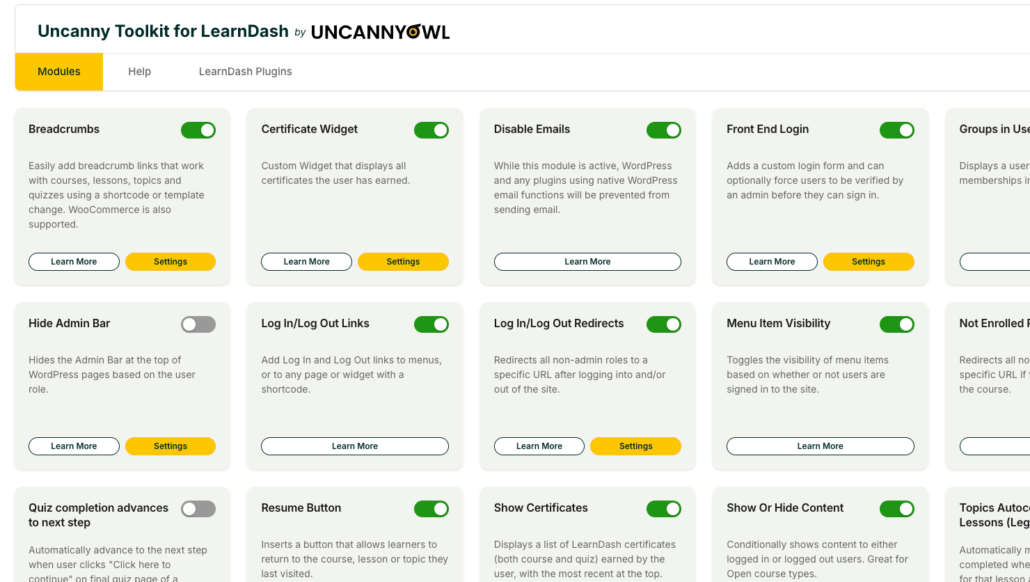 ### Getting Started
1. [Install the Uncanny Toolkit](https://www.uncannyowl.com/knowledge-base/install-the-uncanny-learndash-toolkit/) and activate it.
2. Open **Uncanny Toolkit > Modules** and enable the modules you need.
3. Configure each module under **Uncanny Toolkit > Settings**.
New to the plugin? Start with the workflow-based [Getting Started with the Uncanny Toolkit](https://www.uncannyowl.com/knowledge-base/install-the-uncanny-learndash-toolkit/) guide to find the right modules for your goals.
### Related Articles
- [Install the Uncanny Toolkit for LearnDash](https://www.uncannyowl.com/knowledge-base/install-the-uncanny-learndash-toolkit/) — Installation and first-time setup
- [Uncanny Toolkit – Quick Reference](https://www.uncannyowl.com/knowledge-base/uncanny-learndash-toolkit-quick-reference/) — Every shortcode in one place
- [Uncanny Toolkit Pro for LearnDash](https://www.uncannyowl.com/downloads/uncanny-pro-toolkit/) — Advanced modules for growing course sites
**Article Categories:** Uncanny Toolkit for LearnDash
---
### [Install the Uncanny Toolkit for LearnDash](https://www.uncannyowl.com/knowledge-base/install-the-uncanny-learndash-toolkit/)
**Published:** April 19, 2016
**Author:** Ryan Moore
**Excerpt:** Learn how to install the Uncanny LearnDash Toolkit on your site.
**Content:**
### Overview
The Uncanny Toolkit is a free plugin available from the WordPress.org plugin directory. Installation takes a couple of minutes, and you choose which modules to enable afterward.
### Requirements
- **WordPress 5.8** or higher, with the **LearnDash LMS** plugin installed and active
- **PHP 7.4** or higher
- **LearnDash 4.2** or higher
### Installation
1. Log in to your WordPress admin dashboard.
2. Go to **Plugins > Add New**.
3. Search for **Uncanny Toolkit for LearnDash**.
4. Click **Install Now**, then **Activate**.
 After activation, a new **Uncanny Toolkit** menu appears in your WordPress admin.
### Enable Your Modules
The Toolkit ships with every module turned **off** so you can enable only what you need.
1. Go to **Uncanny Toolkit > Modules**.
2. Find the module you want and toggle it on.
3. Click **Save** if prompted.
4. Configure the module under **Uncanny Toolkit > Settings**.
 **We recommend** enabling only the modules you actively use. Each active module adds a small amount of processing, so leaving unused modules off keeps your site lean.
### A Note on Styling
The Toolkit intentionally includes very little CSS of its own. This keeps modules from clashing with your theme — front-end elements like login forms and breadcrumbs inherit your theme’s design. If you want to fine-tune the appearance, you can add your own CSS or, for login forms, use the [Front End Login Modern theme](https://www.uncannyowl.com/knowledge-base/front-end-login/) colour selectors.
### A Refreshed Admin Interface
As of v3.8.0, the Toolkit uses the standardized Uncanny Owl admin design that’s shared across Uncanny Owl plugins. Everything works as before — the settings screens are simply cleaner and more consistent.
### Installing Toolkit Pro Alongside the Free Version
[Uncanny Toolkit Pro](https://www.uncannyowl.com/downloads/uncanny-pro-toolkit/) runs alongside the free Toolkit and adds advanced modules. You can keep both active at the same time — Pro modules appear in the same **Modules** and **Settings** screens. Install Pro by uploading its ZIP under **Plugins > Add New > Upload Plugin** and entering your license key.
### Next Steps
1. Review the [Introduction to the Uncanny Toolkit](https://www.uncannyowl.com/knowledge-base/introduction-to-the-uncanny-learndash-toolkit/) to see what each module does.
2. Enable and configure the modules that match your goals.
3. Keep the [Quick Reference](https://www.uncannyowl.com/knowledge-base/uncanny-learndash-toolkit-quick-reference/) handy for shortcodes.
### Related Articles
- [Introduction to the Uncanny Toolkit for LearnDash](https://www.uncannyowl.com/knowledge-base/introduction-to-the-uncanny-learndash-toolkit/) — Module overview and directory
- [Front End Login](https://www.uncannyowl.com/knowledge-base/front-end-login/) — A popular first module to set up
- [Uncanny Toolkit – Quick Reference](https://www.uncannyowl.com/knowledge-base/uncanny-learndash-toolkit-quick-reference/) — All shortcodes in one place
**Article Categories:** Uncanny Toolkit for LearnDash
---
### [Hide Admin Bar](https://www.uncannyowl.com/knowledge-base/hide-admin-bar/)
**Published:** April 22, 2016
**Author:** Ryan Moore
**Excerpt:** Learn how to hide the black WordPress admin bar at the top of the screen from users with specific roles.
**Content:**
### Overview
The **Hide Admin Bar** module removes the WordPress admin bar from the front end for the user roles you choose, giving students a clean, professional, distraction-free experience that keeps them focused on your courses instead of the dashboard.
By default, WordPress displays a black admin bar across the top of the screen for logged-in users. For students, this bar adds clutter and can tempt them to wander into the dashboard. The **Hide Admin Bar** module lets you switch off that bar on the front end for any roles you select, while leaving it intact for the administrators and managers who actually need it.
The module is role-based: you simply check off the roles that should not see the admin bar, and those users will browse your site without it.
### Configuring the Module
1. In your WordPress dashboard, go to **Uncanny Toolkit** and open the **Modules** screen.
2. Locate the **Hide Admin Bar** module and click to enable it.
3. Open the module’s **Settings**.
4. You’ll see a list of user roles, each with its own checkbox. Check off every role that should **not** see the front-end admin bar.
5. Save your settings.
Once saved, members of the selected roles will no longer see the WordPress admin bar when viewing the front end of your site.
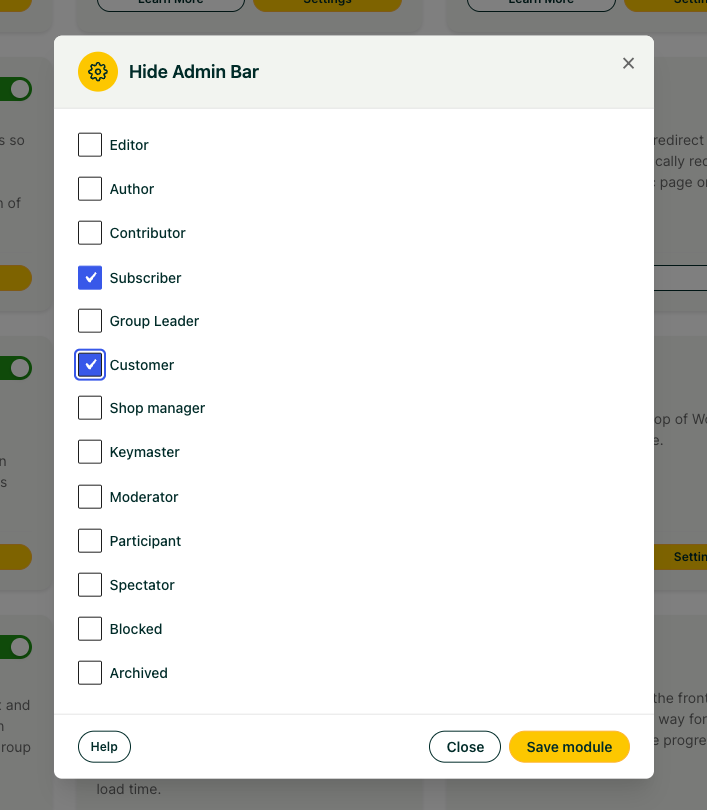 ### How Roles Behave
A few details determine which roles appear in the list and how they’re handled:
- **Administrators are always protected.** Any role with the **manage\_options** capability is excluded from this module and will not appear in the list of roles. This typically includes **Administrators** and any other roles that have been granted that capability through a role-editing plugin. These users always keep the admin bar.
- **Only eligible roles are shown.** The role list contains the roles you can safely hide the bar for, such as **Subscriber**, **Customer**, and any custom student roles that lack the **manage\_options** capability.
We recommend hiding the admin bar for your student-facing roles. On a typical LearnDash site, that means checking off the **Subscriber** and **Customer** roles so learners get a polished front-end experience while your team retains full dashboard access.
### Related Articles
- [Menu Item Visibility](https://www.uncannyowl.com/knowledge-base/menu-item-visibility/)
- [Front End Login](https://www.uncannyowl.com/knowledge-base/front-end-login/)
- [Introduction to the Uncanny LearnDash Toolkit](https://www.uncannyowl.com/knowledge-base/introduction-to-the-uncanny-learndash-toolkit/)
**Article Categories:** Uncanny Toolkit for LearnDash
---
### [Groups in User Profiles](https://www.uncannyowl.com/knowledge-base/learndash-groups-user-profiles/)
**Published:** April 30, 2016
**Author:** Ryan Moore
**Excerpt:** Learn how to display the groups a user is a member of on the Edit User screen in the WordPress admin panel.
**Content:**
See at a glance which LearnDash Groups a user belongs to, right on their WordPress profile screen, without clicking through every group to check.
### Overview
On sites with more than a handful of LearnDash Groups, answering a simple question like “which groups is this user in?” can mean opening each group one by one. The **Groups in User Profiles** module from the Uncanny Toolkit for LearnDash solves this by listing every group a user belongs to directly on their WordPress admin profile (edit-user) screen.
This is a read-only convenience for administrators. It surfaces group membership where you’re already working, making it faster to trace a user’s access and troubleshoot enrollment or permissions questions.
This module is part of the free Uncanny Toolkit for LearnDash. If you haven’t installed the Toolkit yet, see [Install the Uncanny LearnDash Toolkit](https://www.uncannyowl.com/knowledge-base/install-the-uncanny-learndash-toolkit/).
### How to Enable It
1. In your WordPress admin, go to **Uncanny Toolkit**.
2. Locate the **Groups in User Profiles** module.
3. Click **Activate** to turn the module on.
There are no additional settings to configure. Once activated, the group list appears automatically on user profile screens.
### What It Shows
Once the module is active, the user’s profile screen displays a list of all LearnDash Groups that user currently belongs to. This gives administrators a quick way to trace group membership and access across sites that manage many groups.
The list is **display-only**. You cannot add or remove a user from a group from this view. To change a user’s group memberships, you’ll still need to open the associated LearnDash Group and manage its users there.
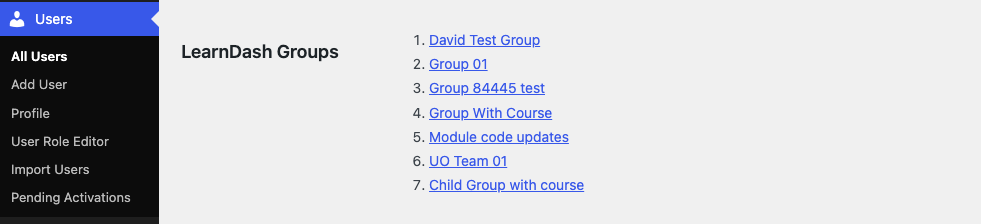 ### Where to Find It
The group list appears on the WordPress backend, not the front end. To view it:
1. Go to **Users > All Users**.
2. Click the user you want to inspect (or use the **Edit** link).
3. Scroll down the profile screen to find the section listing the user’s LearnDash Group memberships.
### Displaying Groups on the Front End (Pro)
The Groups in User Profiles module is built for administrators working in the WordPress dashboard. If you want to show a user their own group memberships on the front end of your site, the Uncanny Toolkit Pro plugin includes a **Group List shortcode** for that purpose.
The Group List shortcode is part of Toolkit Pro, so you’ll need Pro installed with that module activated to use it. For more on what Toolkit and Toolkit Pro offer, see the [Introduction to the Uncanny LearnDash Toolkit](https://www.uncannyowl.com/knowledge-base/introduction-to-the-uncanny-learndash-toolkit/).
### Related Articles
- [Introduction to the Uncanny LearnDash Toolkit](https://www.uncannyowl.com/knowledge-base/introduction-to-the-uncanny-learndash-toolkit/)
- [Install the Uncanny LearnDash Toolkit](https://www.uncannyowl.com/knowledge-base/install-the-uncanny-learndash-toolkit/)
- [Hide Admin Bar](https://www.uncannyowl.com/knowledge-base/hide-admin-bar/)
**Article Categories:** Uncanny Toolkit for LearnDash
---
### [Getting Started with the Uncanny Toolkit](https://www.uncannyowl.com/knowledge-base/getting-started-with-the-uncanny-toolkit/)
**Published:** June 29, 2026
**Author:** David Chambo
**Content:**
### What Is the Uncanny Toolkit?
The Uncanny Toolkit for LearnDash is a free, modular plugin that adds the features course creators reach for most — a branded login experience, course navigation, certificate displays, admin shortcuts, and more. Instead of installing a separate plugin or pasting code snippets for each need, you enable self-contained **modules** from one settings screen and configure only what you use.
Common goals the Toolkit solves include replacing the default WordPress login page, helping learners navigate and resume courses, showing students their certificates, and giving administrators tools to manage and troubleshoot their site.
### How the Toolkit Works
The basic flow is the same for every module:
1. **Install and activate** the Toolkit from the WordPress plugin directory.
2. **Enable a module** under **Uncanny Toolkit > Modules** — every module ships turned off, so you opt in to exactly what you need.
3. **Configure it** under **Uncanny Toolkit > Settings**, then add any blocks or shortcodes to your pages.
Because each module is independent, you can start with one and add more over time. We recommend enabling only the modules you actively use.
### Choose Your Workflow
Use the guide below to jump straight to the modules that match what you’re trying to do.
#### I want a branded login experience
Replace the generic `wp-login.php` page with login, forgot-password, and reset-password forms that live on your own pages and match your theme.
**Start here:**
- [Front End Login](https://www.uncannyowl.com/knowledge-base/front-end-login/) — Branded login forms, modal login, reCAPTCHA, and two-factor authentication
- [Log In/Log Out Links](https://www.uncannyowl.com/knowledge-base/log-in-log-out-links/) — Add login/logout/register links to menus
- [Log In/Log Out Redirects](https://www.uncannyowl.com/knowledge-base/learndash-login-redirect/) — Send users to the right page after sign-in
- [Menu Item Visibility](https://www.uncannyowl.com/knowledge-base/menu-item-visibility/) — Show different menu items to logged-in vs logged-out visitors
#### I want to improve course navigation and completion
Help learners orient themselves, pick up where they left off, and move through content smoothly.
**Start here:**
- [Breadcrumb Links](https://www.uncannyowl.com/knowledge-base/learndash-breadcrumb-links/) — Course → lesson → topic breadcrumbs
- [Resume Button](https://www.uncannyowl.com/knowledge-base/learndash-resume/) — Return learners to their last spot
- [Quiz Completion Advances to Next Step](https://www.uncannyowl.com/knowledge-base/quiz-completion-advances-to-next-step/) — Auto-advance after a quiz
- [Hide Admin Bar](https://www.uncannyowl.com/knowledge-base/hide-admin-bar/) — A cleaner, distraction-free front end for students
#### I want to show learners their certificates
Make earned certificates easy to find and download.
**Start here:**
- [Show Certificates](https://www.uncannyowl.com/knowledge-base/show-learndash-certificates/) — Make certificates available to learners (enable this first)
- [Certificate Widget](https://www.uncannyowl.com/knowledge-base/learndash-certificate-widget/) — Display certificates in a widget area or with a shortcode
#### I want to control who sees what
Gate content and menu items based on whether a visitor is logged in or enrolled.
**Start here:**
- [Show or Hide Content](https://www.uncannyowl.com/knowledge-base/show-hide-content/) — Conditionally display content with shortcodes
- [Not Enrolled Redirect](https://www.uncannyowl.com/knowledge-base/redirect-user-if-not-enrolled/) — Send non-enrolled visitors to a sales page
- [Menu Item Visibility](https://www.uncannyowl.com/knowledge-base/menu-item-visibility/) — Show/hide menu items by login status
#### I want admin tools for managing and testing my site
Troubleshoot learner issues and work safely on a staging site.
**Start here:**
- [User Switching](https://www.uncannyowl.com/knowledge-base/user-switching-module/) — See the site exactly as a specific learner, then switch back
- [Groups in User Profiles](https://www.uncannyowl.com/knowledge-base/learndash-groups-user-profiles/) — View a user’s group memberships from their profile
- [Disable Emails](https://www.uncannyowl.com/knowledge-base/disable-emails/) — Block all outgoing email on a staging or test site
### First-Time Setup Checklist
1. **Install and activate** the Toolkit. See [Install the Uncanny Toolkit](https://www.uncannyowl.com/knowledge-base/install-the-uncanny-learndash-toolkit/).
2. **Confirm requirements** — LearnDash active, PHP 7.4+, LearnDash 4.2+, WordPress 5.8+.
3. **Enable your first module** under **Uncanny Toolkit > Modules** based on the workflow above.
4. **Configure it** under **Uncanny Toolkit > Settings** and add any required block or shortcode to a page.
5. **Test it** on the front end in an incognito window (especially login and redirect features, which behave differently for logged-in users).
### Free vs. Pro
The free Toolkit covers the essentials. If you need advanced features — course timers, group registration and management, bulk CSV reporting, certificate emailing, and more — see [Uncanny Toolkit Free vs. Toolkit Pro](https://www.uncannyowl.com/knowledge-base/uncanny-learndash-toolkit-quick-reference/) and [Uncanny Toolkit Pro](https://www.uncannyowl.com/downloads/uncanny-pro-toolkit/).
### Related Articles
- [Introduction to the Uncanny Toolkit for LearnDash](https://www.uncannyowl.com/knowledge-base/introduction-to-the-uncanny-learndash-toolkit/) — Full module directory
- [Install the Uncanny Toolkit for LearnDash](https://www.uncannyowl.com/knowledge-base/install-the-uncanny-learndash-toolkit/) — Installation and setup
- [Uncanny Toolkit – Quick Reference](https://www.uncannyowl.com/knowledge-base/uncanny-learndash-toolkit-quick-reference/) — Every shortcode in one place
**Article Categories:** Uncanny Toolkit for LearnDash
---
### [Front End Login](https://www.uncannyowl.com/knowledge-base/front-end-login/)
**Published:** April 21, 2016
**Author:** Ryan Moore
**Excerpt:** Learn how to implement a customized front end login page for your site.
**Content:**
### Overview
Put a fully branded login experience anywhere on your site — no more sending learners to the default wp-login.php screen. Front End Login lets you place login, forgot-password, and reset-password forms on your own pages so the entire sign-in flow matches your design.
The Front End Login module replaces WordPress’ generic login page with forms you control. You choose where the login form lives, how it looks, and where users land after they sign in. It includes built-in forgot-password and reset-password flows, optional AJAX submission, a modal (pop-up) login, Google reCAPTCHA spam protection, and two-factor authentication support.
This is the foundation of most custom membership and e-learning sites built on LearnDash: pair it with [Log In/Log Out Links](https://www.uncannyowl.com/knowledge-base/log-in-log-out-links/) and [Log In/Log Out Redirects](https://www.uncannyowl.com/knowledge-base/learndash-login-redirect/) to deliver a seamless, on-brand sign-in journey.
### Setup
1. Enable the **Front End Login** module under **Uncanny Toolkit > Modules**.
2. Create a new page (for example, “Log In”) and add the **Front End Login** Gutenberg block, or place the
## Login
Log in below to access your account.
Username or Email Address
Password
Remember Me
[Forgot Password?](https://www.uncannyowl.com/login/?action=lostpassword) shortcode on it.
3. Go to **Uncanny Toolkit > Settings** and open the **Front End Login** settings.
4. Set this page as your **Login Page** (see the setting below). Users who try to reach the default WordPress login screen will be redirected here instead.
5. Configure the form’s theme, colours, and behaviour to match your site.
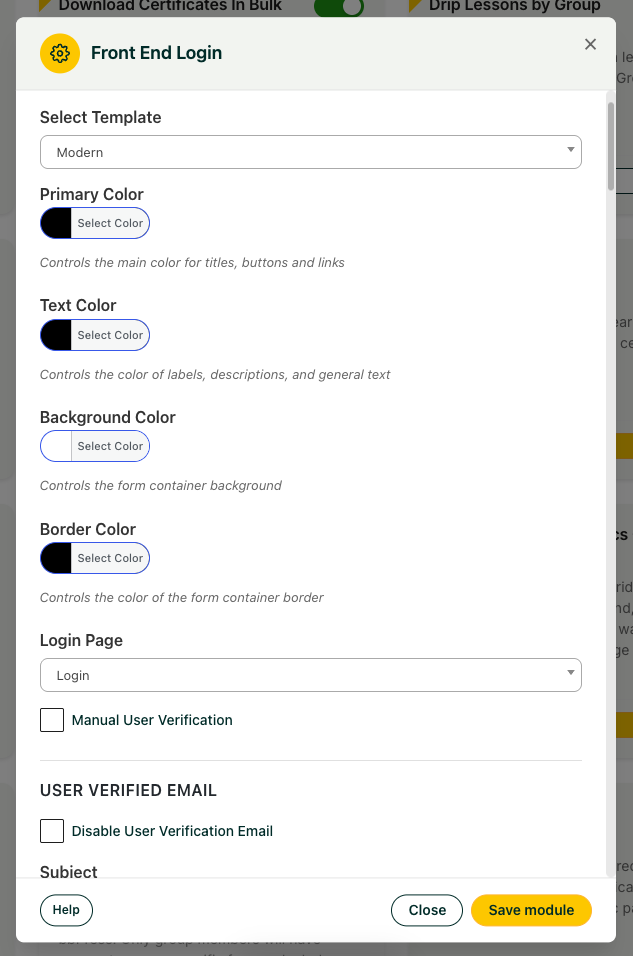 ### Settings
The module includes extensive customization options. The key settings are:
- **Enable AJAX** — Adds AJAX form submission. This must be on to use the modal login shortcode and the modal login menu item.
- **Select Template** — Choose the design of the login form (see [Choose a Login Form Theme](https://docs.google.com/document/d/1n52xWg8-m8rPrF_RO9F-cP7qEfamSVvZcq4GNytWX58/edit#choose-a-login-form-theme) below).
- **Login Page** — Select the page that hosts your login form. When users attempt to access the WordPress login page, they are redirected here. This page must contain the Front End Login block or the
## Login
Log in below to access your account.
Username or Email Address
Password
Remember Me
[Forgot Password?](https://www.uncannyowl.com/login/?action=lostpassword) shortcode.
- **Manual User Verification** — When enabled, users who register from the front end must be approved by an administrator before they can log in.
- **Login Form** — Customize the main login form:
- **Show Register Link** — Displays a link below the form using your **Register Link Text** and **Register Link** URL.
- **Hide All For Logged In Users** — Hides the form entirely from users who are already logged in.
- **Message For Logged In Users** — Content shown to logged-in users (unless **Hide All For Logged In Users** is enabled).
- **Modal login** — Set the button label for the modal login shortcode and choose whether to dim the background when the modal opens.
- **Google reCAPTCHA Settings** — Enter valid reCAPTCHA v2 **Site Key** and **Secret Key** values to add an anti-spam challenge to the login form.
- **Cloudflare Turnstile Settings** — Enter your Turnstile **Site Key** and **Secret Key** to use Cloudflare Turnstile as a privacy-friendly, no-puzzle alternative to reCAPTCHA (see [Spam Protection](https://docs.google.com/document/d/1n52xWg8-m8rPrF_RO9F-cP7qEfamSVvZcq4GNytWX58/edit#spam-protection-recaptcha-or-cloudflare-turnstile) below).
- **Forgot Password Form / Forgot Password Email / Reset Password Form** — Customize the appearance, behaviour, and email content of the password-reset flow.
- **Require strong password** — When checked, new passwords must be a minimum of 8 characters with at least one uppercase letter, one lowercase letter, and one number.
- **Two-Factor Authentication** — Shows whether 2FA is active on your site (see [Two-Factor Authentication](https://docs.google.com/document/d/1n52xWg8-m8rPrF_RO9F-cP7qEfamSVvZcq4GNytWX58/edit#two-factor-authentication) below).
### Choose a Login Form Theme
Use the **Select Template** setting to pick the look of your login form:
- **Default** — A clean, standard login form.
- **Boxed with shadow** — A styled form with a drop shadow.
- **Modern** *(new in v3.8.0)* — A refreshed login form design (labeled **Modern** in the **Select Template** dropdown) with built-in **colour pickers**. When Modern is selected, four colour fields appear — **Primary Color** (used for titles, buttons, and links), **Text Color**, **Background Color**, and **Border Color** — letting you match the form to your brand directly from the settings page, with **no custom CSS required**.
**Tip:** The **Modern** template offers the most complete set of built-in colour controls and is the recommended starting point for new sites that want on-brand colours without custom CSS.
### Shortcodes
The module includes three shortcodes:
**Shortcode****What it does**
## Login
Log in below to access your account.
Username or Email Address
Password
Remember Me
[Forgot Password?](https://www.uncannyowl.com/login/?action=lostpassword) Displays the full Front End Login form using your selected template and settings. Place this on your designated **Login Page**.
Remember Me
[Forgot Password?](https://www.uncannyowl.com/login/?action=lostpassword)A barebones username/password form for secondary pages, without the full template styling.Displays a link (styleable as a button) that opens a modal login pop-up when clicked.#### Login redirects
Both
Remember Me
[Forgot Password?](https://www.uncannyowl.com/login/?action=lostpassword) and
## Login
Log in below to access your account.
Username or Email Address
Password
Remember Me
[Forgot Password?](https://www.uncannyowl.com/login/?action=lostpassword) support a redirect attribute, useful when different login pages should send users to different destinations:
Remember Me
[Forgot Password?](https://www.uncannyowl.com/login/?action=lostpassword)For role-based redirects, use the [Log In/Log Out Redirects module](https://www.uncannyowl.com/knowledge-base/learndash-login-redirect/).
You can also append `?redirect_to=` to the login page URL to send users to a specific page after logging in:
```
https://www.yoursite.com/login?redirect_to=/my-courses/
```
### Two-Factor Authentication
Front End Login integrates with the free [WP 2FA plugin by Melapress](https://melapress.com/wordpress-2fa/) to add two-factor authentication to your front-end login form. When WP 2FA is installed and configured, the module automatically extends the 2FA challenge to your custom login page — including **backup code** entry — so users get the same security on your branded form that they would on the default WordPress login.
As of Toolkit v3.8.0, this integration uses the WP 2FA REST API for more reliable code verification and backup-code handling.
To enable it:
1. Install and configure the **WP 2FA** plugin and set up your 2FA policy there.
2. The **Two-Factor Authentication** section of the Front End Login settings will indicate that 2FA is active. No additional Toolkit configuration is required.
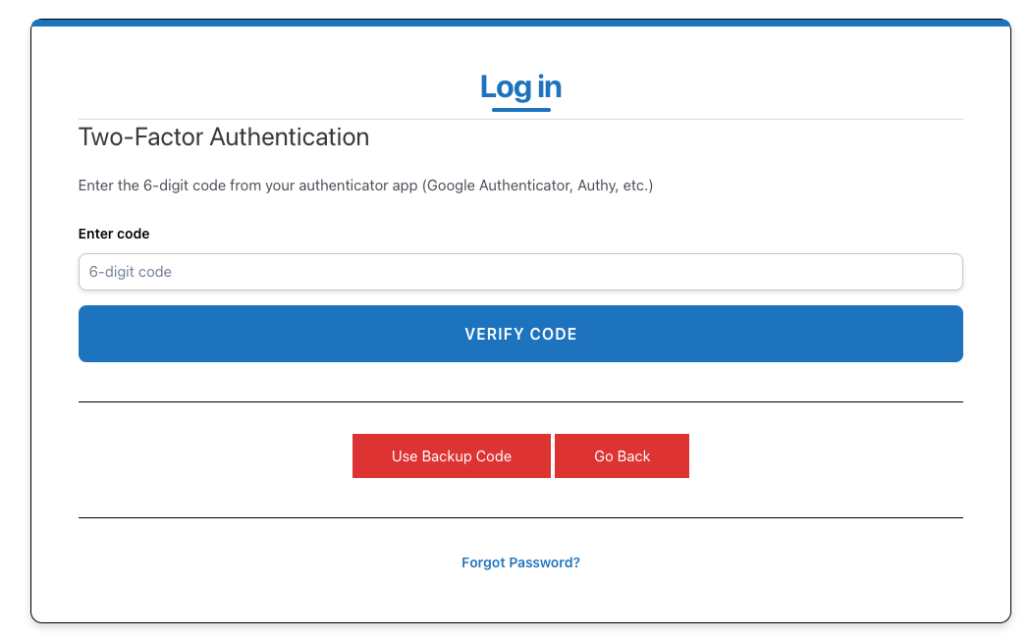 **Note:** Configure your 2FA rules in the WP 2FA plugin itself. See the [WP 2FA documentation](https://melapress.com/support/kb/) for policy and enforcement options.
### Spam Protection: reCAPTCHA or Cloudflare Turnstile
Front End Login can add a spam-protection challenge to the login form using either **Google reCAPTCHA v2** or **Cloudflare Turnstile**. Both are configured in the Front End Login settings — add the keys for whichever service you prefer.
- **Google reCAPTCHA** — In the **Google reCAPTCHA Settings** section, enter your reCAPTCHA v2 **Site Key** and **Secret Key**.
- **Cloudflare Turnstile** — In the **Cloudflare Turnstile Settings** section, enter your Turnstile **Site Key** and **Secret Key**. Turnstile becomes active as soon as both keys are filled in. Turnstile is a privacy-focused alternative that usually verifies visitors without a visible puzzle. You can also customize the messages learners see:
- **Turnstile Not Checked Message** — Shown when the challenge hasn’t been completed (default: *Verify you are human.*).
- **Turnstile Error Message** — Shown when validation fails.
- **Turnstile Render Error Message** — Shown if the Turnstile widget can’t load.
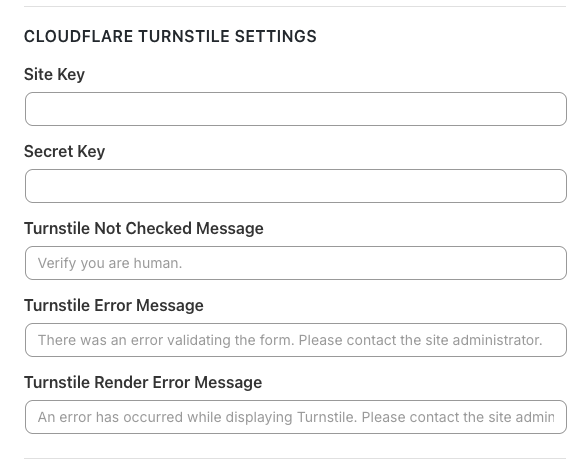 **Important:** Use **one** challenge service at a time. Don’t enter keys for both reCAPTCHA and Turnstile, and don’t run a separate reCAPTCHA/Turnstile plugin that also modifies login forms — overlapping challenges will conflict. To get your keys, see Google’s reCAPTCHA admin console or the Cloudflare Turnstile dashboard.
### Adding a Modal Login to a Menu
The modal login form can open from any menu link, but it requires the [Log In/Log Out Links module](https://www.uncannyowl.com/knowledge-base/log-in-log-out-links/) to also be enabled. With both modules active:
1. Go to **Appearance > Menus**.
2. Find the **Uncanny Menu Links** section.
3. Add a modal login link to your menu.
**Note:** A **Login Page** must be set in the Front End Login settings for the modal login to work from a menu.
### For Developers
#### The login\_form action hook *(new in v3.8.0)*
Toolkit v3.8.0 added a `login_form` action hook to the login templates, giving developers a reliable place to inject custom markup or fields into the front-end login form. This mirrors the behaviour of WordPress’ core `login_form` hook within the Toolkit’s templates.
#### Overriding the login templates
Since Toolkit v3.1, you can override the login templates in an upgrade-safe way by copying them into your theme. For example, to override the default login form, copy:
`wp-content/plugins/uncanny-learndash-toolkit/src/templates/frontend-login/default-login.php`
to:
`wp-content/themes/your-theme/uncanny-toolkit/frontend-login/default-login.php`
The copied file then overrides the plugin’s version.
**Warning:** Never edit template files inside the Uncanny Toolkit plugin folder directly — they are overwritten on every plugin update.
### Troubleshooting
**Important:** Make sure your login page is **not** cached. If you see password-reset errors, redirect errors, or users being logged out unexpectedly, a caching plugin or server-side cache is the most common cause. Exclude the login page from all caching.
Also avoid running a separate reCAPTCHA or Cloudflare Turnstile plugin that modifies login forms — it will likely conflict with the Toolkit’s built-in reCAPTCHA/Turnstile support.
#### If You Lock Yourself Out
If you save invalid settings and find you can no longer log in:
1. Connect to your site by FTP.
2. Rename the `/wp-content/plugins/uncanny-learndash-toolkit/` folder temporarily to disable it.
3. Log in as an administrator from the default WordPress login page.
4. Rename the folder back and reactivate the Toolkit while still signed in.
5. Correct the settings on the **Uncanny Toolkit > Settings** page and test the login page again in an incognito window.
This can happen if a maintenance-mode or site-wide protection plugin conflicts with Front End Login, or if your redirects create a loop.
### Related Articles
- [Getting Started with the Uncanny Toolkit](https://www.uncannyowl.com/knowledge-base/introduction-to-the-uncanny-learndash-toolkit/) — Plan your login and membership flow
- [Log In/Log Out Links](https://www.uncannyowl.com/knowledge-base/log-in-log-out-links/) — Add login, logout, and register links to menus
- [Log In/Log Out Redirects](https://www.uncannyowl.com/knowledge-base/learndash-login-redirect/) — Send users to the right page after signing in
- [Menu Item Visibility](https://www.uncannyowl.com/knowledge-base/menu-item-visibility/) — Show different menu items to logged-in and logged-out visitors
**Article Categories:** Uncanny Toolkit for LearnDash
---
### [Disable Emails](https://www.uncannyowl.com/knowledge-base/disable-emails/)
**Published:** January 2, 2020
**Author:** Ken
**Excerpt:** Learn how to instantly disable all outgoing emails from your site.
**Content:**
### Overview
The **Disable Emails** module stops your site from sending any outgoing email, so you can safely test, stage, or migrate without accidentally notifying real users.
### What This Module Does
When active, **Disable Emails** intercepts WordPress’s `wp_mail()` function and prevents all outgoing messages from leaving your site. Because nearly every WordPress plugin sends mail through `wp_mail()`, this effectively blocks course notifications, password resets, comment alerts, and any other email your site would normally generate.
To keep things obvious, the module adds a reminder to your WordPress admin bar whenever it’s turned on, so you always know email is being blocked.
### How to Enable It
1. In your WordPress dashboard, go to **Uncanny Toolkit > Modules**.
2. Locate the **Disable Emails** module.
3. Click **Activate**.
There are no additional settings to configure. The module works as a simple on/off switch: once it’s active, all outgoing email is blocked, and the admin-bar reminder appears.
**Important:** While this module is active, it blocks ALL outgoing email from your site, not just LearnDash messages. This includes password resets, order receipts, form notifications, and admin alerts. Do not leave it enabled on a live production site, or your users will stop receiving important emails.
### When to Use This
This module is built for situations where you want your site to behave normally without actually sending mail:
- **Staging environments:** Keep test accounts and copied user data from receiving real notifications.
- **Development and debugging:** Trigger and test email-driven workflows without flooding inboxes.
- **Site migrations:** Prevent users from receiving notifications while you move or rebuild a site.
In each case, you get the safety of a fully blocked outbox while everything else on the site continues to run as usual.
### Pairing With an Email Logging Plugin
Because blocked emails are never delivered, you won’t see them anywhere by default. If you need to confirm *which* emails your site would have sent, we recommend pairing this module with an email logging plugin such as [**Email Log**](https://en-ca.wordpress.org/plugins/email-log/) or . The logging plugin records every message your site attempts to send, while **Disable Emails** ensures none of them actually go out, giving you a complete record without any real delivery.
### Limitations
This module only blocks email sent through WordPress’s `wp_mail()` function. In practice this covers nearly every WordPress plugin, and there are no known cases of email bypassing the block. However, if a plugin or service sends mail through its own external method instead of `wp_mail()`, that mail may not be caught by this module.
### Related Articles
- [Introduction to the Uncanny LearnDash Toolkit](https://www.uncannyowl.com/knowledge-base/introduction-to-the-uncanny-learndash-toolkit/)
- [Install the Uncanny LearnDash Toolkit](https://www.uncannyowl.com/knowledge-base/install-the-uncanny-learndash-toolkit/)
- [User Switching](https://www.uncannyowl.com/knowledge-base/user-switching-module/)
**Article Categories:** Uncanny Toolkit for LearnDash
---
### [Certificate Widget](https://www.uncannyowl.com/knowledge-base/learndash-certificate-widget/)
**Published:** April 25, 2016
**Author:** yuehchin
**Excerpt:** Learn how to add a widget that displays the user's earned LearnDash certificates.
**Content:**
### Overview
The Certificate Widget gives your learners one convenient place to find every certificate they’ve earned. Drop it into any sidebar, footer, or widget area and signed-in users will see a tidy, linked list of their available certificates.
### What the Widget Does
The Certificate Widget displays a list of the LearnDash certificates a logged-in user has earned — including **course**, **quiz**, and **group** certificates. Each item links to the certificate so learners can view or download it on demand. Because the list is personalized per user, it’s a great fit for a “My Account” page, a course dashboard, or a persistent sidebar.
### Prerequisites
- **LearnDash** must be active.
- The **Certificate Widget** module must be enabled under **Uncanny Toolkit > Modules**.
That’s all the widget needs — it builds the certificate list directly from LearnDash. (It does not depend on the separate **Show Certificates** module; that module simply provides an equivalent *shortcode* — see [Using a Shortcode Instead](https://docs.google.com/document/d/1WBSrEb3-yIWjU0aenVosoInZsUbSZgeDNfqC575mVpI/edit#using-a-shortcode-instead) below.)
### Adding the Widget
1. In your WordPress admin, go to **Uncanny Toolkit > Modules** and confirm the **Certificate Widget** module is enabled.
2. Go to **Appearance > Widgets**.
3. Locate the **Certificates – Uncanny Toolkit** widget and add it to your chosen widget area (for example, a sidebar or footer).
### Configuring the Widget
Once the widget is placed, you can customize these settings:
- **Title** – The heading shown above the list (default: *Your certificates*).
- **No certificates message** – The text shown when a learner has no certificates yet (default: *Complete courses to earn certificates*).
- **Certificate Order** – The sort direction: **Ascending** or **Descending**.
- **Certificate Order By** – Order certificates by **Title** or by **Date Earned**.
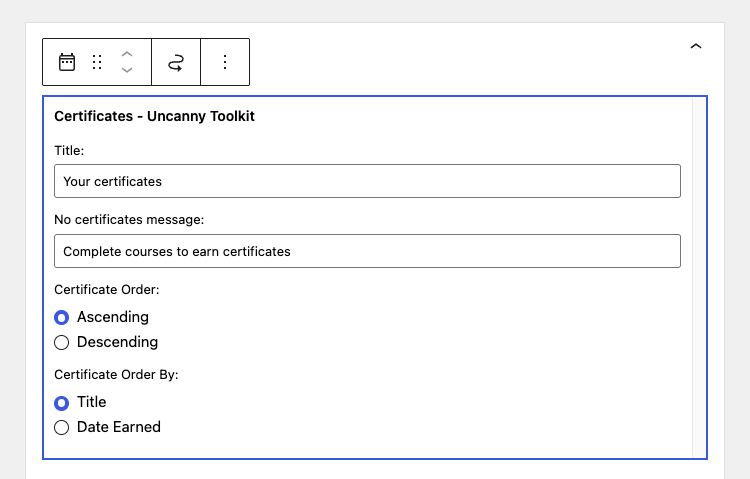 ### Display Course/Quiz Titles or Certificate Titles
By default, the widget labels each list item using the course or quiz title. If you’d prefer the list to show the certificate’s own title instead, enable **Display Certificate title instead of Course/Quiz title** from the **Uncanny Toolkit > Modules** page, under the Certificate Widget module’s settings.
We recommend using certificate titles when your certificate names are more descriptive or learner-friendly than the underlying course and quiz names.
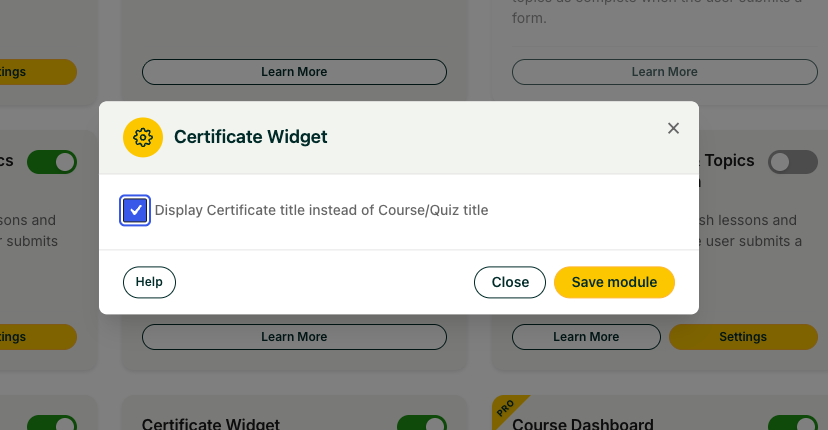 ### Using a Shortcode Instead
If you’d rather place a certificate list inside a page, post, or template instead of a widget area, use the` [uo_learndash_certificates] `shortcode. Note that this shortcode is provided by the **Show Certificates** module, so enable **Show Certificates** if you want to use it. It supports attributes for filtering by course, quiz, and group certificates and for a custom heading — see the [Show Certificates](https://www.uncannyowl.com/knowledge-base/show-learndash-certificates/) article for the full attribute list.
### Related Articles
- [Show Certificates](https://www.uncannyowl.com/knowledge-base/show-learndash-certificates/) – Provides the `[uo_learndash_certificates]` shortcode for displaying certificates in page content.
- [Introduction to the Uncanny Toolkit for LearnDash](https://www.uncannyowl.com/knowledge-base/introduction-to-the-uncanny-learndash-toolkit/) – Overview of what the Toolkit offers and how its modules work.
- [Install the Uncanny Toolkit for LearnDash](https://www.uncannyowl.com/knowledge-base/install-the-uncanny-learndash-toolkit/) – How to install and activate the Toolkit.
**Article Categories:** Uncanny Toolkit for LearnDash
---
### [Breadcrumb Links](https://www.uncannyowl.com/knowledge-base/learndash-breadcrumb-links/)
**Published:** April 24, 2016
**Author:** Ryan Moore
**Excerpt:** Learn how to display breadcrumb links on your site that understand the LearnDash course > lesson > topic hierarchy.
**Content:**
### Overview
The **Breadcrumb Links** module adds a navigation trail to your LearnDash courses so learners always know where they are in a course and can jump back to any parent level in a single click. In deep course structures, this small piece of context makes a big difference in keeping learners oriented and reducing support requests.
### What the Breadcrumbs Show
By default, the breadcrumb trail follows the full LearnDash hierarchy:
**Home » Course Archive Page » Course Name » Lesson Name » Topic Name**
Each item is a clickable link to that level, and the trail automatically reflects the learner’s current location (quizzes are supported too). The first item, **Home**, links to your site’s home page; the course archive is shown as a separate crumb after it. The default separator between items is ».
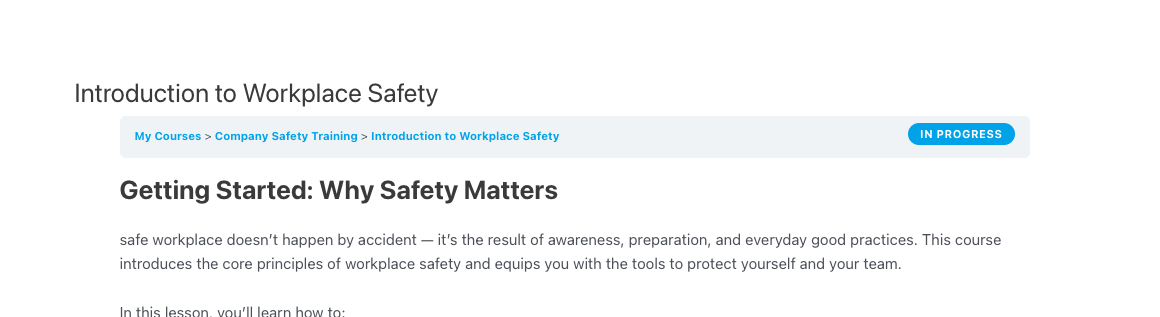 ### Enabling the Module
1. In your WordPress dashboard, go to **Uncanny Toolkit** and open the modules screen.
2. Find the **Breadcrumb Links** module and turn it on.
3. Open the module’s **Settings** to customize the display (see below).
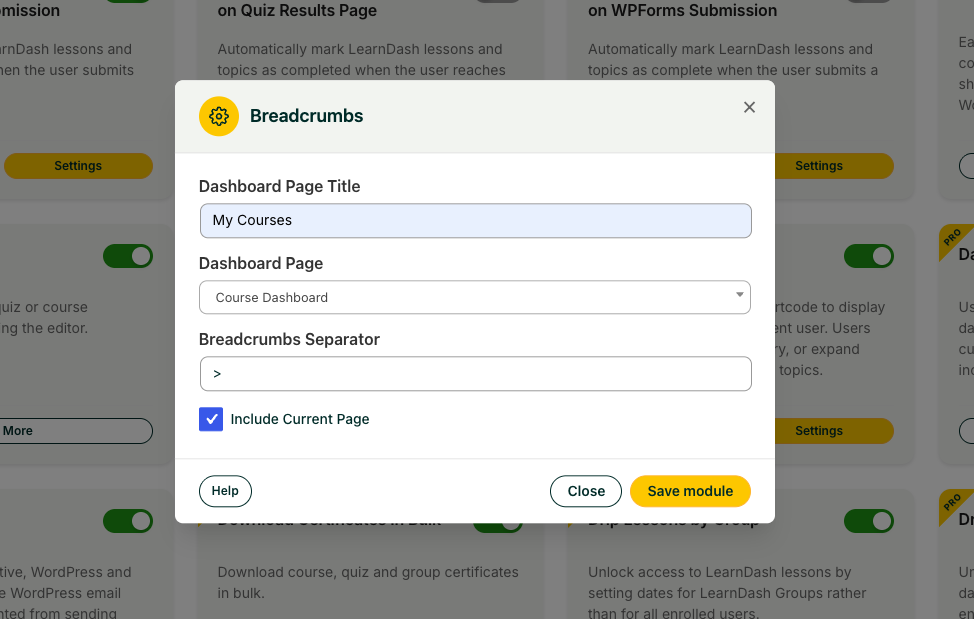 If you haven’t installed the Toolkit yet, see [Install the Uncanny LearnDash Toolkit](https://www.uncannyowl.com/knowledge-base/install-the-uncanny-learndash-toolkit/).
### Displaying the Breadcrumbs
You have two ways to output the breadcrumb trail, depending on where you want it to appear.
#### Shortcode
Use the shortcode to place breadcrumbs in any page, post, or widget. It takes no attributes:
```
[uo_breadcrumbs]
```
#### Template Function
To integrate breadcrumbs directly into your theme (for example, in a header template or another PHP file), call the template function:
```
``
```
By default the function echoes the breadcrumb HTML. Pass `false` to return it as a string instead:
```
```
We recommend the template function when you want breadcrumbs to appear consistently across all course content without editing individual pages.
### Customization Options
Open the **Breadcrumb Links** module **Settings** to tailor the trail to your site.
The module’s **Settings** panel includes these options:
- **Dashboard Page Title** — The label used for the dashboard crumb.
- **Dashboard Page** — Select a page to use as the dashboard. When set, this page replaces the course archive in the trail, sending learners to a custom landing page instead of the default LearnDash archive.
- **Breadcrumbs Separator** — The character or markup placed between items (default »). You can include HTML here, so you’re free to use a Font Awesome icon or similar element in place of a plain character.
- **Include Current Page** — Whether the current page is included as the final crumb in the trail.
### Related Articles
- [Introduction to the Uncanny LearnDash Toolkit](https://www.uncannyowl.com/knowledge-base/introduction-to-the-uncanny-learndash-toolkit/) — an overview of everything the Toolkit offers.
- [Install the Uncanny LearnDash Toolkit](https://www.uncannyowl.com/knowledge-base/install-the-uncanny-learndash-toolkit/) — get the Toolkit set up on your site.
- [Resume Button](https://www.uncannyowl.com/knowledge-base/learndash-resume/) — let learners jump straight back to where they left off.
- [Menu Item Visibility](https://www.uncannyowl.com/knowledge-base/menu-item-visibility/) — show or hide menu items based on enrollment and login status.
**Article Categories:** Uncanny Toolkit for LearnDash
---
### [Migrating from Manual Enrollment to Code-Based Enrollment](https://www.uncannyowl.com/knowledge-base/migrating-from-manual-enrollment-to-code-based-enrollment/)
**Published:** June 4, 2026
**Author:** David Chambo
**Content:**
### Overview
If you’re currently enrolling users in LearnDash courses and groups by hand — adding them one at a time from the WordPress admin, emailing login credentials, or managing spreadsheets of who has access to what — you already know the pain. Manual enrollment doesn’t scale, it’s error-prone, and it turns the site administrator into a bottleneck for every new user.
Uncanny Codes replaces that manual process with self-service enrollment. You generate codes, distribute them however works for your organization, and users enroll themselves by entering their code. This article walks you through the migration from manual to code-based enrollment.
### The Problems with Manual Enrollment
Before diving into the solution, it’s worth naming the specific problems that codes solve:
**It’s slow.** Adding 50 users to a course one at a time in the LearnDash admin takes a significant chunk of your day. Adding 500 takes days.
**It’s error-prone.** Typos in usernames, forgetting to add someone to a group, accidentally enrolling someone in the wrong course — manual processes produce manual errors.
**It creates a bottleneck.** Every new enrollment request goes through the admin. If you’re on vacation, enrollments stop.
**It’s untraceable.** There’s no audit trail for who was enrolled, when, or by whom. If someone claims they don’t have access, you’re digging through records to figure out what happened.
**It doesn’t scale to multiple organizations.** If you serve several companies or departments, managing enrollment across all of them in the admin becomes unmanageable.
### How Codes Solve Each Problem
Manual Pain PointCode-Based SolutionSlow, one-at-a-time enrollmentGenerate hundreds of codes in seconds; users enroll themselvesAdmin is the bottleneckDistribute codes to coordinators; they handle distribution within their orgNo audit trailEvery code has a unique redemption record: who, when, which batchError-proneCodes map to predefined courses/groups — no room for enrollment mistakesDoesn’t scale to multiple orgsCreate separate batches per organization with independent tracking### Migration Plan
#### Phase 1: Set Up Uncanny Codes
1. **Install and activate** [Uncanny Redemption Codes](https://www.uncannyowl.com/downloads/uncanny-learndash-codes/) and enter your license key.
2. **Review settings** under **Uncanny Codes > Settings**. Pay attention to the LearnDash group behavior setting — this controls what happens if a user redeems a code that adds them to a new group. See [Set up Uncanny Redemption Codes for WordPress](https://www.uncannyowl.com/knowledge-base/set-up-uncanny-codes-for-wordpress/).
3. **Create your first batch** to match one of your current manual enrollment workflows. For example, if you regularly enroll users in “Safety Training 101,” create a batch of codes mapped to that course.
#### Phase 2: Set Up the Redemption Experience
Choose how users will redeem their codes:
**For existing users who already have accounts:**
Add the `[uo_user_redeem_code]` shortcode to a page on your site. Send users there with their code. See [Standalone Code Redemption](https://www.uncannyowl.com/knowledge-base/standalone-code-redemption/).
**For new users who need to register:**
Set up a registration form with a code field using Gravity Forms, WPForms, Formidable Forms, or the built-in registration shortcode. The user creates an account and enrolls in one step. See [Setting Up Code Redemption Forms](https://www.uncannyowl.com/knowledge-base/setting-up-code-redemption-forms/).
**For organizations that purchase access through WooCommerce:**
Link a code batch to a WooCommerce product so that organizations can purchase seats and receive codes automatically. See [Sell Code Batches as WooCommerce Products](https://www.uncannyowl.com/knowledge-base/sell-uncanny-codes/).
#### Phase 3: Migrate One Workflow at a Time
Don’t try to migrate everything at once. Pick your highest-volume manual enrollment workflow and convert it to codes first:
1. Generate a batch for that workflow
2. Test the redemption flow with a test user
3. Update your internal process documentation to reference codes instead of manual enrollment
4. Communicate the change to coordinators or clients who request enrollments
5. Monitor redemption for the first week to make sure everything works
Once the first workflow is running smoothly, repeat for the next one.
#### Phase 4: Retire Manual Enrollment
Once all your enrollment workflows are code-based, you can stop doing manual enrollments entirely. If someone asks you to enroll a user, the answer is: “Here’s a code — have them enter it on the enrollment page.”
For the rare case where you need to enroll a single user manually (troubleshooting, special circumstances), the LearnDash admin enrollment still works. But it should be the exception, not the default.
### What About Users Who Are Already Enrolled?
Migrating to codes doesn’t affect users who are already enrolled in courses or groups. Existing enrollments remain in place. Codes only apply to new enrollments going forward.
If you want to track existing users in the same system, you can retroactively generate codes and mark them as redeemed — but this is usually unnecessary. The simpler approach is to use codes for all new enrollments and let existing enrollments stand.
### Communicating the Change
If you distribute enrollment to coordinators, managers, or HR contacts at other organizations, let them know about the new process:
**Sample communication:**
> We’re updating how we handle course enrollment to make it faster and easier for everyone. Going forward, instead of sending us a list of users to enroll, we’ll provide you with a set of enrollment codes. Each code can be given to one person — they’ll enter it on our enrollment page and instantly get access to their courses. This means no more waiting for us to process enrollments manually, and each person can enroll on their own schedule.
### Related Articles
- [Getting Started with Uncanny Codes](https://www.uncannyowl.com/knowledge-base/getting-started-with-uncanny-codes/) — Overview of all Codes workflows
- [Set up Uncanny Redemption Codes for WordPress](https://www.uncannyowl.com/knowledge-base/set-up-uncanny-codes-for-wordpress/) — Installation and settings
- [Generating or Adding New Codes](https://www.uncannyowl.com/knowledge-base/generating-new-codes/) — Create code batches
- [Corporate Training & Bulk Enrollment Codes](https://www.uncannyowl.com/knowledge-base/use-case-corporate-training-bulk-enrollment-codes/) — Scaling code distribution for large organizations
- [Standalone Code Redemption](https://www.uncannyowl.com/knowledge-base/standalone-code-redemption/) — Self-service redemption for existing users
- [Viewing and Editing Codes](https://www.uncannyowl.com/knowledge-base/view-codes/) — Track and manage code usage
**Article Categories:** Uncanny Redemption Codes
---
### [Use Case: Event & Conference Access Codes](https://www.uncannyowl.com/knowledge-base/use-case-event-conference-access-codes/)
**Published:** June 4, 2026
**Author:** David Chambo
**Content:**
### Overview
If you run conferences, workshops, webinars, or training events, Uncanny Codes gives you a simple way to bridge the gap between the in-person (or live) experience and your online platform. Generate codes before the event, distribute them to attendees, and let each person self-enroll in follow-up courses, resources, or communities by redeeming their code after the event.
### Why Codes Work for Events
Traditional post-event enrollment relies on attendees remembering to sign up, finding the right URL, and completing a registration process. Codes simplify this to one step: enter the code, get access. This dramatically increases the conversion rate from “attended the event” to “enrolled on the platform.”
Codes also give you something most event tools don’t: **individual redemption tracking**. You know exactly which attendees redeemed their codes, when they did it, and what access they received — useful data for measuring event ROI and planning follow-ups.
### The Workflow
#### Before the Event
**1. Create a code batch for the event**
Navigate to **Uncanny Codes > Add New Batch** and create a batch with enough codes for your expected attendance, plus a small buffer. Name the batch clearly (e.g., “WordCamp 2026 — Post-Event Access”).
Choose the code type based on what you want to happen on redemption:
- **LearnDash** — directly enroll attendees in a course or group
- **Automator** — trigger a multi-step workflow (enrollment + email + CRM tag + more)
**2. Set an expiration date**
Set the batch to expire 30-90 days after the event. This creates urgency for attendees to redeem their codes promptly and prevents stale codes from being used months later.
**3. Export and prepare for distribution**
Download the codes as CSV from **Uncanny Codes > View Codes**. How you distribute them depends on your event format:
Distribution MethodBest For**Printed cards**In-person conferences — hand a card to each attendee at check-in or in their swag bag**Badge inserts**In-person events — print each code on the attendee’s name badge**Email**Virtual events or webinars — send each attendee a unique code in a follow-up email**Chat/slide**Live webinars — display a shared code on screen (use a multi-use code)**QR codes**Any format — generate QR codes that link to your redemption page with the code pre-filled**4. Set up a redemption page**
Create a dedicated landing page on your site for event attendees to redeem their codes. Add the `[uo_user_redeem_code]` shortcode for logged-in users, or a registration form with a code field for new users.
Make the page welcoming and event-specific: include the event name, a brief reminder of what they’re unlocking, and clear instructions for entering the code.
#### During the Event
Announce the codes and explain what attendees will get by redeeming them. Be specific: “Your access code unlocks the full recording of today’s sessions, plus our bonus resources library.”
If using printed cards, hand them out at check-in or during a specific session. If using a shared code for a live webinar, display it on a slide and give attendees a minute to redeem it in real time.
#### After the Event
**1. Send a follow-up email**
For in-person events where codes were distributed on cards, send a follow-up email reminding attendees to redeem. Include the URL to the redemption page and a note about the expiration date.
**2. Monitor redemption**
Check **Uncanny Codes > View Codes** regularly to see how many codes have been redeemed. If redemption is low after a week, send another reminder.
**3. Automate the post-redemption experience**
If you’re using Automator-type codes, the redemption itself can trigger a full follow-up workflow:
- Enroll the user in the post-event course or resource library
- Send a welcome email with links to recordings, slides, and resources
- Tag the contact in your CRM as an event attendee
- Add them to a BuddyBoss community group for event alumni
- Post a notification to your team’s Slack channel
See [Codes + Automator: Advanced Workflows](KB_LINK) for detailed recipe examples.
### QR Code Integration
QR codes can make redemption frictionless at in-person events. While Uncanny Codes doesn’t generate QR codes directly, you can create them easily:
1. Set up your redemption page at a URL like `yoursite.com/event-access`
2. If using a shared multi-use code, append it to the URL as a parameter (requires a small custom code snippet to auto-fill the form)
3. Generate a QR code pointing to that URL using any free QR code generator
4. Print the QR code on badges, cards, or event signage
Attendees scan the QR code with their phone, land on the redemption page, and enter (or have pre-filled) their code. This reduces friction to almost zero.
### Measuring Event ROI
Code redemption data gives you concrete metrics for event ROI:
MetricWhat It Tells You**Redemption rate** (redeemed / distributed)What percentage of attendees engaged with your post-event content**Time to redemption**How quickly attendees acted — same day vs. days later**Course completion rate** (via LearnDash)How many attendees who redeemed actually completed the follow-up content**Per-event comparison**Compare redemption rates across events to identify which formats and audiences are most engagedExport the CSV from View Codes and combine it with your event attendance records for a complete picture.
### Related Articles
- [Getting Started with Uncanny Codes](KB_LINK) — Overview of all Codes workflows
- [Generating or Adding New Codes](https://www.uncannyowl.com/knowledge-base/generating-new-codes/) — Batch creation and configuration
- [Standalone Code Redemption](https://www.uncannyowl.com/knowledge-base/standalone-code-redemption/) — Redemption form shortcode
- [Codes + Automator: Advanced Workflows](KB_LINK) — Post-event automation recipes
- [Viewing and Editing Codes](https://www.uncannyowl.com/knowledge-base/view-codes/) — Tracking and exporting redemption data
**Article Categories:** Uncanny Redemption Codes
---
### [Uncanny Codes vs. WooCommerce Coupons: What's the Difference?](https://www.uncannyowl.com/knowledge-base/uncanny-codes-vs-woocommerce-coupons-whats-the-difference/)
**Published:** June 4, 2026
**Author:** David Chambo
**Content:**
### Overview
If you sell courses or products through WooCommerce, you’ve probably used WooCommerce coupons to offer discounts. When you hear about Uncanny Codes, a natural question is: “How is this different from a coupon?” The answer is that they solve fundamentally different problems, and in many cases you’ll want to use them together.
### The Core Difference
**WooCommerce coupons reduce a price.** A coupon takes a percentage or fixed amount off a product at checkout. The customer still goes through the full WooCommerce purchase flow — cart, checkout, payment (even if the total is $0).
**Uncanny Codes grant access.** A code directly enrolls the user in a course, adds them to a group, assigns a role, or triggers an Automator recipe. No cart, no checkout, no payment step required. The user enters a code on a form or redemption page and immediately receives access.
WooCommerce CouponUncanny Code**Primary function**Discounts a product priceGrants access or triggers an action**Requires checkout?**Yes — user goes through cart and checkoutNo — user redeems on a form or standalone page**Requires payment setup?**Yes — even for $0 orders, WooCommerce processes the orderNo — no payment infrastructure needed**Tracks individual usage?**Limited — tracks total uses and per-user limitYes — every code is individually tracked with user, date, and status**Unique per user?**Typically shared (one coupon code used by many people)Can be unique (one code per person) or shared**Can trigger automations?**Via WooCommerce order actionsYes — via Uncanny Automator with 200+ integrations**Can be sold as a product?**No — coupons discount products, they aren’t productsYes — code batches can be sold as WooCommerce products**Expiration**By dateBy date or by redemption count### When to Use WooCommerce Coupons
Use coupons when the goal is to **reduce the price** of a product:
- “Get 20% off any course this weekend”
- “Use code WELCOME10 for $10 off your first purchase”
- “Free shipping with code FREESHIP”
Coupons work within the WooCommerce checkout flow. The customer adds a product to their cart, enters the coupon, and completes the purchase at the discounted price.
### When to Use Uncanny Codes
Use codes when the goal is to **grant access** without requiring a purchase:
- “Enter your enrollment code to access the training program”
- “Redeem your conference access code”
- “Here’s your free course code — no purchase required”
- “Enter the code from your manager to join the team workspace”
Codes work outside the WooCommerce checkout flow. The user enters the code on a redemption page or registration form and receives access immediately.
### Using Both Together
Uncanny Codes and WooCommerce coupons are complementary, not competing. Here are scenarios where you’d use both:
#### Selling Codes at a Discount
You sell code batches as WooCommerce products (using the [Sell Code Batches as WooCommerce Products](https://www.uncannyowl.com/knowledge-base/sell-uncanny-codes/) workflow). A WooCommerce coupon can discount the code product at checkout:
- Customer adds “10-Pack Enrollment Codes” to cart ($500)
- Customer applies coupon “BULK20” for 20% off ($400)
- Customer receives 10 codes after purchase
- Each code is distributed to an end user who redeems it for course access
In this flow, the **coupon** reduces the price and the **codes** grant the access.
#### Requiring a Code at Checkout
You can enable the **Require LearnDash Code** checkbox on a WooCommerce product. This adds a code field to the checkout page. The customer enters a valid Uncanny Code to complete the purchase. A WooCommerce coupon can also be applied to the same order:
- Customer adds a course product to cart
- Customer enters a coupon for a discount
- Customer also enters an Uncanny Code for enrollment
- Both are processed: the coupon reduces the price, and the code triggers enrollment
#### Promotional Code + Purchase Incentive
You give away free Uncanny Codes for a basic course, then use WooCommerce coupons to incentivize upgrading:
- User redeems a free code for “Photography 101”
- Automator sends a follow-up email 7 days later with a WooCommerce coupon for 30% off “Photography Masterclass”
- User purchases the advanced course at a discount
The code drives initial engagement; the coupon drives the upsell.
### Quick Decision Guide
Your GoalUseDiscount a product priceWooCommerce CouponGive someone free course/group accessUncanny CodeSell access codes to organizationsUncanny Code (as WooCommerce product)Track individual code usage per personUncanny CodeOffer a limited-time percentage discountWooCommerce CouponDistribute unique access tokens at an eventUncanny CodeGrant access + trigger a multi-step workflowUncanny Code + AutomatorReduce price AND grant access in one checkoutBoth — coupon for price, code for access### Related Articles
- [Getting Started with Uncanny Codes](KB_LINK) — Overview of Uncanny Codes workflows
- [Sell Code Batches as WooCommerce Products](https://www.uncannyowl.com/knowledge-base/sell-uncanny-codes/) — Sell codes through WooCommerce
- [Redeem Codes During WooCommerce Checkout](https://www.uncannyowl.com/knowledge-base/using-codes-woocommerce/) — Code field at checkout
- [Promotional Codes & Marketing Campaigns](KB_LINK) — Using codes for promotions
**Article Categories:** Uncanny Redemption Codes
---
### [Use Case: Promotional Codes & Marketing Campaigns](https://www.uncannyowl.com/knowledge-base/use-case-promotional-codes-marketing-campaigns/)
**Published:** June 4, 2026
**Author:** David Chambo
**Content:**
### Overview
Uncanny Codes isn’t just for enrollment management — it’s also a powerful promotional tool. You can create limited-run batches of codes for giveaways, early-bird access, partner co-marketing, social media contests, or any campaign where you want to distribute access in a controlled, trackable way.
This article shows how to use Uncanny Codes to run promotional campaigns, track their performance, and automate the post-redemption experience.
### Why Codes Make Great Promotional Tools
Promotional codes offer several advantages over open enrollment or discount coupons:
- **Exclusivity.** A code feels personal and valuable — “here’s your access code” is more compelling than “sign up here.”
- **Scarcity.** You control exactly how many codes exist. When a batch runs out, the promotion is over.
- **Trackability.** Every redemption is logged. You know exactly how many of your 100 giveaway codes were used, when, and by whom.
- **Flexibility.** Codes can grant course access, group membership, role upgrades, CRM tags, or any combination via Automator.
- **No price manipulation.** Unlike WooCommerce coupons, Uncanny Codes don’t reduce a price — they grant access directly. This means you’re not training customers to wait for discounts.
### Campaign Types
#### Free Course Access Giveaway
**Goal:** Drive awareness and trial usage by giving away free access to a course.
**Setup:**
1. Create a LearnDash-type batch with 50-100 codes mapped to the course you want to promote
2. Set an expiration date (e.g., 30 days from campaign launch)
3. Add the `[uo_user_redeem_code]` shortcode to a dedicated landing page
4. Distribute codes through your email list, social media, or podcast
**Distribution ideas:**
- Email: “Reply to this email for a free access code” (manually or via Automator)
- Social: “First 50 people to DM us get a free code”
- Podcast: “Use code PODCAST2026 for free access” (create a multi-use code)
- Webinar: Share a batch of single-use codes in the webinar chat
#### Partner Co-Marketing
**Goal:** Give a partner organization codes to distribute to their audience, driving new users to your site.
**Setup:**
1. Create a dedicated batch for each partner (e.g., “Partner — WPBeginner Giveaway”)
2. Generate the number of codes the partner will distribute
3. Export as CSV and send to the partner
4. Track redemption rates per partner batch
**Why separate batches matter:** By giving each partner their own batch, you can compare which partnerships drive the most redemptions. This data informs future co-marketing decisions.
#### Early-Bird / VIP Access
**Goal:** Reward loyal customers or email subscribers with early access to a new course before it goes on sale.
**Setup:**
1. Create a batch mapped to the new course
2. Set the batch to expire when the course launches publicly
3. Distribute codes to your VIP list or loyal customers
4. Use Automator to tag redeemers in your CRM as “Early Adopter” for future segmentation
#### Social Media Contest
**Goal:** Drive engagement and follower growth by giving away codes as contest prizes.
**Setup:**
1. Create a small batch (10-20 codes) for contest prizes
2. Announce the contest on your social channels with clear entry instructions
3. Send winning codes via DM or email
4. Use the redemption page as a conversion point — include upsells or email signup prompts alongside the code field
### Automating the Post-Redemption Experience
When a promotional code is redeemed, you want the experience to feel special — not just a silent enrollment. Use Uncanny Automator to create a post-redemption workflow:
**Example Automator recipe for a promotional campaign:**
- **Trigger:** A user redeems a code from the “Spring 2026 Giveaway” batch
- **Action 1:** LearnDash — Enroll the user in “Photography Masterclass”
- **Action 2:** Automator — Send a branded welcome email: “Congrats! Your free access to Photography Masterclass is now active. Here’s how to get started…”
- **Action 3:** ActiveCampaign — Add the “Spring Promo Redeemer” tag (for future re-targeting)
- **Action 4:** Automator — Wait 7 days, then send a follow-up email: “How are you enjoying the course? Upgrade to our full bundle for 30% off”
This turns a simple code redemption into an automated nurture funnel.
### Tracking Campaign Performance
Every code batch gives you built-in campaign analytics:
MetricWhere to Find ItTotal codes generated**Uncanny Codes > View Codes** — batch summaryCodes redeemed**Uncanny Codes > View Codes** — redeemed countRedemption rateRedeemed / Total (calculate from CSV export)Codes remaining**Uncanny Codes > View Codes** — available countWho redeemed**Uncanny Codes > View Codes** — username and date per codeWhen they redeemedCSV export — Issue Date and redemption timestamp columnsFor campaigns sold through WooCommerce, you can also cross-reference the Order ID column in the CSV with WooCommerce order data.
> **Tip:** Export the CSV at the end of each campaign and store it with your campaign reports. This gives you historical data even if codes are eventually deleted from the system.
### Codes vs. WooCommerce Coupons
A common question: “Why not just use WooCommerce coupons for promotions?” The answer depends on what you’re trying to do. See [Uncanny Codes vs. WooCommerce Coupons](KB_LINK) for a detailed comparison. The short version: WooCommerce coupons discount a price; Uncanny Codes grant access. If your promotion is “get a discount on this product,” use a coupon. If your promotion is “get free access to this course/content/membership,” use a code.
### Related Articles
- [Getting Started with Uncanny Codes](KB_LINK) — Overview of all Codes workflows
- [Generating or Adding New Codes](https://www.uncannyowl.com/knowledge-base/generating-new-codes/) — Batch configuration and code generation
- [Standalone Code Redemption](https://www.uncannyowl.com/knowledge-base/standalone-code-redemption/) — Add a redemption form to a landing page
- [Viewing and Editing Codes](https://www.uncannyowl.com/knowledge-base/view-codes/) — Track redemptions and export data
- [Codes + Automator: Advanced Workflows](KB_LINK) — Build post-redemption automations
- [Uncanny Codes vs. WooCommerce Coupons](KB_LINK) — When to use which
**Article Categories:** Uncanny Redemption Codes
---
### [Use Case: Corporate Training & Bulk Enrollment Codes](https://www.uncannyowl.com/knowledge-base/use-case-corporate-training-bulk-enrollment-codes/)
**Published:** June 4, 2026
**Author:** David Chambo
**Content:**
### Overview
Uncanny Codes is a natural fit for corporate training and L&D teams that need to enroll employees, partners, or customers in training programs. Instead of manually adding users to courses one by one, you generate a batch of codes and distribute them to a department, organization, or partner — and each person self-enrolls by redeeming their code.
This article walks through the complete workflow for distributing enrollment codes at scale, from generating the batch to tracking completion.
### Why Use Codes for Corporate Training?
Manual enrollment is manageable for 5-10 users, but it breaks down quickly when you’re onboarding 50, 200, or 1,000 learners across multiple organizations. Codes solve several specific problems:
- **Self-service enrollment.** Learners enroll themselves — no admin bottleneck.
- **Delegated distribution.** Give a batch of codes to an HR manager or training coordinator and let them handle distribution within their organization.
- **Trackable.** Every code is individually trackable — you know exactly which codes were redeemed, by whom, and when.
- **Controlled access.** Each code can only be redeemed once (or a set number of times), so you control exactly how many seats are issued.
- **Expiration dates.** Set an expiration on the batch so codes are only valid during a specific enrollment window.
### The Workflow
#### Step 1: Create a Code Batch for the Program
1. Navigate to **Uncanny Codes > Generate Codes**
2. Name the batch descriptively — include the client or program name and date (e.g., “Acme Corp — Safety Training Q2 2026”)
3. Choose the code type:
- **LearnDash** — if the code should directly enroll users in specific courses or groups
- **Automator** — if you want the code to trigger an Automator recipe (useful for multi-step onboarding workflows)
4. For LearnDash-type batches, select the courses and/or groups the code should grant access to
5. Set the **number of codes** to match the number of seats purchased or allocated
6. Set an **expiration date** if the enrollment window is time-limited
7. Click **Generate Codes**
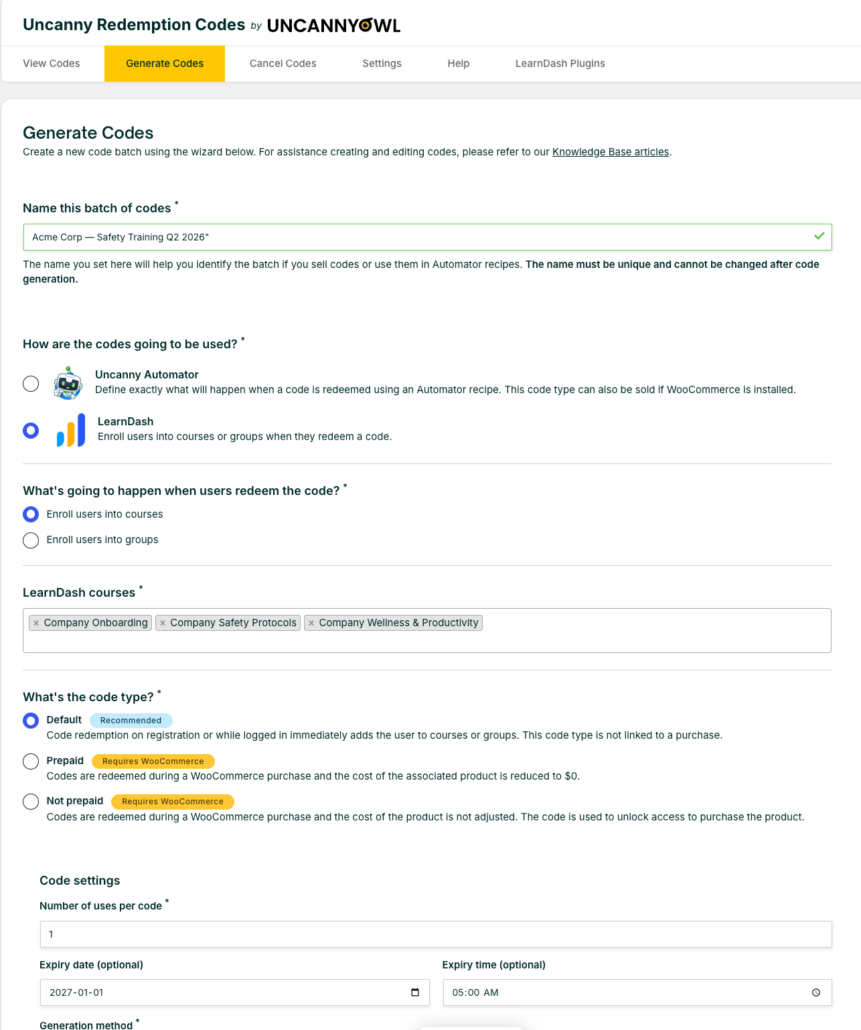 #### Step 2: Export and Distribute
1. Navigate to **Uncanny Codes > View Codes** and select your batch
2. Click **Download CSV** to export the codes
3. Send the CSV to the training coordinator or HR contact at the organization
The coordinator can then distribute individual codes to their team members via email, an internal portal, or however they normally communicate.
> **Tip:** If you’re distributing to multiple organizations, create a separate batch for each one. This makes it easy to track enrollment per organization and manage seat counts independently.
#### Step 3: Set Up the Redemption Page
Create a page on your site where learners can redeem their codes. You have two options:
**For existing users** (learners who already have accounts on your site):
Add the standalone redemption shortcode to a page:
`[uo_user_redeem_code]`
**For new users** (learners who need to register first):
Add a registration form with a code field using Gravity Forms, WPForms, or the built-in registration shortcode. See [Setting Up Code Redemption Forms](KB_LINK) for setup details.
Include clear instructions on the page: what the code looks like, where to enter it, and what happens after redemption.
#### Step 4: Track Enrollment Progress
Monitor code usage from the admin:
- **Uncanny Codes > View Codes** — See which codes have been redeemed, by whom, and when. Download updated CSV reports at any time.
- **LearnDash > Groups** — If using group-based enrollment, view the group’s member list to see who has enrolled.
- **Uncanny Groups** — If you use [Uncanny Groups for LearnDash](https://www.uncannyowl.com/downloads/uncanny-learndash-groups/), group leaders can access front-end reports showing enrollment progress, course completion, and quiz scores — without needing admin access.
#### Step 5: Report Back to the Client
Use the CSV download from the View Codes page to generate a redemption report for the client or internal stakeholders. As of v4.4, the CSV includes columns for Status, Issue Date, Order ID, Linked Product, and Redeemed Times, giving you comprehensive data for reporting.
### Combining Codes with Uncanny Groups
For enterprise scenarios, Uncanny Codes works best alongside [Uncanny Groups for LearnDash](https://www.uncannyowl.com/downloads/uncanny-learndash-groups/). The combination gives you:
- **Code-based enrollment** — learners self-enroll by redeeming a code
- **Group leader dashboard** — a designated coordinator can view their team’s progress, manage assignments, and run reports from the front end
- **Group-specific course dripping** — release content on a schedule specific to each group’s start date
- **Front-end essay and assignment management** — group leaders can grade submissions without admin access
This is the recommended setup for any organization managing more than one cohort of learners.
### Multi-Batch Strategy for Large Deployments
For organizations with multiple departments, locations, or training programs, we recommend a multi-batch strategy:
Batch NameCoursesSeatsExpiresAcme Corp — Sales Team — Product TrainingProduct 101, Product Advanced252026-06-30Acme Corp — Engineering — Safety CertificationSafety 101, Safety 201, Safety Exam402026-09-30Acme Corp — All Staff — Compliance AnnualCompliance 20262002026-12-31Each batch maps to a specific training program, has its own seat count, and can have its own expiration. You can report on each independently and generate additional codes if a department needs more seats.
### Related Articles
- [Getting Started with Uncanny Codes](KB_LINK) — Overview of all Codes workflows
- [Generating or Adding New Codes](https://www.uncannyowl.com/knowledge-base/generating-new-codes/) — Code batch configuration details
- [Viewing and Editing Codes](https://www.uncannyowl.com/knowledge-base/view-codes/) — Track redemptions and download reports
- [Uncanny Groups for LearnDash](https://www.uncannyowl.com/downloads/uncanny-learndash-groups/) — Group management for corporate training
- [Codes + Automator: Advanced Workflows](KB_LINK) — Multi-action onboarding recipes
**Article Categories:** Uncanny Redemption Codes
---
### [Codes + Automator: Advanced Workflows](https://www.uncannyowl.com/knowledge-base/codes-automator-advanced-workflows/)
**Published:** June 3, 2026
**Author:** David Chambo
**Content:**
### Overview
[Uncanny Automator](https://automatorplugin.com/) transforms Uncanny Codes from a simple enrollment tool into a full workflow automation engine. When a user redeems an Automator-type code, Automator can trigger any combination of actions across 200+ connected plugins and external services — all from a single code redemption.
This article goes beyond the [basic Automator connection guide](https://www.uncannyowl.com/knowledge-base/connect-codes-to-uncanny-automator/) to show you real-world recipes that demonstrate what’s possible.
### Prerequisites
- [Uncanny Redemption Codes](https://www.uncannyowl.com/downloads/uncanny-learndash-codes/) installed and activated
- [Uncanny Automator](https://automatorplugin.com/) installed and activated
- At least one Automator-type code batch created
- The plugins relevant to your desired actions installed and activated
### Recipe Building Basics
Every Codes + Automator workflow follows the same structure:
1. **Create an Automator-type code batch** in Uncanny Codes
2. **Create an Automator recipe** with the trigger: *“A user redeems a code from a batch”*
3. **Add one or more actions** that fire when the trigger occurs
4. **Set the recipe to Live** and distribute the codes
Automator passes useful data from the trigger to your actions via **tokens** — including the user’s name, email, the code string, and the batch name. You can use these tokens in email templates, CRM fields, Slack messages, and anywhere else that accepts dynamic values.
### Recipe Examples
#### Recipe 1: New Employee Onboarding (LearnDash + CRM + Slack)
**Scenario:** A corporate training team distributes codes to new hires. When redeemed, the employee is enrolled in onboarding courses, tagged in the CRM, and the HR channel is notified.
ComponentConfiguration**Trigger**A user redeems a code from the “2026 Onboarding” batch**Action 1**LearnDash — Enroll the user in “Company Onboarding” course**Action 2**LearnDash — Add the user to the “New Hires Q2 2026” group**Action 3**ActiveCampaign — Add the “New Hire” and “Onboarding Started” tags**Action 4**Automator — Send a welcome email with login instructions and course links**Action 5**Slack — Post to [\#hr-notifications](#hr-notifications): “New hire {user\_email} has started onboarding”**Why this works:** One code redemption replaces what would otherwise be 5 manual steps across 3 different platforms. HR just hands out a code and everything else is automated.
[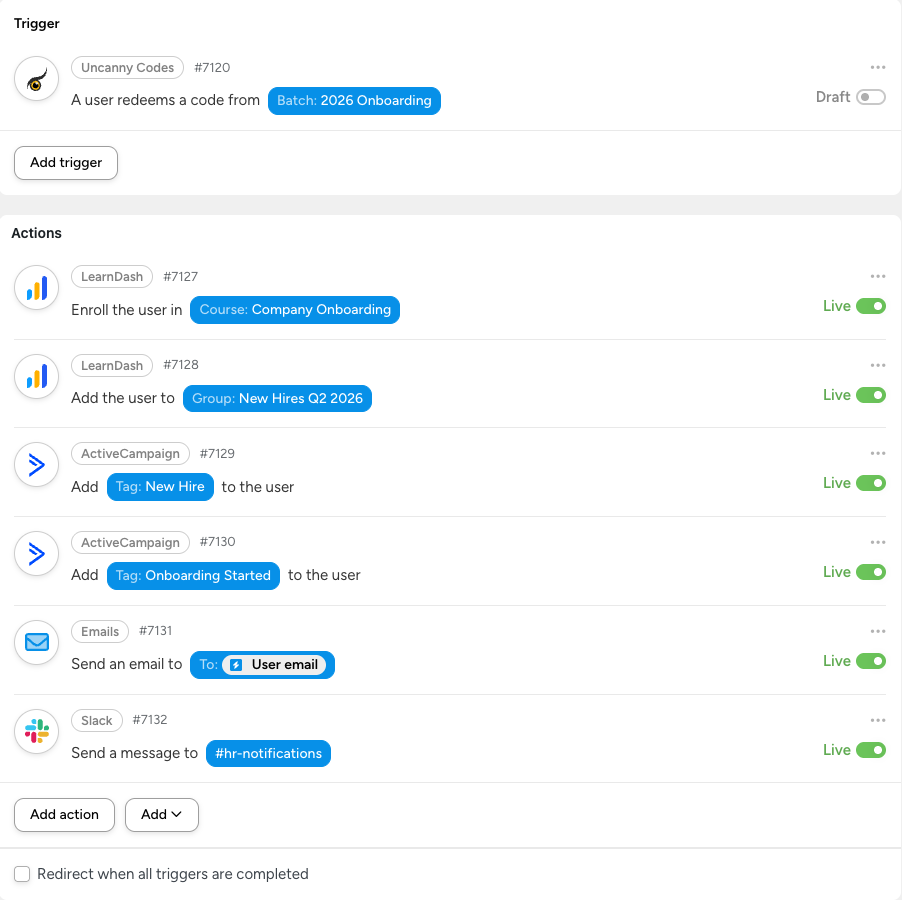](https://www.uncannyowl.com/?attachment_id=382762)#### Recipe 2: Premium Content Unlock (No LearnDash)
**Scenario:** A publisher distributes codes that grant access to premium content by upgrading the user’s WordPress role.
ComponentConfiguration**Trigger**A user redeems a code from the “Premium Access” batch**Action 1**WordPress — Change the user’s role to “Premium Member”**Action 2**Automator — Send an email: “Your premium access is now active. Here’s what’s available…”**Action 3**Mailchimp — Add the user to the “Premium Members” audience segment**Why this works:** No LearnDash needed. The user’s WordPress role change unlocks content gated by any membership or role-based access plugin (MemberPress, Restrict Content Pro, WooCommerce Memberships, etc.).
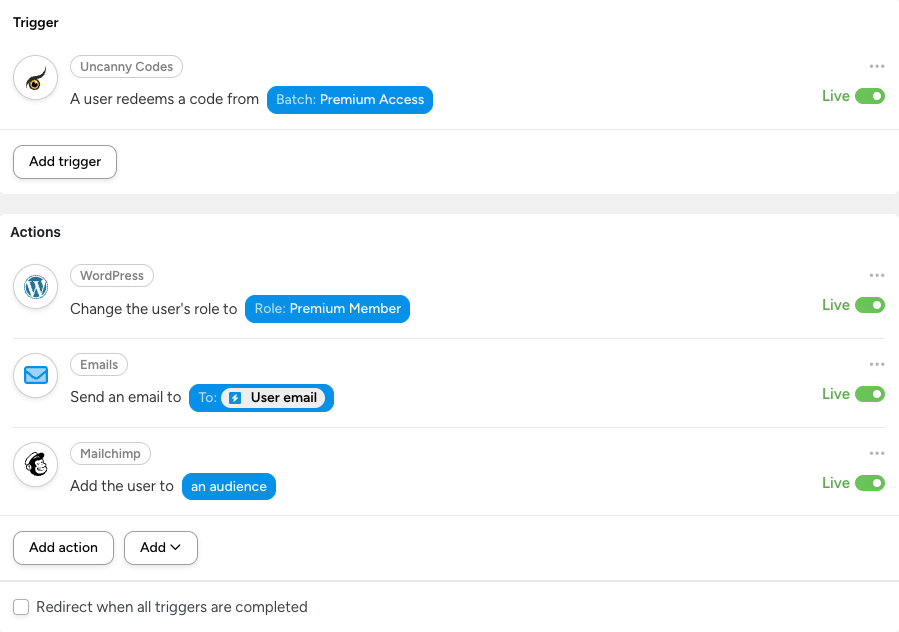 #### Recipe 3: Conference Follow-Up (Event + CRM + Email Sequence)
**Scenario:** An event organizer prints codes on attendee badges. When scanned/redeemed after the conference, the attendee receives follow-up materials and is tagged for post-event nurturing.
ComponentConfiguration**Trigger**A user redeems a code from the “WordCamp 2026” batch**Action 1**Automator — Send an email with presentation slides and resource links**Action 2**HubSpot — Create or update a contact with the “WordCamp 2026 Attendee” property**Action 3**Google Sheets — Add a row to the “Event Attendee Log” spreadsheet**Why this works:** Redeemable codes bridge the gap between in-person events and digital follow-up. The organizer distributes physical codes and lets automation handle the rest.
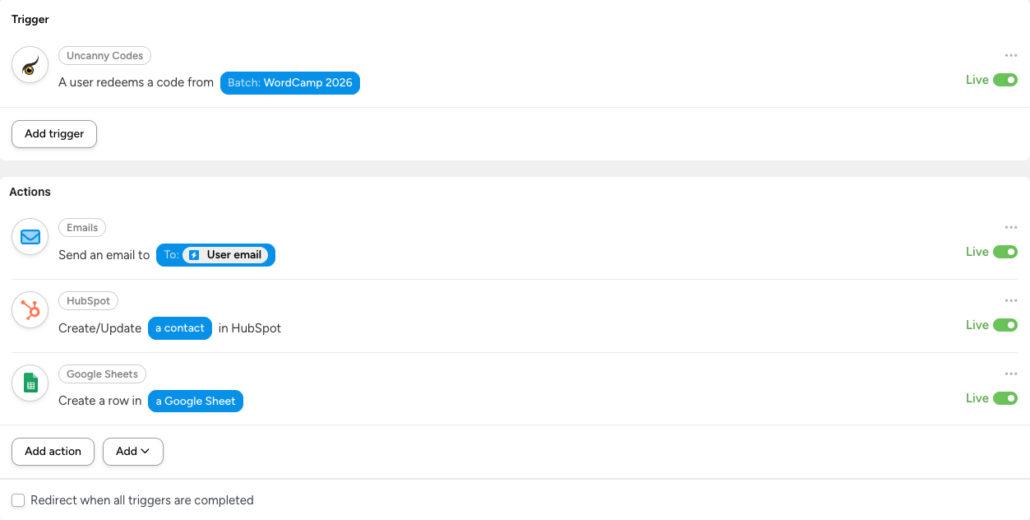 #### Recipe 4: Partner Referral Codes (WooCommerce + Affiliate Tracking)
**Scenario:** You give partner organizations unique code batches. When their referrals redeem a code, the partner gets credit and the new user gets a discount.
ComponentConfiguration**Trigger**A user redeems a code from the “Partner — Acme Corp” batch**Action 1**WooCommerce — Create a coupon for the user (20% off first purchase)**Action 2**WordPress — Set user meta `referred_by` to “Acme Corp”**Action 3**Automator — Send an email to : “Your referral {user\_name} has signed up”**Action 4**Google Sheets — Log the referral in the partner tracking spreadsheet**Why this works:** Each partner gets their own batch, so you can track referral volume per partner. The Automator recipe handles the credit, discount, and notification automatically.
#### Recipe 5: Conditional LearnDash Enrollment (Multi-Batch Strategy)
**Scenario:** A training provider offers different certification tracks. Instead of one generic code, they create separate batches per track so that each code automatically enrolls the user in the right courses.
BatchRecipe Actions“Safety Certification” batchEnroll in Safety 101, Safety 201, Safety Exam + Add to “Safety Track” group“Leadership Certification” batchEnroll in Leadership 101, Leadership 201, Leadership Capstone + Add to “Leadership Track” group“Compliance Certification” batchEnroll in Compliance Annual, Compliance Ethics + Add to “Compliance 2026” group + Set CEU credit typeEach batch has its own Automator recipe with different enrollment actions. This is cleaner and more maintainable than using conditional logic within a single recipe.
**Why this works:** The code itself determines the entire enrollment path. Administrators don’t need to manage enrollment manually or create complex conditional rules.
#### Recipe 6: Community Membership + Gamification (BuddyBoss)
**Scenario:** A community site uses codes to gate access to private groups and award points on join.
ComponentConfiguration**Trigger**A user redeems a code from the “Community VIP” batch**Action 1**BuddyBoss — Add the user to the “VIP Members” group**Action 2**BuddyBoss — Set the user’s profile type to “VIP”**Action 3**GamiPress — Award 500 points to the user**Action 4**Automator — Send a welcome email with community guidelines and group links**Action 5**BuddyBoss — Post an activity update: “Welcome our newest VIP member!”**Why this works:** Code redemption becomes a complete community onboarding event — group access, profile configuration, gamification reward, welcome communication, and public announcement, all in one step.
### Tips for Advanced Workflows
#### Use Separate Batches for Separate Workflows
Rather than trying to build complex conditional logic into a single recipe, create separate code batches for each workflow and give each batch its own recipe. This keeps recipes simple and makes it easy to track which codes map to which actions.
#### Leverage Tokens for Personalization
Automator tokens let you insert dynamic data from the trigger into your actions. For code redemptions, available tokens typically include the user’s display name, email, the code string, and the batch name. Use these in email templates, Slack messages, and CRM fields to personalize the experience.
#### Test with a Small Batch First
Before generating hundreds of codes, create a test batch with 2-3 codes and run through the full workflow. Verify that all actions fire correctly and the user experience is what you expect.
#### Monitor with Automator Logs
Automator Pro includes recipe logs that show every trigger and action execution. Use these to troubleshoot failed actions, verify timing, and confirm that all steps in your workflow completed successfully.
### Related Articles
- [Connecting Codes to Uncanny Automator](https://www.uncannyowl.com/knowledge-base/connect-codes-to-uncanny-automator/) — Basic connection setup
- [Using Codes Without LearnDash](KB_LINK) — Non-LearnDash use cases and setup guide
- [Getting Started with Uncanny Codes](KB_LINK) — Overview of all Codes workflows
- [Generating or Adding New Codes](https://www.uncannyowl.com/knowledge-base/generating-new-codes/) — Create Automator-type code batches
**Article Categories:** Uncanny Redemption Codes
---
### [Using Codes Without LearnDash](https://www.uncannyowl.com/knowledge-base/using-codes-without-learndash/)
**Published:** June 3, 2026
**Author:** David Chambo
**Content:**
### Overview
While Uncanny Codes is often used alongside LearnDash for course and group enrollment, the plugin works just as well **without LearnDash installed**. By using Automator-type code batches paired with [Uncanny Automator](https://automatorplugin.com/), you can create codes that trigger virtually any action on your WordPress site — from assigning user roles to adding members to BuddyBoss groups to tagging contacts in your CRM.
If you don’t use LearnDash, this article is your starting point. If you do use LearnDash but want codes to do more than just enroll users, this article is for you too.
### How It Works
Uncanny Codes supports two types of code batches:
Batch TypeWhat It DoesRequires LearnDash?**LearnDash**Directly enrolls users in LearnDash courses or groups on redemptionYes**Automator**Fires an Uncanny Automator trigger on redemption — the Automator recipe determines what happens nextNo**Automator-type batches** are the key to using Codes without LearnDash. When a user redeems a code from an Automator batch, the plugin fires a trigger in Uncanny Automator. You then build an Automator recipe that listens for that trigger and runs whatever actions you need — no LearnDash required.
Since Uncanny Automator connects to 200+ WordPress plugins and external services, the possibilities are extensive.
### Prerequisites
- [Uncanny Redemption Codes](https://www.uncannyowl.com/downloads/uncanny-learndash-codes/) installed and activated
- [Uncanny Automator](https://automatorplugin.com/) installed and activated (Free or Pro)
- A redemption method set up (standalone shortcode, form plugin, or WooCommerce)
You do **not** need LearnDash or any other specific plugin installed — only the plugins relevant to the actions you want to trigger.
### Step-by-Step Setup
#### 1. Create an Automator-Type Code Batch
1. Navigate to **Uncanny Codes > Add New Batch**
2. Give your batch a name (e.g., “Premium Membership Codes”)
3. Set the **Code Type** to **Automator**
4. Configure the number of codes, format, and any expiration settings
5. Click **Generate Codes**
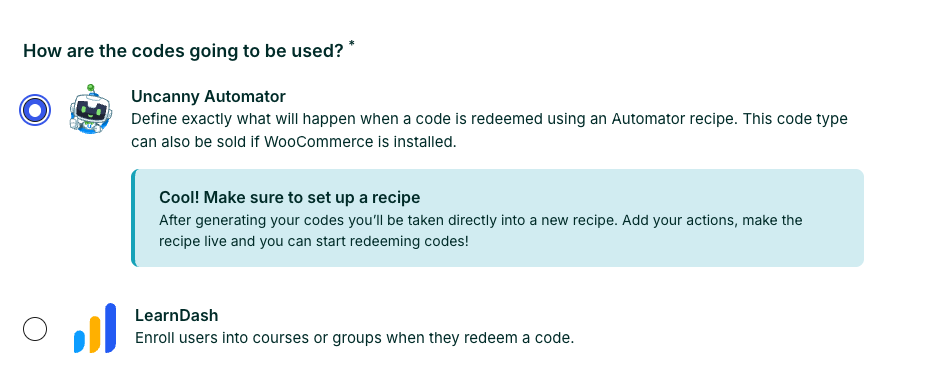 #### 2. Build an Automator Recipe
1. Navigate to **Automator > Add New** to create a new recipe
2. Set the recipe type to **Logged-in users** (or **Everyone** if using Automator Pro and you want anonymous redemption)
3. Add a trigger: **Uncanny Codes > A user redeems a code from a batch**
4. Select the batch you just created
5. Add one or more actions — see the examples below for ideas
6. Set the recipe to **Live**
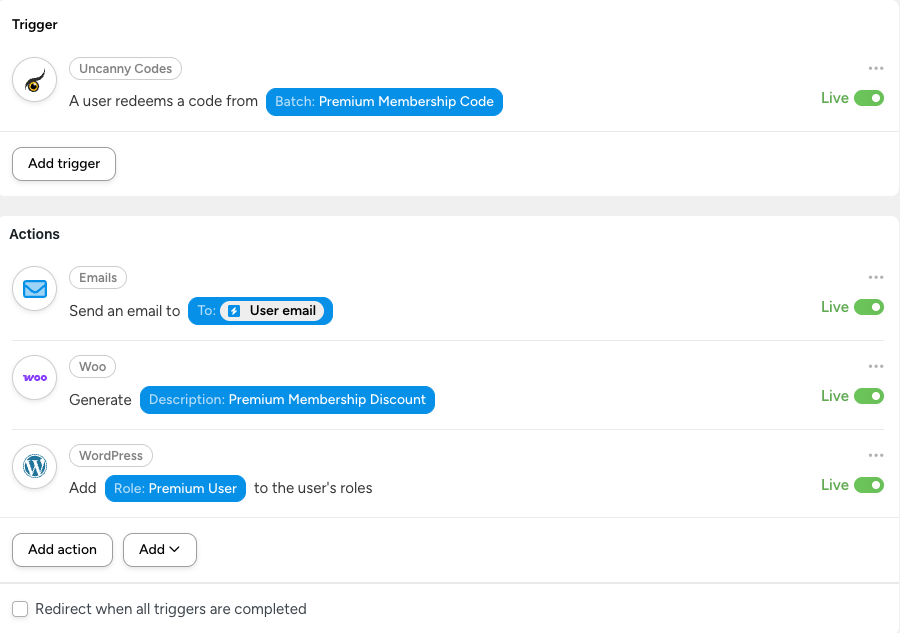 #### 3. Set Up a Redemption Method
Choose how users will enter their codes:
- **Standalone redemption page** — Add the `[uo_user_redeem_code]` shortcode to any page. Best for existing logged-in users. See [Standalone Code Redemption](https://www.uncannyowl.com/knowledge-base/standalone-code-redemption/).
- **Registration form** — Add an Uncanny Code field to a Gravity Forms, WPForms, or Formidable Forms registration form. Best for new user registration. See [Setting Up Code Redemption Forms](KB_LINK).
- **WooCommerce checkout** — Enable the code field on the checkout page. Best when codes are tied to a product purchase. See [Redeem Codes During WooCommerce Checkout](https://www.uncannyowl.com/knowledge-base/using-codes-woocommerce/).
#### 4. Distribute and Test
Generate your codes, distribute them to users, and test the full flow: enter a code, verify the Automator recipe fires, and confirm the actions complete successfully.
### Example Use Cases
Here are some common scenarios where Codes + Automator replaces what would otherwise require custom development or manual processes.
#### Assign a WordPress Role
**Scenario:** You sell premium memberships and want to upgrade a user’s role when they redeem a code.
**Automator recipe:**
- **Trigger:** A user redeems a code from the “Premium Membership” batch
- **Action:** WordPress > Change the user’s role to Subscriber/Editor/Custom Role
This is useful for membership sites, gated content areas, or any site where user roles control access.
#### Add to a BuddyBoss or BuddyPress Group
**Scenario:** You run a community site and want to grant group access via codes.
**Automator recipe:**
- **Trigger:** A user redeems a code from the “Community Access” batch
- **Action:** BuddyBoss > Add the user to a group
#### Tag a Contact in Your CRM
**Scenario:** You distribute codes at events and want to tag attendees in your CRM when they redeem.
**Automator recipe:**
- **Trigger:** A user redeems a code from the “Conference 2026” batch
- **Action:** ActiveCampaign/HubSpot/Mailchimp > Add a tag to the contact
#### Send a Custom Email
**Scenario:** You want to send a personalized welcome email with specific instructions when a code is redeemed.
**Automator recipe:**
- **Trigger:** A user redeems a code from any batch
- **Action:** Automator > Send an email to the user (with custom subject, body, and tokens for personalization)
#### Grant WooCommerce Product Access
**Scenario:** You want codes that unlock access to a downloadable product or subscription.
**Automator recipe:**
- **Trigger:** A user redeems a code from the “Product Unlock” batch
- **Action:** WooCommerce > Create an order for the user (or add them to a membership via WooCommerce Memberships)
#### Multi-Action Workflow
**Scenario:** A single code redemption should trigger several things at once.
**Automator recipe:**
- **Trigger:** A user redeems a code from the “Onboarding” batch
- **Action 1:** WordPress > Change user role to “Member”
- **Action 2:** BuddyBoss > Add user to the “New Members” group
- **Action 3:** Automator > Send a welcome email
- **Action 4:** ActiveCampaign > Add the “Onboarded” tag
- **Action 5:** Slack > Send a notification to the [\#new-members](#new-members) channel
This is the real power of the Automator integration: a single code redemption can orchestrate a complex onboarding workflow across multiple platforms.
### Selling Automator-Type Codes via WooCommerce
You can sell Automator-type codes as WooCommerce products, just like LearnDash-type codes. The setup is the same — create a code product, link it to an Automator batch, and customers receive codes on purchase. See [Sell Code Batches as WooCommerce Products](https://www.uncannyowl.com/knowledge-base/sell-uncanny-codes/) for the full setup guide.
The difference is in what happens when the code is redeemed: instead of enrolling the user in a course, the redemption fires your Automator recipe.
### Related Articles
- [Getting Started with Uncanny Codes](KB_LINK) — Overview of all Codes workflows
- [Connecting Codes to Uncanny Automator](https://www.uncannyowl.com/knowledge-base/connect-codes-to-uncanny-automator/) — Basic setup guide
- [Codes + Automator: Advanced Workflows](KB_LINK) — More recipe examples and advanced patterns
- [Standalone Code Redemption](https://www.uncannyowl.com/knowledge-base/standalone-code-redemption/) — Add a redemption form to any page
- [Sell Code Batches as WooCommerce Products](https://www.uncannyowl.com/knowledge-base/sell-uncanny-codes/) — Sell codes through WooCommerce
**Article Categories:** Uncanny Redemption Codes
---
### [Setting Up Code Redemption Forms](https://www.uncannyowl.com/knowledge-base/setting-up-code-redemption-forms/)
**Published:** June 3, 2026
**Author:** David Chambo
**Content:**
### Overview
Uncanny Codes integrates with several popular WordPress form plugins so that users can redeem a code during registration. This is the most common setup: a new user visits your registration form, enters a code alongside their account details, and upon submission they are both registered and enrolled in the course or group linked to that code.
This article explains the shared setup concepts that apply to all form plugins, then walks through the specific configuration for each supported plugin.
### How Form-Based Redemption Works
Regardless of which form plugin you use, the process follows the same pattern:
1. You create a registration form using your form plugin.
2. You add an **Uncanny Code** field to the form.
3. When the form is submitted, Uncanny Codes validates the code, registers the user (via the form plugin’s user registration feature), and enrolls them in the associated courses or groups.
The code field is validated before the form submission completes. If the code is invalid, expired, or already used, the user sees an error and the form is not submitted.
### Before You Start
These prerequisites apply to all form plugin integrations:
- **Uncanny Redemption Codes** must be installed and activated with a valid license.
- Your form plugin must be installed and configured for **user registration** (not just contact forms). Most form plugins offer user registration as an add-on or built-in feature.
- You need at least one **code batch** already generated. See [Generating or Adding New Codes](https://www.uncannyowl.com/knowledge-base/generating-new-codes/).
- If your form plugin supports **User Activation** (email verification), be aware that the code will not be redeemed until the user completes the activation step. This is by design — it prevents codes from being consumed by abandoned registrations.
### Gravity Forms
**Requirements:** [Gravity Forms](https://www.gravityforms.com/) + [User Registration Add-on](https://www.gravityhelp.com/documentation/category/user-registration-add-on/)
#### Setup
1. Create a new form in Gravity Forms or edit an existing registration form.
2. In the form editor, look for the **Uncanny Code** field under the **Advanced Fields** section. Drag it into your form.
3. Configure the User Registration feed to create a new user on form submission. See the [Gravity Forms User Registration documentation](https://www.gravityhelp.com/documentation/category/user-registration-add-on/) for details.
4. Publish the form on a page using the Gravity Forms block or shortcode.
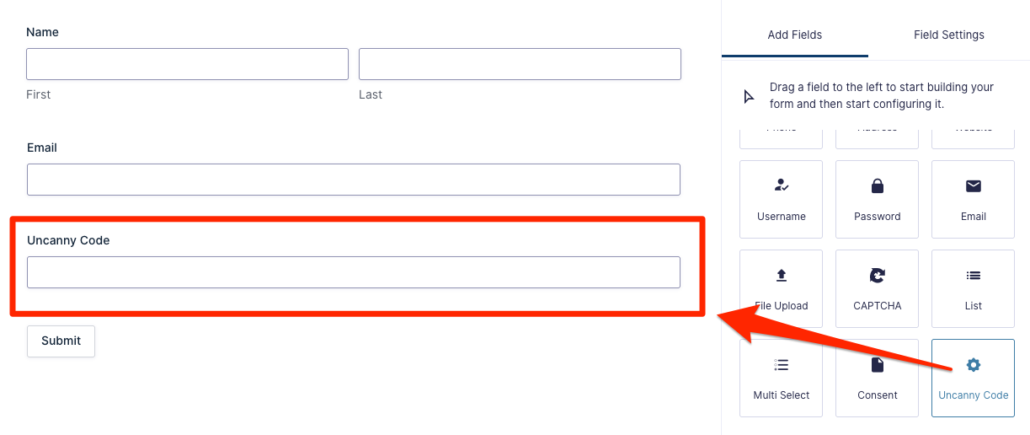 #### Notes
- If **User Activation** is enabled in your User Registration feed settings, the code will not be redeemed until the user clicks the activation link in their email.
- As of Uncanny Codes v5.0, code redemption with Gravity Forms uses the `gf_pre_handle_confirmation` hook for improved reliability.
#### Optional Settings
Navigate to **Uncanny Codes > Settings** and select your Gravity Forms registration form from the drop-down. This enables optional label customization for the code field.
### WPForms
**Requirements:** [WPForms](https://wpforms.com/) + [User Registration addon](https://wpforms.com/addons/user-registration-addon/)
#### Setup
1. Create a new form or edit an existing registration form in WPForms.
2. In the form builder, look for the **Uncanny Code** field under the **Standard Fields** section. Add it to your form.
3. Configure the User Registration settings for the form. See the [WPForms User Registration documentation](https://wpforms.com/docs/how-to-install-and-use-user-registration-addon-with-wpforms/) for details.
4. Embed the form on a page using the WPForms block or shortcode.
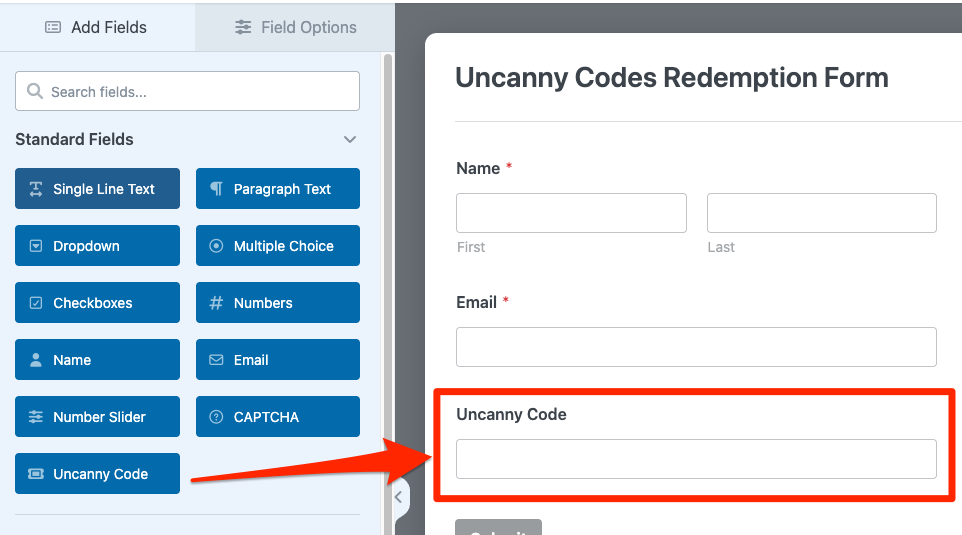 #### Notes
- WPForms Lite does not support user registration. You need WPForms Pro or higher with the User Registration addon installed.
### Formidable Forms
**Requirements:** [Formidable Forms](https://formidableforms.com/) + [User Registration addon](https://formidableforms.com/knowledgebase/user-registration/)
#### Setup
1. Create a new form or edit an existing registration form in Formidable Forms.
2. In the form builder, find the **Uncanny Code** field and add it to your form.
3. Configure the User Registration action for the form. See the [Formidable Forms User Registration documentation](https://formidableforms.com/knowledgebase/user-registration/) for setup details.
4. Add the form to a page using the Formidable shortcode or block.
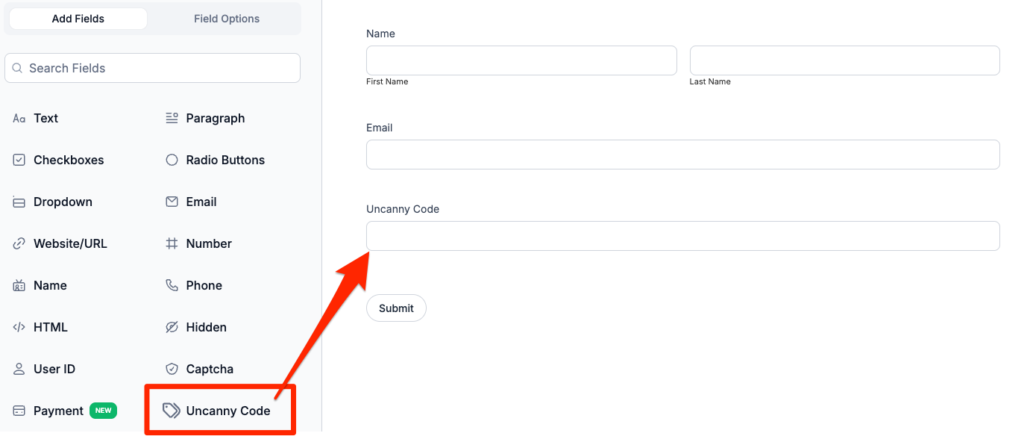 ### Built-In Registration Form
Uncanny Codes includes a built-in registration shortcode that doesn’t require a third-party form plugin. This is the simplest option if you don’t already use a form builder.
**Requirements:** None — this is included with Uncanny Codes.
#### Setup
1. Add the registration shortcode to any page: `[uo_code_registration]` **Block name:** Code Registration Form
2. The form includes fields for username, email, password, and the code field.
3. Optionally configure **Terms & Conditions** under **Uncanny Codes > Settings**. If text is entered in the Terms & Conditions field, a checkbox will appear on the registration form requiring users to accept before they can register.
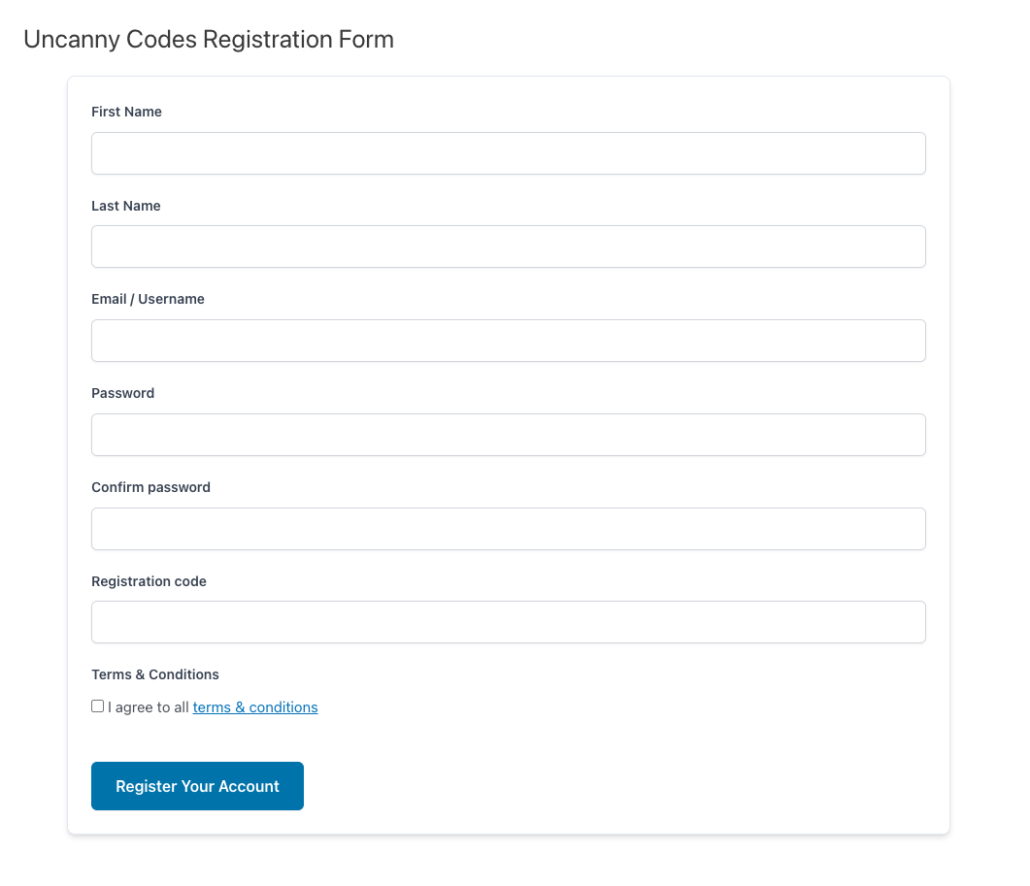 #### Notes
- This shortcode creates a full registration form. It is intended for new users who do not yet have accounts.
- For existing logged-in users who need to redeem codes, use the [Standalone Code Redemption](https://www.uncannyowl.com/knowledge-base/standalone-code-redemption/) shortcode instead.
### Theme My Login
**Requirements:** [Theme My Login](https://developer.developer.developer.developer.developer.developer/) plugin
#### Setup
1. Install and activate the Theme My Login plugin.
2. Uncanny Codes automatically adds a code field to the Theme My Login registration form when both plugins are active.
3. No additional configuration is needed — the code field will appear on the registration form.
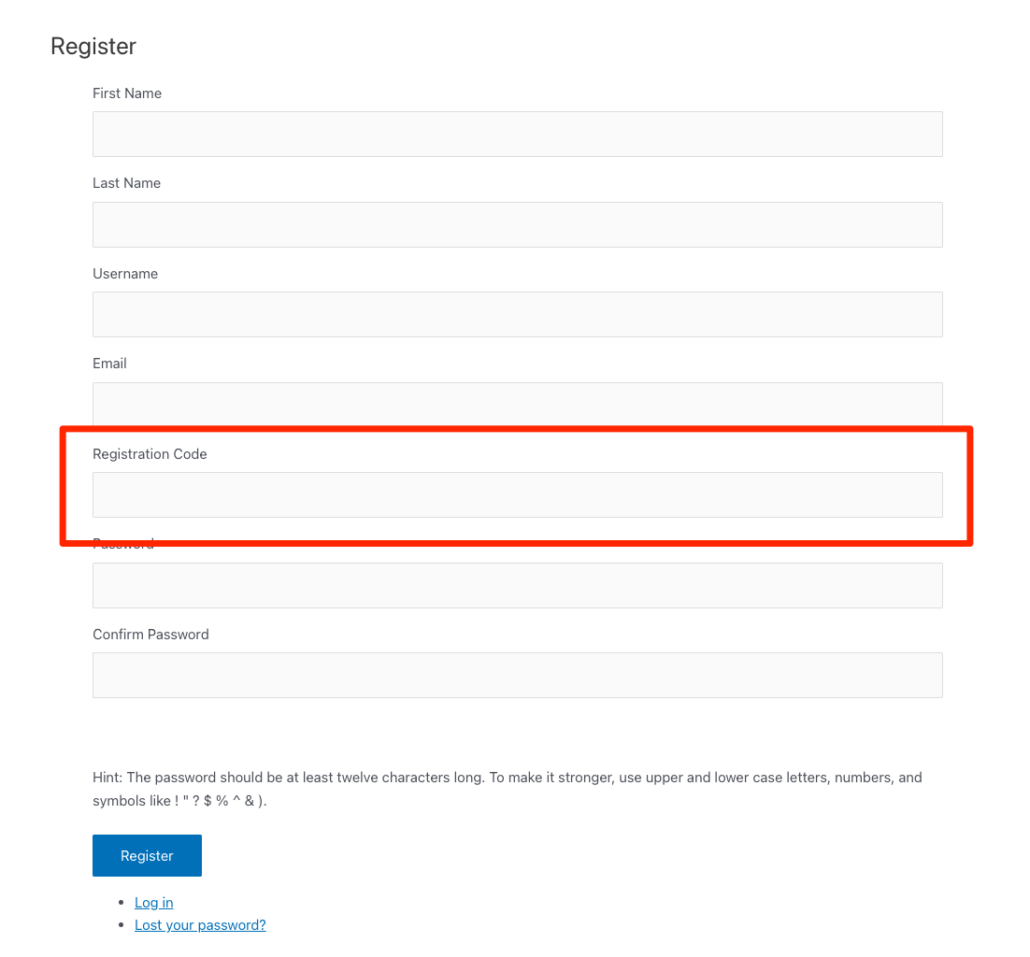 #### Notes
- Theme My Login replaces the default WordPress login and registration pages with theme-integrated versions. The Uncanny Code field integrates into these custom forms automatically.
- Make sure Theme My Login’s registration page is accessible and that user registration is enabled in **Settings > General** in WordPress.
### Which Form Plugin Should I Use?
If you’re not sure which form plugin to use for code redemption, here’s a quick guide:
OptionBest ForCost**Built-In Registration**Simple setups with no existing form plugin; quick deploymentFree (included with Uncanny Codes)**Gravity Forms**Sites already using Gravity Forms; complex forms with conditional logicPaid (requires GF + User Registration addon)**WPForms**Sites already using WPForms; user-friendly form builderPaid (requires WPForms Pro + User Registration addon)**Formidable Forms**Sites already using Formidable; advanced form featuresPaid (requires Formidable + User Registration addon)**Theme My Login**Sites using Theme My Login for custom login/registration pagesFree pluginIf you only need code redemption for existing users (not new registrations), skip all of the above and use the [Standalone Code Redemption](https://www.uncannyowl.com/knowledge-base/standalone-code-redemption/) shortcode instead.
### Related Articles
- [Getting Started with Uncanny Codes](KB_LINK)
- [Standalone Code Redemption](https://www.uncannyowl.com/knowledge-base/standalone-code-redemption/) — For existing users to redeem codes without registration
- [Set up Uncanny Redemption Codes for WordPress](https://www.uncannyowl.com/knowledge-base/set-up-uncanny-codes-for-wordpress/) — Plugin installation and settings
- [Generating or Adding New Codes](https://www.uncannyowl.com/knowledge-base/generating-new-codes/) — Create code batches
- [Troubleshooting & FAQ](KB_LINK) — Common issues and solutions
**Article Categories:** Uncanny Redemption Codes
---
### [Troubleshooting & FAQ](https://www.uncannyowl.com/knowledge-base/troubleshooting-faq/)
**Published:** June 3, 2026
**Author:** David Chambo
**Content:**
Overview
This article covers common issues and frequently asked questions about Uncanny Redemption Codes. If you’re experiencing a problem, check through the sections below before submitting a support ticket — many issues have straightforward solutions.
### Common Issues
#### Codes show as “invalid” when users try to redeem them
This is the most common issue and usually has one of these causes:
- **The code has already been redeemed.** If the code is configured for single use and has already been redeemed by another user (or the same user), it will show as invalid. Check the code’s status on the **View Codes** page under **Uncanny Codes > View Codes**.
- **The code has been cancelled.** Cancelled codes cannot be redeemed. Check whether the code was manually cancelled by an administrator.
- **The code batch type doesn’t match the redemption method.** Codes generated as “Automator” type batches can only be sold through WooCommerce, not redeemed through registration or standalone forms. Make sure the batch type matches your intended distribution method.
- **Copy/paste whitespace.** Users sometimes accidentally copy leading or trailing whitespace when pasting a code. The plugin trims whitespace, but unusual characters (such as non-breaking spaces) can cause validation failures.
- **The code belongs to a different site.** If you’re running a multisite network, codes are site-specific. A code generated on one site cannot be redeemed on another.
#### User is not enrolled after redeeming a code
If a user successfully redeems a code but doesn’t appear to be enrolled in the expected course or group:
- **User Activation is enabled on the registration form.** If you use a form plugin (Gravity Forms, WPForms, etc.) with User Activation or email verification enabled, the code is not redeemed until the user activates their account via the confirmation email. Check whether the user has completed the activation step.
- **The code grants group access, not direct course access.** If the code is linked to a LearnDash Group, the user is added to the group — but they only gain course access if courses are assigned to that group. Verify the group configuration in **LearnDash > Groups**.
- **Caching.** If your site uses object caching or a page cache plugin, the user’s enrollment status may not appear immediately. Have the user log out and back in, or clear the cache.
#### Codes are not being assigned to WooCommerce orders
If customers purchase a code product but don’t receive codes:
- **WooCommerce order status.** Codes are linked to an order when it is created, but the completion email (which includes the codes) is only sent when the order status changes to **Completed**. Enable the **Autocomplete orders** setting under **Uncanny Codes > Settings** to automatically complete orders that contain code products.
- **Code batch is exhausted.** If all codes in the linked batch have been assigned or redeemed, new orders will not receive codes. Check the **Available Codes** count on the product edit page.
- **WP Engine “Allow Order by RAND()”** setting. If your site is hosted on WP Engine, the “Allow Order by RAND()” setting must be enabled in the WP Engine control panel. If it’s off, codes will not be associated with orders properly.
#### Redemption form doesn’t appear on the page
If the `[uo_user_redeem_code]` shortcode or block doesn’t render on the page:
- **The user is not logged in.** The standalone redemption shortcode only displays for logged-in users. If you need anonymous users to redeem codes, use a registration form integration instead.
- **Plugin is not activated.** Verify that Uncanny Redemption Codes is installed and activated under **Plugins** in wp-admin.
- **Theme or plugin conflict.** Try switching to a default WordPress theme (e.g., Twenty Twenty-Four) to rule out a theme conflict. Deactivate other plugins one by one to identify any conflicts.
#### User already enrolled — code is wasted
As of Uncanny Codes v5.0, the plugin checks whether a user is already enrolled in the course or group associated with a code before processing the redemption. If the user already has access, the code is not consumed and the user sees a message indicating they’re already enrolled.
If you’re on an older version, codes could be redeemed even if the user was already enrolled, effectively wasting the code. We recommend updating to v5.0 or later to benefit from this validation.
### Frequently Asked Questions
#### Can I use the same code batch with multiple WooCommerce products?
No. Each code batch can only be linked to one WooCommerce product. This restriction exists to prevent inventory tracking issues — if multiple products shared the same batch, the available code count would be unreliable. Create separate batches for each product.
#### Can codes be redeemed more than once?
It depends on how the batch was configured. When generating a batch, you can specify the number of times each code can be redeemed. If set to 1 (the default), each code can only be used once. If set to a higher number, the same code can be redeemed by multiple users up to that limit.
> **Note:** Codes in batches that allow multiple redemptions per code cannot be sold through WooCommerce.
#### Can I change what a code grants access to after it’s been created?
The courses and groups associated with a code are set at the batch level when the batch is created. You cannot change the association for individual codes after generation. To change what access is granted, you would need to create a new batch with the updated configuration.
#### How do I translate the redemption form text?
The plugin’s strings are translation-ready. You can use a translation plugin like [Loco Translate](https://wordpress.org/plugins/loco-translate/) to modify any text strings, including form labels, button text, and error messages. You can also customize some messages directly from the **Uncanny Codes > Settings** page.
#### Can I set codes to expire?
Code expiration is managed at the batch level. When generating a batch, you can set an expiration date. After the expiration date, codes in the batch can no longer be redeemed. Individual code dates can also be modified as of v5.0 — see [Viewing and Editing Codes](https://www.uncannyowl.com/knowledge-base/view-codes/).
#### What happens when a user who redeemed a code is deleted?
The code’s redemption record is preserved, and the **Redeemed** column on the View Codes page shows a **“Deleted User”** label instead of the username. The code is still marked as redeemed and cannot be reused unless manually reset by an administrator.
#### Can I import codes from an external system?
Yes. In addition to generating codes within the plugin, you can add existing codes to a batch manually. See [Generating or Adding New Codes](https://www.uncannyowl.com/knowledge-base/generating-new-codes/) for details on adding codes to a batch.
### Getting Help
If your issue isn’t covered above, you can submit a support ticket through your [Uncanny Owl account](https://www.uncannyowl.com/my-account/). When submitting a ticket, please include:
- Your Uncanny Codes plugin version (found under **Plugins** in wp-admin)
- The WordPress version and PHP version
- Steps to reproduce the issue
- Any error messages you’re seeing
- The code string(s) affected, if applicable
### Related Articles
- [Set up Uncanny Redemption Codes for WordPress](https://www.uncannyowl.com/knowledge-base/set-up-uncanny-codes-for-wordpress/)
- [Getting Started with Uncanny Codes](KB_LINK)
- [Viewing and Editing Codes](https://www.uncannyowl.com/knowledge-base/view-codes/)
- [Standalone Code Redemption](https://www.uncannyowl.com/knowledge-base/standalone-code-redemption/)
- [Selling Codes with WooCommerce](https://www.uncannyowl.com/knowledge-base/sell-uncanny-codes/)
**Article Categories:** Uncanny Redemption Codes
---
### [Developer Hooks & Filters Reference](https://www.uncannyowl.com/knowledge-base/developer-hooks-filters-reference/)
**Published:** June 3, 2026
**Author:** David Chambo
**Content:**
### Overview
Uncanny Redemption Codes provides a number of action hooks and filters that allow developers to extend and customize the plugin’s behavior. This reference documents the available hooks, their parameters, and example usage.
> **Note:** No support is provided for the use of developer hooks and filters. Use them at your own risk and always test thoroughly in a staging environment before deploying to production.
### Action Hooks
Action hooks allow you to execute custom code at specific points during the code lifecycle — such as before or after a code is redeemed, when a batch is generated, or when access is granted.
#### uo\_codes\_after\_redeem
Fires after a code has been successfully redeemed by a user. Use this to trigger custom logic after enrollment is complete — for example, logging the redemption, sending a notification, or updating an external system.
```
/**
* Log code redemptions to an external system.
*
* @param int $user_id The ID of the user who redeemed the code.
* @param string $code The code string that was redeemed.
* @param int $batch_id The batch ID the code belongs to.
*/
add_action( 'uo_codes_after_redeem', function( $user_id, $code, $batch_id ) {
// Example: log the redemption
error_log( sprintf( 'User %d redeemed code %s from batch %d', $user_id, $code, $batch_id ) );
}, 10, 3 );
```
#### uo\_codes\_before\_redeem
Fires before a code is redeemed, after validation has passed but before enrollment is processed. Use this to add pre-redemption checks or modify behavior.
```
/**
* Perform a custom check before code redemption.
*
* @param int $user_id The ID of the user attempting to redeem.
* @param string $code The code string being redeemed.
* @param int $batch_id The batch ID the code belongs to.
*/
add_action( 'uo_codes_before_redeem', function( $user_id, $code, $batch_id ) {
// Custom pre-redemption logic
}, 10, 3 );
```
#### uo\_codes\_access\_removed
Fires when a user’s code-based access is removed (e.g., via the `[uo_self_remove_access]` shortcode or admin action).
```
/**
* Notify when access is removed.
*
* @param int $user_id The ID of the user whose access was removed.
*/
add_action( 'uo_codes_access_removed', function( $user_id ) {
// Custom logic after access removal
}, 10, 1 );
```
### Filters
Filters allow you to modify data as it passes through the plugin — such as customizing validation messages, modifying the redemption form output, or altering code data before it is saved.
#### uo\_codes\_validate\_code
Filter the validation result for a code before it is redeemed. Return a `WP_Error` object to prevent redemption with a custom error message, or return `true` to allow it.
```
/**
* Add custom validation before a code can be redeemed.
*
* @param bool|WP_Error $valid Whether the code is valid (true) or an error.
* @param string $code The code string being validated.
* @param int $user_id The user attempting to redeem.
* @return bool|WP_Error
*/
add_filter( 'uo_codes_validate_code', function( $valid, $code, $user_id ) {
// Example: restrict redemption to users with a specific role
$user = get_user_by( 'id', $user_id );
if ( ! in_array( 'subscriber', $user->roles, true ) ) {
return new WP_Error( 'role_mismatch', 'Only subscribers can redeem codes.' );
}
return $valid;
}, 10, 3 );
```
#### uo\_codes\_redemption\_message
Filter the success message displayed after a code is successfully redeemed.
```
/**
* Customize the redemption success message.
*
* @param string $message The default success message.
* @param string $code The code that was redeemed.
* @param int $user_id The user who redeemed the code.
* @return string
*/
add_filter( 'uo_codes_redemption_message', function( $message, $code, $user_id ) {
return 'Welcome! Your code has been applied and your access is now active.';
}, 10, 3 );
```
#### uo\_codes\_error\_message
Filter the error message displayed when a code cannot be redeemed (invalid, expired, already used, etc.).
```
/**
* Customize code error messages.
*
* @param string $message The default error message.
* @param string $error_type The type of error (e.g., 'invalid', 'expired', 'already_redeemed').
* @param string $code The code that failed validation.
* @return string
*/
add_filter( 'uo_codes_error_message', function( $message, $error_type, $code ) {
if ( 'already_redeemed' === $error_type ) {
return 'This code has already been used. Please contact support if you need assistance.';
}
return $message;
}, 10, 3 );
```
#### uo\_codes\_csv\_columns
Filter the columns included in the CSV download from the View Codes page. Use this to add custom columns or remove default ones.
```
/**
* Add a custom column to the CSV download.
*
* @param array $columns The default CSV columns (key => label).
* @return array
*/
add_filter( 'uo_codes_csv_columns', function( $columns ) {
$columns['custom_field'] = 'Custom Field';
return $columns;
} );
```
#### uo\_codes\_csv\_row\_data
Filter the data for each row in the CSV download. Use alongside `uo_codes_csv_columns` to populate custom column data.
```
/**
* Populate data for a custom CSV column.
*
* @param array $row_data The data for the current row.
* @param object $code The code object.
* @return array
*/
add_filter( 'uo_codes_csv_row_data', function( $row_data, $code ) {
$row_data['custom_field'] = get_post_meta( $code->batch_id, 'custom_value', true );
return $row_data;
}, 10, 2 );
```
#### uo\_codes\_form\_output
Filter the HTML output of the code redemption form rendered by the `[uo_user_redeem_code]` shortcode.
```
/**
* Add a wrapper div around the redemption form.
*
* @param string $html The default form HTML.
* @return string
*/
add_filter( 'uo_codes_form_output', function( $html ) {
return '' . $html . '';
} );
```
### Template Overrides
In addition to hooks and filters, you can customize the appearance of code forms by overriding template files. Copy the template file from the plugin directory to your theme:
**From:** `wp-content/plugins/uncanny-learndash-codes/templates/`
**To:** `wp-content/themes/yourtheme/uncanny-codes/`
The copied file will override the default template. See [Template Overrides](https://www.uncannyowl.com/knowledge-base/template-overrides/) for more details.
> **Warning:** Do not edit template files within the plugin directory, as they will be overwritten on plugin update.
### Related Articles
- [Set up Uncanny Redemption Codes for WordPress](https://www.uncannyowl.com/knowledge-base/set-up-uncanny-codes-for-wordpress/)
- [Template Overrides](https://www.uncannyowl.com/knowledge-base/template-overrides/)
- [Connecting codes to Uncanny Automator](https://www.uncannyowl.com/knowledge-base/connect-codes-to-uncanny-automator/)
- [Getting Started with Uncanny Codes](KB_LINK)
**Article Categories:** Uncanny Redemption Codes
---
### [Standalone Code Redemption](https://www.uncannyowl.com/knowledge-base/standalone-code-redemption/)
**Published:** November 26, 2016
**Author:** Ryan Moore
**Excerpt:** Learn how to display a form that enables existing users to self-enroll into LearnDash courses and groups.
**Content:**
### Overview
Signed-in users can redeem group or course codes from anywhere on a LearnDash site by using the Redemption shortcode or Gutenberg block. This provides a simple way for existing users to enter a code and gain access to the associated course or group without needing to go through a registration form.
### Redemption Shortcode
Signed-in users can redeem group or course codes from anywhere on a LearnDash site by using the Redemption shortcode or Gutenberg block. This provides a simple way for existing users to enter a code and gain access to the associated course or group without needing to go through a registration form.
### Shortcode/Block
```
[uo_user_redeem_code redirect="" check_only="no"]
```
Block Name: **User Redeem Code**
The shortcode or block can be added to any page. It displays a simple form where logged-in users can enter a code to redeem it.
AttributeDescriptionValuesDefault`redirect`URL to redirect the user to after successful redemptionAny valid URLEmpty (stays on current page)`check_only`When set to “yes”, the system will check whether the code is valid but **will not redeem it**. Useful for verifying codes before committing.`yes` or `no``no`[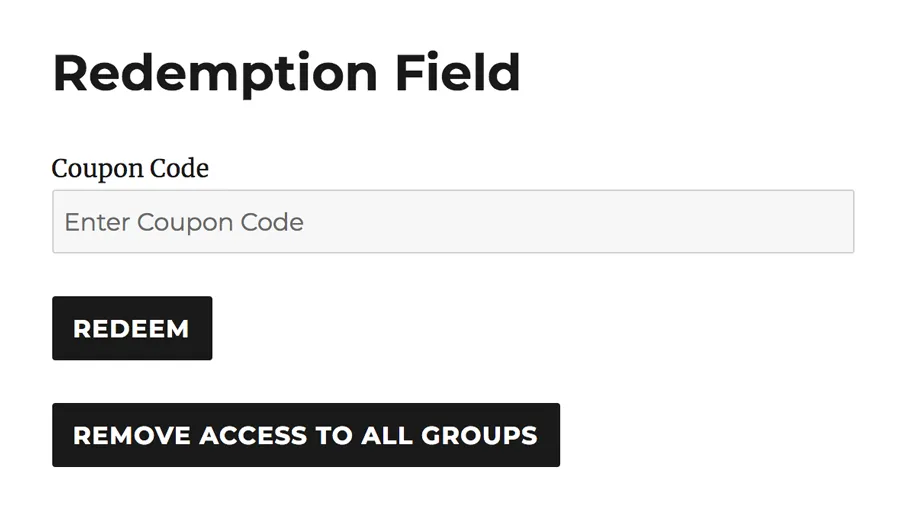](https://www.uncannyowl.com/wp-content/uploads/2019/02/redemption-and-remove-buttons.png)### LearnDash Enrollment Validation
*(New in v5.0)*
When a user attempts to redeem a code that would enroll them in a LearnDash course or group, the plugin now checks whether the user is **already enrolled** before processing the redemption. If the user is already enrolled in the course or group associated with the code, the redemption is blocked and the user sees a message indicating they already have access.
This prevents users from accidentally wasting codes on courses or groups they already belong to, which is especially useful in scenarios where codes are purchased or distributed in limited quantities. Previously, a code could be redeemed even if the user was already enrolled, consuming the code without providing any additional benefit.
### Access Removal Shortcode
To remove access, the plugin also includes a Access Removal shortcode. This shortcode adds a button that, when clicked, removes *all access* to courses and groups for the user. This button should be used very carefully.
### Shortcode
```
[uo_self_remove_access]
```
**Note:** This shortcode removes all code-based access at once — it does not allow selective removal of individual course or group enrollments. Use with caution and make sure users understand the implications before clicking the button.
### Related Articles
- [Set up Uncanny Redemption Codes for WordPress](https://www.uncannyowl.com/knowledge-base/set-up-uncanny-codes-for-wordpress/)
- [Using Codes with Gravity Forms](https://www.uncannyowl.com/knowledge-base/using-codes-gravity-forms/)
- [Using Codes with WPForms](https://www.uncannyowl.com/knowledge-base/using-codes-with-wpforms/)
- [Using Codes With the Built-In Registration Form](https://www.uncannyowl.com/knowledge-base/using-codes-custom-registration-form/)
- [Viewing and Editing Codes](https://www.uncannyowl.com/knowledge-base/view-codes/)
**Article Categories:** Uncanny Redemption Codes
---
### [Redeem Codes During WooCommerce Checkout](https://www.uncannyowl.com/knowledge-base/redeem-codes-woocommerce/)
**Published:** December 1, 2016
**Author:** Ryan Moore
**Excerpt:** Learn how to use coupon codes with WooCommerce to enroll users in LearnDash courses.
**Content:**
### Overview
Uncanny Codes can add a code redemption field directly to the WooCommerce checkout page. This allows customers to enter a code while purchasing a product, so that their code is redeemed as part of the checkout process. This is particularly useful for enrolling users in LearnDash Groups at the point of purchase, since the native LearnDash WooCommerce integration only supports adding users to courses — not groups.
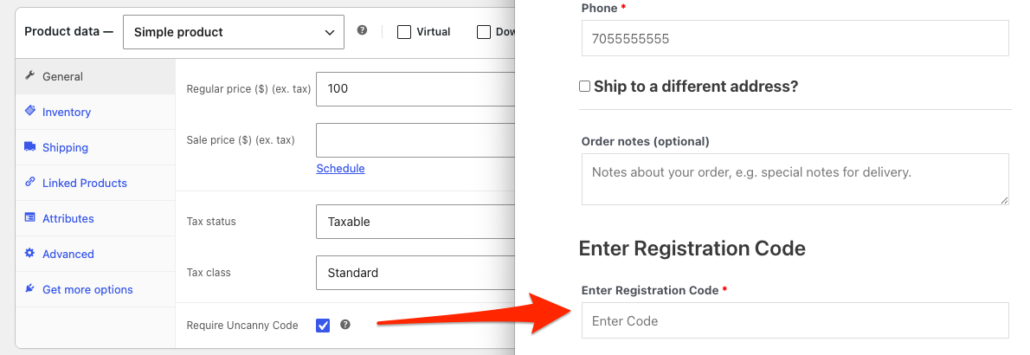 ### How It Works
Once the Uncanny Redemption Codes plugin is activated, a new **Require LearnDash Code** checkbox is automatically added to the **Product data** section of all WooCommerce products. When this checkbox is enabled on a product:
1. A code redemption field is added to the WooCommerce checkout page whenever that product is in the cart.
2. The customer must enter a valid code to complete the purchase.
3. Upon successful checkout, the code is redeemed and the customer is enrolled in the associated course or group.
> **Important:** Only one code can be redeemed per checkout. If a customer is purchasing multiple products, only one code field is displayed. For this reason, we recommend mapping a single code to multiple courses or groups rather than requiring users to redeem separate codes for each.
### Setup
To enable code redemption on the WooCommerce checkout page:
1. Navigate to **Products** in your WooCommerce admin and edit the product you want to require a code for (or create a new product).
2. In the **Product data** section, locate the **Require LearnDash Code** checkbox.
3. Check the box to enable the code field at checkout for this product.
4. **Publish** or **Update** the product.
That’s it — the code field will now appear on the checkout page whenever this product is in the customer’s cart.
### LearnDash Enrollment Validation
*(New in v5.0)*
As of Uncanny Codes v5.0, the plugin validates whether the customer is already enrolled in the course or group associated with the code before allowing redemption at checkout. If the customer already has access, the checkout will display a message indicating they are already enrolled, and the code will not be consumed.
This prevents customers from accidentally using codes for access they already have, which is especially valuable when codes are purchased or distributed in limited quantities.
### Usage Tips
- **Best for group enrollment.** This feature is most useful when you want to combine a WooCommerce product purchase with LearnDash Group enrollment. The native LearnDash WooCommerce integration doesn’t support group enrollment at checkout, but Uncanny Codes fills that gap.
- **One code per order.** Only one code can be redeemed per checkout. If you need to grant access to multiple courses or groups, create a single code that maps to all of them.
- **The code field appears for all products with the checkbox.** If any product in the cart has the **Require LearnDash Code** checkbox enabled, the code field will appear at checkout. Make sure this is intentional for each product.
- **Works alongside product-based code sales.** This feature is separate from [selling code batches as WooCommerce products](https://www.uncannyowl.com/knowledge-base/sell-uncanny-codes/). You can use both features on the same site — one for selling codes and another for redeeming codes at checkout.
### Related Articles
- [Sell Code Batches as WooCommerce Products](https://www.uncannyowl.com/knowledge-base/sell-uncanny-codes/) — How to sell code batches as purchasable WooCommerce products
- [Set up Uncanny Redemption Codes for WordPress](https://www.uncannyowl.com/knowledge-base/set-up-uncanny-codes-for-wordpress/) — Plugin installation and settings
- [Standalone Code Redemption](https://www.uncannyowl.com/knowledge-base/standalone-code-redemption/) — Let existing users redeem codes from any page
- [Troubleshooting & FAQ](KB_LINK) — Common issues and solutions
- [Getting Started with Uncanny Codes](KB_LINK) — Overview of all code distribution workflows
**Article Categories:** Uncanny Redemption Codes
---
### [Sell Code Batches as WooCommerce Products](https://www.uncannyowl.com/knowledge-base/sell-uncanny-codes/)
**Published:** March 14, 2021
**Author:** Ryan Moore
**Content:**
### Overview
Uncanny Codes allows you to sell codes directly to customers. This means administrators can generate large batches of codes, associate a product with those codes, and when users purchase the product they receive the codes for use by themselves or other people. This functionality is useful as a substitute for gift cards, promotional gifts, selling accounts to organizations, or really anything where codes grant access to something.
### Set Up WooCommerce Products for Code Sales
Selling codes requires the use of WooCommerce, the most widely used ecommerce plugin for WordPress. WooCommerce must be configured before codes can be sold.
To set up a WooCommerce product to sell codes to end users:
1. Generate the code batch you want to sell before creating a new product.
2. In the **Products** menu for WooCommerce in `/wp-admin/`, choose **Add New** to create a new product.
3. Set up the product as you normally would for other WooCommerce products. See the [WooCommerce documentation on managing products](https://docs.woocommerce.com/document/managing-products/) for additional help. In the **Product data** drop-down list, choose **Codes for Uncanny Automator**.
4. Make sure you set a **Regular price** for each code. The user will be charged this times the number of codes (the quantity) that they purchase.
5. In the **Code batch** field, choose the name of the batch that you want to link to the product. When users buy the product, they will be assigned codes from this batch.
6. Publish the product so that it is available for users to purchase.
> **Note:** If you don’t see the batch that you want to use, it could be because of one of these 3 things: the batch is not an Automator type, codes in the batch allow more than one redemption per code, or the batch is already mapped to another product. You cannot add a batch to more than one product because it would create issues with inventory tracking.
The values for **Total codes**, **Available Codes** and **Stock quantity** are not editable. These values are calculated automatically based on the number of codes available.
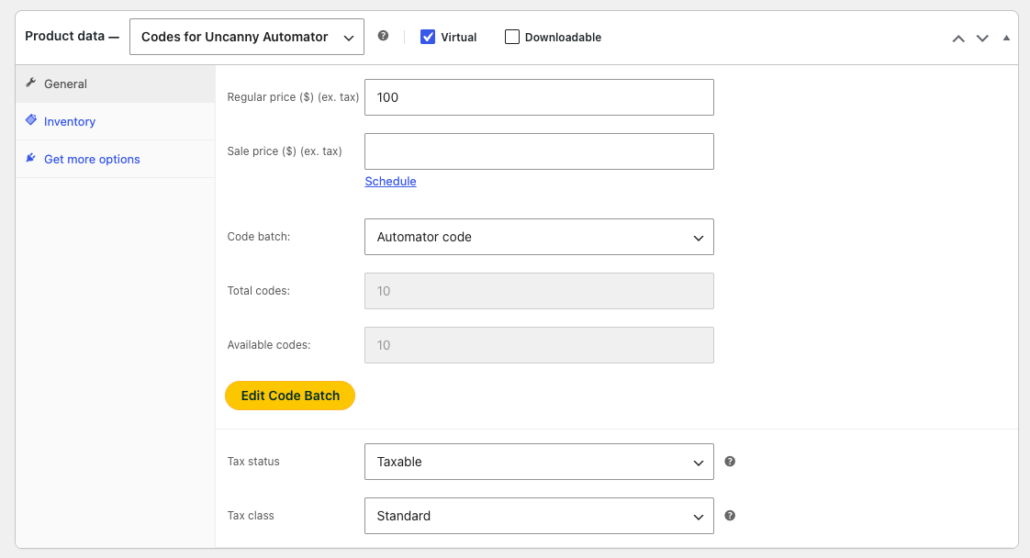 ### Tax Configuration
*(New in v4.4)*
The **Codes for Uncanny Automator** product type now supports WooCommerce **Tax Status** and **Tax Classes**. This allows you to configure tax settings for code products just as you would for any other WooCommerce product.
To configure tax settings for a code product:
1. Navigate to the product edit page for your code product
2. In the **Product data** panel, locate the **Tax Status** and **Tax Class** fields
3. Set **Tax Status** to **Taxable**, **Shipping only**, or **None** as appropriate
4. If taxable, select the appropriate **Tax Class** (Standard, Reduced Rate, Zero Rate, or any custom tax classes you have configured)
5. Click **Update** to save the product
> **Note:** You must have WooCommerce tax settings enabled under **WooCommerce > Settings > General** for the tax fields to appear. See the [WooCommerce tax documentation](https://docs.woocommerce.com/document/setting-up-taxes-in-woocommerce/) for more information on configuring taxes.
### Buying codes as a WooCommerce customer
Code products are purchased in the same way as other WooCommerce products, but we highly recommend you autocomplete orders that include codes (see the WooCommerce settings in [Set up Uncanny Redemption Codes for WordPress](https://www.uncannyowl.com/knowledge-base/set-up-uncanny-codes-for-wordpress/#Settings) for more information). This is because codes from a batch are linked to an order as soon as the order is created and are no longer available for sale to other customers.
When a “Codes for Uncanny Automator” product is purchased, the customer buying the product is sent the WooCommerce order completion email, which will include a copy of the purchased codes in plain text and in a CSV attachment. The customer also has access to code details (including an indicator of whether or not the code has been redeemed) on the order details page under the WooCommerce **My Account** area.
[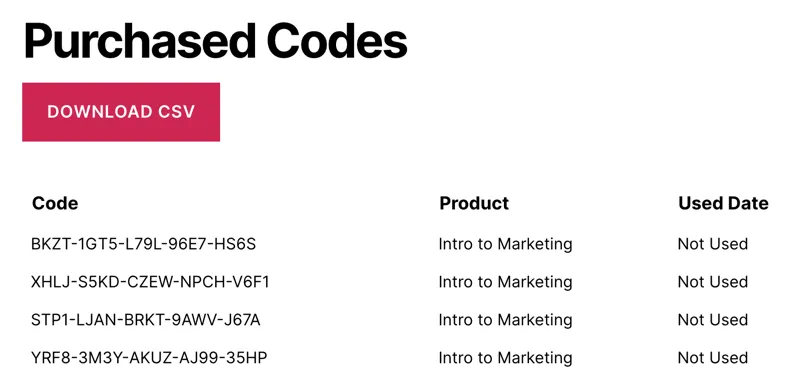](https://www.uncannyowl.com/wp-content/uploads/2021/03/WooCommerce_codes_for_sale.png)### Order Codes Metabox
*(New in v4.4)*
When viewing an order that includes code products, a new **Order Codes** metabox is now displayed on the WooCommerce **Edit Order** page in the admin. This metabox provides administrators with a quick overview of the codes associated with the order.
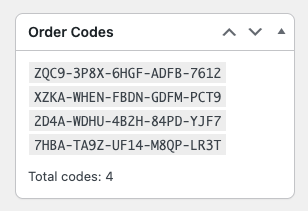 ### Important notes
While the code sale process is straightforward, keeping a few best practices in mind will make selling codes with WooCommerce far easier to manage:
1. If you map a code batch to a product, make those codes only available for purchasers of the product. It’s not a good idea to also distribute codes that you plan to sell; in other words, if you’re selling codes, don’t also retrieve them from the View Codes page and then share them with other users.
2. Any WooCommerce plugins that support custom pricing and quantity rules will work with our code products. This means you can sell codes only in quantities of 100 if you want, or offer discounts if someone buys 10 or more codes.
3. You must set up a way for users to redeem the codes that you sell. Make sure you set up a [registration form](https://www.uncannyowl.com/knowledge-base/using-codes-custom-registration-form/) or [redemption form](https://www.uncannyowl.com/knowledge-base/standalone-code-redemption/), as appropriate, and that buyers of your codes are given instructions so they know how to redeem them.
### Related Articles
- [Standalone Code Redemption](https://www.uncannyowl.com/knowledge-base/standalone-code-redemption/)
- [Set up Uncanny Redemption Codes for WordPress](https://www.uncannyowl.com/knowledge-base/set-up-uncanny-codes-for-wordpress/)
- [Generating or Adding New Codes](https://www.uncannyowl.com/knowledge-base/generating-new-codes/)
- [Viewing and Editing Codes](https://www.uncannyowl.com/knowledge-base/view-codes/)
- [Redeem Codes During WooCommerce Checkout](https://www.uncannyowl.com/knowledge-base/using-codes-woocommerce/)
**Article Categories:** Uncanny Redemption Codes
---
### [Viewing and Editing Codes](https://www.uncannyowl.com/knowledge-base/view-codes/)
**Published:** November 25, 2016
**Author:** Ryan Moore
**Excerpt:** Learn how to view LearnDash enrollment codes and associated information, including the users that redeemed them and the date they were redeemed.
**Content:**
### Overview
The **View Codes** page in the WordPress admin lets you see all codes in a batch, check their status, and make changes to individual codes. You can access it by navigating to **Uncanny Codes > View Codes** and selecting a batch from the drop-down list.
### Viewing Codes
When you select a batch, the View Codes page displays a table listing every code in that batch. The table includes the following columns:
- **Action** — Provides options to edit or cancel individual codes.
- **Code Name** — The unique code string.
- **Code Type** — The type of code (e.g., Automator, Group, Course)\*.
- **Status** — Whether the code is available, redeemed, or cancelled.
- **Redeemed** — Shows who redeemed the code and when, if applicable.
\*For most sites, Automator will be the most common code type, as its integration with [Uncanny Automator](https://automatorplugin.com) offers the most flexibility for code redemption.
### Refreshed Admin Table UI
*(Updated in v5.0)*
The View Codes admin interface has been updated with a modern, refreshed table design. The new UI provides a cleaner layout with improved readability and better visual hierarchy, making it easier to scan through large batches of codes at a glance.
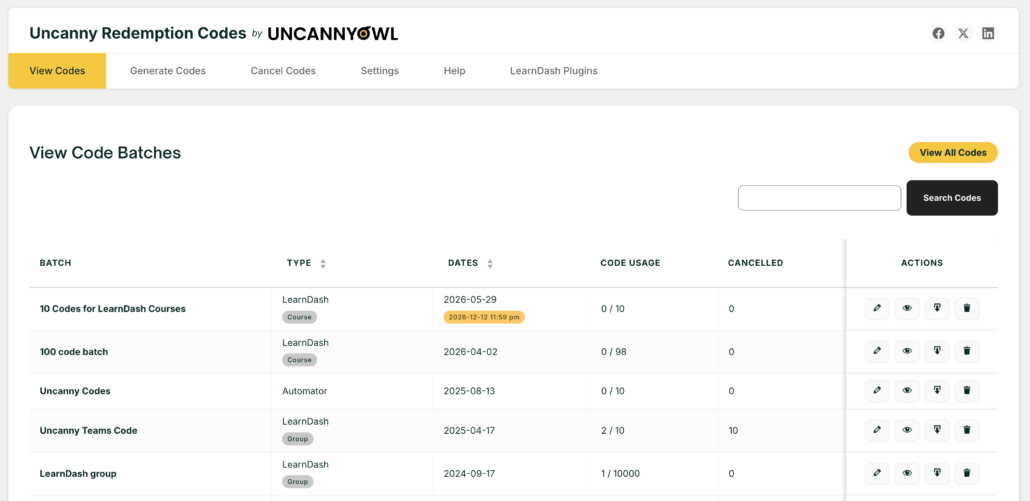 ### Deleted User Label
*(Added in v4.4)*
If a code was redeemed by a user who has since been deleted from WordPress, the **Redeemed** column will display a **“Deleted User”** label instead of the username. This makes it easy to identify codes that were redeemed by users who no longer exist in the system, which is helpful for auditing and troubleshooting.
### Editing Codes
To edit a code, click the **Edit** link in the **Action** column for the code you want to modify. This opens the code editing view where you can update code details.
### Individual Code Expiration Date Modification
*(New in v5.0)*
You can now modify the **expiration date** associated with individual codes directly from the editing interface. This is useful for extending or adjusting code validity, correcting dates that were set incorrectly during batch generation, or accommodating special circumstances for specific users.
To modify a code’s date:
1. Navigate to **Uncanny Codes > View Codes**
2. Select the batch containing the code expiration date you want to edit
3. Click **View** on the code you want to modify
4. Click the **Edit Expiration Date** button in the row that contains the expiration date you wish to change
5. Update the date field as needed
6. Click **Save** to apply the changes
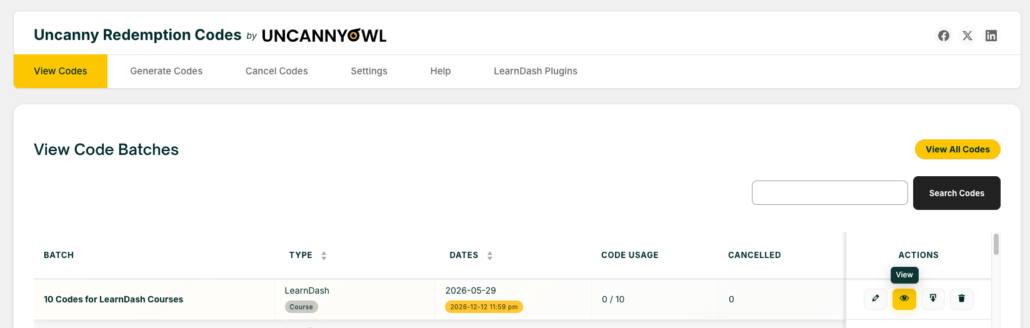
*Step 3: Click **View** on the code you want to modify*
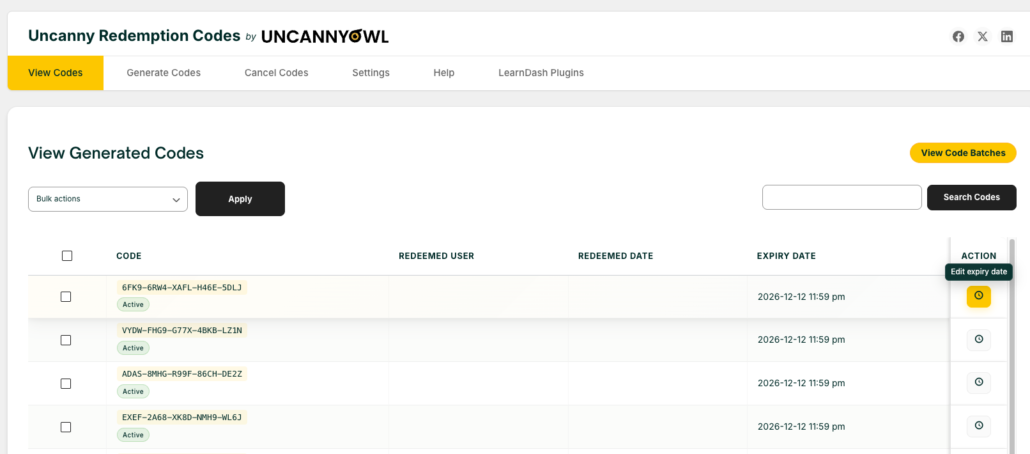 *Step 4: Click the **Edit Expiration Date** button to change date*
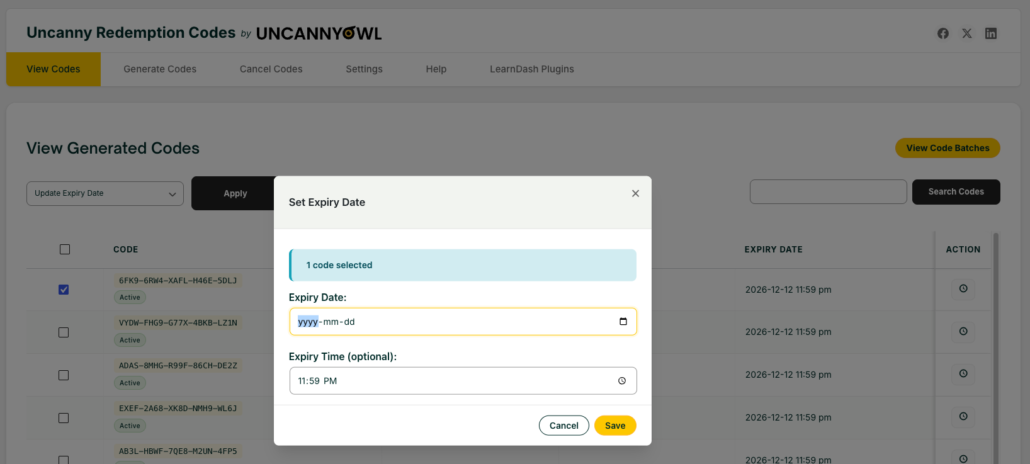 *Step 5: **Update** the date and **save***
### Downloading Code Data
You can download code data as a CSV file from the View Codes page. Click the **Download CSV** button to export the batch data.
### Enhanced
CSV Columns
*(Added in v4.4)*
The CSV download now includes additional columns for more comprehensive reporting:
ColumnDescription**Status**The current status of the code (available, redeemed, cancelled)**Issue Date**The date the code was generated or added to the batch**Order ID**The WooCommerce order ID associated with the code, if the code was sold via WooCommerce**Linked Product**The WooCommerce product linked to the code batch, if applicable**Redeemed Times**The number of times the code has been redeemed (relevant for codes that allow multiple redemptions)These additional columns make it easier to generate detailed reports, reconcile code usage with WooCommerce orders, and track code lifecycle data outside of WordPress.
### Related Articles
- [Set up Uncanny Redemption Codes for WordPress](https://www.uncannyowl.com/knowledge-base/set-up-uncanny-codes-for-wordpress/)
- [Generating or Adding New Codes](https://www.uncannyowl.com/knowledge-base/generating-new-codes/)
- [Cancelling Codes](https://www.uncannyowl.com/knowledge-base/cancelling-codes/)
- [Selling Codes with WooCommerce](https://www.uncannyowl.com/knowledge-base/sell-uncanny-codes/)
**Article Categories:** Uncanny Redemption Codes
---
### [Update Your Credit Card or Change Your Payment Method](https://www.uncannyowl.com/knowledge-base/update-your-credit-card-or-change-your-payment-method/)
**Published:** August 19, 2025
**Author:** Ken
**Content:**
We support two payment methods on our checkout: Credit card (processed by Stripe) and PayPal. The steps to update your credit card varies depending on how you paid for your purchase.
### PayPal
If you purchased via PayPal, then you can update your credit card by logging in at PayPal.com.
- If you’re updating your credit card because your previous card is expiring, you can follow [these instructions](https://securepayments.paypal.com/ca/cshelp/article/how-do-i-update-my-debit-or-credit-card-on-paypal-help157) to update your card.
- If you want to switch your subscription to a different credit card, from the *Subscriptions* page in the PayPal app or website, tap the *Manage* button to update the payment method for your subscriptions.
### Credit Card
If you purchased via credit card, you can update your credit card by following these steps:
1. [Log in](https://www.uncannyowl.com/login) to your account.
2. Go to the [Purchases & Subscriptions](https://www.uncannyowl.com/my-account/invoices/) page.
3. Find the subscription for which you want to update your credit card and click *Update Payment Method*.
4. Enter your new card details and click *Update Payment Method*.
### Switching between PayPal and Credit Card
Unfortunately, there is no way to automatically transfer your payment information between payment providers, so to switch from PayPal to credit card or vice versa, you’ll need to [cancel your subscription](https://www.uncannyowl.com/knowledge-base/manage-your-subscription/). When your license expires, you can renew it using the new payment method. You will receive an email two weeks before your license expires, and then immediately after expiry. Once your license has expired, you can follow these steps to renew using your new payment method:
1. [Log in](https://www.uncannyowl.com/login) to your account.
2. Go to the [Plugin licenses](https://www.uncannyowl.com/my-account/licenses/) page.
3. Find the license you wish to renew and click *Renew license*.
4. Use the new payment method to complete the purchase and reactivate your license.
As always, don’t hesitate to [reach out to our support team](https://www.uncannyowl.com/my-account/submit-a-request/) if you have any questions!
**Article Categories:** Your Account
---
### [Uncanny Codes - Changelog](https://www.uncannyowl.com/knowledge-base/uncanny-learndash-codes-changelog/)
**Published:** August 16, 2017
**Author:** Anthony Lucic
**Excerpt:** Detailed descriptions of the changes in each release of Uncanny LearnDash Enrollment Codes.
**Content:**
### 5.0 \[2025-11-13\]
**New Feature:**
- Added an option to modify the date for each individual code #240
**Updated:**
- Implemented new, standardized Uncanny Owl admin UI theme
- Updated pages with redesigned layouts and improved Codes tables
- Gravity Forms – Moved code redemption to the `gf_pre_handle_confirmation` hook for improved reliability #278
- LearnDash Code Redemption – Added validation to check if the user redeeming a code is already enrolled in the course or a member of a group #292
**Fixed:**
- Uncanny Codes – Resolved text domain warning on WordPress 6.7+ websites #298
- Woo – Edit Product – Fixed an issue where the Automator codes product type broke the layout in specific cases #275
- Fixed text domain path for WordPress 6.7+ compatibility #322
**Internal:**
- Added `code_id` index to the usage table to optimize database operations on large datasets #290
- Updated Uncanny Owl logo
---
### 4.4.0.1 \[2024-10-02\]
**Fix:**
- Woo & Automator Codes – Additional validation to avoid PHP Error when order is not valid #265
---
### 4.4 \[2024-05-17\]
**Addition:**
- Woo – Edit order page – Show order codes in a side metabox #250
**Updated:**
- Automator Codes & Woo – Allow Tax Status and Classes for the product type #245
- Download Codes – Added Status, Issue Date, Order ID, Linked Product & Redeemed Times columns #253
- View/Download Codes – Show “Deleted User” if the user no longer exists #242
**Fixed:**
- Automator Codes & Woo – Blank CSV file is erroneously attaching to Woo order emails #231
- Automator Codes & Woo – PHP error related when an invalid product ID is passed #229
- User Registration – Remove extra white spaces in the registration fields #234
- View Codes – Improved redemption count #262
**Under the hood:**
- Licensing – Allow plugin to be pre-activated by defining `UNCANNY_CODES_LICENSE_KEY` in `wp-config.php` #256
- Licensing endpoint updated #255
- License moved under Settings #255
### 4.3.0.1 \[2023-11-09\]
**Fixed:**
- Gravity Forms – Code field showing incorrect error message #222
- Blocks – Removed `lodash` dependency for WordPress v6.4+ #224
---
### 4.3 \[2023-10-19\]
**New Feature:**
- Replace, Cancel and Delete individual codes #213
**Updated:**
- Uncanny Automator – Creating an order via an Uncanny Automator action now correctly assigns relevant codes #212
- Improved PHP 8.2 compatibility #210
**Fixed:**
- Fluent Forms with Codes field – Not mapping a user to the group on registration #206
- Theme My Login – Settings not working #200
**Developers:**
- Registration Form – Added WP Filter `ulc_registration_min_password_length` to set minlegth to a larger number #198
- Added WP filter `uncanny_codes_htaccess_folder_protection` to disable .htaccess protection for codes folder #196
---
### 4.2.1 \[2023-04-14\]
**Added:**
- View codes – add “Order ID” column and show the associated Woo order for Automator codes that were sold #183
- Purchased Codes – WordPress filter `ulc_wc_email_codes_table_position_order_table` added to either show purchased codes before or after order details #179
- Added `ulc_codes_csv_filename` filter to change Codes CSV file name #168
**Updated:**
- Change logic to load static assets on fewer pages #171
**Fixed:**
- WooCommerce – Edit Product – jQuery Dependency issue #176
- Codes – Invalid Code not showing custom message #165
- Gravity Forms – Code redemption field not working when create a new user feed is added #187
- Automator 1-click installer nonce validation #173
---
### 4.2.0.1 \[2022-11-17\]
**Fixed:**
- CSV filename sanitization #152
- Fix DB query issue related to unique code process #149
**Internal:**
- Add in plugin notifications #154
---
### 4.2 \[2022-09-01\]
**Added:**
- Ability to cancel codes: Upload and cancel codes via CSV #109
**Fixed:**
- Added SQL condition to filter out non-zero user ids #145
---
### 4.1.1 \[2022-08-11\]
**Added:**
- Gravity Forms – Code field can now be populated dynamically with a parameter in query string #140
**Developers:**
- New filter: `ulc_capability` to override Codes menu permission in /wp-admin #142
- New action: `ulc_codes_group_generated` when a new code batch is created #135
---
### [4.1](https://www.uncannyowl.com/uncanny-codes-form-integrations-and-redemption-updates/) \[2022-07-05\]
**Added:**
- Allow users to redeem the same code multiple times #104
- Fluent Forms – Add support for code redemption #123
- Forminator – Add support for code redemption #122
**Updated:**
- Automator type codes – `ulc_code_max_usage` filter added to override coupon max usage #126
- Gravity Forms – `ulc_redeem_code_for_current_logged_in_user` filter added to optionally not redeem code when Uncanny Code field is in registration form #114
- Code redemption shortcode – Hook switched from `init` to `wp_loaded` #110
- Improved PHP 8.1+ compatibility #103
**Fixed:**
- Uncanny Codes Woo product – 2x quantity of codes issued on order with multiple payment attempts #128
- View Codes – Total codes are now listed reliably #112
---
### 4.0.4 \[2021-11-19\]
**Updated:**
- Changes/fixes to ticket submission data
**Fixed:**
- Fatal error on failed remote get #95
- Gravity Forms – Code redemption for existing users now works more reliably #96
- Divi – Add to Cart button is no longer shown above the product when using the Divi Woo Add to Cart component #92
- WooCommerce – Uncanny Codes are only sent when the associated order is Processing or Completed, not On Hold #90
- PHP notice: `block_categories` deprecated
---
### 4.0.3 \[2021-10-04\]
**Fixed:**
- “To use this code, enter it on the checkout page and complete your purchase.” message showing up incorrectly on code redemption in some situations #85
- Codes for Uncanny Automator product type now respects “Never show quantity remaining in stock” setting at Settings > Product > Inventory #83
- Code redemption appearing multiple times on some sites #80
---
### 4.0.2 \[2021-04-07\]
**Updated:**
- Code group names can now be longer than 30 characters #59
**Fixed:**
- Email: Uncanny Codes table is no longer added for all orders #58
---
### 4.0.1 \[2021-03-22\]
**Added:**
- Cancel codes when related order is refunded
**Updated:**
- date() changed to date\_i18n() to accommodate translated dates
- Styling updates
- Migration of users now handled by cron
- Code quality improvements
**Fixed:**
- PHP Warning: register\_rest\_route cannot have a slash in namespace
- Paged query string when viewing code group causing unexpected issue
- Unexpected code redemption data loss
- select2 JavaScript conflict on some wp-admin pages
- Invalid default value for ‘Date and time’ CURRENT\_TIMESTAMP mySQL error in some environments
---
### 4.0 \[2021-03-16\]
**Added:**
- Support for redeeming specific code batches using Uncanny Automator (Requires Automator 2.11.1 or later)
- Support for selling codes via WooCommerce – New product type “Codes for Uncanny Automator”
- Support for tracking available code inventory in WooCommerce
- Support for code redemption via WP Forms
- Support for code redemption via Formidable Forms
- Names for code batches for easier assignments in WooCommerce and Automator
- A shortcode attribute to check whether or not a code is valid before redeeming it
**Updated:**
- Code generation interface completely redesigned to be more intuitive
- View codes page columns updated and layout streamlined
- LearnDash plugin no longer required
---
### 3.2 \[2020-07-29\]
- Added: Ability to specify character types to be included in code (lowercase letters, uppercase letters, numbers)
- Updated: Code generation form reorganized to improve UX
- Updated: Leading/trailing spaces are now removed from codes entered on the native registration form and manually entered codes
- Updated: Added redirect attribute to \[uo\_user\_redeem\_code\]
- Updated: Set list-style-type:none on \[uo\_user\_redeem\_code\] form field
---
### 3.1.2 \[2020-05-08\]
- Fixed: Field labels missing on registration form
---
### 3.1.1
- Added: Filter to increase/decrease maximum character length for manually generated codes: ulc\_manual\_code\_length
- Added: Action after a code is redeemed: ulc\_user\_redeemed\_code
- Updated: Converted code field in database to text from varchar(30) to support longer codes
- Updated: Improved string localization
- Updated: Reordered wp-admin menu entries
- Updated: Replaced “No coupon found” with “No codes found” on View codes page
- Fixed: Removed “Dash Separation” field from Modify Codes screen
---
### 3.1
- Added: Ability to manually enter custom codes
- Added: Ability to edit associated course(s)/groups(s), expiration date and uses per code of previously created codes
- Added: Visual editor for “Successfully redeemed” message, to make it easier to provide users with next steps after successful code redemption
- Added: Terms and conditions checkbox option for built-in registration form
- Added: Filter for characters included in auto-generated codes: ulc\_code\_characters
- Updated: Randomly generated codes now include lowercase letters
- Updated: Clicking “Generate Codes” with no course or group selected now shows an error message
- Updated: Tweaked some default error messages for grammar/style
- Fixed: “Enter Coupon Code” placeholder and Redeem button strings are now translatable
- Fixed: SQL warning on installation on some sites
---
### 3.0.4
- Updated: EDD updater class
- Fixed: Issue introduced in 3.0.3 where codes were not being processed on checkout
- Fixed: PHP Warning when LearnDash is not active
---
### 3.0.3
- Added: Automatic template overrides! Override any file in the /src/templates folder by copying it into /uncanny-codes/ in your child theme
- Updated: Improved performance
- Updated: No longer loading MooTools and SimpleModal frameworks when not necessary (improves compatibility with other plugins and themes)
- Fixed: Field labels on WooCommerce checkout not appearing
---
### 3.0.2
- Fixed: Class name conflict with Uncanny LearnDash Groups plugin
---
### 3.0.1
- Added: Redeemed date column to CSV export of enrollment codes
- Added: Enrollment Code field type for Gravity Forms – field can now be placed anywhere in the form
- Added: Confirmation dialog when deleting codes
- Added: Duplicate checking when generating codes
- Updated: Search for a specific enrollment code now returns the group the code is in if the search is done from the code group page
- Fixed: Support for Theme My Login 6.x restored
- Fixed: Link to submit support ticket added when active license detected
- Fixed: Undefined index notice on View Codes page
---
### 3.0
- Added: Support for code expiry dates
- Added: Ability to search by code text
- Added: Basic Gutenberg block support
- Added: Support for Theme My Login 7.x
- Added: Support for Gravity Forms User Verification feature
- Added: Uncanny 3.0 plugin architecture (tabs for Help, License Activation, etc.)
- Updated: Improved translation support
- Updated: Improved multisite compatibility
- Fixed: Typo in registration form success message
- Fixed: “Require LearnDash Code” checkbox not showing up on WooCommerce products
---
### 2.0
- Added: .pot file for translations
- Updated: Design of back-end pages
- Updated: Styling of the included registration form
- Fixed: Error on save of Gravity Forms settings if fields are empty
---
### 1.0.5
- Updated: Generated codes no longer include similar characters (e.g. i,l,0,o, etc.)
---
### 1.0.4
- Added: \[uo\_code\_registration\] now accepts the following parameters: redirect, code\_optional, auto\_login, role. Visit the knowledge base for details:
- Updated: Registration form shortcode \[uo\_code\_registration\] now ignores “Anyone can register” setting in WordPress general settings
---
### 1.0.3
- Updated: Added support for Theme My Login registration forms with option to make Registration Code a required field
---
### 1.0.2
- Fixed: Settings page not saving when GravityForms User Add On is not active
- Fixed: Database query for potential failure on some servers
---
### 1.0.1
- Fixed: switch\_to\_locale() 500 server error on stock user registration form
- Fixed: Settings page if Gravity Forms User Registration Add-on is not active
- Removed: Default button CSS on stock user registration form
---
### 1.0
- Initial release
**Article Categories:** Uncanny Redemption Codes
---
### [Tin Canny Uploader](https://www.uncannyowl.com/knowledge-base/storyline-captivate-uploader/)
**Published:** September 9, 2017
**Author:** yuehchin
**Content:**
### Overview
The Tin Canny Uploader is the tool that will allow you to upload your xAPI and SCORM modules to your LearnDash lesson or topic page. The Uploader is integrated with the both the Classic Editor and Gutenberg so you can quickly attach an e-learning module as part of your content creation workflow.
### Tin Canny Uploader and Gutenberg Block Editor
To upload and embed your module using Gutenberg block editor, follow these steps:
1. On your LearnDash lesson or topic edit page, click the “+” icon to add a new block.
2. When the block selector appears, search and select the Tin Canny Content block.
3. After the block is added, you have 2 options\*:
- “Upload”
1. Click Upload.
2. Find and select your module ZIP file from your computer and click “Open”.
3. The module will upload, register and the content block will embed on your page.
- “Select from Library”
1. Search and/or select a module that has already been uploaded to your site.
2. The content block will embed on your page.
4. After you embed the content block, you will be able to select your display option from the side menu\*\*.
- You have 3 options:
1. iFrame
2. Lightbox
3. New tab
5. After selecting your display option, save your page and the module will display in the front end.
\*In step 3, if you are selecting the “Upload” option, depending on the size of your ZIP file, you can check the option “Upload entire zip file” in the side menu. This option provide a must faster upload experience.
\*\* When using the block editor, you can change your display option at any time without needing to re-upload your module.
[](https://www.uncannyowl.com/wp-content/uploads/2025/09/Select-Tin-Canny-Block.png)Add the Tin Canny Content block[](https://www.uncannyowl.com/wp-content/uploads/2025/09/Upload-or-Select-from-library.png)Choose either Upload or Select from Library[](https://www.uncannyowl.com/wp-content/uploads/2025/09/use-zip-uploader.png)Use the ZIP uploader for faster upload times if applicable[](https://www.uncannyowl.com/wp-content/uploads/2025/09/Select-from-Library.png)Find and select your module from the Manage Content library[](https://www.uncannyowl.com/wp-content/uploads/2025/09/Tin-Canny-Content-Block.png)A module embedded via Tin Canny Content block### Tin Canny Uploader and the Classic Editor
To upload and embed your module using the Classic editor, follow these steps:
1. On your LearnDash lesson or topic edit page, click the “Add Tin Canny Media” button.
2. A modal box will open and give you 2 options:
- “Upload File”
1. Click the button labelled “Click to Upload” (before you click this button, you can also enable the option “Upload entire zip file” below).
2. Find and select your module ZIP file from your computer and click “Open”.
3. When the module finished uploading, you will have to select a display option. You have 3 options:
1. iFrame
2. Lightbox
3. New tab
4. After you select the display option, click “Insert Into Post”.
5. The module be added as a shortcode in the Classic Editor
- “Content Library”
1. Search and/or select a module that has already been uploaded to your site and click the “Show” button.
2. You will have to select a display option. You have 3 options:
1. iFrame
2. Lightbox
3. New tab
3. After you select the display option, click “Insert Into Post”.
4. The module be added as a shortcode in the Classic Editor
3. After selecting your display option, save your page and the module will display in the front end.
[](https://www.uncannyowl.com/wp-content/uploads/2025/09/add-tin-canny-media-button.png)Click the Add Tin Canny Media button[](https://www.uncannyowl.com/wp-content/uploads/2025/09/upload-file-zip-option.png)Choose Upload File or Content Library and dont forget the ZIP upload option[](https://www.uncannyowl.com/wp-content/uploads/2025/09/select-file-from-content-library.png)Select an uploaded module from your Manage Content library[](https://www.uncannyowl.com/wp-content/uploads/2025/09/embed-options-after-uploading-or-selecting-module.png)After you upload your module or select it from the library you will need to select the display option[](https://www.uncannyowl.com/wp-content/uploads/2025/09/tin-canny-content-embedded-as-shortcode.png)Your module will display as shortcode### Elementor/WP Bakery Page Builder/Other Editors
If you are using a pagebuilder such as Elementor or WP Bakery Page Builder, look for a “text” module and add that to the page. The editor in the text module should display the Add Tin Canny Media button (see above), which you can use to insert your content.
**Important:** Upload zip files published directly from your authoring tool only. All modules must be uploaded through our upload tool, as it modifies some javascript files in the modules to ensure that statements are tracked properly.
Please note that file names must contain fewer than 100 characters and should not contain any special characters.
### Tin Can/xAPI Data
In order to capture Tin Can data, your Storyline/Rise, Captivate, or iSpring module must have been published to xAPI or SCORM (1.2 or 2004). The module will still work if it was published to web but you won’t be able to capture Tin Can data. We recommend publishing to xAPI if the option is available, as in some situations it offers performance advantages over SCORM tracking.
### Very large files
If for any reason the zip file is too big to upload inside WordPress (this would typically include files over 100 MB), this workaround is available but should *only* be performed for large files:
1. Publish the zip file as you normally would.
2. Extract the contents of the zip file. (Don’t use a Mac for this, as it can add hidden files that break the upload process.)
3. Move the big media files elsewhere and remember the folder they were in.
4. Zip the files back up so the structure is the same (minus the large files; just make sure the XML file is still in the root).
5. Upload the zip file through the Tin Canny uploader as before. if there’s an error, maybe it wasn’t zipped back up again properly.
6. On the lesson/topic edit page, note the identifier in the shortcode. You’ll see an snc one.
7. Connect to the site by FTP. Navigate to /wp-content/uploads/uncanny-snc/.
8. Find the # corresponding with the shortcode in step 6 and go into it.
9. Upload the large files to wherever they’re supposed to be.
### Single Page Courses
Out of the box, Tin Canny modules should not be use on LearnDash course post types, especially if there are no lessons attached to the course. LearnDash relies on lesson completions to track progress and trigger course completion. If you also have [Toolkit Pro](https://www.uncannyowl.com/downloads/uncanny-learndash-toolkit-pro/) and the [Single Page Courses module](https://www.uncannyowl.com/knowledge-base/single-page-courses/) is enabled, versions 3.6 of Tin Canny and later do offer support and make uploading modules at the course level for microlearning possible. Make sure you follow the same [Mark Complete](https://www.uncannyowl.com/knowledge-base/tin-canny-learndash-mark-complete/) rules as you do for lessons and topics, and to protect content we suggest hiding the module to non-students with the [LearnDash student shortcode](https://www.learndash.com/support/docs/core/shortcodes-blocks/#learndash_student_student).
### Multisite
If you use Tin Canny in a multisite network, it is possible to broadcast Tin Canny modules to other network sites using the Broadcast plugin from Plainview Plugins along with their LearnDash addon. See for more information.
**Article Categories:** Tin Canny Reporting for LearnDash
---
### [Install the Tin Canny Reporting Plugin](https://www.uncannyowl.com/knowledge-base/tincanny-installation-setup/)
**Published:** September 2, 2017
**Author:** yuehchin
**Content:**
### Installation
Installing the plugin can’t be more straightforward. After you purchase and download the plugin, you can simply sign into your WordPress site as an admin and navigate to **Plugins > Add New**. To install the plugin, click **Upload Plugin** to start the process. After installation, you will be directed to the License Activation page to enter your license key and activate the plugin.
### Setup
The plugin has four report views (for Course, User, Tin Can and xAPI Quiz Report) and a **Settings** tab.
[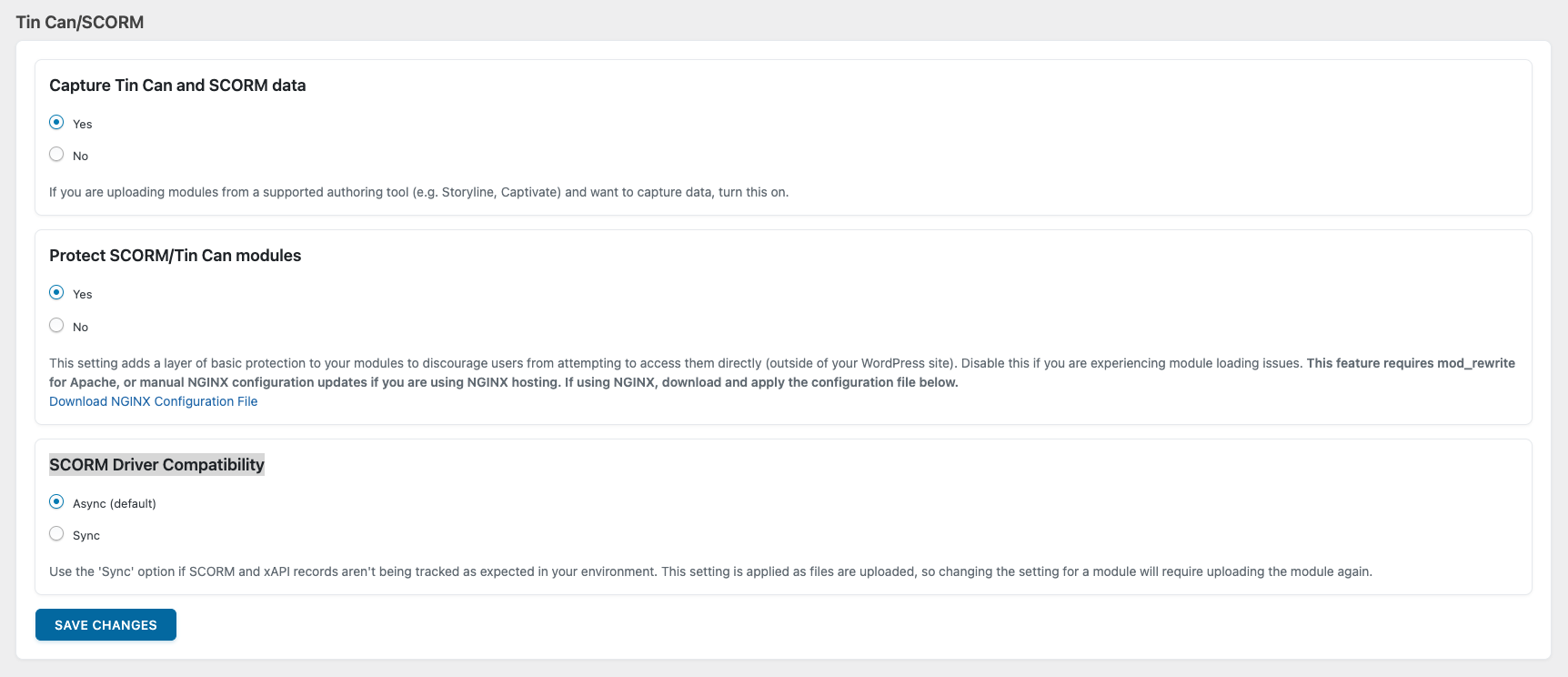](https://www.uncannyowl.com/wp-content/uploads/2025/09/Tin-Can-and-SCORM-settings.png)
There are three optional controls on the Settings page under the heading Tin Can/SCORM:
- Capture Tin Can and SCORM data: Keep the default setting Yes unless you are certain you won’t incorporate H5P, Storyline, Captivate, or iSpring content in any of your courses. If you select No (to not capture Tin Can data), the Tin Can Report tab will be removed and so will the Tin Can activity menu on the User Report. In addition, no Tin Can data will be reported on the Dashboard or Course Report. All other LearnDash reporting will still be available and functioning as expected.
- [Protect SCORM/Tin Can modules:](https://www.uncannyowl.com/knowledge-base/protecting-sharing-content-tin-canny/) This option can prevent modules from being viewed by users who are not signed to your site. You can set protection at a global level (as shown above) and also override the global setting at a lesson or topic level.
- SCORM Driver Compatibility: Depending on the authoring tool used, you may be required to change the default “Async” SCORM Driver compatibility to “Sync”. For most scenarios, this option will stay on the default “Async” setting.
You can also set global options for the Mark Complete button behaviour. The options include:
- Always Enabled
- Disabled until complete
- Hidden until complete
- Hidden and autocomplete
- Hidden and autoadvance
The Reset Tin Can Data button allows you to clear all existing Tin Can statements in the Tin Can Report. This feature would be helpful if you need to reset test data. Note all historical data will be removed; this action cannot be undone.
**Article Categories:** Tin Canny Reporting for LearnDash
---
### [Change or Reset Your Password](https://www.uncannyowl.com/knowledge-base/change-or-reset-your-password/)
**Published:** August 19, 2025
**Author:** Ken
**Content:**
If you’ve lost your password or need to change it, follow these steps:
1. Go to
2. Click Forgot Password?
3. Enter your username or email address and click Recover Account.
4. If you provided the correct information, you’ll receive an email with instructions to reset your password.
If you need to access the account of someone who previously purchased a plugin but has since left your company or is no longer affiliated with your organization and you do not have access to their email, you will need to reach out to our support to request access to their account. Please provide the following information:
- The name and email address of the person who purchased the license
- The reason you require access to their account
- The product license key
[Click here](https://www.uncannyowl.com/contact-us-2/) and choose *Other* to contact our team.
**Article Categories:** Your Account
---
### [Generating or Adding New Codes](https://www.uncannyowl.com/knowledge-base/generating-new-codes/)
**Published:** November 24, 2016
**Author:** Ryan Moore
**Excerpt:** Learn how to generate codes to enable users to self-enroll into LearnDash courses and groups.
**Content:**
### Generate codes
Creating a code batch is the very first step of the process of using codes. Once codes are generated, you can distribute, sell and control how they’re used.
To create a new batch of codes, navigate to **Uncanny Codes > Generate codes** as an administrator. The onscreen wizard will walk you through the code generation process.
### Name your code batch
When multiple codes are generated with the same characters (e.g. 10 codes that can be redeemed for access to a LearnDash course), a “batch” of that group of codes is set up. Beginning with [Uncanny Codes 4.0](https://www.uncannyowl.com/downloads/uncanny-learndash-codes/), all code batches must be named. The name makes it easier to identify code batches when setting up WooCommerce products and [Uncanny Automator recipes](https://automatorplugin.com/knowledge-base/creating-a-recipe/).
[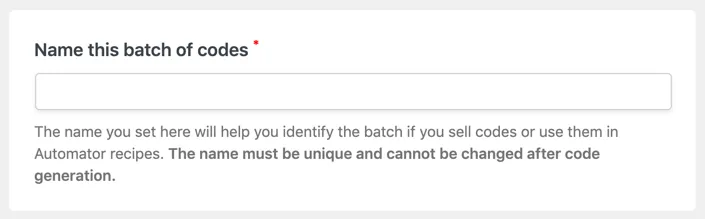](https://www.uncannyowl.com/wp-content/uploads/2016/11/Name_a_code_batch.png)
The name is a required field and must be filled in before you can generate codes. Use something that will be easy for you to recognize; it’s often helpful to figure out an appropriate naming convention before generating any codes. Names are unique and cannot be changed once codes are generated.
### Code type
There are 2 types of codes available in Uncanny Codes: Uncanny Automator and LearnDash. For all code redemption types *except* LearnDash courses and groups, choose Uncanny Automator.
[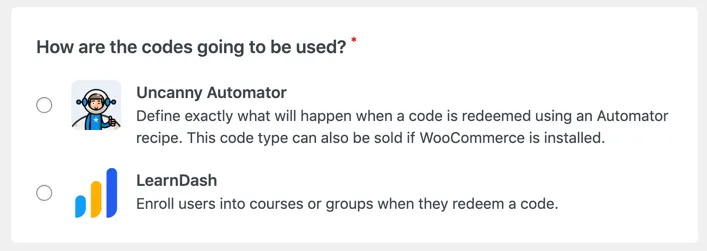](https://www.uncannyowl.com/wp-content/uploads/2016/11/Uncanny_Code_Types.png)
If you choose [Uncanny Automator](https://wordpress.org/plugins/uncanny-automator/) and don’t have it installed, you will have the option to install the free version automatically. This step is required before you can generate codes for use in Automator recipes. Uncanny Automator allows code redemption to be linked to any of the Actions for plugins and apps listed [here](https://automatorplugin.com/all-triggers-and-actions/), enabling code redemption to be linked to actions like adding a CRM tag, adding the user to a membership level, registering the user in a webinar, etc.
**If you plan to sell codes with WooCommerce, choose Uncanny Automator.**
For more information about setting up Automator recipes for generated codes, see [this article](https://www.uncannyowl.com/knowledge-base/connect-codes-to-uncanny-automator/).
LearnDash code types are very straightforward; they add the user who redeems the code to courses or groups in LearnDash.
### LearnDash code settings
LearnDash code batches have additional settings that don’t apply to Automator codes. These settings allow mapping to LearnDash courses or groups right from the generation page *and* they define additional behaviours for ecommerce scenarios.
[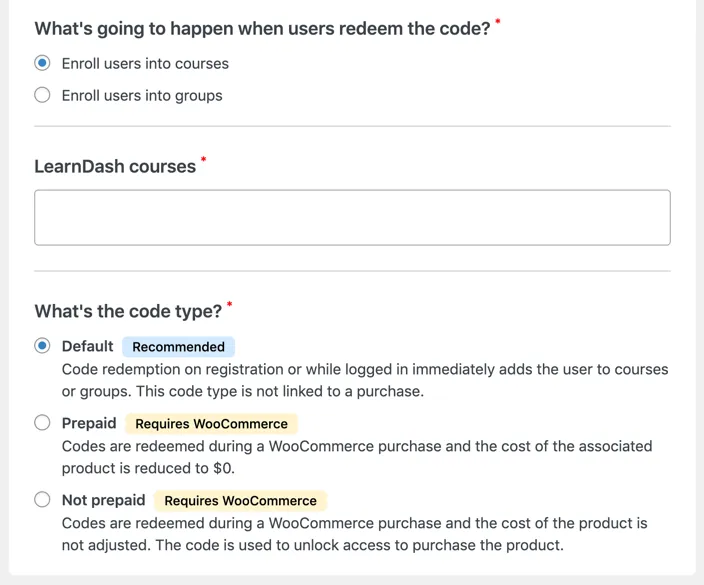](https://www.uncannyowl.com/wp-content/uploads/2016/11/LearnDash_code_settings_for_Uncanny_Codes.png)
These are the additional settings for LearnDash codes:
- **Enroll users into courses or groups:** Codes can be generated for either LearnDash courses **OR** LearnDash groups. Once a selection is made, a list of available courses or groups is displayed. Select one or more courses or groups; users redeeming the generated code will be added to these courses or groups.
- **LearnDash code type**
- *Default* is the appropriate selection in most cases.
- *Paid* codes are used with WooCommerce to indicate that the associated code has been paid for previously; when redeemed as part of a purchase that includes a product that requires a LearnDash code (see [this article](https://www.uncannyowl.com/knowledge-base/using-codes-woocommerce/)), the price of the associated product is reduced to $0.
- *Unpaid* codes are also tied to WooCommerce transactions but charge the user the full amount.
### Code settings
[](https://www.uncannyowl.com/wp-content/uploads/2016/11/Code_settings.png)
- **Number of uses per code:** Defines how many times a code can be redeemed. For situations where a code is only redeemed by one user, this should be “1”. For codes that will be shared among a group of users (such as a classroom or business department), this may be much higher. It’s not always practical to distribute individual codes, so this field allows control over how much a code can be shared. **Important: If you plan to sell codes with WooCommerce, this value must be set to “1”**.
- **Expiry date/time** (optional): If codes should expire, enter the expiry date and time.
Once the options above are set, codes can be automatically generated, or entered manually.
### Auto-generate codes
[](https://www.uncannyowl.com/wp-content/uploads/2016/11/Auto-generate_Uncanny_Codes.png)
Begin by choosing *Auto-generate codes* under **Generation method**. Then fill out the remaining fields:
- **Number of unique codes**: The number of unique codes to generate. This is how many codes the system will create when the **Save Changes** button is clicked. We recommend keeping this number under 10,000 and using separate batches if you need over 10,000.
- **Number of characters**: The number of characters to include in each code. We recommend no fewer than 8 characters and no more than 50.
- **Type of characters**: Check the type of characters you want included in each code.
- **Dash separation**: Divides the code into sections with hyphens to make them easier to read. They hyphens are not included in the Number of characters.
- **Prefix/Suffix** (optional): Setting a *Prefix* or *Suffix* can help to identify codes to users or to brand the codes.
Once generated, the batch of codes is added to the **View Codes** page of the plugin.
### Manually entering codes
Custom codes can be entered instead of auto-generating codes. To do this, select *Manually enter codes* under **Generation method**. Doing this replaces the *Number of unique codes*, *Number of characters*, *Dash separation*, *Prefix* and *Suffix* fields above with a single textarea labeled *Enter one code per line*. Select the appropriate options and enter your custom codes one per line.
Codes support letters, numbers and hyphens.
**Article Categories:** Uncanny Redemption Codes
---
### [Download your plugins and get your license keys](https://www.uncannyowl.com/knowledge-base/how-to-download-your-plugins-and-get-your-license-keys/)
**Published:** August 19, 2025
**Author:** Ken
**Content:**
### How to download your plugins
There are a couple of ways to download any plugins you have purchased:
- When you purchase an Uncanny Owl plugin or All Access Pass, you will receive a confirmation email containing links to download the plugin(s) you purchased. The subject line of this email is “Your Uncanny Owl Purchase”.
- If those links have expired, you can download your plugins from the *Downloads* page under *My Account*. To do this:
- [Log in](https://www.uncannyowl.com/login) to your account.
- Go to the [Downloads](https://www.uncannyowl.com/my-account/downloads/) page.
- Find the plugin you wish to download and click the associated link(s).
For instructions on installing your plugin, consult the appropriate article:
- [Uncanny Toolkit Pro for LearnDash](https://www.uncannyowl.com/knowledge-base/install-the-uncanny-toolkit-pro-for-learndash/)
- [Tin Canny Reporting for LearnDash](https://www.uncannyowl.com/knowledge-base/tincanny-installation-setup/)
- [Uncanny Groups for LearnDash](https://www.uncannyowl.com/knowledge-base/uncanny-learndash-groups-plugin-setup/)
- [Uncanny Redemption Codes for WordPress](https://www.uncannyowl.com/knowledge-base/set-up-uncanny-codes-for-wordpress/)
- [Uncanny Continuing Education Credits](https://www.uncannyowl.com/knowledge-base/setup-continuing-education-credits-plugin/)
### How to get your license keys
There are a couple of ways to view the license keys for any plugins you have purchased:
- When you purchase an Uncanny Owl plugin or All Access Pass, you will receive a confirmation email containing the licence keys for the the plugin(s) you purchased. (The All Access Pass includes all 5 of our premium plugins, but a single license key that will work with all 5.) The subject line of this email is “Your Uncanny Owl Purchase”.
- You can also view your licenses from the *Plugin licenses* page under *My Account*. To do this:
- [Log in](https://www.uncannyowl.com/login) to your account.
- Go to the [Plugin licenses](https://www.uncannyowl.com/my-account/licenses/) page.
- Copy the license key you’re looking for and paste it into the license field on your plugin’s *Settings* page, then click *Activate license*.
**Article Categories:** Your Account
---
### [Request a Refund](https://www.uncannyowl.com/knowledge-base/request-a-refund/)
**Published:** August 19, 2025
**Author:** Ken
**Content:**
If you feel that an Uncanny Owl plugin isn’t quite what your site needs, we can help you determine whether you are eligible for a refund and how to request one.
### Determining if You’re Eligible for a Refund
Uncanny Owl is proud to offer a 100% no-risk guarantee. If you purchase any Uncanny Owl plugin and decide within the first 14 days that it isn’t a good fit, we’ll provide you with a full refund.
Once this period is up, you can’t get a refund, but you can still [cancel your subscription](https://www.uncannyowl.com/knowledge-base/manage-your-subscription/#cancelling-your-subscription) or [downgrade your license](https://www.uncannyowl.com/knowledge-base/upgrade-or-downgrade-your-license/#downgrade-your-license).
Additionally, our money back guarantee only applies to new purchases, not renewals. (You will receive a reminder 2 weeks before your subscription renews, so be sure to cancel prior to your renewal date if you don’t want to renew.)
### Requesting a Refund
If you’d like to receive a refund within our 14-day no-risk guarantee window, please [**open a support request**](https://www.uncannyowl.com/my-account/submit-a-request/) from your account area. Our team will respond as soon as possible to keep you updated on the status of your refund.
**Note**: Of course, we don’t want to see you go. We’d love to be able to help you build the site experience you’ve envisioned. If our support team can help in any way, or if there are specific features you’d like to see, please feel free to let us know in your message.
If you have any other questions about your subscription, please [get in touch with our support team](https://www.uncannyowl.com/my-account/submit-a-request/) and we’ll be happy to help!
**Article Categories:** Your Account
---
### [Upgrade or Downgrade Your License](https://www.uncannyowl.com/knowledge-base/upgrade-or-downgrade-your-license/)
**Published:** August 19, 2025
**Author:** Ken
**Content:**
### Upgrade your license
If you want to upgrade your current license:
- to increase the number of activations by upgrading to a Business or Agency license, or
- to switch to the [All Access Pass](https://www.uncannyowl.com/all-access-pass/)
Follow these steps:
1. [Log in](https://www.uncannyowl.com/login) to your account.
2. Go to the [Plugin licenses](https://www.uncannyowl.com/my-account/licenses/) page.
3. Find the license you would like to upgrade and click *View Upgrades*. The cost of the upgrade is the difference between the price of your current license and the price of the license you would like to upgrade to.
**Note that upgrading your license does not change your subscription renewal date.**
### Downgrade your license
If you’re looking to downgrade your license to a lower number of sites, or from an All Access Pass to one or more single plugin licenses, you will need to cancel your current subscription. (If you’re within 14 days of your purchase, you can request a refund instead.) After this, you can purchase the license you want to switch to.
**Article Categories:** Your Account
---
### [Transfer Your Plugin License to Another Domain](https://www.uncannyowl.com/knowledge-base/transfer-your-plugin-license-to-another-domain/)
**Published:** August 19, 2025
**Author:** Ken
**Content:**
If you are using a plugin on one website and want to move it to a different site, your plugin license will need to activated on the new site’s domain. This also applies if you are moving a site that was under development on a staging URL to a live URL. There are two ways to deactivate your plugin license: From your WordPress site’s admin menu, or from the [Plugin licenses page](https://www.uncannyowl.com/my-account/licenses/) in your Account area.
### Deactivating your license from your WordPress site
- To deactivate your license on your WordPress site, log in to your WordPress site with an Administrator-level account.
- Go to *Automator > Settings*
- Click *Deactivate License* at the bottom of the page.
Your license is now deactivated and can be reactivated on another site.
### Deactivating your license from the Plugin licenses page
1. [Log in](https://www.uncannyowl.com/login) to your account.
2. Go to the [Plugin licenses](https://www.uncannyowl.com/my-account/licenses/) page.
3. Find the license you would like to deactivate and click *Manage Sites*. Find the URL of the site you wish to deactivate and click *Deactivate Site*.
Your license is now deactivated and can be reactivated on another site.
**Article Categories:** Your Account
---
### [Change the Email Address Associated With Your Account](https://www.uncannyowl.com/knowledge-base/change-the-email-address-associated-with-your-account/)
**Published:** August 19, 2025
**Author:** Ken
**Content:**
If you’ve changed your email address and would like to update it in your account, follow these steps:
1. [Log in](https://www.uncannyowl.com/login) to your account.
2. Go to [My Profile](https://www.uncannyowl.com/my-account/change-password/).
3. Under *Primary Email Address*, enter your new email address.
4. Click *Save Changes*.
Our system maintains a list of previous email addresses to make it easier for us to trace previous transactions and correspondence with you. If you would like to delete your old email address, simply hover over it and click *Remove* (If you don’t see the *Alternate email addresses* field, try refreshing the page).
**Article Categories:** Your Account
---
### [Generate an Invoice For Your Purchase](https://www.uncannyowl.com/knowledge-base/generate-an-invoice-for-your-purchase/)
**Published:** August 19, 2025
**Author:** Ken
**Content:**
If you require a downloadable invoice for your purchase, you can generate one from your Purchases & Subscriptions page.
Follow these steps:
1. [Log in](https://www.uncannyowl.com/login) to your account.
2. Go to [Purchases & Subscriptions](https://www.uncannyowl.com/my-account/invoices/).
3. Find the purchase for which you require an invoice and click View Invoice. You’ll see options to print the invoice or download the invoice as a PDF.
**Article Categories:** Your Account
---
### [Manage Your Subscription](https://www.uncannyowl.com/knowledge-base/manage-your-subscription/)
**Published:** August 19, 2025
**Author:** Ken
**Content:**
### License vs. subscription
A plugin license is distinct from a plugin subscription. While an active plugin license provides you with updates and access to our support team, a subscription refers to an automatic recurring annual payment to renew your license (and keep it active).
### Renewing your license
When you purchase a plugin from us, a subscription is automatically created to ensure your license is renewed automatically and you don’t miss out on updates or support while you are using the product. The license will automatically be renewed one year after your initial purchase, and your original method of payment will be charged the renewal amount.
### Cancelling your subscription
If you wish to cancel your subscription to any of our products, you can easily do so through the *Purchases and Subscriptions* page. Here are the steps to cancel:
1. [Log in](https://www.uncannyowl.com/login) to your account.
2. Go to [Purchases & Subscriptions](https://www.uncannyowl.com/my-account/invoices/).
3. Find the subscription you wish to cancel, and click *Cancel*. You may be asked a few questions so we can better understand why you are cancelling your subscription and how we can improve our product/service.
4. Confirm the cancellation.
Your subscription will be cancelled immediately, but your plugin license will continue to be validuntil its expiration date (typically, your subscription renewal date). After subscription cancellation, you can confirm that your license is still active by visiting the [Plugin licenses](https://www.uncannyowl.com/my-account/licenses/) page.
### Reactivating a cancelled subscription
If you cancelled your subscription but wish to reactivate it, follow these steps:
1. [Log in](https://www.uncannyowl.com/login) to your account.
2. Go to [Purchases & Subscriptions](https://www.uncannyowl.com/my-account/invoices/).
3. Find the cancelled subscription you wish to reactivate and click *Reactivate*.
Note that if the license associated with the subscription is expired, your payment method will be charged immediately and your license reactivated. If it has not yet expired, your payment method will not be charged until the subscription renewal date.
**Article Categories:** Your Account
---
### [Renew Your License](https://www.uncannyowl.com/knowledge-base/renew-your-license/)
**Published:** August 19, 2025
**Author:** Ken
**Content:**
All purchases create an annual recurring subscription, to ensure you have uninterrupted access to updates and support while you are using the product.
If at some point you canceled your subscription and your license subsequently expired, you can renew your subscription to reactivate your license. To renew an expired license, follow these steps:
1. [Log in](https://www.uncannyowl.com/login) to your account.
2. Go to [Plugin licenses](https://www.uncannyowl.com/my-account/licenses/).
3. Find the license you would like to renew and click *Renew License*.
4. Complete checkout and your license key will be reactivated.
You will then have a subscription for the reactivated license. You can manage your subscription from the [Purchases & Subscriptions](https://www.uncannyowl.com/my-account/invoices/) page.
**Article Categories:** Your Account
---
### [Set up Uncanny Redemption Codes for WordPress](https://www.uncannyowl.com/knowledge-base/set-up-uncanny-codes-for-wordpress/)
**Published:** November 23, 2016
**Author:** Ryan Moore
**Excerpt:** Learn how to install the Uncanny LearnDash Enrollment Codes plugin.
**Content:**
### Overview
For a brief introduction to Uncanny Redemption Codes and what you can do with it, we invite you to watch the overview video below.
### Installation
After you purchase and download the plugin, you can simply sign into your WordPress site as an admin and navigate to **Plugins > Add New**. To install the plugin, click **Upload Plugin** to start the process. After installation and activation, you will be directed to the License Activation page to enter your license key and activate the plugin. The license key is included in the purchase email and is also available from within your [Uncanny Owl account](https://www.uncannyowl.com/my-account/licenses/) on this site.
### Settings
The [Uncanny Redemption Codes](https://www.uncannyowl.com/downloads/uncanny-learndash-codes/) settings page can be found under **Uncanny Codes > Settings** in /wp-admin/ on your website. The Settings page includes controls for LearnDash group behaviours, text for messages, WooCommerce autocompletion and database cleanup.
[](https://www.uncannyowl.com/wp-content/uploads/2016/11/LearnDash_Group_settings_for_Uncanny_Codes.png)
The first option on the Settings page controls what happens when learners who are already in a LearnDash Group enter a new group-based code. If the box is checked, the user remains in any existing LearnDash Groups and is also added to any new groups associated with the code. If the box is unchecked, the user is *removed from all other LearnDash Groups* and then added to the new group. Be very careful with this selection, as there is no easy way to restore group access if this is left unchecked unintentionally. Most sites should leave this box checked.
**Important:** Unchecking this box means users can’t redeem codes that are mapped to multiple groups; only the first group will be added. We strongly recommend leaving this box checked.
[](https://www.uncannyowl.com/wp-content/uploads/2016/11/Custom_messages_for_Uncanny_Codes.png)
Uncanny Redemption Codes allows an administrator to set what text should be displayed to users when codes are redeemed or there’s an issue redeeming codes. Any code-related strings not shown here can still be easily modified with a translation plugin.
[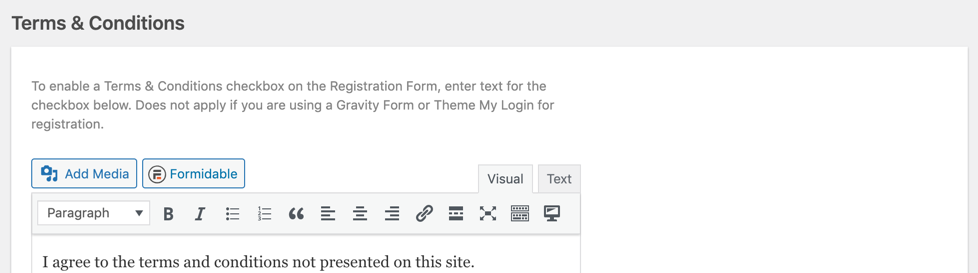](https://www.uncannyowl.com/wp-content/uploads/2016/11/Terms___Conditions_for_Uncanny_Codes.png)
The Terms & Conditions section applies to the [built-in registration shortcode](https://www.uncannyowl.com/knowledge-base/using-codes-custom-registration-form/) only. If you use that shortcode and text is populated in this field, a checkbox is added to the registration form that requires users to review and accept terms and conditions before they can register and redeem the code.
[](https://www.uncannyowl.com/wp-content/uploads/2016/11/WooCommerce_autocomplete_orders_for_Uncanny_Codes.png)
Enable this option to automatically change the status of orders the include Uncanny Codes products to Completed. This only applies if you are selling Uncanny Redemption Codes products in a WooCommerce store.
[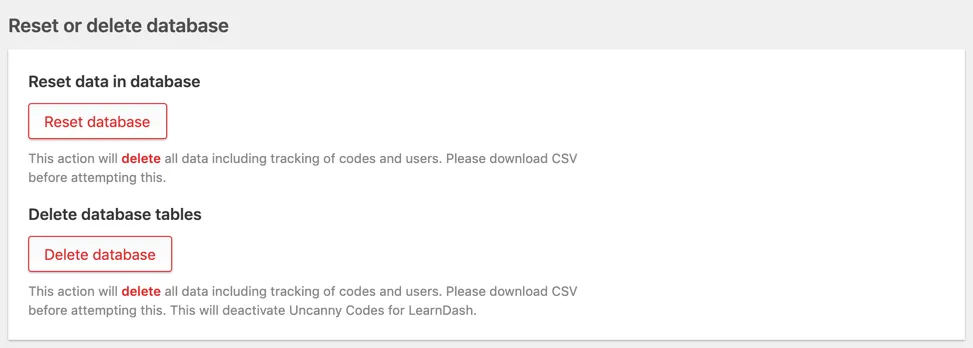](https://www.uncannyowl.com/wp-content/uploads/2016/11/Reset_Uncanny_Codes_data.png)
Use the Reset and Delete buttons to remove Uncanny Redemption Codes data and/or tables. The Delete option is particularly useful if you plan to no longer use the Uncanny Redemption Codes plugin.
**Article Categories:** Uncanny Redemption Codes
---
### [Submit a support request](https://www.uncannyowl.com/knowledge-base/submit-a-support-request/)
**Published:** April 19, 2021
**Author:** Ken
**Content:**
### Support for Uncanny Toolkit for LearnDash (Free version)
We provide limited, generic (i.e. not site specific) support for the Uncanny LearnDash Toolkit directly through the [WordPress plugin directory page](https://wordpress.org/support/plugin/uncanny-learndash-toolkit). We’ll do our best to provide general support there if you do run into any issues.
### Support for premium Uncanny Owl plugins
To submit a support ticket, log into the *[My Account](https://www.uncannyowl.com/my-account/)* portal and click [*New support request*](https://www.uncannyowl.com/my-account/submit-a-request/) to create a support ticket.
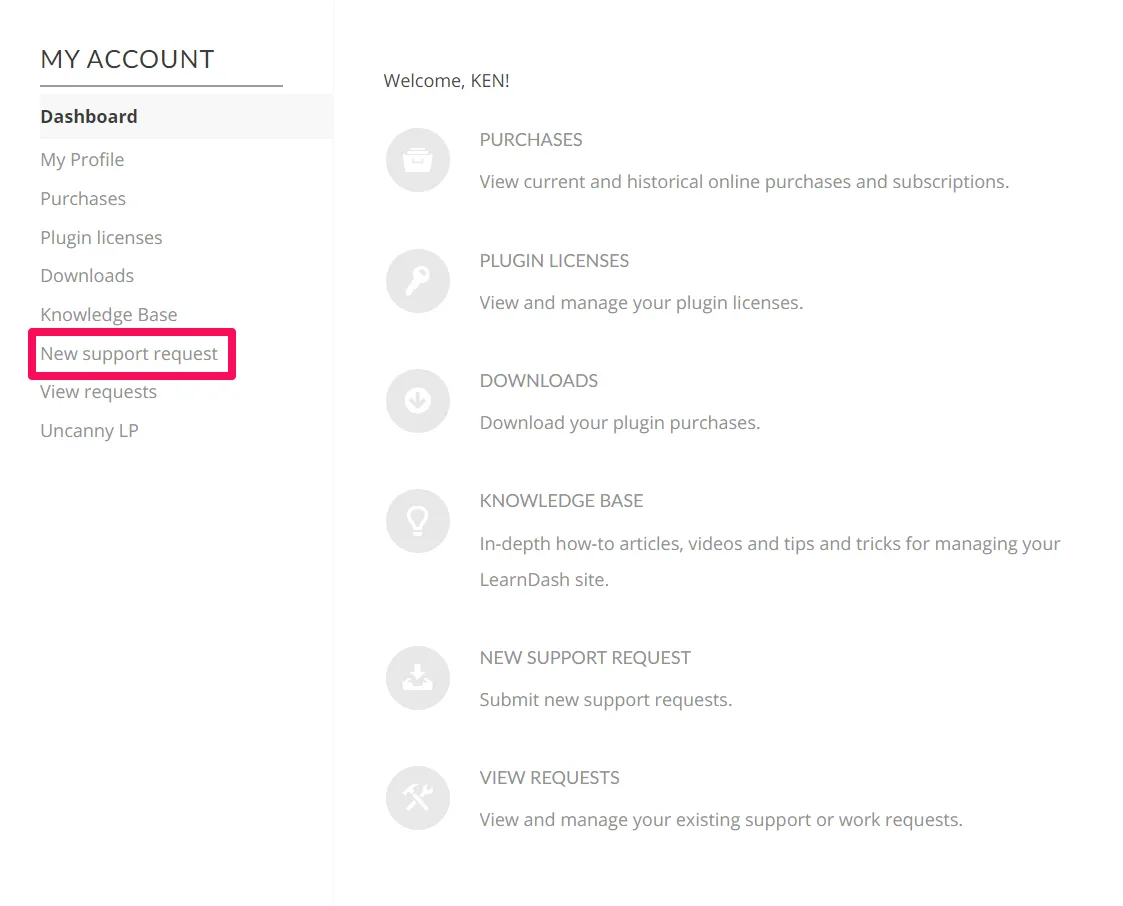
Alternatively, to submit a support request from any of the Uncanny Owl premium plugins, look for the Help page in the /wp-admin menu. At the bottom of that page, click the *I can’t find the answer to my question* link.
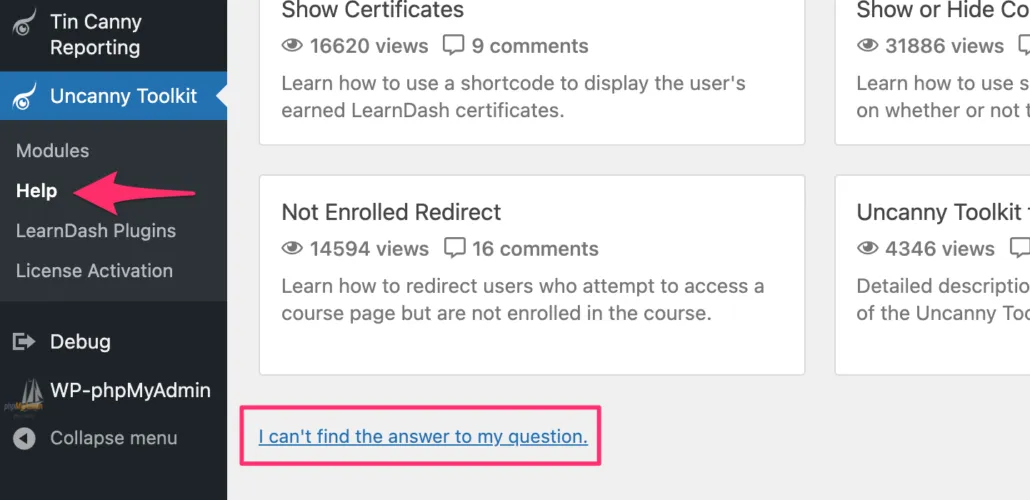
This link (optionally) sends some additional information about your site to help us find a solution to your problem more quickly.
**If you don’t see this link, check that your plugin license is activated**.
**Article Categories:** Existing Customers
---
### [Continuing Education Credits – Changelog](https://www.uncannyowl.com/knowledge-base/continuing-education-credits-changelog/)
**Published:** August 16, 2017
**Author:** Anthony Lucic
**Excerpt:** Detailed descriptions of the changes in each release of Uncanny Continuing Education Credits.
**Content:**
### 5.0 \[2024-10-28\]
**New Feature:**
- CEUs / credits editable now #174
**Updated:**
- Continuing Education Report – New enhanced front-end report #242
- Continuing Education Report – Added Excel Export option #218
- Continuing Education Report – Configuration settings for Gutenberg Block #241
- Continuing Education Report – New filters for columns and data #243
- Continuing Education Report – New setting to include data from child groups in a group hierarchy #240
---
### 4.2.0.2 \[2024-09-25\]
**Fixed:**
- Fixed an issue where course data was not displayed when the “Enable Custom CEUs Rows” setting was enabled in Toolkit Pro under rare circumstances #235
- Licensing – Added an additional validation to ensure licensing calls only run when explicitly requested #229
---
### 4.2.0.1 \[2024-09-11\]
**Update:**
- Archived quiz results – Incorrect question count and percentages with third-party plugin overrides in a specific situation #219
**Fixed:**
- Archived transcript – Status column incorrectly displays date, causing archived courses to be excluded from filter #212
- Toolkit transcript – Use unique timestamp and course ID keys to prevent duplicate CEU data with archived records #214
- Licensing call – Creating a loop in a specific scenario #223
---
### 4.2 \[2024-07-11\]
**Addition:**
- Licensing – Allow plugin to be pre-activated by defining `UNCANNY_CEUS_LICENSE_KEY` in `wp-config.php` #205
**Updated:**
- Optionally show archive CEU course data in Uncanny Toolkit Pro’s User Transcript #200
- Quiz Question Analysis report – WP filters `uo_tincanny_reporting_do_ceu_override` & `uo_tincanny_reporting_skip_ceu_override_quiz_ids` #198
**Fix:**
- CEU Earned Shortcode – Returning empty string if the CEUs earned is 0 #195
**Internal:**
- Hide other plugin notices on CEU pages #202
- Move license to Settings page #205
---
### 4.1.0.1 \[2023-11-09\]
**Fixed:**
- Credit Report – Ludicrous mode – PHP notice when no records are generated #190
- Blocks – Removed `lodash` dependency for WordPress v6.4+ #190
- Blocks – Available Credits & Credits Remaining – PHP Error when LearnDash is not active #d083
---
### 4.1 \[2023-11-08\]
**Updated:**
- Credit Report – New performance options for better experience #122
- Credit Report – New Settings section to set report defaults #122
- Credit Report – Add “Reset” button to reset dropdown values #185
**Fixed:**
- Course records not migrating properly for Historical Records #182
- Credit Report – Dates are now displayed using LearnDash date/time display function #172
- Credit Report – CSV Export – Some uppercase email addresses are broken #168
- Credit Report – Multisite not showing users specific to the current site #163
- Deficiency Report – Required CEUs column displays no value when LearnDash is not activated #157
- User profile – Hide “Archived quiz results” if it’s empty #150
- Credit Report – Report showing UTC timestamp #147
**Internal:**
- Improved PHP 8.2 compatibility #184
- “Try Automator” menu entry renamed to “Automation” #175
- Fix vulnerability in Automator’s 1-click installer #153
- Database upgrades #122
- Award Certificate – WordPress filters `uo_group_leader_mail_headers`, `uo_admin_mail_headers` and `uo_user_mail_headers` to allow mail header overrides (BCC etc) #158
---
### 4.0 \[2022-11-17\]
**New Feature:**
- Historical data – CEU now keep historical records even if a course is reset #101
- Tin Canny Reporting – Quiz Question Analysis Report – Support for historical quiz completions
**Updated:**
- `[uo_ceu_available]` shortcode – Course ID validation added #120
- Multi-Course certificate: Certificate link are now stored in the database #91
**Fixed:**
- Course Report – CSV export not populating columns #124
- Course Report – Incorrect time being displayed #116
- PHP 8.1 Deprecation: `preg_split()` : Passing null to parameter #3 ($limit) of type int is deprecated #127
**Under the hood:**
- Historical data – Record new quiz results in archive #101
- Historical Data – Copy existing records in historical tables #105
- Historical Data – Add “Generate historical quiz records” section under Generate Records tab #104
- Edit profile – Show historical quiz completion records #102
- In-plugin notifications system #129
- Uncanny Automator 1-click installer #39
- Multiple do\_action hooks #114
- Fix core-js preventing webpack from generating the bundles #106
- CEU licensing – Licensing page updated #38
---
### 3.3.4 \[2022-03-23\]
**Fixed:**
- Credit report – CSV export exposes hidden timestamp #85
- View Certificate – PHP error on some environments #87
---
### 3.3.3 \[2022-03-03\]
**Updated:**
- Improved appearance of deficiency report when no rollover date is set
- Improved PHP 8 compatibility #57
**Fixed:**
- Front-end assets sassdash and sass-svg cause core-js to freeze during compilation #73, #65
- `PHP error: Uncaught Error: Call to a member function exists()` in `award-certificate.php #70`
- `PHP notice: Undefined index: highest_group_credit_required #64`
- `PHP notice: add_submenu_page was called incorrectly #35`
---
### 3.3.2 \[2021-11-19\]
**Updated:**
- Changes/fixes to ticket submission data
**Fixed:**
- Fatal error on remote get #58
---
### 3.3.1 \[2021-10-04\]
**Updated:**
- Optimized query performance #47
**Fixed:**
- PHP warning – block\_categories deprecated #55
- PHP error on quiz completion in some situations #43
- Multi-course CEU certificate not sent in some situations #36
- Certificates awarded by Uncanny CEUs now linked properly in Uncanny Toolkit for LearnDash certificate widget module #33
- PHP error – Class ‘uncanny\_ceu\\stdClass’ not found on some sites #21
---
### 3.3 \[2021-04-01\]
**Updated:**
- Added compatibility with LearnDash Certificate Builder plugin #13
- Credit report now loads all records by default #9
**Fixed:**
- PHP notice: Deprecated: Non-static method ceu\_value\_meta\_box\_callback() should not be called statically #19
- Credit display issue on Learner Transcript (Uncanny Toolkit Pro) when the user has no LearnDash course completions #1
---
### 3.2.1 \[2021-02-10\]
**Added:**
- Support for manual entries where credit value = 0
- Support for display of custom CEUs in Learner Transcript module of Uncanny Toolkit Pro (requires Uncanny Toolkit Pro 3.7 or later)
**Fixed:**
- PHP Fatal error: Uncaught Error: Call to undefined function uncanny\_ceu\\learndash\_get\_users\_group\_ids() when LearnDash is not active
- PHP Notice: missing required permission\_callback argument
---
### 3.2 \[2021-01-13\]
**Added:**
- New system to generate credit and completion records for historical LearnDash course completions
**Updated:**
- Removed hyperlinks from custom titles in Credit Report
- Only show courses that have assigned credits when adding manual credits
**Fixed:**
- Allow support for decimals when adding custom credits
- Times in Credit Report match WordPress time instead of server time
- Several text domains corrected for translatable strings
- Last names incorrectly truncated in Credit Report export
- Replace some references to “CEUs” with the plural CEU label from the plugin Settings page
---
### 3.1 \[2020-12-17\]
**Added:**
- Ability to add custom credits for users from the Credit Report
- Ability to delete credits from the Credit Report
- Ability to trigger multi-course and multi-credit certificates from custom credits
**Updated:**
- Improved performance of user selection in Credit and Deficiency Reports
- Text domain of internal string
**Fixed:**
- Better support for PDF rendering on sites with LearnDash 3.2.0+
- WordPress 5.5+ compatibility related to REST API routes without a permission\_callback
- Earned credits showing properly in the Dashboard module of Toolkit Pro
---
### 3.0.7 \[2020-10-28\]
- Added: Hook for Uncanny Automator integration
---
### 3.0.6 \[2020-07-27\]
- Fixed: PHP Notice: register\_rest\_route was called incorrectly in WordPress 5.4.2 and newer
---
### 3.0.5 \[2020-03-19\]
- Updated: EDD updater class
- Updated: Reduced the delay before CEUs are awarded after course completion to 10 seconds
- Updated: Courses completed by an admin via the edit user page now awards CEUs
- Fixed: CEU certificates not being emailed due to TCPDF folder location change in LearnDash
- Fixed: WordPress Notice – add\_submenu\_page was called incorrectly
- Fixed: PHP notices and warnings displayed in Query Monitor plugin
---
### 3.0.4
- Added: Support for LearnDash 3.1
---
### 3.0.3
- Fixed: Name appearing twice in CSV exported from course and deficiency reports
---
### 3.0.2
- Updated: Added email column to Course and Deficiency Report CSV export
- Fixed: Date column in CSV export now formatted correctly
- Fixed: Credit values are no longer rounded on Learner Transcript (Learner Transcript requires Uncanny LearnDash Toolkit Pro)
---
### 3.0.1
- Added: Total row for CEUs column in Learner Transcript (Uncanny Toolkit Pro)
- Fixed: Credit Rollover Date no longer accepts invalid date values
- Fixed: Date filters on reports now properly sync’d with stored completion dates
---
### 3.0
- Added: Basic Gutenberg block support
- Added: Uncanny 3.0 plugin architecture (tabs for Help, License Activation, etc.)
- Updated: Visual design and filters of all admin reports
- Updated: Visual design of front-end report (\[uo\_ceu\_report\])
- Updated: Course completion time is now recorded from learndash\_course\_completed action
- Updated: Support for optional CEU column in Learner Transcript module of Uncanny LearnDash Toolkit Pro
- Updated: Improved support for differences between WordPress and server timezones
- Updated: Improved support for plugin translation
- Fixed: Visibility of \_\_sleep method for PHP 7 compatibility
- Fixed: CEUs not properly included in “CEUs Earned Since Rollover” section on user profile page
- Fixed: Logic for calculating credits in current rollover period
---
### 2.0
- Added: Utilized uo\_course\_completion\_time from Pro toolkit to save same time across multiple modules
- Added: Column for course CEUs earned in the Learner Transcript module of Uncanny LearnDash Toolkit Pro (requires Uncanny LearnDash Toolkit Pro plugin)
- Updated: Settings page design
- Updated: Moved Certificate Email Settings to Settings page
- Updated: Changed from current\_time(‘timestamp’) to time() for consistency
- Fixed: CSS conflict with Events Calendar Tickets
- Fixed: CEU certificate rendering issues
---
### 1.1.1
- Update: Plugin now reports dates and times exclusively in the WordPress site time zone
---
### 1.1
- New Feature: Added Required Credits for users and groups
- New Feature: Added Required Credit shortcodes: \[uo\_ceu\_days\_remaining\] and \[uo\_ceu\_credits\_remaining\]
- New Feature: Added Required Credit Deficiency Report
- New Feature: Added Required Credit email reminders
#### 1.0
- Initial Release
**Article Categories:** Uncanny Continuing Education Credits
---
### [Connecting codes to Uncanny Automator](https://www.uncannyowl.com/knowledge-base/connect-codes-to-uncanny-automator/)
**Published:** March 16, 2021
**Author:** Ryan Moore
**Content:**
### Setting up Uncanny Automator
[Uncanny Automator](https://wordpress.org/plugins/uncanny-automator/) is an optional, free plugin for Uncanny Codes that is *highly* recommended because it unlocks a huge number of code redemption options. If Automator isn’t installed, Uncanny Codes will prompt you to install it automatically if you attempt to generate Automator code types.
To install it yourself, just navigate to **Plugins > Add New** as an administrator and search for “Uncanny Automator”. Install it and activate it to unlock Automator code types and recipes.
[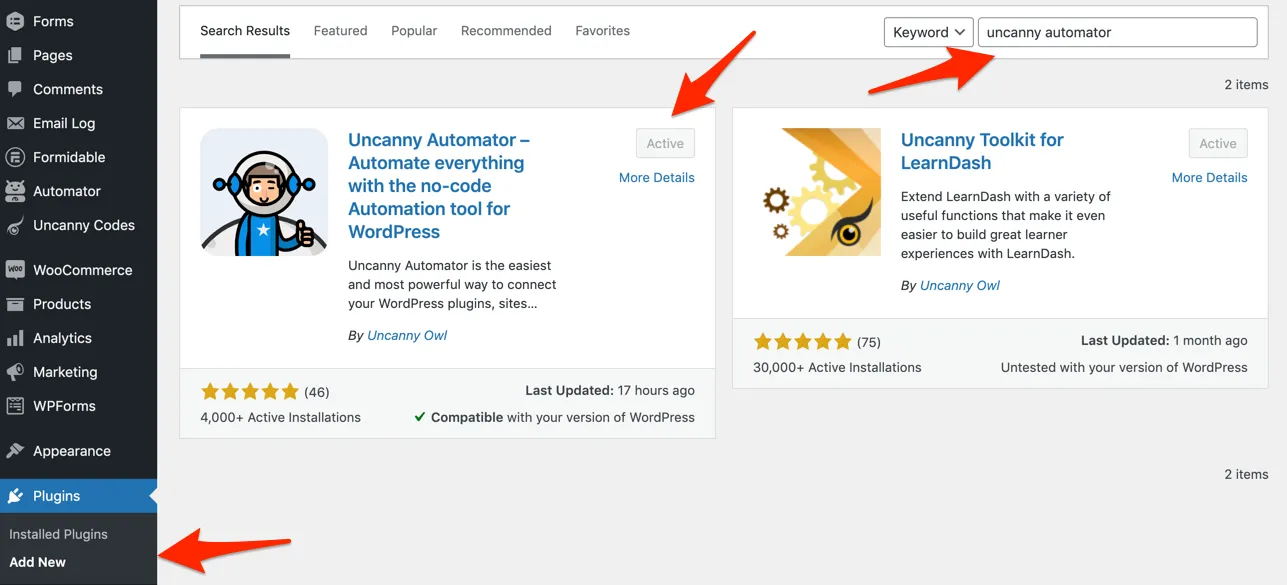](https://www.uncannyowl.com/wp-content/uploads/2021/03/Install_Uncanny_Automator.png)
### Creating an Automator recipe for code redemption
When you create an Uncanny Codes batch that uses the Automator code type, the system will automatically direct you into a new recipe when you generate the codes. You can also create a new recipe from scratch that triggers actions when a code from a particular batch is redeemed.
In both cases, the key to linking code redemptions from a batch with specific actions is this logged-in trigger:
- **A user redeems a code from a batch**
[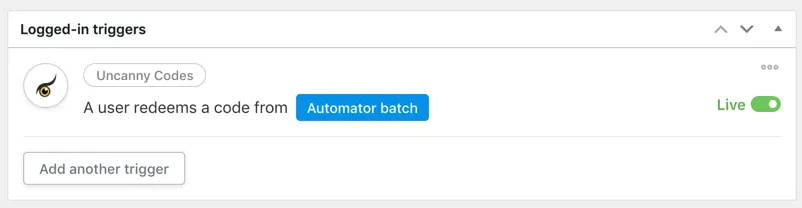](https://www.uncannyowl.com/wp-content/uploads/2021/03/Redeem_a_code_from_a_batch.png)
Make sure you choose the correct code batch from the drop-down list and don’t forget to name your recipe with something meaningful and identifiable (as you will likely have many different recipes).
Once the trigger is set up, add the behaviours that you want to have happen in the *Actions* box. You can use any integrations that you want from the list, even choose multiple actions. Maybe you want code redemption to enroll a user in a LearnDash course and add the user to a social group in BuddyBoss. After choosing your actions, make sure to switch them to *Live* status and take the recipe live too.
For more information about creating recipes, see .
### Using Uncanny Automator Pro with Uncanny Codes
Using the premium [Uncanny Automator Pro](https://automatorplugin.com/pricing/) plugin with Codes is optional and unlocks even more redemption possibilities. If you do use Pro, please note that the “A user redeems a code from a batch” trigger is only available for Logged-in recipe types. You must choose when creating a new recipe to see the correct trigger.
**Article Categories:** Uncanny Redemption Codes
---
### [Tin Canny Reporting - Technical Requirements](https://www.uncannyowl.com/knowledge-base/tin-canny-reporting-technical-requirements/)
**Published:** December 13, 2017
**Author:** Ken
**Content:**
### End-user requirements
An up-to-date, modern browser such as:
- Google Chrome
- Mozilla Firefox
- Microsoft Edge
- MacOS Safari
Internet Explorer is not supported.
### Permalinks
For Tin Canny to work properly the Permalink settings on your site (under Settings > Permalinks as an admin) cannot be set to Plain. Any other setting should work, but if you’re having trouble capturing data and errors are reported, double-check your permalink settings.
### Hosting requirements
Minimum requirements are:
- PHP 7.4+
- WordPress 5.4
- LearnDash 3.6+
- 256MB of memory allocated to WordPress
We recommend the following for optimal performance:
- PHP 8.0+
- A WordPress-optimized host such as [WP Engine](https://www.uncannyowl.com/share/wpengine) or [Pressidium](https://www.uncannyowl.com/share/pressidium)
- Additional WordPress memory (some times may require 512 MB or more to report on large data sets)
**Article Categories:** Tin Canny Reporting for LearnDash
---
### [Frequently Asked Questions](https://www.uncannyowl.com/knowledge-base/frequently-asked-questions/)
**Published:** September 3, 2017
**Author:** yuehchin
**Content:**
### What are the minimum requirements for running Tin Canny LearnDash Reporting?
Tin Canny requires PHP 7.4 or higher as well as the latest version of LearnDash. It is a heavier plugin and with large records sets you may require more than 256 MB of memory be allocated to WordPress.
### On the Tin Canny Reporting page, I see a loading icon but nothing loads.
First, turn off debug in **wp-config.php** by changing:
`define('WP_DEBUG', true);`
To:
`define('WP_DEBUG', false);`
If the report page still doesn’t load after turning off debug, add the following to wp-config.php:
`ini_set('log_errors','On');ini_set('display_errors','Off');ini_set('error_reporting', E_ALL );define('WP_DEBUG', false);define('WP_DEBUG_LOG', true);define('WP_DEBUG_DISPLAY', false);`
### Can I track eLearning content hosted on Amazon S3 or other offsite storage?
The LRS installed with the Tin Canny Reporting plugin is local to your WordPress site. It cannot store statements sent from eLearning modules hosted externally or offloaded to another service, including Amazon S3. You need to upload Tin Can modules directly to your WordPress/LearnDash site and modules must be stored on the WordPress install.
### Why do I see a blank screen where my module should be?
We usually see this happen when SSL is configured incorrectly. If your site is secure, and all of your URLs in the front end begin with https://, make sure that the URLs for the site under **Settings > General** in /wp-admin/ also have https:// at the beginning. If they don’t, the URLs must be corrected.
It can also help to check the javascript console (**View > Developer > Javascript Console** in Chrome) to look for errors.
### Why aren’t statements in the Tin Can report tracked?
There are a number of things that could cause this. No data will be tracked if the site is protected with an .htaccess (sitewide) password or if the user completing activities is not signed in. Anything that globally restricts access in some way or disables the REST API could also prevent proper use of Tin Canny.
If you’re using H5P modules, make sure you don’t have the H5P xAPI plugin installed. It will block communications with our Tin Canny endpoint. Also note that not every H5P module type sends xAPI/Tin Can statements; if you’re unsure, try visiting , go into the content type you’re using, and click the xAPI Coverage tab at the top. If there’s nothing there, the module may not send statements.
### Why do I see 403 errors?
Similar to the tracking issues above, anything that could disrupt communications with the virtual Tin Canny LRS endpoint that we create can result in 403 errors. If you use Sucuri or another security/firewall plugin, you will need to whitelist the plugin in its settings. Maintenance plugins or anything else that restricts or redirects access on a sitewide basis is also likely to cause problems.
### Does Tin Canny LearnDash Reporting work with all SCORM and xAPI content?
The plugin has been written for and tested extensively with the authoring software listed on . Although SCORM and xAPI are eLearning standards, different authoring applications do work a little differently in terms of when they send statements and how progress and completion are tracked. Our support is limited to authoring software that we know for certain would work.
### Why are the time columns blank in my Course report?
Tin Canny cannot track course time on its own; we rely on the [Simple Course Timer](https://www.uncannyowl.com/knowledge-base/simple-course-timer/) module in the [Pro addon](https://www.uncannyowl.com/downloads/uncanny-learndash-toolkit-pro/) for the Uncanny LearnDash Toolkit. We include those columns to make it easier to see data collected with that plugin. Also note that time will only be tracked from the time the module is enabled.
### I cloned my site and now users can’t access Tin Canny content. What happened?
This can happen in some situations where .htaccess files are included in a clone. To restore access to Tin Canny content, follow these steps:
1. Turn the setting *Protect SCORM/Tin Can modules* off
2. Click *Save Changes*
3. Turn the setting *Protect SCORM/Tin Can modules* on
4. Click *Save Changes*
This will regenerate .htaccess files that are configured for the cloned site.
**Article Categories:** Tin Canny Reporting for LearnDash
---
### [Tin Can Lesson/Topic Completion Tracking](https://www.uncannyowl.com/knowledge-base/tin-canny-learndash-mark-complete/)
**Published:** September 11, 2017
**Author:** yuehchin
**Content:**
### Integration with LearnDash Mark Complete
The [Tin Canny LearnDash Reporting](/tin-can-lrs-learndash-report-toolkit) plugin offers 5 options for integration with the LearnDash Mark Complete button that appears in Lessons and Topics:
- **Always Enabled:** Mark Complete button is always enabled. The learner can click the button to complete the lesson or topic at any time.
- **Disabled until complete:** Mark Complete button is disabled until the completion condition has been satisfied. The button is visible, but not clickable until the module has been completed. Most themes will show the disabled button in a different color (typically grey), but on some themes, the disabled button will look exactly like the enabled button. On these themes, CSS can be used to style the disabled button, or one of the other options can be used (e.g. hidden until complete).
- **Hidden until complete:** Mark Complete button is hidden until the completion condition has been met. Once the completion condition has been met, the button becomes visible.
- **Hidden and autocomplete:** Mark Complete button is hidden and the lesson/topic is automatically marked complete when the completion condition has been met. With this option, you will need to provide a way for the user to progress to the next lesson or topic when the module has been completed, as there is no button for them to click.
- **Hidden and autoadvance:** Mark Complete button is hidden, the lesson/topic is automatically marked complete and the learner is automatically advanced to the next lesson or topic when the completion condition has been met. **Notes**: If LearnDash cannot identify a “next” lesson or topic, the current page will be reloaded. If the lesson/topic is already complete, the user will not be autoadvanced.
The global setting that controls the Mark Complete button can be overridden at the lesson or topic level by changing the value of Restrict Mark Complete from “Use Global Setting” to a specific option.
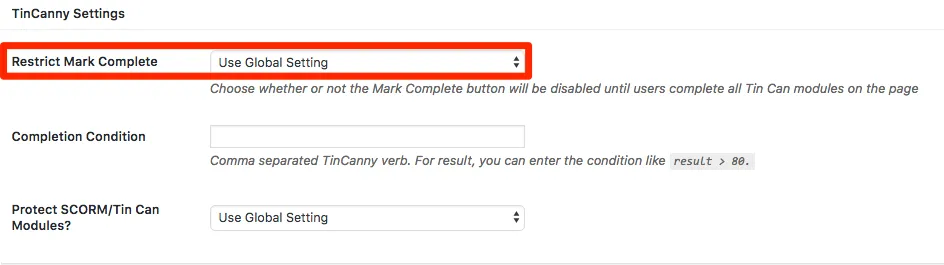
If you use Toolkit Pro with the [Single Page Courses module](https://www.uncannyowl.com/knowledge-base/single-page-courses/) active, please note that these options are also available at the course level. See [this article](https://www.uncannyowl.com/knowledge-base/storyline-captivate-uploader/#Single_Page_Courses) for more information.
### Completion Condition
The default completion condition is “completed”, “passed”, or “answered”. You can further control when the Mark Complete button is enabled by specifying a different completion condition on individual lesson or topic pages. For example, for a Tin Can module that contains a quiz at the end, you may want to limit the Completion Condition to just “passed”.
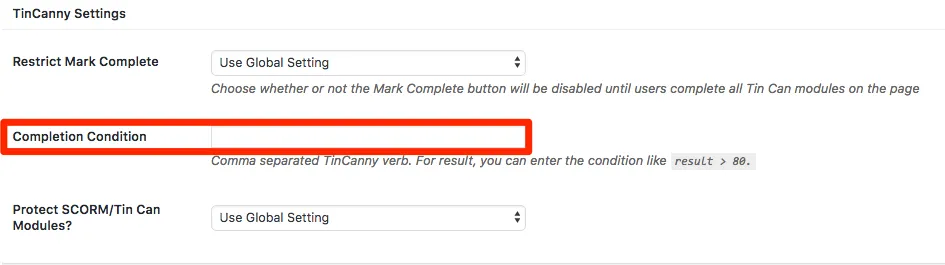
The Completion Condition field accepts 3 types of values:
1. A verb, like “completed” or “passed”.
2. A score, captured in this format: “result > 60”. In that example, the Mark Complete button/behaviour will be unlocked when a score of over 60 is recorded.
3. A combination of target (a.k.a slide in your uploaded module) and verb, in this format: uotarget TARGET\_NAME::VERB. If a slide name is “Slide 2” and the expected verb for that slide is “Experienced”, and you want the combination to satisfy the Completion Condition, enter “uotarget Slide 2::experienced”.
What’s most important is that the Completion Condition match whatever you see in the Tin Can report when you want completion to be available for the LearnDash lesson or topic. If you see a “Completed” verb in the Tin Can report and that’s the completion indicator, enter “Completed” in the Completion Condition field.
If there are multiple Tin Can modules on a lesson/topic page, the Mark Complete button condition is satisfied when any modules have been completed. For H5P modules, the Mark Complete button gets enabled when *any* module on the page has been completed (the H5P module must pass xAPI statements for this functionality to work; not all H5P content types do this).
**Note:**
- The completion of a LearnDash lesson/topic and that of a Tin Can module are independent of each other. How completion should be triggered in an e-learning module published from Storyline, Captivate, and iSpring is configured in the Publish settings in those programs. (The following example is from Storyline.) Articulate Rise and H5P don’t give the user these tracking options.
[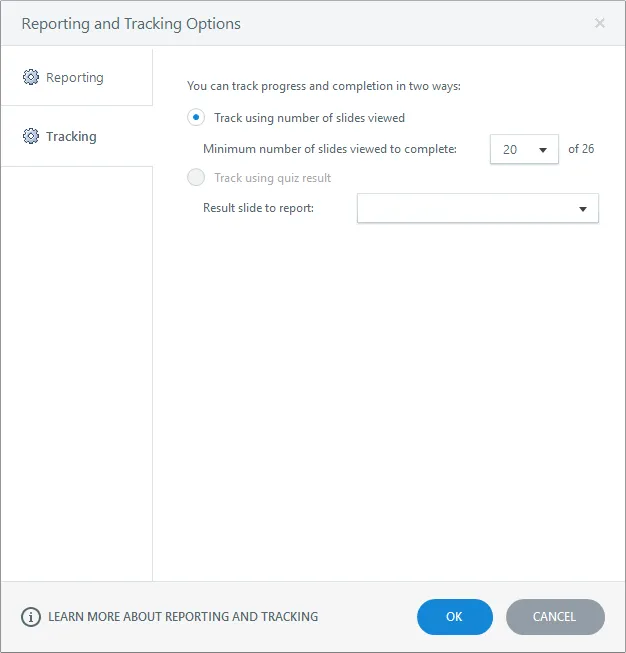](https://www.uncannyowl.com/wp-content/uploads/2017/01/storyline_publish_tracking.png)
### Troubleshooting Mark Complete Issues
It’s unfortunately common for many of our users to experience issues with control over the Mark Complete button. Problems tend to occur in at least one of these areas:
1. **Access to the Tin Canny endpoint**. H5P and uploaded modules must have unrestricted access to send anonymous communications to our the virtual endpoint that Tin Canny creates on your site. Maintenance plugins (and other plugins that redirect users across the site), security plugins, proxies (like Cloudflare) and similar tools can block the access that’s needed for your modules to pass data to Tin Canny.
2. **Stored verbs and other data are different than expected**. Different authoring tools send different statements. If you set up a Mark Complete restriction on a “Completed” verb, but your module doesn’t send that verb, the Mark Complete button will never unlock.
3. **Javascript conflicts**. These are less common, but in some cases other plugins may interfere and prevent the Mark Complete button from unlocking.
Here are some important steps to try when investigating Mark Complete unlock errors:
1. Understand your data. Open 2 windows, one showing the *Tin Can* report and the other your module. As you go through the module, continually refresh the Tin Can report to see understand what statements are triggered when. Also make sure the completion condition you want to use is actually recorded properly.
2. Start with simple conditions. Don’t jump right into something like “result>80”. Start with a single verb that you know is being passed.
3. Make sure you test with a regular user, not an admin or someone that completed the module previously, and that the user is signed in and enrolled in the course.
4. Clone to a Staging environment and disable other plugins (except LearnDash and Tin Canny). This can help to rule out a conflict. Try to see if things work as expected in that environment.
5. Check the browser console on the module page by choosing **View > Developer > Javascript Console** in Chrome. Is anything in red? Are the warnings anything that can be resolved or things that might indicate a probably that would affect Tin Canny? Note here that if you see 403 errors it indicates a permissioning issue, and 500 errors often have associated entries in the web server error log that should be investigated.
If you continue experiencing issues that can’t be resolved, reach out to our support team for assistance.
**Article Categories:** Tin Canny Reporting for LearnDash
---
### [Authoring Tools Supported by Tin Canny](https://www.uncannyowl.com/knowledge-base/authoring-tools-supported/)
**Published:** September 4, 2017
**Author:** yuehchin
**Content:**
### Tin Canny Reporting – Version 4.0 and up
Starting with Tin Canny 4.0, we will provide support for **almost all standards-compliant SCORM and xAPI/Tin Can modules**. This includes dispatch files, but not all authoring tools that publish dispatch have full support for resume (and in some cases tracking) behaviours in Tin Canny. Multi-SCO modules are currently not supported. A good test for compatibility is trying the module on [SCORM Cloud](https://cloud.scorm.com/sc/guest/SignInForm), but in some cases, due to WordPress architecture and behaviour, we cannot guarantee support for all authoring tools. Tin Canny testing is done primarily against Storyline, iSpring, Rise, Captivate and H5P.
### Tin Canny Reporting – Versions earlier than 4.0
Earlier versions of Tin Canny only support **tracking of Tin Can (xAPI) and SCORM statements from e-learning modules authored with Storyline 2/3/360, Articulate Rise, Adobe Captivate 9/2017/2019, iSpring 8/9, and H5P.** See the following support matrix for details about pre-4.0 authoring tool support:
\[table id=7 /\]
Note if you try to upload a zip file created by a tool **not** SCORM or xAPI compliant, you’ll see a warning that xAPI/SCORM statements sent by the module will not be recorded and you’ll be prompted to select the .html file in the zip that will launch the content.
1 Articulate Rise modules will only send a Completed or Passed/Failed verb if they are displayed via Lightbox or a new window and upon closing the lightbox/window. When adding Rise modules, you should avoid using iFrame as the display method (at least if SCORM is being used; xAPI modules from recent Rise versions may work). Alternatively, you can override Completion Condition on the lesson or topic edit page by specifying other verbs such as “attempted” or “experienced” to trigger the Mark Complete button.
2 iSpring 8 modules will unfortunately fail in Chrome with versions 80 and higher. iSpring cannot patch older modules and is therefore requiring the course authors republish them with iSpring 9 for proper tracking with Chrome 80 and higher.
3 iSpring modules whose completion is based on viewing of slides will only send a Passed verb if the module is displayed via Lightbox or a new window and upon closing the lightbox/window. When adding iSpring modules, you should avoid using iFrame as the display method. Alternatively, you can override Completion Condition on the lesson or topic edit page by specifying other verbs such as “attempted” or “experienced” to trigger the Mark Complete button.
**Article Categories:** Tin Canny Reporting for LearnDash
---
### [Cancelling Codes](https://www.uncannyowl.com/knowledge-base/cancelling-codes/)
**Published:** September 1, 2022
**Author:** Ken
**Content:**
With the ability to generate hundreds or thousands of codes for use by businesses and organizations, the ability to cancel codes within a batch helps when managing situations such as partial refunds or the need to invalidate codes after limited registration thresholds have been met.
To prepare for code cancellation, you’ll need to create a CSV containing the codes to be cancelled in a column with the heading “code”. You can upload a file in the same format as the file generated when you download a code batch. Uncanny Codes will ignore the other columns:

Once you have the .csv, go to **Uncanny Codes > Cancel codes** and upload the .csv:

Once you’ve uploaded the .csv, you’ll see a confirmation of the codes that were cancelled:

The code batch page will also indicate the codes that have been cancelled:

Codes that have been cancelled can no longer be redeemed by users. Upon redemption, they will see an error message indicating the code has been cancelled:

**Article Categories:** Uncanny Redemption Codes
---
### [LearnDash Quiz Question Analysis Report](https://www.uncannyowl.com/knowledge-base/learndash-quiz-question-analysis-report/)
**Published:** March 31, 2022
**Author:** Ryan Moore
**Content:**
The LearnDash Quiz Question Analysis report is a front end report for Administrator and Group Leader roles that allows easy review of selections for multiple choice questions. To use the report, add this shortcode to a page in WordPress:
```
[uo_question_report]
```
When viewed by a user, the report looks like the screenshot below.
[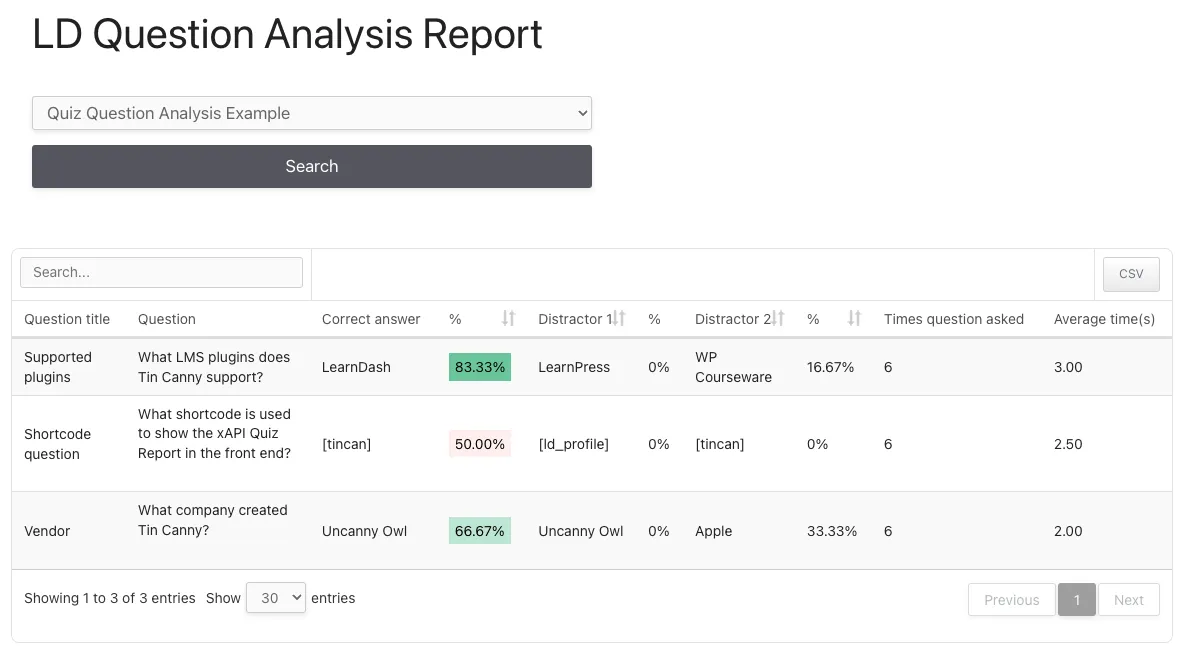](https://www.uncannyowl.com/wp-content/uploads/2022/03/LearnDash_Quiz_Question_Analysis.png)
This is a very powerful report for analyzing question quality and performance, but there are several things users should keep in mind when using the report:
1. Administrators can see results for all quizzes and users. Group Leaders see quizzes associated with courses in their groups and for users in their groups only.
2. Records are output for LearnDash “single choice” (a.k.a. multiple choice) question types only. The report will also only work when there are 2 to 5 possible answers to a question. If there are fewer than 5 answers for all questions, fewer columns will be output.
3. Percentages are colour coded to make it easy to review results at a glance. If a correct answer has a percentage of students answers in the 90-100% range, it will be solid green. If it’s 0-10% (suggesting the question is too hard because few people choose the correct answer), it’s dark red. The shade of green or red varies for percentages between the extremes, and for distractors, the colours are reversed.
4. The average time to answer each question is output in seconds.
5. HTML (this includes images) is stripped from the “Question” column. This is done primarily to make sure there are no significantly layout issues in the report.
Because the report can include a lot of columns if there are several distractors for questions, sites may fine it useful to extend the report beyond the normal page body area. If that would be useful to your site, you can use the following CSS as a model for making the report wider than the page normally allows:
```
/**
* Tin Canny - [uotc-group-report]
* Creates a full-width report
*/
#uotc-group-report .uotc-question-report__table {
position: relative;
}
#uotc-question-report_wrapper {
width: calc(100vw - 60px);
transform: translateX(-50%);
left: 50%;
background: #fff;
}
```
**Article Categories:** Tin Canny Reporting for LearnDash
---
### [Template Overrides](https://www.uncannyowl.com/knowledge-base/template-overrides/)
**Published:** April 22, 2019
**Author:** Ken
**Content:**
Uncanny Codes 3.0.3 and later allows developers to edit template files in an upgrade-safe way using overrides. Copy the template file into a directory within your theme named /uncanny-codes/, keeping the same file and folder structure but removing the /templates/ subdirectory.
For example, to override the Codes registration form, copy:
wp-content/plugins/uncanny-learndash-codes/src/templates/frontend-user-registration-form.php
to
wp-content/themes/yourtheme/uncanny-codes/frontend-user-registration-form.php
The copied file will now override the default.
Warning: Do not edit these files within the the Uncanny Codes plugin itself, as they are overwritten during the upgrade process and any customizations will be lost.
Customizations should only be attempted by experienced developers, as we cannot provide support for custom code.
**Article Categories:** Uncanny Redemption Codes
---
### [User Report](https://www.uncannyowl.com/knowledge-base/user-report/)
**Published:** September 6, 2017
**Author:** yuehchin
**Content:**
### Overview
The User Report in the [Tin Canny LearnDash Reporting](/tin-can-lrs-learndash-report-toolkit) plugin lets you monitor the progress that your learners make in courses they are enrolled in.
When the User Report first loads, it shows you a list of all users in the system\*. You can search for a particular individual by his/her name or email address. You can also sort the list by a column heading (for example, the Display Name as in the image shown).
\* Group Leaders will see consolidated user data of their assigned groups. If a Group Leader is assigned to multiple groups, they will see all data together in the User Report.
[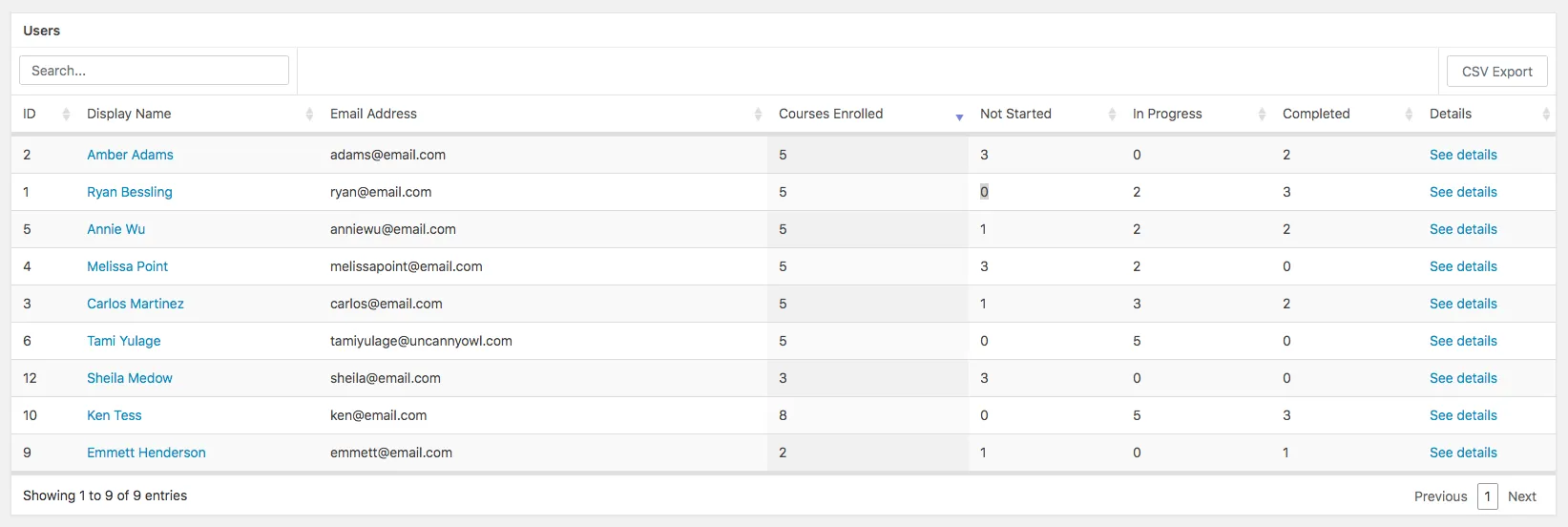](https://www.uncannyowl.com/wp-content/uploads/2019/05/user-report.png)
### Drill-Down User Report
Clicking on the name or email address of a user will take you to a list of courses that the user is enrolled in as well as their overall progress in those courses.
[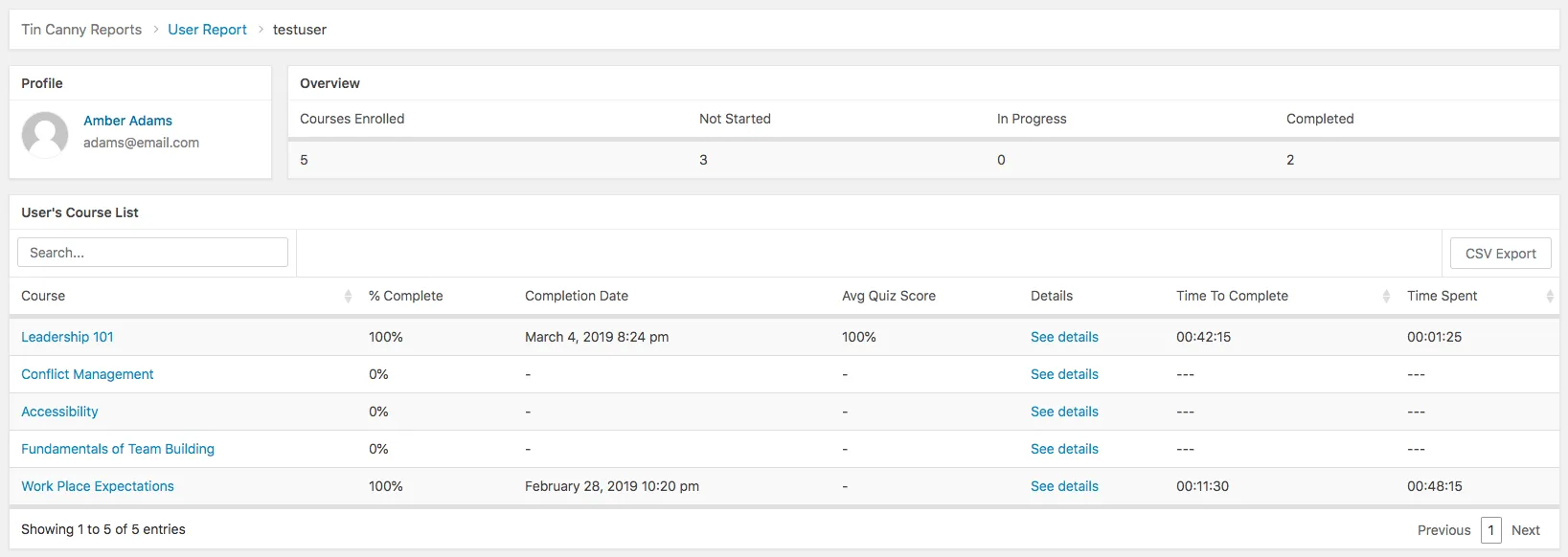](https://www.uncannyowl.com/wp-content/uploads/2019/05/drill-down-user-report3.png)
You can click anywhere in a row in the course list table to see the user’s progress in that particular course, including their overall performance and detailed activities of lessons, topics, quizzes, assignments, and Tin Can.
[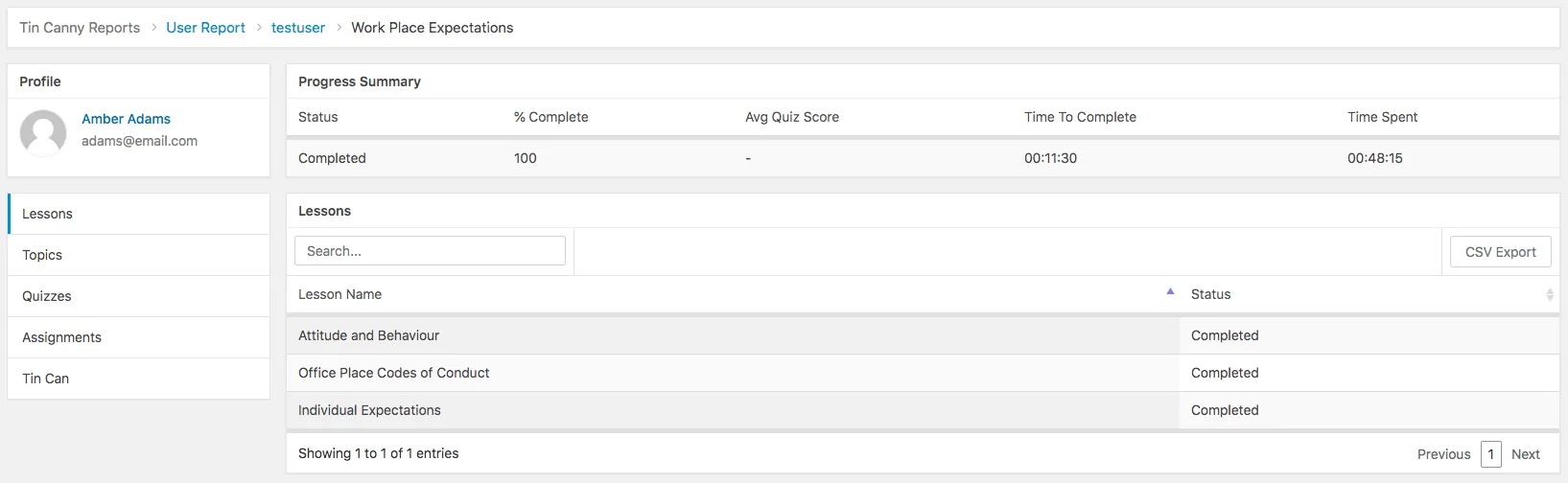](https://www.uncannyowl.com/wp-content/uploads/2019/05/user-progress.png)
### User details
To change the user columns that are shown in the User reports, visit the **Tin Canny > Settings** page and look for the *User identifier(s)* section. Check or uncheck the columns you want displayed in User reports.
[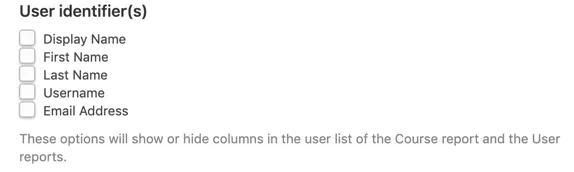](https://www.uncannyowl.com/wp-content/uploads/2021/02/User_settings_in_Tin_Canny_Reports.png)
### Sort options
Sorting is available for all columns but is turned off by default. To enable sorting, visit **Tin Canny > Settings** and turn on the *Enable Sorting by % Complete* option.
**Article Categories:** Tin Canny Reporting for LearnDash
---
### [Generate Historical LearnDash Course Credits](https://www.uncannyowl.com/knowledge-base/generate-learndash-course-credits/)
**Published:** January 13, 2021
**Author:** Ryan Moore
**Content:**
Version 3.2 of the [Uncanny Continuing Education Credits plugin](https://www.uncannyowl.com/downloads/uncanny-continuing-education-credits/) adds the ability to generate missing credit records. This means that students who completed LearnDash courses before installing of the plugin and/or before credits were assigned to the course can have a permanent record of the completion stored and a credit value assigned.
[](https://www.uncannyowl.com/wp-content/uploads/2021/01/Generate_Continuing_Education_Credits_for_LearnDash.png)
To generate historical completion records, perform the following:
1. Edit a LearnDash course in/wp-admin/ and make sure it has a credit value assigned.
2. Navigate to **Uncanny CEUs > Generate CEUs** as in the screenshot above (this may have different text depending on what you call credits in our plugin).
3. Choose a course from the drop-down list.
4. Click the **Add missing records** button to generate missing credits and completion records.
Please note the following when using this tool:
- Credits are only awarded for students that have a LearnDash completion record but no credits for that completion. It will *not* modify CEU values for existing users that already have credits assigned. In other words, if a course had a credit value of 2.0 assigned, a user completed the course and earned 2 credits, then you change the value to 3.0 and run the *Generate CEUs* function, the student will continue to have 2.0 earned credits, *not* 3.0.
- Only courses with a credit value greater than 0 can be awarded credits. If you don’t see a course in the drop-down list, make sure it has credits assigned.
- The batch generation of credits does not consider course and group enrollment. This means that if the user has a historical completion but no credit, we will award credits even if the user no longer has access to the course.
**Article Categories:** Uncanny Continuing Education Credits
---
### [xAPI Quiz Report](https://www.uncannyowl.com/knowledge-base/xapi-quiz-report/)
**Published:** September 7, 2017
**Author:** Ken
**Content:**
### Overview
The xAPI Quiz Report captures individual quiz question responses from xAPI content. It is part of the [Tin Canny LearnDash Reporting](/tin-can-lrs-learndash-report-toolkit) plugin that we developed to support the use of eLearning authoring tools like Articulate Storyline and Rise, Adobe Captivate, and iSpring with LearnDash. In this report, you will see the learning records resulting from users’ interactions this support xAPI content created with these tools. These records are stored in a Learning Record Store (LRS) entirely native to your WordPress site. All you need to do is publish your file using the xAPI standard, and use the [Tin Canny Uploader](https://www.uncannyowl.com/knowledge-base/storyline-captivate-uploader/) to add it to a lesson or topic associated with a course.
**Important**: Tin Canny only tracks and reports on the data you see in the xAPI Quiz Report columns.
\* See [the full list of authoring tools supported by Tin Canny](https://www.uncannyowl.com/knowledge-base/authoring-tools-supported/)
### Report Filters
Let’s take a look at the xAPI Quiz Report view.
[](https://www.uncannyowl.com/wp-content/uploads/2019/05/LearnDash_xAPI_Quiz_Report.png)
The report view includes many filtering options\* for you to narrow in on data you are interested to see. For example, you may want to view all the learning records related to a particular Storyline module. You may want to check all the activities that took place within a certain time period. Or you may want to find out whether or when a particular user completed the module.
Please note that to use the Module filter, you must filter by Course first. In other words, choose a course from the drop-down, run the search again, and then the Module selections will be available.
\* Note that group leaders will only see data of their assigned groups.
### Column Selection
Use the Screen Options button in the top right corner of the screen to show or hide additional columns from the table.
### Export to CSV
For a large course, you can potentially be looking at hundreds of thousands of records. The Export to CSV button lets you download the filtered result as a CSV file so you can do further analysis in Microsoft Excel or statistical programs.
**Article Categories:** Tin Canny Reporting for LearnDash
---
### [Required Credits](https://www.uncannyowl.com/knowledge-base/required-credits/)
**Published:** August 4, 2017
**Author:** Ryan Moore
**Excerpt:** Learn how you can set and manage required credits per user or per LearnDash group.
**Content:**
### Overview
In version 1.1 of the [Uncanny Continuing Education Credits plugin](https://www.uncannyowl.com/downloads/uncanny-continuing-education-credits/) we introduced the concept of “required credits”. Building on the rollover date that’s in the plugin, new functionality offers a way to set targets for learners that have annual training requirements. Credit thresholds can be set for both individual users and groups, and we added a simple way to handle multiple credit thresholds for users.
For example, let’s suppose that John Smith has an individual requirement of 50 course credits in a year. John is also a member of Group A, which has a credit requirement of 40, and Group B, which has a credit requirement of 75. Of the 3, Group B requires the most credits, so that’s how many John must earn for the year.
Tracking users against continuing education credit requirements is easy. Several shortcodes/blocks are included to make it easy for learners to plan their training in the front end; email reminders can be sent out reminding users of their credit requirements; and a deficiency report has been added to the plugin so administrators can see at a glance who has not yet fulfilled their training requirements.
### Setting Credit Requirements
[](https://www.uncannyowl.com/wp-content/uploads/2017/08/individual_required_credits.png)Before this functionality can be used, a rollover date must be set in the plugin settings and required credits at the user and/or group level must be set. *Please note that required credits can only be set if a rollover date is set first.*
To set an individual requirement, simply edit the user’s profile. Look for the Required field as shown on the right (“CEUs” would be replaced by your plural credit label). Enter a number in the field and save the user’s profile to set the annual required credit threshold. (The Group field to the right is read-only in the user’s profile because it simply looks up the user’s highest required credits based on his or her group membership).
[](https://www.uncannyowl.com/wp-content/uploads/2017/08/required_ceus_group.png)To set group requirements, edit the LearnDash Group for which you want to set a required number of credits. In the top right area of the edit page, you should see a field where you can set the required credit value. Enter a number and save the group to set the threshold for all users in that group.
### Shortcodes/Blocks
Two shortcodes/blocks are included in the Uncanny Continuing Education Credits plugin for LearnDash to specifically to help with tracking training requirements.
```
[uo_ceu_days_remaining]
```
Block Name: **Days Remaining**
This shortcode/block outputs the number of days that remain until the rollover date. Learners can reference this value so they know how much time they have until all of their credits must be earned.
```
[uo_ceu_credits_remaining user_id="id"]
```
Block Name: **Credits Remaining**
This shortcode/block shows users how many credits they need to earn before the rollover date. If no user\_id is specified, the shortcode/block will show the value for the current user. As a reminder, the number of credits shown is the *highest* of a user’s associated individual and group credit requirements.
Note that neither shortcode/block can return a negative value. On the rollover date, the number of days remaining always resets. And if a user has earned more than his or her required credits, they have 0 credits remaining. A credit excess is not shown to users.
### Email Reminders
Included in the Continuing Education Credits plugin is an easy way to remind users about their outstanding credit requirements. By turning on email reminders, users will automatically receive an email X days before the rollover date to remind them about what they’ve earned and what they still need to earn. The number of days before the rollover date, the email subject line and the email body can all be customized.
[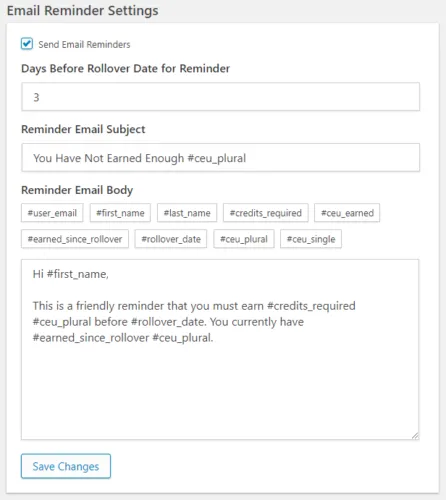](https://www.uncannyowl.com/wp-content/uploads/2019/01/learndash-ceu-reminder-email.png)
The screenshot to the right lists all available fields that can be used in the email subject and body. Here’s a summary:
\[table id=18 /\]
**Very Important**
Setting an email reminder will *send all emails at the same time*. That means that if 1,000 users in your system have outstanding credit requirements, 1,000 emails will go out. This level of email volume can significantly impact sites on less robust hosting (potentially even taking them down) and really isn’t recommended on any host. Instead, please consider using a third party transaction email service if you want to send out email reminders. SparkPost, SendGrid, Mandrill and Amazon SES are all popular options. We strongly recommend you check the number of emails that will go out before they are sent (so check the deficiency report a few days before the notification date) and have something in place to ensure the emails will be delivered reliably.
### Deficiency Report
To make monitoring progress against required credits easier for administrators, the [Uncanny Continuing Education Credits](https://www.uncannyowl.com/downloads/uncanny-continuing-education-credits/) plugin includes a Deficiency Report. In it, you can search by user, group or against all users to list who hasn’t yet completed their training requirements. Note that users who have completed their required credits (or have no required credits) *will not be listed*. Anyone in this report has a gap between earned and required credits.
[](https://www.uncannyowl.com/wp-content/uploads/2019/03/deficiency-report.png)
**Article Categories:** Uncanny Continuing Education Credits
---
### [Set Up the Uncanny Continuing Education Credits Plugin](https://www.uncannyowl.com/knowledge-base/setup-continuing-education-credits-plugin/)
**Published:** July 20, 2017
**Author:** Ryan Moore
**Excerpt:** Learn how to set up the Uncanny Continuing Education Credits plugin for LearnDash.
**Content:**
### Installation
As with all of our plugins, installing is really easy (but please make sure your site is running PHP 5.6 or higher first). After you [purchase and download the plugin](https://www.uncannyowl.com/downloads/uncanny-continuing-education-credits/), you can simply sign into your WordPress site as an admin and navigate to **Plugins > Add New**. To install the plugin, click **Upload Plugin** to start the process. After installation, you will be directed to the License Activation page to enter your license key and activate the plugin.
### Setup
Once enabled, the plugin adds an **Uncanny CEUs** menu for administrators in /wp-admin/. There are 4 settings pages in this plugin:[](https://www.uncannyowl.com/wp-content/uploads/2019/01/uncanny-ceu-menu.png)
1. **Settings** allows you to change the label for credits you award. Use CEUs, Credits, PDUs, or whatever else is appropriate for your organization. We recommend keeping this value short. You can also set the rollover date here.
2. **License Activation** is where the license key can be added for automatic plugin updates.
3. **Course Report** is the back end report for administrators that provides a complete breakdown of credits earned, with filters for date range and LearnDash Group plus a CSV export function.
4. **Email Settings** is used to turn on new triggers for awarding certifications by credits earned and completing course combinations. Email content for sending certificate PDF files is also set here.
### Rollover Dates
An important concept in the Settings is the Rollover Date, mentioned above. This can be used by sites offering training that must be completed on an annual basis, especially for compliance programs and internal training. When a rollover date is set, it’s used on user profile pages and in shortcodes to capture how many credits have been completed for the current period. When the calendar date is reached, the credit values for rollover calculations are reset.
In future we may use this date to track credit requirements against credits earned and issue email notifications when users have earned insufficient credits for the year.
### Credit Permanence
Once credits are earned a permanent record is maintained outside of LearnDash records. That means that if you change courses, change credit values or perform any other changes at the course level the continuing education credits are not affected. This helps to ensure learners are never surprised by credit changes. When credits are earned we store *course name, credits* and *date.*
Please note that once credits are earned they cannot be modified (without editing the records in the database directly). We created the plugin this way to make sure learners don’t have discrepancies between their expectations and changes by administrators in the system.
If for some reason the permanent records for a user need to be reset, you can do so with the following SQL commands. Please ensure you take a site backup before attempting to execute any of these commands.
**Reset credits for a single user: Change 1 to whatever the user’s id is**
DELETE FROM `wp\_usermeta`
WHERE user\_id = 1
AND (meta\_key LIKE ‘ceu\_earned\_%’
OR meta\_key LIKE ‘ceu\_date\_%’
OR meta\_key LIKE ‘ceu\_title\_%’
OR meta\_key LIKE ‘ceu\_course\_%’)
**Reset credits for all users:**
DELETE FROM `wp\_usermeta`
WHERE meta\_key LIKE ‘ceu\_earned\_%’
OR meta\_key LIKE ‘ceu\_date\_%’
OR meta\_key LIKE ‘ceu\_title\_%’
OR meta\_key LIKE ‘ceu\_course\_%’
**Article Categories:** Uncanny Continuing Education Credits
---
### [Adding Credits to Courses](https://www.uncannyowl.com/knowledge-base/adding-course-credits/)
**Published:** July 21, 2017
**Author:** Ryan Moore
**Excerpt:** Learn how to assign continuing education credits/hours/units to your LearnDash courses.
**Content:**
### Overview
[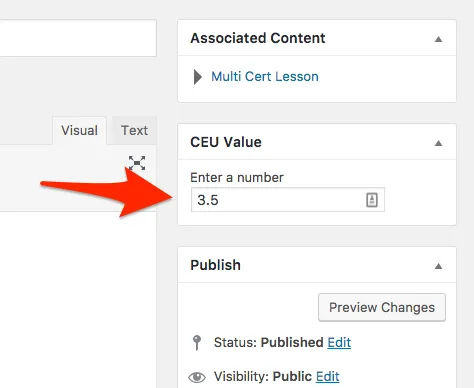](https://www.uncannyowl.com/wp-content/uploads/2017/07/course_edit_credits.png)To add credit values to courses, simply edit one of your LearnDash courses with the [Uncanny Continuing Education Credits](https://www.uncannyowl.com/downloads/uncanny-continuing-education-credits/) plugin active. The plugin will add a new metabox to the upper right of the edit page where you can define a credit value. (The specific title for this widget will change depending on how you have labelled your credits in the plugin settings.) Enter a value between 0.01 and 99.99 (up to 2 decimal places are allowed) and that’s how many credits will be awarded for completing the course.
That’s all there is to it!
Credits can be awarded for course completions only. Lessons, topics, and other post types aren’t applicable for earning credits.
### Note
*Please note* that credits are only awarded for courses completed after the plugin is activated and credits assigned for the course. The plugin only looks at the course currently completed when it assigns credit values.
**Article Categories:** Uncanny Continuing Education Credits
---
### [WooCommerce Shortcodes](https://www.uncannyowl.com/knowledge-base/woocommerce-shortcodes/)
**Published:** March 30, 2017
**Author:** Ryan Moore
**Content:**
\[table id=8 /\]
### Sorting Products
In the following shortcodes, you can use the “orderby” attribute to order products by **menu\_order**, **title**, **date**, **rand**, **id**:
- \[recent\_products\]
- \[featured\_products\]
- \[products\]
- \[product\_category\]
- \[sale\_products\]
- \[top\_rated\_products\]
- \[product\_attribute\]
- \[related\_products\]
For example:
```
[products skus="c01, c02, c03" orderby="date" order="desc"]
```
---
### [BadgeOS Shortcodes](https://www.uncannyowl.com/knowledge-base/badgeos-shortcodes/)
**Published:** March 30, 2017
**Author:** Ryan Moore
**Content:**
### Achievements List
```
[badgeos_achievements_list]
```
Use this shortcode to generate a list of achievements of any type on any page.
**Available parameters:**
- “type” — Which Achievement Types to list. Default: all. (Use the Achievement Type’s slug as the type.)
- “limit” — the number of achievements to display per page. Default: 10.
- “show\_filter” — Display the filter menu options above the list. (Accepts: true, false) Default: true
- “show\_search” — Display the search form above the list. (Accepts: true, false) Default: true
**Example:**
\[badgeos\_achievements\_list type=badges limit=15\]
### Single Achievement
```
[badgeos_achievement]
```
Use this shortcode to embed a single achievement on any post or page. This is a great tool if you want to display a specific achievement (including its title, badge image, and excerpt, along with a link to the full achievement) on any page.
**Required parameter:**
“id” — The ID of the achievement to display.
**Example:**
\[badgeos\_achievement id=12\]
### Submission Box
```
[badgeos_submission]
```
Use this shortcode to add a submission box on any page that is tied to a specific achievement. When the submission is accepted, the achievement is earned. This is a great way to create a call to action on any post or page on your site that invites submissions. (The achievement specified must be set to require a Submission by the user.)
**Required parameter:**
“id” — The ID of the achievement to be awarded when the submission is accepted.
**Example:**
\[badgeos\_submission achievement\_id=35\]
### Nomination Box
```
[badgeos_nomination]
```
Use this shortcode to add a nomination box on any page that is tied to a specific achievement. When the nomination is accepted, the achievement is earned. This is a great way to create a call to action on any post or page on your site that invites nominations of fellow members of your site. (The achievement specified must be set to be awarded by Nomination.)
**Required parameter:**
“id” — The ID of the achievement to be awarded when the nomination is accepted.
**Example:**
\[badgeos\_nomination achievement\_id=35\]
### Submissions List
```
[badgeos_submissions]
```
Use this shortcode to place a list of pending, accepted and/or denied achievement Submissions on any page. The shortcode is role dependent. If a user has BadgeOS review privileges to review incoming BadgeOS Submissions, the listing will include all user Submissions and the ability to accept or deny. It the current user does not have the ability to review Submissions, they will instead see just their own Submissions. In this way, this shortcode lets you essentially set up an inbox/outbox on the front-end of your site so users and reviewers alike can track progress for achievements requiring interaction between site admin and site members.
**Available parameters:**
- “limit” — Number of submissions to display per page. Default: 10
- “status” — Which Approval Status type to show on initial page load. (Accepts: all, pending, auto-approved, approved, denied) Default: all
- “show\_filter” — Display the filter select input. (Accepts: true, false) Default: true
- “show\_search” — Display the search form. (Accepts: true, false) Default: true
- “show\_attachments” — Display attachments connected to the submission. (Accepts: true, false) Default: true
- “show\_comments” — Display comments associated with the submission. Default: true
**Example:**
\[badgeos\_submissions status=pending limit=15\]
### Nominations List
```
[badgeos_nominations]
```
Use this shortcode to place a list of pending, accepted and/or denied achievement Nominations on any page. The shortcode is role dependent. If a user has BadgeOS review privileges to review incoming BadgeOS Nominations, the listing will include all user Nominations and the ability to accept or deny. It the current user does not have the ability to review Nominations, they will instead see just their own Nominations.
**Available parameters:**
- “limit” — Number of nominations to display per page. Default: 10
- “status” — Which Approval Status type to show on initial page load. (Accepts: all, pending, approved, denied) Default: all
- “show\_filter” — Display the filter select input. (Accepts: true, false) Default: true
- “show\_search” — Display the search form. (Accepts: true, false) Default: true
**Example:**
\[badgeos\_nominations show\_search=false limit=20\]
---
### [bbPress Shortcodes](https://www.uncannyowl.com/knowledge-base/bbpress-shortcodes/)
**Published:** April 26, 2018
**Author:** Ryan Moore
**Content:**
\[table id=9 /\]
---
### [Form Shortcodes](https://www.uncannyowl.com/knowledge-base/form-shortcodes/)
**Published:** July 5, 2017
**Author:** Ryan Moore
**Content:**
Form shortcodes can be used on any post or page on your WordPress site.
**Example:**
```
[gravityform id="1" title="false" description="false" ajax="true" tabindex="49"]
```
**id** (required): The ID of the form to be embedded
**title:** Whether or not to display the form title (default: “true”)
**description:** Whether or not to display the form description (default: “true”)
**ajax:** Whether or not to use AJAX to submit the form
**tabindex:** The starting tab index for the fields of this form
### Conditional Shortcodes
Use conditional shortcodes \[gravityforms\]\[/gravityforms\] to add conditions in the message of your Admin and User Notification emails as well as the Confirmation Message that is displayed when a form is submitted.
**Example 1:**
```
[gravityforms action="conditional" merge_tag="{Number:1}" condition="greater_than" value="3"]
Content you would like to conditionally display.
[/gravityforms]
```
**action** (required): Must be set to “conditional” as in the example above.
**merge\_tag** (required): The form merge tag whose value you are executing the conditional logic for. You can get the correct merge tag for the form data you would like to use using the insert merge tag drop down.
**condition** (required): The type of condition used to determine success. Available conditions are: is, isnot, greater\_than, less\_than, contains, starts\_with, ends\_with.
**value** (required): The value that the condition must equal in order for the condition to be met and the content displayed.
**Example 2:**
```
[gravityforms action="conditional" merge_tag="{Number:1}" condition="greater_than" value="10"]
This content would be displayed if the value of field id 1 is greater than 10.
[/gravityforms]
```
**Example 3:**
```
[gravityforms action="conditional" merge_tag="{Country:5}" condition="is" value="United States"]
This content would be displayed if the value of field id 5 is United States.
[/gravityforms]
```
**Example 4:**
```
[gravityforms action="conditional" merge_tag="{Country:5}" condition="isnot" value=""]
This content would be displayed if no value exists for field id 5.
[/gravityforms]
```
---
### [Learndash Shortcodes](https://www.uncannyowl.com/knowledge-base/learndash-shortcodes/)
**Published:** March 22, 2017
**Author:** Ryan Moore
**Content:**
### Introduction
This list of shortcodes was created for users of our [Uncanny LP](https://uncannylp.com/) LearnDash system to provide easy access to available LearnDash shortcodes. While other LearnDash users can use the shortcodes listed in the *Course* and *Certificate* sections, please note that all shortcodes in the *Group Shortcodes* section require our [Uncanny LearnDash Groups plugin](https://www.uncannyowl.com/downloads/uncanny-learndash-groups/) on sites that are not using our LP product.
### Course Shortcodes
\[table id=13 /\]
### Group Shortcodes
\[table id=14 /\]
### Certificate Shortcodes
\[table id=15 /\]
**Article Categories:** Existing Customers
---
### [Making eLearning Modules Responsive in iFrame](https://www.uncannyowl.com/knowledge-base/responsive-modules-iframe/)
**Published:** September 10, 2017
**Author:** yuehchin
**Content:**
When you choose to embed your eLearning module in an iFrame, you have the option to set its width and height in the upload dialogue. The default width is 100%, and default height is 600px.
[](https://www.uncannyowl.com/wp-content/uploads/2017/05/tincanny_uploader_iframe_size.png)
Since the size of your learner’s browser window varies, your eLearning module should resize accordingly to take up 100% width of available space. However, the height remains fixed and content will be vertically centered in the iFrame. As a result, you may see additional space above and below the module on smaller screens or mobile devices.
Because each authoring tool (Storyline, Captivate, and iSpring) supported by Tin Canny has its unique way of defining layout elements in the published module, at this time there isn’t a workable solution we can implement that will work consistently with all authoring tools. The following CSS fixes can be added manually to your site to address the layout issue you may experience when trying to display eLearning modules in iFrame.
### Custom CSS for Storyline 2 and Storyline 360 Modules
Before you publish your Storyline module, in Browser Settings make sure the Player size is set to “Scale player to fill browser window”.
[](https://www.uncannyowl.com/wp-content/uploads/2017/05/tincanny_storyline_player_properties.png)
After you upload and choose to insert your module in an iFrame, you should see a shortcode similar to the following:
`[vc_snc embed_type="iframe" item_id="1" item_name="Lesson 1" width="100%" height="600px" frameborder="0" src="https://yourdomain.com/wp-content/uploads/uncanny-snc/1/story.html"]`
Remove the width and height attributes, and wrap the shortcode in a
like the following:
`[vc_snc embed_type="iframe" item_id="1" item_name="Lesson 1" frameborder="0" src="https://yourdomain.com/wp-content/uploads/uncanny-snc/1/story.html"]`
Note that the value of padding-bottom should be equal to your module’s **(height/width)\*100**
To calculate the aspect ratio of your published module, you need to know your story size, plus [any additional width and height added to the player features](https://community.articulate.com/series/4/articles/choosing-a-story-size-in-articulate-storyline-2#player).
For example, a chromeless player that is 720 pixels x 540 pixels will have 20 pixels added to the player frame. So the value of padding-bottom will be (560/740) \* 100 = 75.7
You also need to add the following CSS for the div and iframe:
`.iframe-ratio {width: 100%;height: 0;position: relative; }`
`.iframe-ratio iframe {width: 100%;height: 100%;position: absolute; }`
With these changes, your published Storyline module should scale proportionally in different browser sizes.
### Custom CSS for Captivate 9 Modules
The above guidelines for Storyline also work for Captivate. The key is to find out the width and height of your published Captivate module, taking into consideration any additional pixels added by the player features.
### Custom CSS for iSpring 8 Modules
The above guidelines for Storyline also work for iSpring. The key is to find out the width and height of your published iSpring module, taking into consideration any additional pixels added by the player features.
**Article Categories:** Tin Canny Reporting for LearnDash
---
## Categories
### [Uncategorized](https://www.uncannyowl.com/category/uncategorized/)
---
### [Lean Startup](https://www.uncannyowl.com/category/lean-startup/)
---
### [Learning](https://www.uncannyowl.com/category/learning/)
---
### [Marketing](https://www.uncannyowl.com/category/marketing/)
---
### [News](https://www.uncannyowl.com/category/news/)
---
### [WordPress Book](https://www.uncannyowl.com/category/book/)
---
### [eLearning](https://www.uncannyowl.com/category/elearning/)
---
### [Best Practices](https://www.uncannyowl.com/category/best-practices/)
---
### [Tin Can](https://www.uncannyowl.com/category/tin-can/)
---
### [LearnDash](https://www.uncannyowl.com/category/learndash/)
---
### [Uncanny LearnDash Toolkit](https://www.uncannyowl.com/category/uncanny-learndash-toolkit/)
---
### [Continuing Education](https://www.uncannyowl.com/category/continuing-education/)
---
### [Uncanny LP](https://www.uncannyowl.com/category/uncanny-lp/)
---
### [Uncanny Automator](https://www.uncannyowl.com/category/uncanny-automator/)
---
### [Uncanny Groups](https://www.uncannyowl.com/category/uncanny-groups/)
---
## Tags
### [lean startup](https://www.uncannyowl.com/tag/lean-startup-2/)
---
### [minimum viable product](https://www.uncannyowl.com/tag/minimum-viable-product/)
---
### [mvp](https://www.uncannyowl.com/tag/mvp/)
---
## Download Categories
### [LearnDash Add-ons](https://www.uncannyowl.com/downloads/category/learndash-add-ons/)
---
### [Consulting](https://www.uncannyowl.com/downloads/category/consulting/)
---
### [Uncanny Learning Platform](https://www.uncannyowl.com/downloads/category/uncanny-learning-platform/)
---
### [WordPress eLearning Add-ons](https://www.uncannyowl.com/downloads/category/wordpress-elearning-add-ons/)
---
## PayPal IPN Types
### [Completed](https://www.uncannyowl.com/paypal_ipn/completed/)
---
### [Refunded](https://www.uncannyowl.com/paypal_ipn/refunded/)
---
### [Pending](https://www.uncannyowl.com/paypal_ipn/pending/)
---
### [Reversed](https://www.uncannyowl.com/paypal_ipn/reversed/)
---
## Article Categories
### [Uncanny Toolkit for LearnDash](https://www.uncannyowl.com/article-categories/uncanny-learndash-toolkit/)
---
### [Existing Customers](https://www.uncannyowl.com/article-categories/existing-clients/)
---
### [Uncanny Toolkit Pro for LearnDash](https://www.uncannyowl.com/article-categories/uncanny-toolkit-pro/)
---
### [Tin Canny Reporting for LearnDash](https://www.uncannyowl.com/article-categories/tin-canny-learndash-reporting/)
---
### [Uncanny Redemption Codes](https://www.uncannyowl.com/article-categories/uncanny-learndash-code/)
---
### [Uncanny Continuing Education Credits](https://www.uncannyowl.com/article-categories/uncanny-ceus-learndash/)
---
### [Uncanny Groups for LearnDash](https://www.uncannyowl.com/article-categories/uncanny-learndash-groups/)
---
### [Your Account](https://www.uncannyowl.com/article-categories/your-account/)
---
### [Tin Canny xAPI/SCORM for WordPress](https://www.uncannyowl.com/article-categories/tin-canny-xapi-scorm-for-wordpress/)
---
## Hook Types
### [action](https://www.uncannyowl.com/hooks/type/action/)
---
### [filter](https://www.uncannyowl.com/hooks/type/filter/)
---
## Integrations
### [core](https://www.uncannyowl.com/hooks/integration/core/)
---
### [Fluent Forms](https://www.uncannyowl.com/hooks/integration/fluent-forms/)
---
### [Forminator](https://www.uncannyowl.com/hooks/integration/forminator/)
---
### [gravity-forms](https://www.uncannyowl.com/hooks/integration/gravity-forms/)
---
### [Woocommerce](https://www.uncannyowl.com/hooks/integration/woocommerce/)
---
## Plugins
### [uncanny-continuing-education-credits](https://www.uncannyowl.com/hooks/plugin/uncanny-continuing-education-credits/)
---
### [tin-canny-learndash-reporting](https://www.uncannyowl.com/hooks/plugin/tin-canny-learndash-reporting/)
---
### [uncanny-toolkit-pro](https://www.uncannyowl.com/hooks/plugin/uncanny-toolkit-pro/)
---
### [uncanny-learndash-toolkit](https://www.uncannyowl.com/hooks/plugin/uncanny-learndash-toolkit/)
---
### [uncanny-learndash-groups](https://www.uncannyowl.com/hooks/plugin/uncanny-learndash-groups/)
---
### [Uncanny Redemption Codes](https://www.uncannyowl.com/hooks/plugin/uncanny-learndash-codes/)
---